

Quick Answer
The Knockoff browser extension helps by greying out suspicious brands and hiding sponsored Amazon listings, but it isn’t foolproof. It can mislabel legitimate brands and relies on limited data, so you should also check brand reputation, reviews, seller details, and Amazon trust badges before buying.
Today, while I was browsing X (previously Twitter), I saw a post from the user saying that he has built a Google Chrome extension for Amazon that keeps out fake brands from results and hides sponsored products on Amazon product search results.
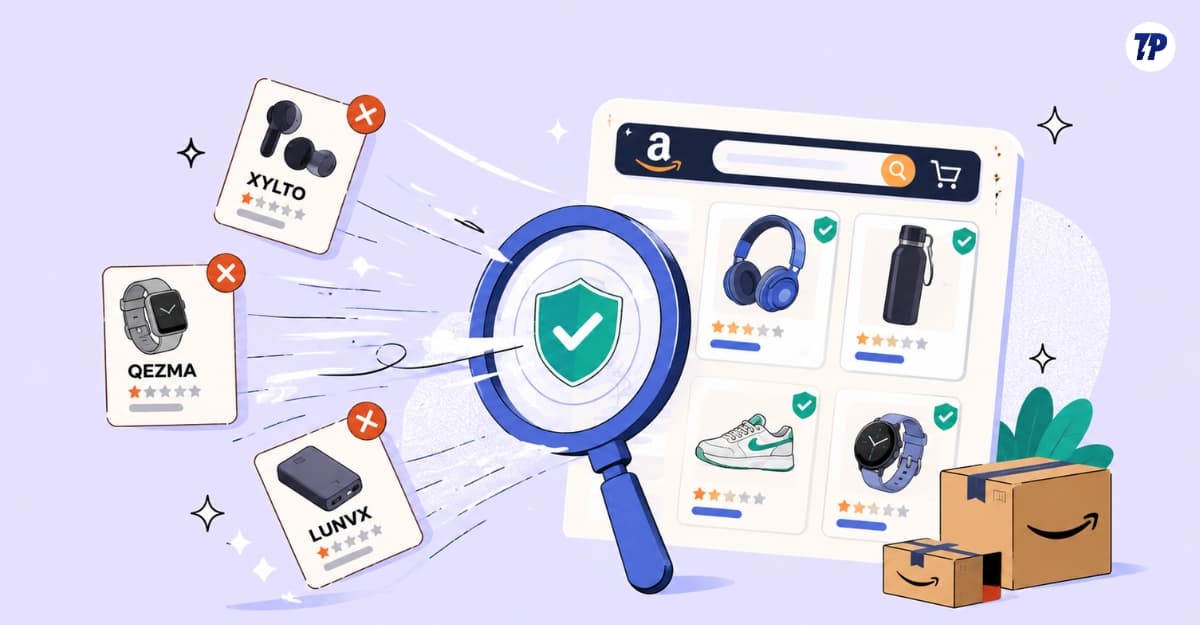
It is a very usual post for me, especially in this AI and vibe coding era. Most people are building their own tools and solving their own problems with AI coding agents.
Table of Contents
Knockoff Extension: Useful, But Not Perfect Yet
But what caught my attention is the post’s impressions. Currently, at the time of writing this article, the post has more than 11 million views with 55.6k likes. If you use X, you can see the post below.
Knockoff is now live!
Filter out the knockoff crap brands on Amazon.
Sorry to brands like WNPETHOME, EHEYCIGA, YXYL, LU&MN, JOYIN, TOMY, GODONLIF, YOOJEE, LINGTENG, LANEIGE, VISCOO, BIODANCE, COOFANDY, BALENNZ, TOSY and LUENX.https://t.co/9mLk0EAsfG https://t.co/K07lMkepOW
— Josh Pigford (@Shpigford) July 7, 2026
.@Shpigford made a browser extension called "Knockoff" that shows what a wasteland Amazon truly is by filtering out brands like "GODONLIF" "EHEYCIGA," ROTTOGOON," and sponsored products. Useful and illustrative even if you don't use Amazonhttps://t.co/ENkYPQyex5
— Jason Koebler (@jason_koebler) July 8, 2026
I quickly installed the extension and started using it. After testing it, it is very useful and effective, especially if it has the legitimate knockoff brands’ data. Sketchy brands have become the biggest pain points for Amazon shoppers.
Amazon lists them in the top search results, making it extremely difficult for users to differentiate legit brands from non-legit brands. Of course, no one trusts brands that include random letters in their brand name.
But that is the exact problem the extension is trying to solve. It automatically greys out unknown or sketchy brands on Amazon. However, it’s still not perfect and currently doesn’t work well in countries without legitimate knockoff data.
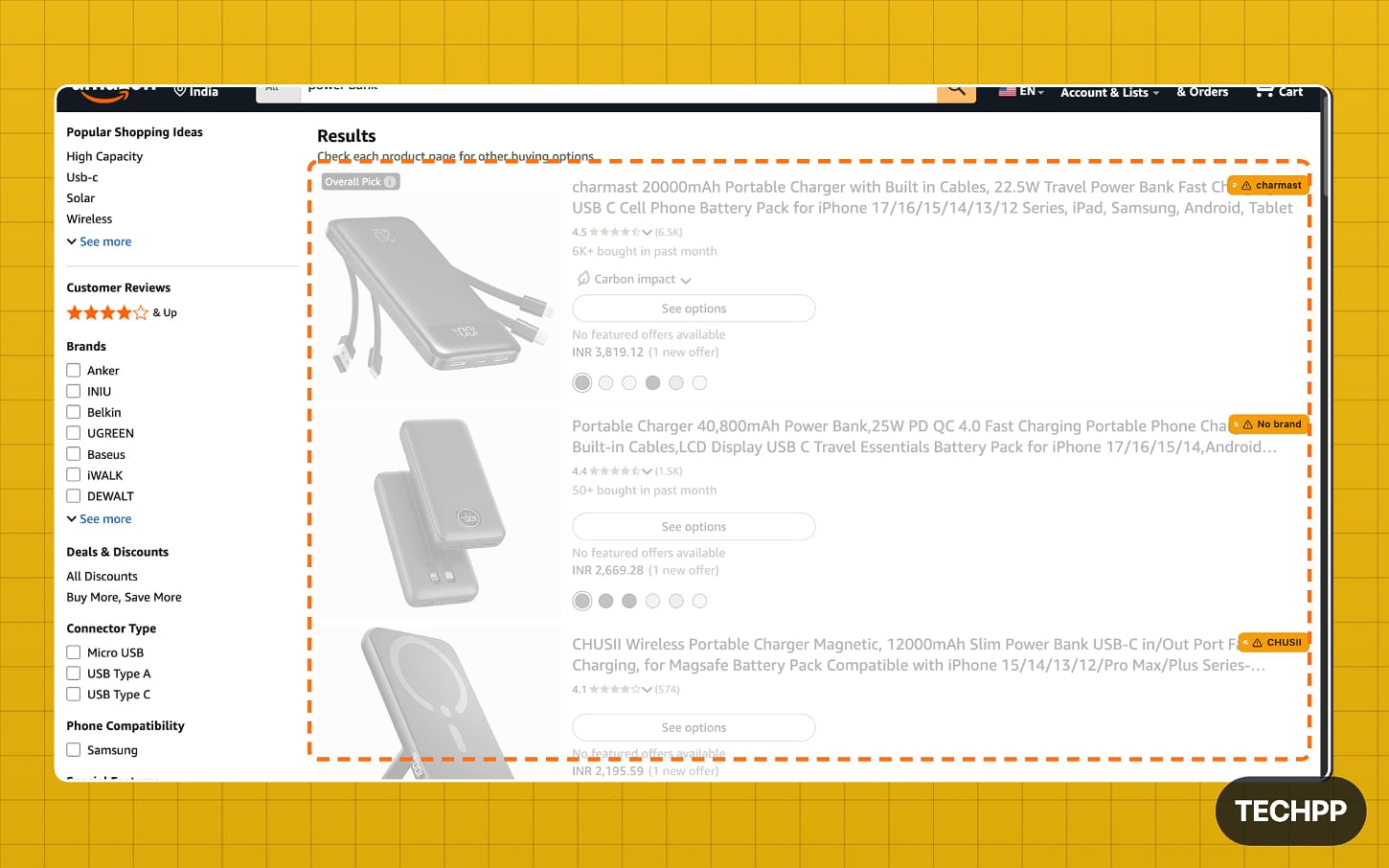
The extension keeps the list of fake brands data as a reference and uses other parameters as a trust ranking factor; it compares the search results with the data and parameters, and if the extension finds a brand name matching exactly or it scores low on trust factors, it will be automatically flagged.
This is the standard, best approach, or perhaps the only approach any developers can make for considering this extension as a fun side project rather than a stand-alone product.
The problem is that this set of rules is very basic, so much so that even a genuine brand can be flagged as spam. For instance, one of the parameters the developer used is that if the brand name consists of all capital letters, the extension will flag it. For instance, here in India, when I tested the extension in the Amazon. in store, I searched for mobiles using the query ‘best smartphones under 10,000,’ where there are plenty of results.
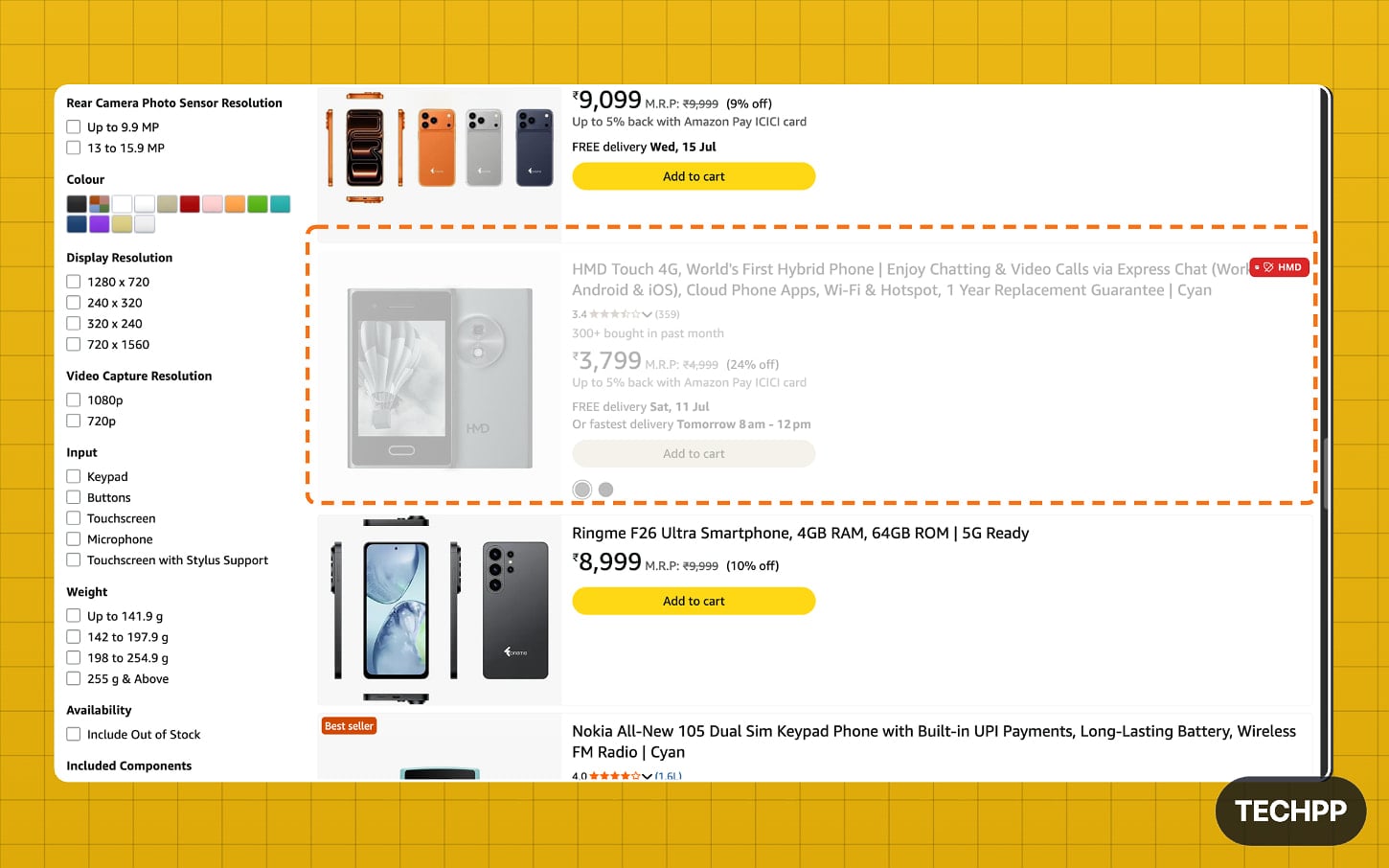
I noticed that HMD is blocked out of the results because its brand name consists of all capital letters. For those who are unaware, HMD isn’t a random brand. It is one of the legit brands in the market that also owns Nokia’s copyrights.
Although the extension doesn’t work well for Amazon India for obvious reasons, as there is no reference data on which it can use, it uses other parameters to check whether the brand is legit or not, such as using all capital letters in the brand name and more. This should get easily fixed if the extension also has sketchy brands’ data similar to Amazon in the US.
The extension also comes with community reporting features where users can submit brand reviews and flag new fake brands, which is necessary. However, it would be nice if the developer could build an advanced, real-time, community-sourced database of brands where users can submit ratings, flag issues, and add new fake brands. But it requires a lot of effort and moderation, which might not be possible for a personal project like this.
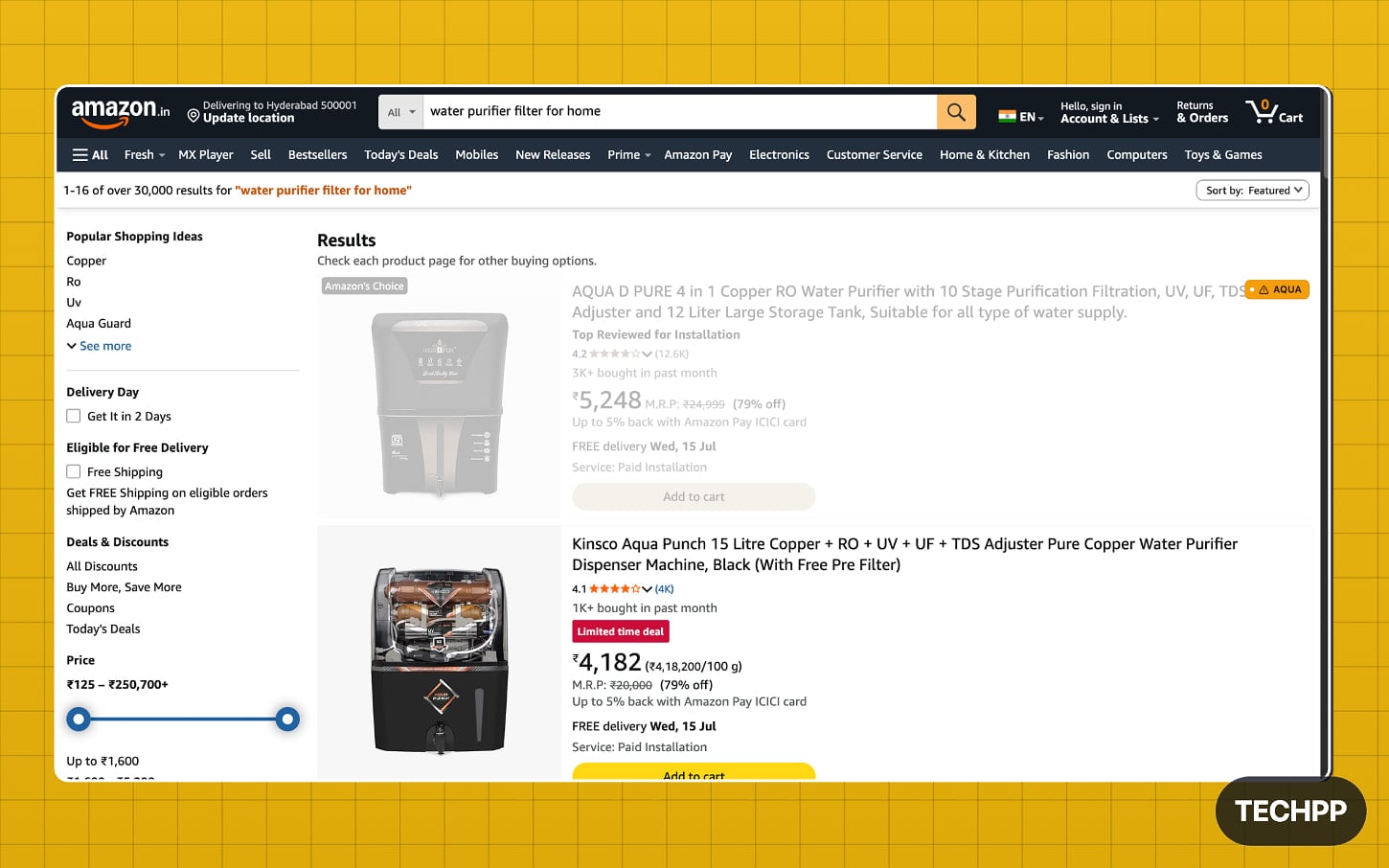
I thought of modifying the code by adding Amazon seller reviews, and also the ability to view review data at the top without scrolling all the way down, which is the goal to show their reviews upfront. However, that requires a lot of work and real data that updates in real time, which can be tough to maintain unless you hire a team to do that and moderate the data to maintain quality.
However, since the extension is already extensively covered by media sites, it would be nice to welcome it if developers try to add those features, especially considering that popular people are really annoyed with knockoff brands on Amazon.
However, not just flagging brands, the extension also hides sponsored results, which works perfectly. It automatically hides sponsored results directly on Amazon, which can be used as an ad blocker for the site, which is much needed, as similar to Google, many e-commerce sites place ads at the top of the search results. Amazon, for example, places ads in multiple positions, sometimes even making its sponsored product hard to find.
If you frequently shop on Amazon, here are the things that you need to consider to find the right products
See The Brand, Obviously
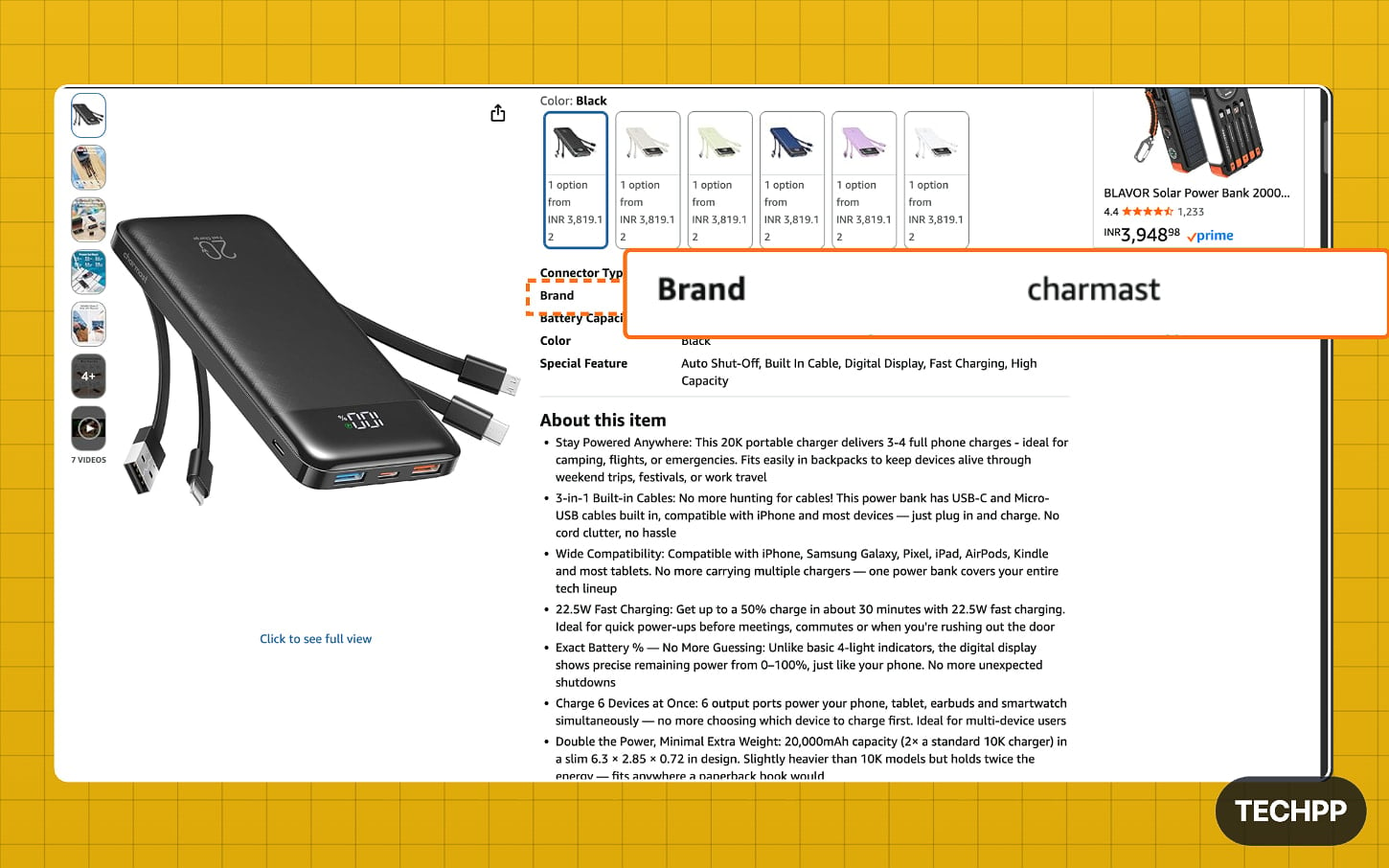
Look for an actual brand name instead of just the title. Many sellers smartly use popular brand names in their titles. However, Amazon displays the actual brand name at the bottom. If you see a brand name that is suspicious to you, it is better not to purchase from them.
Look For The Reviews
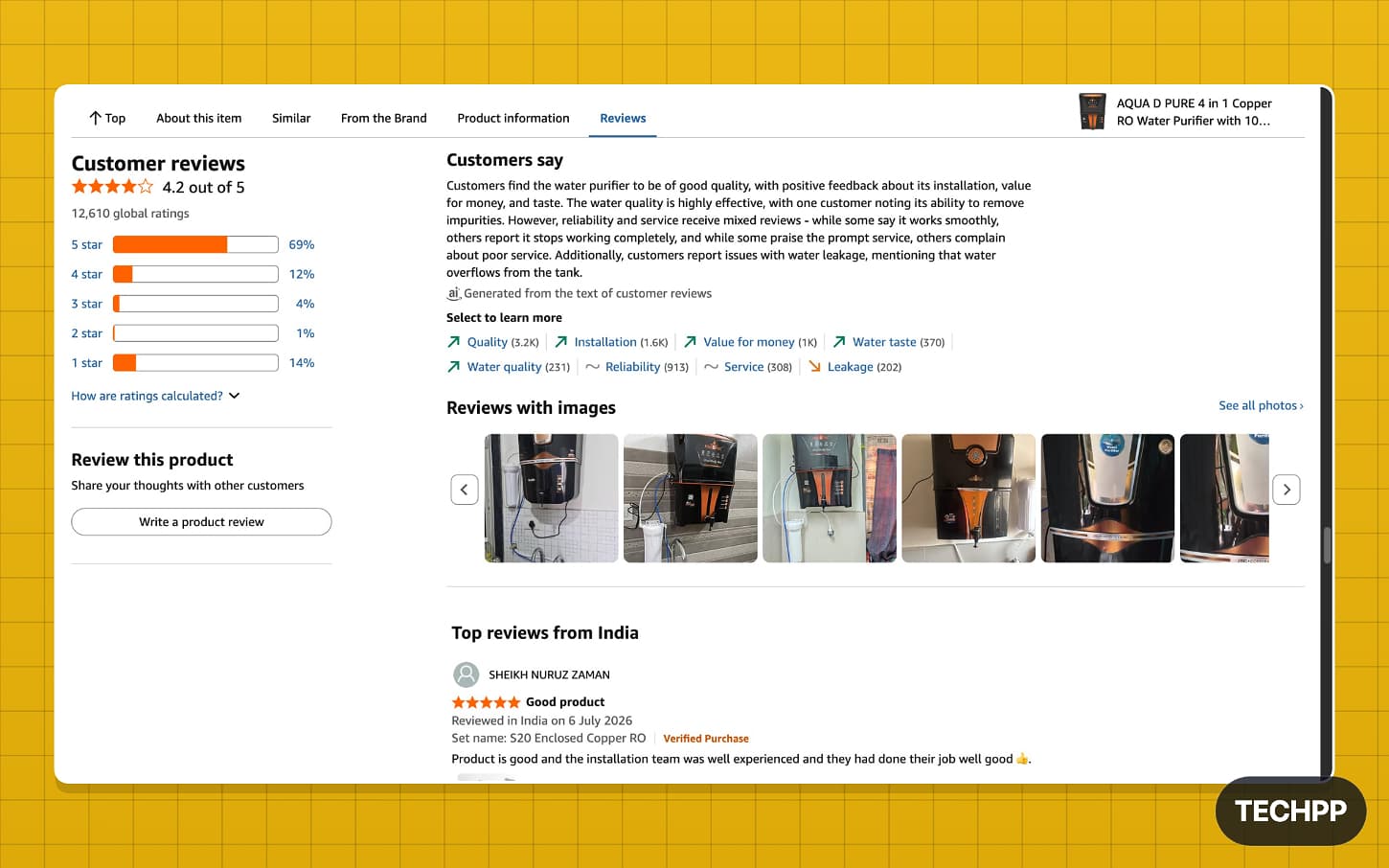
Although reviews are also being faked these days, look for products that have genuine reviews, including images. Make sure the reviews don’t sound like they were AI-generated, and watch out if all the positive reviews are focusing on one specific feature. You can also use fake review checker alternatives to spot them easily.
Also, check the seller information, which is the primary way to decide whether to purchase a product from them or not. You can see the ‘Sold by’ seller tab for every Amazon product. Just click on it to get detailed seller reviews, see how long they have been on Amazon, and view aggregated reviews from all the products they have sold, along with their overall rating.
Check Other Trust Factors
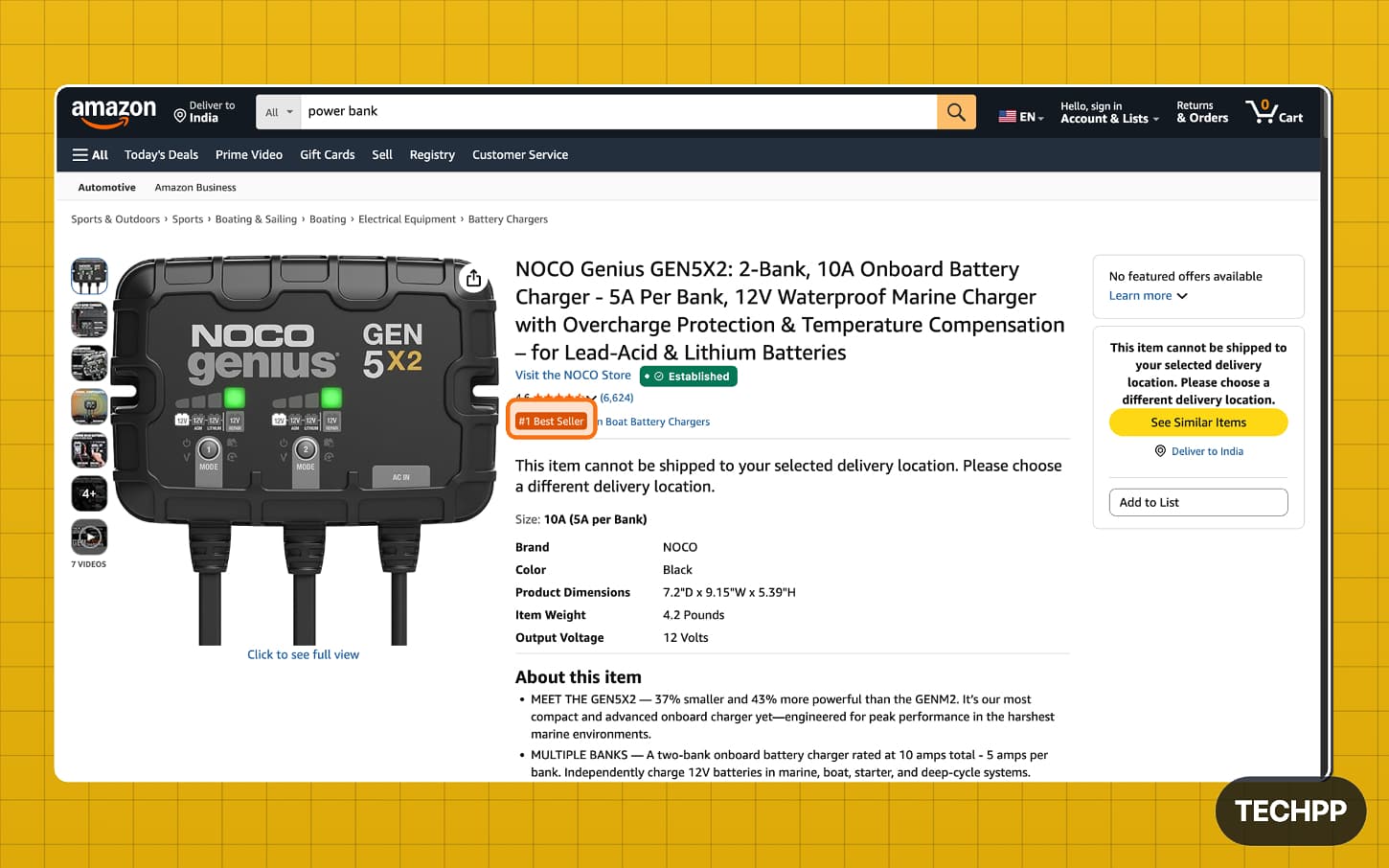
Amazon has a few trust factors to help users trust the platform, including parameters like Sold by Amazon, sold by official brand, sold by third-party seller, and ships from Amazon. If an item is sold or shipped by Amazon, it is most likely to have a more genuine rating than something sold and shipped by a third-party seller.
You can also check the “Amazon’s Choice” tag, which highlights products that are highly rated and available to ship immediately. This means Amazon is personally recommending the product to the user, making it much less likely to be fake.
So those are the extra trust factors that you should look for, along with the knockoff extension, if you use Amazon for shopping. I hope you found this guide helpful and useful.
Amazon Needs to Take This Problem Seriously
If you are a developer reading this, you can build new features on top of this or integrate it with existing extensions to make this extension more reliable. You can download the extension using the link below.
Official download links: Chrome Web Store | Firefox Add-ons | Official Website

