

Quick Answer
MouseKey is a lightweight Windows app that turns any mouse into a productivity powerhouse by letting you remap buttons with up to six different actions per button. It works with virtually any mouse, supports app-specific profiles, offers 22 built-in shortcuts, and can make even a basic mouse feel like a premium one.
There is a huge variety of high-end mice available on the market. However, most of us don’t want to or have that much budget to spend on a mouse. Moreover, we are more than satisfied with the cursor and the left and right buttons. But here is the thing, modern mice have a bunch of buttons that do the most basic stuff out of the box, but that is where their potential is hidden. Even though the hardware can handle more, due to missing software, that potential remains untapped.
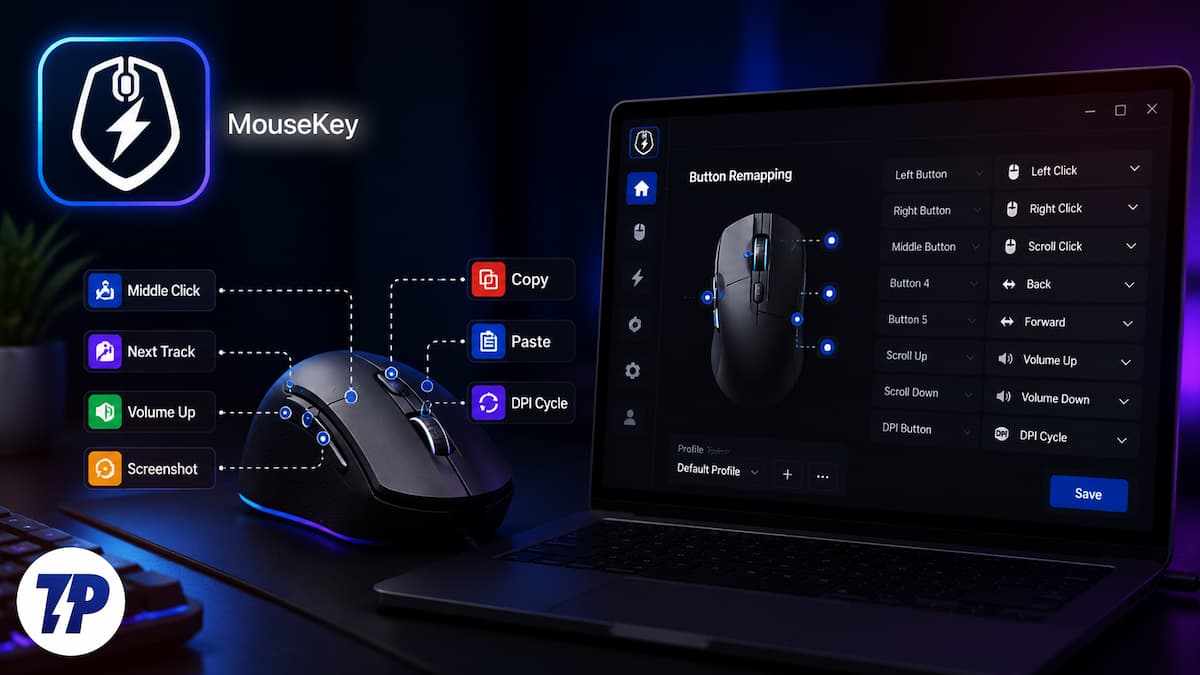
Recently, I came across this app on the Microsoft Store called MouseKey, and it is one of the best finds, something like a hidden gem. Especially if you have a mouse with a bunch of buttons but no software to customize it. This app lets you remap and reprogram the buttons on literally any mouse.
MouseKey doesn’t care which mouse you are using
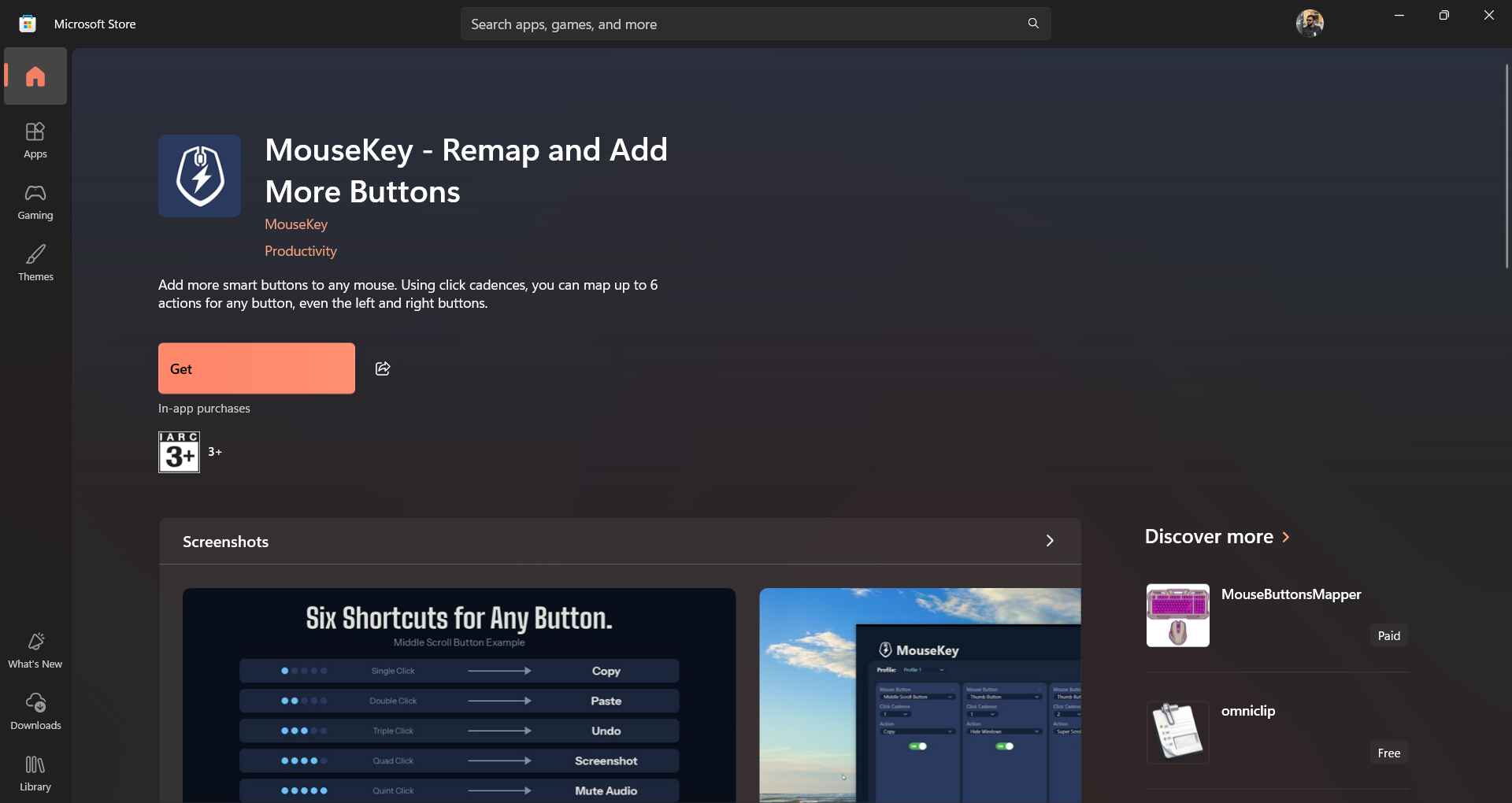
MouseKey is an app that lets you customize the buttons on your mouse. The best part is that it does not care which brand of mouse you are using, and you can customize the buttons of any mouse you have. You can assign specific tasks to the number of times you click – once, twice, three times, or press and hold. Whether it is copying and pasting, muting your speakers, taking a screenshot, or whatever you want, you can assign anything to your mouse buttons and clicks.
Most companion software only works with the brand’s own mouse. Moreover, you have to spend a bit more to get a mouse with multiple buttons. MouseKey skips all of that and works at the operating system level, intercepting clicks before they are processed. This means even a basic mouse with two buttons and a scroll wheel can suddenly behave like it costs three times more.
Here’s the feature that makes MouseKey genuinely different from your average remapping tool. Instead of assigning just one action per button, which most basic remappers let you do, MouseKey lets a single button perform up to six different actions, depending on how you click:
- A single click
- A double click
- A triple click
- Four times click
- Five times click
- A two-second press and hold
Each of these actions can be tied to a completely different command. So your scroll wheel, which usually just clicks open the links in a new tab, can now be assigned to copy text on a single click, paste on double click, or pull up your favorite app on a long press. One button, six functions. Imagine if you have a mouse with five buttons, then the possibilities are endless.
You don’t need a fancy gaming mouse
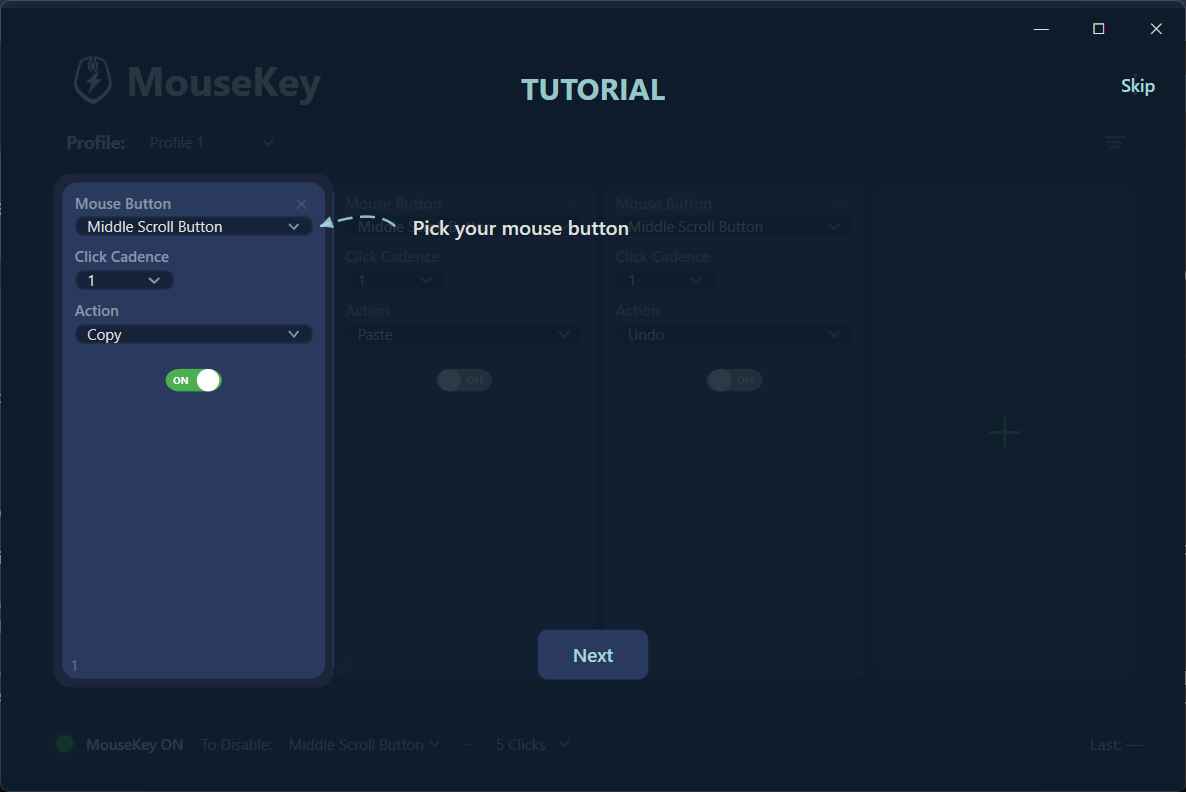
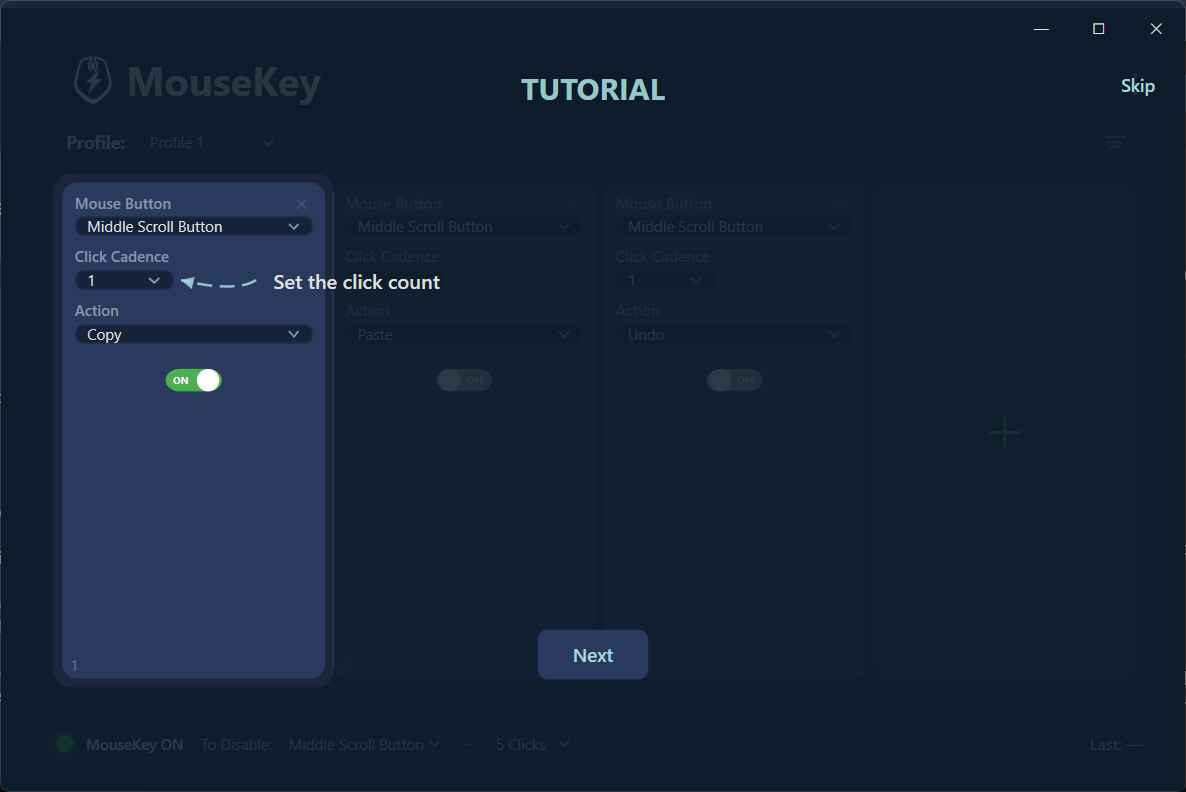
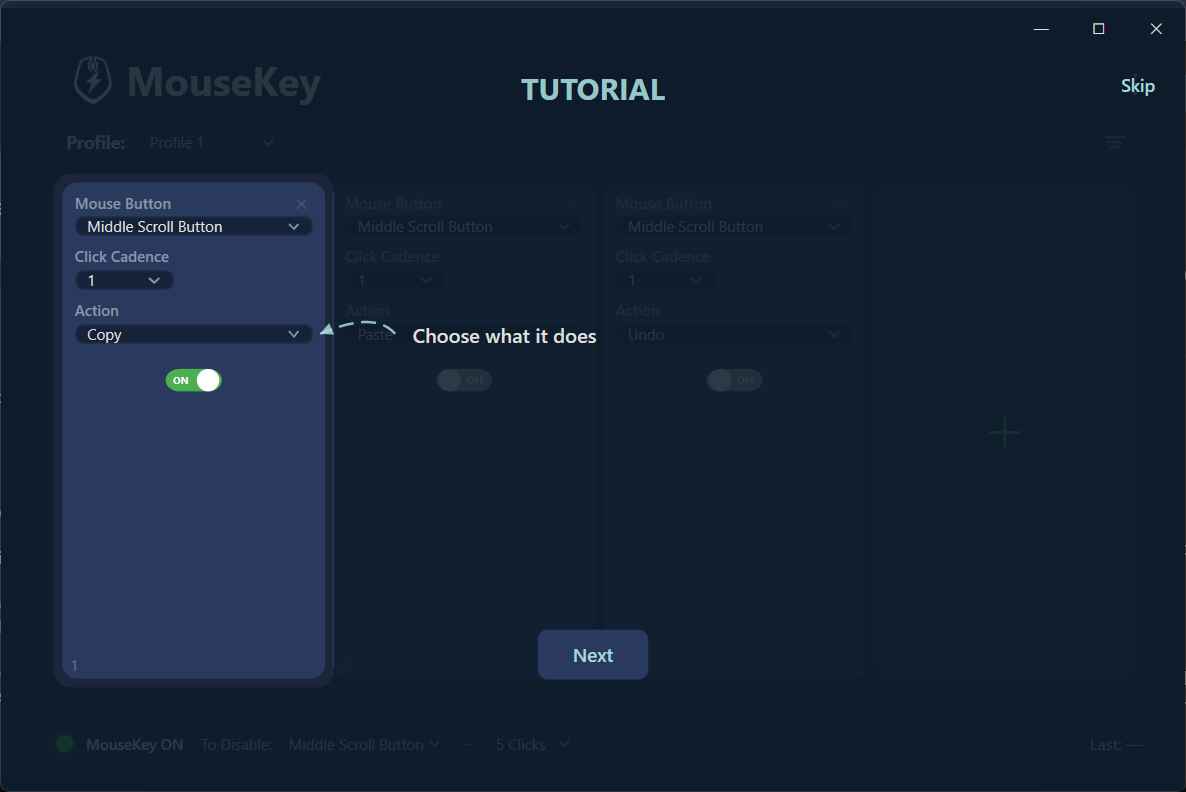
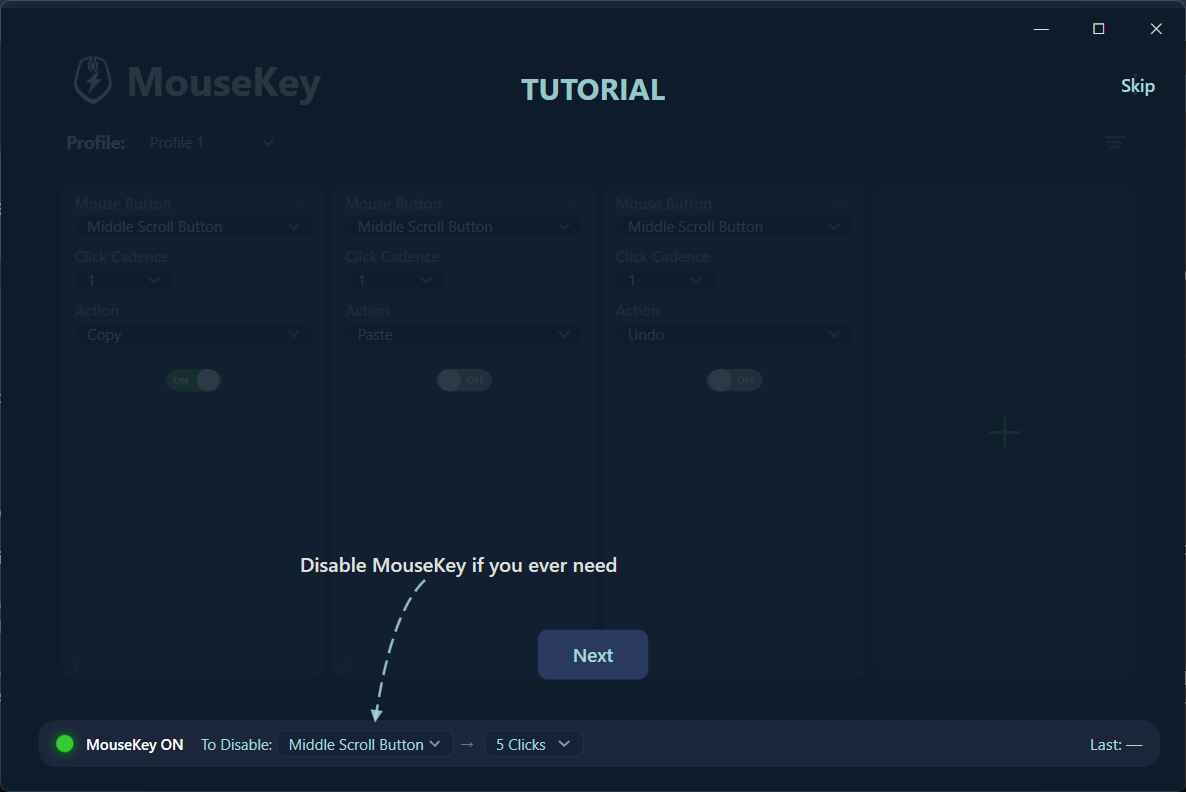
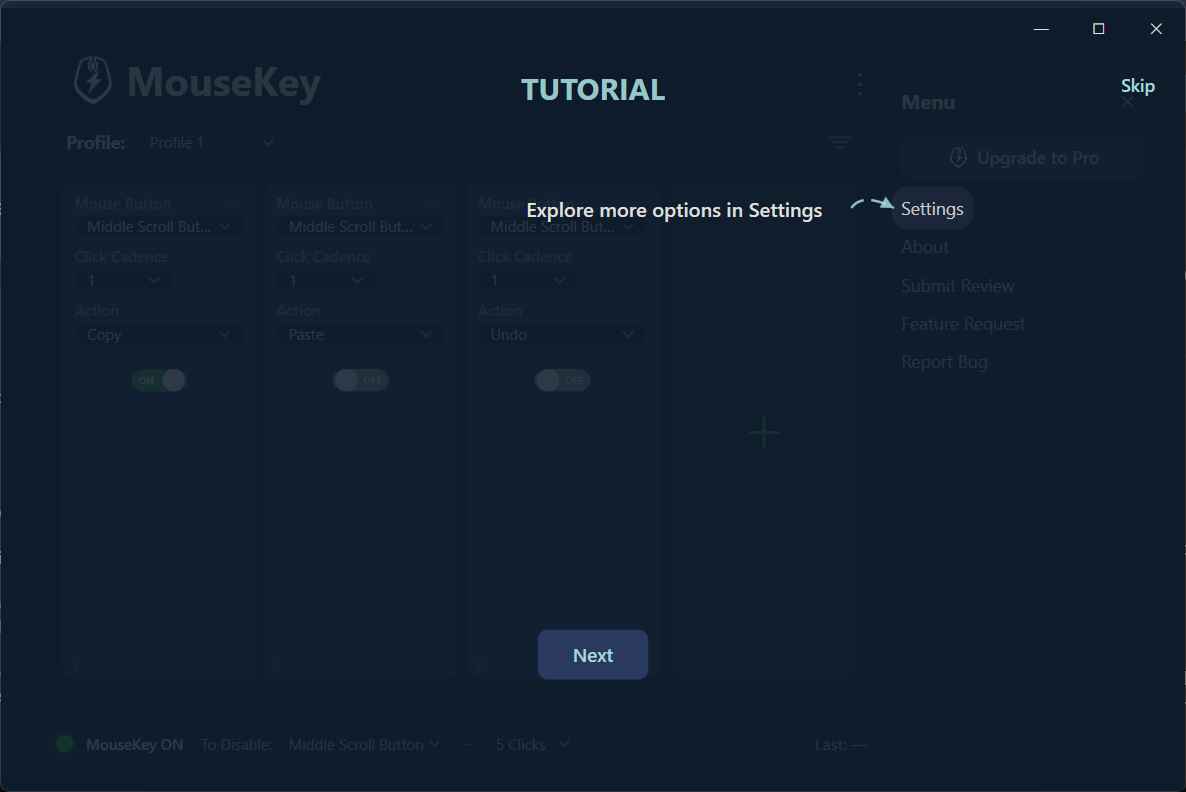
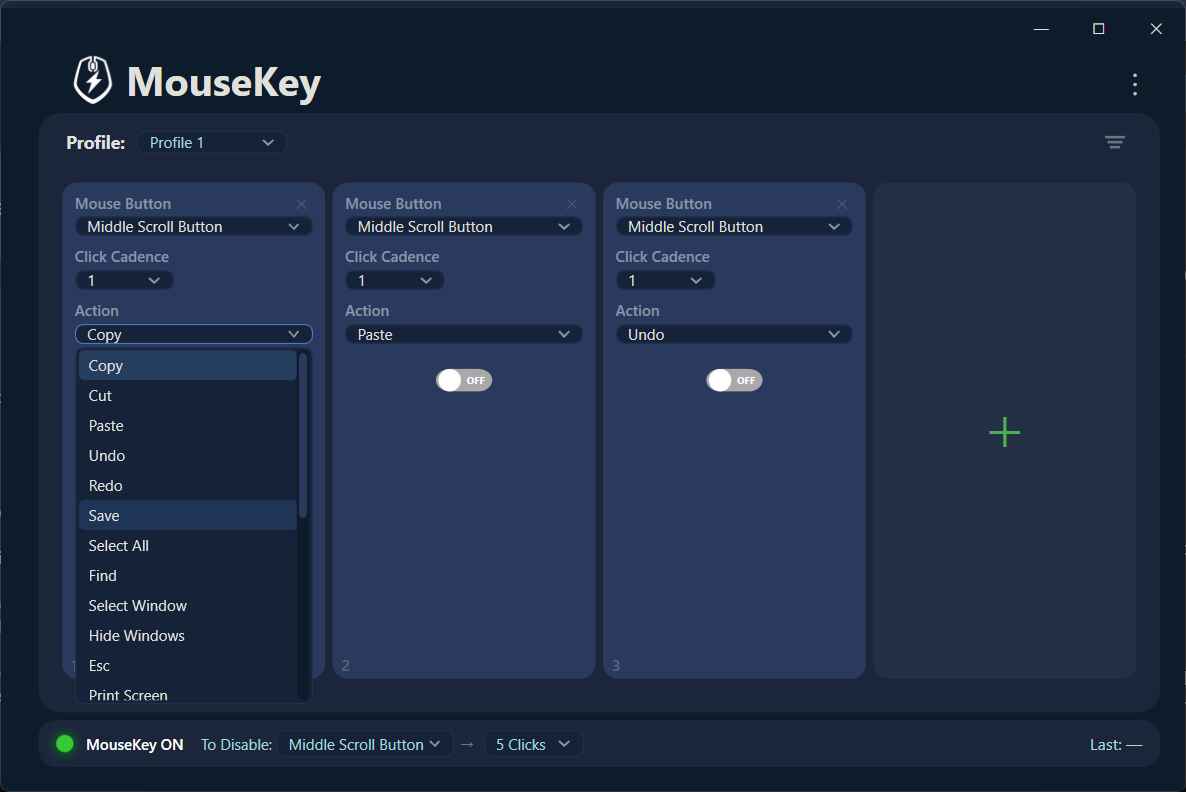
The biggest selling point is that you don’t need a mouse from a particular brand, nor do you need a gaming mouse. Any regular mouse, even the cheapest one, will do. MouseKey is built with a regular mouse in mind, and not just gaming peripherals. If you use a basic mouse, you can also build smart actions using the basic buttons.
There are 22 ready-made shortcuts available. This means you don’t have to sit through and manually map out custom hotkeys for everything. The developers understand the hassle, which is why they have added 22 ready-made built-in shortcuts that are ready to assign right out of the box. Here are all the actions that are available inside MouseKey, ready to use:
- Copy
- Paste
- Cut
- Undo
- Redo
- Save
- Select all
- Find
- Select Window
- Hide Window
- Esc
- Print Screen
- Screen Snip
- Volume Up
- Volume Down
- Mute
- Brightness Up
- Brightness Down
- Pointer Speed Up
- Pointer Speed Down
- Super Scroll
- Next Profile
- Disable Button
There is a Create Hot Key option, tapping on which you can create a new task, like opening a specific app, etc. On top of this, you can create specific keyboard combinations or predefined text strings you want typed out instantly, like an email or an Instagram ID. Setting up actions is also quite easy. You pick a button, pick a click pattern, pick an action from the list, and that’s it.
App-specific profile is an impressive feature
This is where MouseKey stops feeling like a basic remapping tool and starts feeling like something an expensive mouse would offer. With app-specific profiles, the same specific button can be assigned to do entirely different things. For instance, your side button could open a new browser tab if you are using Google Chrome. However, when using MS Word, it would perform the “Select All” function. The good thing is that you don’t have to manually toggle anything. MouseKey detects the application you are in and switches profile automatically behind the scenes.
The intelligence with which this app switches profiles and lets your mouse be more than a regular one is quite impressive. Such options are bundled with a very expensive mouse, but even then, the options would be limited. MouseKey, being a free app, offers you much more than what a premium mouse with software support would get you. Besides, it is lightweight and doesn’t hog your resources.
Another thing, and so cleverly added by the developers, is visual and audio feedback. When you are juggling 20-30 different button combinations, it is genuinely easy to forget what triggers what. MouseKey solves this with small visual and audio cues that confirm an action when performed. So, when you double-click the cursor wheel button, it fires off an Undo command, and you get a quick confirmation that yes, that’s exactly what just happened.
MouseKey is the best remapper
MouseKey is full of features and works on a freemium model. The free version lets you set up to three button remappings. This is enough to test the waters and check if MouseKey is for you or not. Do note that the click-cadence system may not be for everyone. So, use MouseKey in the free version and see if that is something that you would be able to incorporate into your daily life or not. For power users and those who know what they are doing, you can remove any limitations by purchasing the Pro version. It is a one-time purchase that costs $6.99. For something that makes your basic mouse significantly smarter, that is a reasonable price.

