

Quick Answer
ReciMe turns saved Instagram Reels, TikTok videos, YouTube Shorts, blogs, and even handwritten recipes into clean, interactive recipe cards. Using AI, it extracts ingredients, measurements, and step-by-step instructions, helping you organize recipes, plan meals, scale servings, and create smart grocery lists without digging through saved posts.
We no longer use social media just for sharing photos and videos of our trips or memorable moments. It has evolved into a massive, decentralized learning platform. You get details and information about various topics, including my favorite, cooking recipes. A quick scroll through the Instagram or TikTok feed leads to a montage of mouth-watering recipes. The audio is catchy, and the recipe is presented in such a way that everything looks so easy.
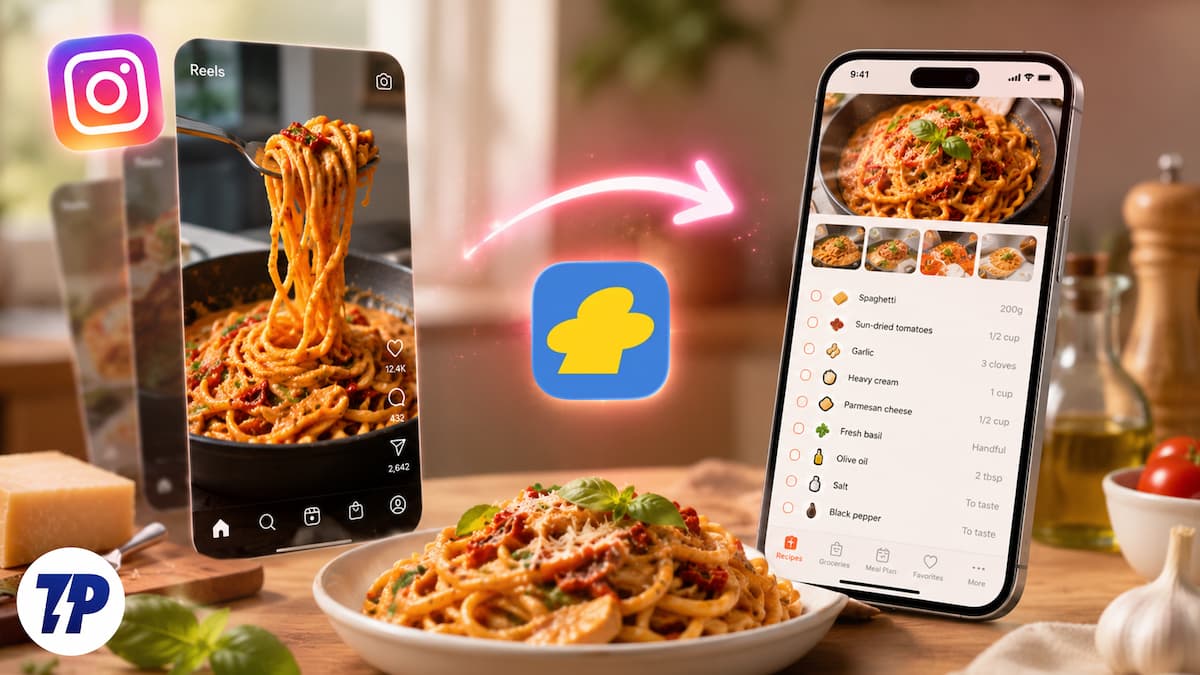
You hit the bookmark button, promising yourself that you will make that for dinner this weekend. However, inside the sea of saved videos, the recipe just disappears, and you are left with your regular meal. Not anymore, because ReciMe is an app that is designed to solve this issue. It takes social media food videos you save and translates them into easy-to-follow interactive recipe cards.
The chaos of modern recipe saving is loud
The old method of saving recipes, especially from social media, is a mess. Good for those who instantly note down or cook the recipe when they see it, but for others, saving it is the only option. Here are the different ways to accumulate food inspiration:
- Instagram Reels are added to the “Saved” collection.
- TikTok videos are saved to a favorites tab.
- Pinterest boards redirect you to a third-party food blog.
- Random screenshots only clutter your phone and storage.
- Bookmark URLs are stored inside a separate browser folder.
When it comes to cooking, these options require you to switch apps, dodge pop-ups and ads, and constantly scrub through the video timeline with messy hands just to know the right amount of the ingredient. That is what ReciMe is for.
ReciMe acts as a centralized utility
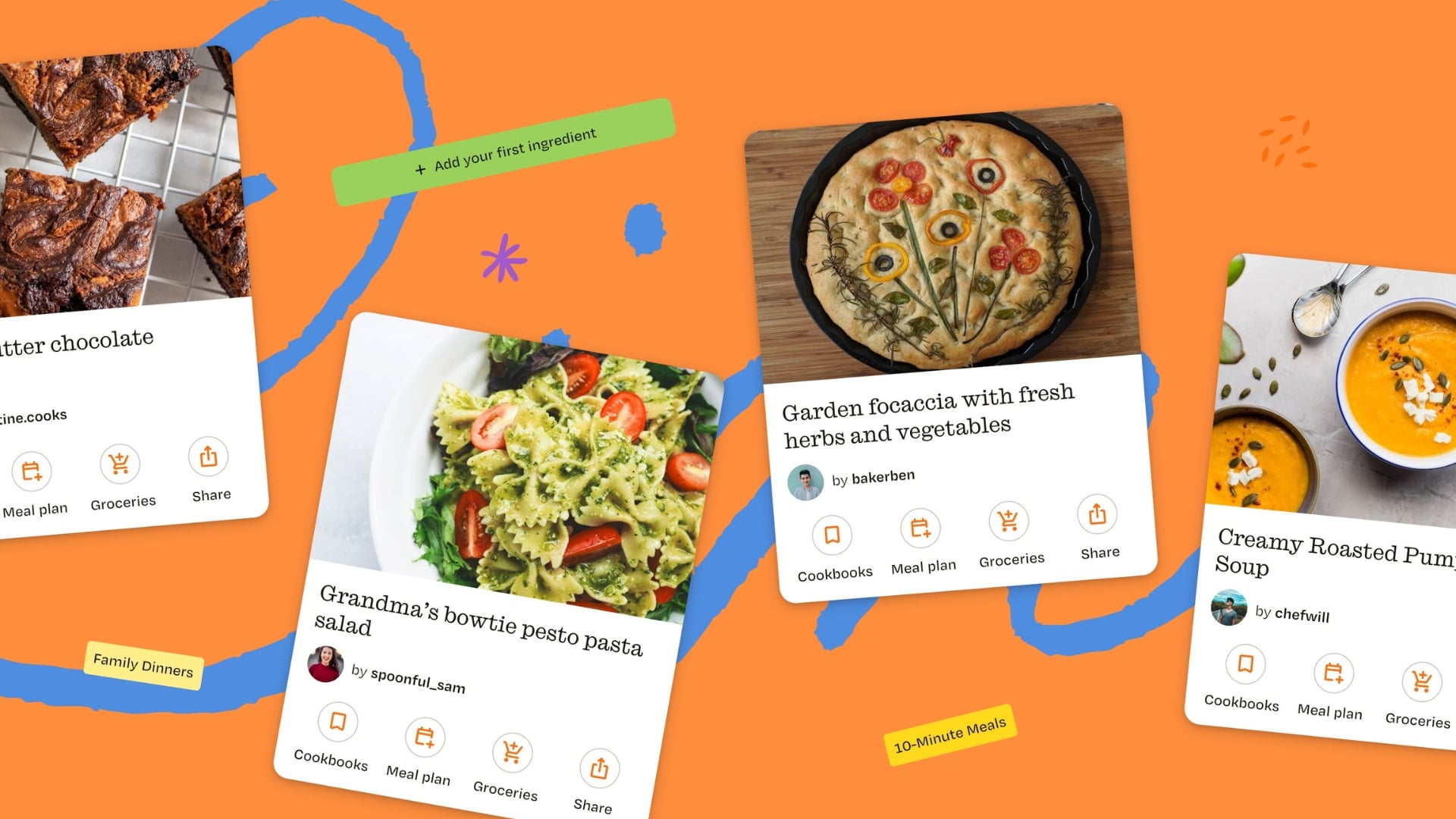
The ReciMe app offers a perfect solution for people who love cooking and storing recipes from different social media services. It pulls the scattered sources into a single digital cookbook, stripping away the unwanted noise of ads, etc., giving you clean, actionable data. The main USP of this app is how it parses the link. Whenever you enter a link on ReciMe from a video platform, it does not just bookmark the page, but does more than that.
It analyzes the content to build a functional list of ingredients and every other detail mentioned in the video for the recipe. It doesn’t matter if you copy the link from an Instagram Reel, a TikTok video, or a YouTube Short; the app processes the URL to identify text, descriptions, and metadata attached to the video. Instead of requiring you to manually copy and paste captions, ReciMe extracts the info automatically.
After it gets the data, ReciMe uses AI to categorize the information. It separates the disorganized data from the social media caption into clear and distinct databases. You get a complete ingredients list, exact measurements, weights, and items. Along with this, you also get a step-by-step procedure in chronological order and bite-sized tasks instead of a wall of text. You also get a link that redirects you back to the source. This way, you will be able to watch the exact texture of a sauce or specific folding technique.
Save recipes from Instagram and other apps
Converting a social media video into a digital cookbook needs just a few steps. Here’s what you need to do:
- Download the ReciMe app from the Google Play Store or the Apple App Store.
- Now head over to the social media app and copy the URL of the food video. Usually, you need to tap the Share icon and then choose Copy Link to save the URL to your phone’s clipboard.
- Open the ReciMe app. The app automatically detects the URL sitting in your clipboard and prompts you to import it. Alternatively, you can tap the Plus (+) button and paste the link manually.
- ReciMe takes a few seconds to process the link, extracts the ingredients and steps, and generates a draft recipe card. You can quickly go over the data to ensure everything looks correct.
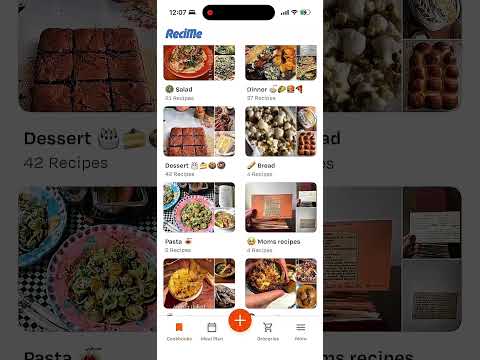
- You can assign the recipe to a custom folder like Weekend Dinner, add personal tags, and save it permanently to your digital profile.
But that’s not all. You aren’t just restricted to video platforms. When you paste a link from a food blog or news site, it cleverly bypasses the thousands of words of backstory, life updates, and the ads that creep inside texts as well, and cuts straight to the point. It imports the ingredient quantities and prepares the instructions into a clean layout.
If you have a physical cookbook, newspaper cutouts, or handwritten family recipe cards, the app uses your device’s camera to capture an image. The OCR engine processes the image, extracts the text, and turns it into a searchable, editable, and well-presented recipe. You can also manually enter your family recipe to keep it safe or pass it on to the next generation so that the family tradition remains alive. It is a good recipe organizer app.
ReciMe app isn’t just a recipe extraction tool. An organized digital cookbook is only helpful if it assists you during the actual cooking process. Here’s what you get more with the ReciMe app:
Feature |
Functionality |
Primary Benefit |
|---|---|---|
Smart Grocery List |
Consolidates ingredients from multiple recipes into a single checklist. |
Prevents double-buying and cuts down store time. |
Aisle Categorization |
Automatically groups ingredients by supermarket section (e.g., Produce, Dairy). |
Minimizes backtracking through grocery store aisles. |
Servings Scaler |
Recalculates ingredient quantities dynamically based on user-inputted portion sizes. |
Eliminates manual math when doubling a recipe or cooking for one. |
Weekly Meal Planner |
Allows users to drag and drop saved recipes onto a digital calendar. |
Simplifies meal prepping and helps budget weekly food costs. |
ReciMe app is a practical utility for anyone who loves to cook
ReciMe is available across all different operating systems, including Android, iOS, and Windows. On tablets, the UI switches to a split-view format, showing ingredients on one side and instructions on the other. On a desktop, you have the convenience of using the full-size keyboard to type your recipe and import links from a web browser. Everything syncs across devices simultaneously. Also, the app operates on a freemium model. Means users get access to the platform’s core features, the meal planner, and the smart grocery list tool. Free accounts can parse 5 external recipe links per week. If you want to unlock everything, then you need to pay for a subscription.

