

Quick Answer
While having an eSIM is convenient, it comes with hidden pain points depending on your telecom operator. The biggest inconvenience is that, unlike physical SIMs, eSIMs are tied to your smartphone digitally, and they don’t transfer automatically. This becomes even worse if you forget to remove it before selling or accidentally delete your eSIM profile, your carrier’s eSIM process and mobile compatibility. eSIM compatibility can add up.
eSIMs, short for electronic SIMs, are much more convenient than physical SIMs, especially if you often switch phones and travel, and manage multiple numbers.
eSIM was first introduced way back in 2010, but the first smartphone to support eSIM was the Google Pixel 2, launched in 2017. Almost every major Android flagship and iPhone now has eSIM as an option, along with a physical SIM slot.
Although eSIM usage is projected to reach 1 billion by 2025, the adoption is very slow, at least especially in India, where I live, most people prefer a physical SIM rather than an eSIM.
This is because eSIMs are hard to manage, and there are plenty of other factors that can make it overall a frustrating experience, depending on your operator and the setup process.
If you have decided to switch to the eSIM from a physical SIM, apart from the added advantages, here are a few things that you need to know, especially the hidden pain points when you try to switch or move it to a new smartphone.
Table of Contents
eSIM vs Physical SIM: What to Know Before You Switch Phones
Situation | eSIM | Physical SIM |
|---|---|---|
Transfer to New Phone | You must delete from old device and activate on new one. | You can simply remove and insert into the new phone instantly. |
Activation Time | Can take hours or even days, depending on your carrier. | Works instantly once inserted. |
Internet requirement | Requires internet to activate | Don't require internet |
Phone Compatibility | Limited compatibility | Works on all phones with a SIM slot. |
Loss or Deletion | You have to verify you identity to reactivate. | Replace with a new SIM card. |
Dual SIM Use | Limited | Dual SIM supported by many phones |
eSIMs Don’t Transfer Automatically
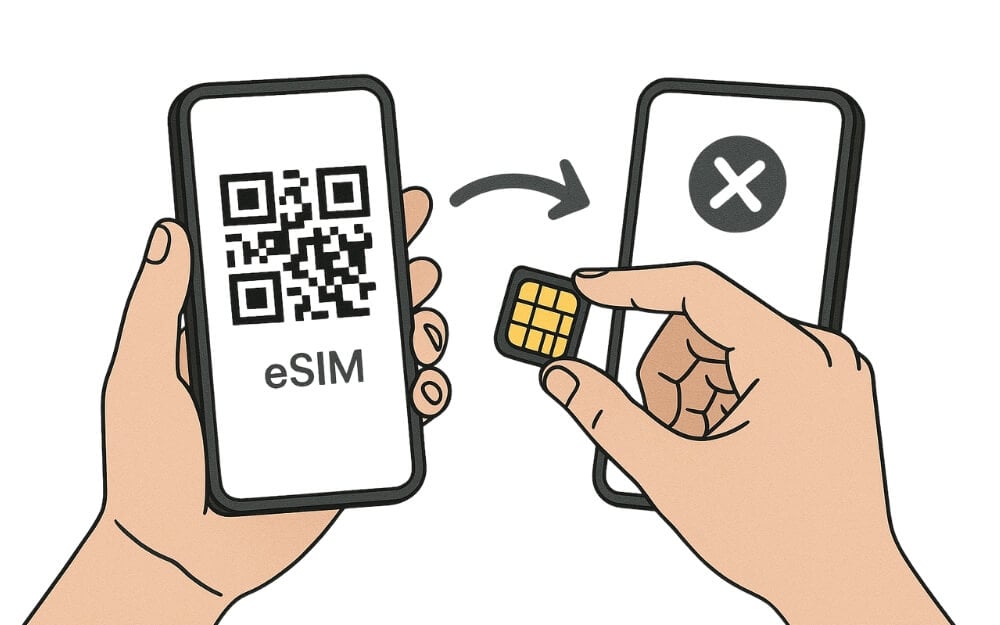
Unlike the physical SIMs, which you can simply pop out and eject from a new smartphone, eSIMs are tied to your smartphone digitally. If you activate an eSIM, if need to remove it from your current smartphone and later link and use it on another phone.
When you activate an eSIM, the eSIM is digitally tied to your unique phone hardware to prevent it from cloning and fraud. Because of this design, you have to manually delete or, in other ways, unlink your device from the eSIM and reinstall it on the other device you want to move.
And by default, it won’t activate on a new device unless it is removed from the old device. If you are in a hurry to switch phones, remember it is not an instant process, and sometimes you have to go through multiple checkpoints in order to activate it.
Not All Carriers Support Smooth eSIM Transfers

One of the biggest downsides of using the eSIMs while transferring to a new phone is that if you accidentally skip deleting your eSIM on your old phone before resetting or selling it.
The carrier might block your eSIM completely. Or deny issuing a new profile until it’s manually cleared on your old phone.
However, most carriers have made it easy to switch the eSIM to a different smartphone without visiting the store, using an online app. The app which you can activate the SIM by yourself, however, some telecom services still don’t support online eSIM services, and you have to manually visit the store to activate that new eSIM process on your device and moreover, unlike the physical SIM transfers, which are generally instant, eSIMs can take a significant amount of time to activate depending on your carrier.
It is highly recommended to check the operator’s procedures before opting for a SIM transfer to complete your eSIM switch process.
SIM activation isn’t Always Instant
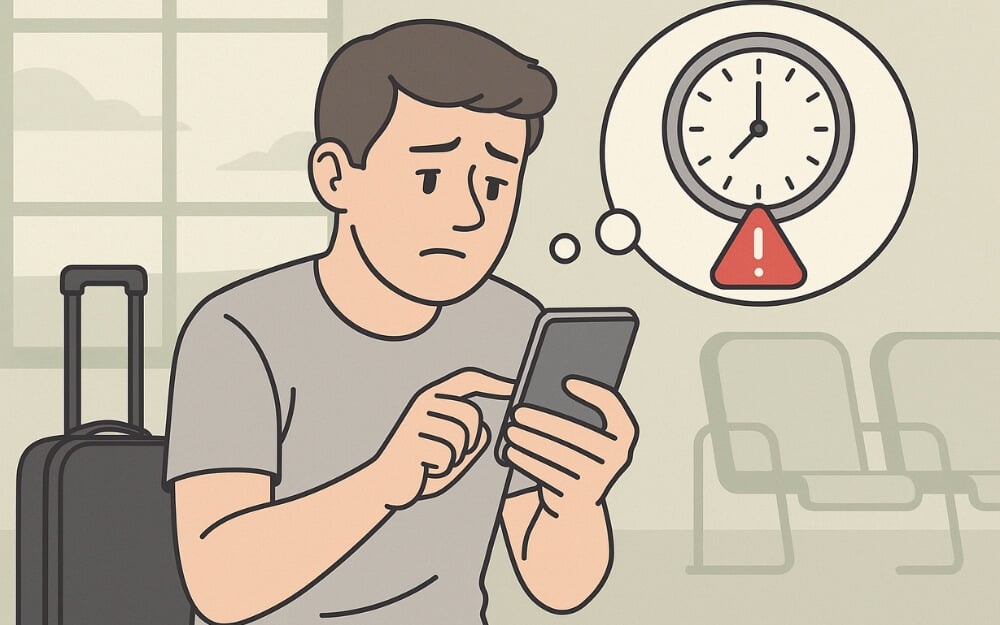
Because of this complex electronic process transfer, depending on your telecom partner, your eSIM activation can take several hours to days.
Unlike the physical SIM, which you can easily insert into another device and start using right away, eSIM requires you to delete your digital profile eSIM on your old smartphone, reinstall it on your new smartphone, and link it to your device.
It can be especially tricky if you are traveling to a new country where you want to activate an eSIM. Thankfully, some providers now let you preload eSIMs before your journey. For instance, if you’re headed to the Alps or planning a business trip to Zurich, services like eSIM for Switzerland allow you to activate mobile service the moment you land — no kiosk queues, no paperwork.
You need to have an internet connection to activate your new eSIM. If you are in a remote village or in a no-Wi-Fi zone, you may end up with no mobile service for hours, especially if you are in urgent need of mobile service.
In some countries, some carriers require you to activate eSIM manually; you have to go through a multiple-step process to activate your eSIM. If you often travel to different countries or if you switch to an eSIM instantly, this is something that you should keep in mind.
Phone Compatibility Issues
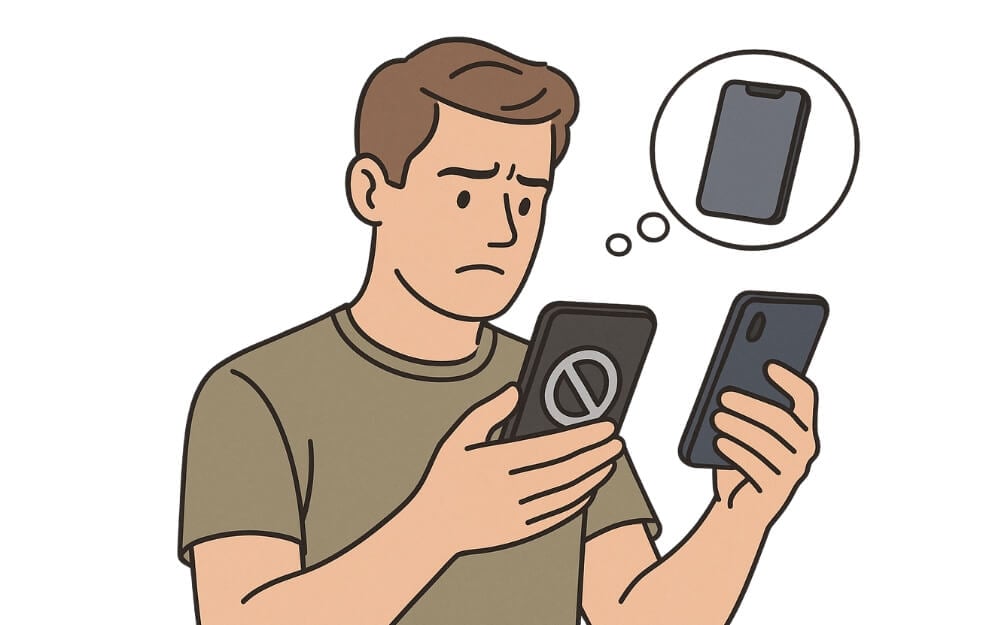
eSIM is not supported by every device out of the box, and from our very first example, unlike the physical SIMs, you cannot use it directly on the other phone.
Also, unlike the physical SIM, which is standard on all smartphones. eSIM is currently seen as an extra feature. So, because of this lower adoption in certain countries like India and China, many manufacturers have also not included eSIM compatibility on their smartphones.
So, if you are moving to a new smartphone, you have to ensure that your new smartphone is eSIM compatible.
Also, in other cases, eSIMs are also blocked by regions and are still very limited to specific regions or sometimes even carrier bands, and if you want to switch to a different network on your new smartphone, your new smartphone can be locked to a specific carrier, preventing it from using eSIMs from other services.
So, while buying an eSIM, you should also ensure that your new smartphone is compatible with your carrier and also future-proof. In any case, if you want to switch carriers in the future, this is the most underrated aspect that many of us ignore.
If You Lose Your eSIM, You May Have to Start Over

Since eSIM is a digital version of your SIM card. If you accidentally delete it from your smartphone or if you accidentally remove it while you are resetting your smartphone, you have to set it up from scratch. This can be a frustrating experience if you have to do it manually.
You have to contact your carrier to request a new SIM activation, and it can be time-consuming, especially if it needs to verify your identity and also wait for your unique QR code. Some telecom services also charge to reactivate your eSIM if you accidentally delete it. This also happens if you accidentally delete your eSIM data from your smartphone.
And as I said, if you are in a remote area, if you are in a remote location or if your eSIM is accidentally deleted or if your mobile is stolen, activating your eSIM on your new smartphone can still be a hassle. It requires multiple steps to gain authority over your number and activate it on your new device.
eSIM Transfers Explained: The Hidden Problems You Should Know
So those are the things that you need to know before switching to an eSIM on your smartphone. Also, it comes with advantages like you don’t need to switch SIM cards between your devices. It does have plenty of limitations, especially when it comes to dealing with switching your eSIMs to a new smartphone.
FAQs on How eSIM Limitations
1. Can I use two eSIMs at the same time on one phone?
It depends on your smartphone compatibility; some Android flagships (like the iPhone 13 and newer, or Pixel 7 and up) support dual eSIMs out of the box. But most smartphones currently only support one eSIM and one physical SIM.
2. Is switching back to a physical SIM possible after using an eSIM?
Yes, and again, this process is not automatic. First, you need to request a physical SIM from your telecom operators, and they have to first convert your line and link it to the physical SIM, and later delete your eSIM profile for a hassle-free experience. However, depending on the telecom operator, this process might take some time.
3. Can I move my eSIM to a new phone without deleting it first?
No, you cannot move your eSIM to a new smartphone without deleting it first; you will see an error message while setting up eSIM on your new smartphone.

