

Quick Answer
Website builders are best for simple sites where templates, hosting, and maintenance are handled for you. WordPress usually doesn’t need a developer either, unless you want custom workflows, unique features, advanced integrations, or a fully tailored design that goes beyond themes and plugins.
Building a website in 2026 has changed a lot. Thanks to AI, which now makes it easy to build and clone anything. But still, these AI solutions are built for developers and not user-friendly. For most people who don’t code, no-code website builders are still reliable and the best option to build a website.
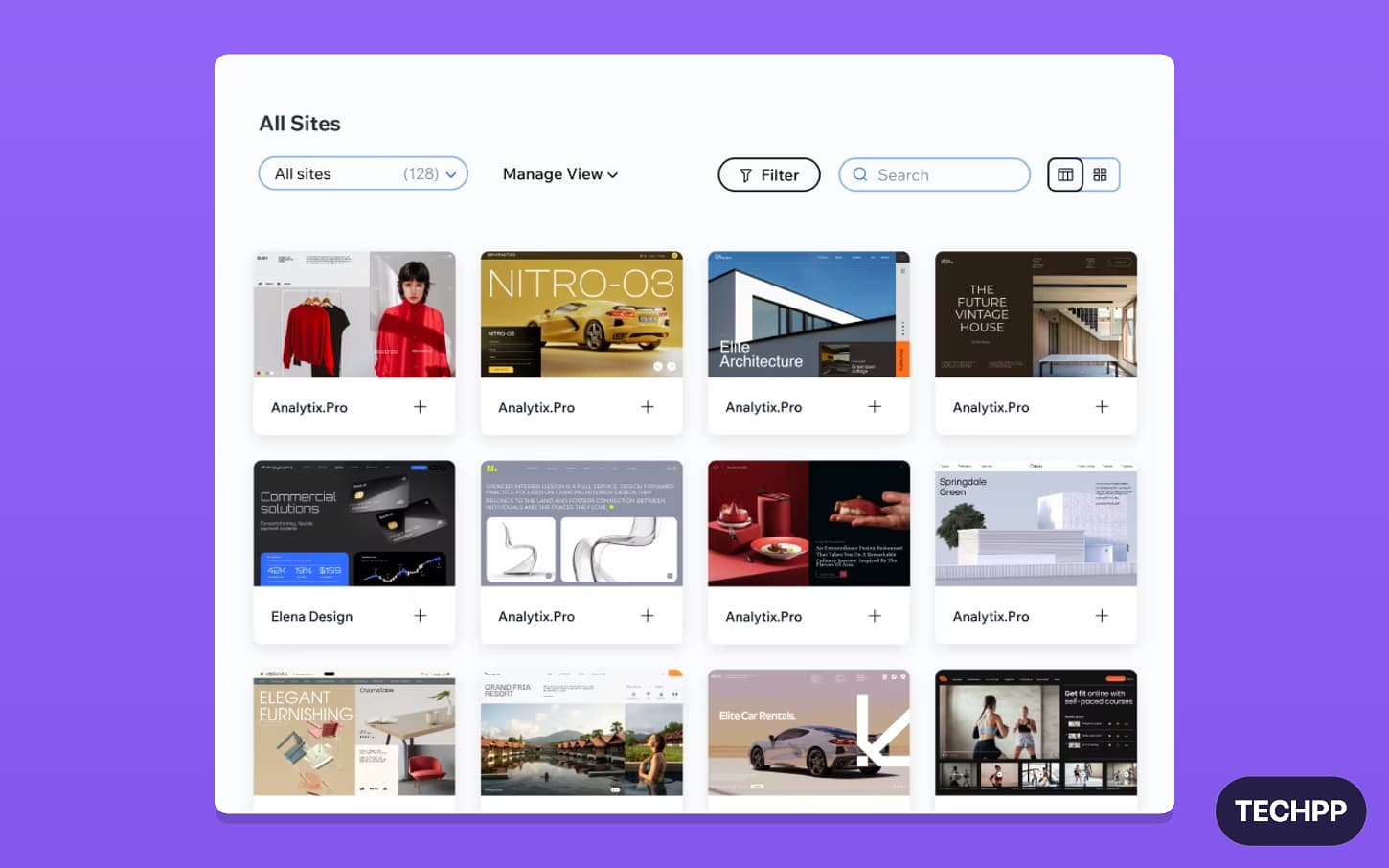
Because you don’t need to be a developer, you can use predefined templates, configure them, and publish them in no time.
If you are in the market to build a no-code website, again, your options are divided into two. First is using hosted website builders. The easiest of the two. You can use a predefined template, customize it, and publish it. These hosted website builders also handle hosting, domain setup, security, and your website maintenance, among other things, all in one place. To do this, they often charge monthly or yearly subscriptions
The second method is using WordPress. You can do everything that you can do with website builders, but with more flexibility. WordPress is very popular; almost 42% of the websites currently active on the internet use WordPress. The best part is that WordPress is free and open source.

You can install it on any hosting provider, use the simple setup, and it also supports block-level drag-and-drop editing to build a website. Once done, you can publish it. However, you still need to set up many things yourself and protect the website from bad actors while ensuring security. But building websites with WordPress costs less, is way more customizable, and offers more control.
I have used both methods: I built several websites with Wix and WordPress over the past few years. If you want to build a new website and are confused between the two, let me clear it up for you. Website builders are great for personal and basic websites, and if you have a budget for a monthly subscription.
WordPress is a great option if you want more customization and want to spend less money. And that’s the basic overview of using two methods; however, it won’t be enough to understand the real differences, pros, and cons of each method. So, this guide is exactly what you need. With my experience, I will explain which method is best for the type of website you are building, the pros and cons of each method, and help you decide how to build it.
At the agency level, firms like IT Monks that handle WordPress development as a dedicated service typically build from scratch without relying on pre-built themes, write custom plugins where needed, and structure the codebase around the client’s specific performance and content requirements.
WordPress vs Website Builders
Factor | WordPress | Website Builders |
|---|---|---|
Ease of use | Easy, but needs some setup | Very easy and beginner-friendly |
Hosting | You choose your own hosting | Hosting is included |
Cost | Usually cheaper in the long run | Monthly or yearly plans can cost more |
Customization | Very flexible | Limited compared to WordPress |
Control | You own and control more things | Platform controls many things |
Templates | Many free and paid themes | Ready-made templates included |
Features | Add features using plugins | Features depend on the builder |
Security | You need to manage updates and security | Builder handles most security |
Migration | Easier to move to another host | Hard to move away from the platform |
Best for | Blogs, business sites, directories, ecommerce, custom sites | Personal sites, portfolios, landing pages, simple business sites |
Choosing between website builders and WordPress depends entirely on the type of website you want to build. Both offer no-code options, but WordPress offers even more flexibility with a layered approach and is open source, with a huge community support.
How Website Builders Work
Website builders offer end-to-end solutions. There are hundreds of website builders available. You can choose any one of your choice. Then you can pick any template; there will be hundreds of pre-built templates to choose from, based on your category.
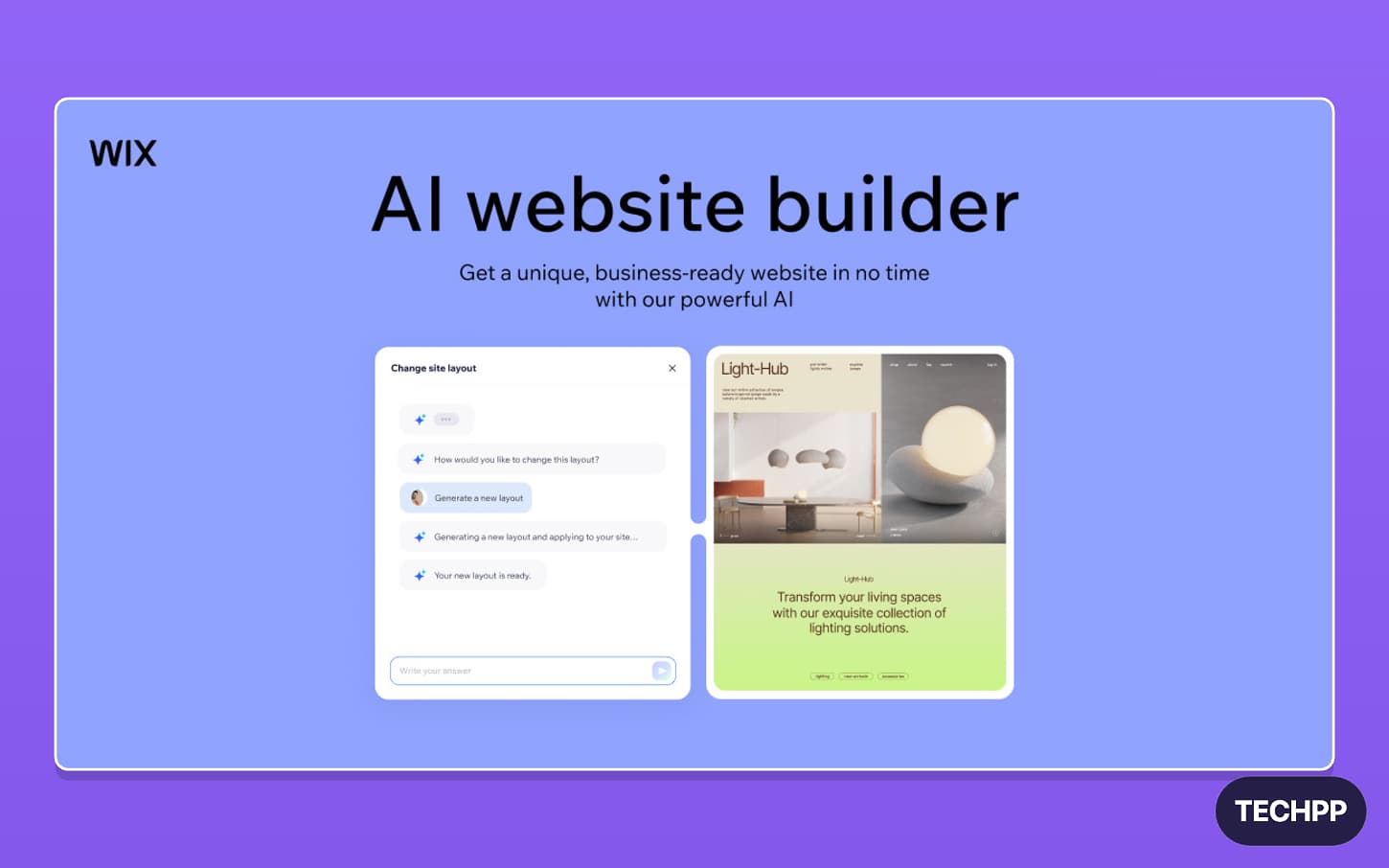
Some website builders now also offer AI to build your own template. You can simply describe how you want your website to look, and AI generates it for you.
Once done, you can customize it using drag-and-drop block-level editing. You can use the same service provider to host it and make it live on the internet. You don’t need to go through the complex process of connecting your domain, hosting, and site because website builders handle all that for you. It also manages your website and handles security, making it a worry-free solution.
It is an excellent solution if you want a very simple, easy-to-use setup and a worry-free experience. Some website builders also support other features, such as adding a blog, adding a form to collect user data, and more.
While they are great for building personal, single-person-managed websites or even some business websites with limited workflows using website builders, they also have many downsides.
First is their limited feature support. Most website builders offer decent features needed to build a basic website. If you want features beyond the built-in functions, you need to look for other solutions. Moreover, they usually cost more to maintain compared to WordPress solutions. This will add up to more costs in the long run. One more big limiting factor is platform lock. Once you build using a specific website builder, you cannot transfer to other services.
How WordPress Works
On the other hand, using WordPress is more flexible. You get to use WordPress as a no-code solution for building a website similar to website builders, simply by selecting predefined themes, plugins, and using block-level editing to customize it based on your needs, or you can build or extend with your own solutions.
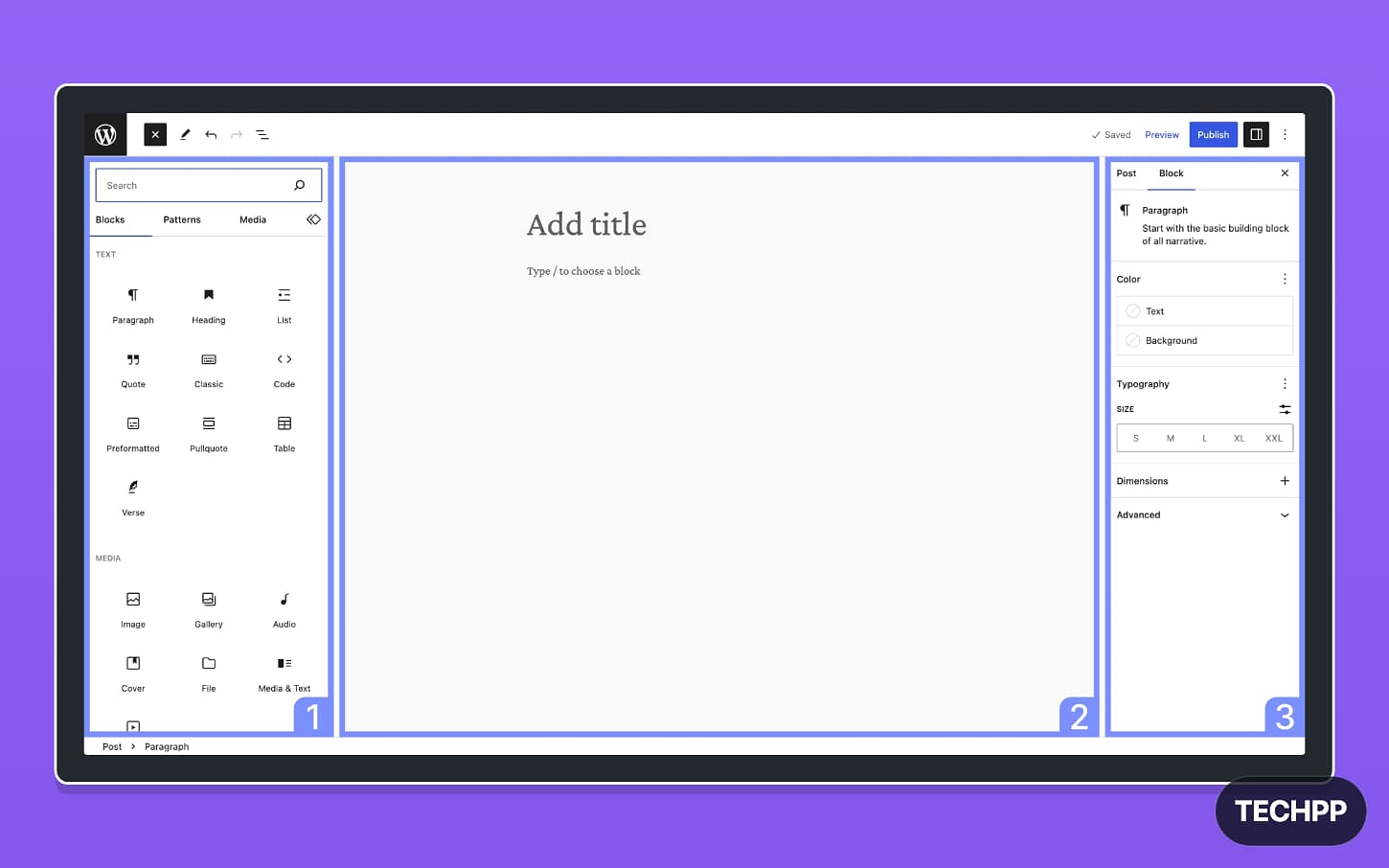
Because of its popularity, almost every hosting provider now offers easy WordPress installation. Once installed, you can pick any theme; there are hundreds of free themes to get started if you don’t want to spend money upfront, and almost every plugin has a free version. There are plenty of drag-and-drop tools, and even WordPress block-level editing is fine for most people. All the hosting needs are taken care of by your hosting providers; you build it in WordPress, and your changes will be instantly live.
The best part about WordPress is its huge community. You can find almost any website type you are looking for, whether you want to build a directory site, a landing page, or an e-commerce site. WordPress has predefined configurations, themes, and setups for almost all needs.

And since it is open source, you only need to pay for hosting. And then you can also choose your own hosting provider. Many hosting providers also offer basic plans starting at $2 per month, so you don’t need to pay a higher upfront cost and can scale later as you grow.
Price Comparison: WordPress vs Website Builders
Here is a full breakdown of the costs of running WordPress vs when using website builders to create websites:
Platform | Official starting price | Yearly cost |
|---|---|---|
WordPress hosting | Around $3/month | Around $36/year |
Wix | $17/month | $204/year |
Squarespace | $16/month | $192/year |
Shopify | $39/month | $468/year |
Do You Need a WordPress Developer for Your WordPress Site?
Type of WordPress website | Can build without a developer? | Need a developer when |
|---|---|---|
Blog website | Yes | If you need a custom layout or advanced content system |
Portfolio website | Yes | If you want a fully custom design |
Simple business website | Yes | If you need custom forms, booking, or automation |
Landing page | Yes | If you need a unique design or custom tracking setup |
Small ecommerce store | Yes, with WooCommerce | If you need custom checkout, shipping, or payment flow |
Course website | Yes, with plugins | If you need custom student dashboards or learning flows |
Membership website | Yes, basic version | If you need custom login, access rules, or payments |
Directory website | Basic version only | If you need advanced filters, maps, payments, or user accounts |
Job portal | Basic version only | If you need employer dashboards, applications, alerts, or custom workflows |
News/content website | Yes | If you need high traffic setup, speed optimization, or custom ad system |
In most cases, you won’t need a website developer to build your WordPress site. But if you have unique workflows and want custom functions beyond what your themes and WordPress plugins can offer, then you have the flexibility of building those unique workflows on top of WordPress by extending WordPress or using WordPress as a headless CMS and building your own solutions with the help of developers.

WordPress offers a layered approach, where you can customize only specific parts. For instance, if you want to change the look and feel of your website beyond what the theme offers, you can build your own custom theme or edit an existing one.
Next, if you want to integrate with your other tools and add specific functionality that the plugin doesn’t offer, you can build a plugin to add that functionality. WordPress can also be used for your hybrid approach. Since it’s primarily built for CMS, you can use WordPress to power and maintain content pages.
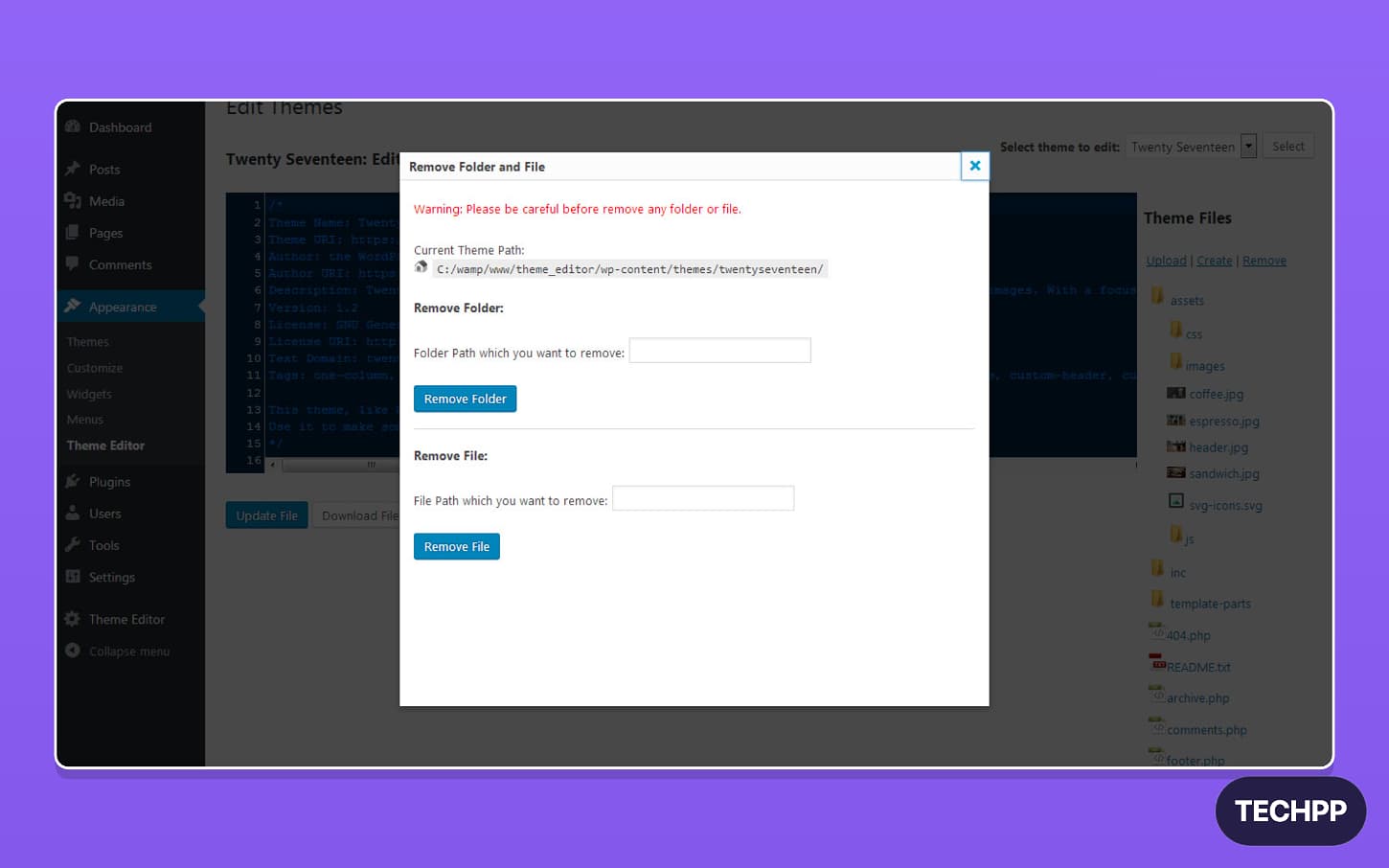
However, not everything is easy to build with WordPress, especially when you need to find specific developers with WordPress experience to build your own custom version. And even those have limitations.

