

Quick Answer
Hosting a party game night without a console is easy with Gaming Couch. Just use a PC or smart TV, Wi-Fi, and smartphones as controllers. No apps, no logins, free to play, and supports up to 8 players with quick, fun multiplayer games anyone can jump into.
You call your friends over, and everything from dinner and drinks is served; the only thing that remains is some fun time. You do have a console, but not many controllers and games that could let 6-7 or 8 players play at a time. Hosting a game night can be a bit challenging because you have to have expensive hardware, a bunch of cables, access to games, and even if you somehow manage that, you have to allow non-gamers in your gang to get the hang of the game before things can proceed. Enter Gaming Couch, which is meant to fix all these issues.
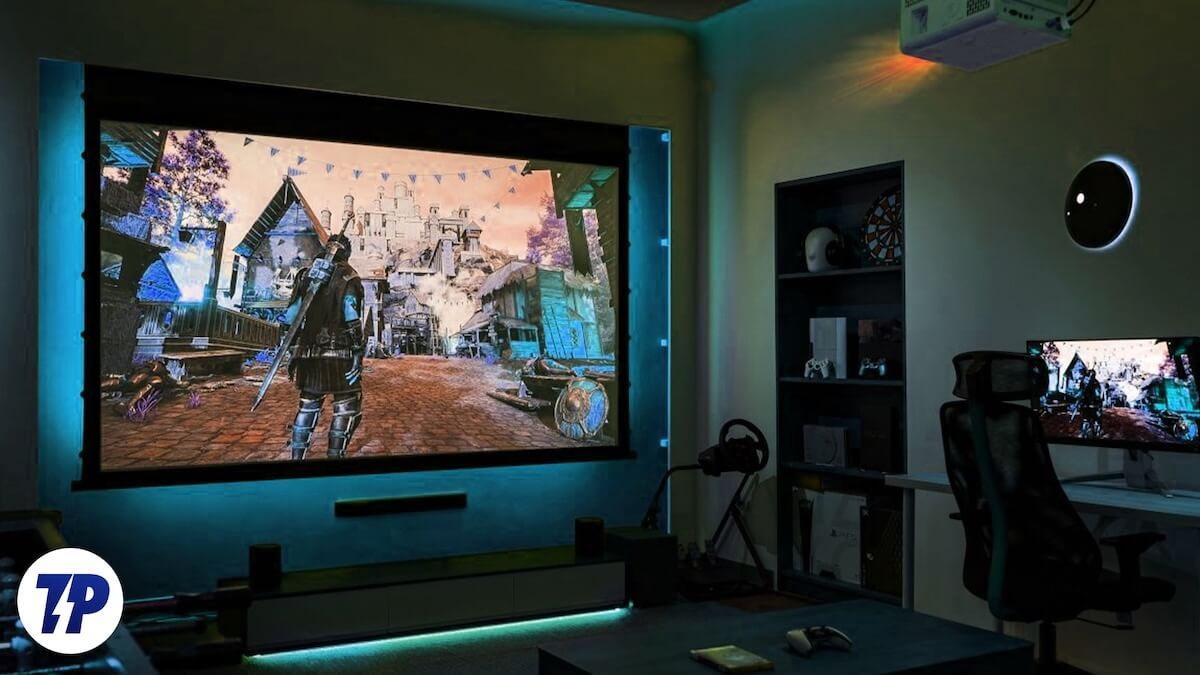
Whether you are hosting a game night or have a bunch of friends trying to kill some time, Gaming Couch is something that doesn’t require any expenses and works with devices that most of us already own: a PC, Wi-Fi, and a mobile phone. But what is Gaming Couch all about? What are its features? Let us check it out.
What is Gaming Couch?
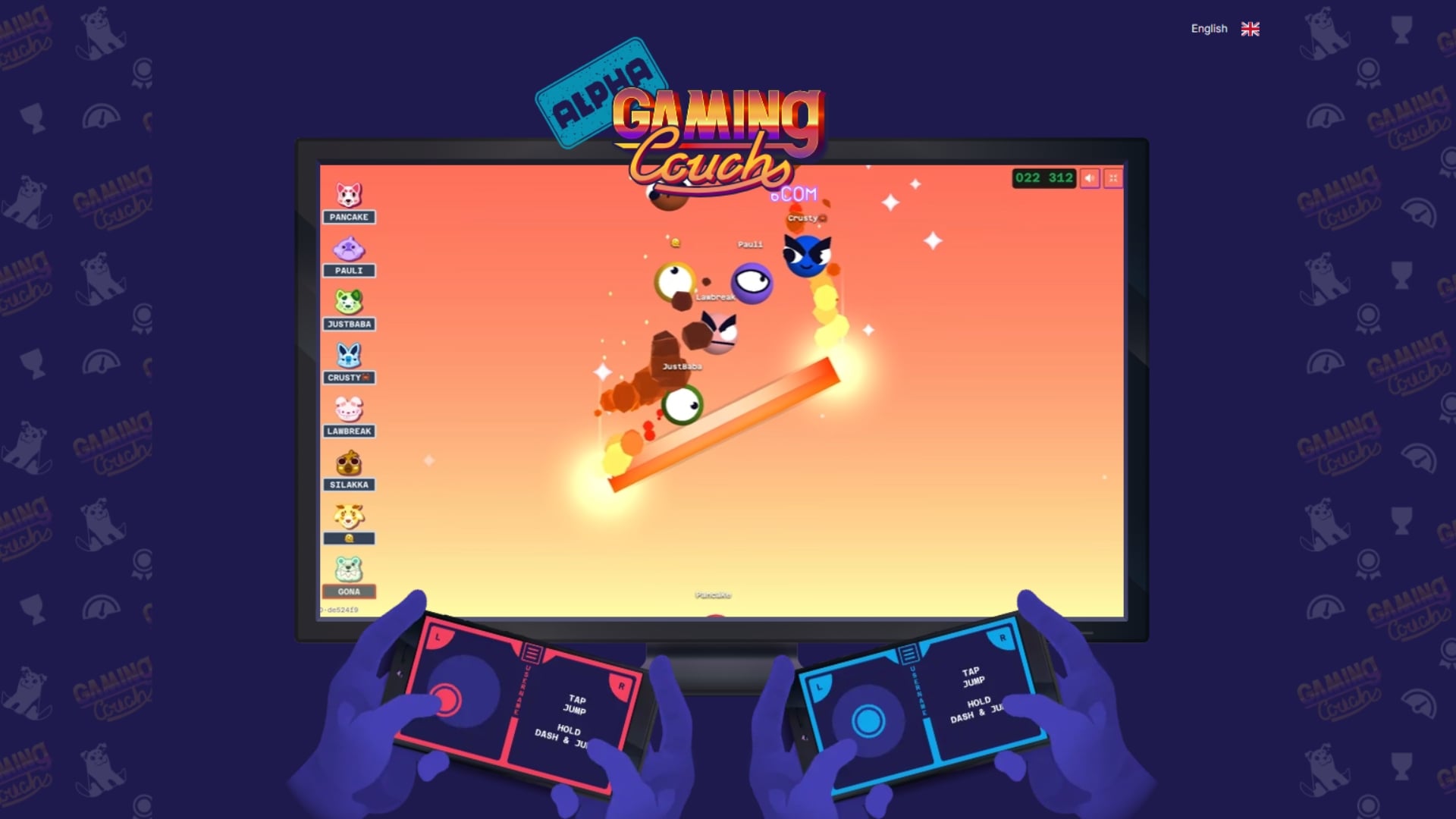
Gaming Couch is a web-based local multiplayer platform that can turn your PC or smart TV into a gaming console. This concept was put forward and turned to fruition by a bunch of friends. This platform gives you a seamless multiple-gaming experience for up to 8 players simultaneously.
You don’t have to look for supported games, as there are a bunch of games that are built in. These games are easy to play, and there is no learning curve. Anyone can hop onto the session mid-way and get going. On top of it, there is no requirement for getting a dedicated gaming controller, as your smartphone can be used as a controller. In short, the premise looks like:
- Screen: You can use your PC or smart TV, as long as it has a browser, as a central gaming hub.
- Controllers: Players need to scan a QR code on the screen from their device, be it a smartphone or tablet, to play the game.
- Action: Once everyone connects, their smartphones become controllers, and the game begins.
There are some alternatives like AirConsole, but they require app downloads or login with an account. Gaming Couch runs entirely on the browser and makes use of WebRTC technology to make sure that tapping a button on a smartphone moves the character on the screen. According to the developer, there is 1–10ms of latency, which is acceptable, considering you aren’t using dedicated consoles. To maintain smooth gameplay, it is recommended that you connect to a strong Wi-Fi network.
Key features and Games
What makes Gaming Couch unique is that there is:
- No apps, no login: You do not need any apps to install to play Gaming Couch. You just need to visit the website, join or host a party using a QR code. On top of this, there is no login required. You do have the option to, by the way.
- Games that are fun: There are some apps that offer you multiplayer gaming, but at the end of bad games. You don’t get those trivia games or the ones that get stale after a while. Games on Gaming Couch are great, and they are full of action. The best part the games last 60 seconds, so you don’t want to miss out a single second wasting.
- Support for controllers: Not only smartphones, but you can also ask your friends to bring their controllers, if they are fans of tactile controls.
- Available for free: As of now, Gaming Couch is available for free. There are no subscription costs or costs for buying separate hardware involved.
- No updates: Since it is web-based, you don’t have to install any updates to play games or get new features. That is totally done by developers.
We have talked about games. Do note that you won’t get console-like games on this. The games are fun, full of action, enjoyable, easy to play, and will make you want to play again with friends. There are a total of 18 games on Gaming Couch, all multiplayer with support for up to 8 players. Here are some notable games:
- Chowboys: The Ring
- Party Cars
- Space Race
- Eyeball
- Chowboys: King of the Hill
- Abstract: Balance
- Abstract: Bubble Up
How to use and play games on Gaming Couch
Ready to try out? Here are the steps that you need to follow to host or join a gaming session:
- You can try installing a browser on your smart TV, visit the website, and follow the steps below. But we would recommend using a PC connected to a smart TV via an HDMI cable for better performance. Since it has more power, you will experience better gameplay.
- Assuming that you are using a PC, connect it to the same Wi-Fi source as other connected smartphones. Also, make sure that the Wi-Fi speed is good and the connection is stable.
- Open a web browser on your PC and head over to this website: https://gamingcouch.com/
- Click on Play Now.
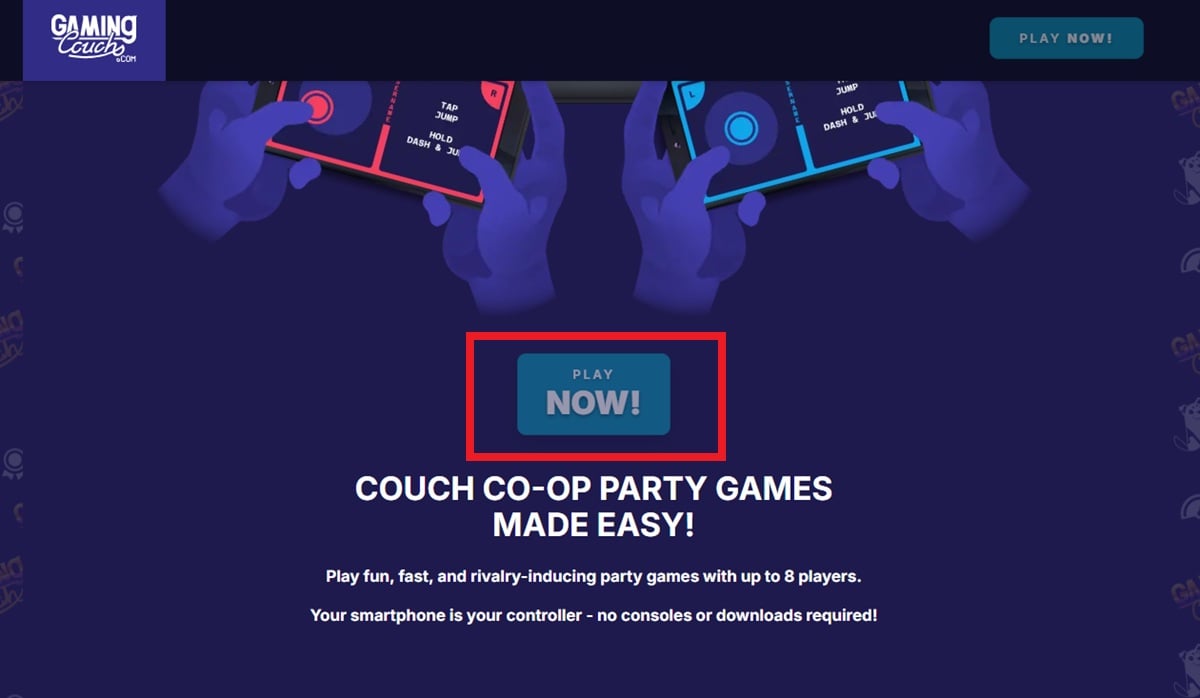
- On the next page, you will see two options: Host Party and Join Party. Clicking on “Host Party” lets you create a gaming session where others will have to join to play the game. On the other hand, “Join Party” means someone else has hosted, and you have to join to play the game.
- When you hit the “Host Party” button, you will see a big QR Code with a Party ID that your friends need to enter after clicking “Join Party” to join your gaming session. They can also give a unique name to them.
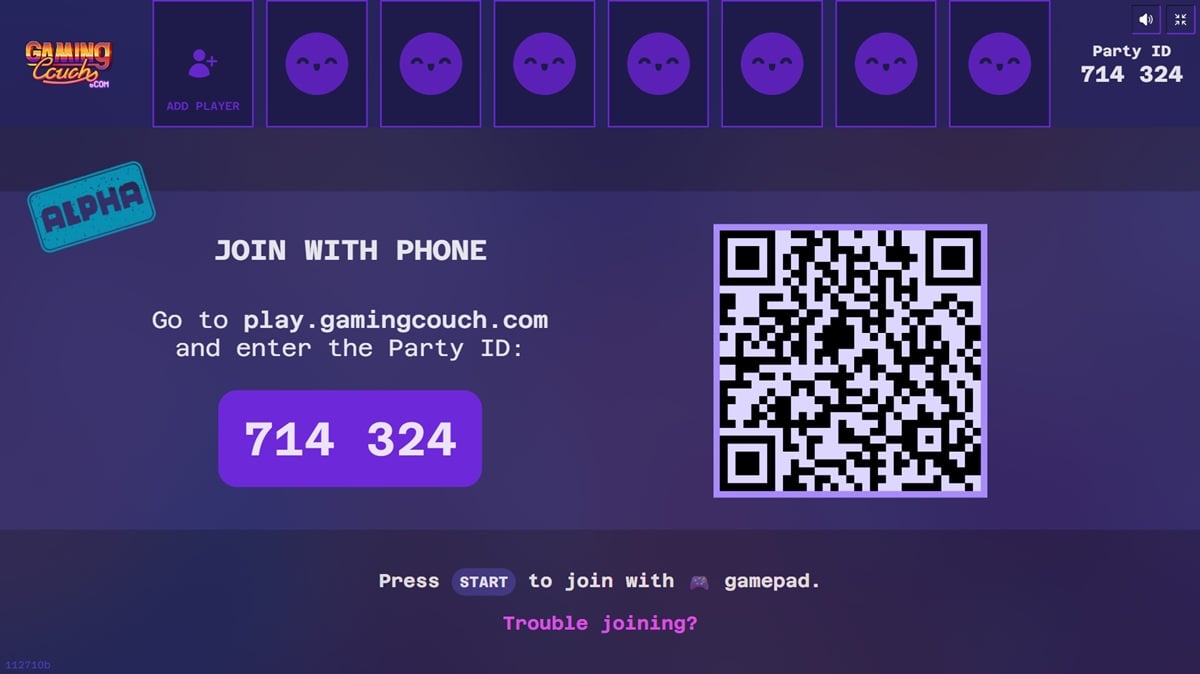
- Added players will appear on top of the screen.
- After everyone is connected, you have to select the game or let Gaming Couch select one for you.
- That’s it! Enjoy your gaming session with your friends.
Multiplayer gaming made easy
While console-level games are the ones everyone wants to play, having that expensive hardware and also things associated with it for multiplayer gaming sessions is not possible for everyone. Retro games have that nostalgia, and also are quick to adapt and play. The games on Gaming Couch are high on action, and having tried it a couple of times with my friends, I can say it is a must-try. If you want to play on smartphones, then there is no shortage of co-op games on Android and iPhone. For those looking for pastime alone, there are also a good bunch of one-tap games that you can check out.

