

The new iPhone 16 series is here, and they come with matching wallpapers. We have four new iPhone 16 models. The standard iPhone is 16 and 16 plus, and the pro variants are 16 Pro and 16 Pro Max. The standard variants come in five colors with color-matching wallpapers, while the Pro and Pro Max come in four color variants with matching wallpapers. Additionally, the Pro and standard models have two different wallpaper patterns. All these wallpapers are static and have a dark tone.

Table of Contents
Download iPhone 16 Pro Wallpapers
iPhone 16 Pro Natural Titanium wallpaper

Download the Natural Titanium wallpaper
iPhone 16 Pro Desert Titanium wallpaper

Download Desert Titanium wallpaper
iPhone 16 pro-White Titanium Wallpaper
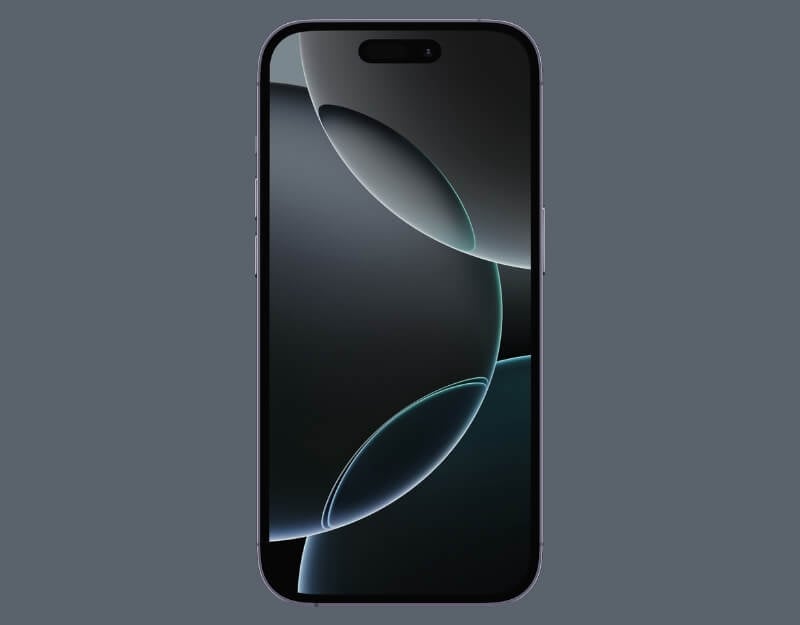
Download the White Titanium Wallpaper
iPhone 16 Pro Titanium Black wallpaper
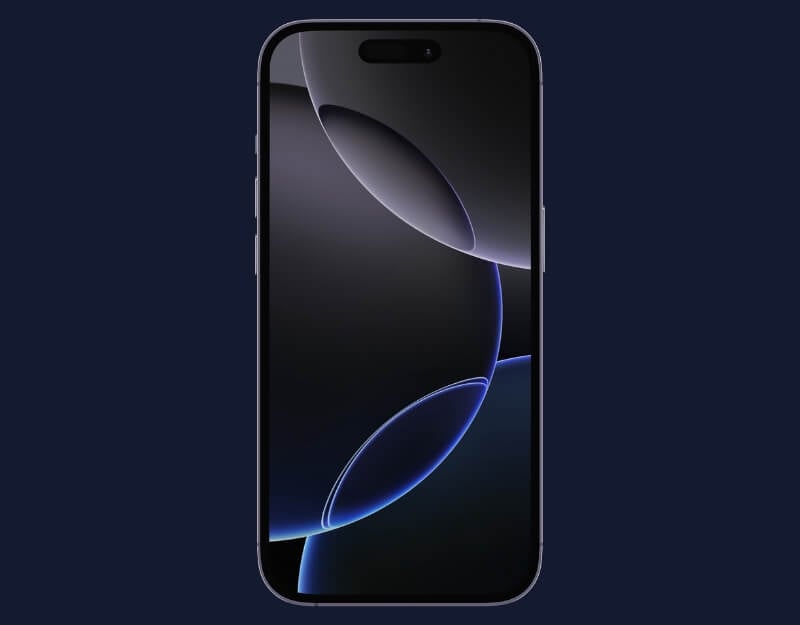
Download the Black Titanium wallpaper
The iPhone 16 Pro series comes in two variants. The Pro model and the Pro Max use the same wallpaper. Download the zip file using the link below to download all iPhone 16 pro wallpapers.
Download iPhone 16 Pro All Wallpapers Direct Link
Download iPhone 16 Wallpapers
iPhone 16 Black Wallpaper

Download the iPhone 16 Black Wallpaper
iPhone 16 Teal wallpaper
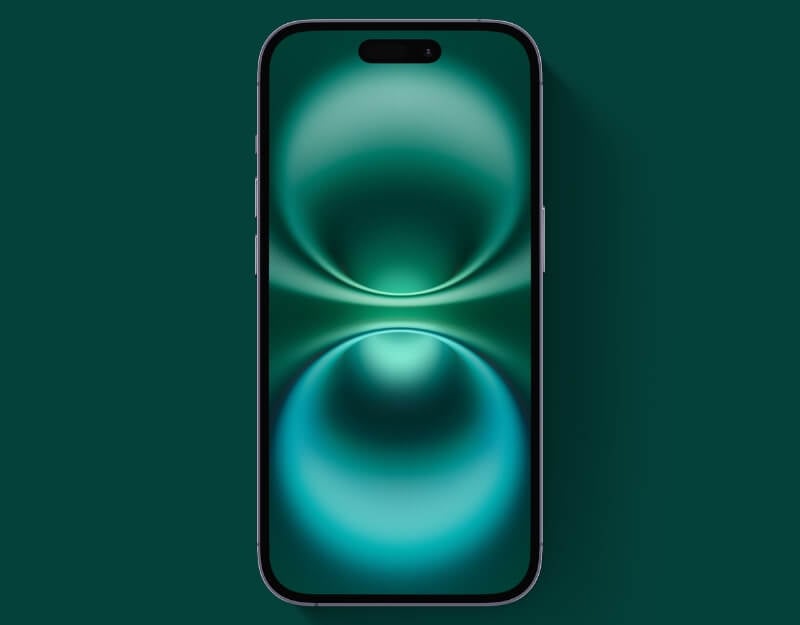
Download the iPhone 16 Teal wallpaper
iPhone 16 Pink wallpaper
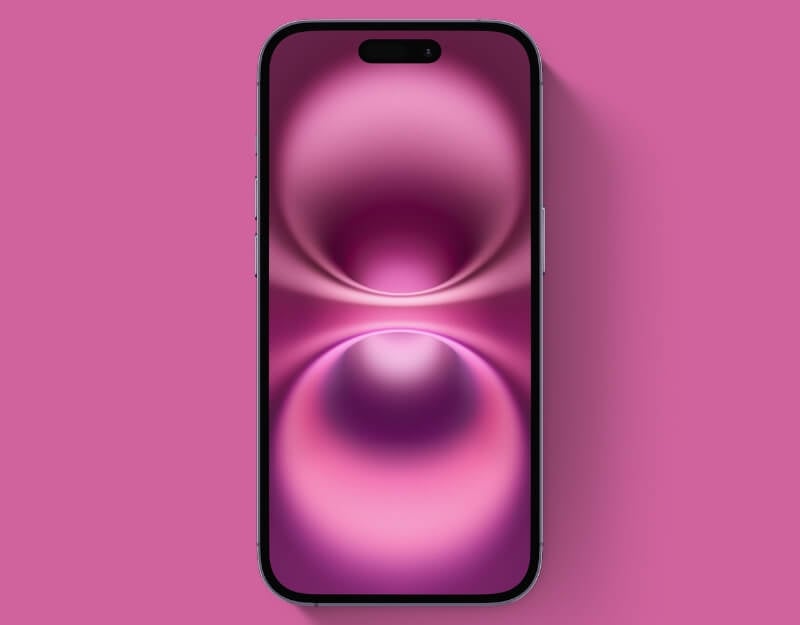
Download the iPhone 16 Pink wallpaper
iPhone 16 White silver wallpaper
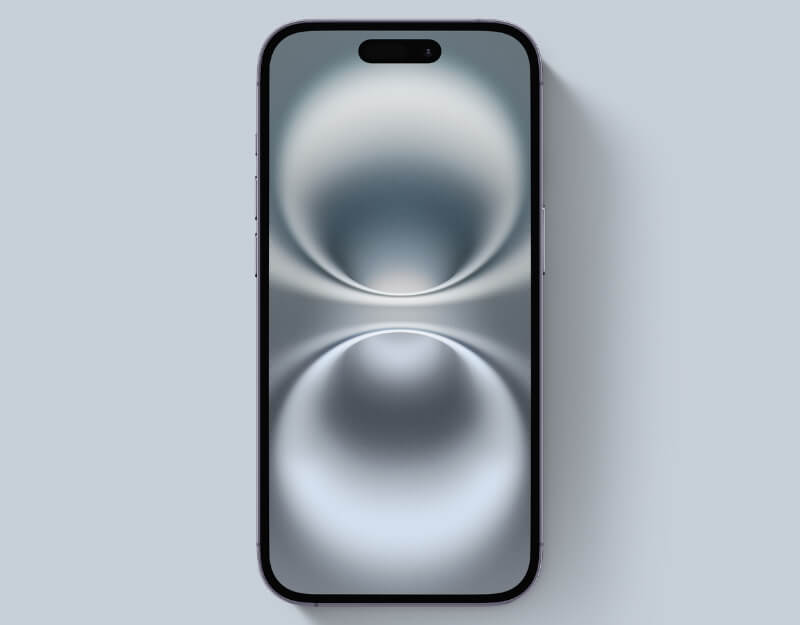
Download the iPhone 16 White silver wallpaper
iPhone 16 Ultramarine wallpaper

Download the iPhone 16 Ultramarine wallpaper
The iPhone 16 standard models come in five color variants with matching wallpapers. The White Silver wallpaper is the only wallpaper with a lighter tone, using soft, bright colors. In contrast, the rest of the wallpapers, including those for the Pro models, feature darker colors with abstract, soft, circular patterns.
Download iPhone 16 All Wallpapers (Direct Link)
Download iPhone 16 Wallpapers Right Now!
To download and set wallpapers, click the button under the desired wallpaper or download a zip file containing all wallpapers. Individual download links will redirect you to Google Drive, where you can click the Download icon to save them to your device. To set a wallpaper, open Settings on your iPhone, select Wallpaper, click Add New Wallpaper, and then choose the downloaded wallpaper.
Further Reading:
- Download the New Official iOS 18 and iPadOS 18 Wallpapers (4K)
- 23 Best 4K Black Wallpapers for Your iPhone
- 30+ Best 4K Depth Effect Wallpapers for iPhone
- 30+ Best 4K Lock Screen Wallpapers for iPhone
- 25 Cool 4K Dynamic Island Wallpapers for iPhone 15 and 14 Pro Series

