

Quick Answer
Zoho’s Arattai isn’t just another chat app—it’s a versatile tool that can double as your note-taker, to-do list, personal storage, file-sharing hub, mini meeting app, and clutter-free messenger. With unlimited storage, cross-device sync, and zero ads, Arattai is privacy-focused productivity made simple.
WhatsApp has over 3 billion monthly active users around the world, and because of this, most people prefer using WhatsApp even though there are better alternatives that are less cluttered and even more private and secure than WhatsApp. Many apps launched to compete against WhatsApp have failed to gain traction, and recently, Arattai, an interesting messaging app from Zoho, is making the rounds on the internet. If you follow the trend, you might have already installed it on your phone.

The app launched in 2021; however, it has come into the limelight recently after many Indian officials urged people to use the app. I have installed it on my phone, even though the app is much better than WhatsApp in terms of useful features. The biggest challenge is to make people use the app and shift to it. For now, only 3 out of 200 contacts have installed the app. If you are also facing a similar problem, don’t worry, I have found better use cases of using the Arattai app beyond just messaging. Here are the six surprising ways you can use the Arattai app beyond just messaging.
Table of Contents
Using Arattai as a Note-Taking App
While there are plenty of best note-taking apps out there, WhatsApp has remained my go-to app because of the convenience it offers. Most note-taking apps, including the clutter-free note-taking apps like Google Notes, still require titles and text formatting and internet sync, which adds too much friction for someone who wants to add simple notes.
On the other hand, apps with a messaging interface like WhatsApp and even the latest Arattai make it easy to create notes as simple as sending a message. Since WhatsApp is cluttered with unwanted notifications lately, I am desperately looking for an alternative, and even built my own note-taking app with a messaging interface using Vibe coding tools.
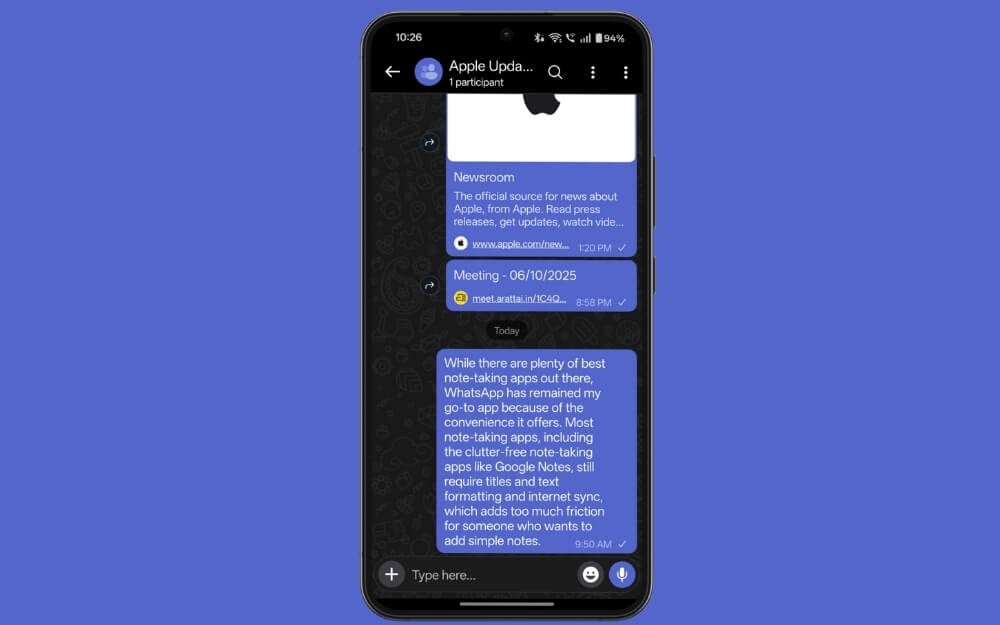
However, after installing Arattai, it has become my favorite note-taking app. There are plenty of reasons, first it removes all the friction, I can simply select the chat and start taking notes, next is web sync; notes created on the app can be viewed on the web, and also powerful search and star features let me pin important notes.
And not just that, you can also quickly create voice notes thanks to the built-in voice message features in the app, offering the best note-taking experience, and on top of that, the clutter-free experience also makes it easy to recap and find notes whenever you need. You can create as many note chats as possible using the simple groups trick, or you can use the built-in pocket features to use it as notes.
Using the App as a To-Do List
Another popular use case of WhatsApp is using it as a to-do list, and with Arattai, it offers an even better experience. Similarly to how it makes note-taking effortless and easy, for someone who wants to create a simple to-do list, Arattai can be very useful.
Unlike most to-do list apps, you don’t need to go through extra steps such as adding titles, due dates and categories; you can simply send yourself a message, such as buy groceries, call Ramesh tonight and more. Plus, you can also reply to your own message with the status updates, and unlike to-do list apps, your to-do list apps won’t disappear once you have marked them as finished.
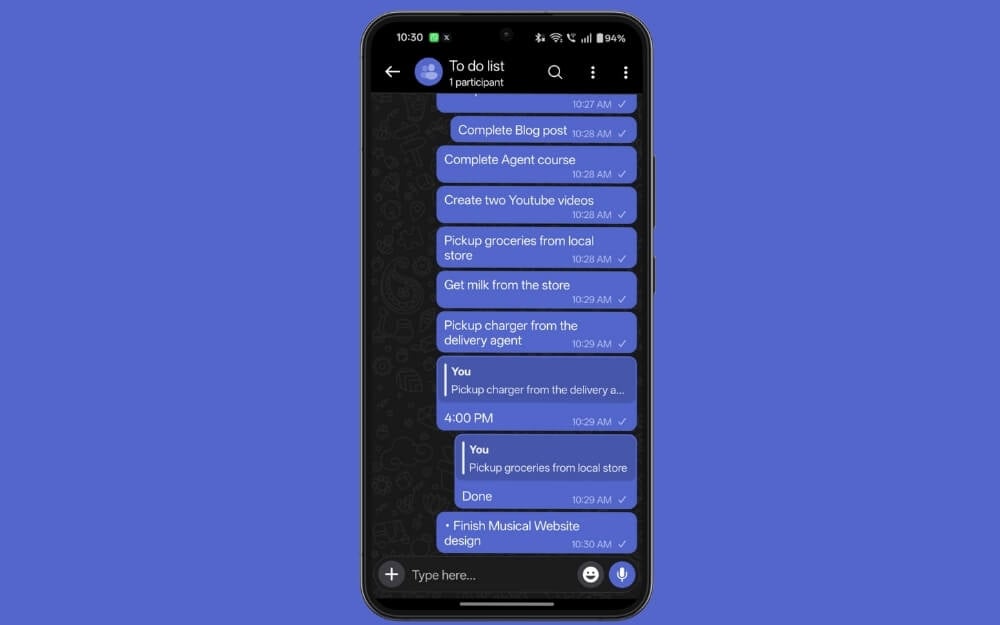
Also, powerful search features make it easy to rewind whenever you need. If you have never tried messaging apps as a to-do list, I highly recommend trying it once, as it makes it fast and personal, and even tasks created in the messaging apps feel more personal and let you accomplish and finish better compared to tasks added to the regular to-do list apps.
Your Personal Storage to Store Your Files
Another best use case of Arattai is using it as a personal Storage app, which you can use to store your most frequently used files, such as your driving license, resume if you are a student, and other important documents you frequently access. The biggest USP is that, unlike WhatsApp, which uses Google Drive as a backup storage option, which is limited to 15 GB of storage, Arattai currently offers unlimited storage using Zoho servers to store most of your important files in the app.
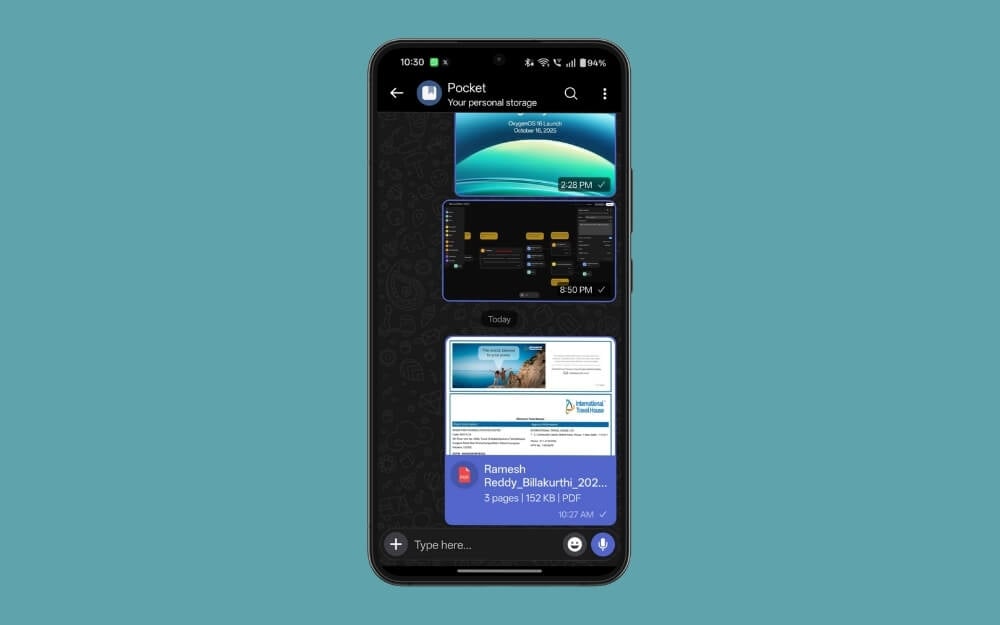
Plus, all the files stored in the pocket are uploaded to the cloud, meaning that you can also access them on other devices. It also comes with useful shortcut features that you can directly add to the home screen and access as a separate app to quickly access files.
Share Files Between Devices
Despite having plenty of handy alternatives to share files between phone and desktop, sometimes WhatsApp has been the best option, especially if you want to access the file multiple times. Now you can use Arattai to get similar functionality.

You can upload the files on your mobile and access them on your desktop, and instantly access them on your device. Also, unlike WhatsApp, Arattai doesn’t compress the file as much, and the best part is you don’t need to worry about backup file size since it doesn’t have any limits for you. You can upload unlimited files and access them on other devices, and even keep them permanently and access them whenever you need.
Best Alternative to Google Meet
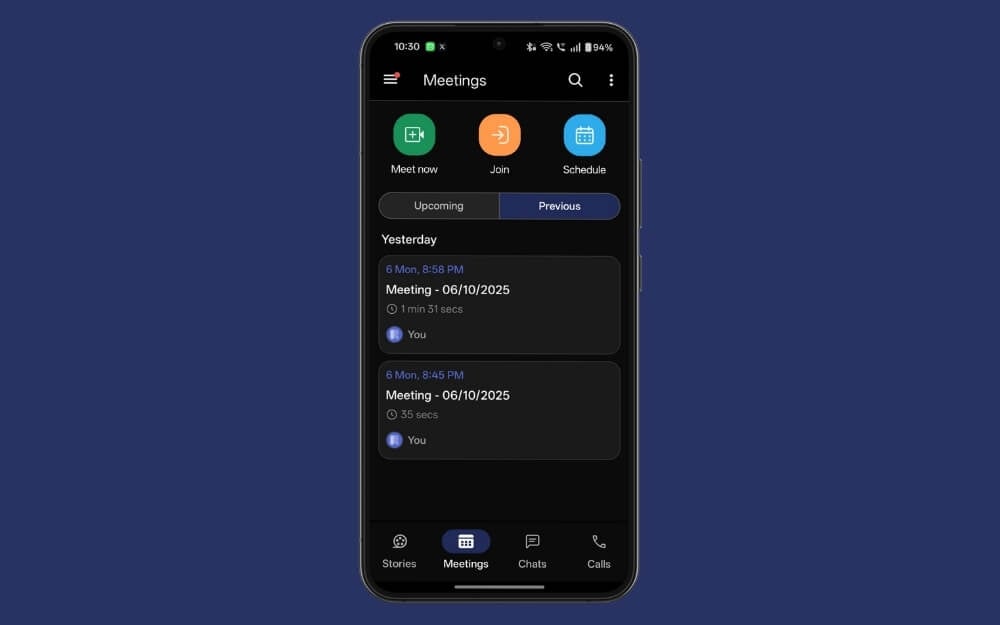
Arattai also comes with built-in meeting features where you can schedule meetings and also keep track of all your past meetings in one place. The best part is that the participants don’t need to have an Arattai account; they can join the meeting as a quick guest, and you can share the meeting publicly with anyone.
Your New Personal Messaging App
Lately, WhatsApp has been cluttered with unwanted spam business messages, and although Meta claims your personal chat messages aren’t being tracked, there are several instances where WhatsApp sent personalized ads, like someone listening to my conversations.
Not just that, going forward, the company will also add status ads to the app, which makes one of the most cluttered experiences WhatsApp has had so far.
On the other hand, Arattai promises a clutter-free experience. The biggest reason is that Arattai, built by Zoho, doesn’t depend on advertising for revenue, so the chances of adding ads to the platform are a lot less compared to WhatsApp, which has already confirmed to bring ads to the platform.
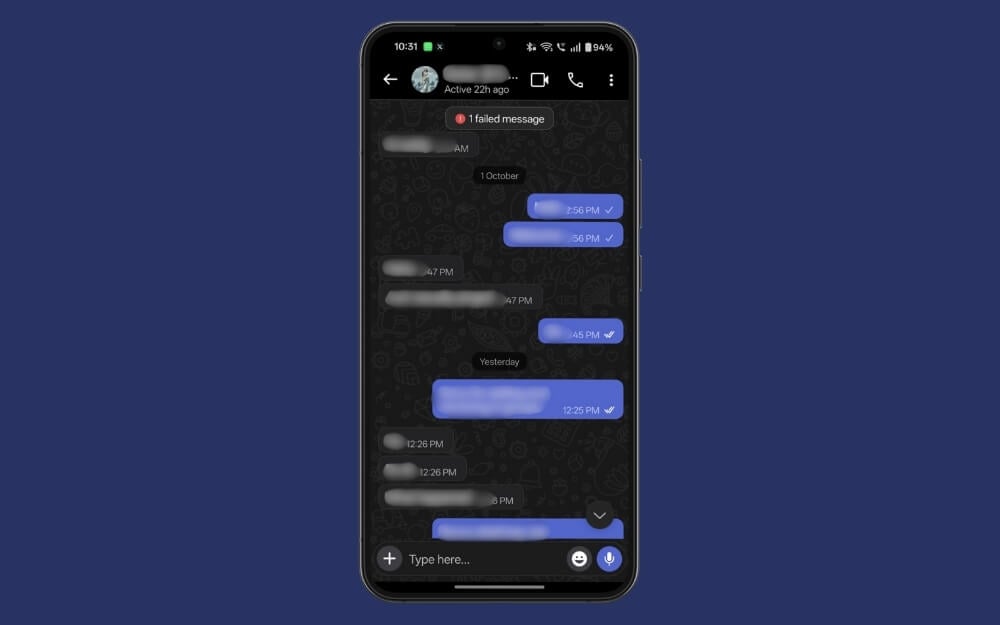
Along with that, the app also promises not to include business messages, which would spam up your inbox, and also backs up your messages, which won’t be an issue since it uses its own Zoho servers.
Overall, if you want a truly personalized messaging experience, especially a clutter-free, simple messaging app, Arattai can be a great option. You can invite your closest friends to use the app for personal messaging and use WhatsApp for all outside communication.
Final Thoughts: Why Arattai Deserves a Place on Your Phone
So those are the six unique ways you can use Arattai; however, the app is still evolving, and there are plenty of issues in the app already. Zoho is slowly addressing all the issues and fixing the bugs in the app The company has already rolled out an update that fixes the majority of the issues, and hopefully, adds important things like end-to-end encryption soon.
Currently, the app is only available natively on iPhone and Android, and also has a web version for desktop. However, the biggest downside of Arattai is that one-on-one and group chats are not end-to-end encrypted at the time of writing this post, which makes it less secure than WhatsApp and also less feature-rich compared to WhatsApp. Despite these limitations, the app can be super useful beyond messaging. I hope you find this guide helpful.

