Quick Answer
This curated collection features 25 stunning palette lock screen wallpapers designed to refresh your iPhone. Optimized for dark mode, Dynamic Island, and iOS 26’s glassy look, these minimal and colorful designs are free to download individually or as a full ZIP.
We have been saying this for a while. If you want to customize your iPhone and make it feel fresh, setting a wallpaper is the easiest method. For the past couple of years, we have been sharing the best wallpapers for your iPhone, including the Dynamic Island wallpapers to creatively hide Apple’s Dynamic Island on your iPhone and Lock screen wallpapers specially designed to enhance the lock screen, and recently, we shared wallpapers designed for the latest iOS 26 liquid glass design.
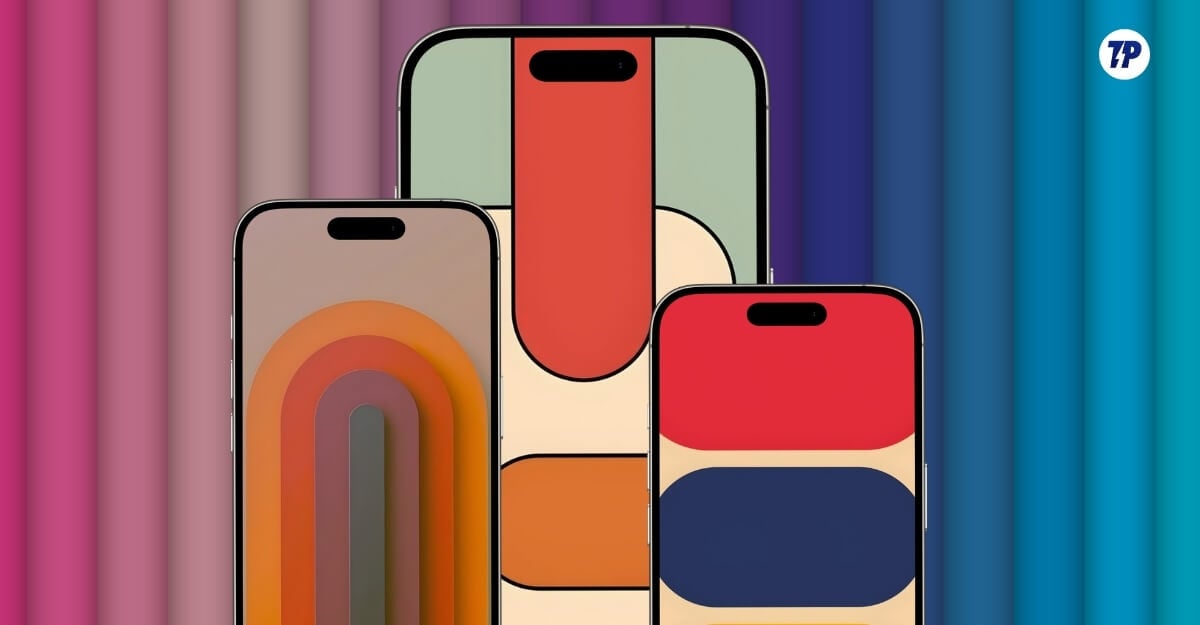
Now we are back with another wallpaper drop, and this time with a stunning palette of wallpapers for your iPhone, specifically designed for the lock screen.
These wallpapers look the best on iPhone, especially when paired with dark mode and the glassy iPhone widgets. As always, you can download these wallpapers for free by clicking the download button under each wallpaper and setting it as your device’s wallpaper. You can also download all 25 wallpapers at once in a single zip file.
Table of Contents
25 Best Palette Wallpapers for Your iPhone Lock Screen
Dynamic Stacked Green Color Palette Lock Screen Wallpaper
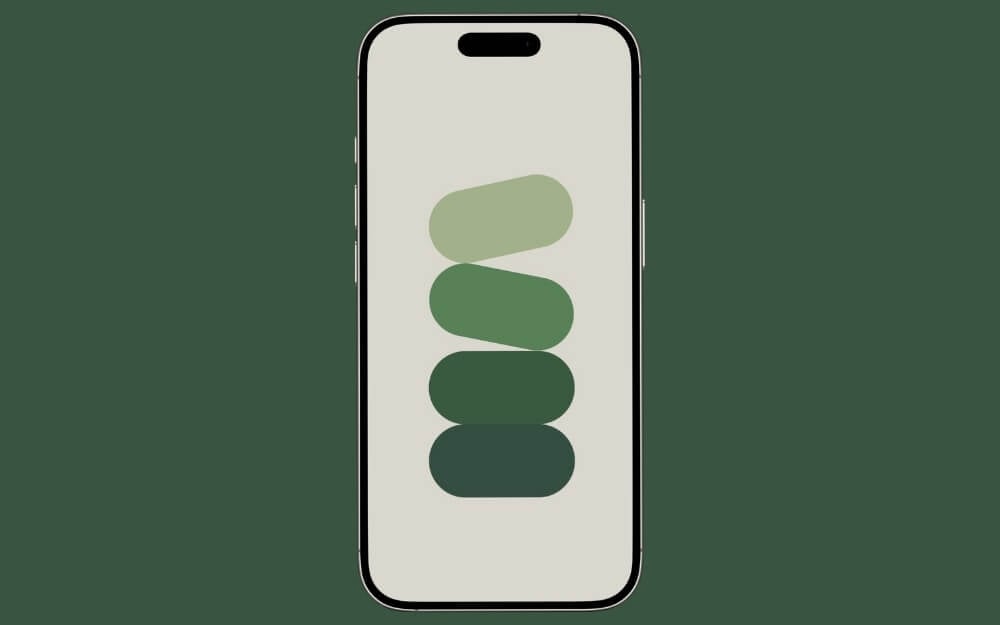
If you are looking for a simple, minimal wallpaper, this one is for you. It features a calm background and a calm green color palette, bringing minimalism to your iPhone lock screen.
Dynamic Stacked Green Color Palette Lock Screen Wallpaper
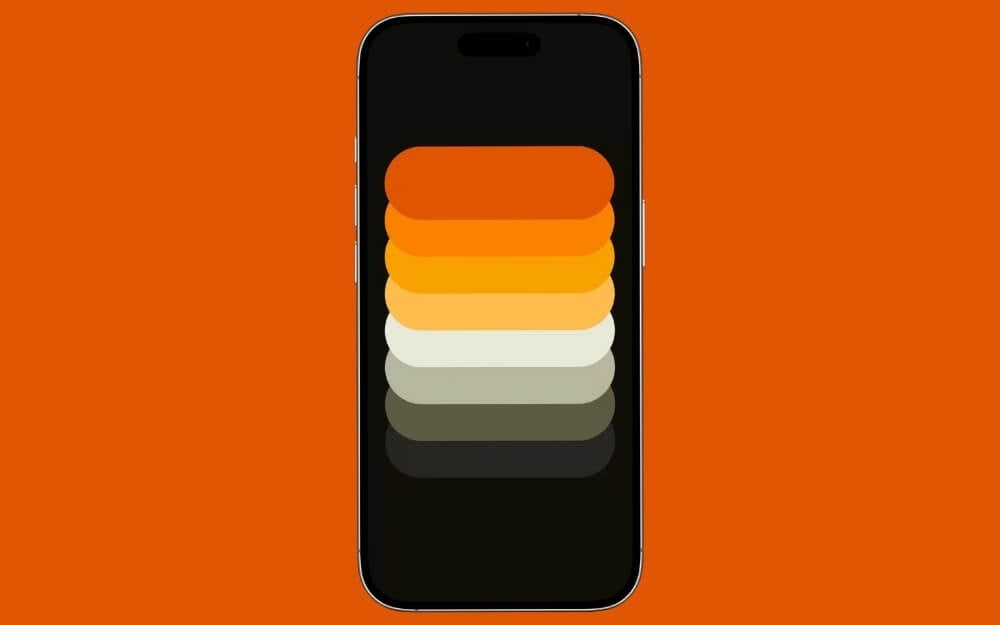
If you are looking for a dark or black wallpaper for iPhone with a palette theme, this one is right for you.
Dynamic Stacked Color Palette Lock Screen Wallpaper
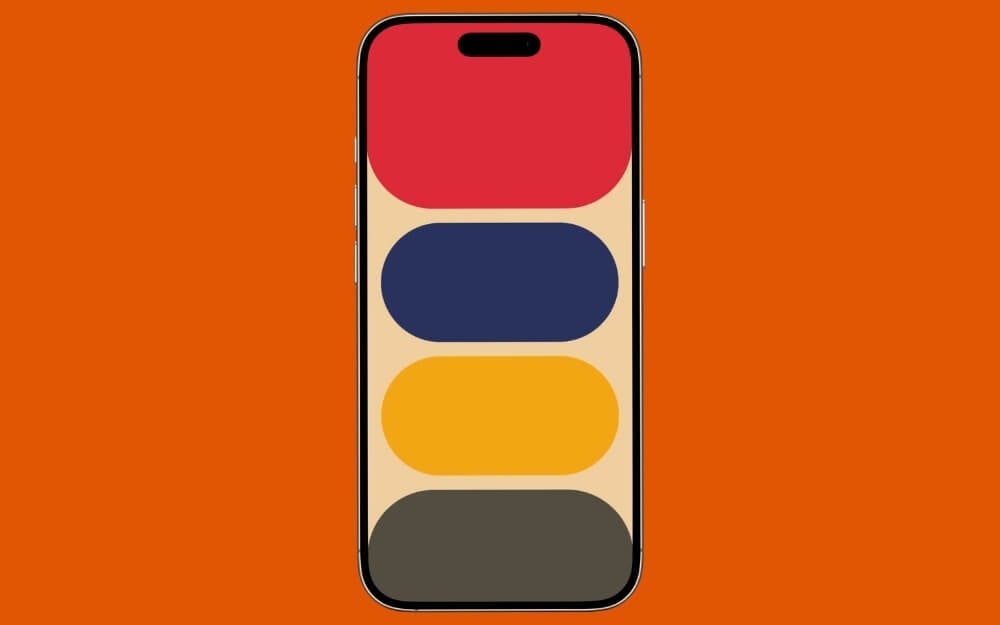
If you want a large, colorful palette shape, this is a great wallpaper for your iPhone lock screen. The wallpaper also makes dates and other widgets more visible using the big palette shapes.
Layered Blue Gradient Palette Lock Screen Wallpaper
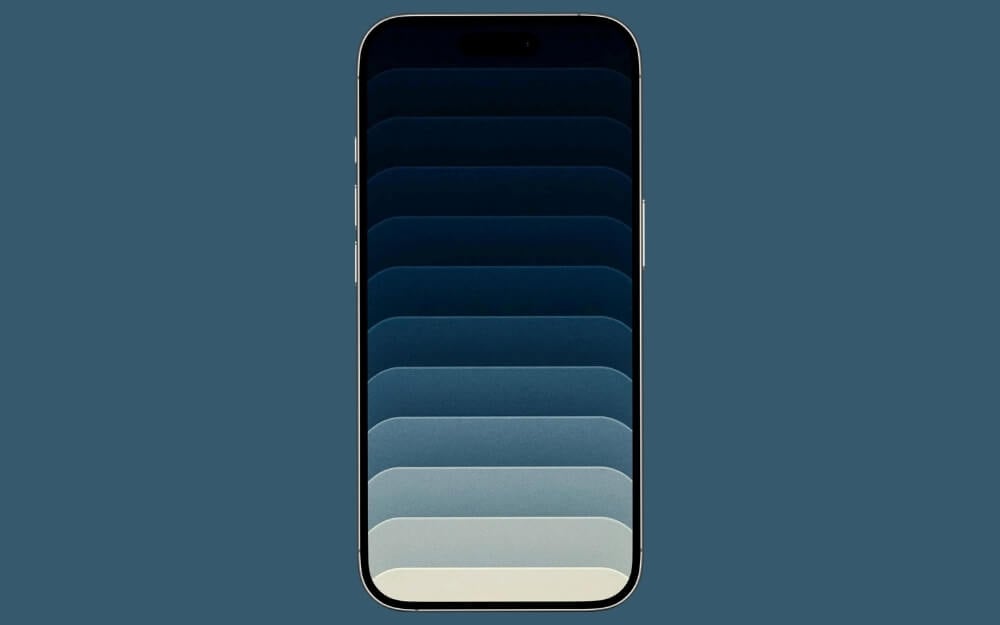
If you want a layered wallpaper with palette shapes, this is the best choice.
Glossy Stacked Blue Gradient Palette Lock Screen Wallpaper
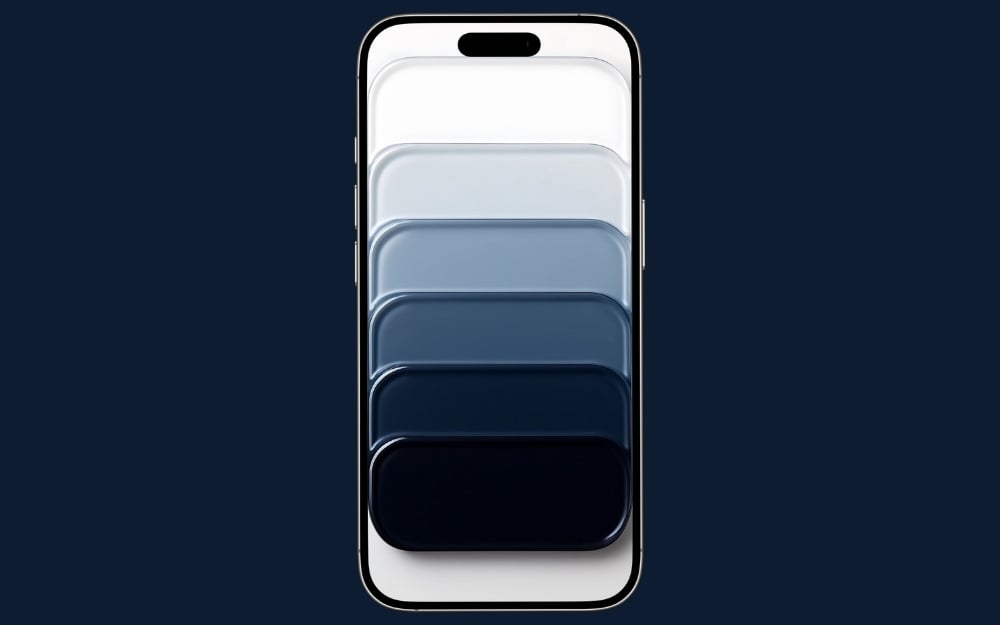
If you want the best wallpaper with a layered theme that also matches the liquid glass design in iOS 26, then this wallpaper is the best for your iPhone lock screen.
Floating Glass Layers Lock Screen Wallpaper
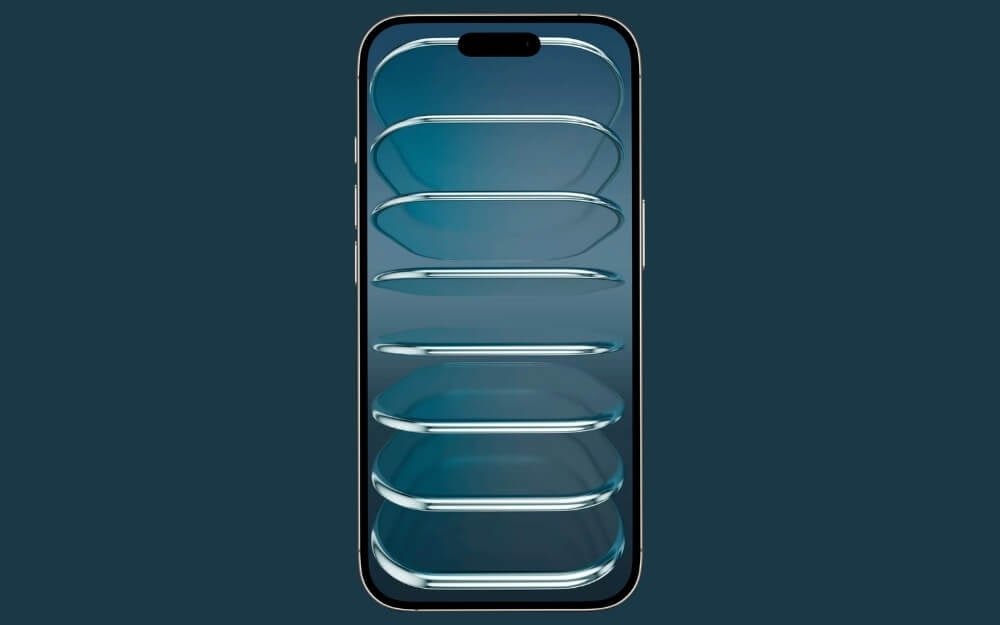
Another palette and glossy wallpaper to best match the iOS 26 liquid glass design.
Neon Glass Layers Lock Screen Wallpaper
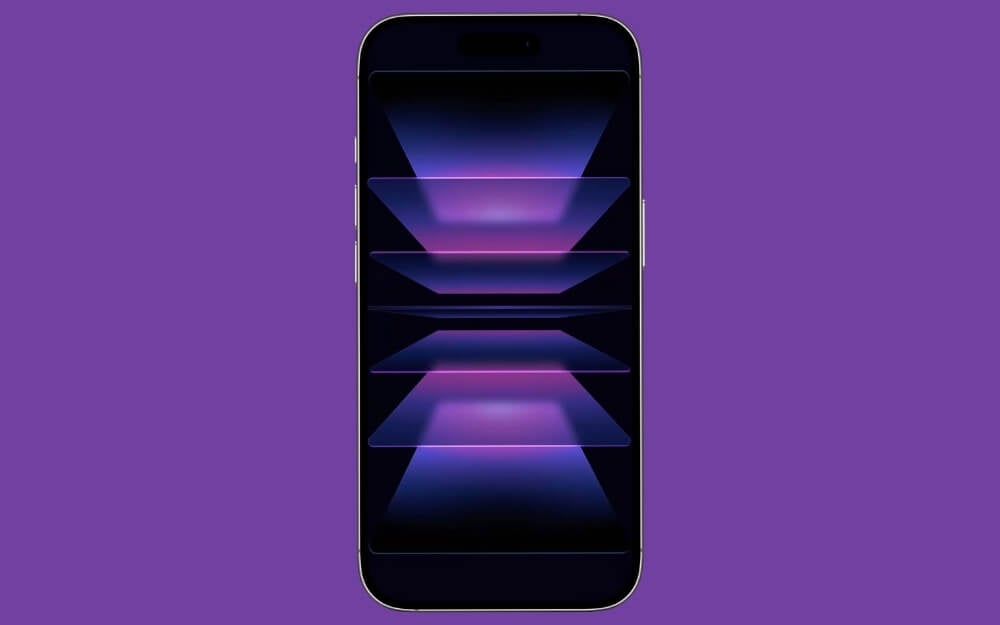
If you want a palette wallpaper that works best for dark mode with bright neon lights, this is the best option for your iPhone lock screen.
Stacked Pastel Gradient Layers Lock Screen Wallpaper
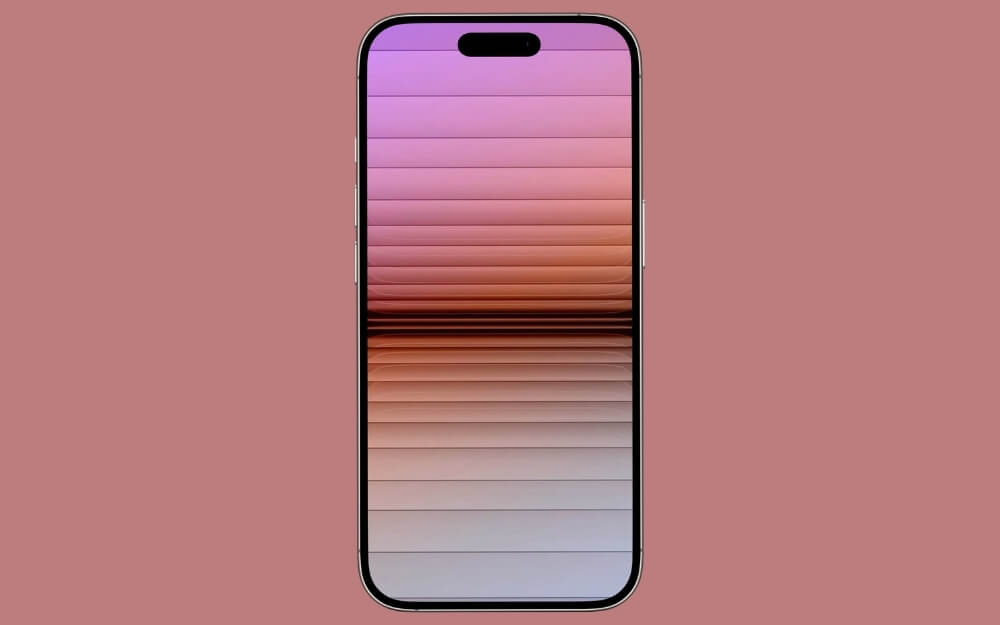
If you want a palette-stacked wallpaper that is glassy yet minimal, then this is the best option for you. It looks great on the lock screen and also makes other elements easily visible.
Soft Stacked Glow Layers Lock Screen Wallpaper
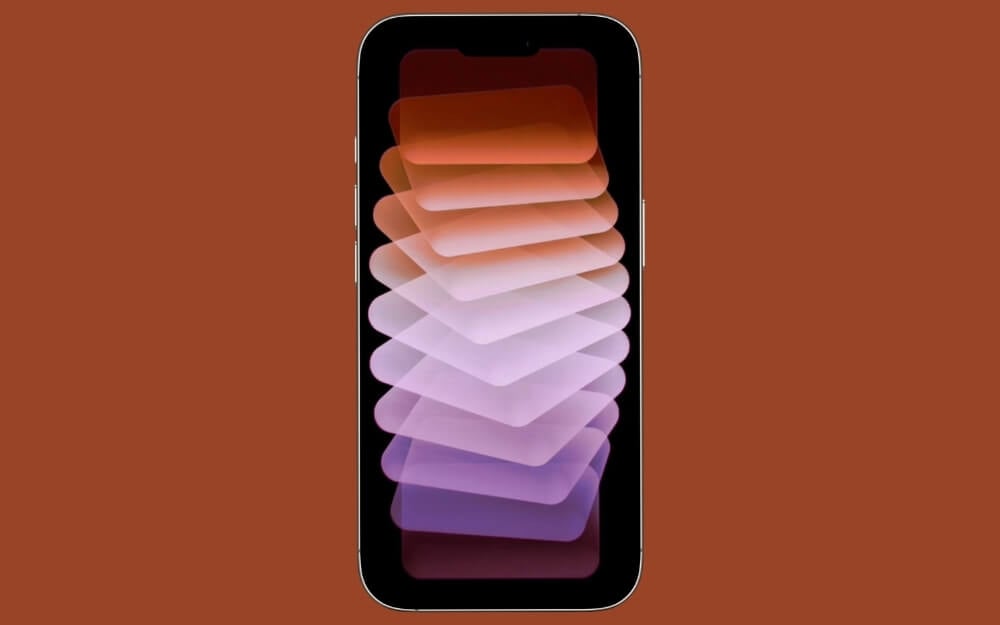
If you want a dark mode and bright, colorful palettes with a unique shape, then this is the best wallpaper option for you. It also looks great on the home screen.
Stacked Soft Color Pebbles Lock Screen Wallpaper
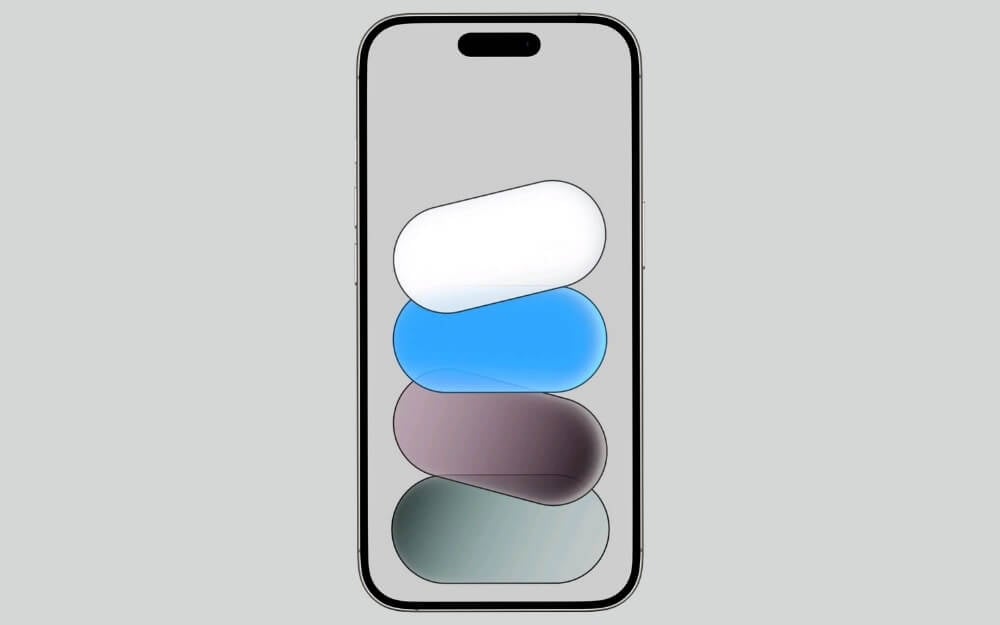
If you want a bright, cartoonish wallpaper, this is the best one you can find. It also looks great on your home screen and is the best option for your lock screen.
Muted Dark Stacked Pills Lock Screen Wallpaper
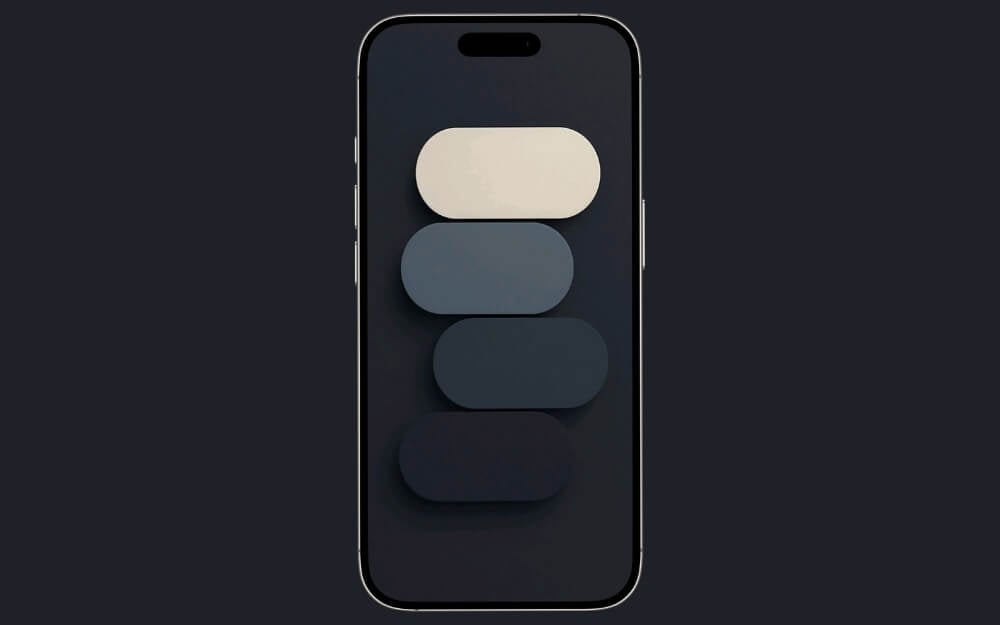
If you don’t want your lock screen too bright but still want to use a palette wallpaper with minimal effect, this is the best option. It not only keeps your smartphone lock screen minimal but also enhances it with muted colors.
Stacked Teal Gradient Fade Lock Screen Wallpaper
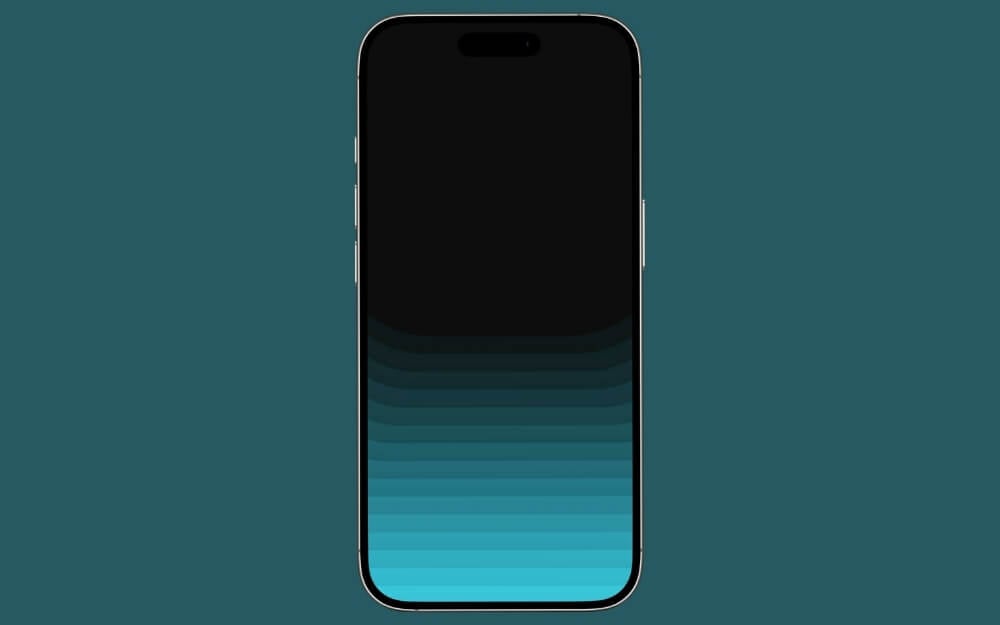
If you are looking to creatively hide the Dynamic Island on your iPhone, this wallpaper is the best option. The palette shapes at the bottom, and the dark shade at the top, creatively hide the Dynamic Island.
Stacked Organic Color Shapes Lock Screen Wallpaper
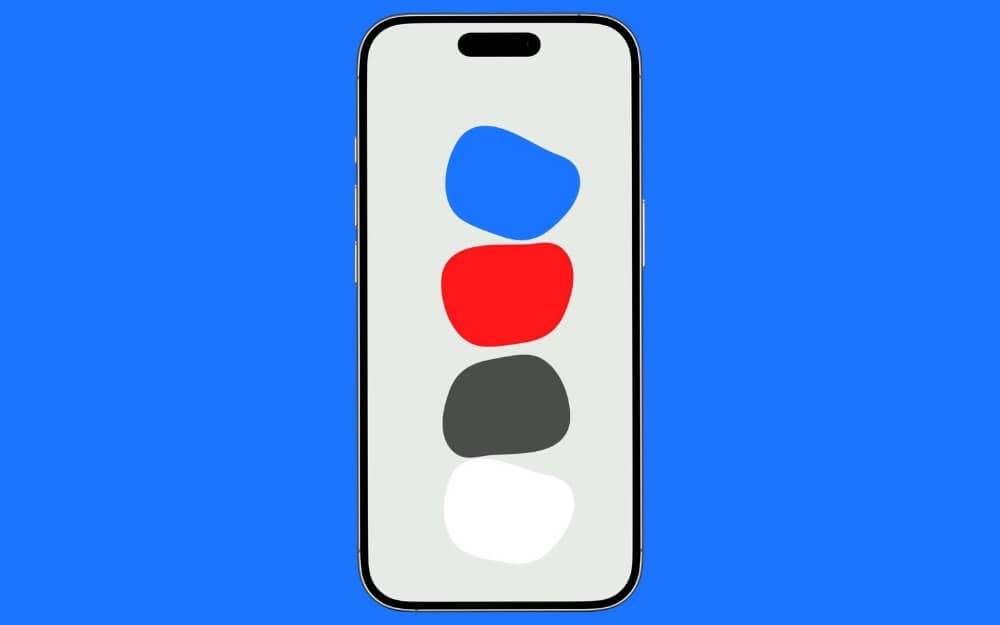
If you want a bright palette wallpaper for your iPhone, this is the best option. The white background makes your screen brighter, and the bright palette colors enhance its look.
Layered Soft Gradient Blobs Lock Screen Wallpaper
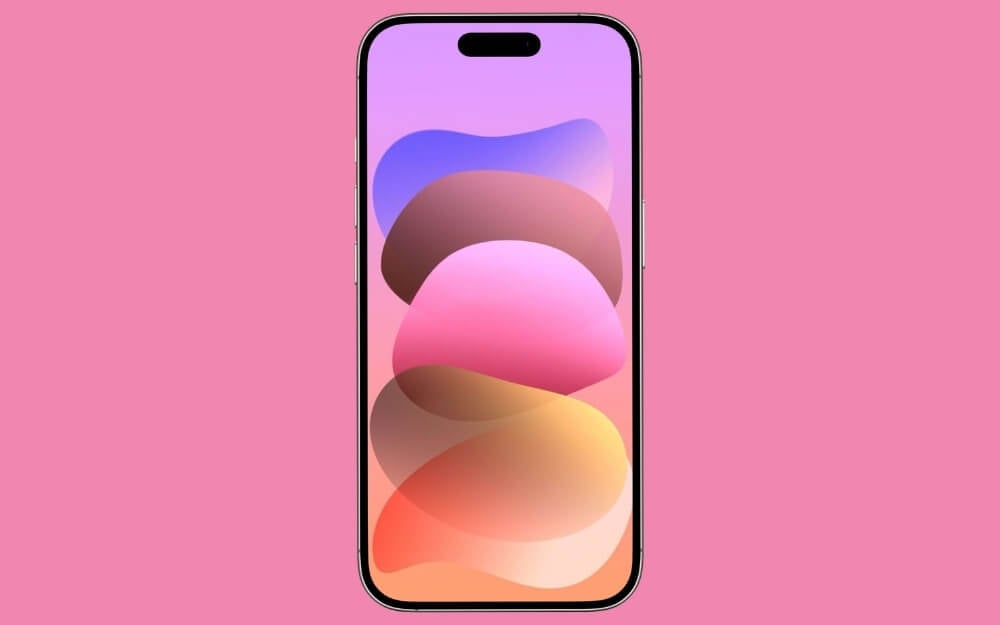
If you want a modern, glassy, colorful wallpaper, this is the best option. This wallpaper is especially suited to girls who love bright pink.
Floating Soft Color Capsules Lock Screen Wallpaper
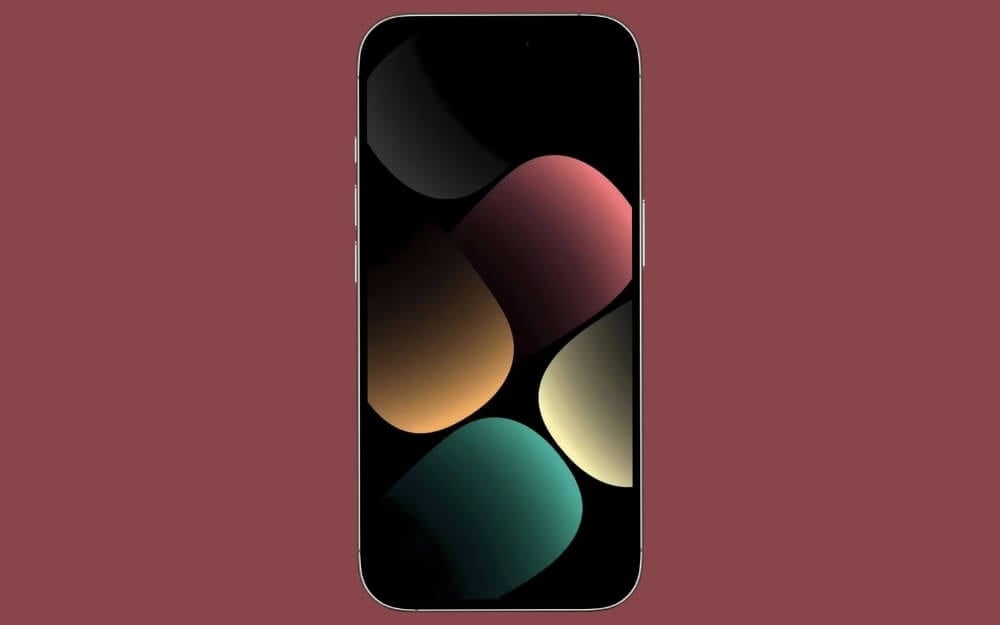
If you want a dark wallpaper with palette shapes and a unique design, this is the best option for you.
Embossed Arch Pattern Lock Screen Wallpaper
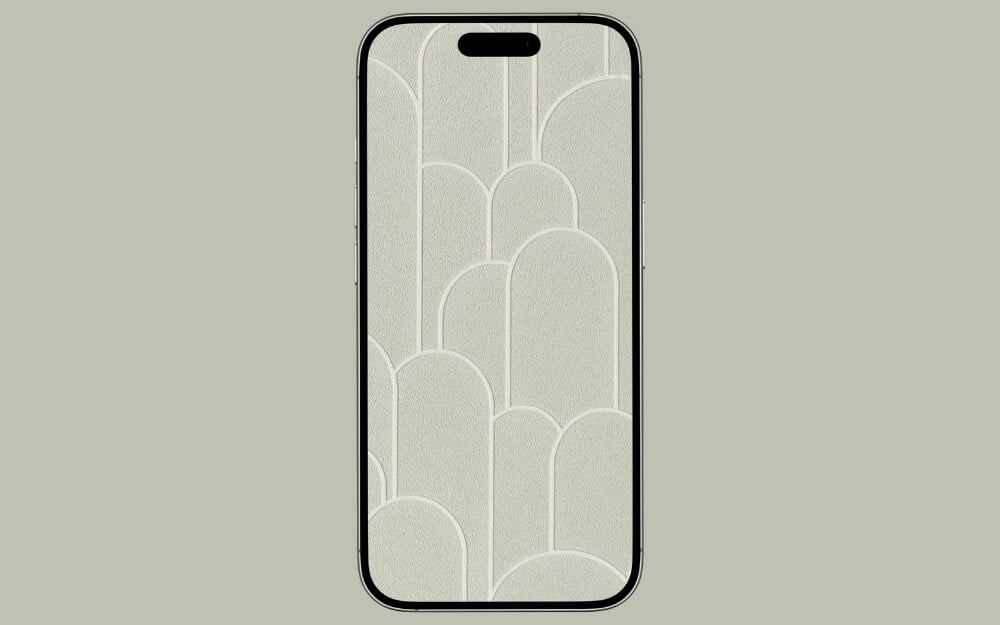
In iOS 26, you can set transparent icons. While not many people like it, if you love the transparent icon theme, this wallpaper can be a perfect match.
Stacked Neutral Gradient Panels Lock Screen Wallpaper
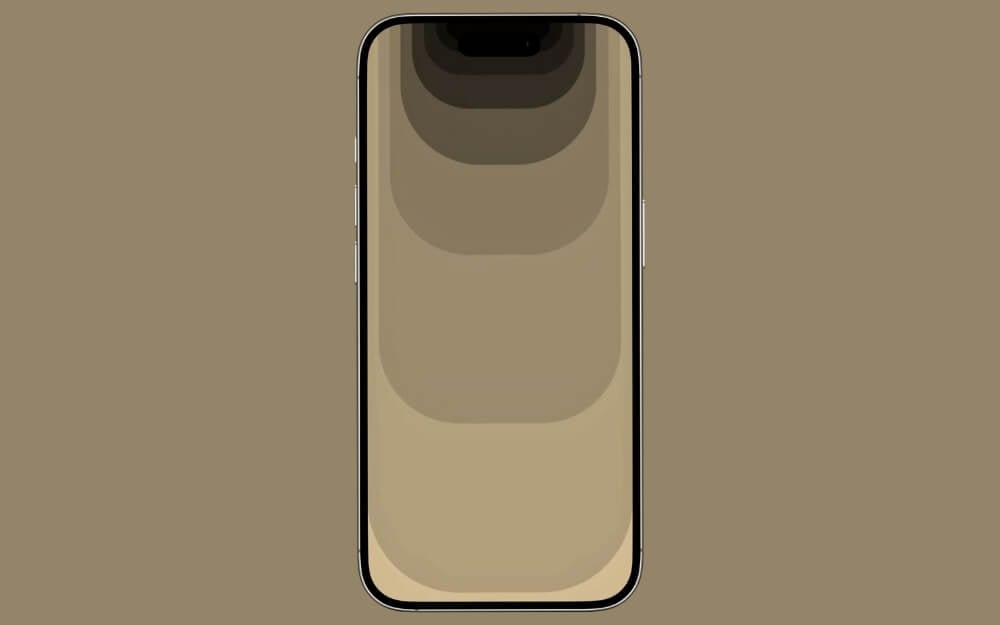
If you want a minimal, soft-looking wallpaper that creatively incorporates the Dynamic Island on your iPhone, this wallpaper is for you.
Layered Teal Arch Gradient Lock Screen Wallpaper
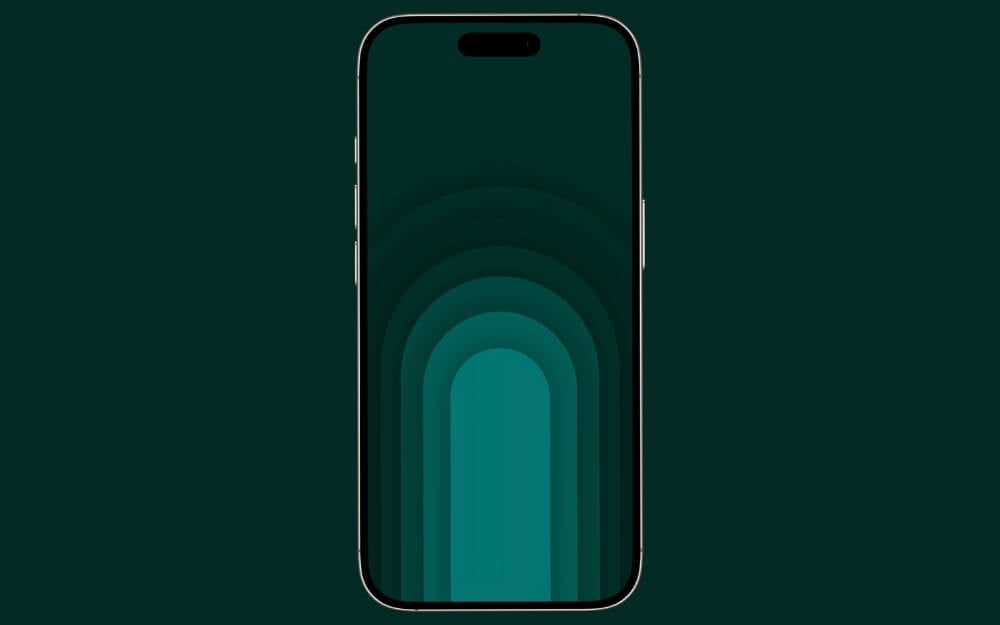
Layered TechArch Green Wallpaper is one of my favorites, and I use it currently. The dark mode, combined with the bright palettes, makes it look perfect for the lock screen.
Layered Warm Arch Gradient Lock Screen Wallpaper
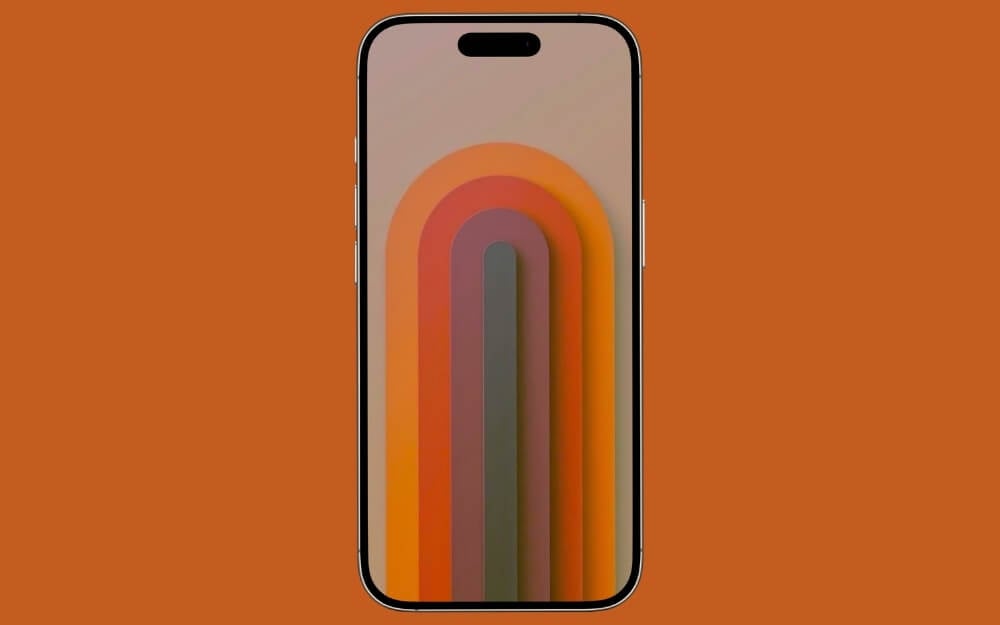
If you want a bright 3D palette wallpaper, this one is for you.
Rounded Geometric Color Blocks Lock Screen Wallpaper
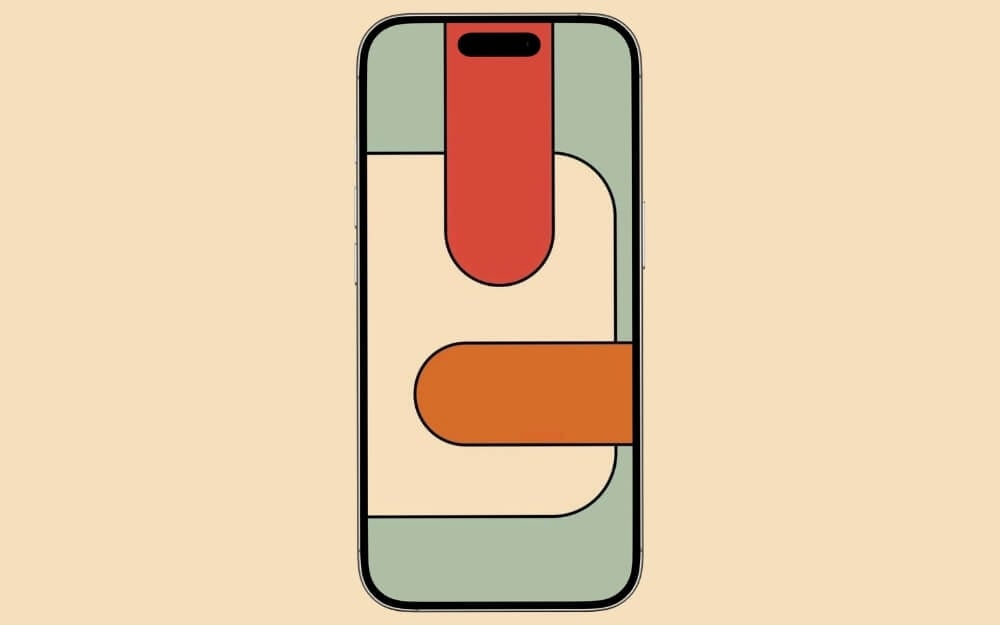
If you want a bright, solid-color palette wallpaper for your iPhone lock screen, this is the best choice. It is also best if you love abstract wallpapers.
Stacked Rounded Color Bars Lock Screen Wallpaper
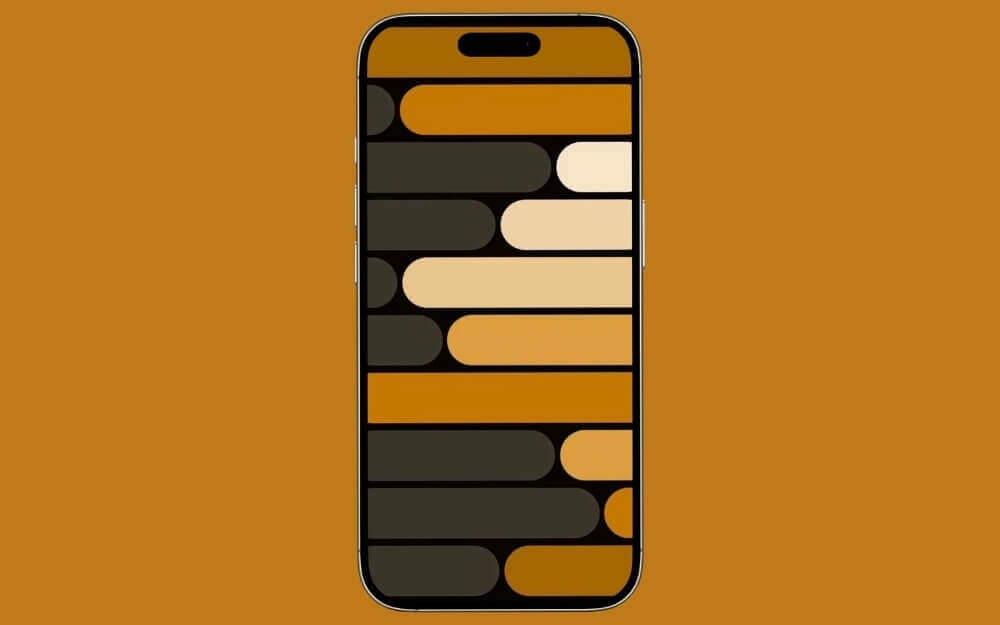
If you want a wallpaper that immediately grabs attention on your lock screen and makes it brighter, this is the best option.
Floating Warm Gradient Blocks Lock Screen Wallpaper
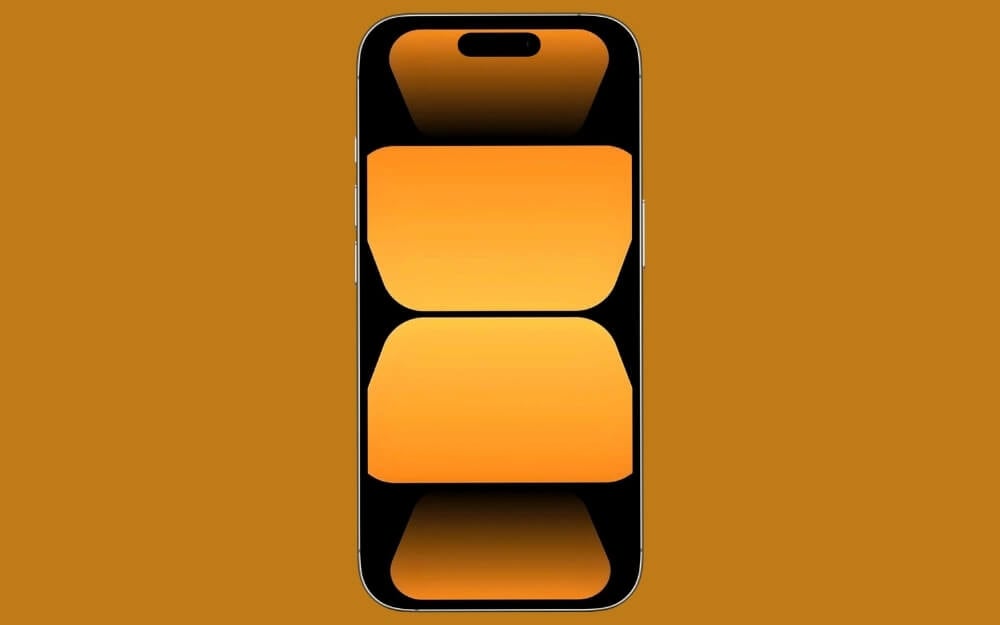
Gradient wallpapers enhance the look of your iPhone. If you want to combine gradients with palette shapes, this wallpaper is the best option.
Twisted Dark Blue Gradient Forms Lock Screen Wallpaper
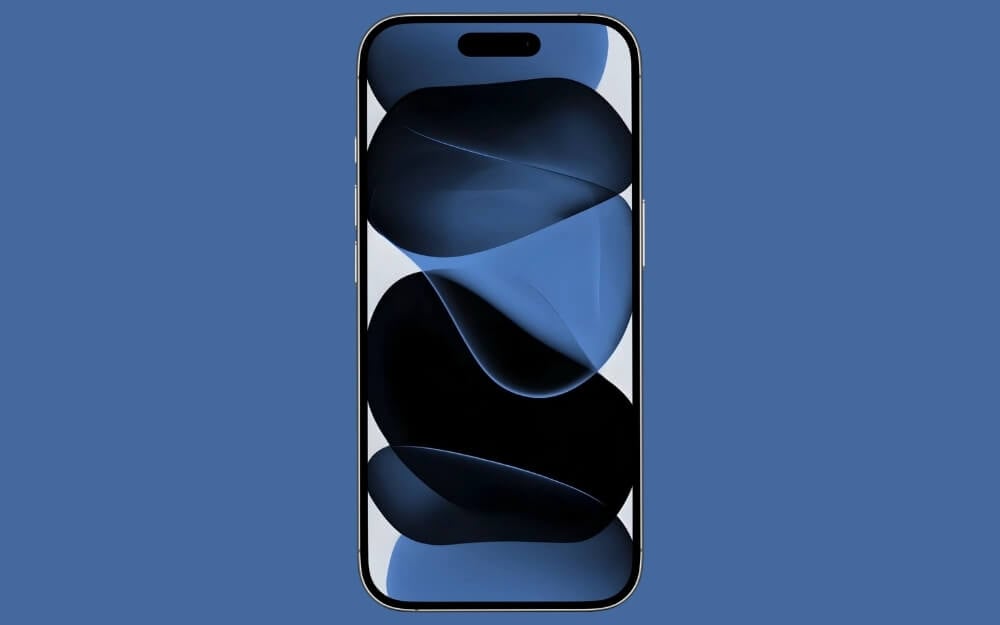
If you want a gradient palette wallpaper for dark mode, this is the best option.
Floating Dark Gradient Squares Lock Screen Wallpaper
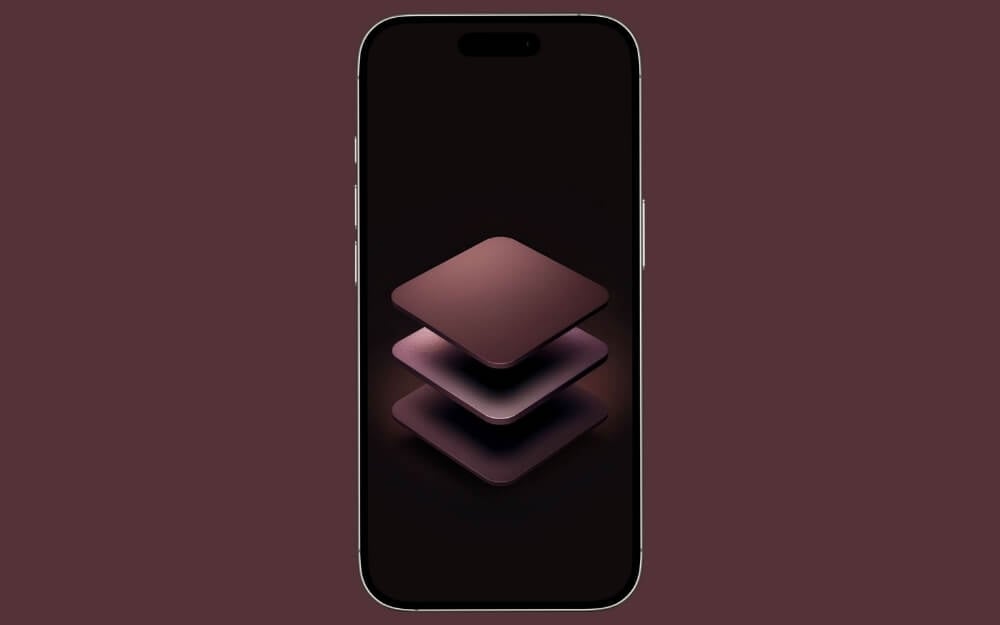
Another great palette wallpaper if you love dark modes. These wallpapers look exceptional on your iPhone lock screen.
Soft Warm Gradient Glass Panels Lock Screen Wallpaper
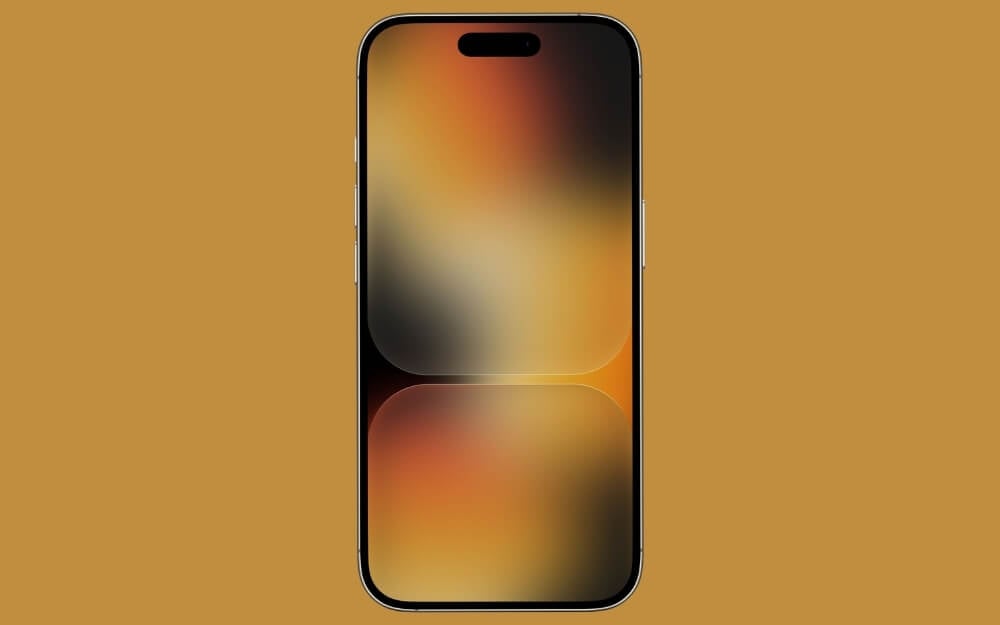
Finally, we’re ending the list with a wallpaper that combines a gradient, a glass effect, and palette shapes, making it one of the unique and best-looking wallpapers on this list.
Download All Wallpapers
You can download all wallpapers at once using the ZIP file below. Once downloaded, you can extract the ZIP file to get access to all the wallpapers.
Download all wallpapers in a ZIP file (240 MB)
How to Set These Palette Wallpapers on Your iPhone
Those are the 25 best palette wallpapers for your iPhone lock screen. You can also set these wallpapers as your iPhone’s standard wallpaper, or use them on your Android device. As always, you can click the download link under the wallpaper to be redirected to the Google Drive page. From there, your next steps depend on your device:
If you are on a desktop, you can click the download icon to start downloading the wallpaper. If you are using an iPhone or Android device, tap the three-dot menu in the top-right corner of the screen, then tap Download.
Once the wallpaper is saved locally on your device, you can use the Photos app to set it as a wallpaper on both iPhone and Android.
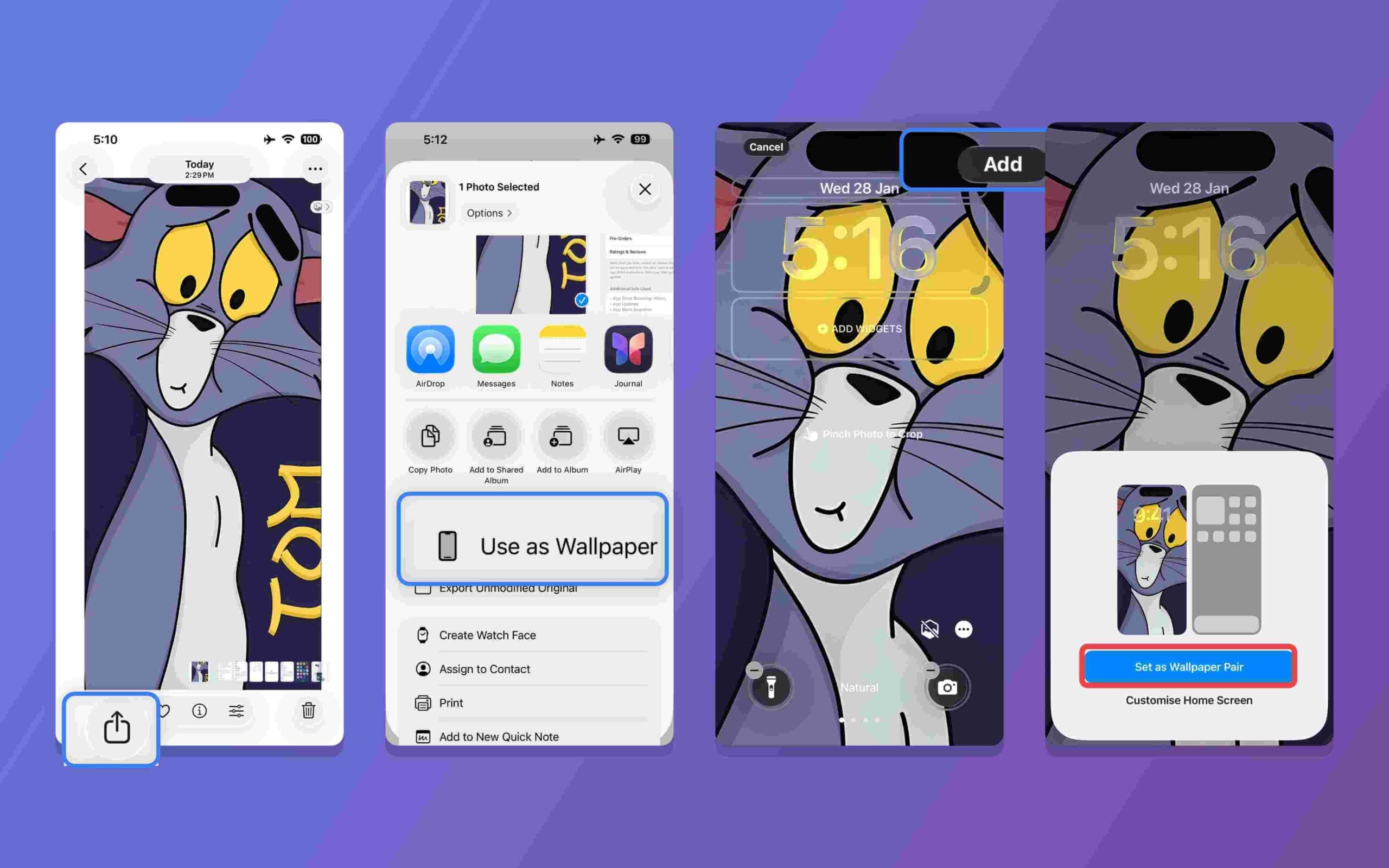
Once you have downloaded the wallpaper on your iPhone, open the Files app, long-press on the wallpaper, and tap “Save Image.” The image will be automatically saved to your Photos app. To set it as your wallpaper: Go to the Photos app, open Recent Photos, tap the wallpaper, then tap Set as Wallpaper. Click on the share icon in the bottom left corner and select the “Use as Wallpaper” option.