

If you want to give your iPhone a personal touch, you should look around for fancy wallpapers. With the introduction of Dynamic Island on iPhones, wallpaper designers have gotten more creative and developed wallpapers that are interactive and cleverly hide the Dynamic Island.

Now that every iPhone, including the affordable iPhone 16 series, has a dynamic island, we thought introducing some specially designed dynamic wallpapers for your iPhone would be a good time. If you’re ready to change your current wallpaper, let’s explore the selection and find the perfect solution for your iPhone.
Table of Contents
Best Dynamic Island wallpapers for iPhone 16 series
Space Walk
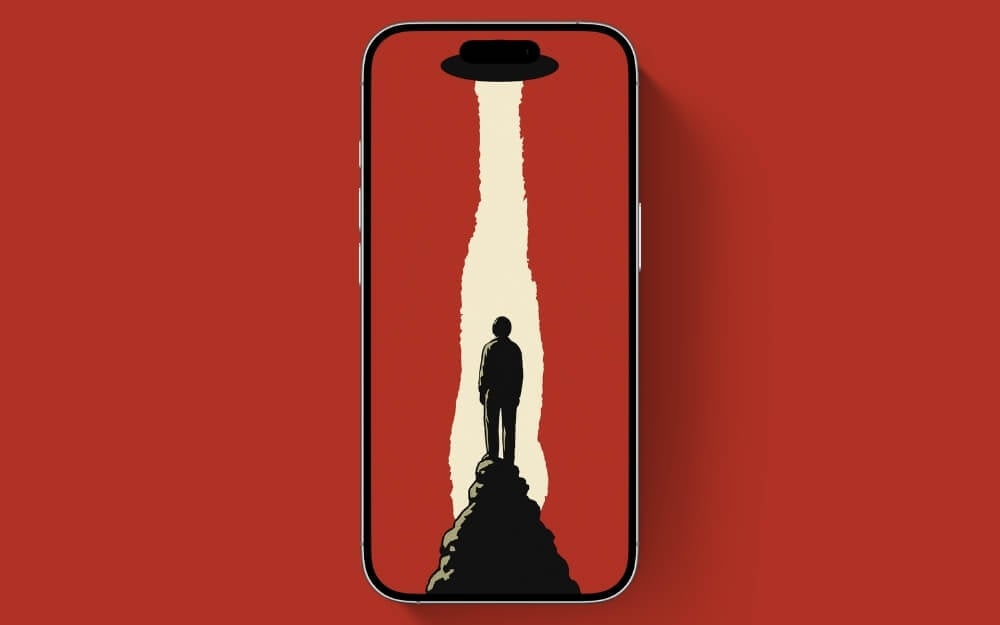
Space Walk is a bright, creative wallpaper for your iPhone. The wallpaper features a black spaceship hiding the dynamic island and a bot standing on top of the cliff of the mountain with a bright yellow shade. We have modified the existing wallpaper with a spaceship and brightened and upscaled the image for better resolution.
Hide and Seek
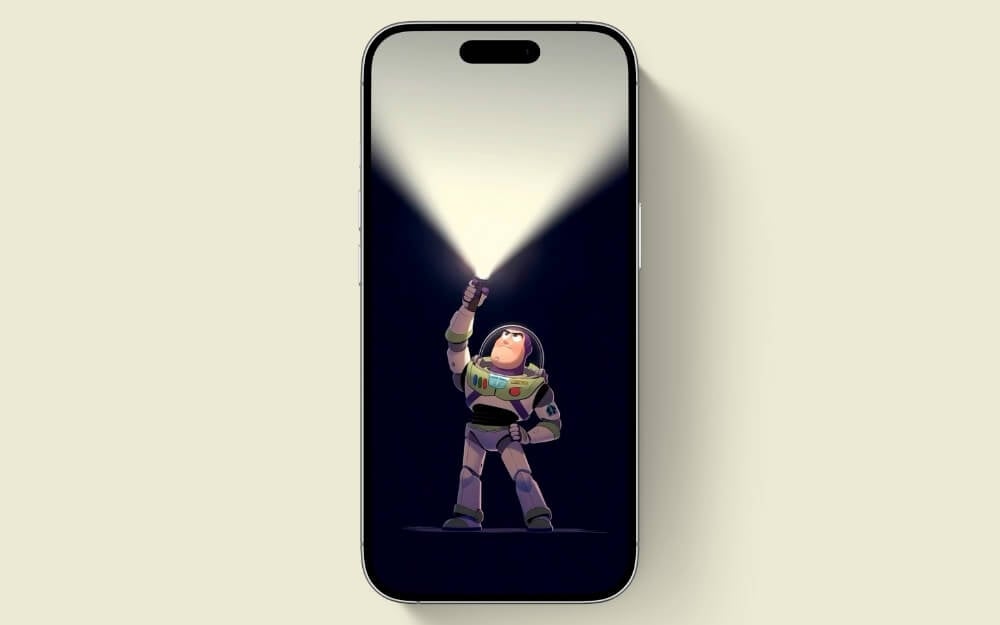
If you think you have been caught by the Bo Peep popular character in Toy Story, no you are not. Come out while you’re smartly hiding behind the dynamic island on your iPhone.
Spotlight
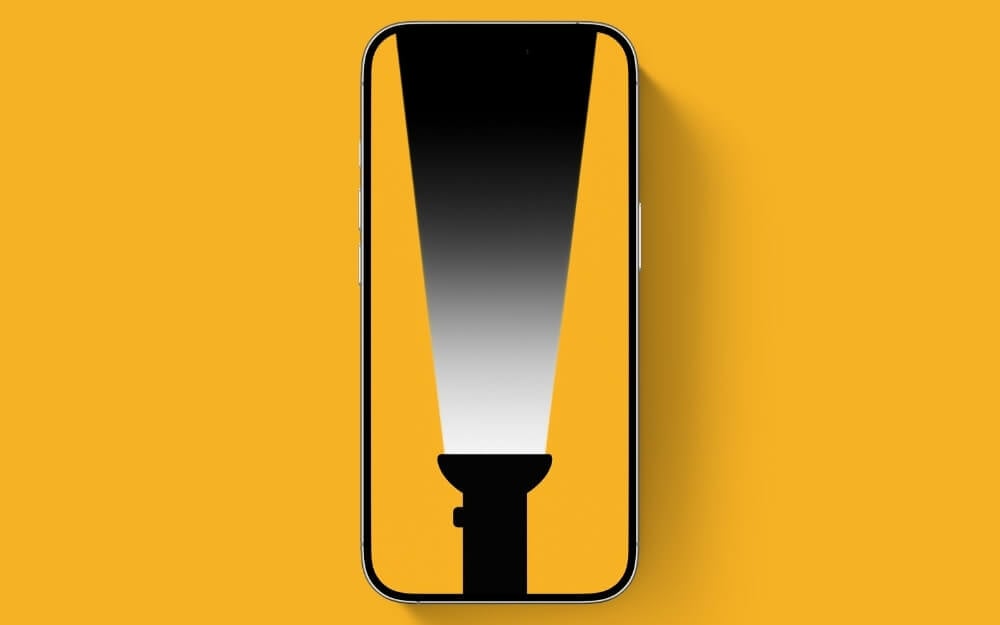
In general, light is used the find the object, but in contact,t this otuc will help you to hide the dynamic sound on your iPhone
Shark space
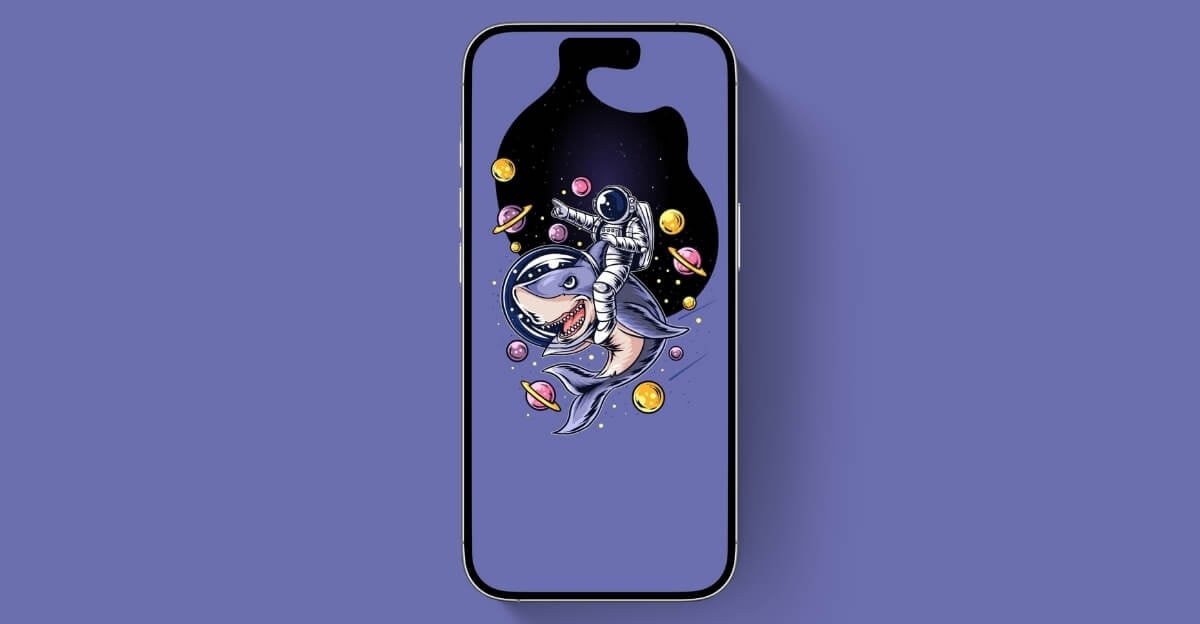
If you never thought of a shark and space combination, now you do, and it can be your wallpaper too to cleverly hide the dynamic island on your iPhone. The bright purple background and unique combination tells more story.
Seasonscape

Seasonscape is one of the most creative wallpapers to hide the dynamic island on your iPhone. Initially, the tree branches won’t cover the dynamic island, however, you need to zoom in a little and apply the wallpaper. It looks great by default.
Central Strip
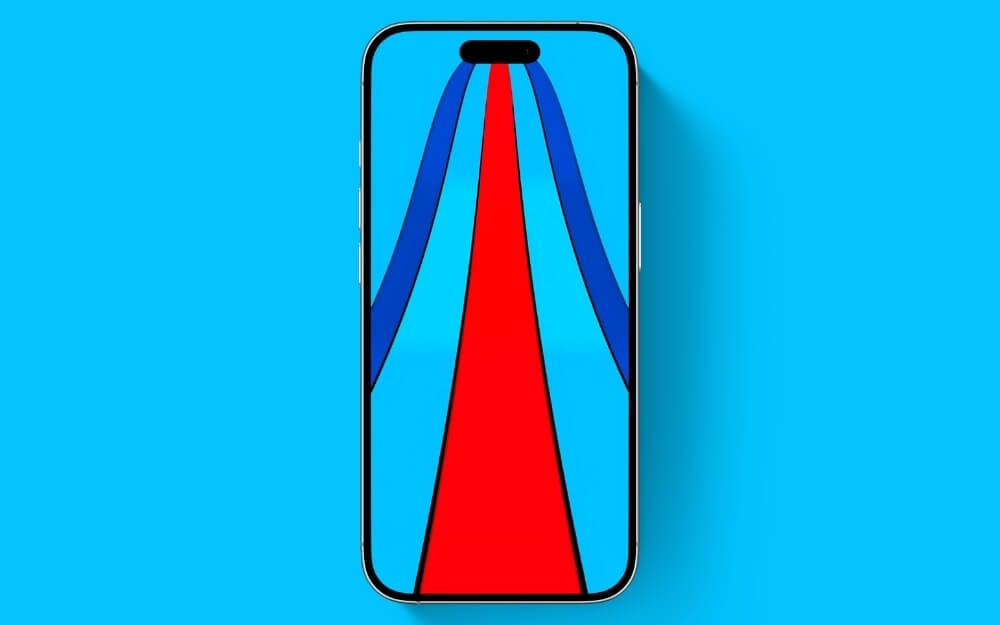
If you love bright abstract wallpapers and this one might be the best fit for you. We are calling it the central Strip where colour waved come out the dynamic island. We also upscaled the image to add extra brightness and color to your screen. It’s not so creative, but it brightens your screen.
Sea of Blue
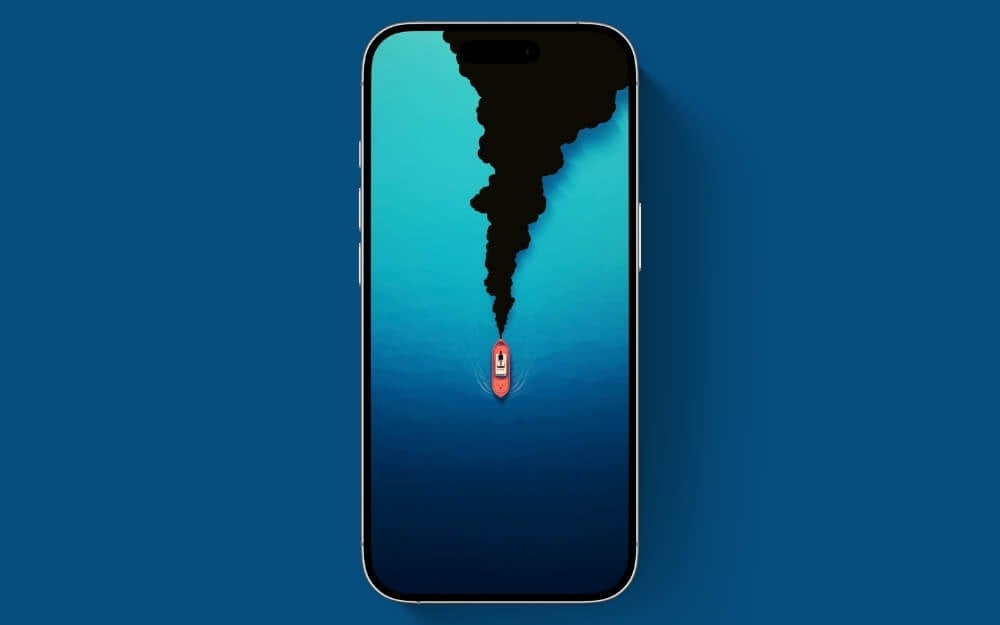
Sea of blue is another creative wallpaper that smartly hides the dynamic island on your iPhone, The dual shade ocean and the tiny boats wave which might not be the best looking for nature but the wallpaper designer have to make a choice to hide the island.
Peekaboo Patrick

The wallpaper shows a close-up of Patrick Star’s face with cute, big, round eyes and iconic facial features. Patrick is a popular character from SpongeBob SquarePants. The eyelid cleverly hides the iPhone’s Dynamic Island notch. This is the best wallpaper for your iPhone home screen to add humor and nostalgia to your device while effectively hiding the notch.
Shinchans Chill Moment
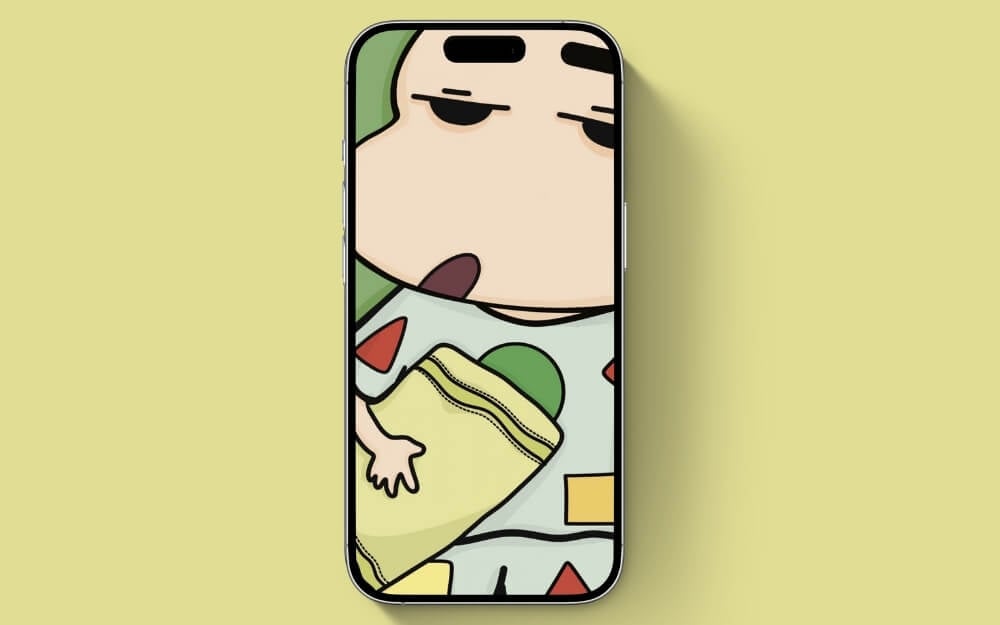
This wallpaper is a perfect pair of Shin-chan’s Chill Moment and Dynamic Island on your iPhone. If you never heard of Shin Chan, the wallpaper features Shinchan Nohara with his absolute iconic expression reflecting if you want to hide Dynamic Island and convey your current mood to your co-worker or the friend who always annoys you.
Immersive Virtual Reality
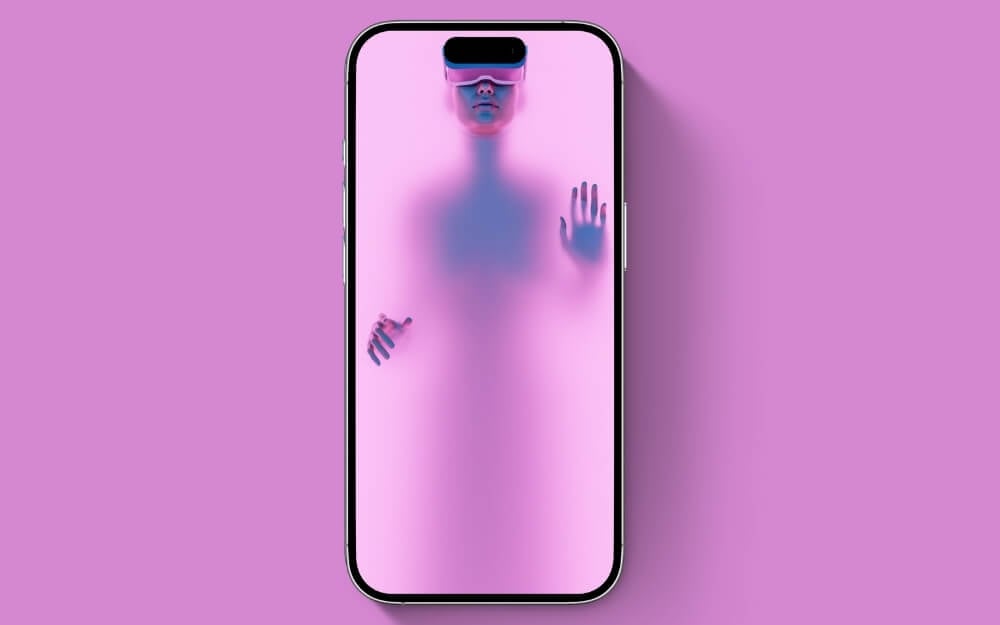
While the Apple Reality headset Vision Pro might not be a successful product, it can be a great device to hide the Dynamic Island on your iPhone. The pink background with the Vision Pro highlight can be a great wallpaper pair for your home screen and lock screens.
Blue Streak Elegance
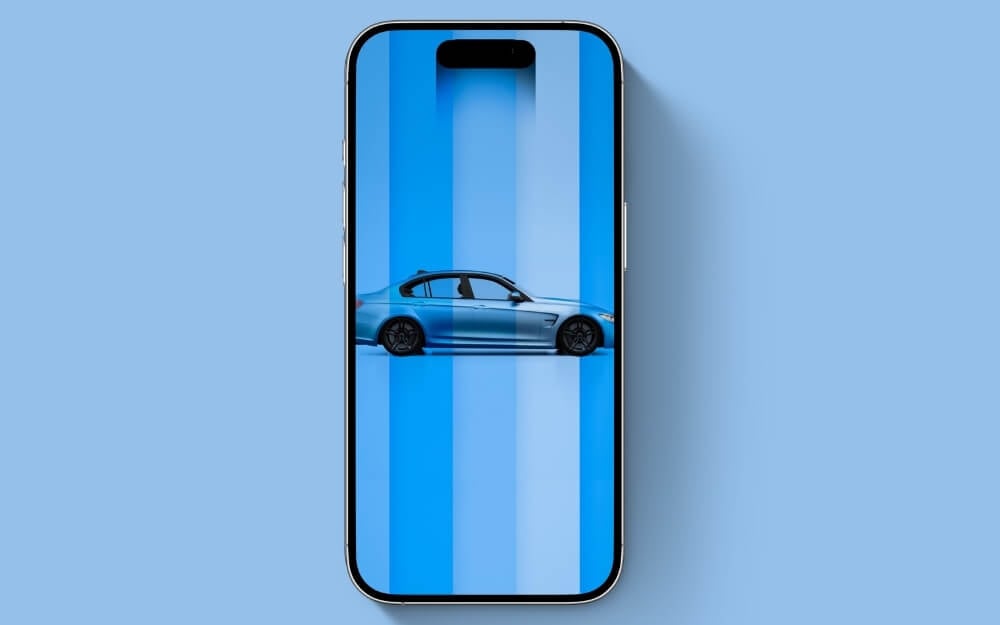
Enhance your screen with Blue Streak Elegance with a beautiful-looking BMW M3 sedan. If you love cars, this might be one of your favorite car wallpapers with familiar stripes. The wallpaper might not hide the Dynamic Island, but it includes its essence as a part of the wallpaper.
Playful Cat Steps
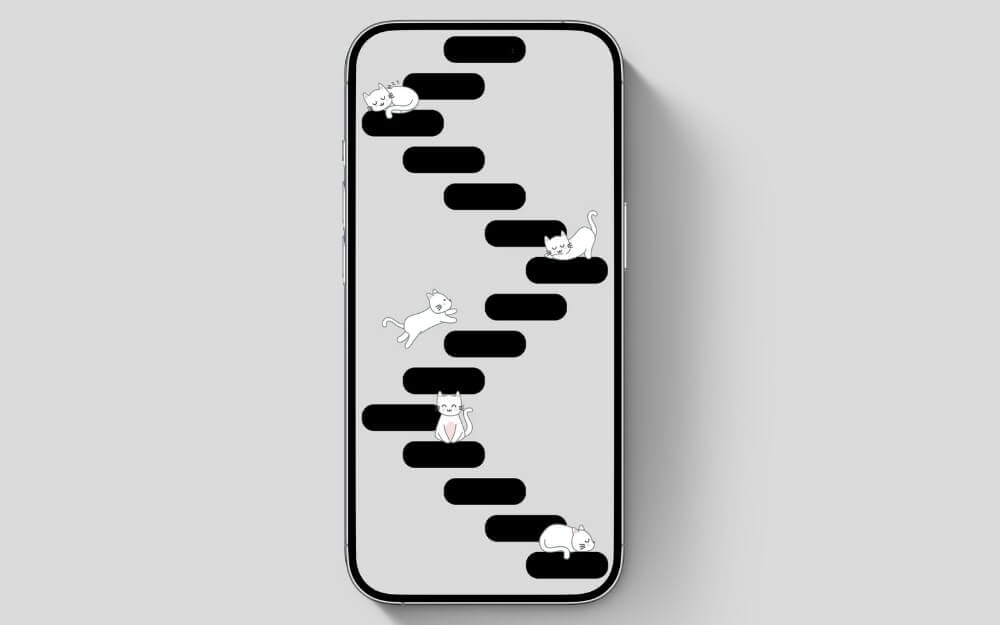
Want to add cuteness to your phone’s home screen? Then you should try this Playful Cat Steps wallpaper that features several fanciful islands, sorry, beds for the cats to rest while creatively hiding the real Dynamic Island on your iPhone. The soft theme makes it a perfect wallpaper for daylight.
Scrats Eternal Chase
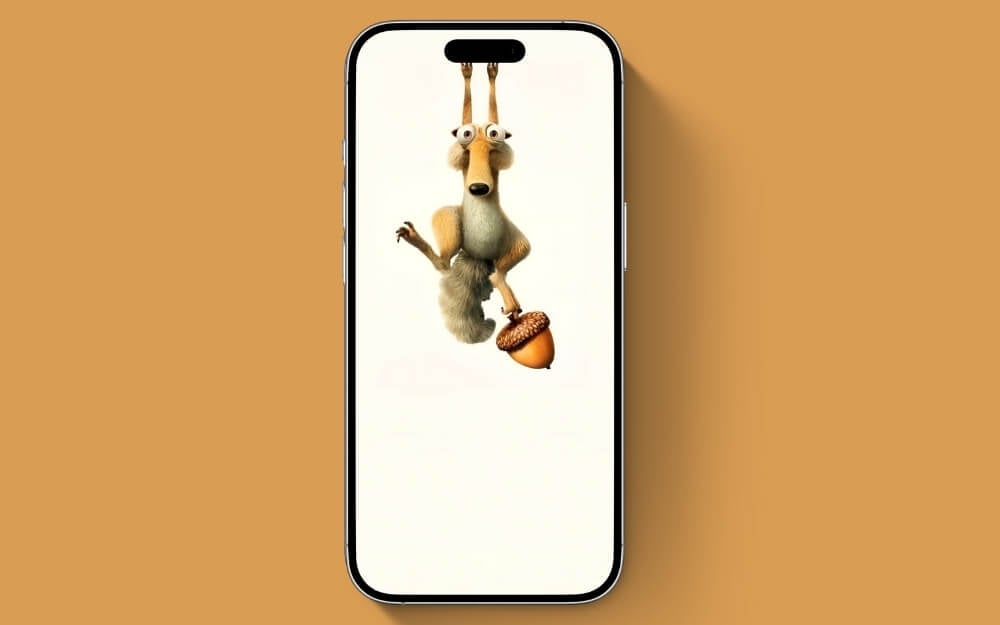
Finally, Scrat gets hold of his prized acorn, but he is hanging on a Dynamic Island on your iPhone. Want to see how long he does it? Well, you have a chance. Apply this wallpaper to your iPhone, and let’s see if Scrat will end his quest to protect and hide his acorn.
Unimpressed Minimalist
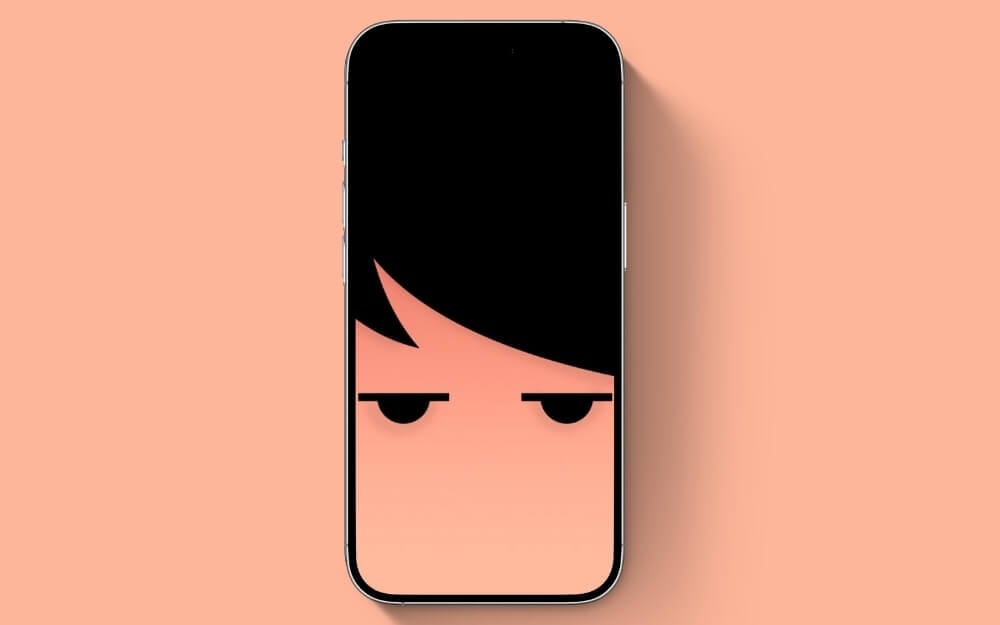
How was your day going? Is it frustrating? Why are you angry? You know what? I have a perfect wallpaper to bind and cover your anger through your phone without that look on your face. How? Well, add this wallpaper to your iPhone collection, and when your bad mood strikes and you want to convey that you are frustrated, set this wallpaper. Hope it makes your day better and lights up your face. By the way, it also hides that pill on your iPhone.
Architectural Serenity
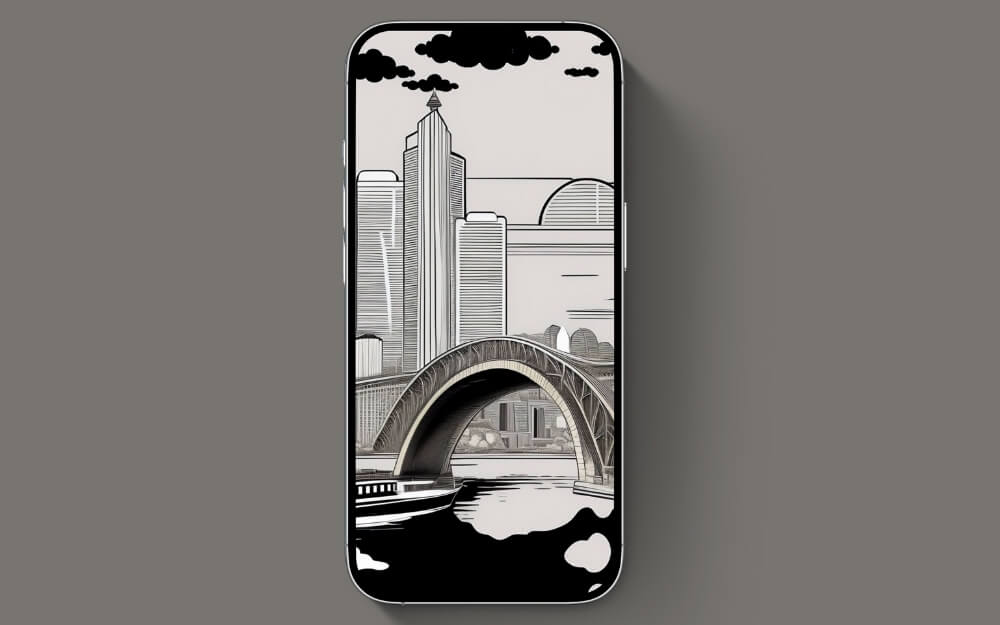
Looking for a monochromatic and minimalist wallpaper? Then look no further. Here is Architectural Serenity, a perfect blend of the concepts and the scenery that makes you calm and brightens your screen, not to mention Dynamic Island.
Walter White’s Grip
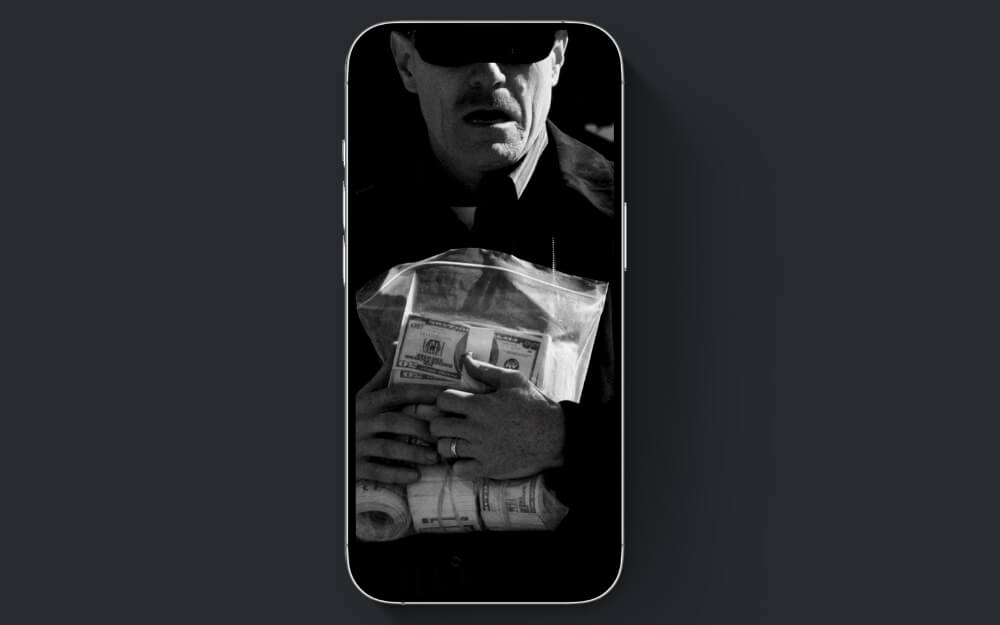
Remember this iconic scene from Breaking Bad? Yes, the beginning of Walter White’s transformation into Heisenberg. If you haven’t watched the show, you have to. It is one of the most iconic shows on Netflix (not sponsored, by the way). The wallpaper perfectly hides the Dynamic Island with Walter White’s cool-looking glasses.
Hanging On
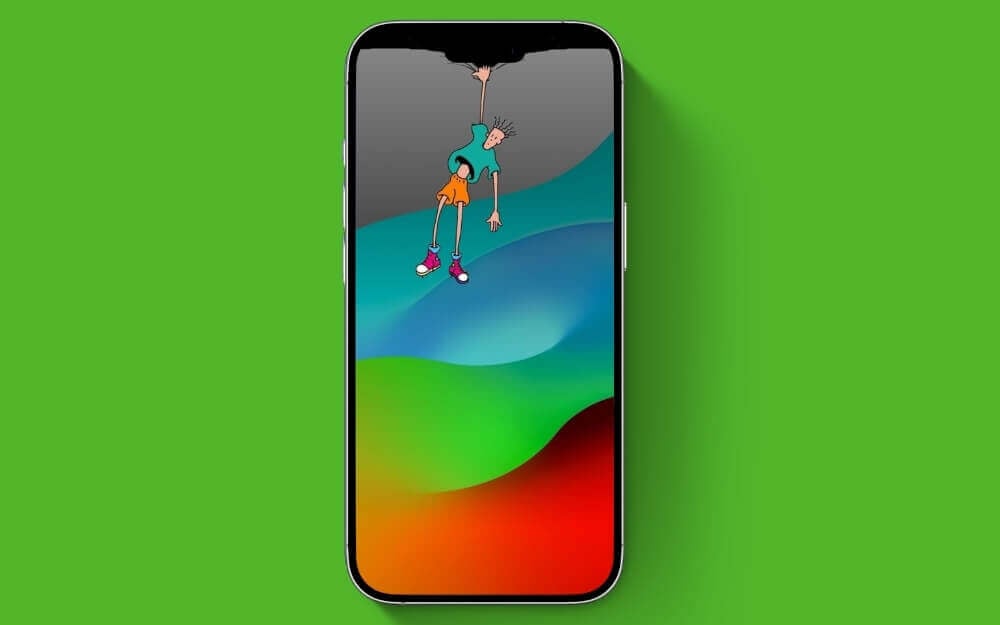
Ed from Edd and Eddy! Seems to be trying hard to hide your Dynamic Island on your iPhone. Why don’t you recognize their efforts and use this as wallpaper? The perfect blend of colors and Eddy hanging onto the top of the phone.
Clean Swipe
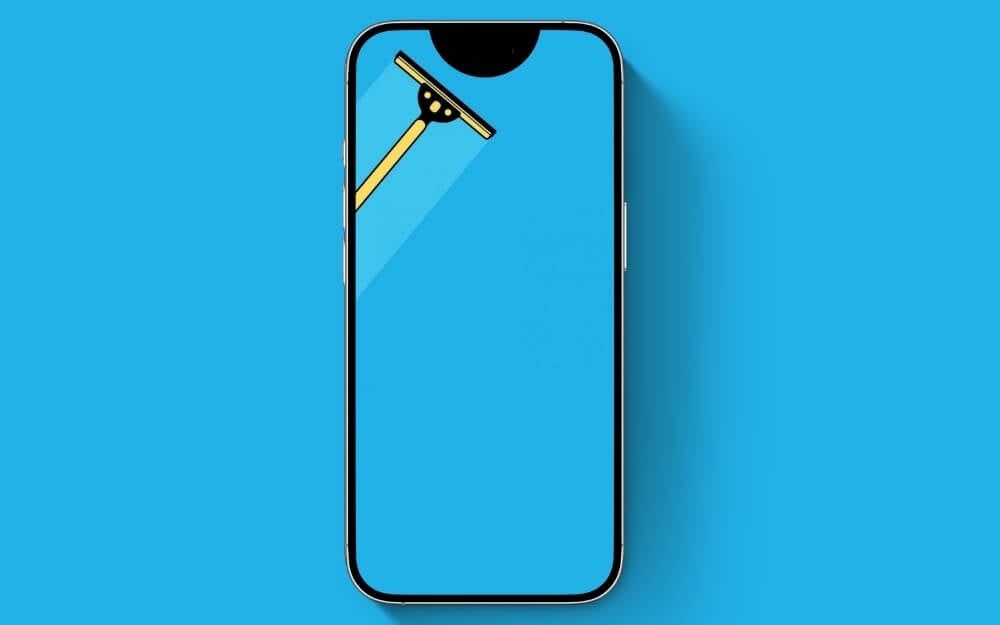
Want to make your home screen less busy and more calming on your weekend and remind you about the cleaning procedure you have scheduled for the weekend? Then I got a perfect wallpaper. Come on, wake up and do it before that, put this as wallpaper.
Gradient Harmony
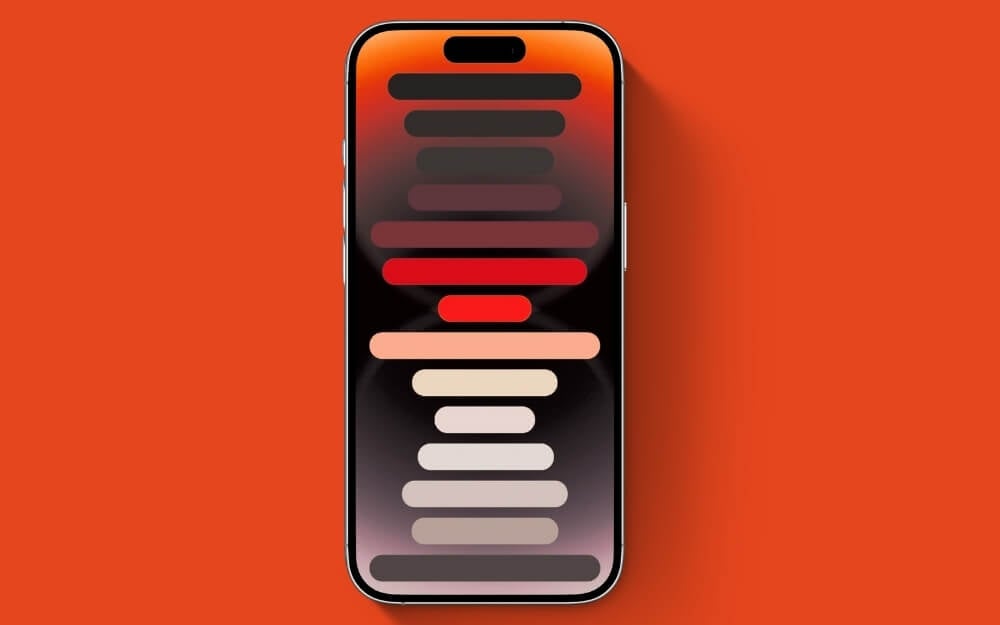
Want a blend of visually appealing and not-so-distracting wallpaper? Gradient Harmony is a great match for you. It comes with a gradient color pattern, which is visually appealing, and the soft rectangles tie together this wallpaper perfectly. It blends with the Dynamic Island on the top, hiding it seamlessly.
Urban Sunset
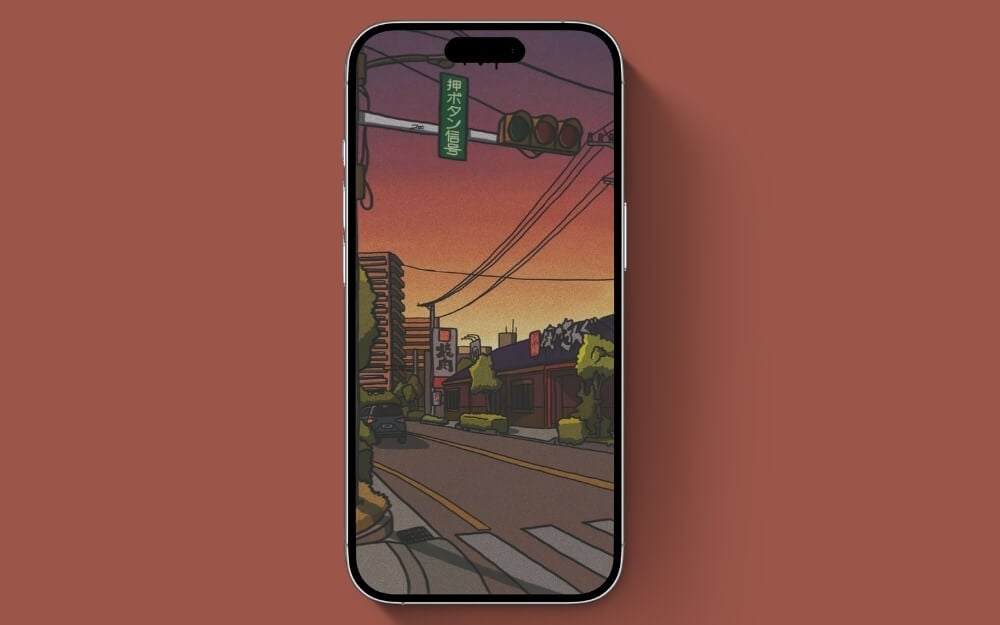
The muted colors and urban sunset bring peace to the wallpaper, bringing the nostalgic anime-watching experience from childhood. It is one of the best wallpapers, and I use it personally on my iPhone. While the Dynamic Island might not be hidden completely, let it stay where it is and enjoy the beautiful scenery underneath.
Vivid Magenta Texture
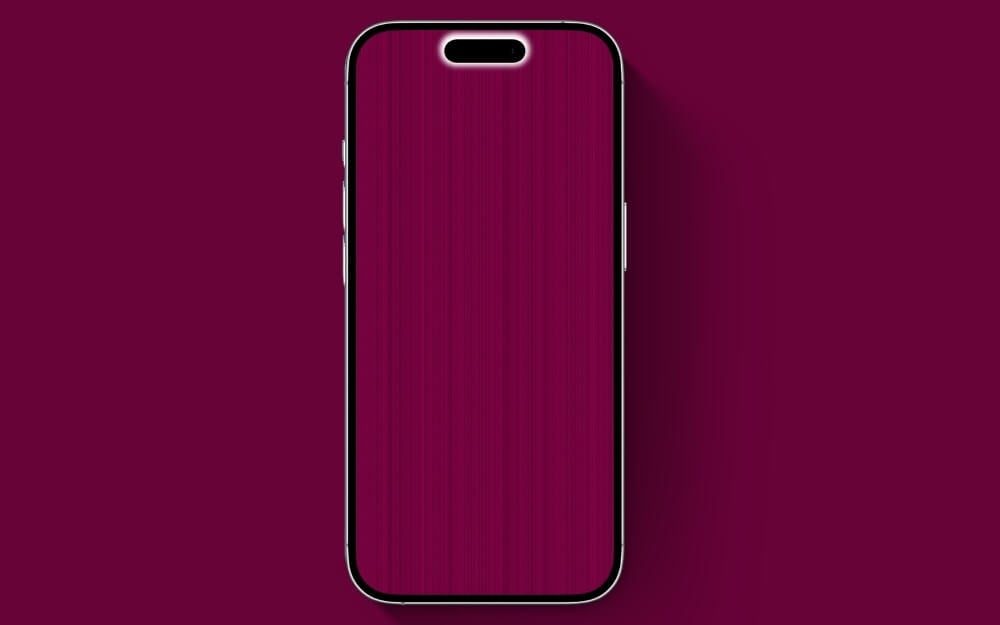
If you like solid color wallpaper with minimal setup and distraction on your iPhone, I’ve brought you some initial-looking wallpaper. You know what? Sometimes, more minimal isn’t the choice for you. That is why the gradient around Dynamic Island makes it pop and highlights it more, which you need if you are tired of clean aesthetics.
Dripping Heart
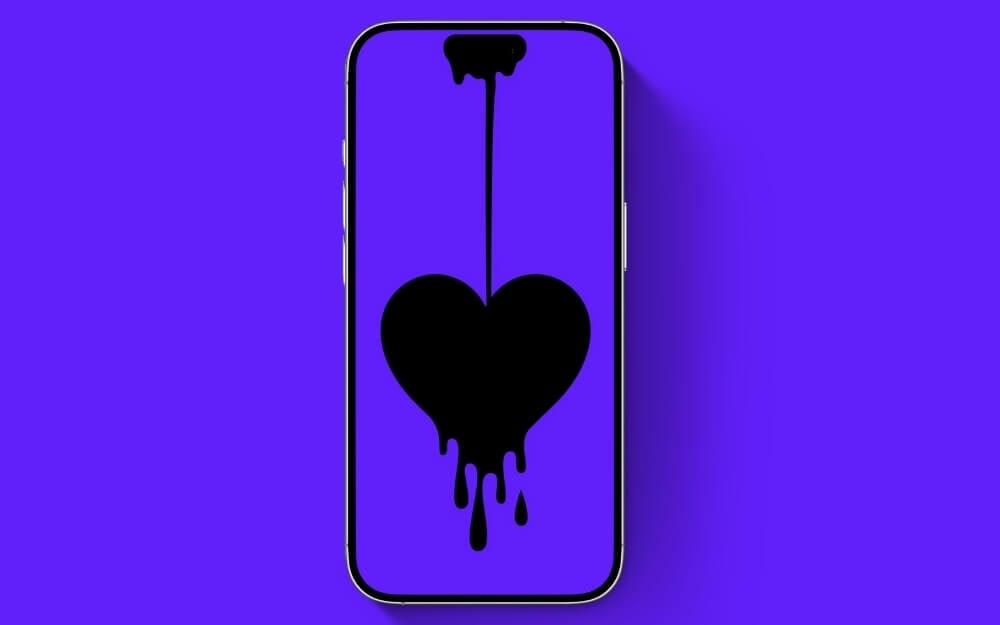
Did you know that underneath Dynamic Island is love for you from Apple? While some say it might be a software gimmick Apple used to hide the notch, I say it helped us meet like this. If there were no Dynamic Island, why would you be here reading my funny, nonsensical wallpaper descriptions? Haha, just kidding. By the way, Valentine’s Day is about to come, so why not bring it early by setting up this wallpaper on your iPhone?
Medusas Despair
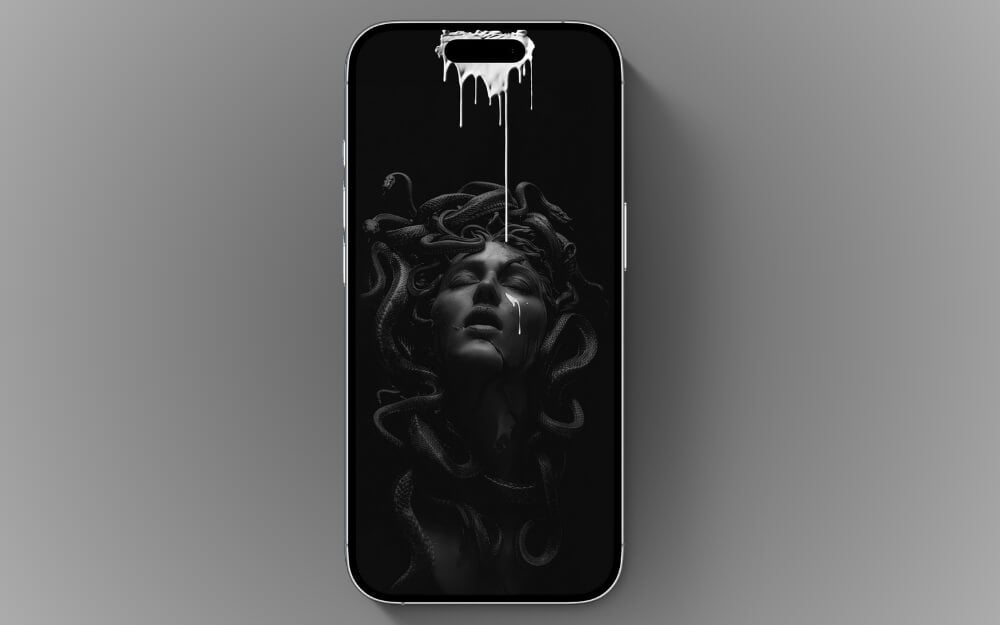
Love black wallpaper? I have brought you the best black wallpaper, a perfect blend of artistic design and a bleeding Dynamic Island. The wallpaper looks great on the lock screen but needs a little customization.
Superman Punch
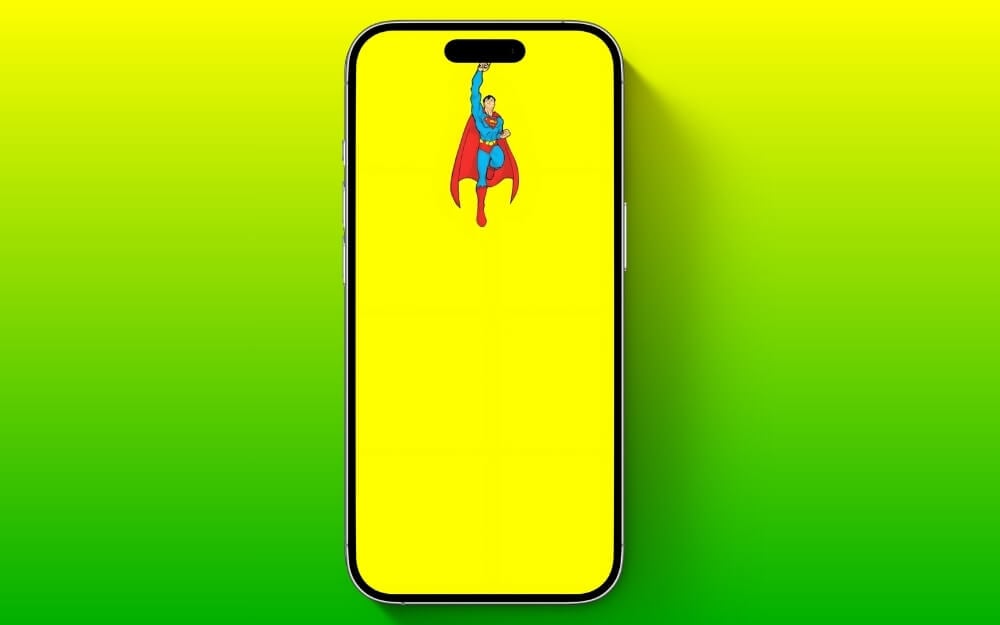
Have you watched the latest Superman trailer? Liked it? Then why dont you honor him with wallpaper on your iPhone? While the bright yellow wallpaper makes your iPhone pop, the Superman flying can take help from the yellow wallpaper, perfectly bringing a creative way to use Dynamic Island.
Dynamic Glow

Why so much hate on the Dynamic Island, and why do you always want to hide it? Sometimes, it’s Apple’s most iconic feature, so why not highlight and show it to others? That’s why I brought you this Dynamic Glow wallpaper that adds a gradient highlight around the Dynamic Island and makes it pop. Overall, it looks great while maintaining the minimalist look of your iPhone wallpaper.
Mickey’s Rope Adventure
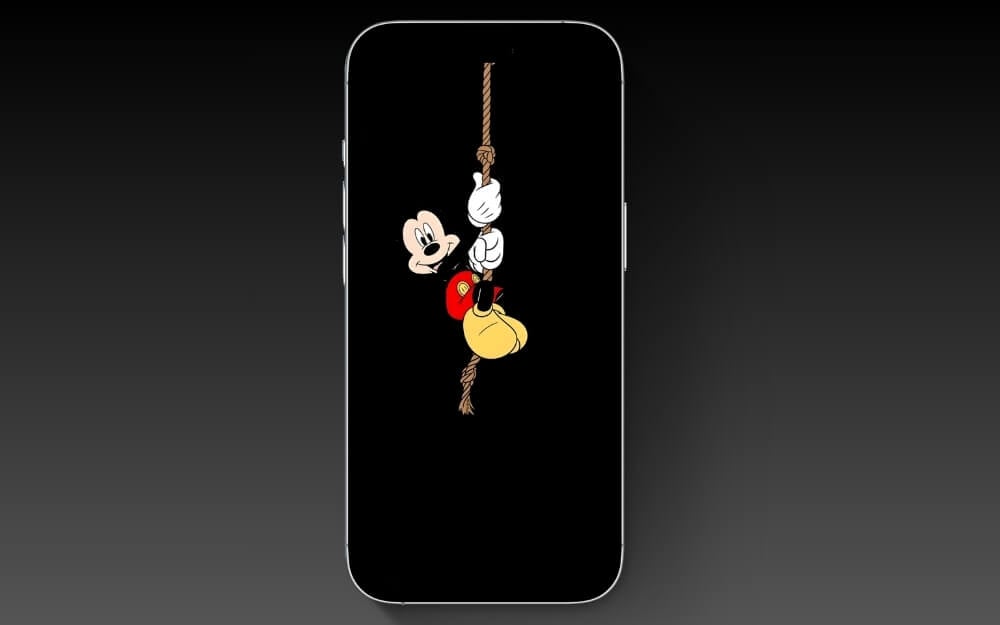
Mikey is excited and wants to be in your wallpaper collection. Dont you think so? Look at his face and his excitement. So why don’t you add him to your collection?
The Sculpted in Black Ink
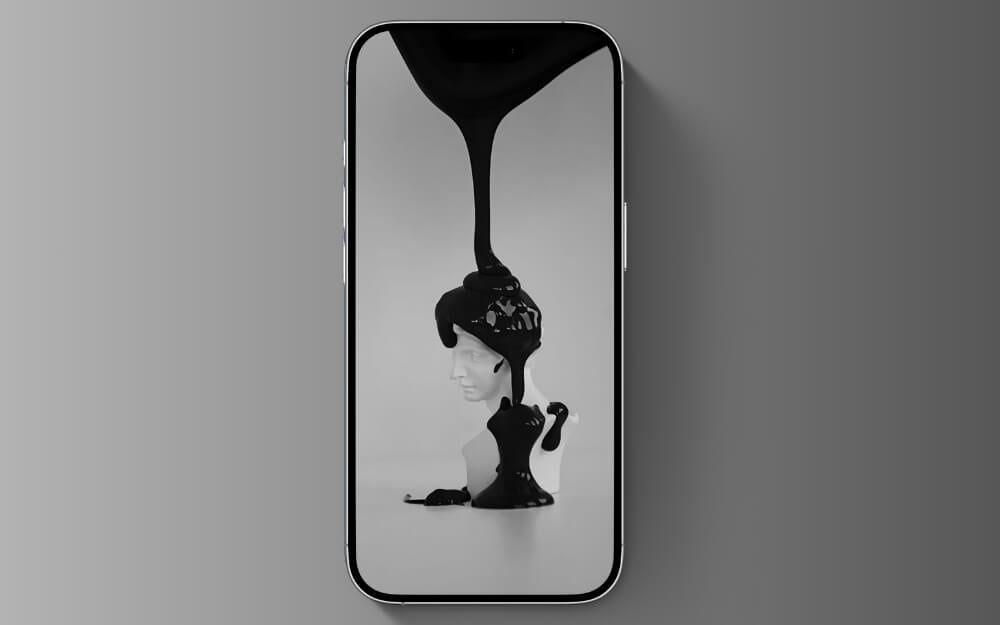
The Sculpted in Black Ink is an excellent option if you want a minimalist and unique wallpaper and want to hide your Dynamic Island. It features a clean design with ink falling into the sculpture.
Rick Sanchez Reaching for the Portal
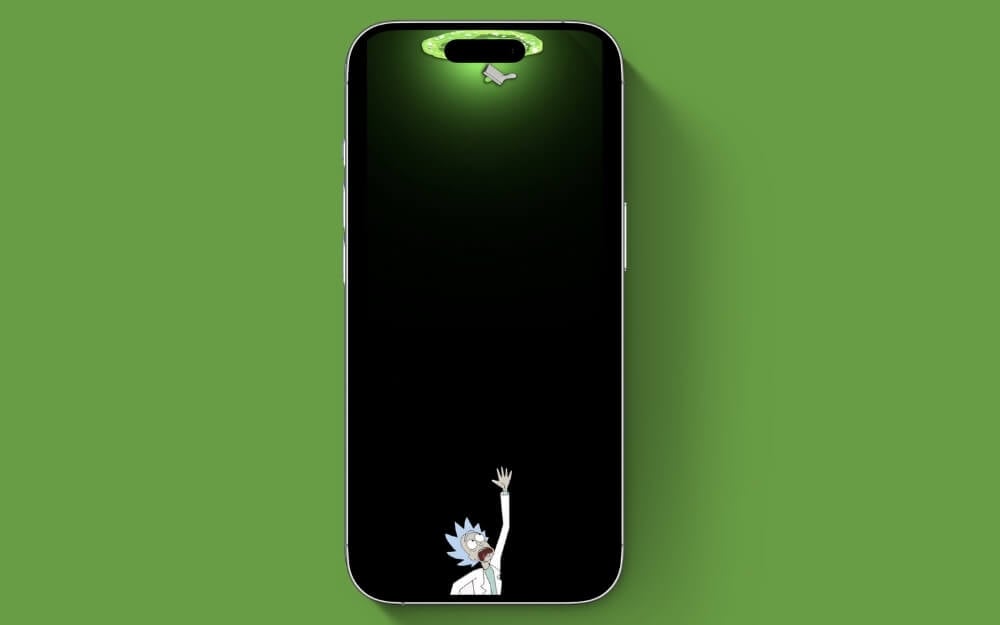
Rick Sanchez is always exploring; this time, he wants to explore your Dynamic Island. Wait, why is he so scared? Oh no, is he falling off the island? Let’s help him. Don’t worry; he is safe, but someone took a perfect snap that made it the best wallpaper. Sorry, Rick.
Finn and Jake Duo
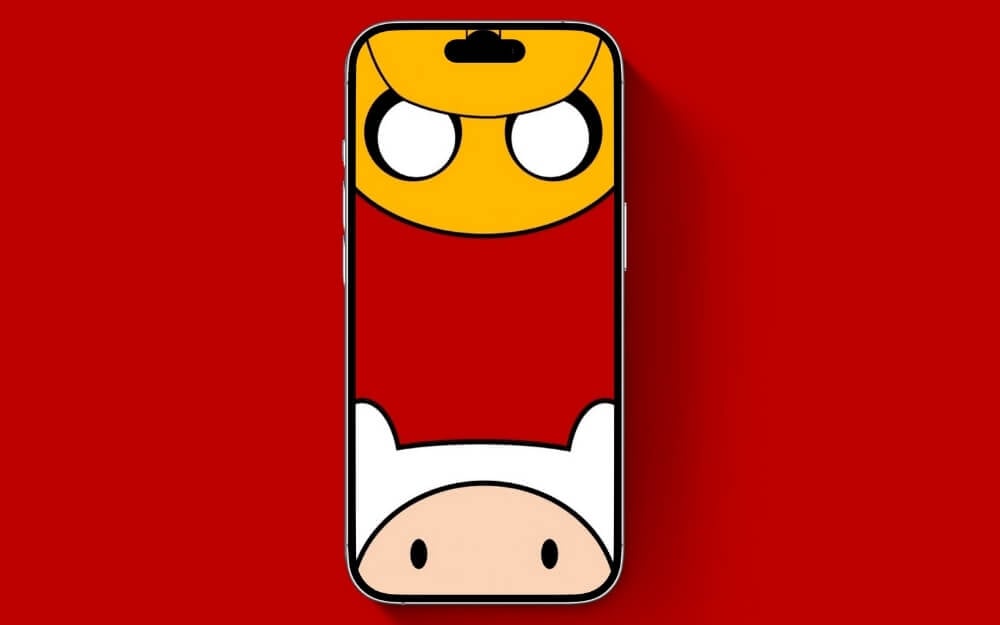
Finn and Jake are in the exploration to find the missing dynamic island on your phone. Will they find it?
Minimalist Sage
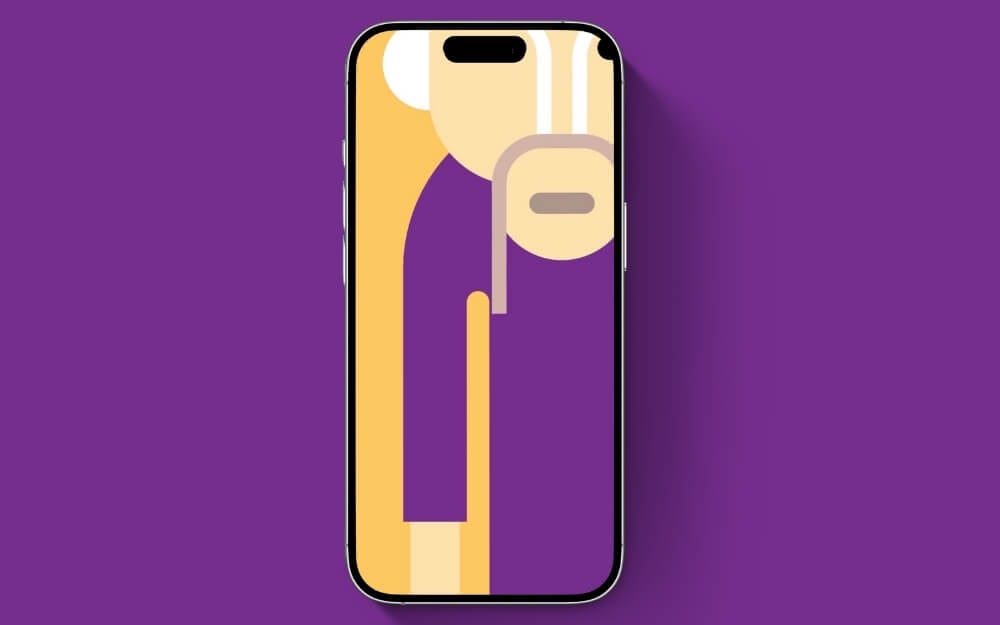
If you like abstract wallpapers, you will love this creative use of the Minimalist Sage abstract wallpaper. This creatively hides the Dynamic Island and makes it more visually appealing.
Abstract Vibrance
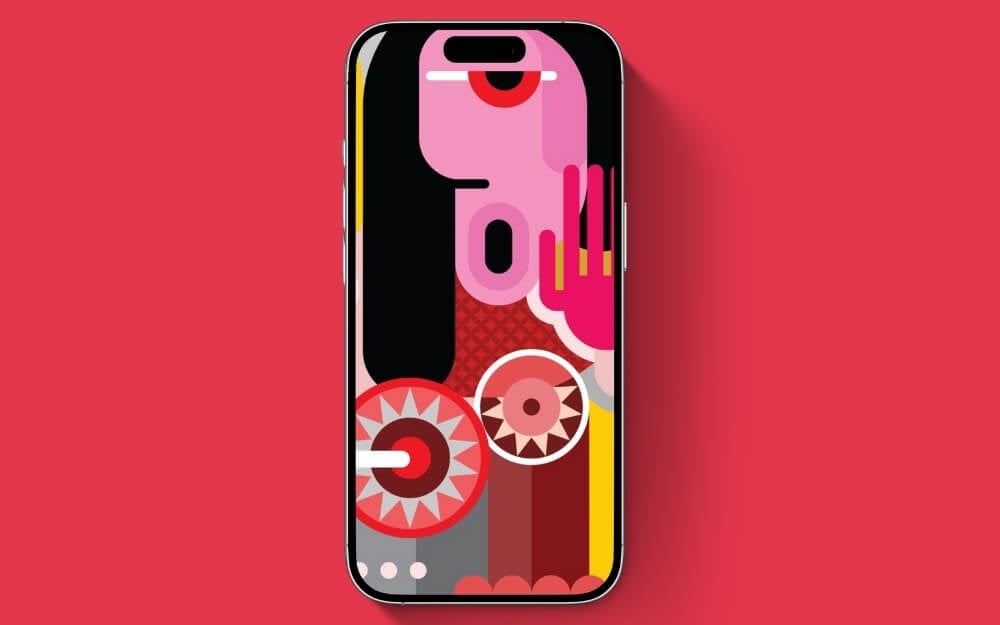
Abstract Vibrance is another creative abstract wallpaper that perfectly hides the Dynamic Island on your iPhone. It brings visual appeal to the screen and is also a great addition to making your lock and home screen more vibrant and colorful.
Aku’s Shadow
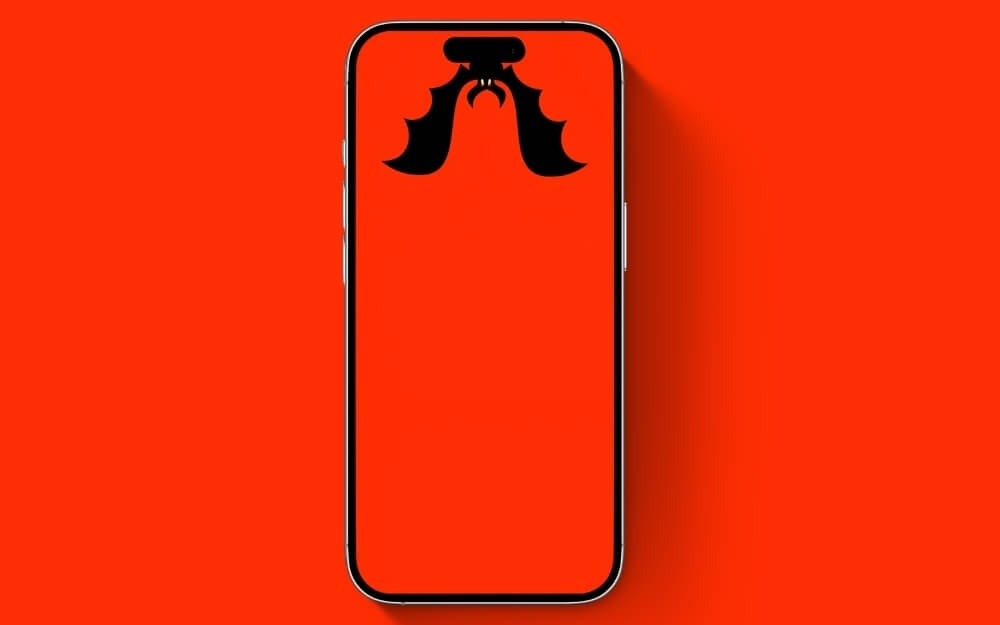
Seems like Aku has found the perfect place to hang around. Aku is the iconic villain from Samurai Jack. Keep him hanging around while hiding your dynamic island.
Tom’s Mischievous Look
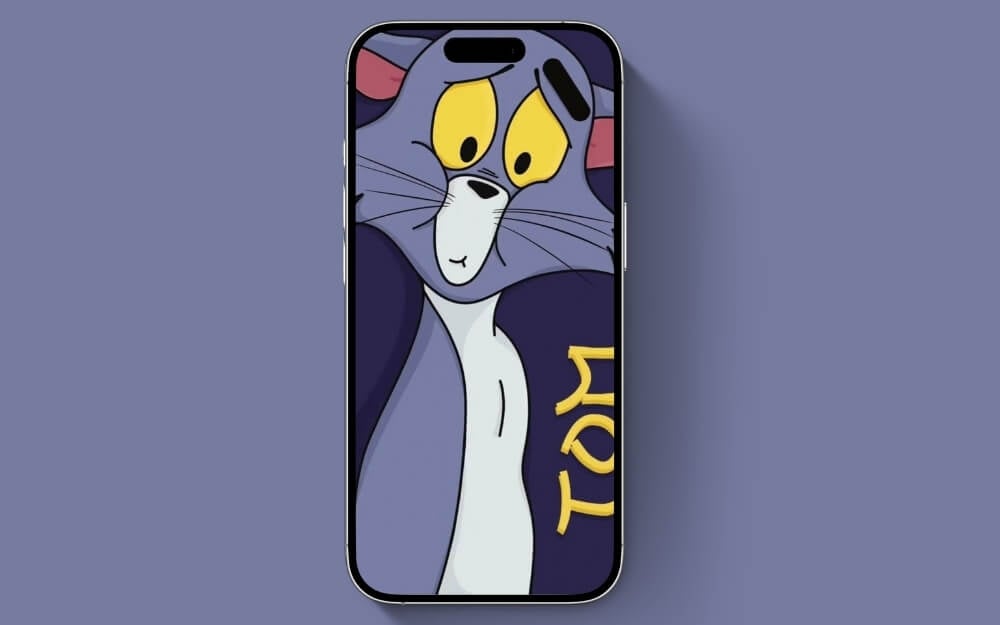
Seems like Tom isn’t happy about your decision not to use him as your phone wallpaper, so he’s trying hard to hide the Dynamic Island while putting a weird look on his face.
The Big Pill

The Big Pill is a simple wallpaper that shows the pills. It has a white background, and a small gem or creature takes care of the black pill. You can also find other pills; a big pill in the center relaxes while the gems worry.
Balancing Joy

Next, we have the best wallpaper for your iPhone lock screen. The wallpaper comes with bright colors and a funny character trying to conquer the dynamic island. It’s simple and playful. It will look vibrant and eye-catching on your lock screen. The wallpaper does not support depth effect, but it still looks good on your home screen.
Minion Jump

If you’re a fan of Minions, this wallpaper is just right for you. The image shows a Minion jumping into the air and three Minions underneath (without pants). The wallpaper has a bright yellow background, and the top Minion can cover the iPhone notch. The bright yellow background matches the color of the Minions and creates a uniform and cheerful look. Everything is on a bright yellow background and can highlight your apps. It’s fun and great for iPhones with a dynamic island.
Shin-chan Surprise

This wallpaper is a close-up of Shin-chan, a popular cartoon character, showing his surprised face. His big eyes and open mouth cleverly hide the dynamic island, making it look like Shin-chan is peeking out of your phone. The bright red shirt and a touch of green in the background add a vibrant color.
Upside-down Swing Spidy

This iPhone 16 wallpaper shows Spider-Man in his iconic pose, hanging upside down. His web shooting upwards hides the dynamic island of the iPhone. The wallpaper has a bright blue background, and Spider-Man’s red suit makes the wallpaper look vibrant. It’s perfect for anyone looking for bright wallpaper and a clever way to use Dynamic Island.
Stellar Swing Astro

This wallpaper shows an astronaut floating in space surrounded by stars. The astronaut looks like he’s hanging, which cleverly hides the iPhone’s notch. The dark space and the twinkling stars make the icons eye-catching and are perfect for people who love space or dream of the cosmos. The dark wallpaper is also perfect if you use the dark mode on your iPhone and want to save battery power.
Mickey’s Artistic Side

Next, we have a minimal wallpaper featuring Mickey Mouse. It shows Mickey Mouse as an artist. He is holding a paintbrush and painting the dynamic island. He looks happy and ready to create art. The background is simple and white so that Mickey stands out well.
Akira Cityscape
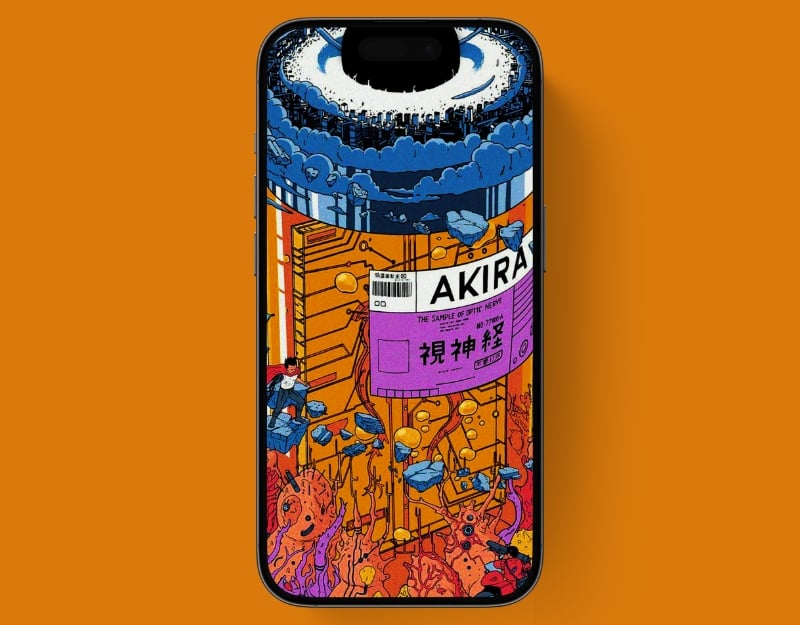
If you are an anime lover, this wallpaper is just right for you. This wallpaper is from “Akira”, a popular Japanese story. It has bright colors and cool designs and shows a city and a character named Aneda. The wallpaper cleverly hides the dynamic island in black color.
Notch-Hiding Kitty

If you like cats, this wallpaper is just right for you. The iPhone 16 wallpaper shows an adorable cat, loved by many, pulling down the wallpaper. The darker shades at the top are perfect for hiding the notch. This makes your screen look sleek and uninterrupted.
Related Read: 25 Best 4K Christmas Wallpapers for Your iPhone
Starry Night with Moonlit Kitty

We have another cute wallpaper for cat lovers. The wallpaper comes with a cute picture of a cat and an animated scene in 3D. It shows a white, chubby cat resting on a crescent moon. The moon is orange and the cat looks content. Around the cat and the moon there are small animated elements such as fish, a star and some abstract shapes that could represent constellations. The background is black and gives a nocturnal feel. There is also a design around the notch.
High-Flying Monkey Mischief

The wallpaper shows a playful brown monkey hanging upside down by its tail. The monkey has large, round eyes and stands in front of a calm background with a blue sky and white clouds. Below the monkey is a snow-covered peak, a green pine tree and a rounded hill. The monkey is using the notch to hang.
Robot on the Horizon
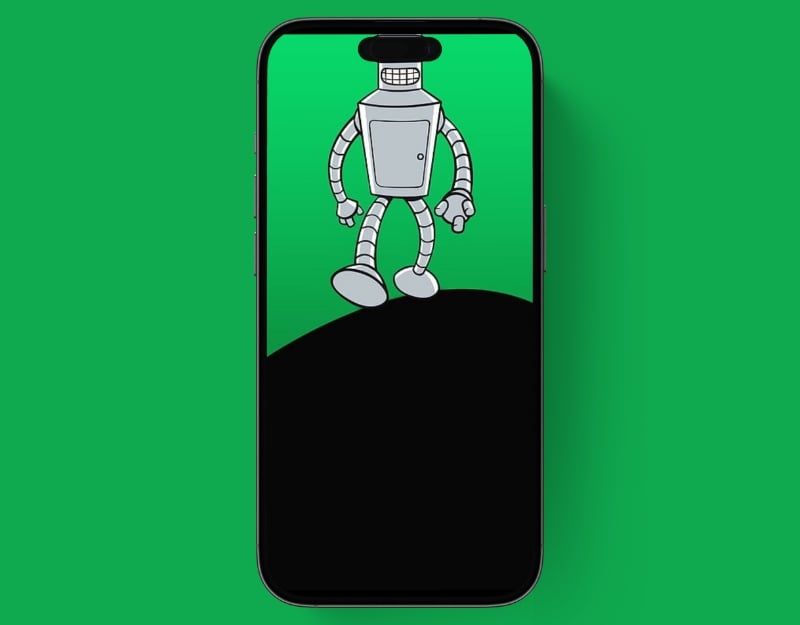
The wallpaper shows a silver robot walking. This is one of the clever ways to hide the dynamic island on your iPhone. The robot has a rectangular body and flexible, jointed limbs, and its head resembles a grill. The background is bright green and black.
Alien Abduction Over City
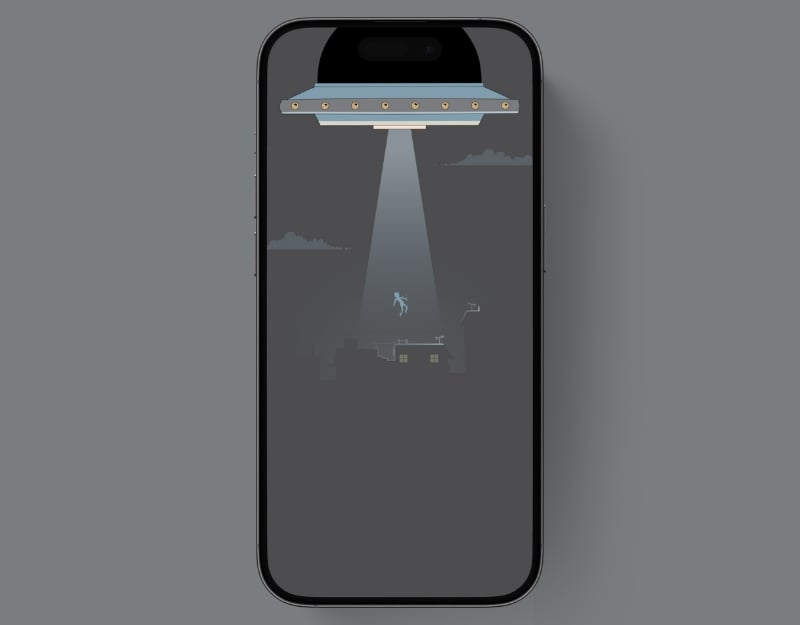
The wallpaper shows a large UFO hovering over a cityscape at night. The UFO emits a bright beam of light that catches a person in its low-level flight. The UFO obscures the dynamic island with a black background.
Luminous Depths

Luminous Path is a simple wallpaper for the iPhone 16 series. The wallpaper has a dark background with colorful jellyfish. The jellyfish have glowing and bold colors like blue, red and orange. Other abstract shapes and bubbles are scattered around to make the underwater world even more beautiful. The black background hides the dynamic island.
Starry Night Drive

The wallpaper shows a nocturnal scene with a vast starry sky and red-colored mountains. In the foreground, you can see a highway with cars driving on it, and in the distance, you can see the lights of a city or town. This is one of our favorite wallpapers for the dynamic island.
Futuristic Helm and Armor

This one shows a close-up of a person wearing a futuristic helmet. Only the lower half of the person’s face, showing their mouth and chin, and the wallpaper cleverly hides the dynamic island.
Cyber Punk

Cyber Punk is another character-based wallpaper that cleverly hides the dynamic island on your iPhone. The wallpaper shows a girl with glasses hiding the dynamic island. The character is hidden and the background of the wallpaper turns completely black.
Cute Cats

If you love cat wallpapers, we have another cute cat wallpaper for you. The wallpaper comes with soft light and dark colors. Two cats are playing with the dynamic island, and mom cat is working on an apple or pear computer. The mommy cat looks angry though.
The Simpsons

This one shows the popular Homer Simpson from the TV series “The Simpsons” He’s smiling and looks as if he’s about to eat a large sandwich floating above his head. The sandwich consists of many layers, including different types of meat and toppings. The dynamic island is clearly visible on the background image. The wallpaper shows another dynamic island at the bottom. It has a light green background.
Journey Across the Globe

The wallpaper is a stylized illustration that is divided into different sections and has a blue background. It shows, from top to bottom. It has an airplane flying between clouds and a yellow and white striped suitcase, also a ship at the bottom. The colors are very bright. The airplane at the top hides the dynamic island.
Wallpaper from Macbook

Next, we have a background image from the Mac. This image shows a series of smooth, curved shapes in shades of black and gray that give a sense of depth, like layers or a ribbon of wings.
Abstract Wallpaper

This abstract wallpaper is for people who want a simple, dark, abstract wallpaper for the iPhone. The wallpaper has a modern, abstract design with curved shapes and lines on a black background. The primary color form is a soft peach tone, with thin outlines that appear slightly darker. This wallpaper has a completely black background that slightly obscures the dynamic island on the top of your iPhone.
The Upside down rabbit
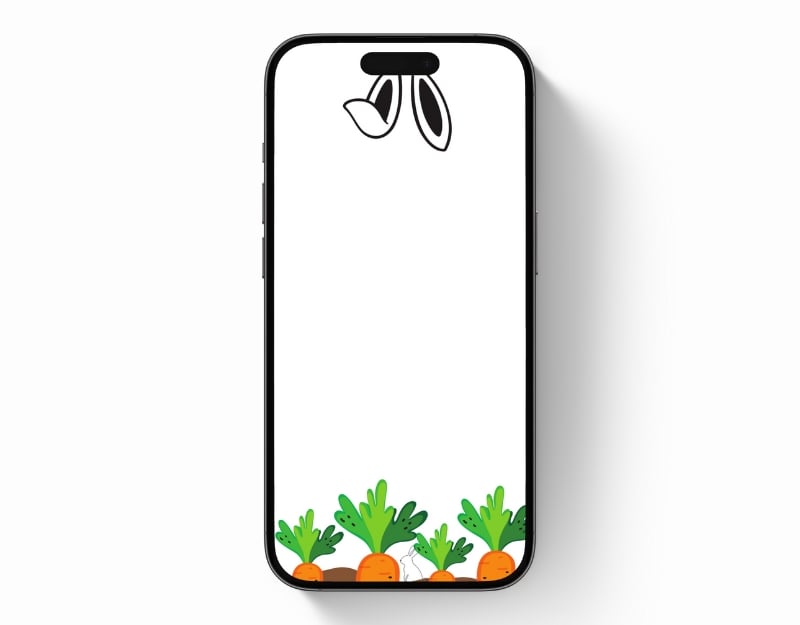
The Rabbit Hole is another great wallpaper if you are looking for a light and simple one for your iPhone. The wallpaper doesn’t hide the dynamic island, but turns it into a rabbit with ears. At the bottom you will find the rabbits’ favorite food and also a small rabbit hiding behind the carrots. There are no elements in the middle.
The Spider
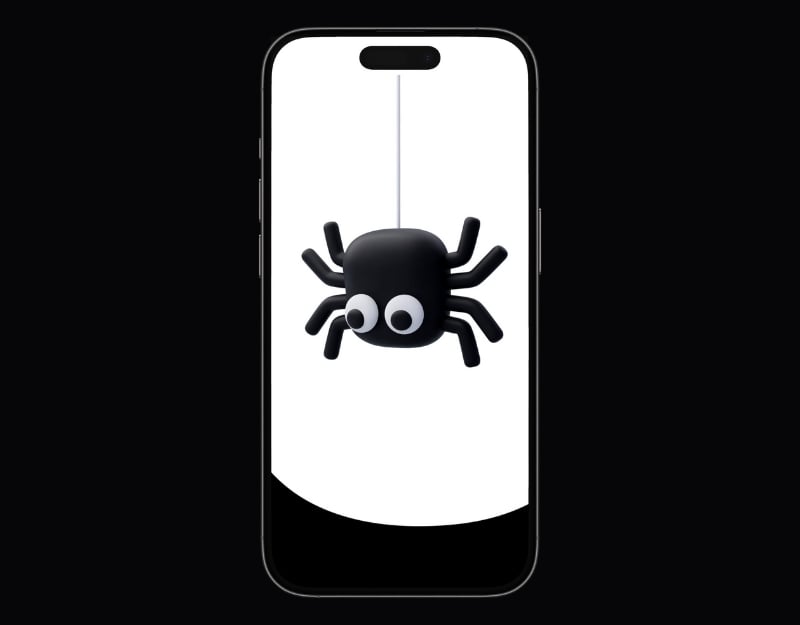
This wallpaper has a cute, simple cartoon spider hanging down. The background is all black and works well to hide the phone’s notch to make your screen look better.
Rhythmic Abstraction
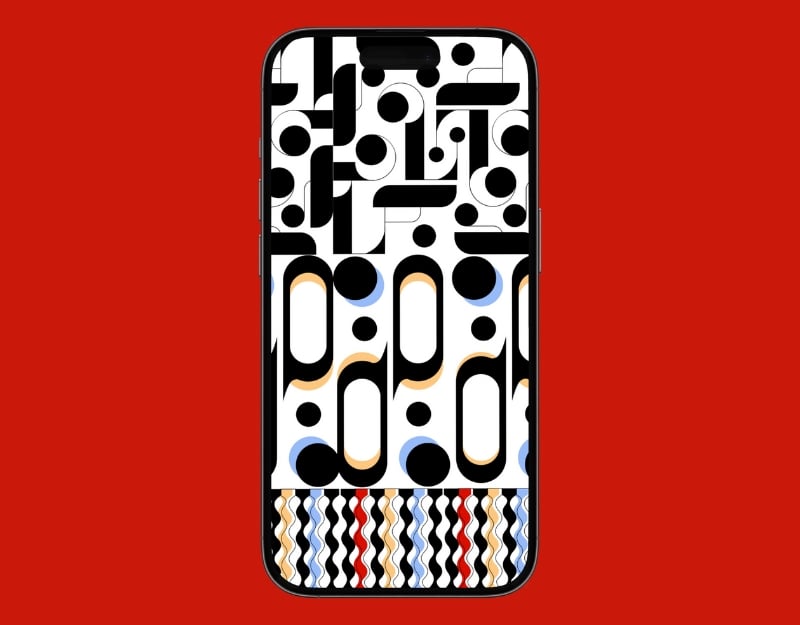
This wallpaper shows one color and one design. The top half consists of black and white geometric shapes with a few blue and gold accents. The lower half consists of wavy lines in black, blue, gold and a red stripe that form a rhythmic pattern.
Wrapping Up Island Vibes
Apple has introduced a new design called “Dynamic Island” in the iPhone 14 series, which is also used in the basic version of the iPhone 15 and 16 series. The new dynamic island notch appears as a pill-shaped area at the top of the screen. Wallpaper designers have found clever ways to hide the dynamic island with creative wallpaper designs. Tap the “Download Wallpaper” button below each wallpaper and click the ‘Download’ button in Google Drive to save the wallpaper and set it as your iPhone background.

