

Quick Answer
To get Dynamic Island features on your MacBook, try these apps: DynamicLake Pro ($16.90, feature-rich with system controls, notifications, and customization), NotchNook ($25 one-time or $3/month, live notifications, file drag-and-drop), or MediaMate (focuses on media playback and system controls).
Apple parted ways with the bathtub notch with the iPhone 14 Pro models and introduced the Dynamic Island to its smartphones. Later, with the iPhone 15 series, the Dynamic Island was made available to base models as well. While the feature is a bit polarizing, since the software trickery can be helpful at times, many believe it is more of a gimmick. If you have been using Apple products, then you might have also come across the controversial decision of Apple introducing a notch with the MacBook Air and Pro models.
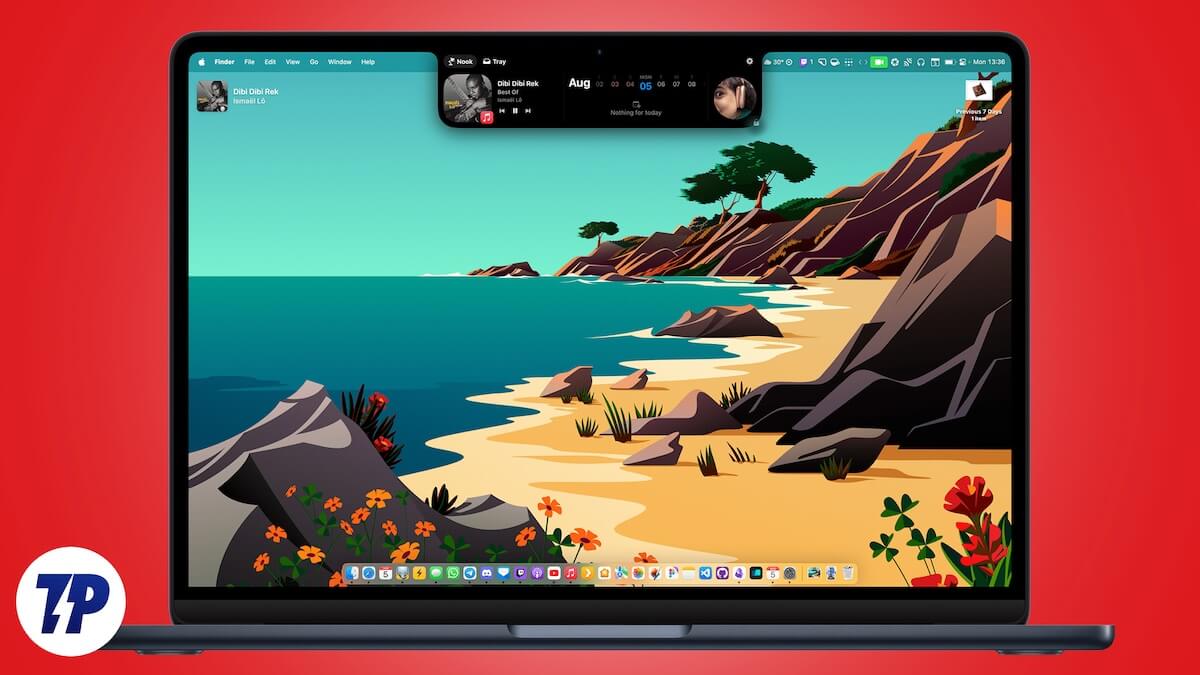
The worst part is that the notch on these MacBook Air and Pro models doesn’t have any functional abilities; it just exists. Thankfully, third-party apps have been a savior in multiple situations, including this one. If you have a MacBook Pro or Air model with a notch, then in this guide, we will share with you an app that will help you add some Dynamic Island features on MacBook. Let us jump right into it.
How to get Dynamic Island features on MacBook?
There are three good tools that we recommend if you wish to get Dynamic Island features on a MacBook.
- DynamicLake Pro
- NotchNook
- MediaMate
Let us discuss them one by one.
Sl. No. | App Name | Key Features | Price | Supported Devices | Best For |
|---|---|---|---|---|---|
1 | DynamicLake Pro | System controls, music playback, schedule/weather updates, call/message notifications, file management, app previews, slim music player, notch customization | $16.90 (one-time, supports 3 devices) | Works on Intel and Apple-powered Macs | All-in-one feature set and stability |
2 | NotchNook | Adjust brightness/volume, real-time notifications, file drag-and-drop, compress/unzip, AirDrop, customizable widgets | $3/month or $25 (one-time, 5 devices) | macOS devices with or without a notch | Budget-friendly option with good customization |
3 | MediaMate | Media playback controls, floating music notifications, supports Spotify/Apple Music/Tidal | Free | macOS devices with or without a notch | Simple media controls and music playback features |
DynamicLake Pro
We will be making use of the DynamicLake Pro software that brings many Dynamic Island features to MacBook. The best part is that DynamicLake Pro works on MacBooks without a notch as well. This ensures that you have compatibility across all of your Apple products. Here are all the features of DynamicLake Pro that you can enjoy once you purchase this software:
- DynamicLake: This lets you control system functions such as volume, brightness, and keyboard backlight with a simple and intuitive interface.
- DynaMusix: Lets you control the music using the play, pause, skip tracks, and volume adjustment buttons from a sleek, integrated control panel. The best part is that it supports all the apps that the macOS music player widget supports.
- DynaGlance: Shows a glance at your schedule and the weather with real-time updates directly on your desktop. You will stay informed about the latest weather changes and won’t miss out on the meeting that you have scheduled. DynaGlance keeps you informed with concise, at-a-glance notifications.
- DynaClip: It introduces powerful features such as the option to drag and drop, compress files, preview with Quick Look, move between folders, share instantly, AirDrop, and much more.
- DynaConnect: Displays instant notifications when any Bluetooth device connects or disconnects from your Mac.
- DynaDrop: Adds the ability to drag-and-drop to actions, including sharing files, AirDrop, and more. DynaDrop simplifies tasks and streamlines actions.
- DynaSwitcher: This lets you switch to your favorite or already opened apps, offering you real-time previews and allowing you to see what’s happening in each app before you switch.
- Push Notifications: When you receive an important message or update from your contacts, DynamicLake Pro will send you a dynamic alert. It supports all the popular messaging apps such as WhatsApp, Telegram, Messenger, and even email apps.
- Call Notifications: As the name suggests, it will notify you of calls or updates from your contacts.
- miniLake: If you have followed a minimalist approach for your MacBook desktop setup, then you can use miniLake to bring essential features in a smaller, unobtrusive format, giving you ample screen space.
- Slim Player: It is a slim music player that complements your Mac’s design with its user-friendly controls, making listening to music a visual and auditory pleasing experience.
- Dynamic Boats and Notifications: It shows real-time tracking of live activities such as music playback, Safari downloads, or receiving other important notifications.
- Customize Notch: DynamicLake Pro lets you tweak the notch settings and adjust the appearance and functionality as per your preference.
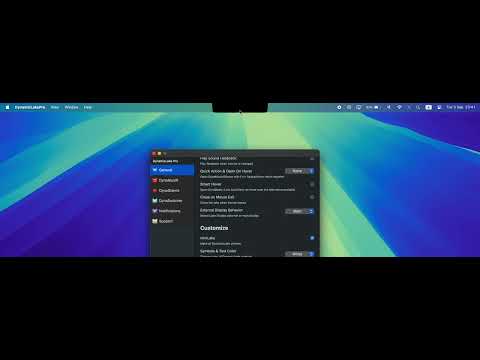
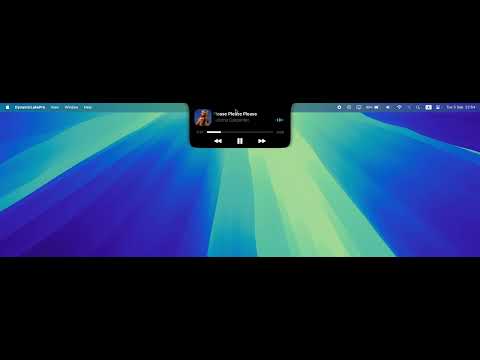

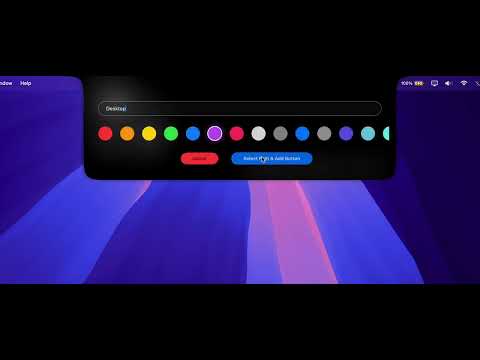
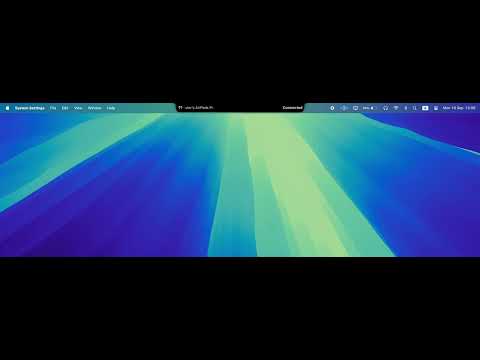
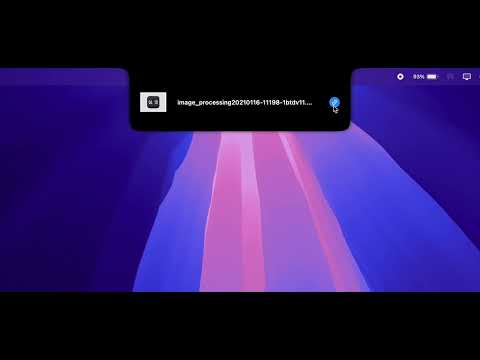
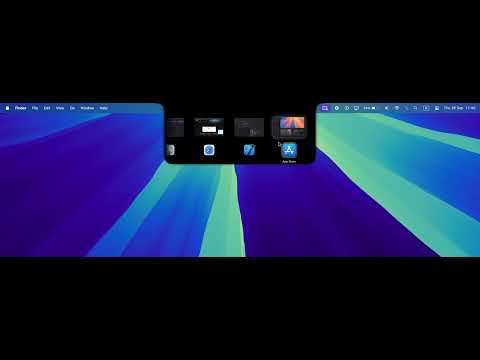
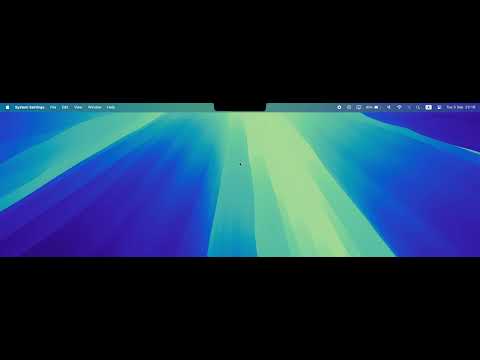
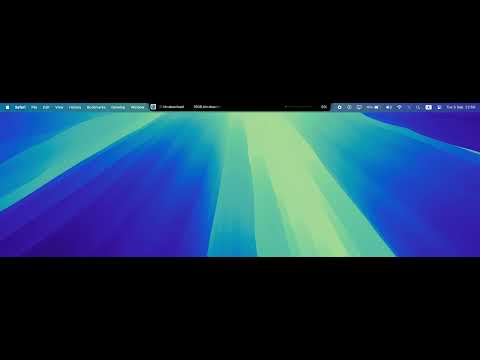
The DynamicLake Pro software is available for a one-time subscription fee of $16.90. Purchasing the tool will let you use it on up to 3 devices. If you wish to test the waters, while there isn’t a trial version of the tool, there is a 7-day money-back guarantee. Do note that this works on both Intel and Apple-powered Macs. Also, if your MacBook doesn’t feature a notch, don’t worry, as the designer has designed the software in such a way that it adds a software-based notch to a non-notch MacBook. However, make sure that you are using the tool on macOS 12.0 Monterey or later.
NotchNook
Another popular tool for adding Dynamic Island features to MacBooks is NotchNook. Similar to DynamicLake Pro, it also turns your notch-less MacBook into a software-based notch. Here are some of the key features of NotchNook:
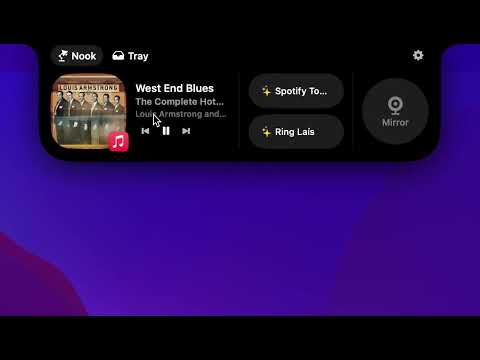
- System controls: This lets you adjust brightness, volume, and keyboard backlight settings directly from the notch.
- Live notifications: It will display real-time notifications for calls, messages, and apps in a clean-notch interface. It supports all popular messaging and email applications.
- Quick access: NotchNook offers the option to drag and drop files, making the notch a temporary space for your files, using AirDrop, or controlling music playback using dedicated controls directly from the notch. The developers have added more features, including the ability to compress images and zip/unzip files is also coming.
- Customization: The software offers a lot of granular controls such as widgets, live actions, files shelf, etc., letting you customize the functionality of the notch on your MacBook.
Upon purchasing the software for $3/month, you get a license to use the tool on two devices, whereas the one-time $25 pay lets you use the tool on up to 5 devices.
MediaMate
Another way to get the Dynamic Island features on MacBook is to use MediaMate. There are different indicator styles, including the Notch option. The option, when selected, adds a software-based notch to the notch-less MacBooks or expands the notch on notch-equipped MacBooks and lets you control system functions such as volume controls, play/pause, etc., from the notch, which mimics the features found on iOS and iPadOS.
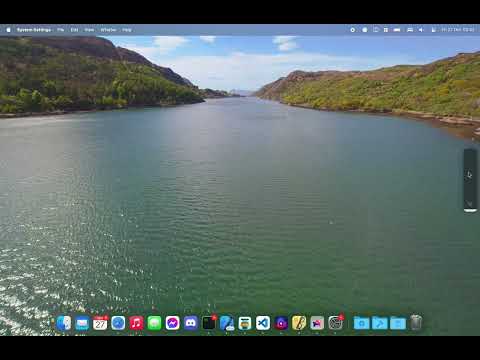
MediaMate also introduces a media player to the notch, letting you control your music from a floating and interactive notification. The main aim of MediaMate is to offer better controls for media playback and other system functions. It supports streaming platforms such as Apple Music, Spotify, Tidal, etc., on the notch. However, unlike NotchNook or DynamicLake Pro, you won’t get support for live activities, notifications for calls, etc., with MediaMate.
Final thoughts
It should be noted that among the DynamicLake Pro, NotchNook, and MediaMate, the DynamicLake Pro offers more options and features and is more stable than the other two. Now, between NotchNook and MediaMate, MediaMate simply offers you the option to video media controls on an iPhone-like notch. Overall, looking at these software, it is now time for Apple to introduce these features first-hand to MacBooks, which will not only enhance the usability of the notch on the PCs but also enhance the overall user experience.

