

In Summary
- Nothing has highlighted support for ChatGPT as one of the USPs of its latest TWS, the Nothing Ear and the Nothing Ear (a). In fact, it is also rolling out support for ChatGPT for its other earphones.
- Users can opt to replace the default virtual assistant on their Nothing earphones with ChatGPT using the Nothing X app.
- While the availability of ChatGPT on earphones sounds rather cool, is it actually good enough to replace good old Google Assistant? We find out.
Blame it on Carl Pei. Love or hate the OnePlus-Nothing man; you ignore him at your peril because he has a penchant for bringing different features and aspects of technology into the spotlight, ranging from different designs to interfaces to cameras and software.
And the latest to feel the Pei effect is ChatGPT.
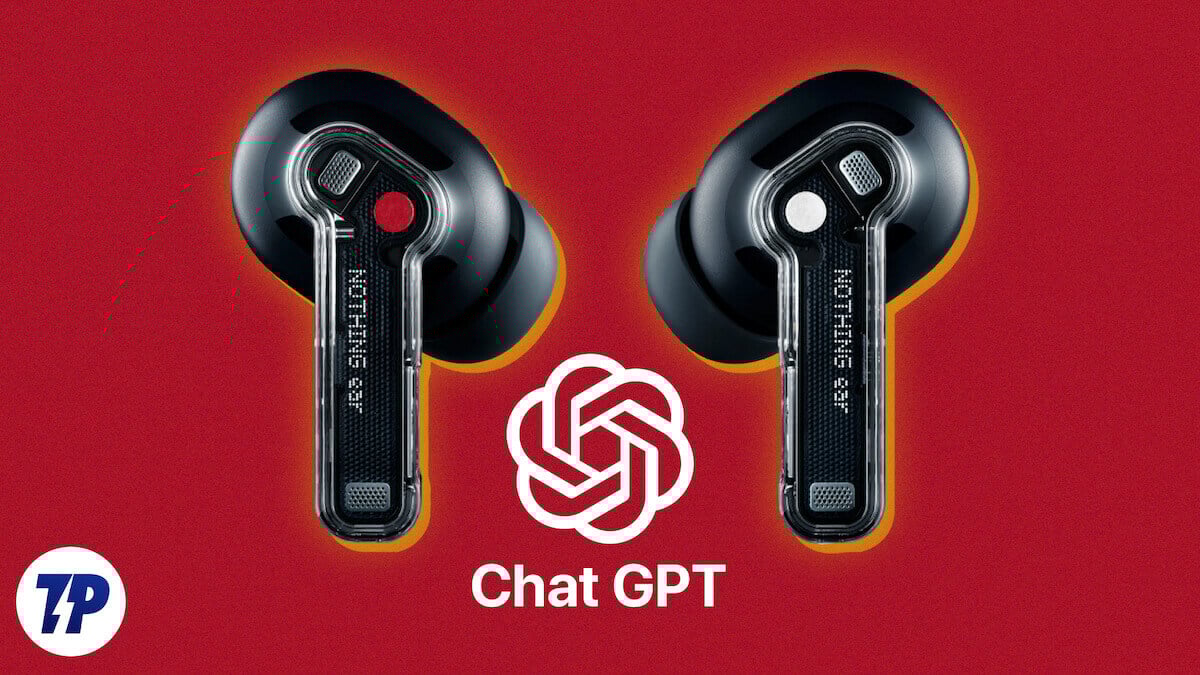
Well, we all knew about ChatGPT, but what Pei has done has made it a thing on TWS. Or, to be more specific, the TWS from his brand Nothing, including its sub-brand CMF.
In simple terms, you can now access ChatGPT right from your CMF or Nothing earphones (mostly TWS with one neckband). It is a feature that is not available on too many TWS at the moment – in fact, as some of our colleagues in other publications have pointed out, even the AirPods and some other premium TWS do not have this feature. That sounds pretty cool on paper, especially if its reader happens to be a geek. But how cool does ChatGPT actually sound? Pun intended. Well, we have replaced Google Assistant with ChatGPT on the Nothing Ear and the Nothing Ear (a) for the past week or so, and we must confess to having rather mixed feelings about this.
Getting ChatGPT on your Nothing earphones
The first task, of course, is to get ChatGPT on your Nothing/CMF earphones. At the time of writing, this feature is available only when you pair the earphones with a Nothing Phone (2), although support is coming soon to Phone (2a) and Phone (1) as well. In general, every Nothing/ CMF earphone comes with a command to summon the assistant, although it often is not activated. We are giving you the process we followed for the Nothing Ear, and it is roughly the same for all Nothing/CMF devices:
- Download ChatGPT from Google Play to your phone and register for an account (it’s free, relax!)
- Connect the earphones to the phone (duh!)
- Open the Nothing X app on the phone and select the earphones
- Go to Controls
- Choose any one of the customizable control options for either earbud.
- From the options available, choose “Voice AI.”
- You will now have to choose from two options, “ChatGPT” or “Default Assistant” (Google Assistant)
- Choose ChatGPT. You are set.
The ChatGPT experience on earphones: Cool to use, but not usefully cool
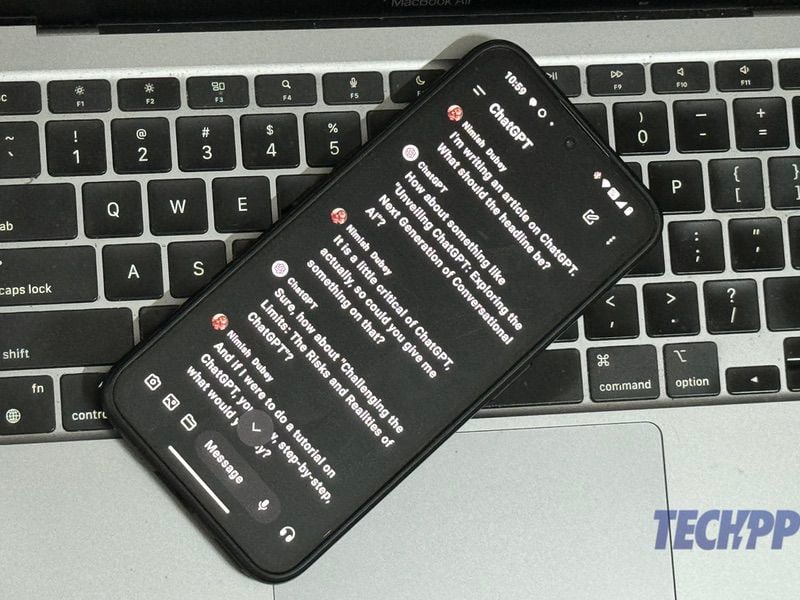
Let’s get one thing clear – the initial experience of using ChatGPT on the Nothing Ear and Ear (1) was pretty magical. The whole idea of being able to carry on something almost like a conversation with a virtual assistant who sounded more lively than the usual Google Assistant was wonderful.
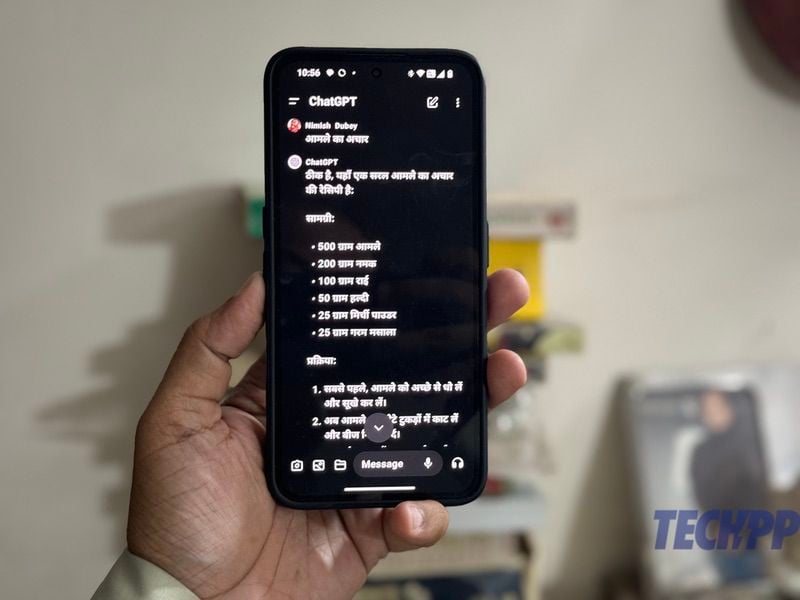
For instance, when we asked ChatGPT for the news headlines, we got delightfully detailed answers that were read out in a manner that did not sound mechanical. We also got very good responses about the progress of Indian elections and even rumors of the next iPhone. Very cool, indeed. You even have four voices to choose from, and what we love most about ChatGPT as an assistant is that it is actually designed for conversations. It worked brilliantly even in Hindi, giving us great recipes to make pickles! We even asked it for possible headlines for stories, and its responses filled our hearts with the terror of imminent unemployment (note to editor: we will do better headlines, we promise!).
But then the problems started becoming apparent. Unlike Google Assistant, which puts a lot of the phone at the disposal of your voice, ChatGPT is very limited. You cannot use ChatGPT to make a call, play a song, or compose a message – stuff that you can do easily with a Google Assistant. You can ask it to navigate a route for you once you give it your location, but the directions can be really spotty – when we asked ChatGPT how to get to a nearby railway station using the metro, we got directions that were so generic as to be absolutely useless. A far cry from the crisp, direct responses from Google Assistant.
And we think this is where ChatGPT’s utility as a virtual assistant on a TWS falls flat on its face. It’s not the fault of the AI but rather that of the device on which it is being used.
On a PC, ChatGPT is at its best as a research and writing tool that can serve up stacks of content and give detailed answers to questions. But do you actually do research on your TWS? If anything, the assistant on the TWS tends to act as a sort of hands-free phone for many of us, allowing us to access the phone and execute some commands when our phone is not near or when our hands are busy – for instance, while jogging or driving. One of our most popular uses of the assistant on our TWS is to make quick calls without having to reach out for our phone – something that is simply not possible right now if you use ChatGPT as your assistant.
And, of course, if you are using a free ChatGPT account, you also have to deal with the chance that you may not get a response because you have reached the dreaded “rate limit.” There is also simply no chance of you being able to control any smart household devices through ChatGPT like you can through Google Assistant.
For the moment, Google Assistant wins!
So, in conclusion, are we going to keep ChatGPT as our default assistant on NothingTWS? Well, for all its coolness and AI magic, we are not. The reason is simple: when all that chat enters our personal audio world, a good deal of functionality leaves.
In a perfect world, we would perhaps be able to switch seamlessly on our TWS from Google Assistant to ChatGPT with maybe a special gesture or a button on the TWS, or perhaps be able to summon ChatGPT from one earbud and Google Assistant from the other. But until that happens, we are picking good old-fashioned function over chat. Being able to get detailed answers to questions is cool, and being able to carry on a conversation on a subject is fun, but being able to play a song, make a call, or get sensible directions to a place by simply uttering a few words is way cooler.
As of now, Google Assistant has won the battle of assistants on Nothing’s earphones. But we are already petitioning Carl Pei to come up with a software solution that lets us use both ChatGPT and Google Assistant on Nothing’s earphones!

