

Quick Answer
To see a snap without opening it, use Airplane Mode: Open Snapchat, wait a few seconds for snaps to load, turn on Airplane Mode, view the snap, then log out and uninstall the app. Reinstall and log in to avoid marking it as opened. For texts, use the half-swipe method, but be careful not to swipe too far, or it will be marked as read.
Snapchat is famous for the streaks of sending a snap every day. Though it has some good features, the streak makes it stand out from the rest of the social media platforms. Like every other chat app, when we see a snap, video, or text received on Snapchat, the sender will see it as Opened. It is Snapchat’s way of letting them know about the seen status of their message.

At times we may want to open a snap but not mark it as opened. If you are looking for ways to see a snap without opening it, follow this guide.
2 Ways to See a Snap Without Opening It
Using Airplane Mode
Airplane mode is the only way that can let you see a snap, video, or text without letting the sender know. This is the only method that can let you see any kind of message received on Snapchat without changing the status.
To see a snap on Snapchat without opening it and changing the status for sender, open the Snapchat app and wait for a few seconds on the chat page to see the snaps or videos you have received. It happens in the background. After a few seconds with a better internet connection on your device, the snap should be downloaded. Now, put your device in Airplane mode in Quick Access on Android and Control Center on iPhone.

Then, see the snaps you wanted to see without letting the user know. Now, tap on the profile picture at the top of the app, tap the Gear icon on the profile page, and scroll down to find Log Out and tap it. It will log you out of your Snapchat account. Close the Snapchat app, tap it, and hold it to see the options to uninstall. Tap Uninstall and remove it from your device.
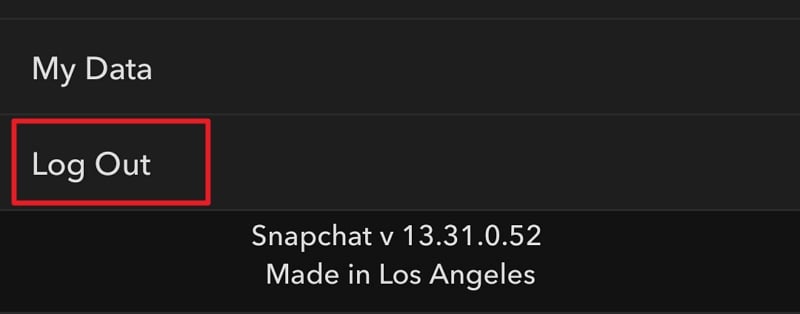
Similarly, clear the app cache and uninstall the Snapchat app on your iPhone, as you cannot log out of Snapchat without connecting to the internet.
You can now install Snapchat again, sign in, and use it again. You can send snaps now without any issue or notifying the sender that you have watched the snaps received. You can only watch the snap for just one time in the Airplane mode.
Half-Swipe on Snapchat
If you have received text messages on Snapchat and want to see them without marking them as opened, the half-swipe method would be the better idea. It does not work to view snaps or videos received. Go to the Chats page on Snapchat and right. Tap and hold the profile picture and swipe it right to see the text. You need to be absolutely careful, as if you swipe more than a limit, like after 75-80% of the screen, to get a clear view of the message, the user will be notified it has opened. This might happen accidentally.
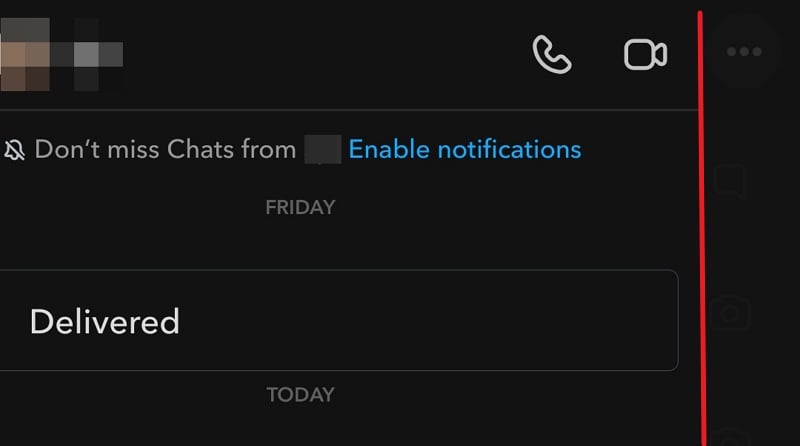
Half-swipe means half-swipe only and no more than it. You can get the gist of the text messages from the half-view you get with it. If you want to see more, it will mark it as open, which is not what we want in the first place.
How do I turn off seen in Snapchat?
It is not possible to turn off seen on Snapchat. When you open and see a snap you have received, the sender will see it as opened on their chat page. You can only avoid it with the airplane mode method or half-swipe method for texts.
View Snaps Without Marking Them As Opened
Though it is possible to get a one-time watch of the snaps without marking them as open, this is not a good idea as you may accidentally mark them as opened despite your efforts. If you want to see text messages without opening, the half-swipe method will work to get the crux. If you over-swipe, it will also be a waste of effort.

