

Quick Answer
Since the iPhone 16e doesn’t support MagSafe, you can get a case with MagSafe support and use all compatible MagSafe accessories with the iPhone 16e. We recommend the Anker wireless charging power bank to wirelessly charge your iPhone 16e, a wallet to store all your cards securely, and more. You can also get a decent wired power bank to charge your iPhone 16e quickly. Don’t forget to protect it with a case, screen protection, and a camera lens protector. If you can afford it, you can also get a pair of wireless earbuds that work great with the iPhone.
Apple iPhone 16e is a reliable option for people looking for an affordable iPhone without spending too much on expensive models. Compared to the older models like the iPhone 13, 14, or even iPhone 15, the iPhone 16e has better battery life, the latest powerful A18 processor with support for Apple Intelligence, and longer software support, making it an option for people who want to upgrade from an older iPhone or even Android users who want to switch to an affordable iPhone.
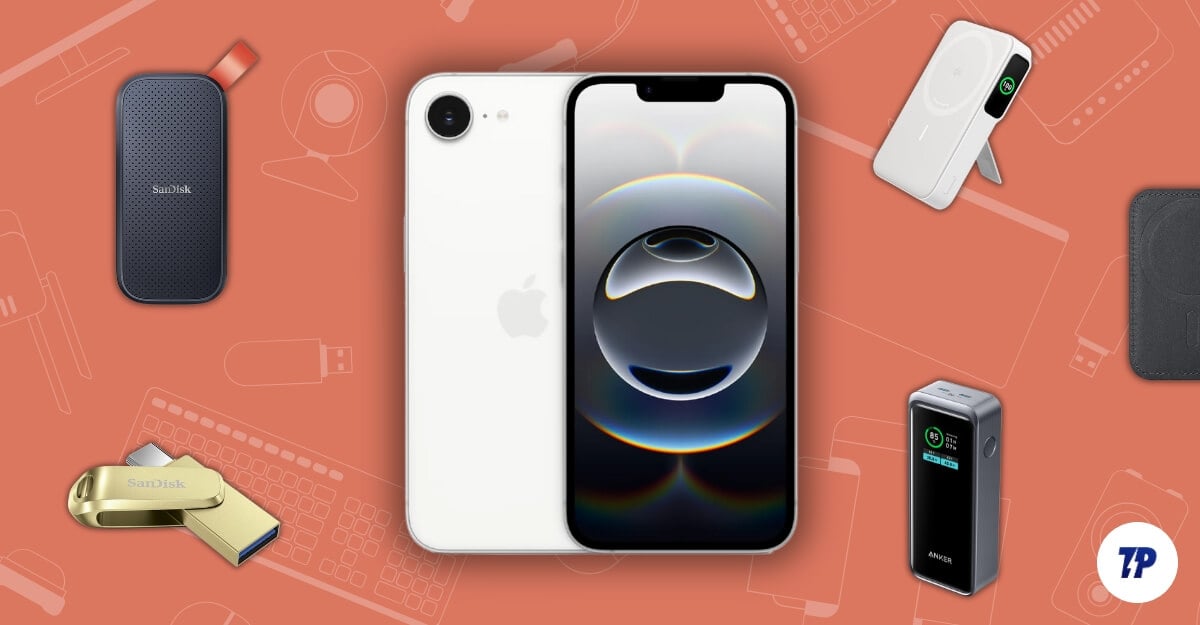
However, the iPhone 16e is still not the perfect smartphone. Apple has cut corners by only including a single camera, removing MagSafe support, using the old chassis of iPhone 14, and also removing MagSafe and wideband support. If you are considering buying an iPhone 16e, we have a detailed comparison between the iPhone 15 vs the iPhone 16e and the iPhone 16.
Suppose you bought the iPhone 16e as a long-term investment, especially if you chose not to purchase the expensive Apple Care Plus. In that case, it’s better to protect your smartphone with a sturdy case and screen protector to prevent accidental drops, which can result in expensive repairs. We have a separate post listing all the best cases of the iPhone 16e, including MagSafe cases, which brings support for MagsSafe on the iPhone 16e.
In this post, let’s specifically focus on enhancing your iPhone 16e experience with some useful and practical accessories.
Table of Contents
Best iPhone 16e Accessories
MagSafe Case
Apple MagSafe technology offers faster wireless charging speeds and supports wireless accessories you can stick on the back of your iPhone.
If you have never heard about MagSafe, Apple introduced it on the iPhone 12. iPhones with MagSafe support have built-in magnets on the rear that ensure perfect alignment between the charger and phone during wireless charging, thus resulting in less energy loss. These strong magnets can also hold external accessories without clips, resulting in plenty of Apple’s own MagSafe accessories and other third-party options, such as wireless MagSafe-supported power banks to charge your iPhone without cables. MagSafe wallets can be stuck on the back of your iPhone to hold cards for you and more, improving the overall experience of using an iPhone.
Unfortunately, the iPhone 16e doesn’t have built-in MagSafe support. However, you can use third-party cases with MagSafe support to stick and use external accessories. Some third-party cases already support the iPhone 16e; however, choosing the right one is very important.

Since the iPhone 16e doesn’t support MagSafe by default, Apple won’t sell any official MagSafe cases for the iPhone 16e. You have to rely on third-party cases, which support MagSafe and are more affordable than Apple’s official cases.
You can check our iPhone 16e cases list for more options. However, I liked the Spigen Ultra Hybrid case for the iPhone 16e. It not only brings support for MagSafe to iPhone 16e with strong magnets, but it also protects your iPhone 16e from accidental drops, even on hard surfaces, thanks to military-grade drop protection via air cushion technology (Disclaimer: not sponsored).
Unlike other cases with big, bold, rugged designs, which are not ideal for everyone, the Spigen Ultra Hybrid case looks more minimal, with two color options depending on your iPhone color. If you don’t like the frosted design, there is also a clear case. If you need extra protection, you can also opt for the Tough Armor case from the Spigen, which is more rugged and bulkier for better security and brings support for a kickstand.
Case Name | Price | Buy Now |
|---|---|---|
Spigen MagSafe Case | $ 44.99 | |
ESR for iPhone 16e Case | $ 9.99 | |
Tough Armor AI (MagFit) | $ 59.99 | |
Apple 16e Silicon case from Apple | $39.00 |
Apple also sells official silicone cases for the iPhone. The cases come in six colors, with a clean and minimal design. However, they don’t support MagSafe.
Best MagSafe Accessories for your iPhone 16e
If you get the MagSafe case, you can pair it with third-party MagSafe accessories for your iPhone 16e.
MagSafe Wireless Charging Power Bank
Perhaps the most practical and useful MagSafe accessory is Anker’s wireless charging power bank. While Apple sells an official wireless power pack with MagSafe support, it is expensive and holds just a 2500mAh battery. On the other hand, the Anker MagGo power bank can hold a massive 10,000mAh battery, which can charge your iPhone 16e twice. However, since the iPhone 16 doesn’t support MagSafe charging technology, the charging speeds are limited to Qi wireless standards up to 7.5W instead of 15W.
Using this, you can easily get along with your iPhone 16e for three days, even if you are a heavy user, thanks to the great battery life on the iPhone 16e paired with a 1000 mAH power bank.
However, the only downside is that, unlike other iPhones with MagSafe support, the iPhone 16e can only draw a maximum power of 7.5W from the power bank, so the charging rates are less fast when compared to the rest. But still, it’s handy to juice up your iPhone quickly. Also, the downside is not just linked to the power bank itself. Since it has a 10,000mAh battery capacity, using it with a case might make it extremely bulky when holding it. Thanks to Apple for ditching MagSafe support.

The power bank also comes with a quick stand, which you can place on any surface and make your iPhone stand, especially useful while watching movies. If you don’t like bulky power banks and often carry your iPhone in your hands, pair it with a transparent silicone case that adds less bulk to your iPhone 16e and pair it with the Anker 622 MagGo wireless power bank. It is more affordable and slimmer, making it convenient to carry overall. It just holds a 5000mAh battery, enough to juice your iPhone 16e once. There are also 2000mAh power banks, which are even more slim-profile and compact to hold but have less capacity, which doesn’t add much value to using a power bank. You can still get one if you want.
Best Wireless Power Bank for iPhone 16e:
Power Bank | Price | Buy |
|---|---|---|
Anker MagGo Power Bank | $89.99 | |
Anker 621 Magnetic Portable Charger (MagGo), 5,000mAh | $23.65 | |
Belkin Portable Charger, MagSafe Compatible Wireless Power Bank | $15.65 | |
INIU for Magsafe Portable Charge | $20 |
MagSafe Wallets
If you are like me and don’t carry a wallet, a dedicated MagSafe wallet accessory can come in handy for you. I store essential cards in the back case of my iPhone. This accessory allows you to conveniently carry essential cards such as ID and credit cards without a traditional wallet. Depending on MagSafe wallet size and capacity, you can store up to three cards, which is recommended to balance usability and the slimness of your iPhone.

There are plenty of options with varied features and capabilities. You can get a decent one for just $10 from Amazon. A few MagSafe wallets go beyond just holding your cards; they also offer a built-in stand, expandable grip to hold your smartphone, or a hardshell heavy-duty case, which completely protects your smartphone. Some heavy-duty cases can hold up to six cards. Considering that your iPhone 16e with a case is already bulkier, you can opt for a smaller leather option from Apple or any third-party wallet provider for as low as $5 to $10.
Best Apple Magsafe Wallets:
MagSafe Wallets | Price | Buy |
|---|---|---|
MagSafe Wallet | $19.99 | |
Apple official Magsafe Wallet | $30 | |
PopSockets Phone Wallet with Expanding Grip | $37 | |
Magnetic Mag-safe Wallet Cell Phone Card Holder | $8 |
MagSafe Charging Accessories
MagSafe was primarily designed to make wireless charging easier and more efficient by introducing magnets that let you perfectly align your wireless charging pad. Apple has an official wireless charger, the MagSafe charger, that sells at $50 and securely attaches to the back of your iPhone to charge your iPhone 16e quickly.
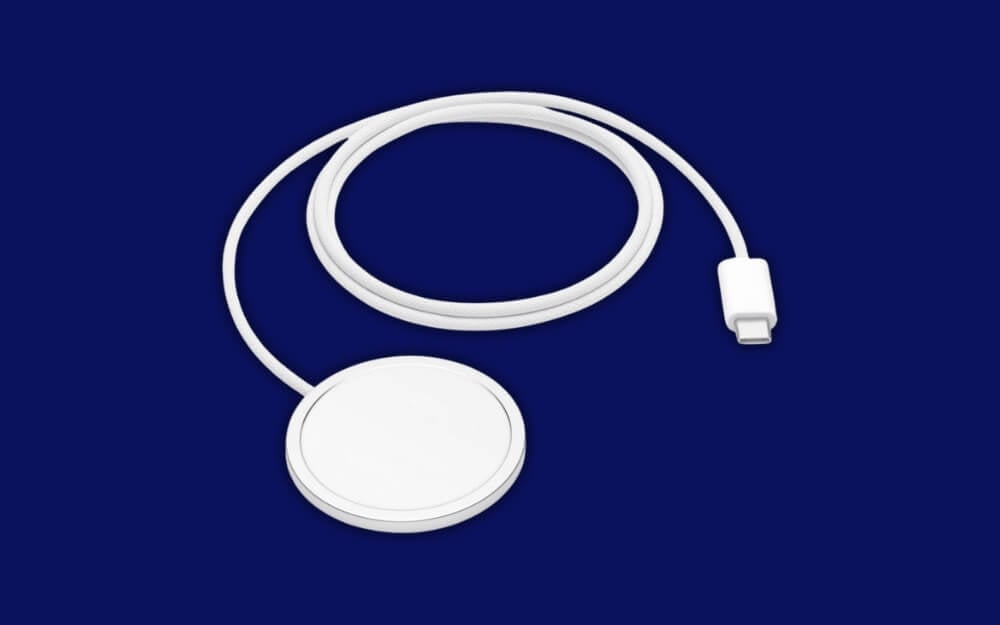
While MagSafe makes wireless charging easier, since the iPhone 16e doesn’t support MagSafe by default, it can only charge your iPhone 16e at 7.5W with the MagSafe case. However, this eliminates the need to perfectly align your wireless charging pad with your iPhone 16e, which is often an issue when using a wireless charger.
Buy Apple MagSafe Charger (1m)
Regular Wired Power banks
While the MagSafe wireless power banks are convenient to stick on your back without requiring you to carry cables and connect them, they are expensive. They can only support 7.5W, which takes hours if you depend entirely on it to juice your phone in emergencies.
To avoid this, you can get a regular power bank, which you can use to charge your iPhone 16e using a Type-C cable to your mobile or charger. Unlike wireless charging methods, power banks can be connected to your smartphone using cables, so you don’t need to worry about adding bulk to your iPhone 16e. You have to deal with wires if you carry them while charging. This option is the best option for stationary charging.
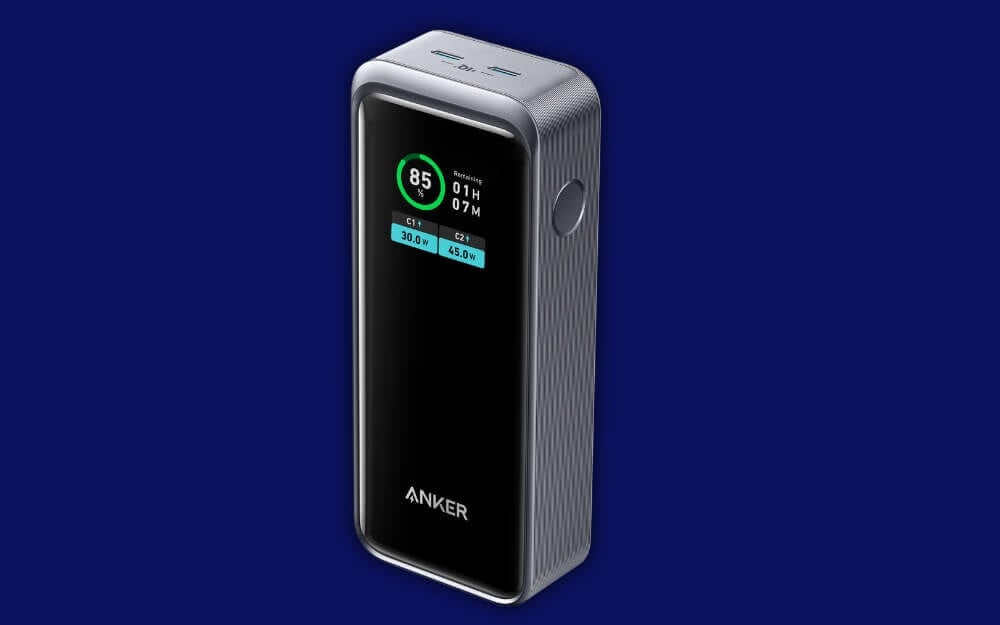
Another advantage is that these offer faster charging speeds compared to wireless options. Finally, they come in plenty of options with various sizes, including the massive 30000mAh battery, to charge your iPhone several times.
As I said, there are plenty of options. If you live in India, Xiaomi offers some incredible value-for-money power banks, even pocket-friendly ones. You can also opt for other third-party brands. Ensure they support charging an iPhone and offer a Type-C port for charging output and input.
If you are in the US or Europe, you can grab a nice one from Anker and Xiaomi if you are looking for a value power bank. Some Apple-certified power banks ensure better compatibility and reliability with iPhones.
Best Wired Power Banks for Apple iPhone 16e
Power Bank Name | Capacity | Buy |
|---|---|---|
Anker 733 Power Bank (GaNPrime PowerCore 65W) | 20,000mAh | |
Iniu PD 22.5w 20000mAh | 20,000mAh | |
Ugreen Nexode 20,000mAh Power Bank (best for multiple devices) | 20,000mAh | |
Xiaomi Power Bank 20000mAh | 20,000mAh | |
Ambrane Power Bank 20000mAh | 20,000mAh |
Add External Storage
Apple has always been notorious for charging higher prices for iPhone storage upgrades. The iPhone 16e for example, even in 2025, the base variant of the iPhone 16e starts at 128GB, and to get a decent 256GB storage, you need to spend an extra $100, and for 512GB, a whopping 200 dollars. The same trend goes for other regions.
If you have bought 128GB, you have made the right choice. 128GB is enough for most system tasks and apps installed on your devices; however, if you store photos, videos, and files, you can use an external storage device.
Apple doesn’t support expandable storage, so external storage (like SSDs, HDDs, or drives) offers more space at a lower price. Also, you can expand your space as needed rather than paying a high upfront cost for storage you might not fully use. With external storage, you get even more flexible options, ranging from 32GB to terabytes. The only catch is ensuring that Apple supports your external device.
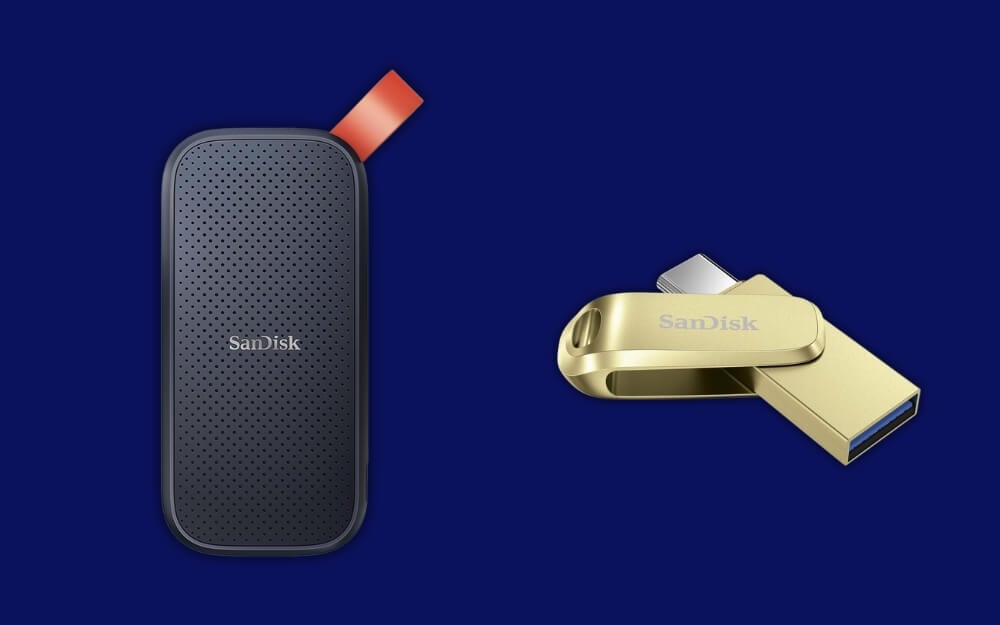
A few external SSDs also support MagSafe. You can attach the storage device to the back of your iPhone and stream the files directly from the external device without moving them to the primary storage. However, there are some downsides to using external storage. The biggest downside is you need to carry external storage where you go, which can be inconvenient. In this case, you can buy an external pendrive with Type-C support, which is reasonably priced, can easily fit in your bag, and can be carried anywhere as it is portable.
While this doesn’t happen in all cases, there can be some instances where your external device data can be corrupted, and you might lose data. With this in mind, you can opt for the following external devices:
Device Name | Capacity | Link to Buy |
|---|---|---|
SanDisk iXpand Flash Drive | Up to 256GB | |
Kingston DataTraveler Bolt | Up to 128GB | |
Lexar SL500 Portable SSD | 256GB | |
SanDisk Extreme Portable SSD | 256GB |
A Screen Protection and a Camera Lens
Screen guard and screen protection are the basic accessories everyone should get for this new phone. It has always been my lifesaver for protecting my screen and the back of my iPhone. If you bought an iPhone 16e, you can get screen protection from any local store, where they can install it for you without any issues. It can protect your iPhone 16e from screen damage caused by scratches, cracks, and impacts.
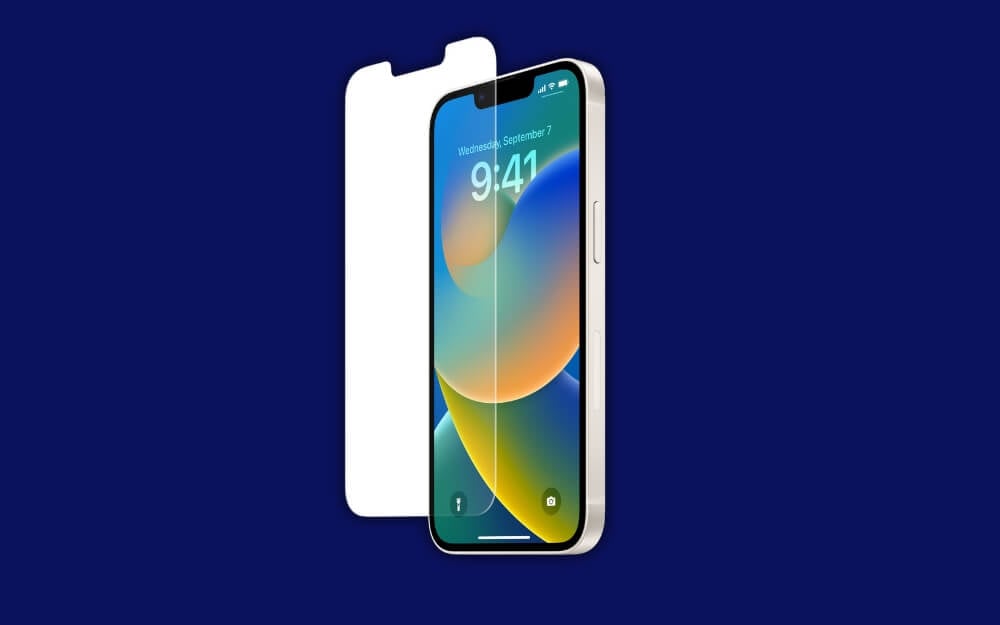
Similar to backcases, there are plenty of options for screen protection, but choosing the right one is important, especially if you don’t want it to affect the look and feel of the original display.
There are several options when it comes to screen protection. If you want full protection for your smartphone from accidental drops, you can get the tempered glass screen protector, which comes with a 9H hardness option. However, it adds bulk to the original screen and feels like you have applied an extra glass layer to your iPhone.
If you need basic scratch protection, you can use a plastic screen protector known as PET. It doesn’t add much bulk to your iPhone but does not protect your smartphone screen, especially from larger impacts.
Next is TPU, also known as a thermoplastic polyurethane screen protector. It is best suited for curved screens, as in the case of the iPhone 16e. You can use it for basic protection. It also can self-heal with flexible protection from scratches. However, using it is not as smooth as glass; it feels a bit rubbery, but it protects your iPhone 16e if you use it alongside keys in your bag without adding much bulk to your iPhone screen.
Likewise, a privacy screen protector blocks viewing angles from different sides if you want to keep your screen private in public. It works like a regular screen protector, protecting your iPhone 16e from scratches and smudges, but it tends to reduce screen brightness due to the particle alignment, affecting clarity.
Similarly, there are also anti-glare screen protectors, which don’t reflect light when direct light falls on your screen. These can be useful for using your smartphone in reflective environments like under ceiling lights or in offices. There are plenty of options for screen protectors, and here are a few that we like.
Best iPhone 16e screen protectors
Screen Protector Name | Pricing (USD) | Buy Link |
|---|---|---|
Spigen GLAS.tR EZ Fit (Sensor Protection) | $17.99 | |
Belkin UltraGlass Screen Protector | $32 | |
ESR UltraFit Armorite Screen Protector | $16.99 | |
ESR UltraFit Classic Screen Protector | $9.99 | |
OtterBox Screen Protector | $20 | |
GadgetShieldz Screen Protector | $10 |
If your case doesn’t cover your camera lens, since it is also glass, it can scratch easily if you often place it on tough surfaces. So, you can install a camera lens protector on the iPhone 16e and protect your camera from scratches. We like this one from the Spigen.
A Gaming Controller to Enhance Your Gaming Experience

Apple iPhone 16e comes with a powerful A18 Processor. Despite a 4-core GPU, the A18 processor also powers the entire iPhone 16 family, making gaming on the iPhone a breeze. If you are serious about mobile gaming on the iPhone 16e, you can get a dedicated gaming controller. It can significantly enhance your gaming experience. I had an amazing experience using the HMD Fusion smartphone; although the low-end processor powers it, the 6.1-inch screen might be more challenging to interface if you have big hands.
Backbone Backbone One Mobile Gaming Controller has been the go-to pick for many, even Apple, which sells it officially on its site. However, it is expensive to purchase and also comes with a subscription that costs $39.99 per year, which brings additional features such as organizing gaming in a single place easily, finding and launching games instantly from a single interface, recording your gameplay, and streaming directly to Siri with high resolution.
You can even play games on iPad, Mac, and PC using the Backbone One controller, among other perks. However, if you find this option expensive, there is also a far better alternative, the G8 Galileo controller, which comes with a better design and better comfort and even lets you interchange joysticks. It costs less at $80 without subscription costs. However, unlike Backbone, no dedicated app can get all those features.
| Feature | Backbone One | GameSir G8 Galileo |
| Design | Sleek, Portable | Ergonomic, Chunky Grip |
| Comfort | Limited Grip | Better for Long Sessions |
| Controls | Clicky Buttons | Sticks & Triggers |
| Back Buttons | No | Interchangeable Joysticks |
| Compatibility | Lightning & USB-C | USB-C Only |
| Portability | Highly Portable | Less Portable Due to Size |
| App Integration | Backbone App for Streaming | No Dedicated App for Game Organization |
| Additional Features | Unified Game Hub, Streaming | Cloud Gaming Support (e.g., Game Pass) |
| Price | $100 | Approximately $80 |
Buy Gaming Controller for iPhone 16e
Controller Name | Price | Link to buy |
|---|---|---|
Backbone One (USB-C Version) | $99.99 | |
GameSir G8 Galileo | $79.99 |
Get a Good Charging Adapter
Apple stopped offering a charging adapter in the box a while ago. If it’s your first iPhone purchase, since it comes with a Type-C to Type-C cable, you must purchase a separate charging adapter to charge your device. Apple sells its own 20W USB-C adapter, which costs around $20 and only supports 20W.
Many good third-party options better than Apple offer faster charging speeds and are universally compatible with any device. One such charger we particularly recommend is the Anker 511 USB-C Nano 30W charger. Although your iPhone is only compatible with 20W, you can still get this charger for the same cost as the Apple one and use it for any device.
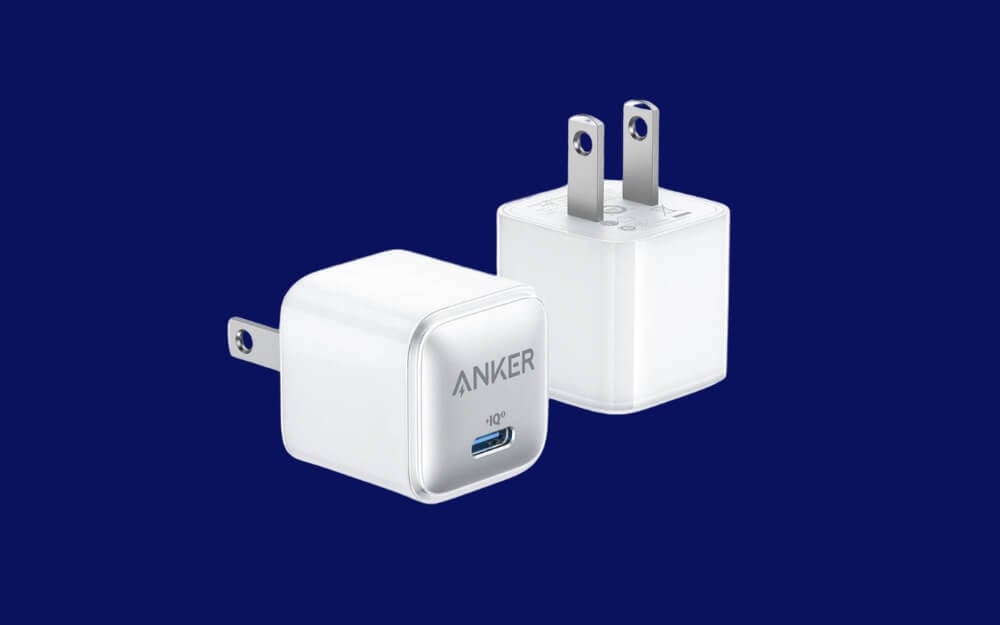
Anker 511 USB charging adaptor supports 30W output, and the best part is it’s compact compared to most of the 30W USB-C chargers on the market. For comparison, here is an image showing the Anker 511 USB-C Nano 30W charger against the Apple 20W USB-C charging brick to help you see the difference. The smaller size is especially handy if you want to place the charger in your bag or pockets for extra convenience; it won’t add bulk like the Apple 20W charger.
Best Charging Adapters You Can Buy for iPhone 16e
Charger Name | Pricing (USD) | Link to Buy |
|---|---|---|
Apple 20W USB-C Power Adapter | $20 | |
Anker 511 Charger (Nano Pro) | $10 | |
Belkin BoostCharge Compact 30W Charger | $21 | |
Anker Nano II 30W Charger | $25 |
Those are the best accessories you can get for your iPhone 16e. To keep it simple and stay within the budget, I have only included the basic and practical accessories that can be helpful in your real life. If you find any interesting accessory, let me know in the comments, and I will review and include it in the post. Don’t forget to check out the iPhone 16e cases guide for the best case options. Finally, please note you need a MagSafe case to use MagSafe accessories with your iPhone 16e. If you have any issues or want a suggestion, you can comment below, and we will be happy to guide you.

