

Quick Answer
To set Preferred Sources on Google Search, sign in, go to Google.com, click your profile icon, select Search Personalization, then Source Preferences. Search for or enter a site’s URL, enable it, and save. Works on mobile and desktop in India and the US, showing stories from your chosen sites under “From your sources.”
Google Search has gone through several updates in the last couple of years and made big changes to help users find what they are looking for. However, most of the search results still feel cluttered, filled with spam websites and year-old Reddit threads, and overall drop in search quality.
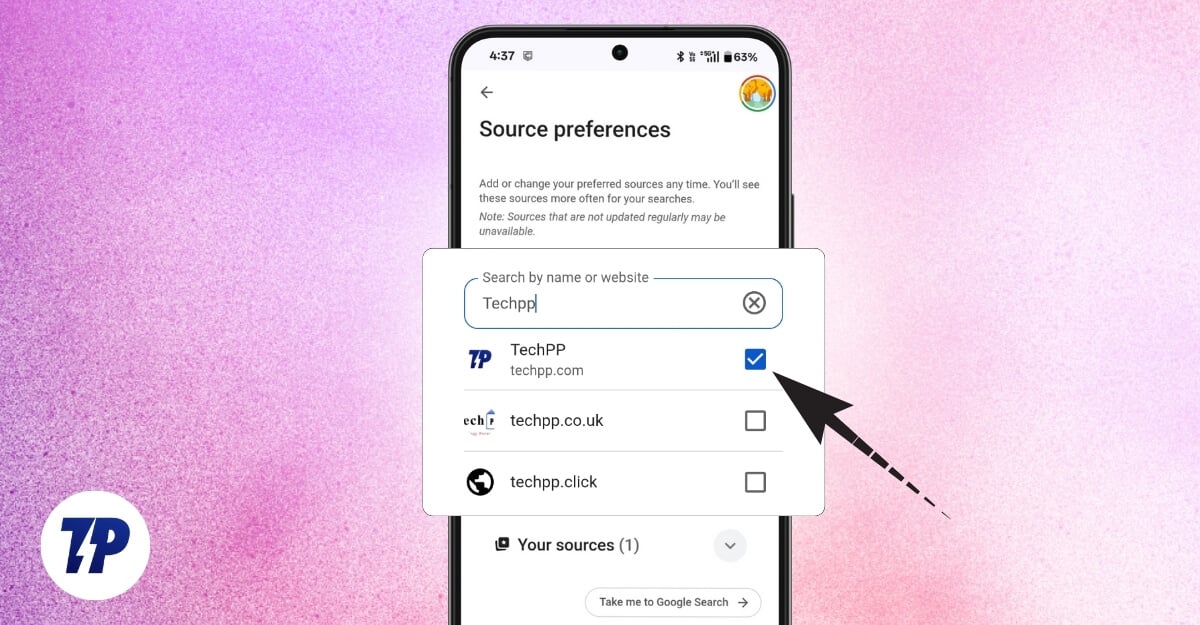
Up until now, users haven’t had any control over what is displayed on the Google SERP pages. However, recently, Google has rolled out a new search preferences feature that shows news from your preferred sources right below the top stories. If you follow specific sources and want them to appear on your Google search results, follow this guide.
Table of Contents
What Is the ‘Preferred Source’ Feature From Google?
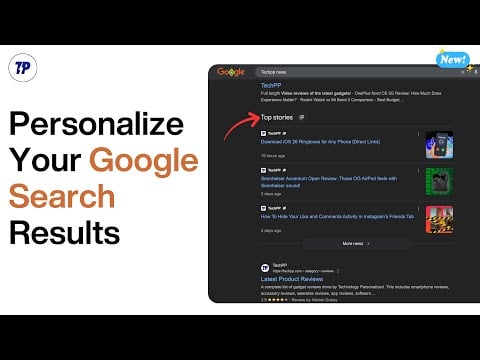
For starters, Google has a top stories section that features trending stories from the top publishers around the world. Now, in addition to these, you will see a new section, ‘From your sources’, that displays content from your preferred sources.
Currently, there is no limit on the sources you set. And you can add or remove sources at any time. At the time of writing this article, this feature is live in India and the US. It works on both mobile and desktop, regardless of the browser, if you use the Google search engine.
How To Set Preferred Sources on Mobile and Desktop
On mobile
On mobile, you can use any browser. However, you are required to sign in with your Google account.
1. Open a browser and visit Google.com
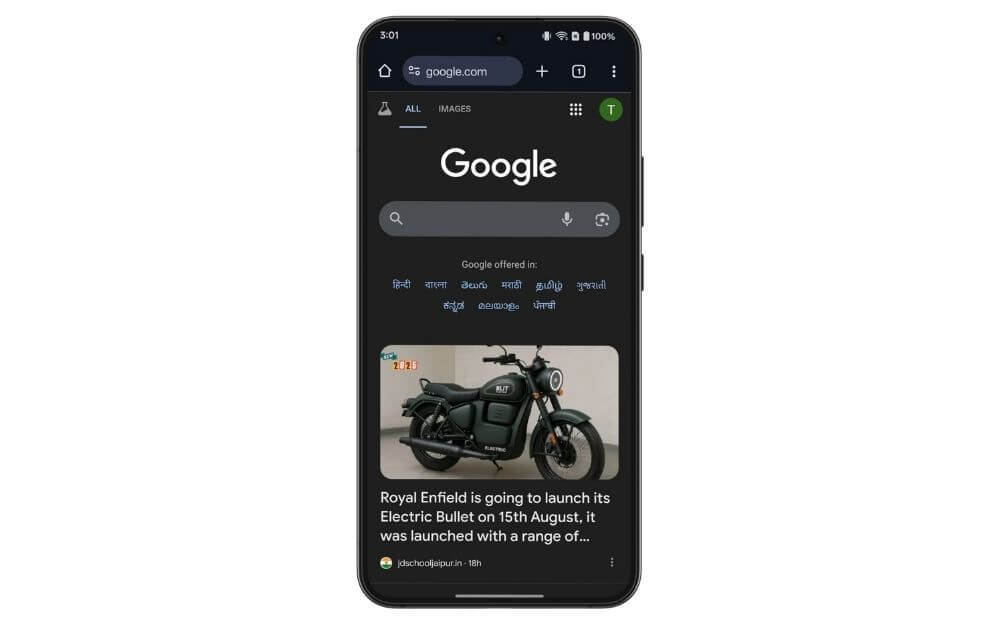
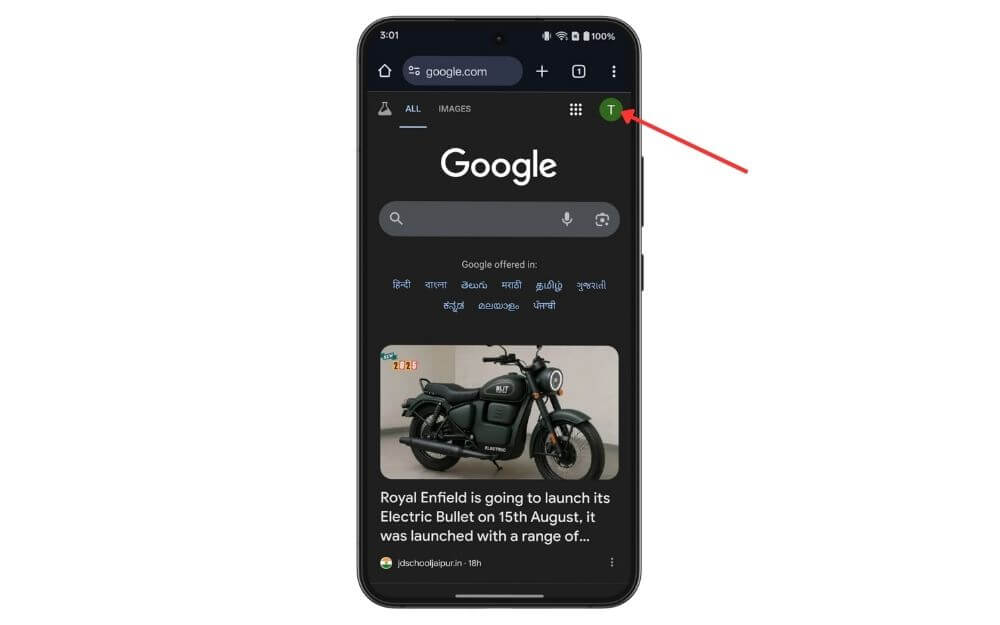
2. Click on your profile picture in the top right corner of the screen
3. Here, scroll down and tap on search personalization

4. Scroll down and tap on Source preferences

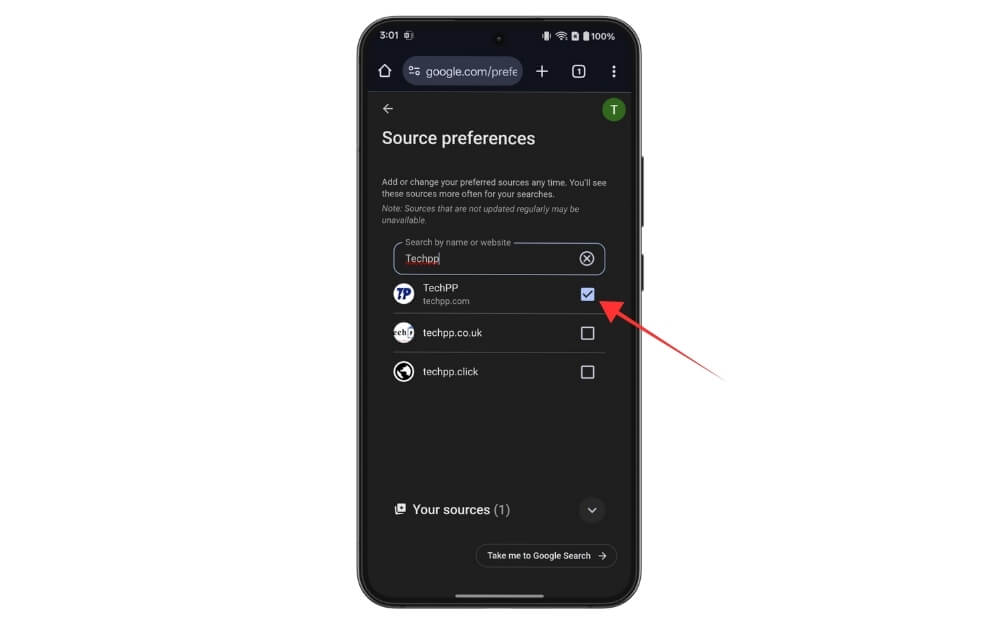
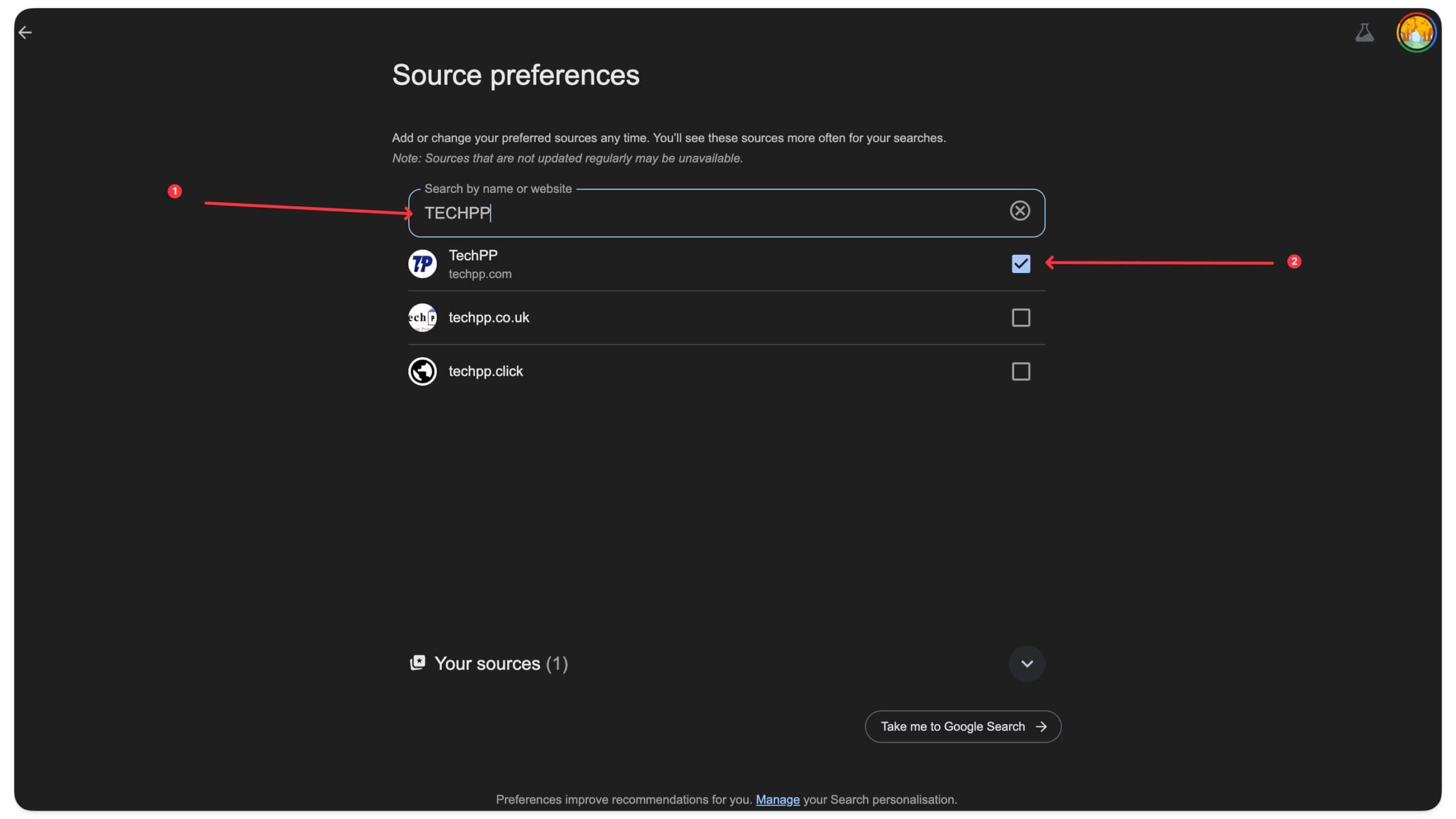
5. Here you can search the source or add the home page URL of the site you want. For instance, you can search for TECHPP or add this TECHPP URL and click the checkbox. And that’s it
On Desktop
The process is very similar on the desktop, too, but with a small interface change
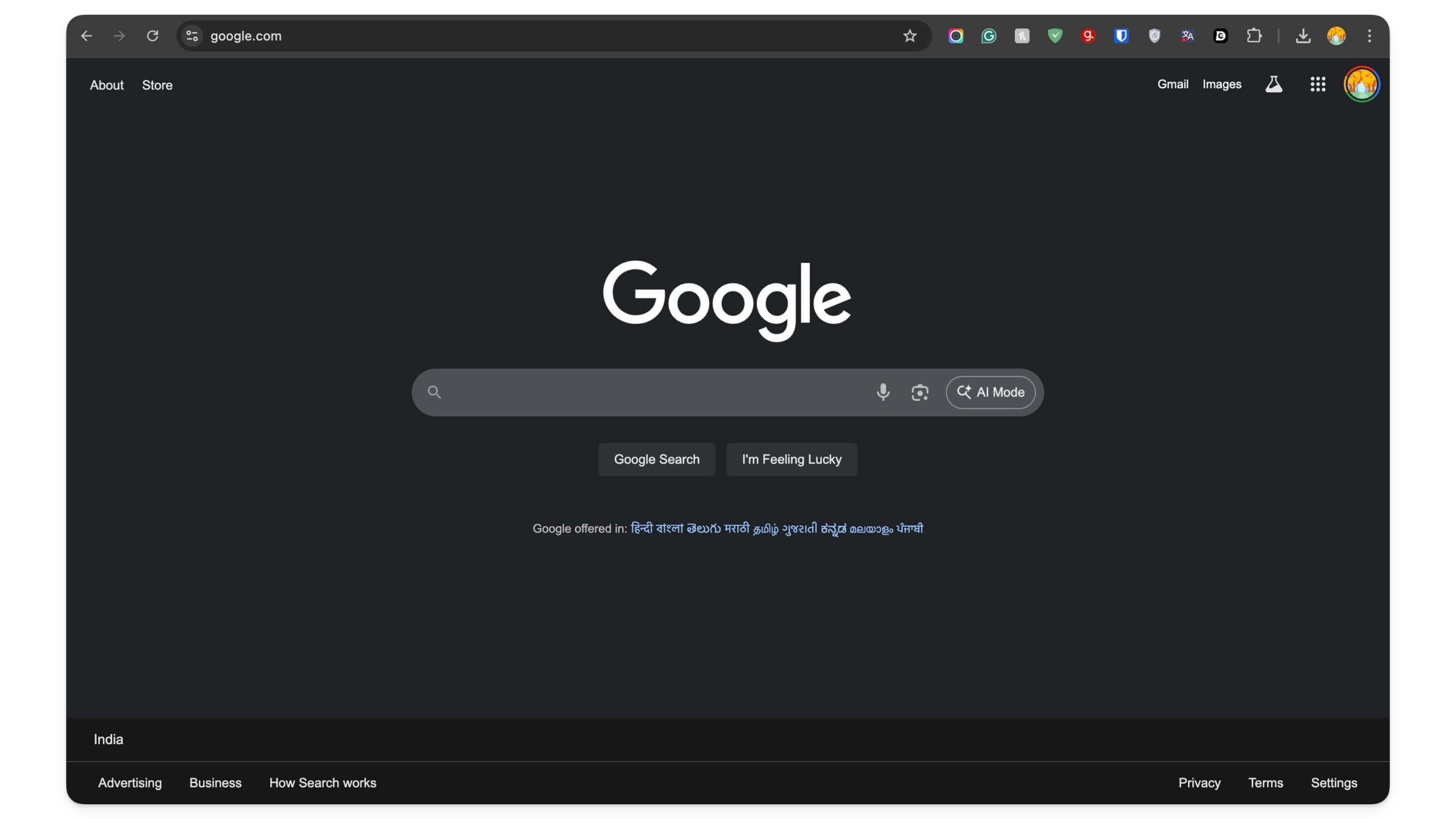
1. Open a browser and visit Google.com
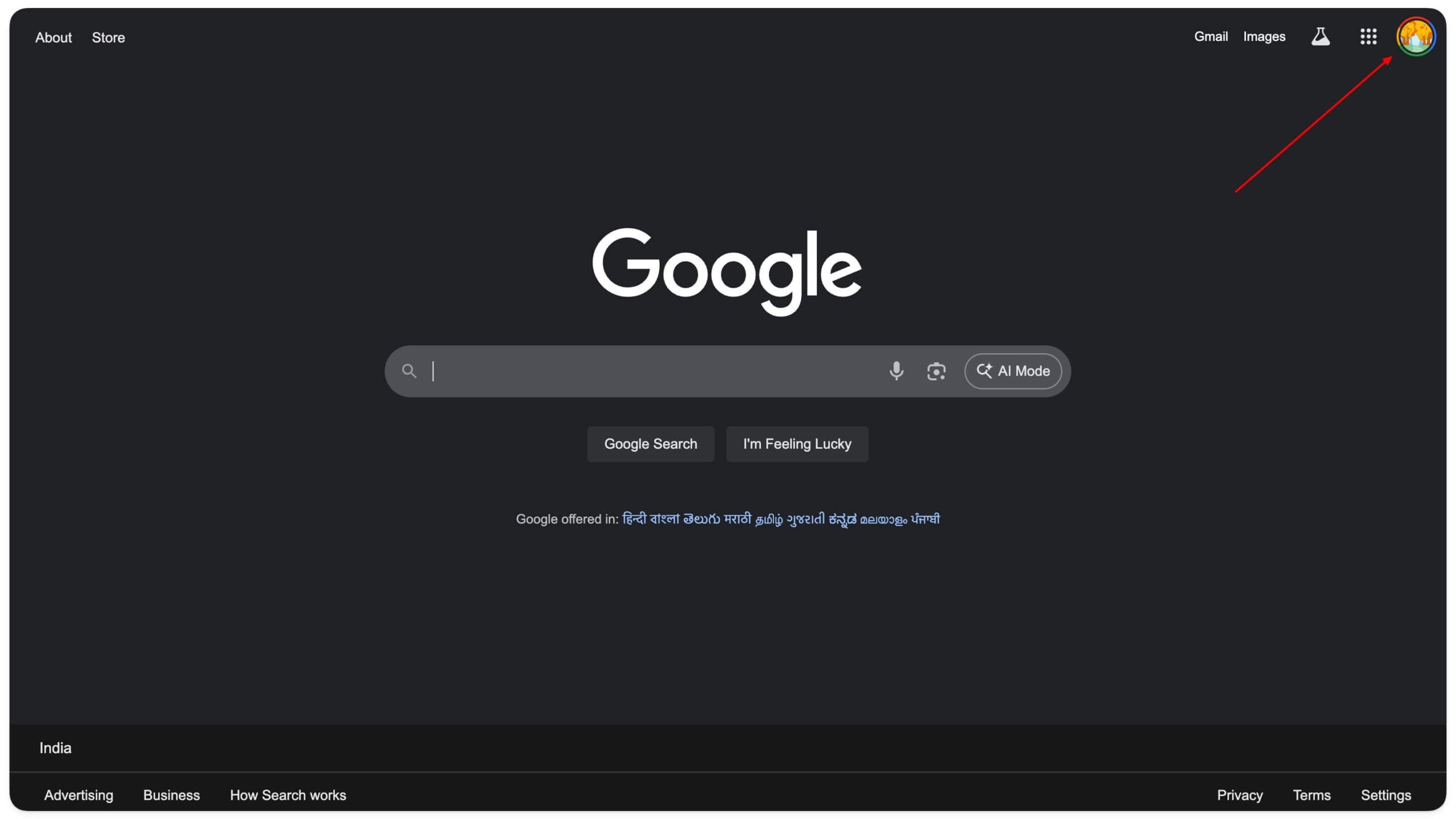
Click on your profile picture in the top right corner of the screen
2. Here, scroll down and tap on search personalization

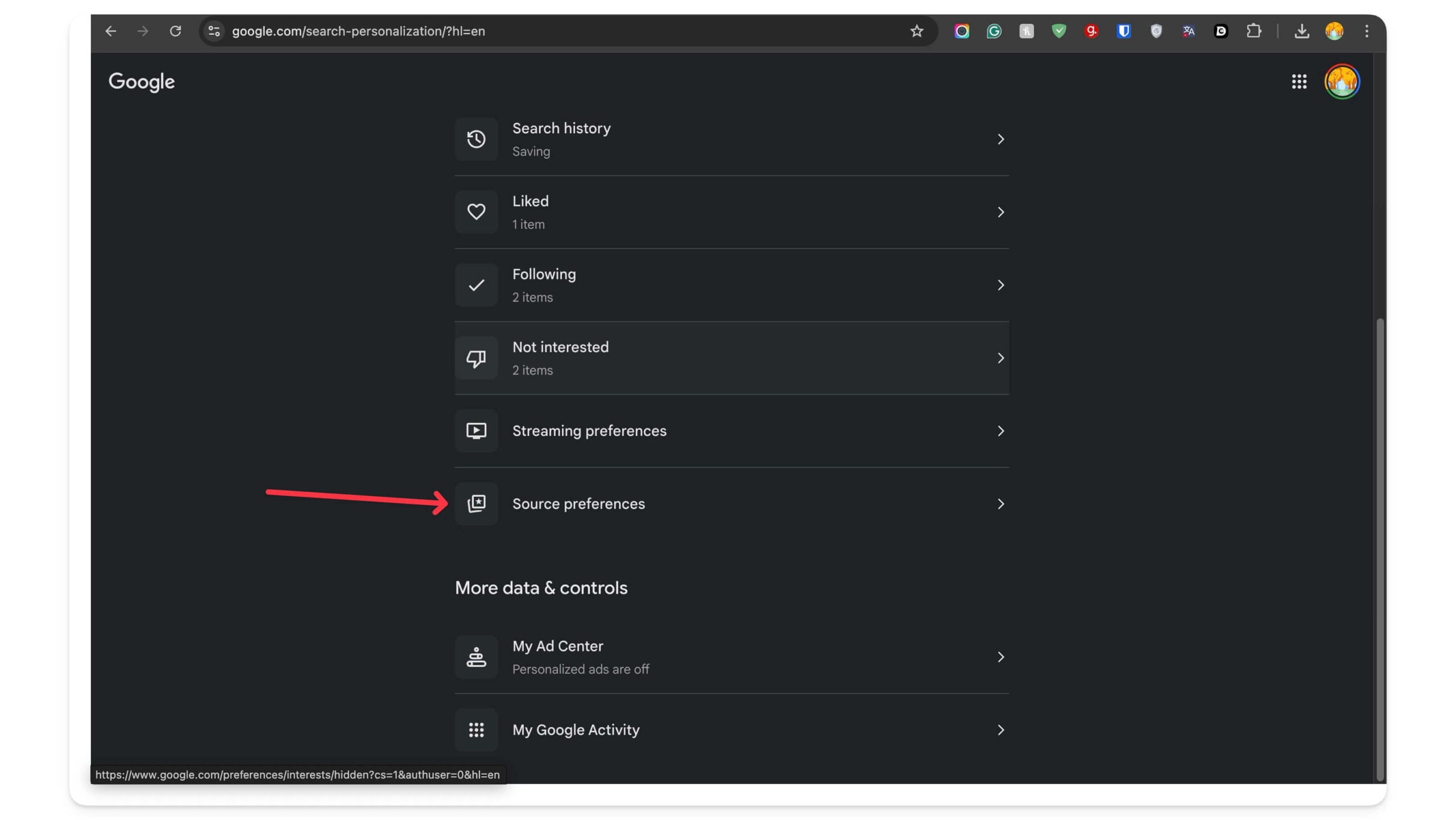
3. Scroll down and tap on Source preferences
4. Here, you can search the source or add the home page URL of the site you want. For instance, you can search for TECHPP or add this TECHPP URL and enable the right-click option. And that’s it.
FAQs on Setting Preferred Sources on Google
1. Can I set different preferred sources for different topics?
Currently, there is no option to categorize your sources into different topics. However, Google is good enough to show you all the relevant results from the relevant sources based on the keyword. For instance, if you are searching for tech, Google might only show sources related to tech websites if they have covered the topic recently.
2. Do preferred sources affect normal organic search results?
Yes, but not entirely. However, it is completely dynamic, and the results might appear only in the preferred sources section depending on your keyword. Google dynamically displays the results based on your keyword, so we cannot predict them, but it will not affect the top 10 blue links.
3. Can I use this feature without signing in to my Google account?
No, search personalization is tied to your account, so you need a Google account to use this feature.
4. Can I reorder my preferred sources so some show up first?
No, currently, there is no option to set priorities for your preferred list.
5. Will setting preferred sources improve my search result rankings for those sites?
Yes, along with the Google search results, you can also see results from them directly on Google, which increases their visibility.

