

Quick Answer
To prevent Instagram from using your photos for AI images, ensure your app is updated, go to your Profile, and open the Menu (top right). Scroll to “Sharing and Reuse” and toggle off the posts and reels options under “Allow people to reuse your content on Instagram and with AI features at Meta.” Setting your account to private also blocks access.
Meta is very good at making decisions that don’t respect your privacy, and the recent attempt is the best example. Meta recently announced a new AI image model. Similar to other AI image generator models, you can simply describe the image you need in simple text, and it can generate an image for you. Everything was normal until Meta also allowed users to mention or tag a publicly available Instagram account as a reference and generate an image using that account’s data.
If you think that this data is public and users can simply take a screenshot or use any other method to use it as a reference, that’s not the concerning part. Meta has opted everyone in, basically granting permission to use their data as a reference to generate without letting you know.
How to Stop Meta From Using Your Instagram Photos and Reels for AI Images
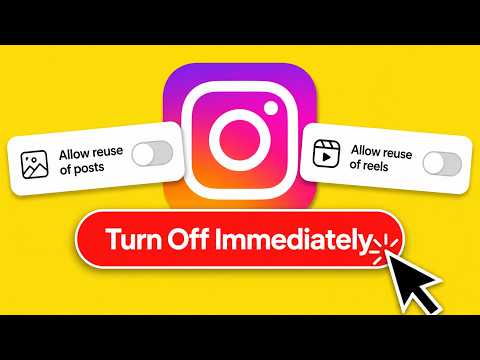
Fortunately, Meta is letting you turn off these settings and prevent others from using your Instagram profile data as a reference. I have made a detailed video on how to turn these settings off. If you prefer a written guide, follow the steps below.
Update your Instagram to the latest version, as Meta updates the user interface for these settings.
Step 1: Open the Instagram app
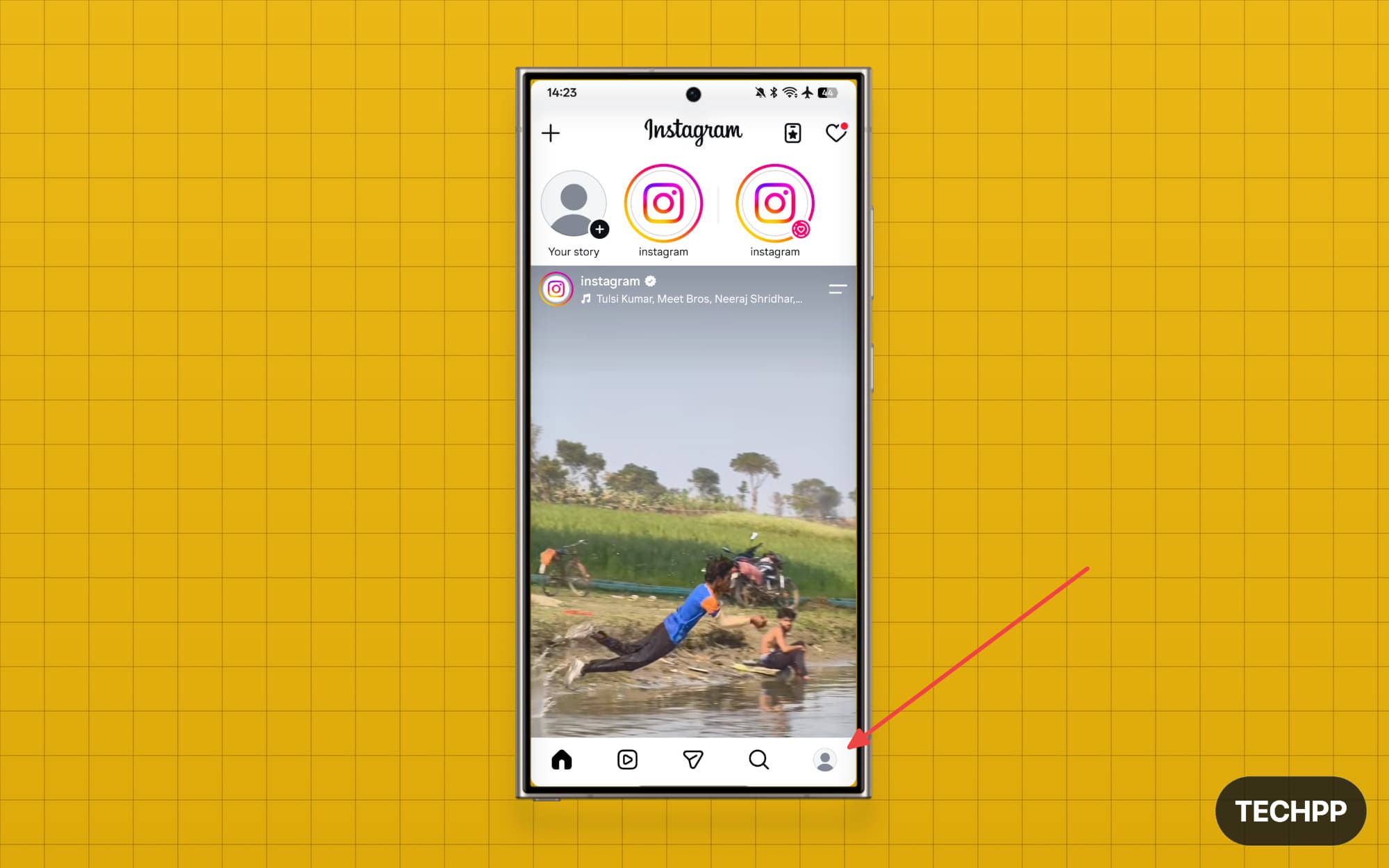
Step 2: Tap on your profile picture in the button in the right corner of the screen
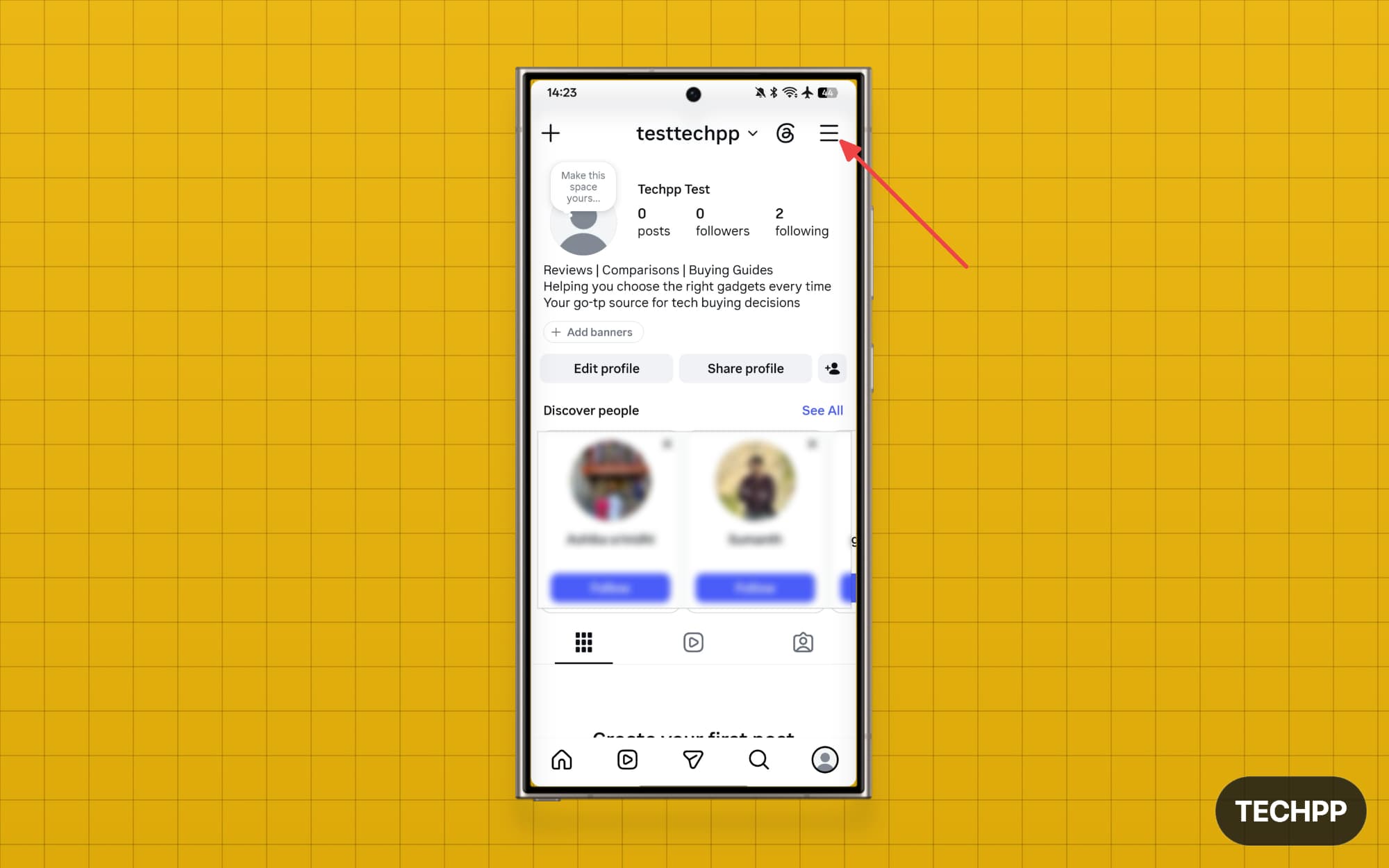
Step 3: Tap on the menu in the top right corner
Step 4: Scroll down until you see the option “Sharing and Reuse. If you only see the Sharing option, it means your account is set to private, and the Meta image model cannot access your data.
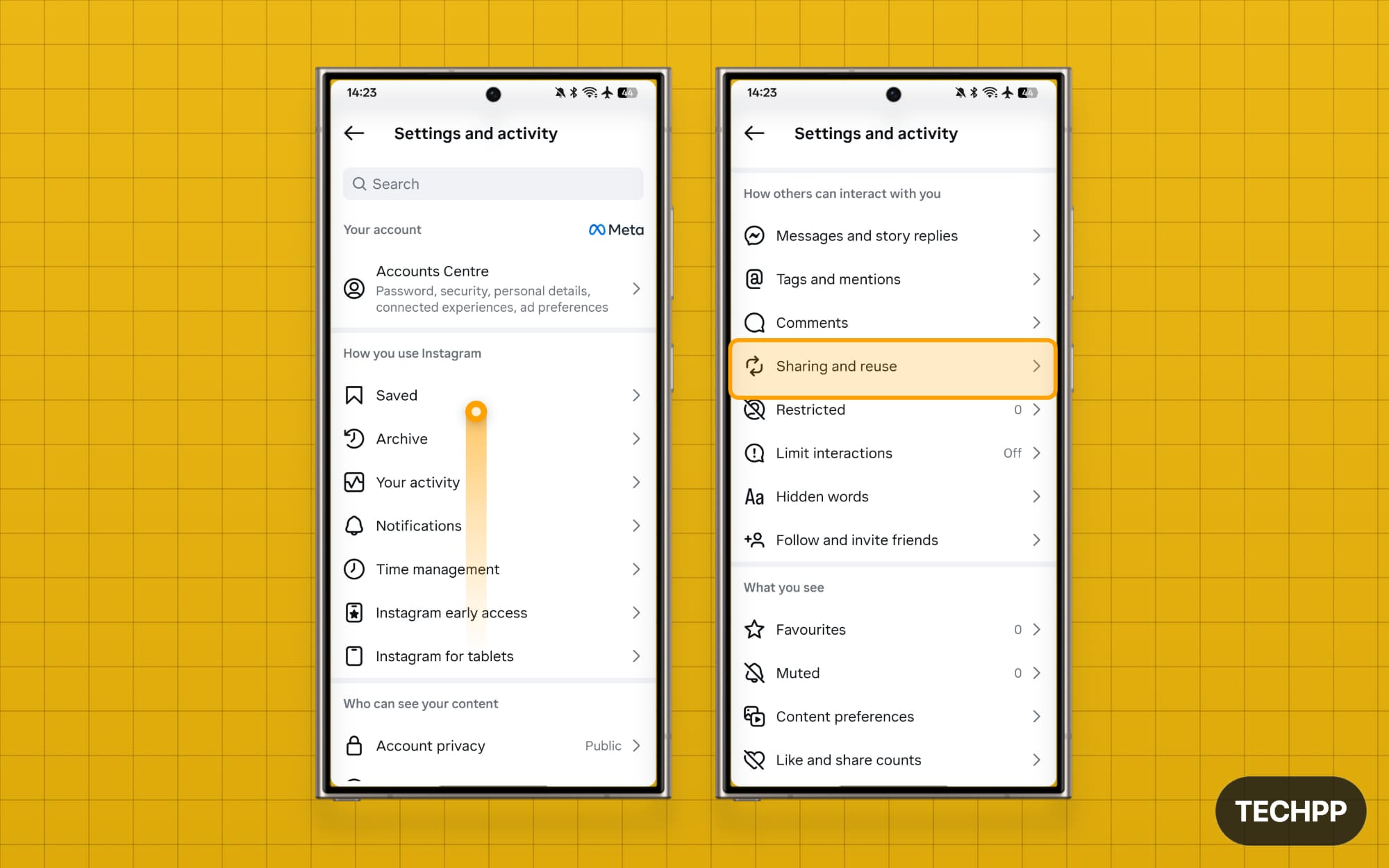
Step 5: In the Sharing and Reuse settings, turn off the posts and reels options under the section Allow people to reuse your content on Instagram and with AI features at Meta.
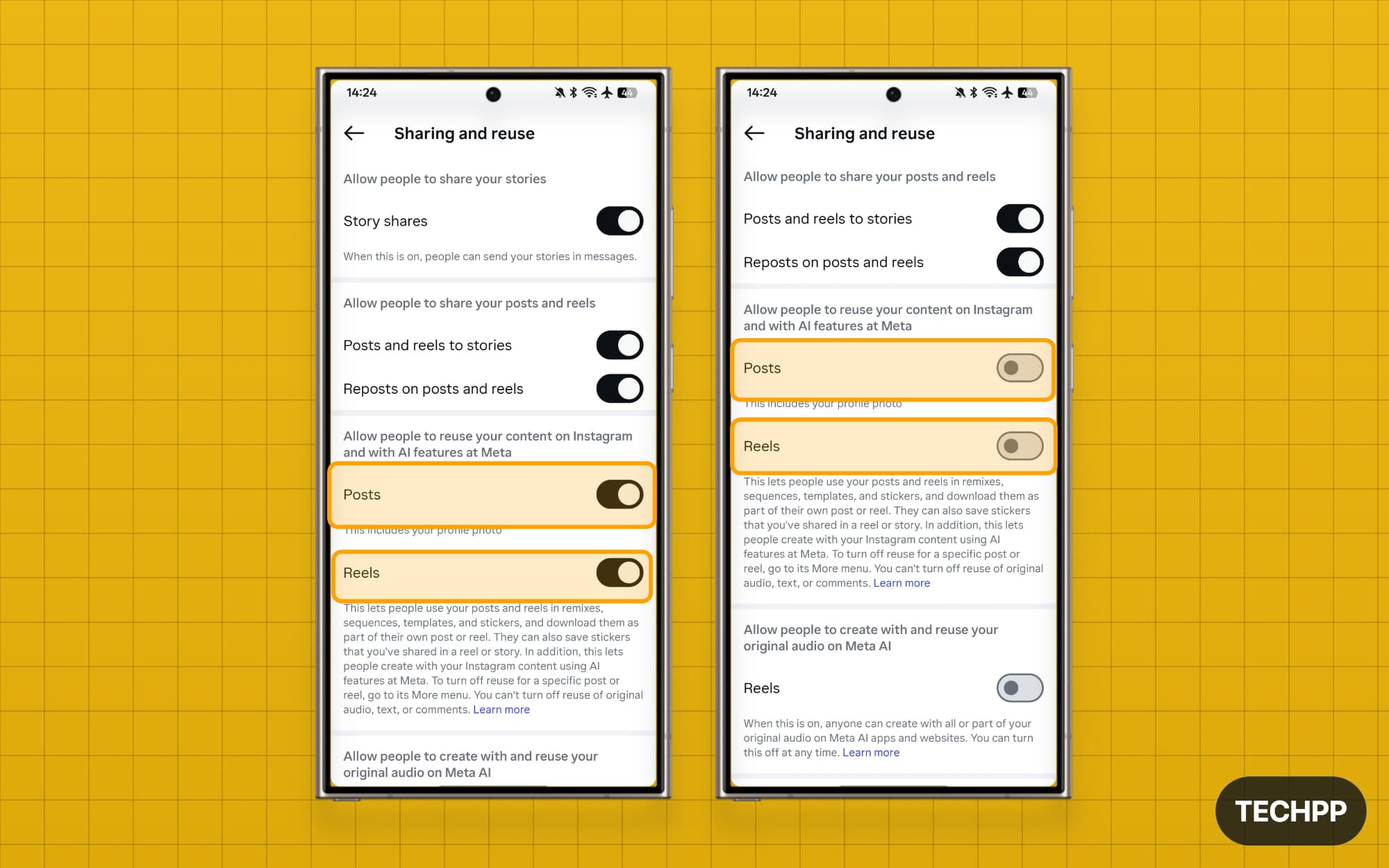
That’s it. This is how you can prevent Meta from using your data. Recently, Google also changed its privacy policies, opting to automatically share users’ search data with Google to train its AI models, and offers allow you to turn off those settings. Now, Meta uses data without permission as a feature of the image generator model. If you face any issues while disabling these features, let me know in the comments below.

