

Quick Answer
From AR-powered rulers to GPS-based land survey tools, these 8 best measuring apps for iPhone and Android let you measure length, height, area, and even perimeters on the go. Accurate, versatile, and handy, they’re perfect when you don’t have a physical measuring tape.
Smartphones today can do anything you can imagine, apart from just voice calls and text messages. Amidst the sea of things they can perform, smartphones can also measure the length of any object. Thanks to Google’s ARCore and Apple’s LiDAR scanners, smartphones can also act as a measurement tool and come in handy in situations when you don’t have a physical measuring tape. You will find a lot of free measuring apps on the Google Play Store and the Apple App Store, including a bunch of paid ones.
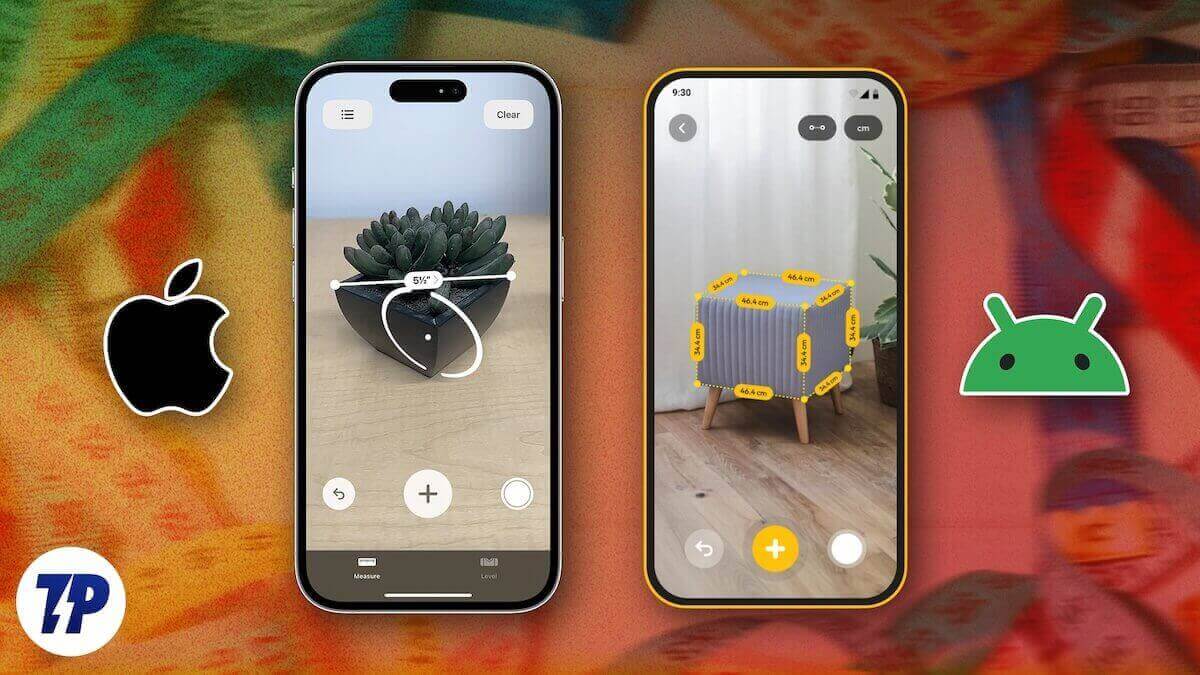
However, selecting the best one among them is a bit challenging, as some are filled with ads, some give inaccurate measurements, or some are just too complicated. In this guide, we have compiled a list of the best measurement apps that you can download on your Android or iOS device and measure anything on the go. Let’s jump right into it.
Table of Contents
Best Measurement Apps for iPhone and Android
Below is the list of the apps that you can download on your Android and iOS devices.
App Name | Platform | Special Use Cases | Price |
|---|---|---|---|
AR Measure Tape: SmartRuler | Android & iOS | Furniture measurement, ring sizing, quick succession measurements | Free |
Ruler (by NixGame) | Android & iOS | Small objects (on-screen), simple UI | Free / Pro $2.49 |
AR Ruler App: Easy Measure Pic | Android & iOS | Room makeover, object measurement | Free |
GPS Field Measure – GLandGo | Android & iOS | Real estate, farmland, circular plots | Free |
Photo Measures | Android & iOS | Interior design, home renovation, furniture shopping | Paid ($4.99) |
Measure Tools: AR Ruler Camera | Android & iOS | DIY projects, interior design | Free |
AR Meter: Tape Measure Tool | Android only | Everyday use, room scanning | Free |
Measure Map Pro | Android & iOS | Land area, routes, farmland measurement | Free |
AR Measure Tape: SmartRuler – Best for quick all-round measurements and ring sizing

One of the best measuring apps that you can download on Android and iOS is the AR Measure Tape: SmartRuler app. The app utilizes augmented reality, and using your phone’s camera turns into a virtual measuring tape. You can use this app to measure height, length, level, and compass. Height measurement is quite easy, as you just have to perform two taps. Using the Ruler tool, you can measure small objects such as buttons, screw, coins, etc.
There is also a dedicated ring size and finger size measurement option, which allows you to measure your finger and order the appropriate size smart ring or diamond ring. Additionally, the app offers horizontal mode, vertical mode, and box preview for measuring furniture. One of the best features of this app is the Chain measurement feature, which allows you to take measurements in quick succession. The app also comes with an automatic surface area measurement, you can group measurements into folders, save measurements as a PDF, and change between different units.
Ruler – Best for measuring small objects on-screen
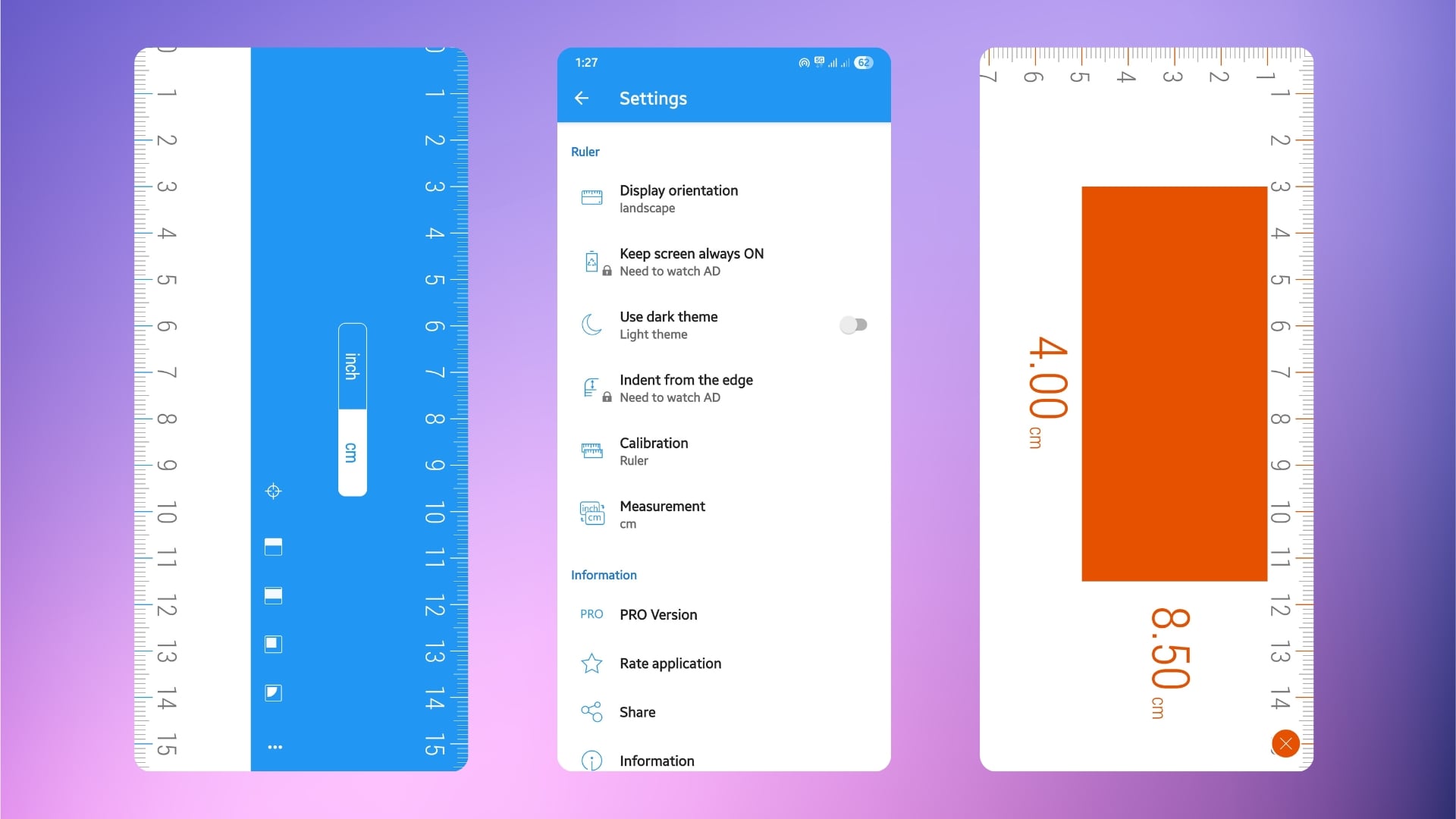
One of the top-rated measuring apps is Ruler by NixGame. This app is an all-in-one app that offers you a unit converter, length measurement, area measurement, and much more. With four measurement modes: point, plane, line, and level, you can measure anything. The app also lets you change the unit: cm, inch, mm, and measure things as per your required unit. The user interface of the app is also simple, and it won’t take you long before you start measuring. Upon our testing, we found the app to be quite accurate, and the calibration is also fairly easy.
The app supports up to 15 languages, making it easier to get measurements in your language, though that may not be that important. In order to take measurements, you can place the object on top of your screen and take measurements accordingly. If you don’t like the blue and white theme, then you can also use the dark theme, which is available inside the Settings menu. The only downside is that you can expand the phone screen, meaning you can only measure small objects by keeping things on top of the screen. There is also a Pro version of the app that costs $2.49.
AR Ruler App: Easy Measure Pic – Best for home makeovers and room planning

Don’t have a physical measuring tape on you? Don’t worry, you can install the AR Ruler app on your Android phone or iPhone and get going. This app utilizes Google’s ARCore and Apple’s LiDAR to measure objects within your field of vision. Simply point the camera at the object you wish to measure and begin measuring. You can use this app to measure anything in inches, feet, or meters, along with measuring complicated tasks, such as measuring distance, height, angles, and the area of a room.
You can export your measurements into PDF format and share them with anyone. It also lets you measure objects for volume or trace a path of a space for a total length. If you want to measure small objects that can be put on top of your device’s screen, then you can do that as well. Overall, the app offers accurate measurements and is good for those looking for a makeover for their room or casual measurements.
GPS Field Measure – GLandGo – Best for land and real estate measurements
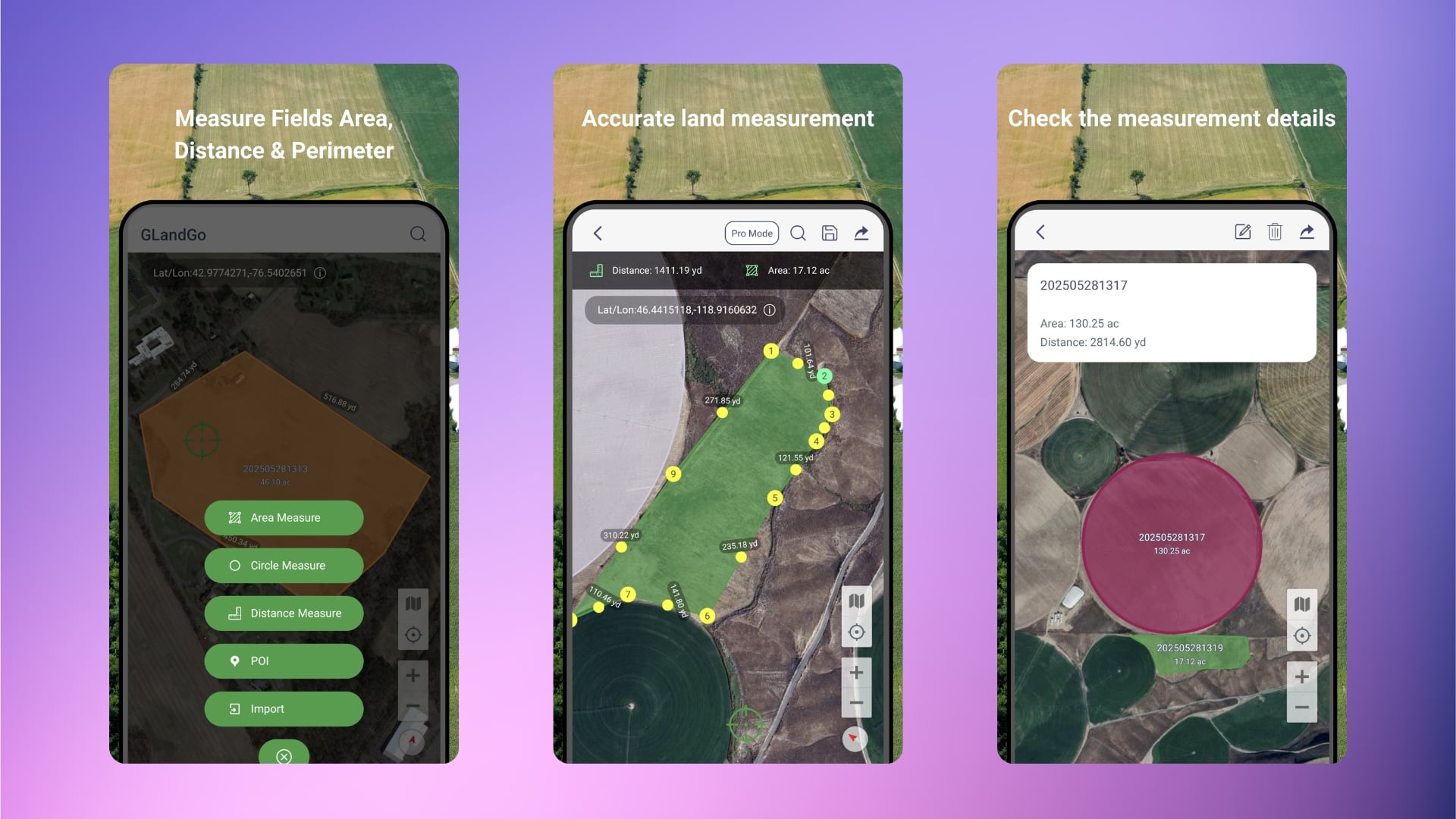
If you are into real estate or want to measure your land for your information, then the GLandGo app is a perfect solution right on your smartphone. The GLandGo app is developed by 4Digsoft and is available on both Android and iOS. The app makes use of your phone’s GPS and eliminates the need to carry hefty surveying tools. You can simply use your phone and walk to the field or land and drop points on it to get accurate measurements.
It can give you the measurements in different units: acres, hectares, or square meters. You can also use the GLandGo app to track distance or measure circular plots. The app lets you save your measurements to the cloud and access them wherever and whenever. Measurements can be saved with names, photos, and notes, and can be saved in KML, PDF, or JPG. You can also import measurements in SHP, GeoJSON, KML, and KMZ formats. According to the app description, the app supports coordinate formats, DMS, UTM, MGRS, Plus Code, and Geohash.
Photo Measures – Best for interior design and renovation projects
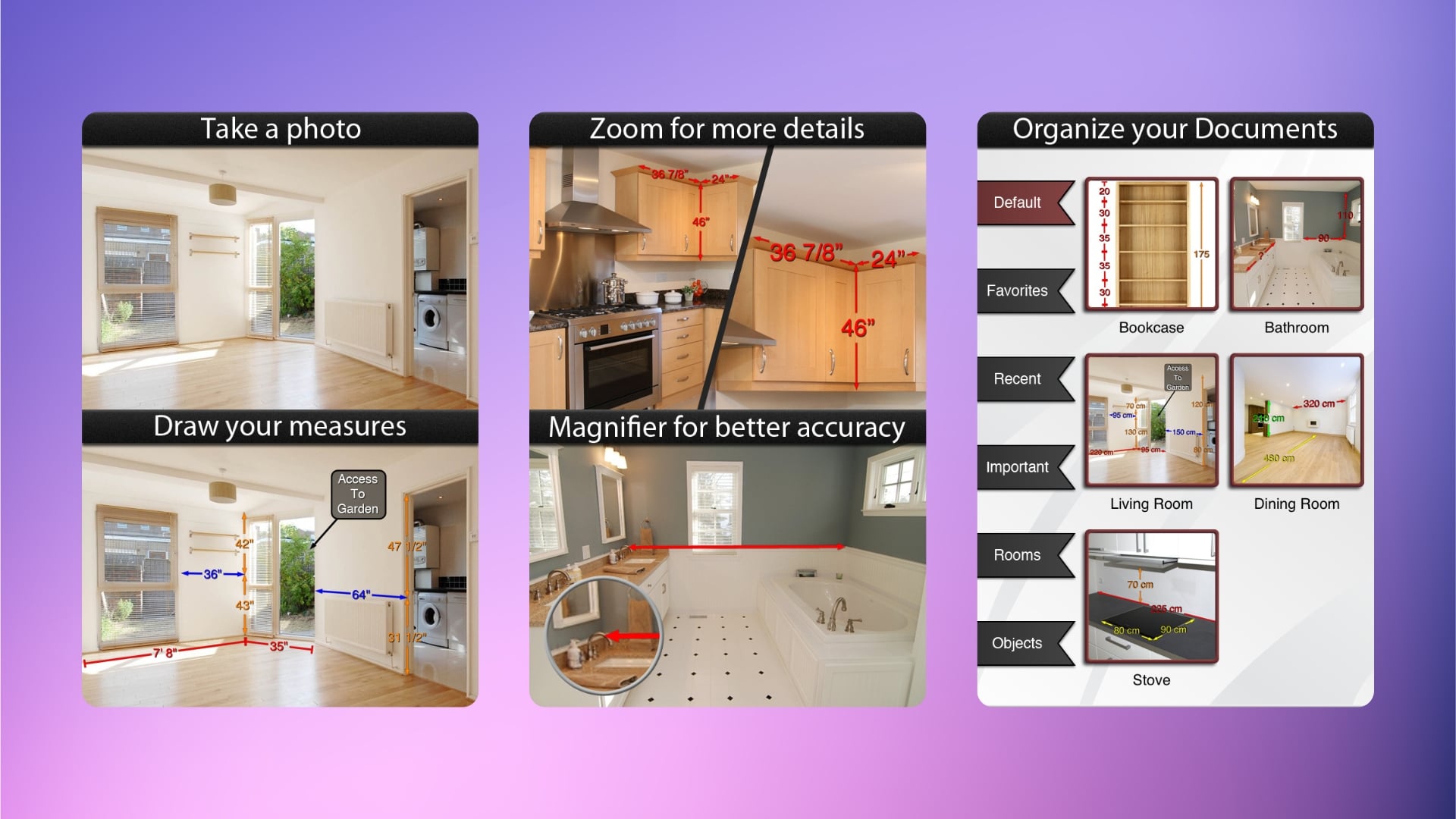
Photo Measures is a paid app, but it does its job quite well. This super handy app lets you take a photo or use a photo and take measurements of the objects in it. Notably, the dimensions are accurately measured within the photo. This can be pretty useful, especially if you are building a house, decorating a room, or moving to a new place. You can capture a photo of the place you want to decorate or simply shop for furniture, and quickly jot down the measurements and sizes right on the image.
You can measure the dimensions and share the details with friends, contractors, designers, or anyone others. The app supports different metrics and imperial units and allows you to zoom in with precision, add notes, measure angles, and neatly organize everything into categories. Notably, the measurements can be exported into PDFs and JPGs in high quality for professional use. The app is available for both Android and iOS and costs $4.99. The only thing that is concerning is that the app was last updated in March 2024.
Measure Tools: AR Ruler Camera – Best for DIY and furniture sizing
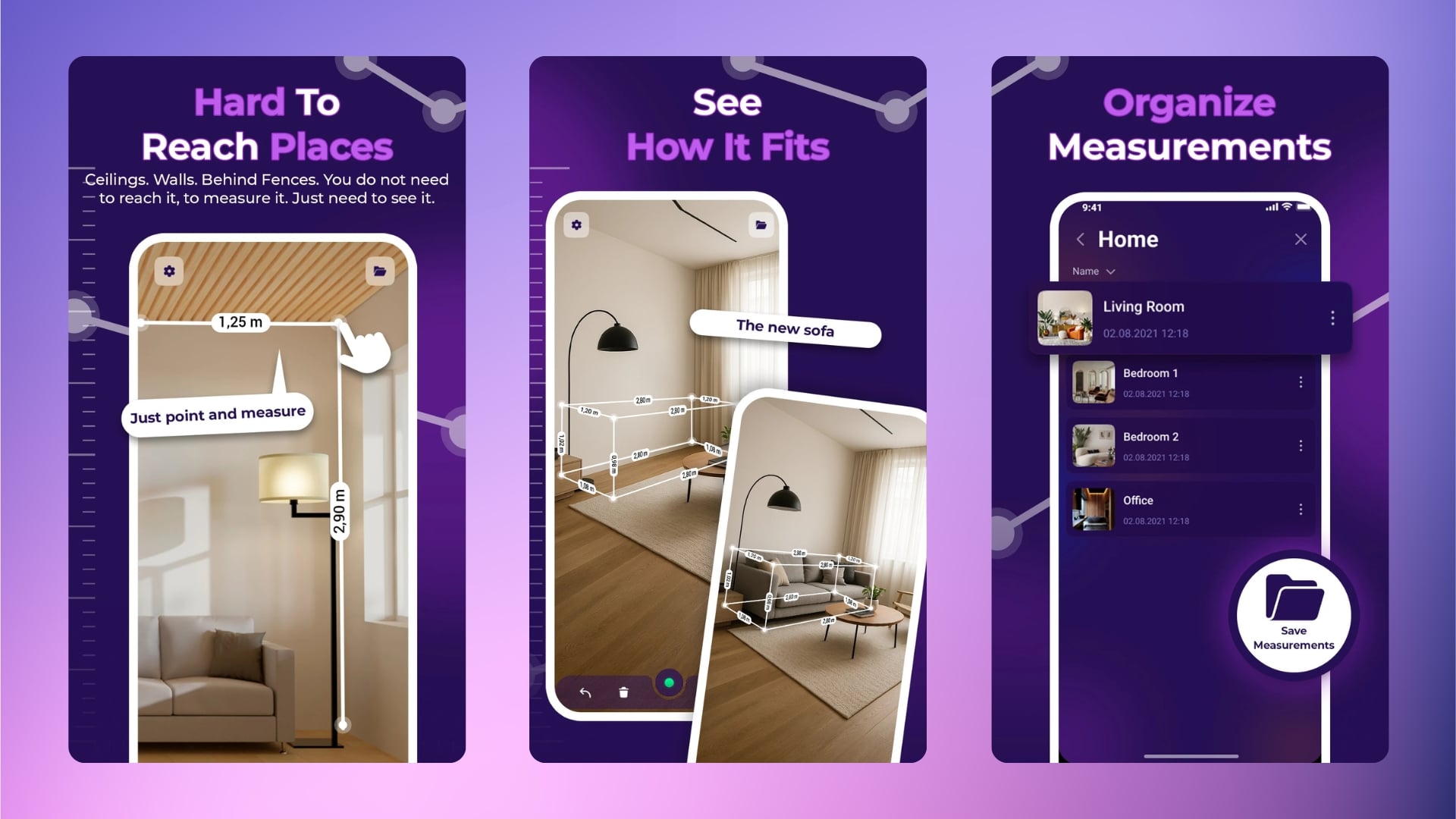
With the Measure Tools app, you can turn your smartphone or any Android or iOS device into a smart measurement device. You just need to do a few taps and take measurements of any objects. You can measure a small object or the dimensions of an entire room with great accuracy and precision. Using AR, the app lets you measure any horizontal surface, even if there are objects in front of it. Apart from basic length measurements, you can use this measurement app to calculate area, check heights, find angles, and also preview furniture size in your living space.
You can use this app in both metric (centimeters, meters) and imperial (inches, feet) units, adding more versatility with different people involved in DIY or interior design projects. This app also offers the handy chain measurement feature, which lets you measure in quick succession by placing the anchor and starting the measurement. You can also check out a bunch of measurement videos within the app that offer tips and tricks.
AR Meter: Tape Measure Tool – Best for everyday AR-based measurements
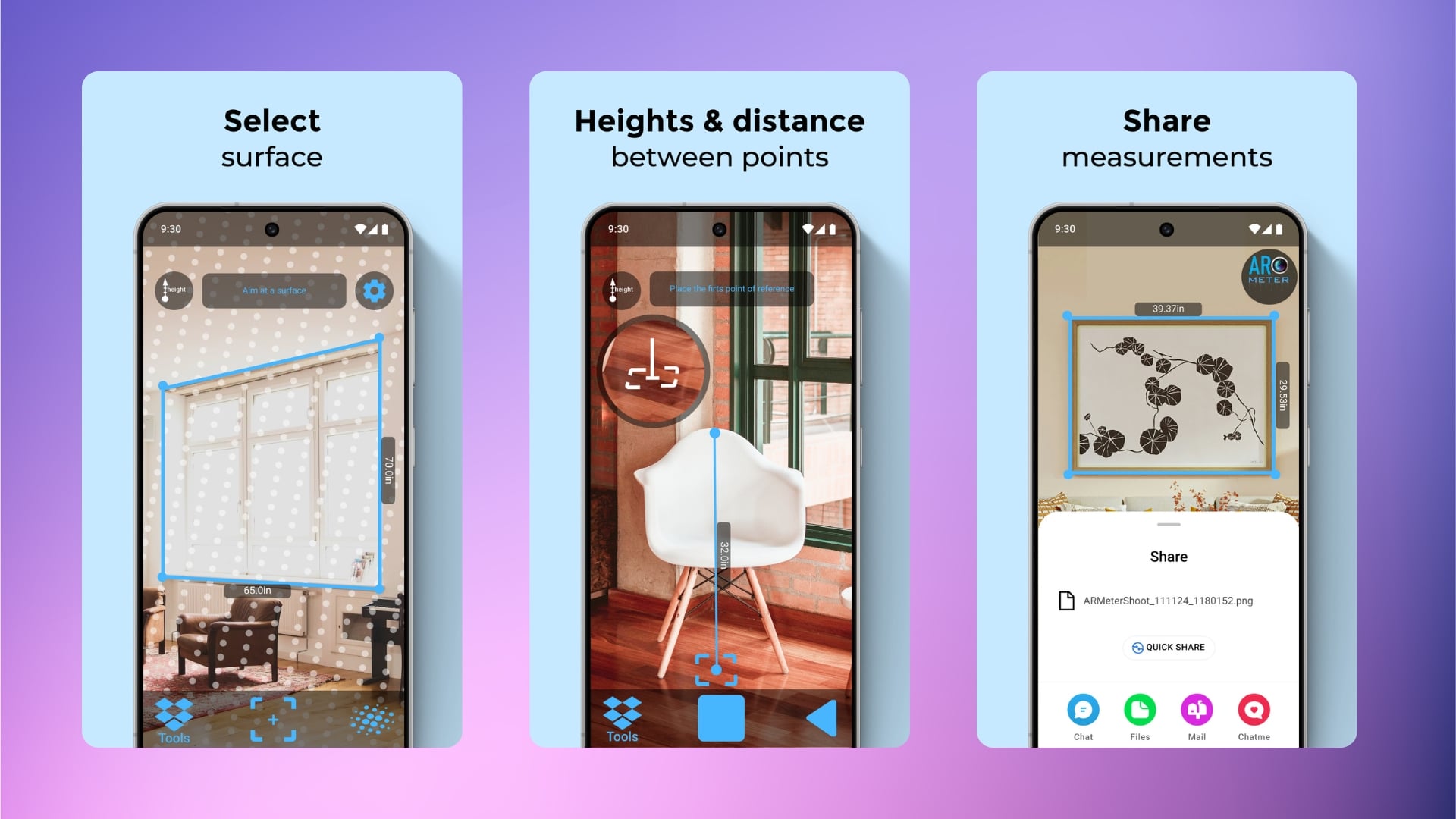
The AR Meter app is another great app, available only on Android, that can turn your device into a smart measuring tool. You can use this app to measure everyday objects, etc., in a fun way. Similar to other apps, it can help you measure lengths, heights, and angles or scan the entire room layout. The measurements can be stored in imperial and metric units, adding versatility.
The app can measure 3D objects, horizontal, vertical, or even inclined surfaces. You can save the annotated measurements and share them with anyone. Do note that the app makes use of Google’s ARCore for measurement, and so the accuracy may vary depending on the light and other elements. Though we did find the measurements to be correct, with some hits and misses. Another good measurement app for those who need it.
Measure Map Pro – Best for mapping routes and large land areas
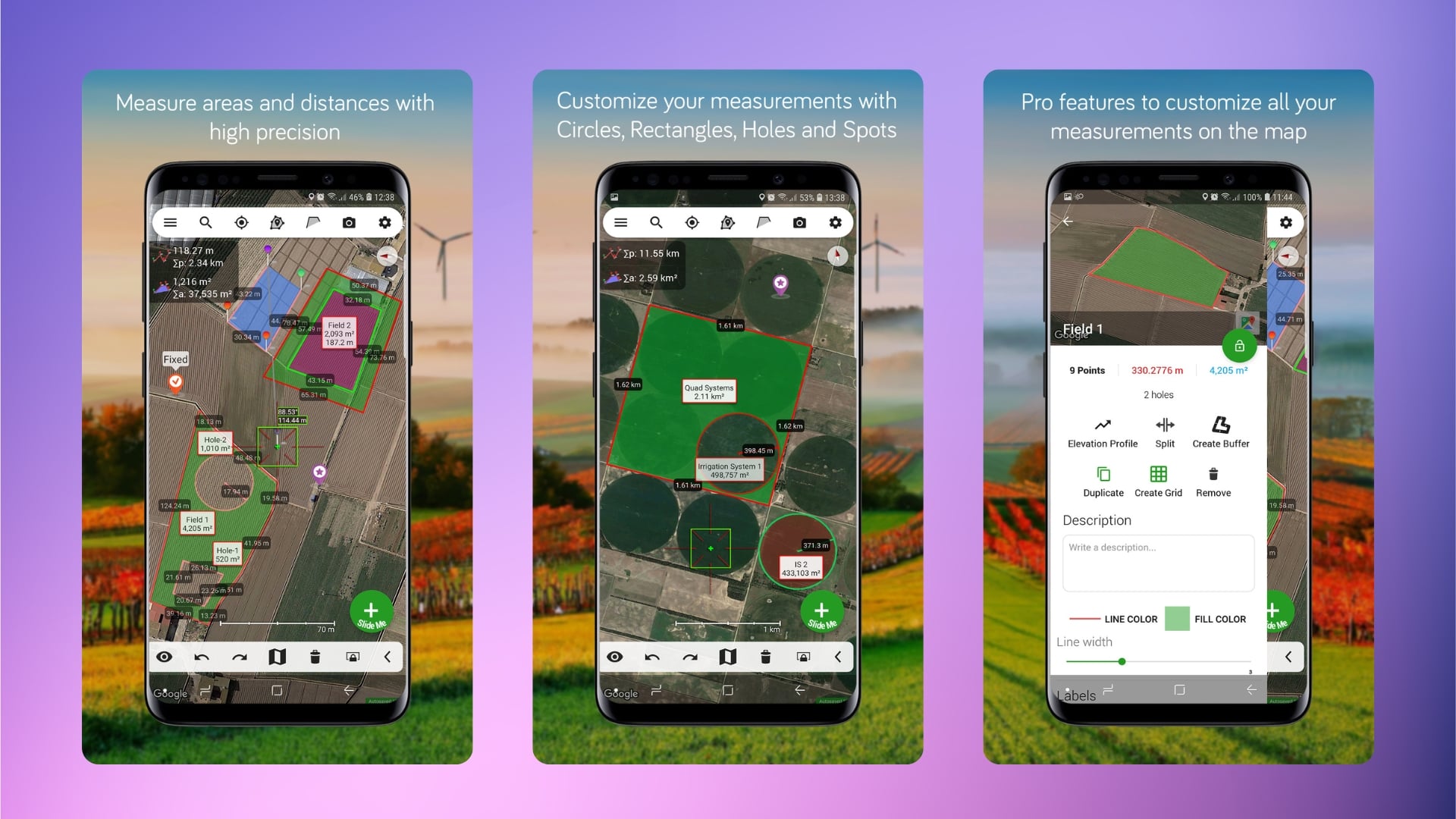
Last but not least, the Measure Map Pro app lets you measure perimeters, distances, and areas directly on maps with high accuracy. The app takes into account the curvature of the Earth’s surface and gives you measurements. You can use this app for small or big areas, such as a farmland, a marathon route, or if you are curious about how big a field is.
The app simply asks you to pin start and end points and gives you measurements without much learning curve. The app interface is simple, and you can draw polygons, view elevation profiles, switch between map types, or save and share the measurements with anyone with supported apps. The measurements can be exported in different formats, including KML, CSV, PDF, or even images. You can carry on with your measurements in imperial as well as metric units, making it versatile for people worldwide. The app is available for both Android and iOS for free.

