

Quick Answer
If you are tired of CapCut locking key features behind a paywall, OpenReel is a compelling alternative. This open-source video editor runs entirely in your browser, processes everything locally for better privacy, and offers powerful tools like multi-track editing, keyframes, AI features, and even 4K export, all completely free.
We live in the world of social media, where every photo and video has to be perfect to be shared with the world. Especially videos posted unedited; they look raw and bad. While there is no shortage of good video editors, the only problem is that they require a subscription. If you somehow get the subscription, you’ll have to go through a learning curve to understand all its features. Enter CapCut, the undisputed king of quick, accessible video editing. I have used CapCut extensively, and it is by far the best video editor I have used.
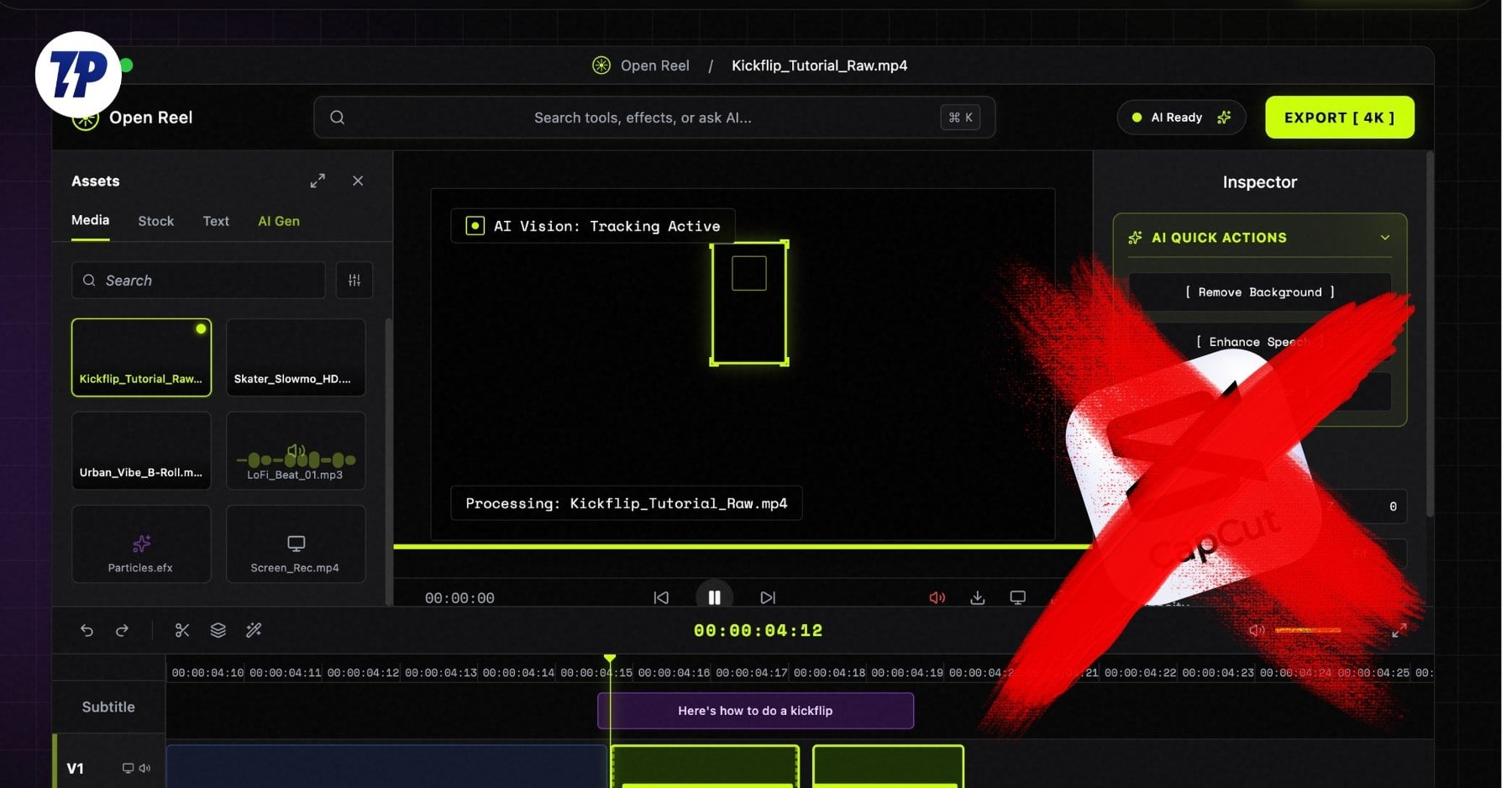
But again, most of the features are locked behind a paywall, and the free version feels like barebones. And don’t get me started on the CapCut desktop app. While researching for a better editor, I found OpenReel. It works entirely in your browser and includes AI features that will make you go “wow”! Here is why you should replace CapCut with the OpenReel editor.
What is OpenReel?
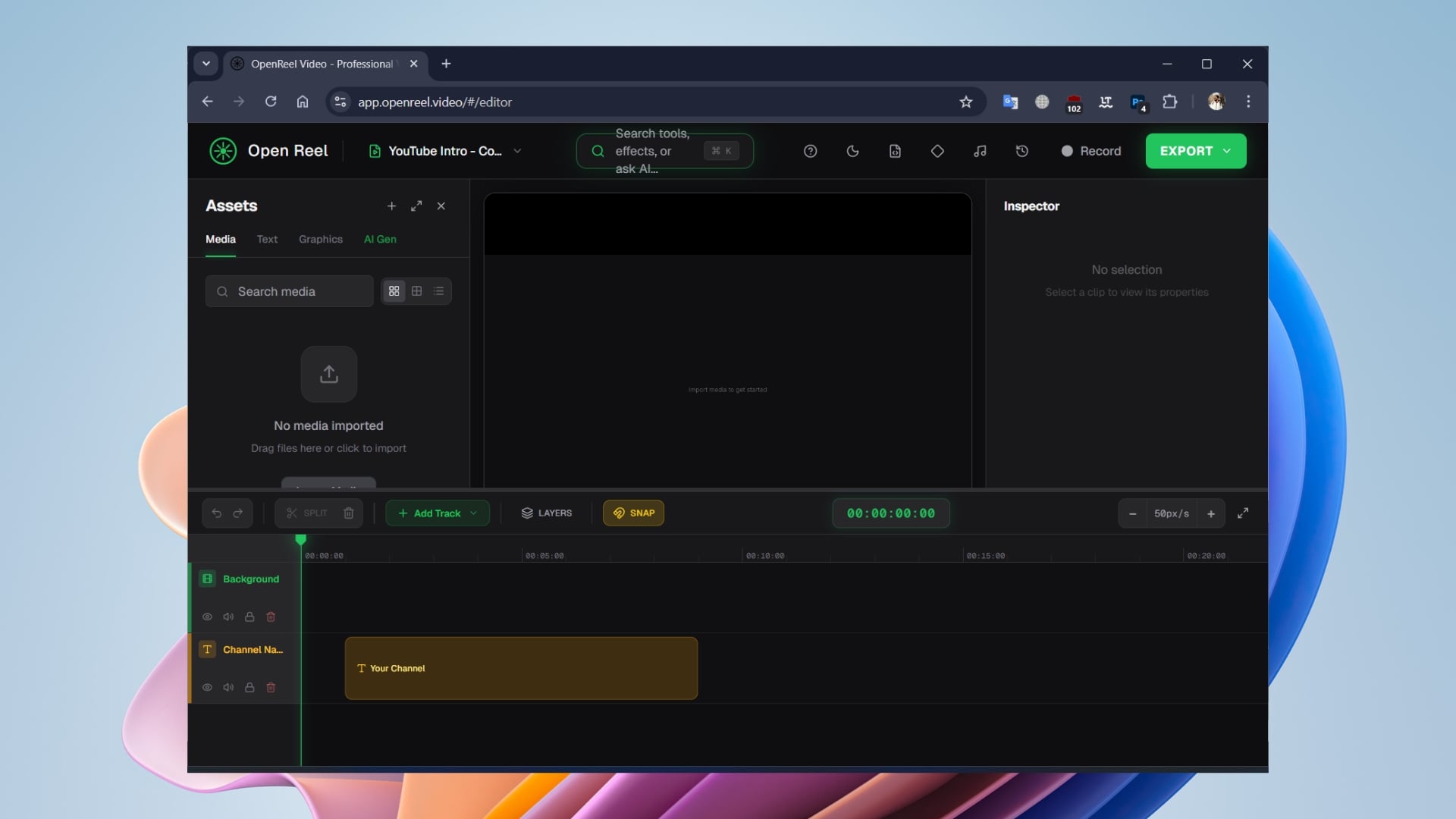
At its core, OpenReel is the open-source version of a full-fledged, professional-grade video editor that runs 100% in your browser. You don’t need to first download any software and then install it on your PC. And since it works inside a browser, there is no need to worry if it supports Windows or Mac. You simply need to open a new tab in Chrome, Edge, or any of your favorite browsers.
CapCut offers a freemium version, which, in my opinion, is good enough but not enough, enough. While previously a bunch of free tools inside CapCut were free, as soon as people started using it more and more, the company slowly started charging for the tools. Today, if you want to generate captions for a vlog, use advanced text-to-speech voices, or apply high-quality color grading, you are met with a pop-up asking you to spend some money.
Now, when you search for a browser-based video editor, you are instantly recommended options such as Canva. Yes, Canva is an absolute beast when it comes to graphic design, but the video editor, it is slow. Since the file is uploaded to the server, the server is the one doing all the heavy lifting. And after spending hours editing the video, when you are done, you have to wait for the download to complete on your PC, so that you can download it.
OpenReel flips the script. When you visit the website, the entire thing happens on the client-side. The web browser turns your browser into a local editing machine. Whatever you upload stays on your device; there are no massive cloud uploads, no server processing, and absolute zero risk of privacy invasion.
Visit website: OpenReel
OpenReel is easy to use and free
One of the biggest hurdles you will come across when trying a video editor is its interface. Often, you don’t know where to start, and sometimes months or years go by without knowing the actual capabilities of that editor. On top of this, nobody wants to spend hours watching YouTube tutorials just to figure out how to cut a clip in half. That is not the case with OpenReel, as the developer probably understood their assignment.
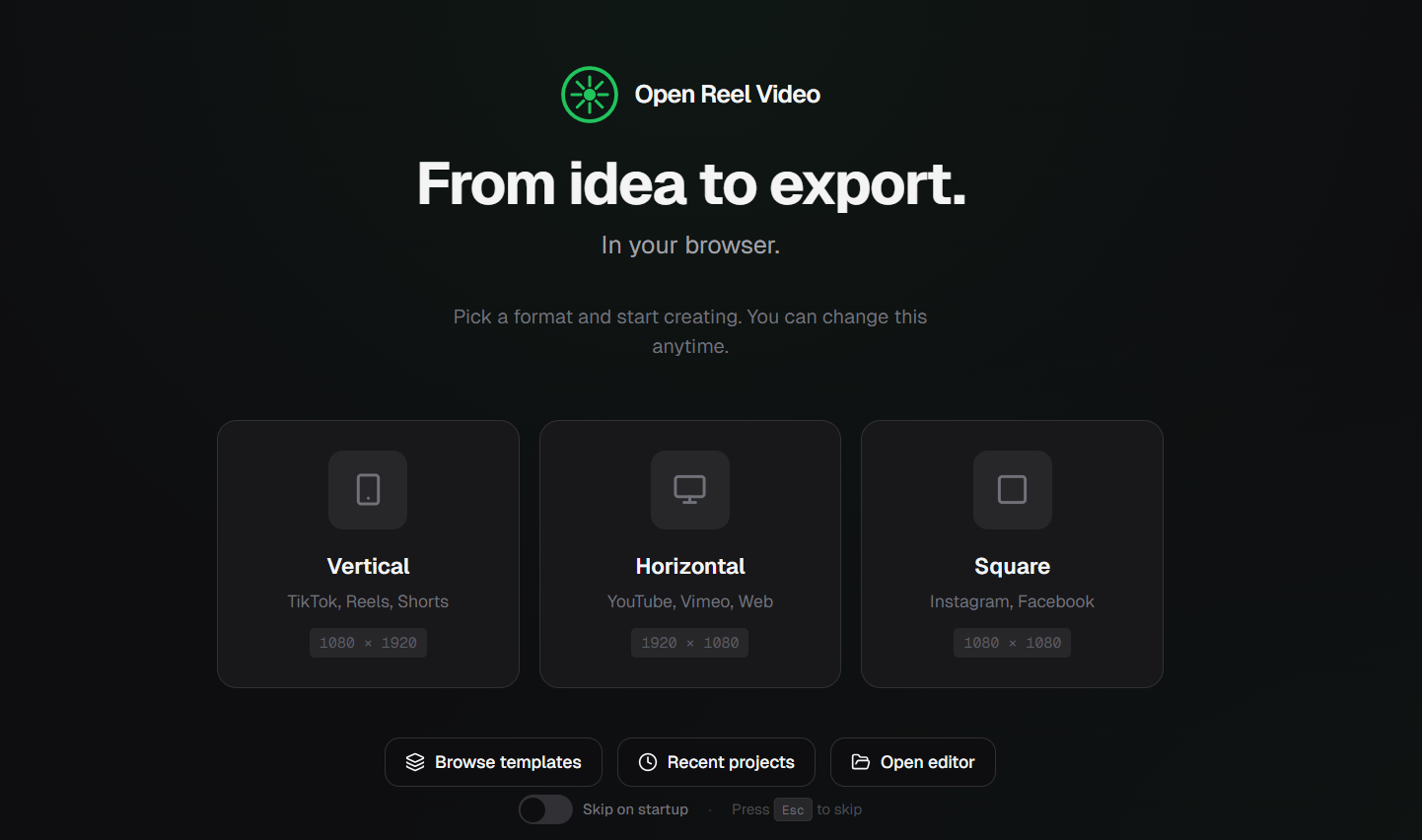
The moment you open the website, you are presented with some options: Vertical (for TikTok or Instagram Reels), Horizontal (YouTube, etc.), Square (Instagram or Facebook posts). Then there are options to browse templates, recent projects, and open the editor. If you don’t want to ask these questions, you can toggle on the Skip on startup option subtly placed right at the bottom center.
Selecting the option opens the video editor. You will see that the Assets are on the left sidebar, with your video preview in the right. You can change the theme from dark to light, and vice versa. There is also an option to record your screen in 4K quality at 60 fps, which is insane, and you have to pay a good amount to unlock such features in other apps.
You simply have to drag and drop your files and use the timeline to edit them. Here are some of the standout features:
- Multi-track timeline and 4K exports:
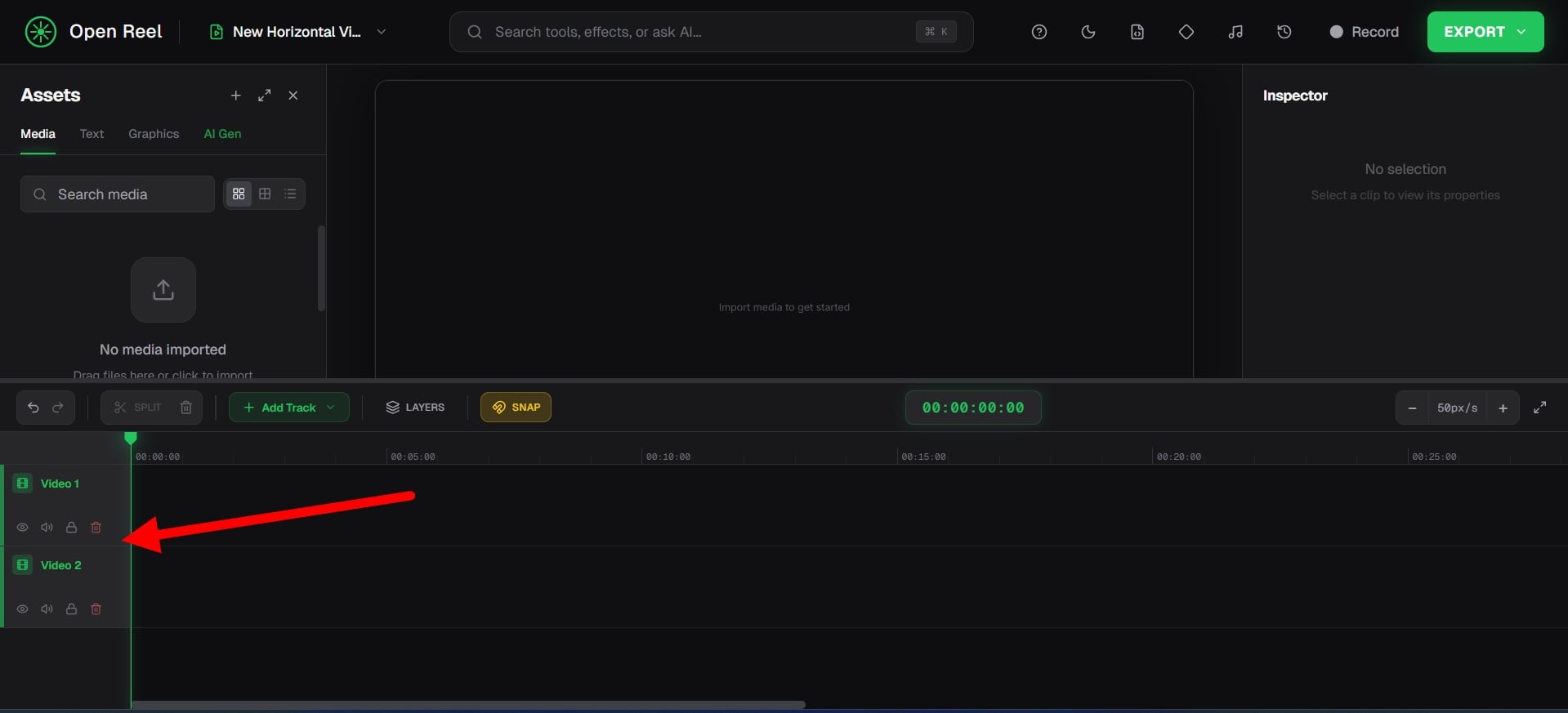 If you want to make engaging content, you need layers, which OpenReel offers with its multi-track timeline. You can stack our A-roll over the B-roll, add background music, add effects, add text, and do all sorts of editing without any issues. You can also lock tracks, hide them, or mute them with ease. On top of it, while most of the editors cap video export to either 720p or max 1080p, with OpenReel, you can export it to 4K.
 - Keyframe animations:
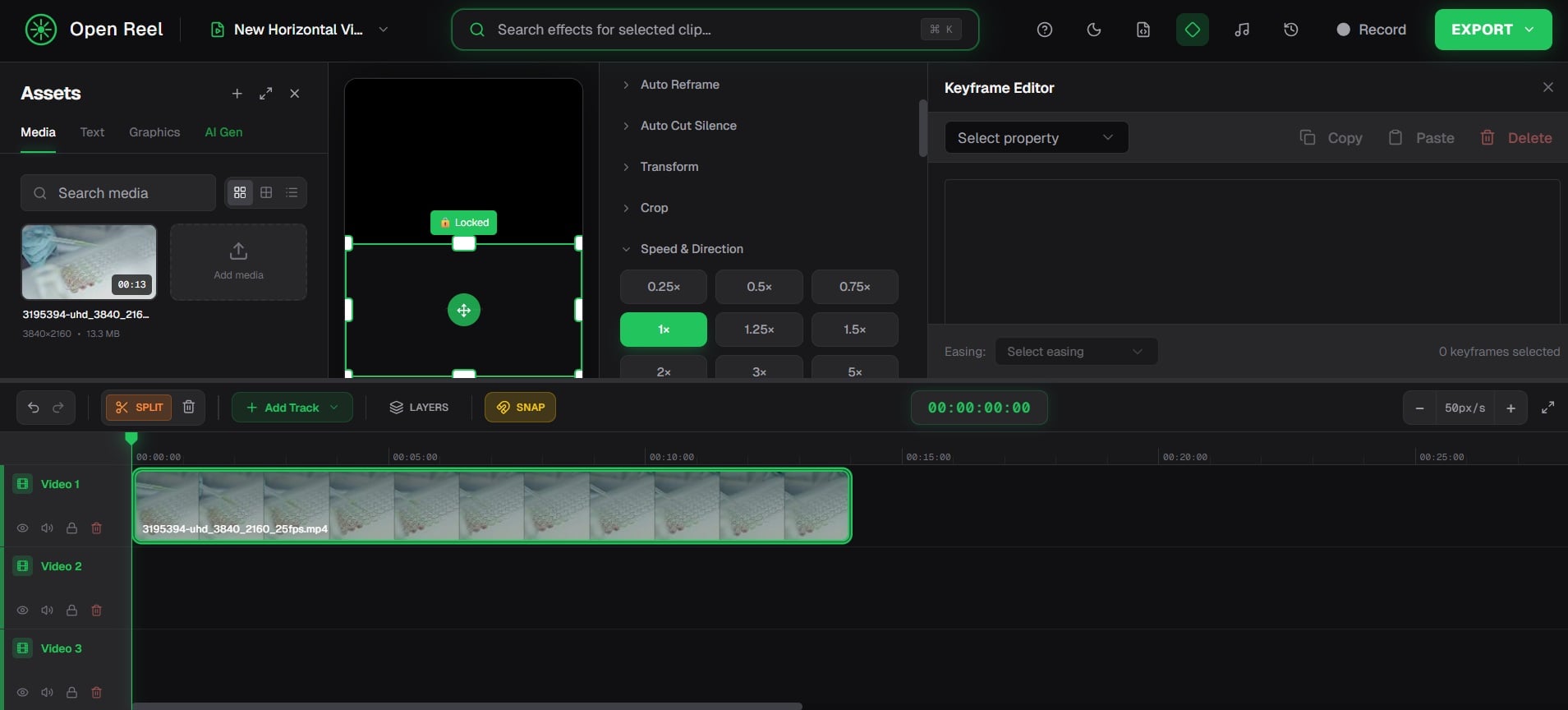 Keyframes are the secret sauce if you want to make your videos look professionally edited. You can use them to tell the software to start here at this point and size, and five seconds later, move across the screen and get 50% bigger. OpenReel supports full keyframe animation for positioning, scaling, rotation, and opacity.
 - Professional color grading:
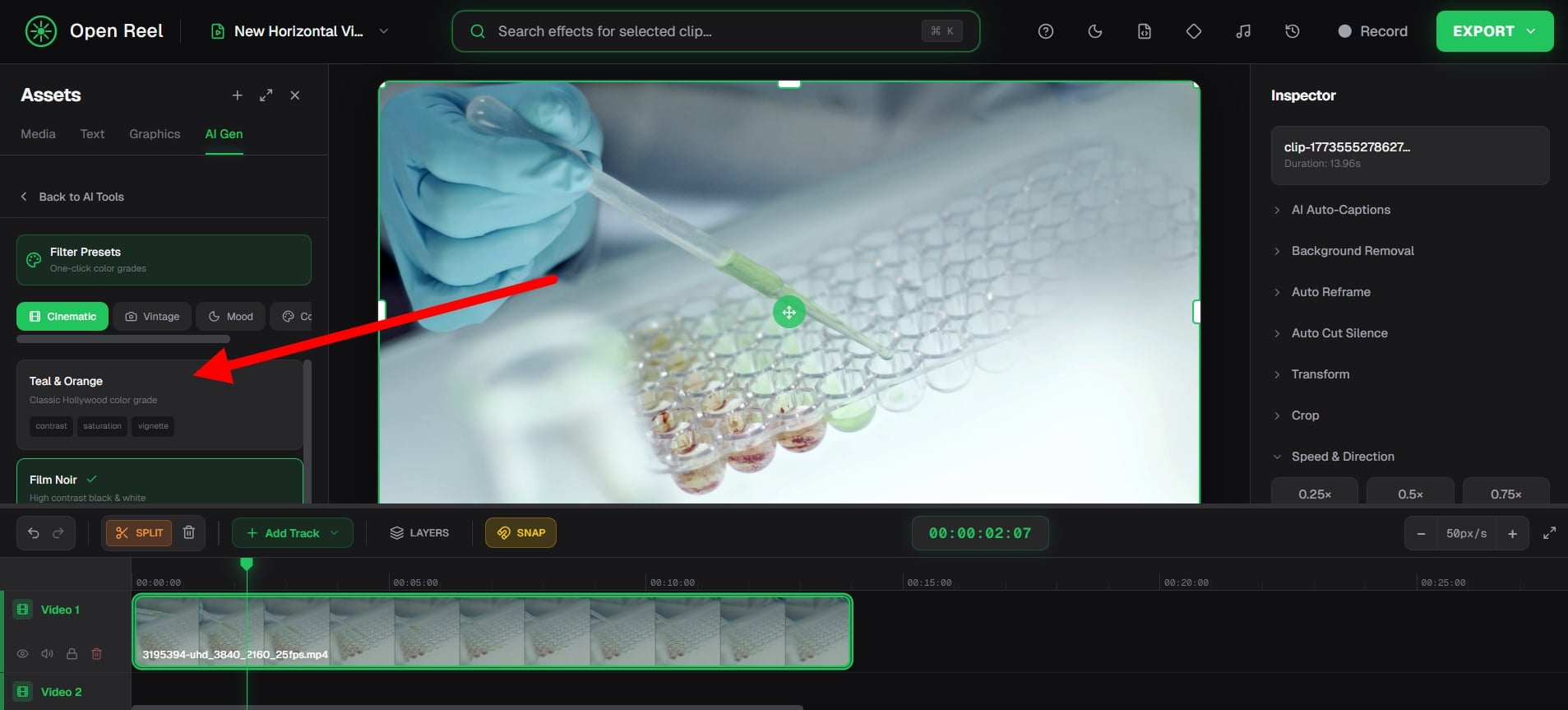 For me, color grading is quite important, and I’m sure that if you have a knack for video editing, you would resonate with me. I used to always wonder why some YouTube videos and movies look moody and have a set color tone. Well, OpenReel gives you access to professional color grading with manual granular controls. There is an array of built in filter as well, so you don’t have to learn things to get going.
 - Built-in screen and audio recording:
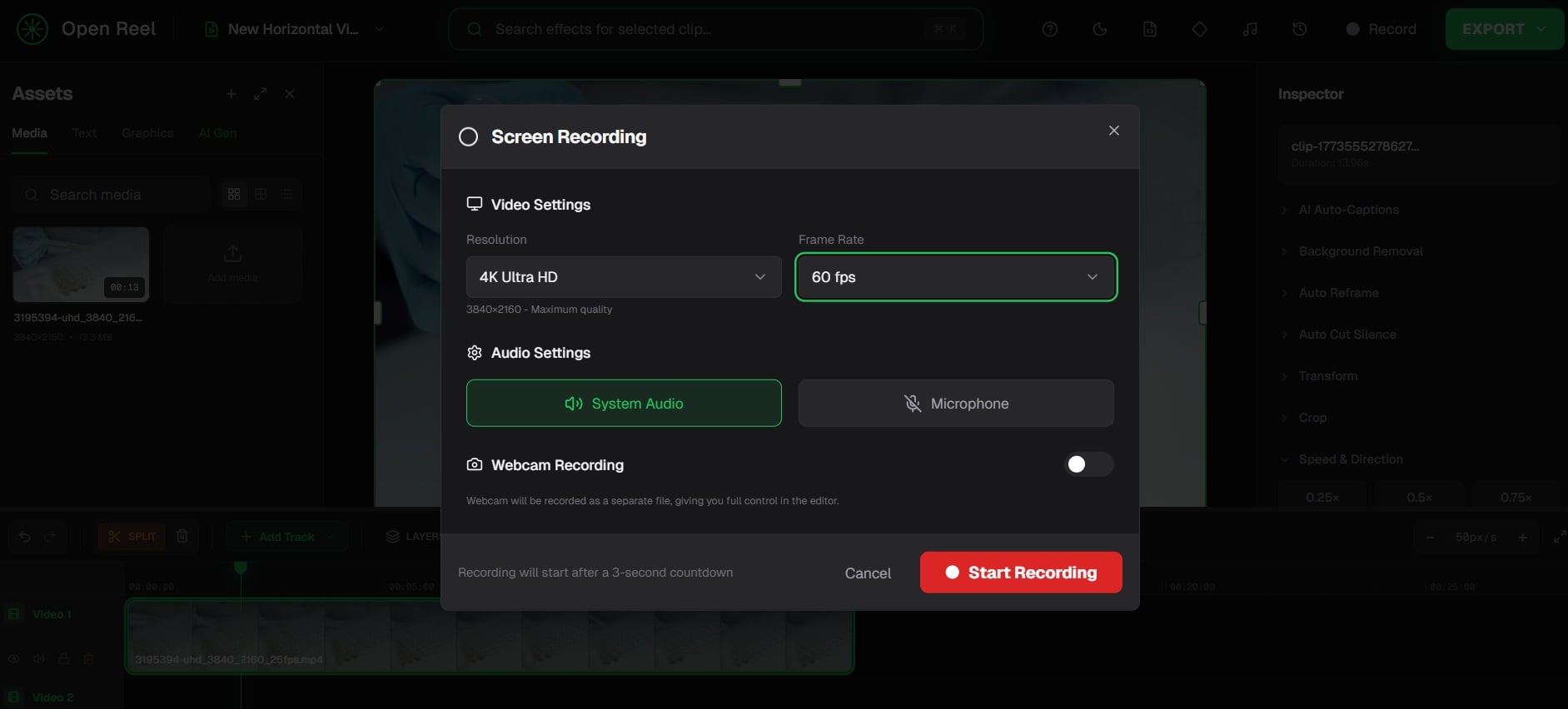 If you want to explain something to someone on the computer, such as how to use software, etc., then you generally have to use a third-party screen recorder, which has various limitations. With OpenReel, you are not only getting an editor, but also a tool that records your screen and audio, as well.
Then several premium features are also available for free, for instance, auto-captions and translations, text-to-speech, AI background removal, and audio mixing tools.
You get what you see for free
One of the biggest catches of several software is that before you open an account on their website or visit for the first time, they market that everything is available for free. But the moment you log in, you get slapped with a subscription or a message that “This is a Pro feature.” Well, thankfully, that is not the case with OpenReel.
When you head over to app.openreel.video, you get an open-source video editor that is completely free of cost and doesn’t ask you for sign-ups. Since this tool works entirely locally on your browser, there is no cost of server hosting for the developers. Therefore, there is no “Pro” tier for OpenReel. This means that, along with all the features mentioned above (and the ones that we could not touch), they are free forever. You are getting the Premium CapCut editor for absolutely no cost, and with absolute privacy.
If you still want to try your luck and check if there is a better video editor that is available for free and offers all the features mentioned, then we have listed some of the best free video editors for Windows and Mac.

