

In Summary
- Android 16 is scheduled for release in Q2 2025, earlier than previous versions. According to the timeline shared by Google, there will be two major SDK releases for Android 16 in 2025.
- The upcoming update introduces several features inspired by iOS, including Rich Ongoing Notifications (similar to Live Activities), new Do Not Disturb focus modes, an updated Quick Settings panel, and enhanced multitasking capabilities.
- Google Pixel devices will likely receive the update first, followed by other Android flagship smartphones from OnePlus, Vivo, Samsung, Nothing, and more.
Android 15 has started rolling out to supported devices, and now, details of the upcoming Android 16 are already here, with Google officially confirming the new launch schedule. Recent Android versions have mostly focused on refinement and adding helpful features. Android 16, with the new shorter timeline, is also expected to be another minor upgrade from Android 15 with helpful additions inspired mainly by iOS. Here is everything you should know about the upcoming Android 16 update from Google.

Table of Contents
Android 16 Release Date: Coming Sooner than expected
Update: As anticipated before, Google has released the first developer preview of Android 16 for developers. It introduces several new features for Android. Now, Photo Picker allows users to share specific files without granting full storage access. Health Connect app now supports health records in the FHIR (Fast Healthcare Interoperability Resources) format, adds the latest version of Privacy Sandbox, Notifications cool down to reduce notification interruption, new Do Not Disturb modes, Desktop windowing for Tablets, and more.
According to the timeline shared by Google, There will be two major SDK releases in 2025. The first major release will be in Q2 2025, which is expected to be the Android 16 update. Later, in Q4 2025, there will be another minor SDK release, which is expected to be an update to Android 16 with minor upgrades, optimizations, and bug fixes.
- Android 16 (Baklava): Expected to release in the second quarter of 2025 ( April, May, June)
- Android 15 (Vanilla Ice Cream): Released in October 2024.
- Android 14 (Upside Down Cake): Released in October 2023.
- Android 13 (Tiramisu): Released in August 2022.
- Android 12 (Snow Cone): Released in October 2021.
- Android 11 (Red Velvet Cake): Released in September 2020.
For years, Google has followed a yearly release approach for its Android version release, with the developer preview starting around February and March, beta releases in Q2 around April or May, and the final release in August, September, or October.

However, with Android 16, all beta releases are expected to come at the end of this year, 2024, or early 2025, meaning the final version might roll out sooner than expected. According to Google’s timeline, it is expected to be released in Q2, April, May, or June.
Android 16 Features
With a new timeline and the history of the last three Android versions, Android 16 might be another minor upgrade to the existing Android 15 with a few enhancements. Here are all the expected features coming with Android 16.
Live Activities Are Coming to Android
With iOS 16, Apple introduced Live Activities to utilize the Dynamic Island on iPhones smartly. It displays real-time information from apps. In Android 16, a similar feature called Rich Ongoing Notifications is expected to display real-time app information in the status bar.
Like iOS live activities, Android will offer rich ongoing notifications to help users grab quick information like sports updates, food delivery tracking, and workout stats without opening the app. If you are unfamiliar with Live Activities on iPhone, Apps can show real-time data and updates on the Dynamic Island or lock screen. For instance, if you order food, the app can display live delivery updates directly on the Dynamic Island and lock screen without needing to open the app to check for updates.

Android is known for offering more OS variety and customization, so third-party skins might implement this feature differently. For example, OxygenOS 15 recently introduced a feature similar to the Live Activities, which uses a punch hole to stack multiple Live Activities notifications on top of each other and interact with them.
Since most Android devices don’t have a large notch like Apple’s Dynamic Island, Android 16 is expected to utilize the status bar for similar functionality.
New Redesigned Quick Settings Panel

The quick Settings panel is getting a major redesign in Android 16. In Android 15 and earlier versions, swiping down with a single finger from the top of the screen brings up a unified panel that shows notifications and Quick Settings.
With Android 16, Google separates the notifications from the Quick Settings panel. Now, A single swipe displays only notifications, while a two-finger swipe accesses Quick Settings. This change makes it easier to view notifications and settings separately.
Many third-party Android OEMs, like Xiaomi and OxygenOS, have already adopted a dual-panel system to separate notifications from Quick settings. Android 16 brings similar changes to the stock Android experience. I am personally not a fan of this design. I would rather double-swipe down instead of using a two-finger gesture.
The Quick Settings panel offers additional customization options, similar to iOS 18. Now, you can adjust the size of individual Quick Settings tiles and choose between 1×1 or 2×1 configurations. This new flexibility allows you to fit up to 16 tiles per page. In addition to these, when adding new tiles, they are now organized into specific categories like Accessibility, Connectivity, Privacy, and Apps, each with a separate label for easy navigation. This is a welcome improvement to help you quickly find the needed toggles.
Create Custom DND Modes

While Apple has updated its focus mode with a new intelligence-reducing interruption mode, Google is bringing iOS-like focus modes to Android.
The upcoming Android 16 is set to introduce new priority modes. You can set up different DND profiles for specific scenarios instead of relying on just one Do Not Disturb (DND) mode. Google is calling these Priority Modes. Now, you can set up various profiles in the new priority mode, each with its name, icon, and customized settings.
For instance, you can create a new Work profile, customize it by blocking all social media apps, and leave notifications on from the work apps. Similarly, you can create multiple profiles, such as Personal, Sleep, Gaming, and more, and access them quickly from the quick settings.
Advanced Protection Mode
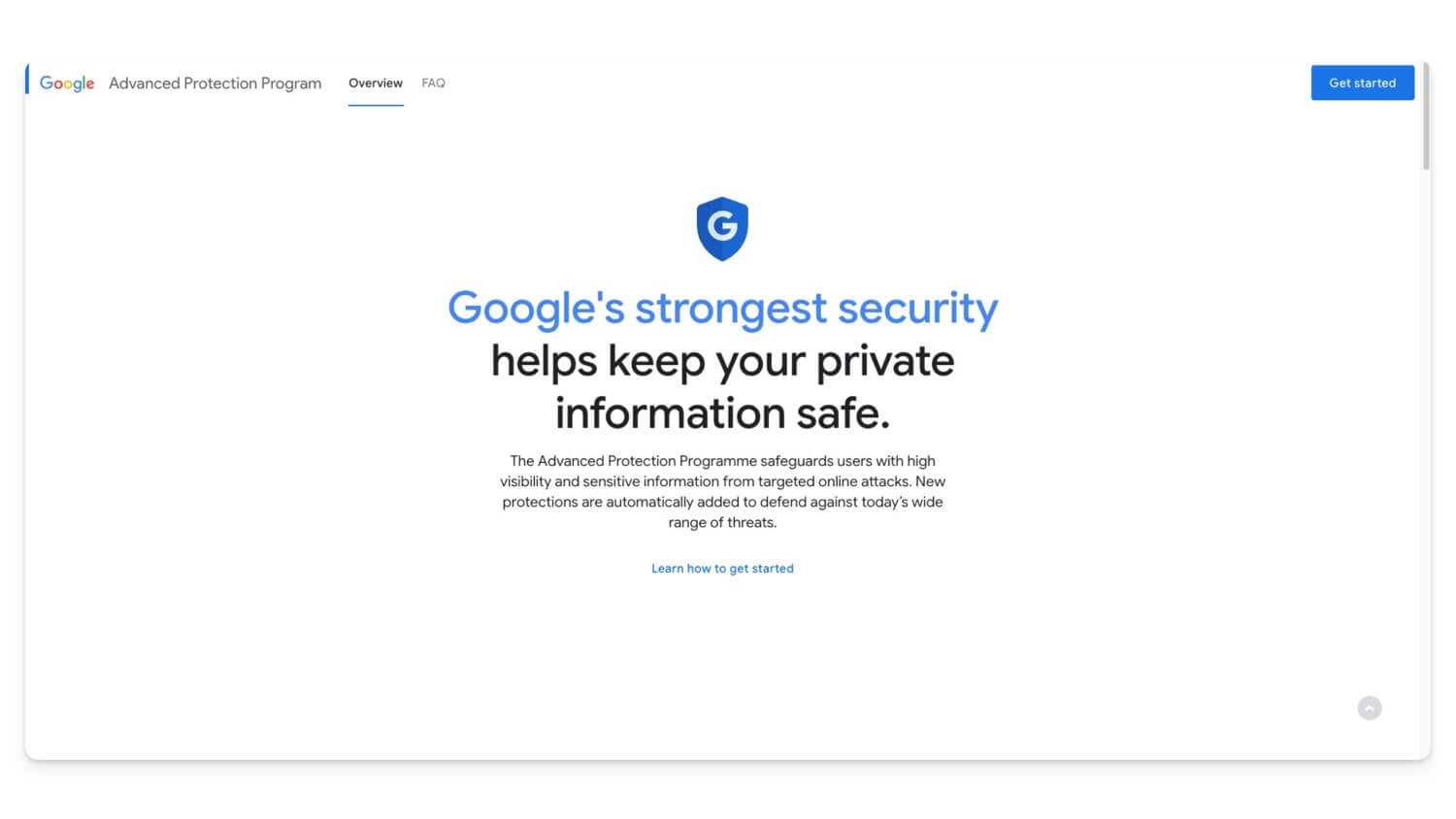
Google is making it easier to enroll in Advanced Protection Mode in Android 16. Google Advanced Protection Mode was launched in 2017 and is designed to safeguard accounts at higher risk of targeted online attacks, such as those of journalists, politicians, and others.
When you enable Advanced Protection, you add extra safety features to protect these accounts. Previously, it required a physical security key to set up Android Protection Mode for your account; however, it recently allowed setting up a digital passkey to sign into the account.
Anyone with a Google account can enroll and set advanced protection for their account using this website. However, with Android 16, users can enable Advanced Protection through the settings app. Google is also introducing an API that allows apps to detect if advanced protection mode is enabled, helping apps add necessary protection measures.
Place Any App in a Floating Bubble
As a multitasker, I often use apps in split mode; I missed this feature after switching from Android to iPhone. iPhones don’t allow app splitting, which is one of my biggest complaints. Multitasking on Android is already excellent with its split-screen mode, picture-in-picture, floating message bubbles, and more.
With Android 16, Android is introducing a Bubble Anything feature. It allows you to place any app in a floating bubble on top of another. The bubble app displays as a layer for easy access and offers a more immersive way to use and switch between apps seamlessly. Plus, it is also a resizable window. This is one of the features Im most excited about in Android 16, and I can’t wait to see it in action.
Switch Between Apps During Partial Screen Recording
In Android 14, Google addressed a major issue with screen recording by introducing the partial screen recording feature. The feature allowed us to record content from a single app while excluding system UI elements and notifications. This is incredibly helpful for recording specific apps without showing the entire screen or sensitive information.
However, if you need to record multiple apps, you must stop the recording and start a new recording for each app.
This limitation is resolved in Android 16. In the upcoming update, when you screen-record a specific app and switch to another, a new option, Switch to this app, appears as a notification. You can tap on this to seamlessly switch apps during recording. This feature is a huge time-saver, saving all recordings in a single video instead of separate clips for each app.
Compact Heads-Up Notifications
Android 16 is getting another useful update with notifications. When you get a full-screen notification while watching a video or gaming, it takes up a lot of space and is annoying and distracting.
However, with the latest Android 16, the full-screen mode will display compact heads-up notifications. Compared to the previous version, it shows limited information. You can tap on the notification for additional details if you want to know more. This minor update makes a huge difference, especially for videos and while playing games.
More Features Coming to Android
It’s early to determine which features Android 16 will include, but based on leaks and the expected timeline for the beta launch, these features will likely be available in the upcoming update. Along with this, here are a few more minor changes that Android 16 is also getting.
Feature | Description |
|---|---|
Desktop Windowing Mode | Brings desktop-like experience for tablets with resizable app windows and a fixed taskbar displaying running and pinned apps. |
Redesigned Settings page | Settings page is getting new design with new layout. |
Blocking Old Notifications | Automatically suppresses notifications older than two weeks. Helpful if you have multiple Android devices or lots of unread notifications. |
Enhanced Screen Recording and Casting Indicators | Brimgs status bar controls for screen recording and casting. |
Lock Screen Widgets | Lock Screen Widgets are coming back in Android 16. Currently available for tablets. |
Gemini Button on Lock Screen | New Gemini icon on lock screen brings quick access to Gemini without unlocking the device. |
Recent Apps in Taskbar | Exclusive feature for Pixel devices. Displays recent apps directly in the taskbar. |
Manually Set 80% Charging Limit | Limit charging to 80% to prolong battery health. |
Devices Expected To Support Android 16
Please note that the official list of supported devices hasn’t been released. Based on current information and manufacturers’ update policies, here is the list of devices expected to get Android 16 updates. The Pixel 10 series is expected to get the upcoming Android 16 update, followed by the Android flagship launching in Q4 2024 and Q1 2025.
Brand | Devices |
|---|---|
Google Pixel | Pixel 10 series, Pixel 9, Pixel 9 Pro, Pixel 9 Pro XL, Pixel 9 Pro Fold, Pixel 8, Pixel 8 Pro, Pixel 8/9a, Pixel 7, Pixel 7 Pro, Pixel 7a, Pixel 6 Series Pixel Fold, Pixel Tablet |
Samsung | S25 series, Galaxy S24, S24+, S24 Ultra, Galaxy S23, S23+, S23 Ultra, S23 FE, Galaxy S22, S22+, S22 Ultra, Galaxy Z Fold 6, Z Fold 5, Z Fold 4, Galaxy Z Flip 6, Z Flip 5, Z Flip 4, Galaxy A73, A55, A54, A53, A35, A34, A33, A25, A24, Galaxy M55, M54, M35, M34, M33, Galaxy F55, F54, F34 |
OnePlus | Oneplus 13, OnePlus 12, 12R, OnePlus 11, 11R, OnePlus 10 Pro, 10T, 10R, OnePlus Nord 4, Nord CE 4, Nord CE 4 Lite, OnePlus Nord 3, Nord CE 3, Nord CE 3 Lite |
Xiaomi | Xiaomi 15 series, Xiaomi 14, 14 Pro, 14 Ultra, Xiaomi 13, 13 Pro, 13 Ultra, 13T Pro, 13T, Redmi K70 Ultra, K70 Pro, K70, K70E, Redmi Note 13 Pro+, Note 13 Pro, Note 13, Redmi 12 5G, Redmi 13 5G |
Motorola | Moto Edge 50 Ultra, Edge 50 Pro, Edge 50 Fusion, Edge 50, Moto Edge 40 Pro, Edge 40, Edge 40 Neo, Moto G85, G64, G45, G55, G35, G34, Moto Razr 50 Ultra, Razr 50 |
Nothing | Nothing Phone (1), Nothing Phone (2), Nothing Phone (2a), Nothing Phone (2a) Plus |
Honor | Honor Magic6 Pro, Magic6, Honor Magic V3, Magic V Flip, Honor 200 Pro, 200, 200 Lite, 200 Smart, Honor X7b 5G, Honor 100 Pro, Honor 100, Honor X9b |
Asus | Zenfone 11 Ultra, Zenfone 10, ROG Phone 8, ROG Phone 8 Pro, ROG Phone 7, ROG Phone 7 Ultimate |
Final Thoughts: Another Minor Useful Update
Those are the features of Android 16. It is super early to judge whether these features will appear in Android 16 or roll out to existing Android 15 devices in the coming days. According to the new timeline, Android 16 is expected to come soon. Most of these features are likely in testing and may debut in the Android 16 update. Keep an eye on this space to stay updated with the latest news on Android 16.

