

Quick Answer
To view YouTube Shorts in landscape mode, open the YouTube app, go to the You tab, tap the gear icon to access Settings, then navigate to Accessibility under Video and audio preferences, and toggle on Rotate Shorts. This feature may not work on all devices and requires the latest app version and unlocked screen rotation.
Ever since TikTok launched in 2016, video consumption on smartphones and tablets just changed. People were endlessly scrolling through vertical videos on their devices, watching comedy videos, skits, short stories, and even cringeworthy content. Later, more social media giants like Meta (with its Instagram Reel) and even YouTube (with Shorts) entered the scene. These short-form videos are meant for vertical scrolling, and they look pretty bad with black borders when watched in landscape mode.
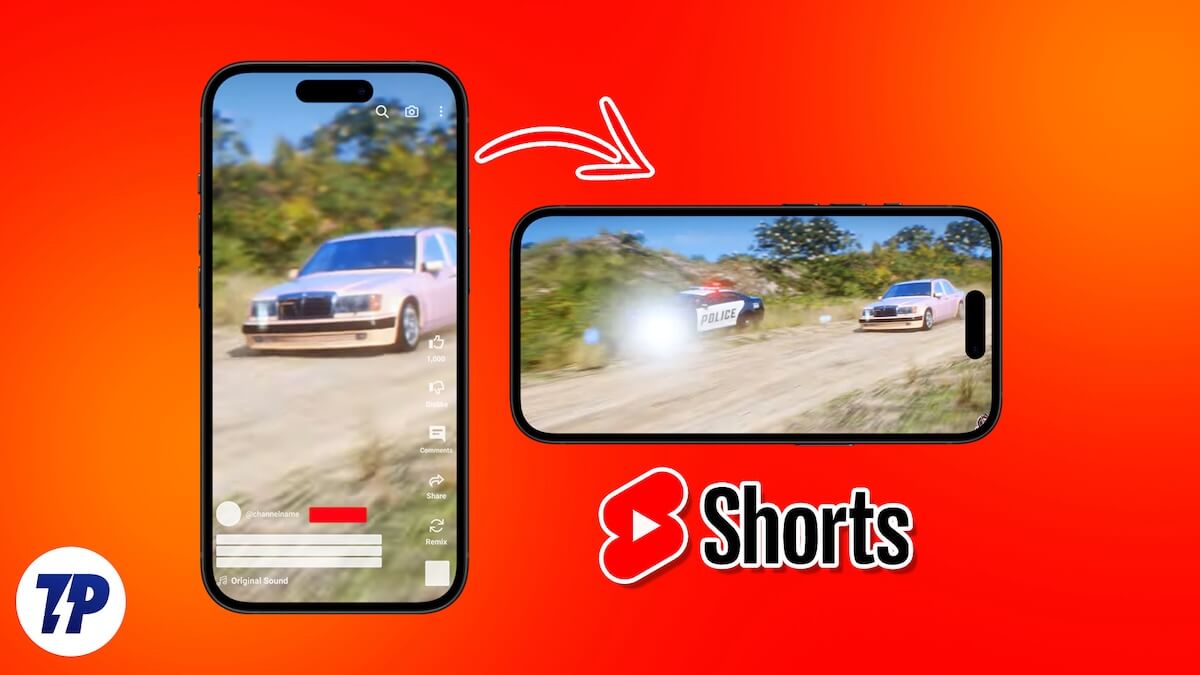
However, to whomever it may feel beneficial, YouTube recently announced that Shorts can also be viewed in horizontal mode. The feature is buried inside a bunch of settings, and in this guide, we will show you exactly how you can view YouTube Shorts in landscape. Although it doesn’t look good and is impractical, the feature is there. Let’s get right into it.
Why watch YouTube Shorts in landscape?
While YouTube hasn’t revealed why it has added the option to view YouTube Shorts in landscape, there are some obvious guesses that we can make. Notably, the feature is available as an accessibility feature, meaning it is intended for people with some disabilities who may find watching vertical videos problematic. Or it could be beneficial for those who can’t rotate phones at will and watch content on fixed device mounts. Allowing YouTube Shorts to be watched in landscape negates the need to physically change the orientation.
Here’s how to view YouTube Shorts in landscape
- Launch the YouTube app.
- Press the You tab on the bottom bar.

- Tap on the gear icon at the top-right corner to open the Settings menu.

- Scroll down and tap on Accessibility under Video and audio preferences.
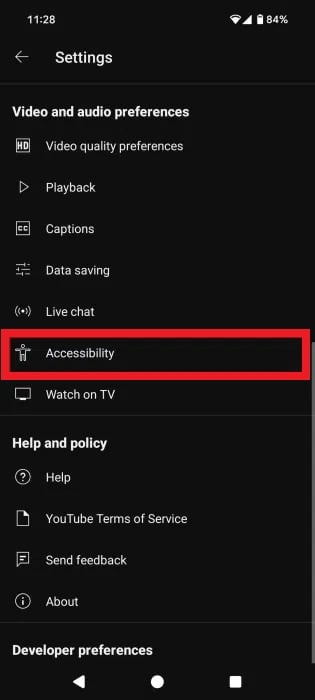
- Toggle on the Rotate Shorts option.

- That’s it! Open any YouTube Shorts, and as soon as you change the orientation to landscape, the video will continue to play.
When watching YouTube Shorts in landscape, there are a few things to notice:
- The Shorts appear in the center with thick black canvas space to the left and right.
- The seekbar is at the bottom with the name of the video, channel name, and description above it.
- The like, dislike, comment, share, and music track options are available on the right side of the display.
Does this work on all devices?
It should be noted that not all devices are currently supported. First and foremost, you need to ensure that you are running the latest version of the YouTube app on your phone. To check it, head over to the Play Store and download the latest version, if available. Secondly, when checked on my iPhone 16 and on my Galaxy S24 Ultra, the option to Rotate Shorts wasn’t available. In our testing, the feature seemed to be working on a Google Pixel 8 device (at least for me).
It appears that Google is server-side testing this feature, and it isn’t available globally for everyone. Also, do note that if the screen orientation is locked on your phone, then even though you have turned on the feature to rotate Shorts, it won’t work.

