

Quick Answer
Want AI in WhatsApp? Try ChatGPT for quick answers and image generation, Perplexity for real-time info with sources, and Meta AI for fun chats, stickers, and tasks. For businesses, SleekFlow enables automation and CRM workflows, plus WhatsApp Web tools for audio-to-text and chat translation.
Because of its large user base, WhatsApp has become a launchpad for AI apps like ChatGPT and even Perplexity.
Many companies have started dedicated WhatsApp AI chatbots, letting users access AI features without requiring a separate app. Since these don’t require you to switch between apps or even sign up and create an account in these AI apps, you can directly use these tools inside WhatsApp, which saves you time and effort.
There are plenty of AI chatbots already available for WhatsApp, and after testing several chatbots, here are the five best options that you can use on WhatsApp without cluttering your app experience.
Table of Contents
Best AI Chatbots for WhatsApp
Tool | Best For | Limiations | How to access |
|---|---|---|---|
ChatGPT | Quick answers, image generation, and file uploads (for pro users) | Faced frequent downtime and sometimes unresponsive | Save this number: 1-800-242-8478 |
Perplexity | For accurate real-time information and task management and for fact checking | Simplified responses; chats not saved | Save this number: +1 (833) 436-3285 |
Sleekflow | Businesses needing omnichannel AI + CRM integration | Higher pricing compared to basic WhatsApp chatbot tools, requires setup and onboarding for full automation | Sign up via SleekFlow website and connect your WhatsApp Business account |
Meta AI | For fun chats, translate your chats, and generate stickers in WhatsApp groups | No ideal for text generation and fact checking | Search for Meta AI or use @ |
Audio to Text Extension | Convert WhatsApp voice messages to text on Web | Requires browser extension; not built into WhatsApp Web | |
AI Chat Translator | Auto-translating chats in multiple languages | Requires you to create an account |
ChatGPT for WhatsApp – Best for Text Rewrites and Informative Chats
ChatGPT was not the first bot available for WhatsApp, but it really revolutionized how we write and use bots on WhatsApp.
Like any other platform, ChatGPT was quickly made into WhatsApp. Using the app, you can get instant answers, summarise text, translate messages, and more.
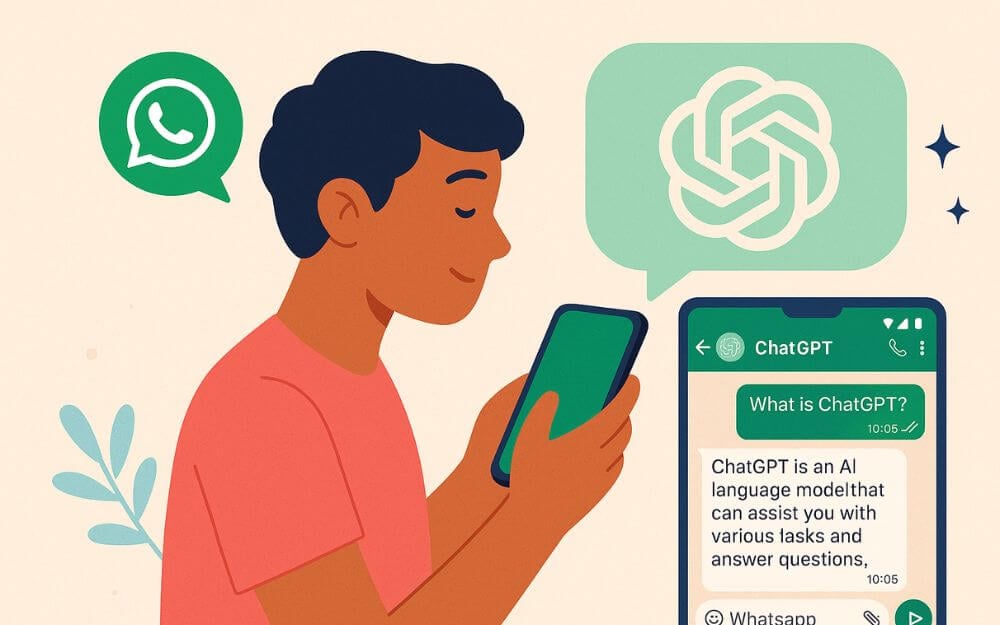
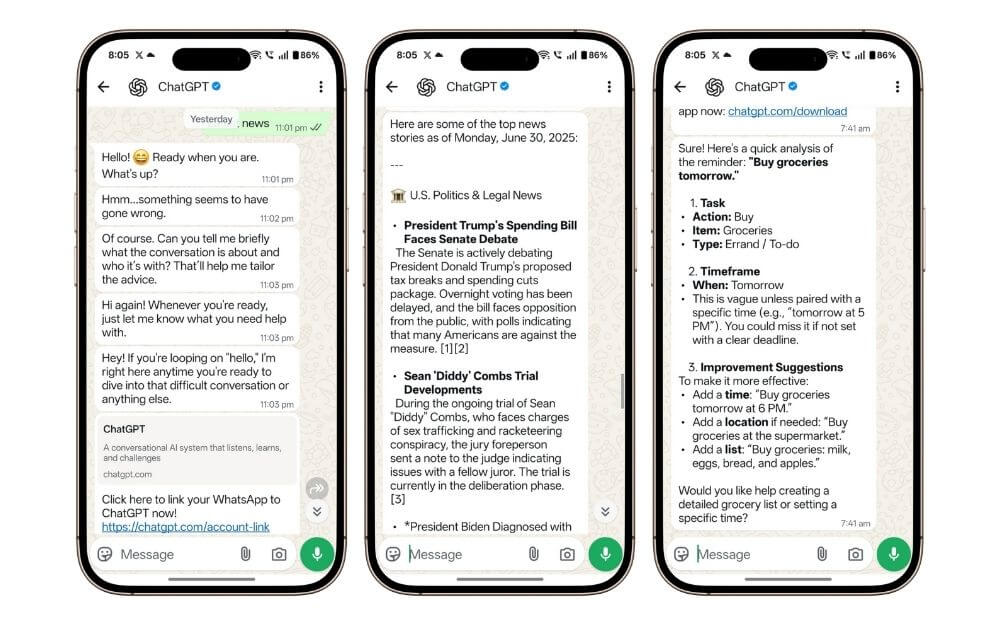
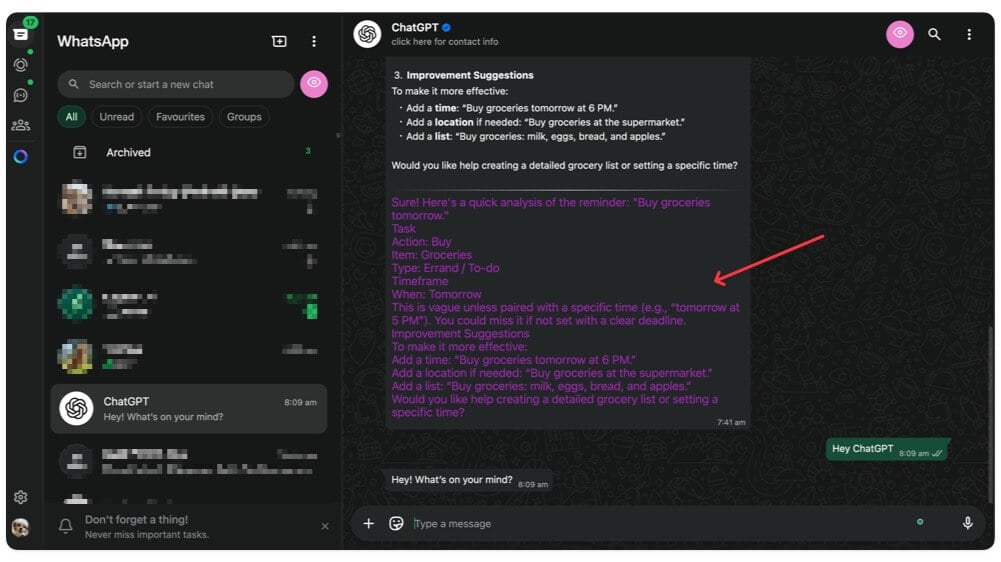
You can use ChatGPT to get instant answers from its memory, and it now also has the ability to directly search the web for real-time information.
OpenAI has also added support for image generation, which now lets you generate high-quality images directly from your WhatsApp chats.
If you are a pro user, you can get additional benefits such as unlimited high-quality generations, and also upload files and get real-time insights. and also a file upload feature.
However, despite being the most popular and reliable chatbot out of all, lately the bot has been facing frequent downtime and sometimes even completely offline, which doesn’t allow me to interact with the bot. Check out our step-by-step guide to using ChatGPT on WhatsApp.
How to Get ChatGPT for WhatsApp
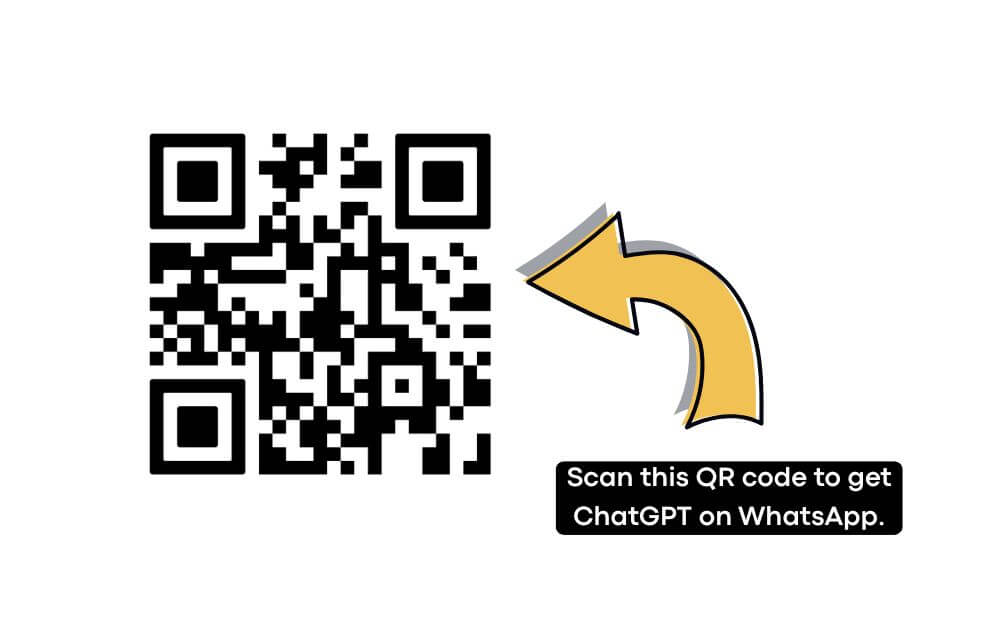
- To get ChatGPT on WhatsApp, save this number: 1-800-242-8478 as your contact and scan the QR code below. QR codes are used to link directly to the chatbot on WhatsApp.
- Once you have access to the chat, you can directly ask the chatbot questions. To sign up for your account, you can click on the sign-in and sign up with your account, and connect your account to the ChatGPT bot.
- To generate an image, use the /imagine shortcut to generate an image in ChatGPT.
Perplexity AI Chatbot -Best for Real-Time Informational Task Scheduling
Perplexity is another popular AI chatbot for WhatsApp that can help you get answers and real-time information.
With recent task additions, you can now also set both one-time and recurring tasks on your WhatsApp, which is super helpful, especially since many of us use WhatsApp for tracking our to-do list tasks.
You can track both one-time and recurring tasks, and you will be notified in the form of WhatsApp notifications. Plus, the best part is you can do these tasks with real-time context, and also let the AI chatbot help you create and track your to-do list tasks.
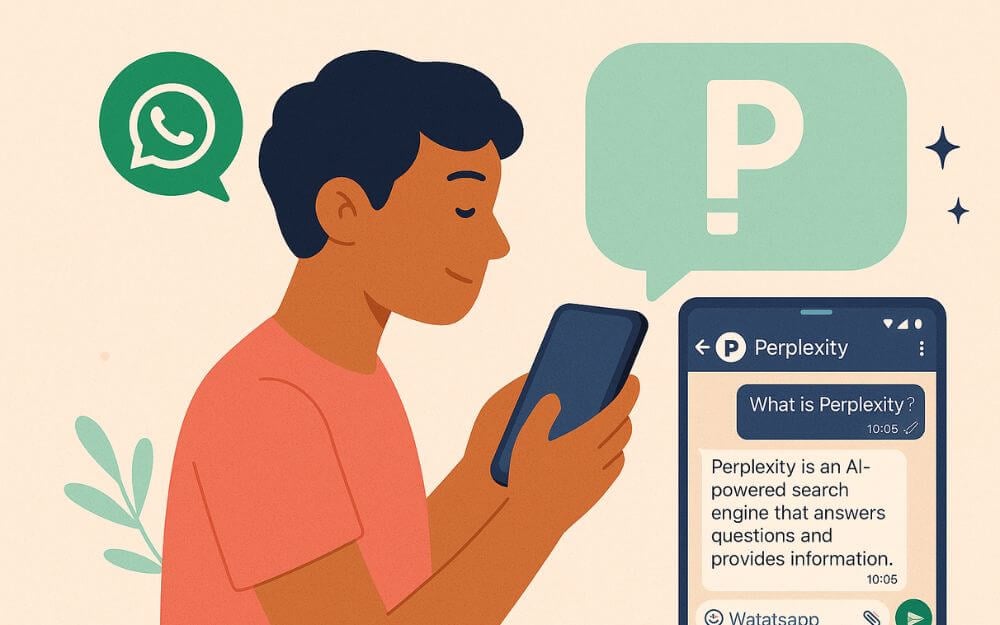
And also, unlike ChatGPT, which gives answers from its memory, which sometimes can be outdated and also unsourced, especially the free version. With Perplexity, you get real-time information and answers with real-time sources, which can be especially useful if you want the latest and most accurate information. With GPT, you need to explicitly mention it. But Perplexity, by default, gives you the real-time information using its AI-powered search. You can have continuous conversations similar to ChatGPT.
Another handy feature with Perplexity is that you can use it as a fact-checking tool for the forwarded content. This is especially useful since WhatsApp has become a primary source of sharing spam links, especially since older people have been affected by this spam.
You can also use Perplexity to generate images, upload photos and media, and ask for long-form content. However, unlike ChatGPT, Perplexity only gives you limited and simplified responses. You have to explicitly mention to explain in detail for more accurate and detailed explanations, and also, your chat will not be saved with your Perplexity bot.
How to get the Perplexity AI chatbot on WhatsApp
- You can save this number: +1 (833) 436-3285 or scan the QR code from the image below to directly chat with the Perplexity AI chatbot. You can also use the link below to access the chatbot directly.
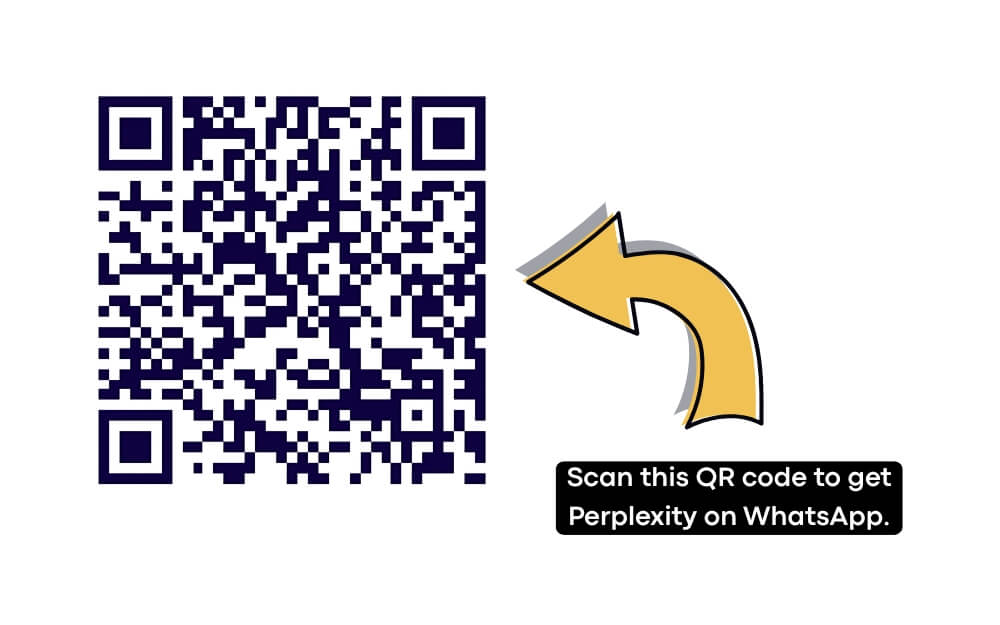
Once you have access to the chat on WhatsApp, you can directly type a message and enter your prompt, and it will respond in text. You can ask the bot questions, create images, and also ask the bot to set free reminders on WhatsApp.
SleekFlow – Best WhatsApp AI chatbot for businesses
If you own a small business or use WhatsApp for support, then SleekFlow is for you. If you use WhatsApp for your business communications with your customers, you get a lot of queries. whether inquiries about your business, questions about your product, or requesting customer service. Manually reviewing each message and replying is very hard. It is not only time-consuming but also a bad experience for your customers, especially in this AI era. WhatsApp does offer auto-replies using its business platform, but those are static. However, with Sleekflow, you can use AI to answer user questions.
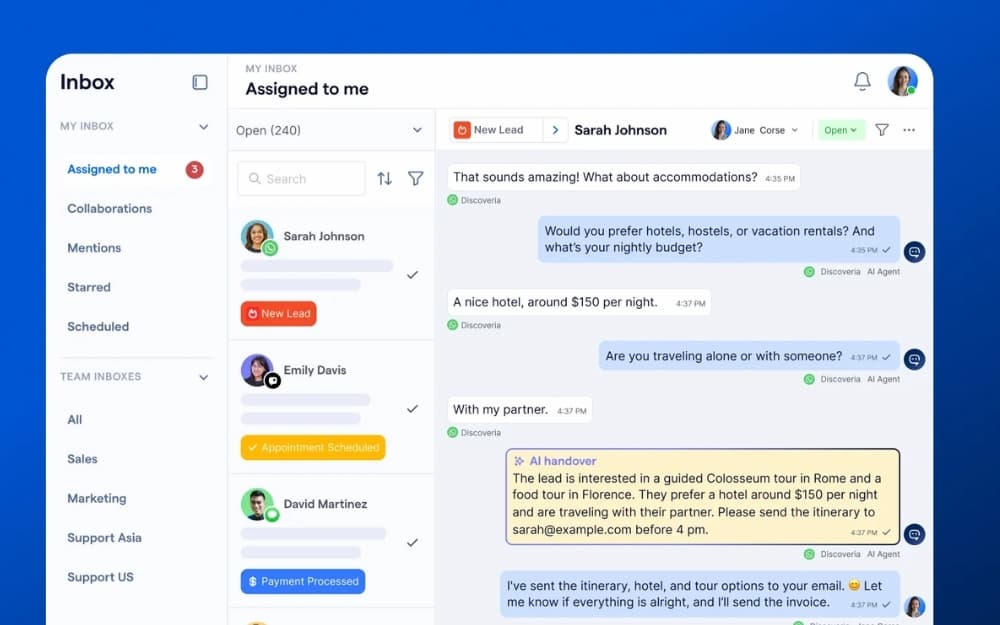
Unlike automated business replies, AI can truly understand customer questions and offer personalized replies. This saves time and also offers a personalized experience to users who want information about your service. If you also offer multiple services, you can create multiple agents specialized in answering specific user questions. Whether you want to build an AI agent to answer customer queries and offer support, qualify leads, or schedule appointments, you can build multiple flows and combine them together to work 24/7.
You can also train them with your own data to answer user queries. The best part is that Sleekflow also supports multiple channels. If you also use Instagram and other apps for communication, you can combine all those messages in one place. Multiple users can view, reply to, and manage them in a single place in the form of a CRM.
How to get started with SleekFlow on WhatsApp:
- Go to sleekflow.io and sign up for a free account
- Once inside, connect your WhatsApp Business number via the WhatsApp Business API
- Head to the AgentFlow section to create your first AI agent
- Upload your business knowledge base (documents, website URLs, FAQs) to train the agent
- Use the Flow Builder to set up the conversation flow and deploy the AI agent to your WhatsApp number
- You can also enable the Inbox Co-Pilot feature, which helps your human agents draft AI-suggested replies in real time
Meta AI – Best For Casual Conversation and Image, and Sticker Generation
Facebook’s Meta has also launched its own Meta AI assistant, and it is directly integrated into WhatsApp, Instagram, and even Facebook Messenger. However, unlike OpenAI and Perplexity, you don’t need to save an extra contact to use Meta AI. And it also works in group messages.

Meta AI uses Llama 4, which is its latest and best model from Meta. You can use it for general and fun conversations. However, it is limited in terms of real-time browsing and facts, and also not as good at writing or accuracy. However, you can use it to help in tasks, especially in communication.
Using the Meta AI, you can translate text you received from a WhatsApp chat and also generate stickers and images right from the chat without leaving or switching your conversation. Meta AI is free to use without any limitations.
However, the only downside of Meta AI is that the conversation you had with Meta AI inside any conversation is also visible to the other contact, which can be a privacy concern. You can also use Meta AI to set reminders, generate stickers, and passive images, and have funny conversations based on your input.
However, despite it being deeply integrated into the Meta platform, it can’t be used for fact-checking and forwarding, which is still very limited in terms of use. You can use it to expand and enhance your real-time text and also translate, but as I said, your conversation will be visible and also scanned. And also in my usage, I have also noticed that Meta AI is significantly faster and better in response time compared to Perplexity and ChatGPT, which sometimes even have downtimes.
How to access the Meta chatbot on your WhatsApp
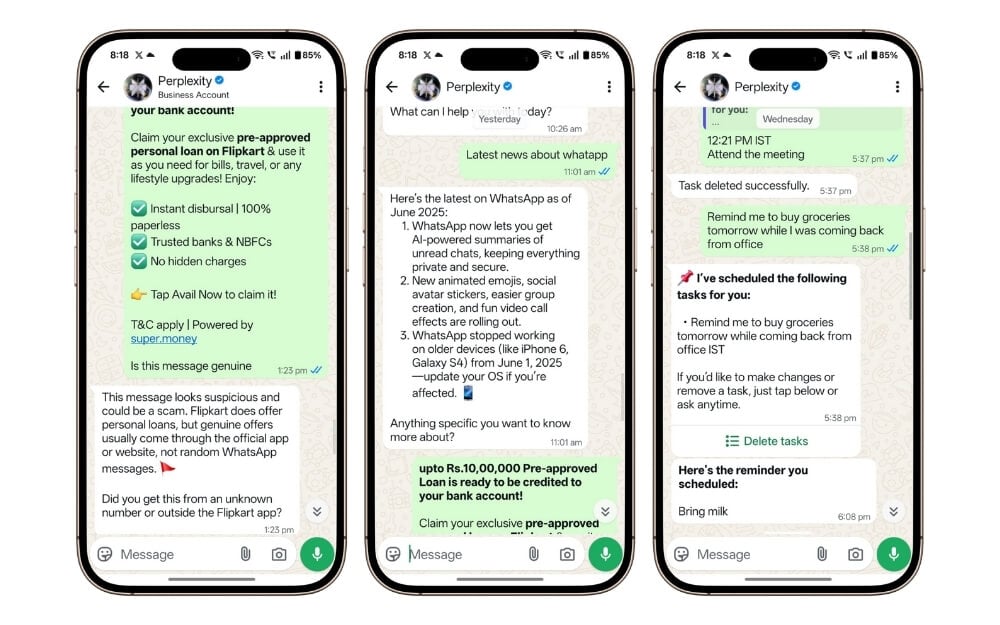
- Since the Meta bot is directly integrated with WhatsApp, you don’t need to save a separate third-party number to get access. You can simply search “Meta” from the search bar to access it.
- However, if you are inside a chat, whether it is an individual or group chat, you can tap on the input box and use @Meta AI to get access to the chatbot, where you can enter your prompt, and the chatbot will reply to your text.
- To create tasks, you can also ask Meta AI directly in the chat or use the dedicated Meta AI chat to create a task for you.
Best AI tools for WhatsApp web
Audio to Text in WhatsApp Web
WhatsApp’s voice transcribe feature is super handy, especially if you are in a place where you can’t listen to the voice, such as in meetings or public transport.
You can transcribe your voice into text and read along, plus you can also translate converted text into multiple languages, which can be very helpful if you have any voice messages that are in other languages.
You can also share it with other tools to create a summary. You can even combine with Meta AI to create a summary of the voice message that you have received.
WhatsApp’s voice transcribe feature is currently only available on the mobile app for Android and iOS, and it is not currently available on the WhatsApp web.
However, you can use a simple WhatsApp web extension to get this voice transcribe feature on the WhatsApp web. The extension uses ChatGPT for voice-to-text image generation, which is mostly accurate and very similar to the voice transcribe feature on mobile.
You can also instantly send the text and copy that text. It also comes with other useful features such as screen privacy and more. The free version allows you to translate free messages. There is no exact number, but I have managed to translate 5 to 10 messages in a single session.
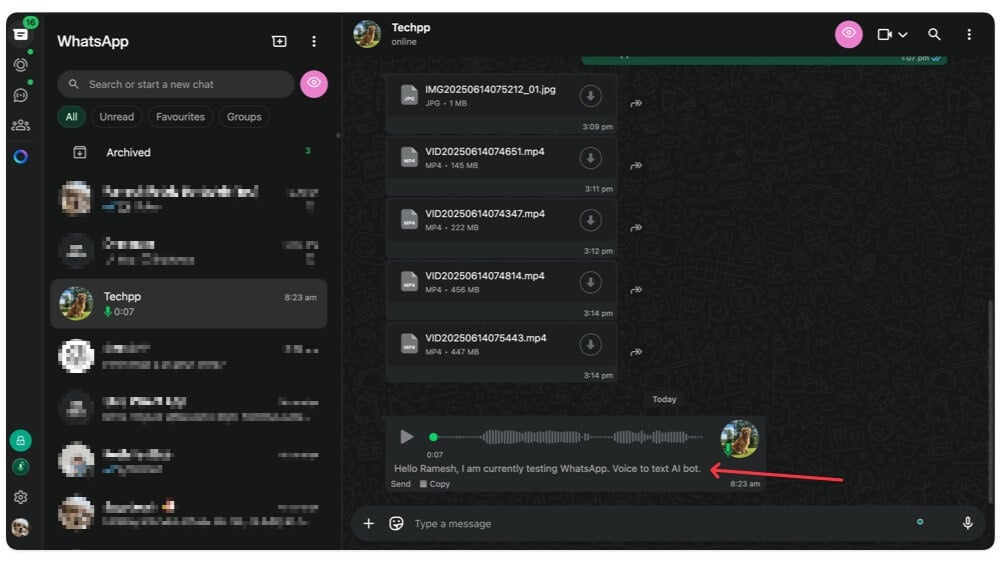
To convert audio into text on your WhatsApp Web, first install this free extension on your Chrome browser and give it permission to access your WhatsApp chats.
Now, go to any voice chat, and here you will see an auto-generated text underneath it. You can tap on Copy to copy the text. You can also directly translate the text using the Captions AI extension.
Get Audio to Text in WhatsApp Web Extension
AI Chat Translator
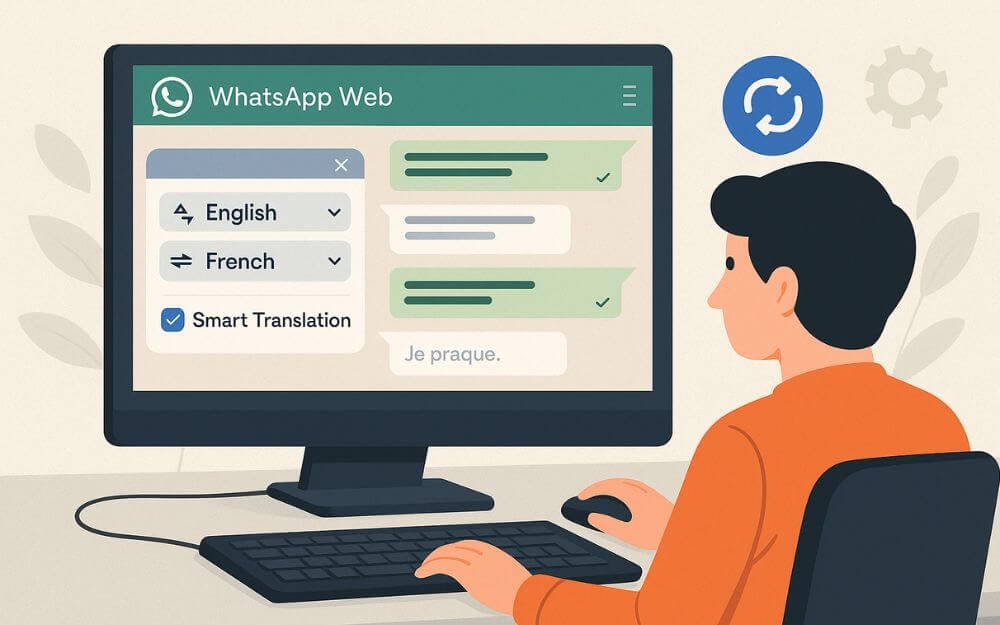
While the voice transcribe can help you convert your voice text into text and later convert it to other languages, using the translator extension, you can directly convert all your WhatsApp chats into other languages.
It also comes with helpful intelligence switching, which you can set specific language translations for each chat, which can be especially useful if you have been working with multiple people across different countries.
If you don’t want automatic translation all the time, you can also create a shortcut key, and you can enter the shortcut key so that all your messages will be translated at a specific time. You can also send the translated message back to the sender in the same language.
The translator extension currently uses the Google engine; however, you can also select other language translation engines based on your preference. So this is how you can translate all your messages with a single click automatically, without requiring you to wait longer.
To auto-translate all your WhatsApp chat messages on your WhatsApp app, first install this free translator extension. Now, click on Open WhatsApp Web, click on the extension, and select the language you want to translate. You can also enable Smart Translation and other features to customize your experience.
Useful WhatsApp AI Chatbots
WhatsApp has become more than just a communication app lately. With random businesses flooding your inbox with spam messages and the recent announcement of adding status ads, WhatsApp is no longer the app that we loved for simplicity.
However, despite all these emerging downsides, the app is still irreplaceable, despite more private and better alternative apps like Signal existing. Thanks to the network effect, it’s hard to convince others to switch, especially among users who already depend on WhatsApp for their daily tasks and convenience.
I personally tried to switch to Signal, but I couldn’t since many of my friends are not interested in switching to Signal, since they had no choice but to use WhatsApp for daily communications with their families. Despite all this, I still use WhatsApp as my to-do list tracker and for communicating with the team, and also recently started using Perplexity AI chatbot for WhatsApp to create tasks and Meta AI to generate images and funny stickers for my group conversations.
Those are the five best WhatsApp AI tools for casual use to enhance and get faster access to your favorite AI tools. To summarize, you can use ChatGPT to get instant answers, get real-time information, and generate high-quality images directly from WhatsApp.
If you’re using ChatGPT, you can directly connect it to WhatsApp and save your history.
Perplexity is a great option if you want the latest updated content with real-time citation. However, the responses are simple and strict; you can ask for detailed responses.
And finally, Meta AI is great for generating text and understanding the context, and also for generating funny stickers and messages.
Finally, if you are using WhatsApp Web, you can get voice transcribe directly on the web to all WhatsApp chats, and if you are dealing with multiple clients in different languages, you can install the auto translator to translate all your messages and also send the translation directly without leaving the app.
FAQs on Best WhatsApp AI Chatbots
1. Is ChatGPT on WhatsApp free to use?
Yes, ChatGPT is free on WhatsApp. However, there are some usage limitations for the free version, and also some high-end features, like image and document uploads, are currently limited to premium subscribers. If you are a ChatGPT Pro or Plus member, you can directly connect your ChatGPT to your WhatsApp chatbot, and all your data will also be transmitted to your ChatGPT history.
2. Can I create tasks or reminders with these AI bots?
Yes, you can create tasks and reminders using this AI too. You can simply describe the task you want to create, and this AI will save it as a reminder and will notify you in the form of WhatsApp notifications. Both Perplexity and Meta AI currently support reminders.
3. Is it safe to use AI bots on WhatsApp for sensitive tasks?
No, all your interactions on these AI chatbots will be shared with their respective API servers, and these tools might use your data to improve their models. If you’re really concerned about privacy, I would highly recommend that you stay away from these apps and also not share your personal details with these AI apps. However, some apps offer the ability to opt out of using your data for training.
4. Can these AI bots help me with studies, like summarizing PDFs or writing essays?
Yes, both ChatGPT and Perplexity WhatsApp chatbots allow you to summarise your PDF and also help you to write your assignment. You need to paste the PDF text into the prompts. Since the free version of these bots doesn’t allow you to upload documents, the majority of responses are shorter and simpler.
5. How do I delete a conversation I had with an AI bot on WhatsApp?
To delete conversations you had with a chatbot, you can simply go to the chat and select chat. This will remove all the conversations you have with the chat. You can also remove the contact completely. Remove the chatbot from your WhatsApp app.

