

Quick Answer
AI presentation tools like Gamma, Canva Magic Design, GenPPT, Plus AI, and Beautiful.ai can turn a simple prompt, document, or notes into a polished slide deck in minutes. They handle layout, branding, visuals, and even research, helping you create professional PowerPoint or Google Slides presentations quickly while saving hours of manual design work.
Back when I used to deal with presentations, the tools that I had to use were Microsoft PowerPoint and Microsoft Excel. Though these tools are still among the best out there, artificial intelligence (AI) has brought a breath of fresh air. Now, you don’t have to manually arrange all the elements of a presentation for a desired output. With just a few prompts, AI tools can understand your context and maintain your brand colors, find real data, and, most importantly, save you ample time.

Your professional-looking presentation is ready in a matter of minutes. Creating a presentation every week, be it for pitching a startup, a weekly team update, etc., requires you to spend hours in front of your computer screen. The AI tools mentioned in this guide give you the luxury of getting back those hours and putting them to good use.
Table of Contents
Why use AI for presentations in 2026?
Before we go over the specific tools that are some of the best ones available, it is important to understand why you should deploy and use AI in your daily life. AI presentation makers break the myth that only graphic designers or learned people can create awesome presentations. AI can help you with:
- Filling in the blank page: When you start with a presentation slide on MS PowerPoint or a similar program, there is a blank page staring right at you. You have to go through a bunch of data and information before you can come up with a draft for the first slide. AI takes away that mess. You can simply write a prompt, “A 10-slide pitch deck for a new coffee shop in London,” and the AI instantly gives you a draft that you can then arrange as per your context.
- Auto-formatting done right: Speaking of spreadsheets, you don’t have to fumble with multiple menu items to get the formatting right. Modern AI automatically resizes and snaps images to their place and ensures that the slide doesn’t look cluttered. Well, if it does, then you can feed in one more prompt and get AI do the tweaking.
- Document conversion: If you have data in a long document or in the form of a PDF, AI can scrape data from these documents and instantly convert it into a structured slide deck.
The above are just a few examples of why using AI for presentations is worthwhile and the need of the hour in 2026. Let us now look at the tools that are the best ones available in the market.
Best AI presentation tools you should check out right now
Sl No | Tool | Best For | Key Features | Pricing |
|---|---|---|---|---|
1 | Gamma | Fast AI-generated presentations | Turns a single prompt into interactive, scrollable decks; supports videos, GIFs, and websites; one-click theme changes; text shortening | Free (400 AI credits), Plus $9/user/month, Pro $18/user/month, Ultra $90/user/month |
2 | Canva Magic Design | All-in-one design and presentation creation | AI templates based on prompts, huge asset library, automatic layout, Brand Hub for logos, fonts, and colors | Free (limited), Pro $120/year, Business $200/year |
3 | GenPPT | Research-driven presentations | Converts notes, links, or long documents into structured slides with titles, bullet points, and speaker notes; exports PPTX | Trial, Pro $9/week or $19/month |
4 | Plus AI | AI inside PowerPoint & Google Slides | Plugin that works inside existing tools; generates slides from prompts or files; rewrites text, changes layouts, creates images/icons | 7-day trial, Basic $10/month, Pro $20/month, Team $30/month |
5 | Beautiful.ai | Automated slide design | “Smart Slides” auto-adjust layouts as content changes; prompt-based deck generation; brand fonts and colors lock | 14-day trial, Pro $12/month, Teams $40/month/user |
Gamma: The speed demon for modern decks
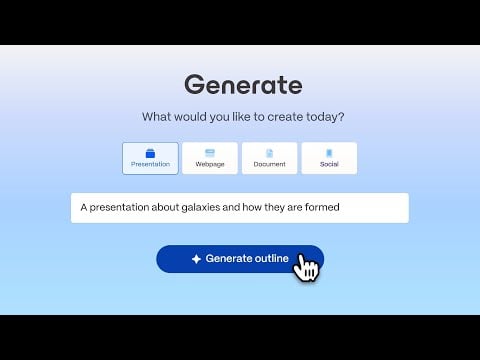
If you want to go from a single-sentence idea to a complete presentation in a matter of a few minutes, then Gamma is a popular option available. Aside from creating stunning presentations, it can create documents (even PDFs), social media graphics and posts, and websites. I tried and quickly understood why this tool has taken over the internet. It does not just create regular rectangular slides; it creates fluid, modern, and scrollable presentations, which it calls cards.
The presentations are highly interactive, where you can embed videos, live websites, and GIFs natively without worrying about your slides hanging or breaking the layout. On top of this, you can do a style change in just a single click. Don’t like the theme? Click one button, and the AI will instantly swap the entire presentation’s color palette and fonts without any issues. You can ask the AI to shorten text, and the output is generated instantly. The free tier gives you 400 AI credits, enough for several presentations.
- Price: Free (400 AI credits), Plus ($9/user/month), Pro ($18/user/month), Ultra ($90/user/month)
- Website: Gamma
Canva Magic Design: The All-in-One Creative Hub
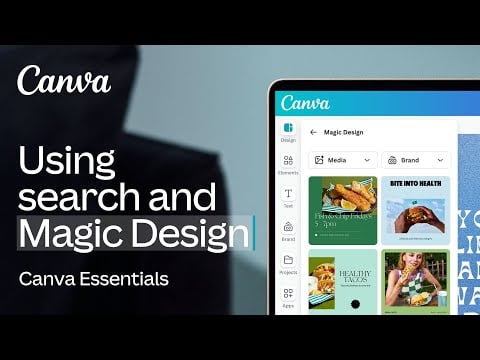
If you are into design or do even a slight bit of image editing, then you might be familiar with Canva. It is a household name that is an all-in-one graphic design tool. Over the years, Canva has also incorporated AI into its platform, and its Magic Studio is quite mature. Canva has a massive library of images, graphics, and videos, which you can use to decorate your slides. Canva’s Magic Design uses AI to search that massive library and beautifully decorates it based on the prompt that you have written, and places it in an impressive template.
Using the Brand Hub, you can easily apply your exact brand guidelines (logos, colors, fonts) using the AI-generated deck in just a few clicks. You can start by typing a text that describes your idea, and you will be presented with a template. You can then add images or videos, either your own or from the asset library. In the free tier, you can generate up to 10 presentations. However, to unlock full potential, you have to pay $120 per person per year.
- Price: Free (limited), Pro ($120/year), Business ($200)
- Website: Canva
GenPPT: The AI that handles the research
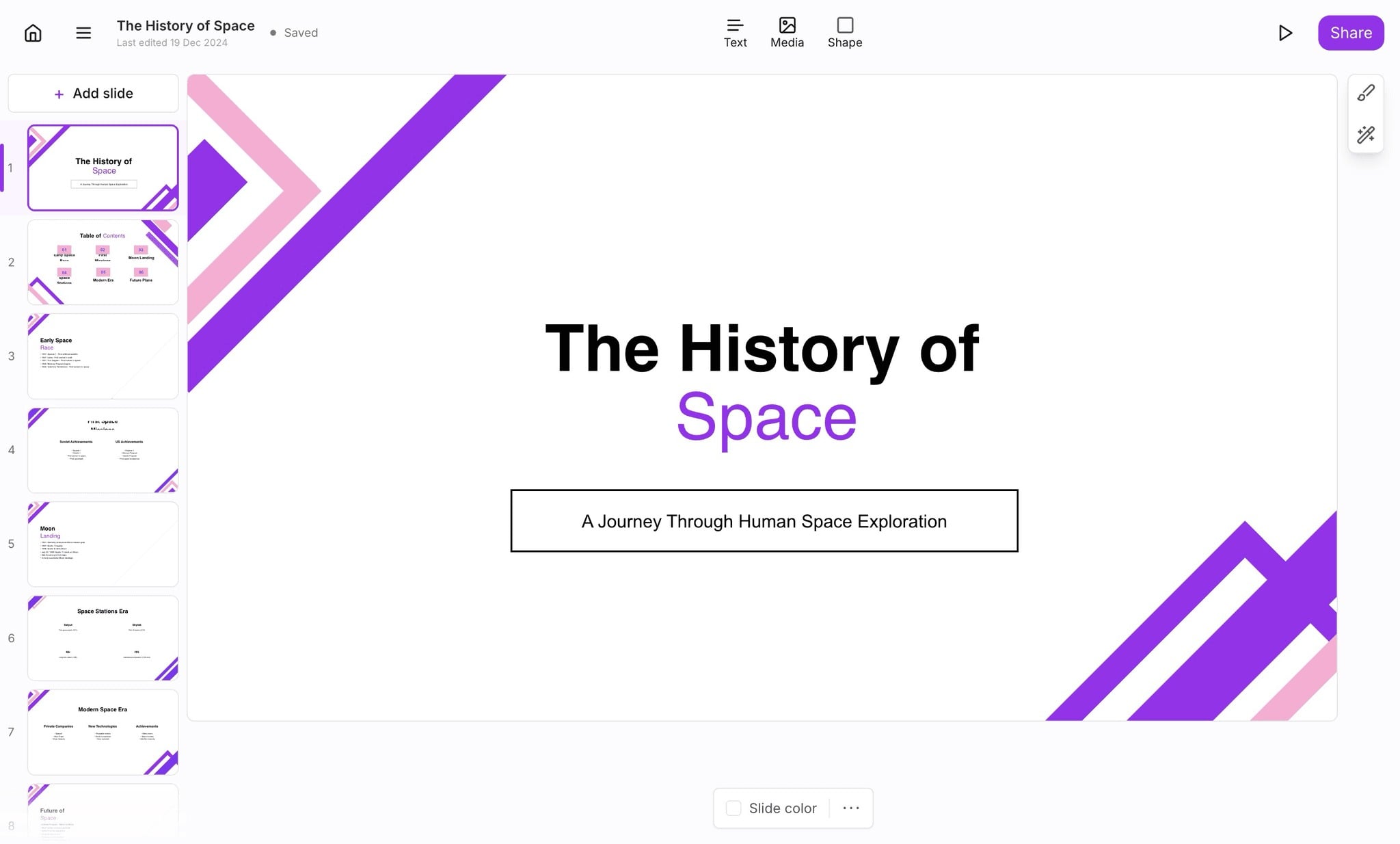
AI was not perfect from the moment it arrived. One of the biggest flaws of AI was hallucinations. Meaning the AI would confidently make up fake statistics to make the research look good. While it isn’t perfect even today, AI has come a long way. GenPPT solves this problem by relying heavily on research and structuring. The website itself says that GenPPT is “ChatGPT for presentations.” Upon testing, I actually do find that claim to be correct. While you can create complete slide decks using a single AI prompt, you can also paste a wall of text, and GenPPT will analyze the information, structure an outline, and build a complete presentation.
You can then edit the presentation and export it directly in the PPTX format. GenPPT converts rough notes and even links into polished slides instantly. You don’t just get a clear slide filled with text. Instead, it builds clear titles, bullet points, and speaker notes that make presentation delivery easy. The Pro plan starts at $9/week, which makes it one of the budget AI presentation tools available.
- Price: Trial, Pro ($9/week and $19/month)
- Website: GenPPT
Plus AI: The plugin for Google Slides & PowerPoint loyalists
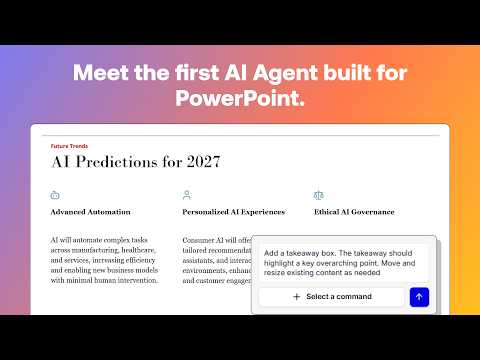
Most of the options available require you to sign up, purchase a subscription, and, more importantly, use their dedicated websites to start working on your AI presentations. This requires you to go through a learning curve. But what if you want an AI agent for tools that you already know, like Google Slides or Microsoft PowerPoint? Here is where Plus AI comes in. Although it isn’t a standalone website, it is an extension that sits inside your favorite presentation tool in the sidebar and powers it with AI.
Related Read: How to Generate AI Images on Google Slides using Duet AI
On the official website, you have to sign up with either your Google account or Microsoft account to get started. You have two options to put AI to work for your presentations – you can feed a prompt, or you can upload a file. You can rewrite the text to improve its tone or phrasing, or transform the slide into a different layout. You can also use Plus AI to generate images or add icons. There is no free tier, but you do get a 7-day full-featured trial to test the waters.
- Price: 7-day free trial, Basic ($10/month), Pro ($20/month), Team ($30/month)
- Website: Plus AI
Beautiful.ai – The auto-designer that actually works
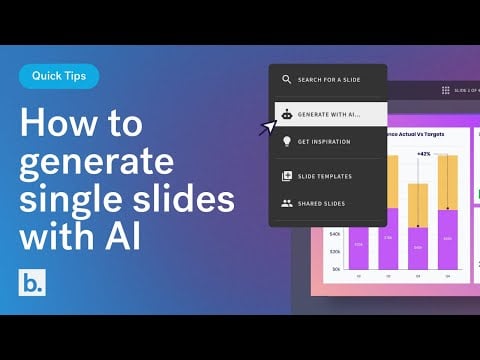
Beautiful.ai has been around for a while, but the latest version is a gem. If you know nothing about designing, then Beautiful.ai will take care of it. All you need to do is enter a prompt and let the AI transform your idea into a presentation draft in seconds. Also, instead of giving you a blank canvas to add text or other elements and go about your slide (make it a mess), Beautiful.ai uses something called “Smart Slides.” In this, when you add text, image, or chart, the slide automatically understands and shifts or adjusts the layout in real-time to keep everything perfectly proportionate.
Meaning, if you learned something new and want to add a fourth point to a list of three points, then Beautiful.ai understands and resizes the text to accommodate the new point. You can lock your brand’s fonts and colors so that every presentation that you generate stays strictly on brand. Sadly, there is no free tier, but there is a 14-day free trial. and the Pro version starts at $12/month.
- Price: 14-day trial, Pro ($12/month), Teams ($40/month/user)
- Website: Beautiful.ai
Choose what’s right for you
Choosing the right tool comes down to what you want from the tool and your budget. You have to ask yourself some questions and also see if the freely available tools can do what you want to achieve or not. AI will not deliver a ready-made presentation for you; you will have to edit it and make it to your liking. But they can surely help you kick off. Utilizing these AI tools, you can ensure that you are spending more time understanding the topic rather than worrying about fonts and layouts.
FAQs on Best AI Presentation Apps
1. How do AI presentation makers differ from traditional presentation tools?
AI-powered presentation tools are specifically designed to simplify your work. These tools generate entire presentations with simple text prompts, saving you time and effort. In addition, these AI-powered presentation generators can help you make changes, add images, and improve the overall quality of your presentation.
2. Can AI presentation tools automatically design slides based on content input?
AI presentation makers can quickly generate slides based on text prompts and provide tools to edit and make necessary changes.
3. Do AI presentation tools require an internet connection, or can they be used offline?
Most of the tools listed in this article are web-based and require a stable internet connection.
4. How do AI presentation generators integrate with other software or platforms?
Most AI presentation generators offer export options and integrate with other services such as Google Slides, Slack, and Notion.

