

Late last night, Google hosted an event giving insight into its much hyped Google Chrome OS, an overview of the technology and launch plans for its launch next year. Google has also released the open source Chrome OS source code which can be downloaded as well.
As per Sergey Brin, 7 seconds is all it takes for Google OS to start running after a cold boot. Sundar Pichai, vice president of product management at Google, said the OS would boot as fast as turning on a TV, and run even faster than the Chrome browser on Windows. All of the applications will be web apps – nothing will be installed locally. “In Chrome OS, every application is a web application. There are no conventional desktop applications,” Pichai said.
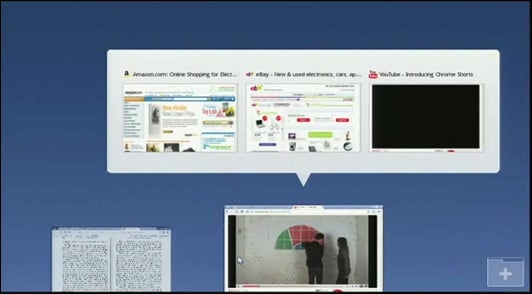
In case you are wondering how Google Chrome OS would look like check out these exclusive collection of screenshots we have been able to gather up till now.
Chrome OS UI Screenshots
Click on the screenshots for the better view.


Google Chrome OS Demo videos

