

Quick Answer
- After testing tens of VPN services, my top picks are Windscribe, ProtonVPN, and Hotspot Shield.
- Windscribe offers 10GB of free monthly data with unlimited device connections, making it highly versatile.
- Proton offers strong security features and unlimited data for a single device.
- Hotspot Shield offers a daily data allowance suitable for regular pricing.
- TunnerBear is also a great option with its easy-to-use interface for casual users, but it is not available in India.
Using a completely Free VPN is the best idea if your answer is ‘Yes’ to any of the questions below.
- Do you have problems opening certain websites like Gmail and YouTube at work?
- Has your school blocked social networking sites like Facebook and Twitter?
- Are you required to work anonymously online?

The use of VPNs has consistently accelerated in the past decade but more so after 2020, with more people working from home and also looking to stay entertained. If you need a free VPN provider only to have a bit more security on public WiFi, this can do a fair job.
Table of Contents
Best Free VPN Services in 2024
VPN Service | Best For | Data Allowance | Connections | Price |
|---|---|---|---|---|
Windscribe | Best Overall | 10GB/month | Unlimited | Free; $9/month |
TunnelBear | User Experience | 500MB/month, 1.5GB with tweet | Up to 5 devices | Free; $9.99/month |
ExpressVPN | Speed and Privacy | Unlimited | Up to 5 devices | Free trial; $12.95/month |
IPVanish | Feature-Rich | Unlimited | Unlimited | Free trial; $10/month |
ProtonVPN | Unlimited Data | Unlimited | 1 device | Free; $4/month |
Hotspot Shield | Daily Data Allowance | 500MB/day | 1 device | Free; $2.99/month |
CyberGhost | Streaming | Unlimited during trial | Up to 7 devices | Free trial; $12.99/month |
NordVPN | Comprehensive Features | Unlimited during trial | Up to 6 devices | Free trial; $11.95/month |
Windscribe: Overall Best VPN Service with Generous Free Data and Unlimited Connections
Highlights
- Price: Free; paid plans start at $9 per month.
- Data Allowance: Offers 10GB of data per month.
- Connections: Unlimited device connections.
- Server Locations: Access to servers in over 10 countries.
- Sign-Up: No credit card is required, only a confirmed email address.
- Platform Support: Available on Windows, Mac, Linux, Android, iOS, and browser extensions (Chrome, Firefox, Opera).
- Performance: Fast servers, though free users, may experience slowdowns during high traffic times.
Windscribe has to be the best Free VPN software we have tested. Offering 10GB of data per month with unlimited connections and access to over 10 countries, Windscribe scores over other services in this list. You don’t need to share your credit card details to sign up for the free account. All you need is a confirmed email address.
Windscribe’s VPN servers are quite fast, but when the servers are under heavier load, the free users are the first to notice. Mind you, Windscribe has no affiliate program, so this is as unbiased as possible.
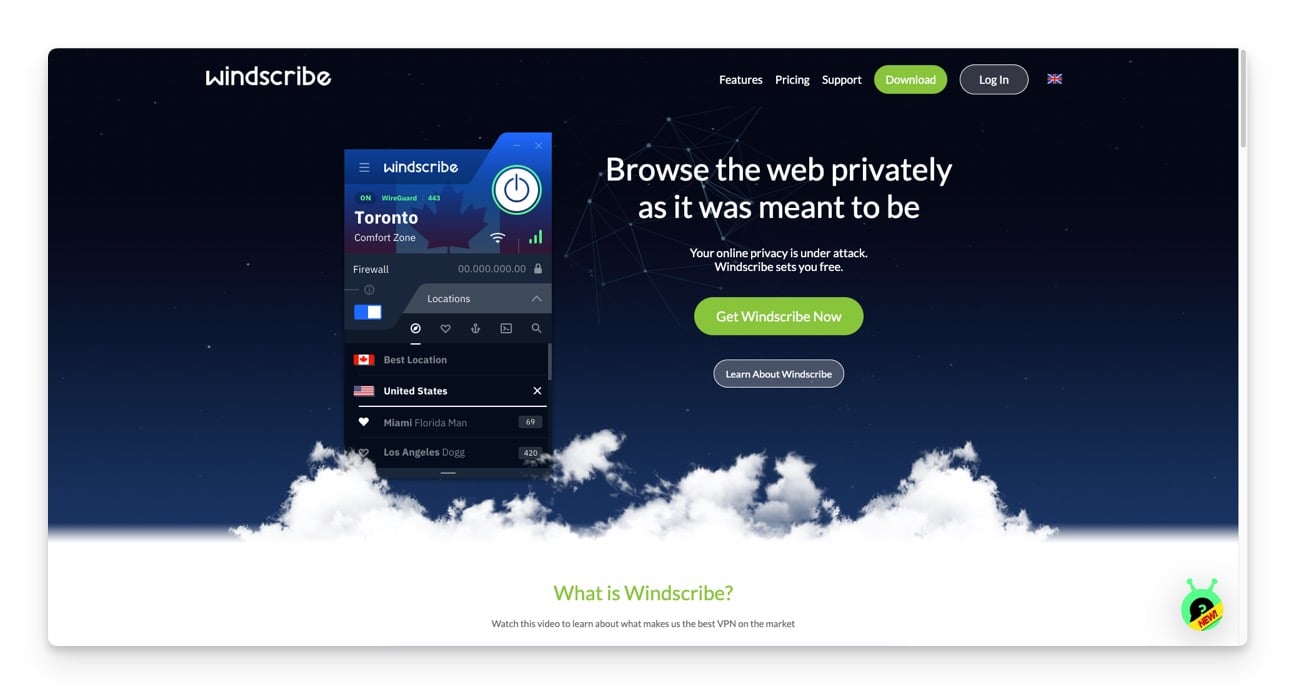
Windscribe has apps for all the major platforms—from Windows to Mac to Linux, iOS to Android to BlackBerry, Chrome to Firefox to Opera, Amazon Fire TV to Nvidia Shield to Kodi, or even routers via DD-WRT and Tomato. The Paid VPN plan starts from $1 per month per location or $9 monthly for all locations.
Bottom line:
Choose Windscribe if you need a generous data allowance and support for multiple devices. It offers 10GB per month, unlimited device connections, and servers in over 10 countries. It’s fast, easy to use, and doesn’t require a credit card to sign up.
TunnelBear: Best VPN for User Experience with an Easy Interface
Highlights
- Price: Free; paid plans start at $9.99 per month.
- Data Allowance: 500MB per month, can be increased to 1.5GB with a tweet.
- Server Locations: Servers in 20 countries.
- Connections: Supports up to 5 devices.
- User Interface: Easy-to-use and beginner-friendly.
- Platform Support: It is available on Windows, Mac, Android, iOS, and browser extensions (Chrome, Firefox, Opera).
- Performance: Reliable but may slow down with distant server connections.
TunnelBear is designed to consider the requirements of an average internet user. Its friendly and easy-to-use interface makes it user-friendly for new subscribers. It does an excellent job of providing the essentials of a free VPN service without complicating things. Compared to other services, it relies on offering an easy-to-use service while simultaneously providing anonymity and security to its customers.
TunnelBear offers a decent amount of data under its free VPN access, sufficient to get around most casual use case scenarios. Unless you are streaming or downloading content off the internet using the service. In this case, you might need to consider upgrading to a premium plan. Several online streaming services, including Hulu, BBC iPlayer, YouTube, and Netflix, were available while connected to the Tunnelbear server.
The only downside to using this VPN is the slow-down internet speed when a user connects to a server located at a far-off distance. It gives you access to any geo-restricted sites. It now provides free US & UK VPNs, but that’s more than handy for most people. While the free version restricts data to 500MB/month, you can boost that to 1.5GB if you tweet about the company once.
Bottom line:
Go for TunnelBear if you’re a beginner who values simplicity and ease of use. It’s perfect for casual browsing and unblocking US & UK sites, though it has a lower data limit of 500MB per month.
ExpressVPN: The Best VPN for Speed and Privacy
Highlights
- Price: Free trial; paid plans start at $12.95 per month.
- Server Locations: Servers in 94 countries.
- Connections: Up to 3 devices.
- Sign-Up: Requires credit card information for the free trial.
- Platform Support: It is available on Linux, Mac, Windows, Android, iOS, and browser extensions (Chrome, Firefox, Safari).
- Security: High focus on privacy, supports payment via cryptocurrency.
One of the older players in this game, ExpressVPN is a pretty good option that provides a decent high-speed experience without compromising user privacy. Unlike a few other services that cater to either a new user or a power user, Express VPN, on the other hand, manages to serve both kinds of users by providing a simple and easy-to-use interface for the newbies and by offering the ability to choose from various options of protocols to the power users.
Express VPN allows subscribers to pay for the paid plan using cryptocurrency to provide anonymity and privacy. The service comes with a 30-day money-back guarantee. Customers can try it out initially, and if they find themselves unsatisfied, they can opt out of the service within 30 days and get a refund for their payment. It’s also the best Netflix VPN option available.
Privacy is one of the company’s biggest concerns and one of its biggest selling points. One con of ExpressVPN is that you must sign up with a credit card before starting the trial if you want a Free VPN app.
Bottom line:
Pick ExpressVPN if you need fast, secure browsing and streaming. It offers high-speed connections, strong privacy features, and supports cryptocurrency payments. It’s ideal for users who prioritize speed and privacy.
IPVanish: Feature-Rich VPN with Advanced Options
Highlights
- Price: Free trial; paid plans start at $10 per month.
- Server Locations: Servers in 60 countries.
- Connections: Supports up to 5 devices.
- Platform Support: Available on Mac, Windows, Android, and iOS.
- Features: Packed with features, it may require a learning curve for beginners.
- Performance: Average speed but highly reliable connections.
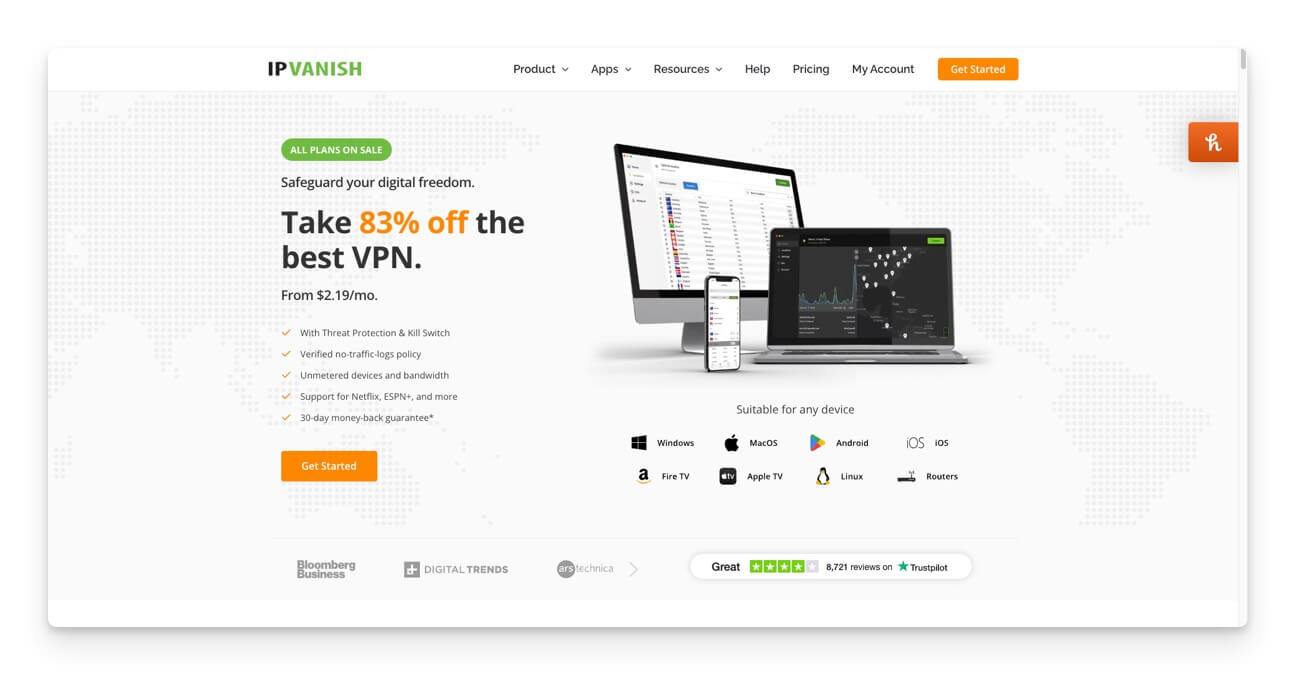
IPVanish might not be the best VPN service, but it still manages to cling onto it barely with its reliability, which tops over a few drawbacks. Unlike most other services, IPVanish has many features, options, and settings to provide users with absolutely every possible functionality. However, with so much complexity and features coming in, the service often requires a learning curve, which sometimes becomes difficult for people just starting to continue using the VPN service.
The connection speed provided by IPVanish is average, but the connections are pretty reliable, making it popular among many people across the internet. As mentioned above, IPVanish is full of features. Therefore, it manages to keep up to that stature by supporting the cryptocurrency payment method for its subscribers to pay for subscription plans.
However, if you still don’t like the VPN service, IP Vanish offers a money-back guarantee, allowing you to opt out of the service within 7 days of payment. It also offers a 3-day trial for those looking for a free VPN connection.
Bottom line:
Choose IPVanish if you need a VPN with many features and advanced options. It supports multiple devices and cryptocurrency payments, but new users may experience a learning curve.
Related Read: 7 Best Free Android VPNs to Use Without Signing up
ProtonVPN: Best VPN for Unlimited Data and Strong Security
Highlights
- Price: Free; paid plans start at $4 per month.
- Data Allowance: Unlimited data with free plan (One device)
- Trial Period: 7-day free trial for premium features.
- Server Locations: Servers in 3 countries (Netherlands, Japan, US) for free plan.
- Connections: Limited to one device for the free plan.
- Platform Support: Available on Linux, Mac, Windows, Android, and iOS.
- Security: High focus on security, uses OpenVPN protocol, founded by CERN scientists.
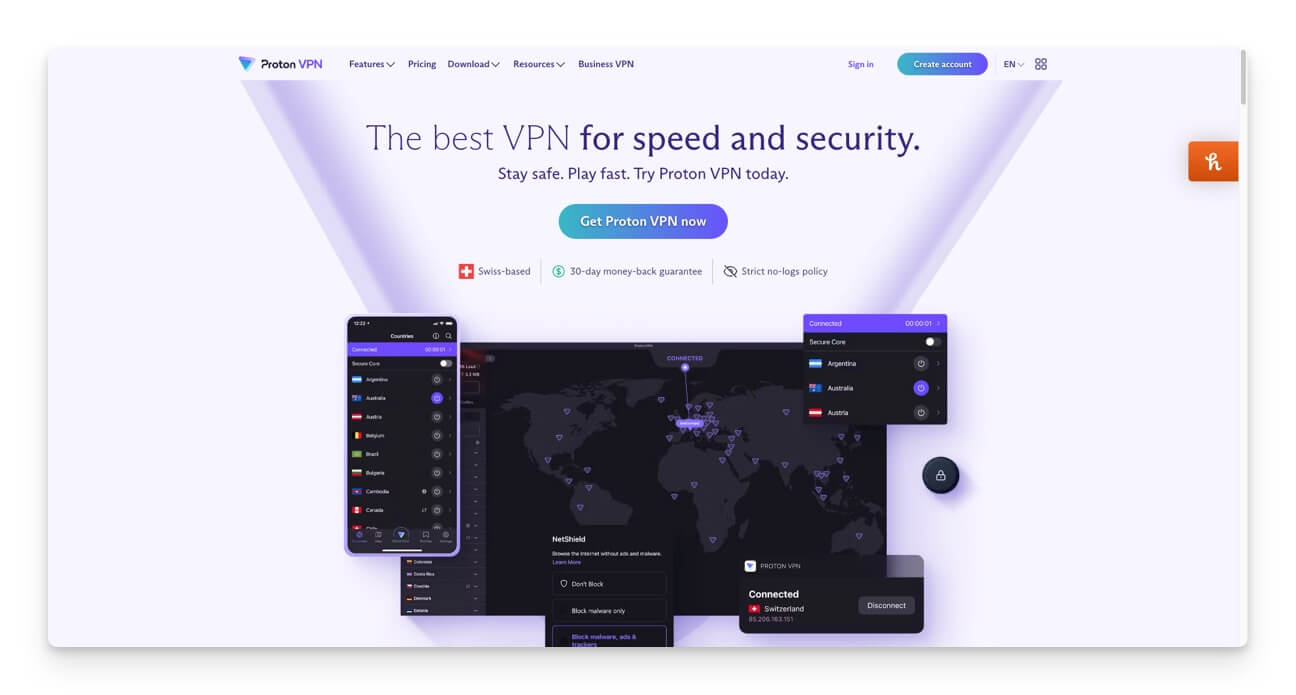
Founded at CERN, considered the birthplace of the internet, by some of the industry’s most famous people, ProtonVPN has grown out of the popular mail service Proton Mail. Like the attention to privacy and security the Mail service cared for, the VPN is also pretty secure. Though the plans are a bit pricier, that is justified by the company’s use of the famous OpenVPN protocol.
ProtonVPN is easy to set up and use, making it user-friendly for many people, beginning with Virtual Private Networks. The overall performance is average, and the speed can sometimes cause an issue, but most of the time, you can use it without any trouble and get most of your online activity done without any noticeable issues.
For the first seven days, you will automatically receive a free trial of ProtonVPN Plus. You will have access to all the ProtonVPN servers and features during this period. The ProtonVPN trial is activated upon the first successfully established connection. So, if you create your account but wait a few days to start using ProtonVPN, you will not lose any of the seven trial days.
After your trial expires, your account will be reverted to the Free plan automatically. With the ProtonVPN Free plan, you can access five ProtonVPN servers in three countries: the Netherlands, Japan, and the US. Also, you’ll be unable to connect multiple devices simultaneously.
Bottom line:
Select ProtonVPN if you need unlimited data and high security for a single device. It’s perfect for continuous, secure browsing without worrying about data limits.
Hotspot Shield: Best VPN for Daily Data Allowance
Highlights
- Price: Free; paid plans start at $2.99 per month.
- Data Allowance: 500MB per day for free users.
- Server Locations: One US-based location for free users.
- Platform Support: Available on Mac, Windows, Android, iOS, and browser extensions (Chrome, Firefox).
- Performance: Good for general privacy but may not reliably support streaming services like Netflix.
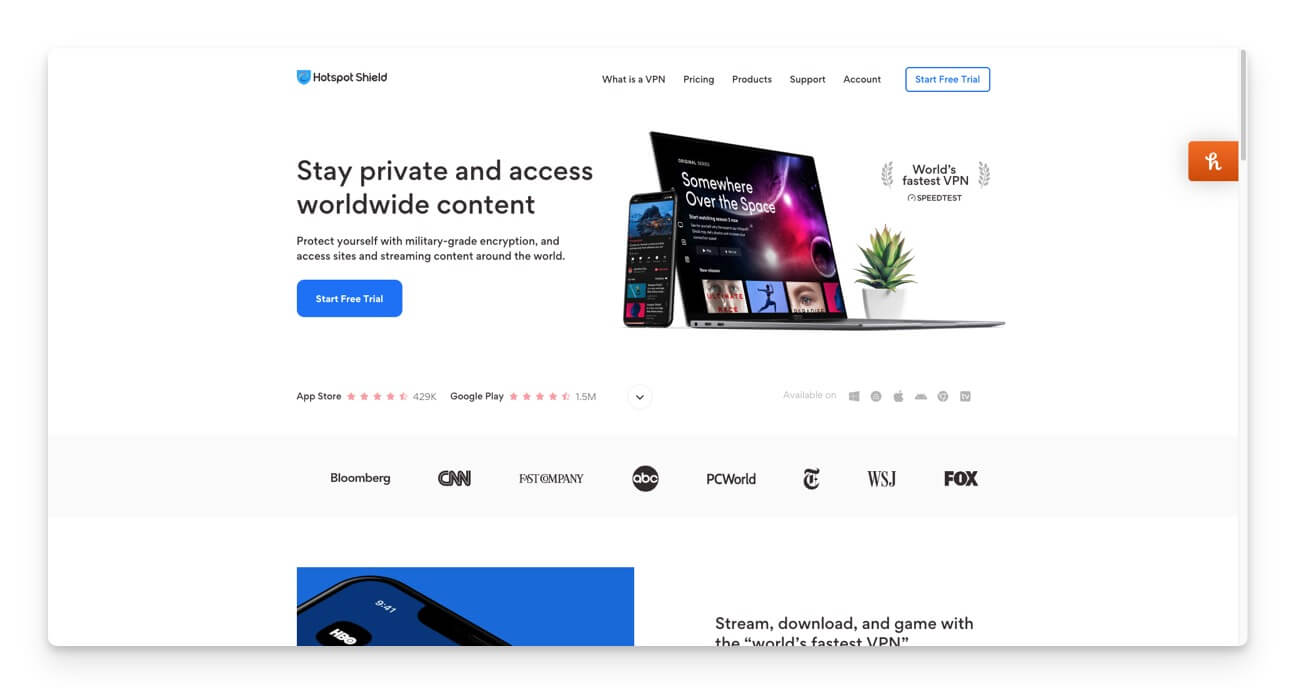
Hotspot Shield was a great VPN provider until a few years back. However, recent events in the past couple of years have surely damaged its reputation and changed the perspective of many users towards it.
The company has been struggling to respond to reports of it spying on user data due to a security flaw in its systems. But, as it stands, it seems like the company has taken all the necessary actions to ensure that the privacy and security of the users are not compromised and that they can use the service without having any second thoughts.
On top of that, Hotspot Shield provides the best money-back guarantee compared to some other services. A full 45-day time frame is what you get to decide to either continue using the services or opt-out and get a refund for your payment.
In the free version, Hotspot Shield chooses one US-based location for you, and you will have to put up with ads if you are using it on Android. Those on the free plan are only allowed 500MB of data daily, so around 15GB per month. While that may seem restrictive, it’s one of the more generous limits among its competitors, compared to one or two above.
The company does not use most of the commonly used protocols and instead depends on a single protocol supporting its transport protocol enhancement, called Hydra. Yes, there is a 7-day trial period if you want to try it out for free. While it doesn’t have a great reputation for reliably supporting streaming apps like Netflix, it can be used for general privacy reasons.
However, there are a couple of concerns. Several elements are logged, including bandwidth used, your OS, the time you connect, and others, and although Hotspot assures us none of that could identify users personally, it’s more than we would like.
Bottom line:
Hotspot Shield is great if you need a consistent daily data allowance. It provides 500MB of data daily and is a solid choice for privacy.
CyberGhost: Best VPN for Streaming with Fast Speeds
 Highlights
- Price: Free trial; paid plans start at $12.99 per month.
- Server Locations: Servers in 60 countries.
- Connections: Supports up to 7 devices.
- Platform Support: Available on Linux, Mac, Windows, Android, and iOS.
- Features: Unblocks geo-restricted websites and supports cryptocurrency payments for privacy.
- Performance: Fast speeds, suitable for streaming services.
CyberGhost is a powerful yet easy-to-use VPN service that has existed for a long time. It provides a clutter-free and straightforward UI that makes it easy for users to connect to a server without complicating things.
From a security standpoint, it uses some of the best protocols. It provides automated HTTPS redirection, which ensures that you always connect over a secure channel and have a secure internet connection.
The service does a great job of unblocking geo-restricted websites, for which all it requires a user to do is select the service they want to unblock, and the rest is taken care of by the app itself. With the privacy theme in mind, CyberGhost allows subscribers to pay for their plans using cryptocurrency to provide anonymity and privacy.
Customers can opt out of the plan if they do not feel satisfied with the experience, thanks to CyberGhost’s 45-day money-back guarantee. There is a 1-day free VPN trial if you are looking for one. Note: CyberGhost ended their previous Free VPN plan in November 2018, and since then, they only offer a 1-day free trial.
Bottom line:
Use CyberGhost if you want to stream content. It offers fast speeds and the ability to unblock geo-restricted websites, supporting multiple devices and cryptocurrency payments for privacy.
Related Read: 10 Best VPN Extensions for Chrome
NordVPN: Best VPN with Comprehensive Features
 Highlights
- Price: Free trial; paid plans start at $11.95 per month.
- Server Locations: Servers in 62 countries.
- Connections: Supports up to 6 devices.
- Platform Support: Available on Linux, Mac, Windows, Android, iOS, and browser extensions (Chrome, Firefox).
- Security: High-security standards support cryptocurrency payments.
NordVPN is undoubtedly among the best VPN services out there currently. It comes with a clean and user-friendly interface that makes it easy for anyone to use and get the most out of it. Regarding security, there are a variety of security measures that NordVPN takes at the server level to ensure better security for its users. With security tools like secure chat and proxy extensions on the server, the company’s intentions on a high-security service stand out from many other big VPN service providers.
If you want to be assured that your data does not end up in the wrong hands and gets misused, you don’t need to look further and opt for the NordVPN service. The payment method used to purchase plans solidifies their stand on privacy and security.
Unlike most other services, NordVPN offers cryptocurrency payment support for customers to make payments for their plans, which in some ways preserves their identity and privacy by not revealing personal information.
With fast-speed internet, irrespective of the server you are connected to, NordVPN is a great bet and offers unparalleled service. With a 7-day trial, it’s one of the best we have on the list for those looking to access services like Netflix, Hulu, Disney+, and others without worrying about geo-blocking.
Bottom line:
Opt for NordVPN if you want a VPN with robust security, fast speeds, and access to streaming services. It supports multiple devices and cryptocurrency payments.
Other Notable mentions of Free VPN services
10. VPNBook
11. VPNGate – backed by the University of Tsukuba, Japan
12. SecurityKiss – limited to 300MB/day on a Free mobile VPN.
13. Hide.me – No logs, 2GB data, no CC required.
14. Speedify VPN – 5GB/month on the first month, drops to 1GB/month afterwards.
15. Avira Phantom VPN Free – 1GB/month of data
How to choose the best Free VPN?
The importance of privacy and anonymity has grown tremendously in the past couple of years. While most people value privacy, much of our private information, from social media photos to family names and addresses, is available online. The details of our lives always find their way into the public eye. One of the surveys found that many people in the United States are concerned about online privacy. While VPNs aren’t perfect, they are one of the easier ways to stay private and seek freedom. Broadly speaking, there are three types of VPNs you can choose from:
- Free VPNs
- Freemium VPNs
- Premium VPNs
You need to understand that not all VPNs are created equal. Before you grab that free VPN, here are some basic questions you should be asking:
1. What is your business model? Whether it’s a VPN, an email, or any service, you must first ask, “How are you making money?”. There is nothing called a free lunch in this world, and this is especially not the case with free VPNs, either. Some entice customers with a free version or a free trial and then eventually ask them to pay for a better plan, and that’s perfectly fine. Most, however, will sell user data or provide something to a third party that will compromise your privacy.
2. What’s your privacy policy? One of the basic and primary goals of a VPN is to ensure online privacy. If the service you use will store your internet activity, you’re neither private nor safe. So, look out for their privacy policy and see if they store your usage data. Even if it were forced to by court order, a VPN provider with a no-logging policy couldn’t turn over your records because it hasn’t kept any. Note that data collection and retention laws may require some logging by the country in which the VPN is located, so it’s important to know its country of jurisdiction.
3. Can I sign up anonymously? Some free VPN providers let you subscribe without an email address. If you purchase a paid plan, you can pay via Bitcoin. How’s that for privacy and anonymity?
Consider what online activities you engage in the most as you choose the right free VPN service. Do you stream videos? Access sites that contain sensitive information? Send or retrieve large files? Those activities require a VPN and a faster network. The VPN must also match your business and/or personal needs regarding data allowance and geo-restrictions.
Before proceeding with the list of the best free VPN providers, there are some important things to know.
Are free VPNs safe?
Well, long answer short, most free VPN service providers are unsafe. Many paid VPN services are not perfect (or as secure and safe) as they claim to be. Talking about free VPN providers, in particular, most services engage in some or the other fraudulent activity to offer you their service for free — since everything comes at a cost — and by not paying a premium upfront, you trade the same for your privacy. A few drawbacks of a free VPN include compromises on privacy and security, online tracking, logging and selling of user’s data, and malware injections, to name a few.
Premium VPNs offer extra security and features, including unlimited data and speeds, proper customer support, and access to streaming services worldwide.
When should you use a free VPN service?
While most free VPN services are untrustworthy and appear suspicious, a few providers offer a compromised experience [LESS being the operative word here.] For, it is very unlikely for a provider to offer you their service for free since serving millions of subscribers on this scale requires a lot of financial resources. By offering the VPN service for free and not getting paid directly from the user, they have to resort to other modes to generate revenue to survive — albeit not as dubious as some less trustworthy services. A good practice is to go through the privacy policy of VPN services — the free ones — before signing up. Moreover, to be safer, you should always prefer a free VPN from services with a paid subscription.
That’s all for this list of the best free VPN services.
Do let us know in the comment section below what services you use regularly and which of our lists you find the most useful. Do you know of any other free VPN services? Do share it by commenting below. If you see that any of the above services are down or closed, let us know.

