

The Nintendo Switch is a great handheld gaming device that offers a great console experience right in your hands. However, with the ease with which we carry our smartphones, we can’t say the same for the Nintendo Switch. Moreover, developers developed a couple of Nintendo Switch emulators thanks to Android’s flexibility. For now, the best Nintendo Switch emulator crown was held by the Skyline Emulator, but because of threats from Nintendo, the developers of the Skyline Emulator decided to stop working on it.

If you thought that running Nintendo Switch games on Android was a thing of the past, and now you can’t play them, you’re mistaken. Yuzu Nintendo Switch Emulator is (best to use ‘was’, you’ll know in a bit why) the best emulator that you can use on your Android phone and play Nintendo Switch games. Yuzu Emulator was already available for PCs before foraying into the Android smartphone world. In this guide, we will share with you whether you can still install and use Yuzu Emulator on your Android phone or not. Let’s dive into it.
Table of Contents
What is the Yuzu Emulator?
Before we go ahead and understand what the Yuzu Nintendo Switch Emulator is let’s first understand what an emulator is. An emulator is a program that lets one operating system run over the other. On Android, you will find various emulators that can help you play games on other platforms, such as PlayStation, on your smartphone.

Similarly, Yuzu Emulator is a Nintendo Switch emulator that helps you run Nintendo Switch games on your Android phone. Not only Android, but you can use Yuzu Nintendo Switch Emulator games on Windows and Linux as well. Sadly, Yuzu was sued by Nintendo in February 2024, which was later settled after Yuzu agreed to pull the emulator from the Play Store and also remove its Github page.
Thankfully, in the world of the internet, once anything is there, it is pretty hard to get rid of. There are a lot of third-party hosting websites that still have the Yuzu Nintendo Switch Emulator. But not every one of them is safe. So, here in this guide, we have given the best and safest repository link that you can use to download the Yuzu Emulator. One thing you should keep in mind is that since the developers aren’t working on the emulator any more, don’t expect to receive updates.
What are the requirements for using the Yuzu Nintendo Switch emulator on Android?
Before you jump straight to the download section and begin with the installation process, you need to ensure that your Android smartphone meets the minimum system requirements for running the Yuzu Nintendo Switch emulator. Since it is an emulator and runs a different operating system than the other, it is fairly resource-intensive. Below are the details that your smartphone needs to meet.
Minimum requirements to run Yuzu Emulator on Android:
- SoC: Qualcomm Snapdragon 460 or newer
- GPU: Adreno 605 GPU (with Turnip drivers) or newer, or ARM Mali-G57
- RAM: 8GB or more
- OS: Android 11 or newer
Recommended requirements to run Yuzu Emulator on Android:
- SoC: Qualcomm Snapdragon 865 or newer. Best to have the latest Snapdragon 8 Gen 3.
- GPU: Adreno 740 GPU or newer; or ARM Mali-G720 or newer.
- RAM: 8GB or more
- OS: Android 11 or newer
Do note that smartphones powered by Samsung Exynos or MediaTek chipsets cannot run the Yuzu Nintendo Switch emulator. Qualcomm Snapdragon SoCs are termed the hardware requirements for running the Yuzu emulator. Besides, more than 8GB of RAM would also be pretty crucial to the emulator’s smooth performance on your smartphone.
How to install the Yuzu Nintendo Switch emulator on Android
The installation process of the Yuzu Nintendo Switch emulator on Android requires you to follow some detailed steps, skipping any one of them, will lead to issues. Apart from meeting the system requirements, you also need to have the prod.key file from an unlocked Nintendo Switch console. If you don’t have one, then we have also shared an alternate way.
Let’s go through the installation steps, one by one:
- Download the Yuzu Nintendo Switch emulator from this source.
- Install the Yuzu emulator on your Android smartphone and launch it.
- Tap on Get Started.

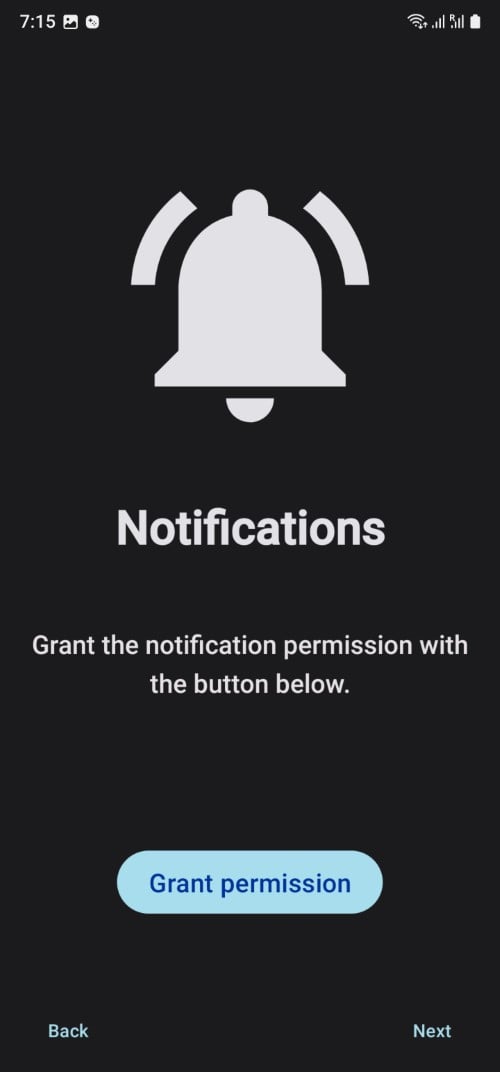
- It will ask you for notification permissions. Hit the Grant permission button.
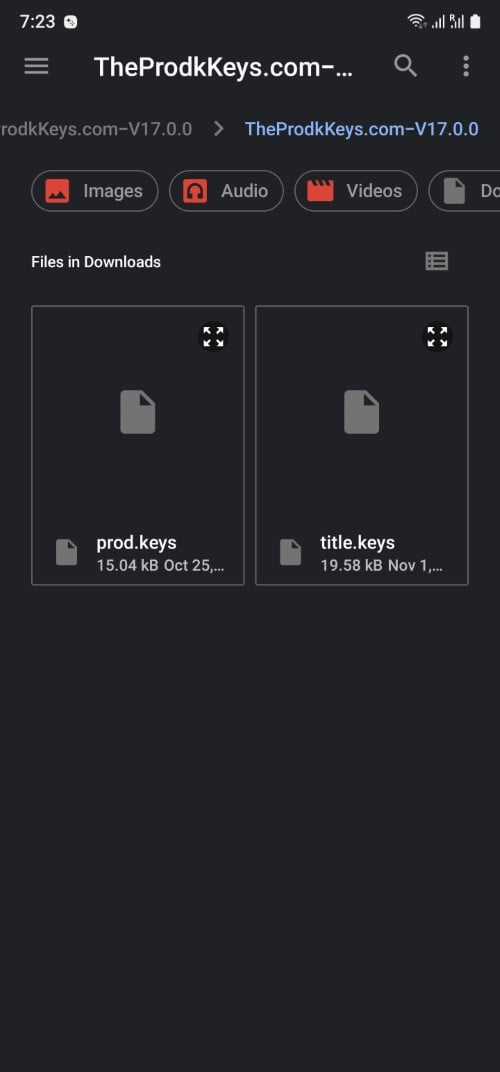
- You will be asked to select your prod.keys. Download the prod.keys from this website. If the V17.0.0 isn’t working for you, then download the previous version. The prod.keys will be in ZIP format, so you need to extract the content to select it in the emulator.
- Load the keys in the Yuzu emulator by tapping on the Select Keys button. Choose the prod.keys, successful selection of which will show you a prompt ‘Keys successfully installed‘.
- Now, you will be asked to select the Games folder. You need to tap on Add Games button and choose any location on your smartphone. Once successful, you will see the Done page. Tap on Continue.
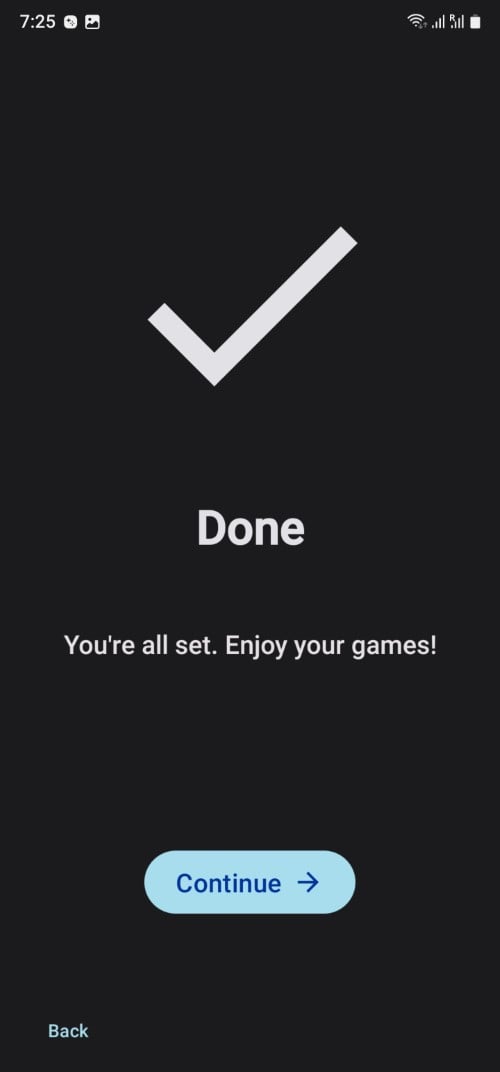
- That’s it! The Yuzu emulator is all set to be used on your smartphone. Do note that you need to add games to the folder that you selected as the Game Folder.
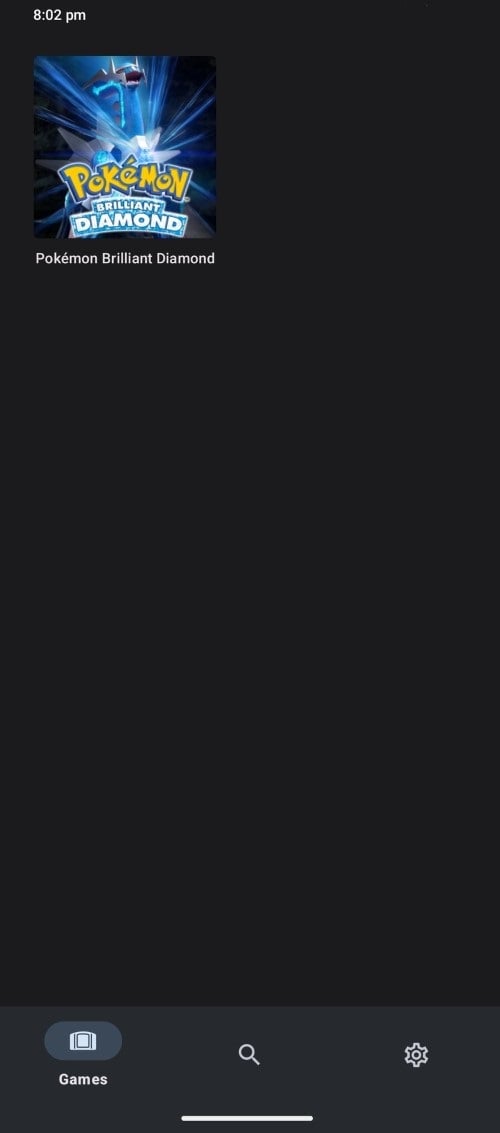
- After that restart the Yuzu emulator and you will see the games that you have added listed in the Games Folder. You can click on the game and start playing it on your Android smartphone.
You are all set to explore the world of Nintendo Switch games on your Android smartphone. However, do note that the Yuzu emulator doesn’t support a quick save feature, meaning you need to use the in-game save feature to save your game progress. This can be done easily by pressing the X button.
Moreover, if you are looking for the ROMs for the Yuzu emulator, then we would suggest you check out this website and download the latest Nintendo Switch ROMs for the Yuzu emulator and enjoy gaming.
FAQs about the Yuzu Nintendo Switch emulator
1. Is Yuzu available for Android?
Unfortunately, following the lawsuit by Nintendo, the developers of Yuzu have removed the app from the Google Play Store, and its GitHub page is also gone. So, you won’t be able to get official links to download, and don’t expect support for it. However, there are trusted third-party websites, as provided in this guide, that you can use to download the Yuzu emulator on your Android phone and enjoy your favorite Nintendo Switch games.
2. Is the Yuzu emulator still safe?
Since the official support has ended, many are thinking about the safety of using the Yuzu emulator on their Android smartphones. Well, there is one important thing to consider here: from where you are downloading the Yuzu emulator. If you are using a trusted source for downloading the emulator, then you can rest assured about its safety. We would suggest you use the link given in our guide, perform an antivirus check, and then only install it on your smartphone.
3. Is online gameplay possible with Yuzu emulator?
You can play local online gameplay using the Yuzu emulator, however, using the Nintendo Switch online services isn’t available. Meaning you will be able to play local multiplayer, but not the online in-game options that are available.
4. Is the Yuzu emulator running slowly? How to improve the speed?
Well, the first thing you should note before installing the Yuzu emulator is that you need to meet the recommended requirements. Then you need to ensure that you have the latest version of the Yuzu emulator downloaded. Since the official support has ended, make sure to download the latest version to enjoy all the features and enjoy games at the maximum possible speed.

