

Quick Answer
To enable Gemini Nano on Google Pixel 8 or Pixel 8a, open the Settings app, scroll down to System, tap on Build Number seven times to activate Developer Options. Go back and tap on Developer Options. Search for AICore Settings. Here, toggle the button for Enable On-Device GenAI Features.
After testing it in March, Google is finally bringing its Gemini Nano model to its Pixel 8 and Pixel 8a devices. Available as part of the June Pixel drop, the Gemini Nano AI model offers summaries of transcriptions in the Recorder app and suggests replies for incoming messages in Gboard on select messaging apps, like WhatsApp.
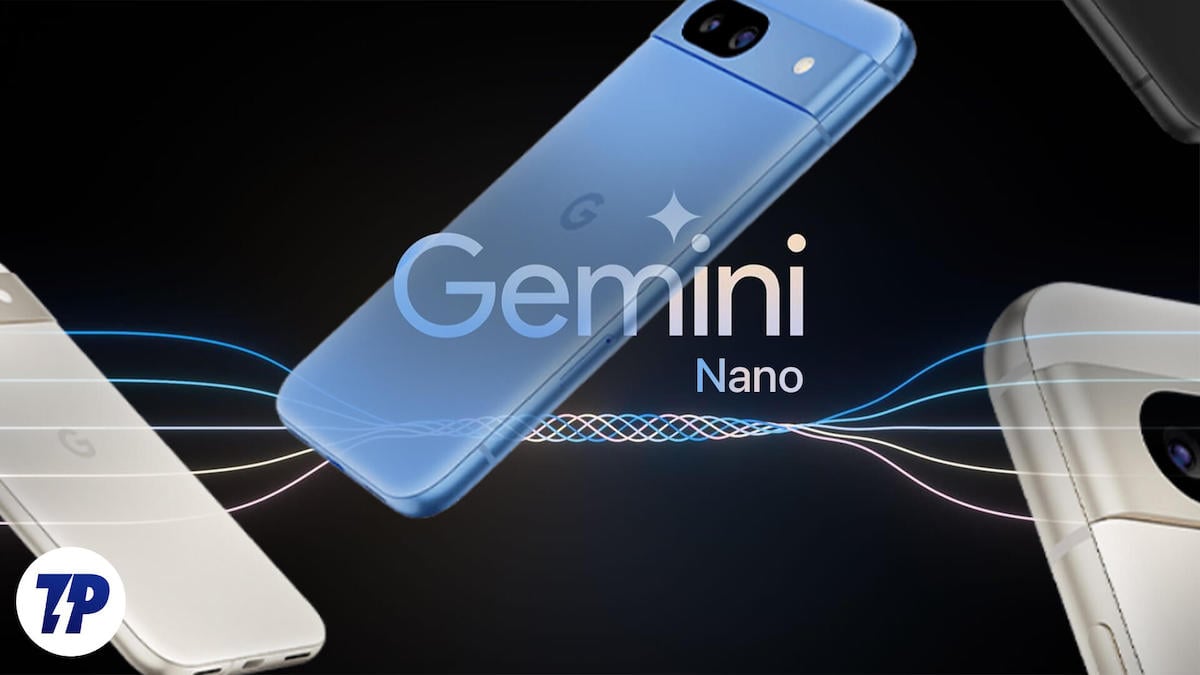
However, unlike the Pixel 8 Pro, which has Gemini Nano enabled by default, the Pixel 8 and 8a (review) models don’t. As such, you can’t use it by simply updating your device to the latest Android version. Instead, you’ve to turn it on manually from the Developer Options.
Follow along, and we’ll show you how.
How to Enable Gemini Nano on a Pixel 8 or Pixel 8a
If you haven’t already, update your Pixel 8 or 8a to the June update. Then, follow these steps to enable Gemini Nano on your device:
- Open the Settings app.
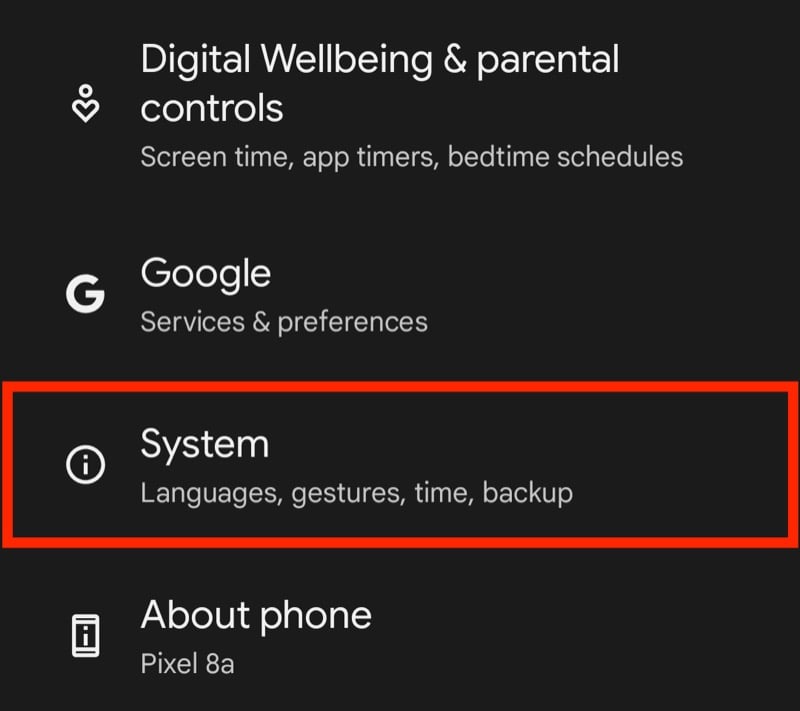
- Scroll down and select System.
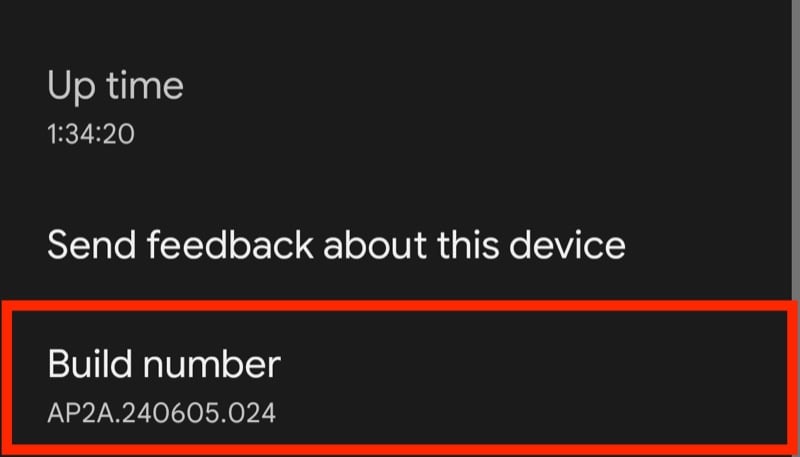
- Scroll to the bottom of the page and tap Build Number seven times to activate Developer Options.
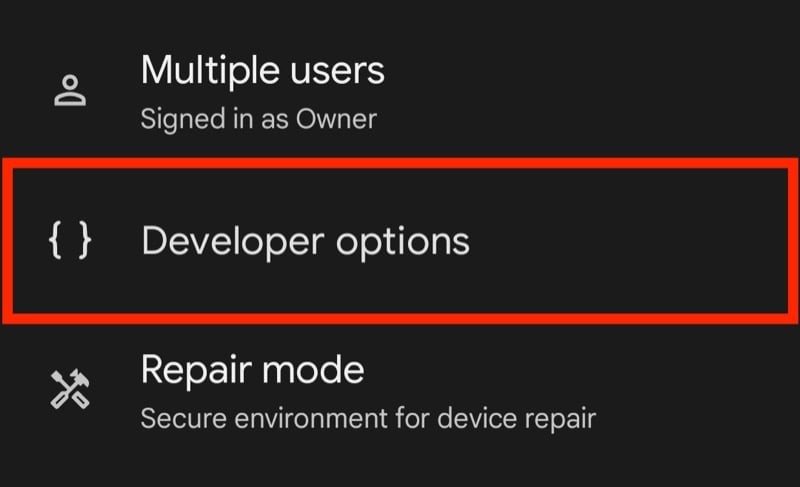
- Go back to the previous page and select Developer Options.
- Tap the search icon in the top-right corner of the screen and search for AICore Settings.
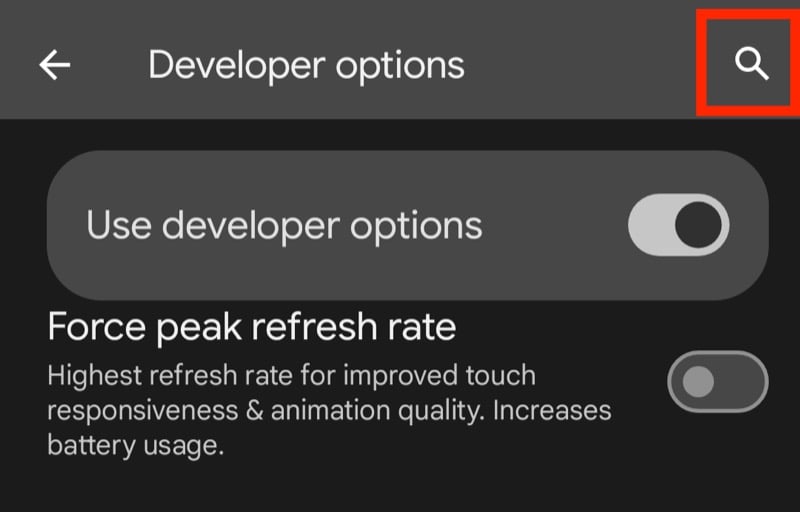
- Tap on AICore Settings.

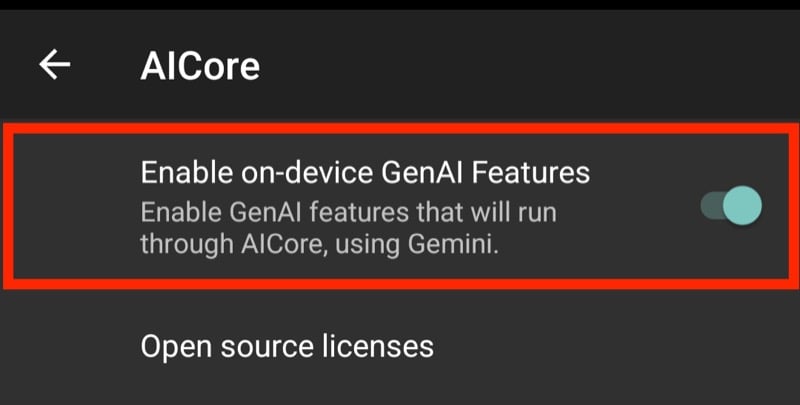
- On the following page, toggle on the button for Enable On-Device GenAI Features.
What Can You Use Gemini Nano for on Your Pixel 8 and 8a?
Google hasn’t clarified what on-device tasks Gemini Nano will facilitate on a Pixel 8 or 8a. But taking into account the features it enables on the Pixel 8 Pro, you can expect it to help you with a few tasks.
First, it could power Summarize in the Recorder app. This would help summarize your recorded conversations, interviews, presentations, and more on your Pixel 8 or 8a. What makes it even more interesting is that it wouldn’t need a network connection to work, so you can use it even when you’re offline.
Second, Nano could bring Smart Reply to Pixel 8 and 8a. As the name suggests, Smart Reply helps you respond to incoming messages on certain apps, like WhatsApp and Line, in a better and faster way. It’s available in Gboard and analyzes your conversations to understand the context better and suggest appropriate responses.
Lastly, it’s also possible that Google brings the Magic Compose feature—available on Pixel 8 Pro and Samsung S24—to the Pixel 8 and 8a. Magic Compose, for those unaware, is a Google Messages feature that helps you craft messages. You can use it to start a new conversation or reply to an ongoing one. Not only that, but it can even help you rewrite a drafted message in different styles.
Gemini Nano May Not Be Available Right Away
It’s nice to see Google bringing Gemini Nano to its less powerful Pixel 8 and 8a devices. Unfortunately, similar to certain feature drops in the past, this, too, isn’t available for use right away, so even if you update the device and turn on the feature, you won’t be able to access it unless Google rolls it out in your region.
That said, if you’re interested in trying out Gemini Nano on your Pixel 8 or 8a, it’s good to have it enabled at your end in advance. That way, you can start using it when it’s available on your device right away.

