

In Summary
- For almost a decade, tablets were considered to be devices that were best used for viewing content (films, shows, books, etc.) but were not considered good enough for actual work.
- That perception has, however, undergone a significant change. Today, it is rare to see even a mid-segment tablet being launched without productivity-oriented accessories (keyboards, styluses, etc), and many brands even showcase their tablets as notebook replacements.
- While tablets can indeed replace notebooks, they cannot do so right out of the box and need certain accessories and services to step into notebook shoes. So, if you are looking to use your handy tablet as a notebook, here are ten things that you need to keep in mind.
It was a sign of how times had changed for the tablet. When Xiaomi’s chief marketing officer, Anuj Sharma, recently tweeted that he would be using the brand’s recently launched Xiaomi Pad 7 along with a keyboard instead of his notebook for a week, not too many were surprised. The idea would have been scoffed at 5-6 years ago, a time when tablets were still largely confined to being portable devices to watch stuff off on rather than do work on.
However, in recent times, tablets have shed their “third screen” perceptions and emerged as notebook substitutes. Rare indeed is the premium, or even mid-segment, tablet today that does not get released with a handy keyboard and/or stylus accessory. Although tablets have become acceptable as “notebook backups,” they are still by no means comfortable with their new rules, which is why we decided to spend a week doing exactly what the CMO did.
We ditched our trusty MacBook Air and Xiaomi Notebook for about a week and turned solely to a tablet (the Xiaomi Pad 7) to see if a tablet (and that, too, a relatively mid-segment one) could step into notebook shoes.
The good news is that it can. But it is not as simple as just adding a keyboard to the tablet.
You need to get a few things right to make your tablet walk the notebook talk. And these are ten of the most important:
Table of Contents
No, Windows is NOT a tablet option
Before someone gets into the “there are Windows tablets too, you know” mode, we are going to shoot that option down straight away. Yes, we know Microsoft and Lenovo, among others, have Windows tablets, but then Windows itself is not very touchscreen-friendly, so the tablet experience on these devices is quite ordinary. If you are going to use a Windows tablet to replace your notebook, then we suggest simply taking your notebook along.
Check app compatibility
While most mainstream apps like Adobe’s PhotoShop and Microsoft’s MS Office have tablet and/or cloud avatars, the truth is that they often do not work as smoothly on tablets. So we would suggest either getting the hang of them or finding reasonably usable alternatives so that you can create and edit files in different formats.

For instance, we used Google Docs for all our MS Office tasks on tablets as it ran way more smoothly on tablets and could handle MS Office file formats. A bit of research here is necessary because you do not want to end up in a situation where you cannot edit or create the kind of files you work on. A key area to check out carefully is the compatibility of enterprise-specific apps – sometimes even something as routine as a Web check-in for work does not work (pun intended) on a tablet!
Get the biggest display you can get
We will keep it brutally simple: if you want a tablet that can replace a notebook, just go out and get the tablet with the biggest display you can find. Most notebook displays are about 13 inches and above, and if you want a viewing experience that is similar, go for tablets with displays that are at least 12 inches in size. You are going to need all that viewing real estate.
Do not get carried away by high resolutions
A display with a higher resolution might sound great on paper but could end up being a pain to use. That is because, in simple terms, the higher the resolution of a display, the more content you can see on it. However, this also results in front and icon sizes becoming smaller and . inconvenient to read. Think of it as reading 200 words on a page as compared to 400 words – the page with 400 words carries more content, but the one with 200 pages will be easier to read.
Of course, you can increase or decrease font size, but that often leads to content getting poorly aligned. Our advice is to stick to around FHD below 12 inches and go for higher resolutions only when displays get larger – in fact, when it comes to reading, we would suggest sticking broadly to FHD.
Steady mid-segment chips will suffice most of the time (really!)

We have used pretty much most of the mainstream tablets released in the Indian market over the past decade, and well, we think that while having the latest, flagship-level chip is awesome, you are likely to be able to get through most of your notebook-like tasks like word processing, presentations and even some spreadsheet sessions on a good mid-segment processor.
We found the Redmi Pad Pro turning in a very good notebook-like performance while running on a Snapdragon 7 Gen 3 processor, and the Xiaomi Pad 7 did even better on a Snapdragon 7+ Gen 3 chip. Neither of those is a Snapdragon Series 8 chip, and yet they sailed through most office tasks without a problem.
Yes, the processor does start making a big difference the moment you get into high-end gaming and tasks like high-definition multimedia editing, but if most of your work revolves around lots of typing and text, a good mid-segment chip will serve you reasonably. Even the OnePlus Pad Go, which runs on the MediaTek Helio G99, handles word processing pretty well.
Keyboard covers are cool, but get a proper Bluetooth keyboard…

This might shock some people, but if you intend to really do a lot of writing or typing on your tablet, we would suggest investing in a good Bluetooth keyboard rather than going for one of those keyboard covers (like Apple’s magic Keyboard or the Focus Keyboard that comes with the Xiaomi Pad 7) which need to be attached to the tablet, generally through some magnetic connectors.
Keyboard covers look cool and might seem to serve two purposes – protecting the tablet and also giving you a keyboard to work on – but in terms of a pure typing experience, they seldom are a match for a proper Bluetooth keyboard, which generally comes with larger keys with more travel (keyboard covers tend to have much smaller keys, as the keyboard is about the same size as the tablet).
What’s more, you can get a very good Bluetooth keyboard at a lower price than a keyboard cover and can use it from any place without worrying about a physical connection. Round that off with the fact that you can get a good Bluetooth keyboard for around Rs 2,500 (such as the Logitech Pebble 2 or the Asus Marshmallow), while most good tablet keyboard covers come with price tags in the region of Rs 4,000, and we really think it makes more sense to get an independent Bluetooth keyboard if you want to type a lot on your tablet – you can even use the keyboard to type on other devices (like your phone, notebook, or television).
…And don’t worry about the trackpad, please!

This is basically a continuation of the previous point but needs to be stressed separately. We love using trackpads in a proper notebook and desktop environment, but we found them to be of very little use when using a tablet in notebook mode. Perhaps it was because we were simply used to the touch interface of our tablets, but whatever the reason, we often touched the touchpad on our keyboard, lying largely unutilized while we were using our trusty tablet in notebook mode. If you are new to tablet usage, you might need a trackpad on your tab-as-notebook adventures, but otherwise, we think you can save some bucks and space by going for a simple keyboard minus trackpad. If you do need a pointing tool, we suggest getting a mouse.
Get a longer charging cable
One of the biggest challenges of using a tablet as a notebook is working on it while it is being charged. This is pretty routine and easy for notebook users because their charging bricks inevitably come with cables that are more than a meter in length (the new MacBook Air and MacBook Pro come with two-meter cables), allowing you to work on your notebook while letting you connect it to a charging point that may be more than a few feet away. That convenience generally disappears on tablets as they are often accompanied by much shorter cables, often about a meter at most.
This is generally not a problem if you use your tablet as a normal tablet, as most of us do not use a tablet while charging it, but can be problematic if you are using your tablet as a notebook, as you will find yourself using your tablet far more and therefore gobbling up battery life. So, if you are looking to use your tablet as a notebook, do yourself a favor and get a 1.5-2 meter charging cable.
Skip the stylus unless absolutely necessary

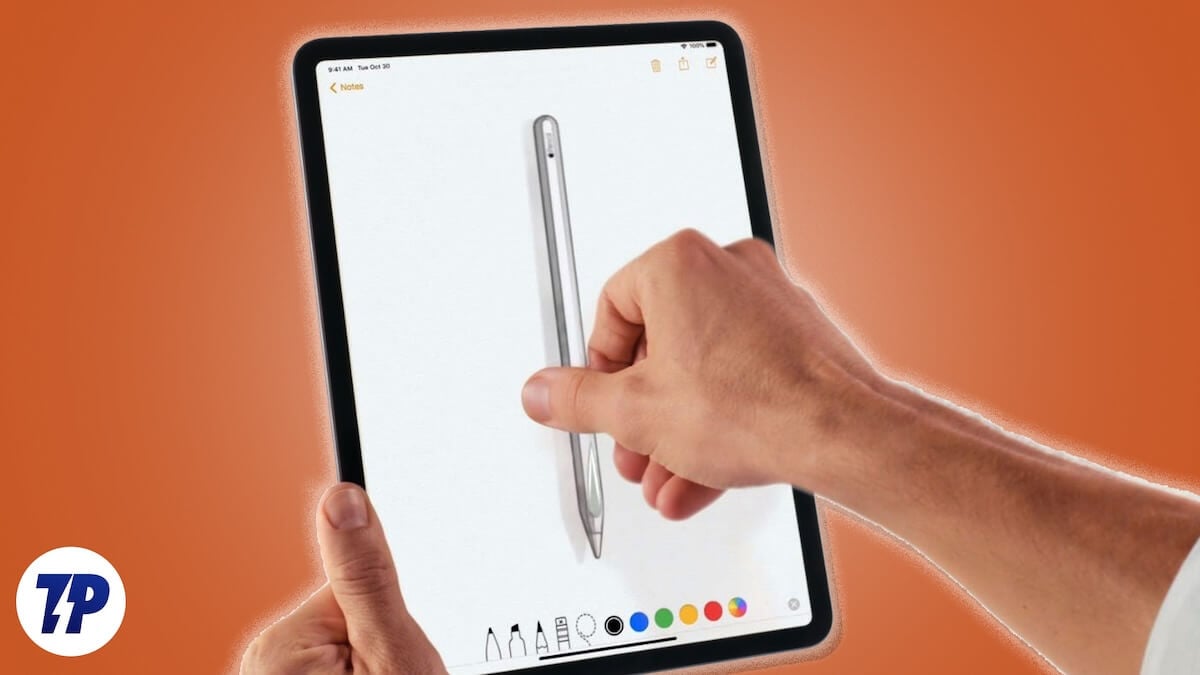
Do not get us wrong – we love styluses, but their utility on a tablet that’s subbing for a notebook is limited. A stylus with a tablet is great, but adding a keyboard to the mix results in the stylus becoming a second-rate citizen, needed only for the odd signature and highlighting (which often can be done through a keyboard as well). So yes, we would suggest giving it a miss unless you need to do a lot of sketching, in which case you will be using the tablet as a canvas rather than a notebook, anyway.
Ports: we need more ports
One area where tablets lag far behind notebooks is in terms of ports. While most notebooks come with two or more USB Type-C ports, a tablet generally has only a single Type-C port, which is meant to handle everything from data transfers to charging to connecting to other devices. That is nowhere near enough for a notebook wannabe, so we would recommend investing in a multi-port hub that plugs into the Type-C port of the tablet and gives you access to more ports and even slots. We would suggest going for a hub that adds at least two USB Type-C ports (at least one of which also supports charging), a Type-A port (they are still used), and a card reader, all of which support good transfer speeds. Do keep in mind that if used extensively, this will drain a significant amount of battery, so yes, keep that charging cable handy.
Wi-Fi is better than 5G/4G
Having 5G connectivity on your tablet is handy, as one often ends up using a tablet even when on the move (say on a bus, Metro, or even while taking a stroll). However, the vast majority of us use Wi-Fi to access the Internet on our notebooks – in fact, most notebooks do not even come with inbuilt Internet connectivity.
This is because we tend to use our notebooks while sitting down, generally in areas with good connectivity. This is why we think that 5G does not need to be a huge factor if you want to use your tablet as a notebook, as the chances are that you will be using it in notebook mode, mainly in areas with decent Wi-Fi connectivity. In the rare cases where you do not, most tablets can connect to the Internet seamlessly through your phone anyway.
It makes more sense to invest in a good 5G plan for your phone instead of putting extra bucks into a 5G variant of a tablet (5G variants generally come with much higher price tags than Wi-Fi-only ones).

