

Quick Answer
Building multimodal AI apps today is less about picking models and more about orchestration. By using a shared context layer for text, voice, and vision, developers can reduce glue code, route inputs intelligently, handle errors safely, and deliver reliable, natural user experiences at scale.
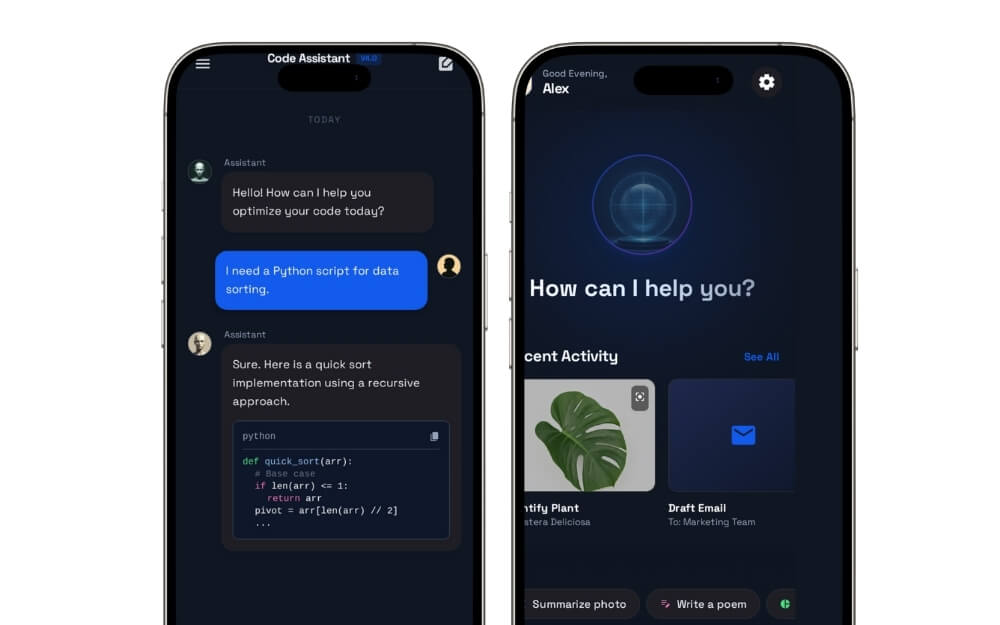
2025 was all about AI; almost every app and software has integrated AI into its workflow. Some apps truly took advantage of AI and stood out as the best, making it genuinely useful for users. The best example is Notion AI, which helps me easily manage a database, and most of them, unfortunately, have become a pain point for users. The best example is the Meta AI chatbot integrated into WhatsApp. However, AI is still the number one priority for most services.
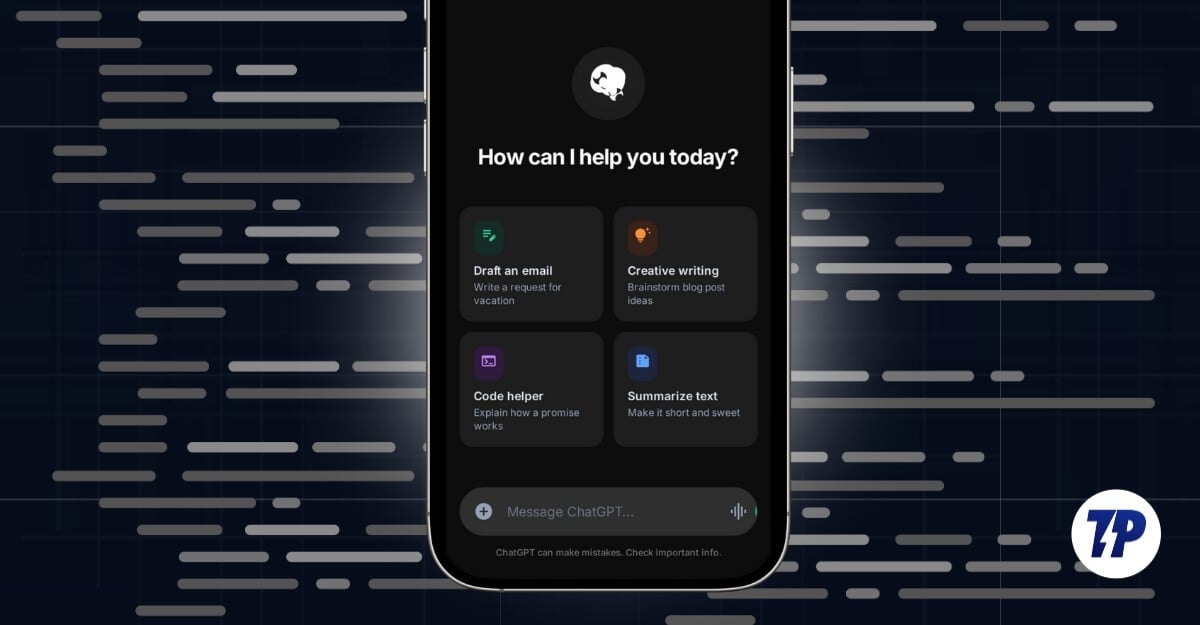
If you are a developer, the most challenging aspect is not adding AI, but how to make it reliable and safe to use, since most users in the real world interact with applications in multiple ways. It is often recommended to use a multimodal system that understands different inputs. These are the reasons why most apps use multimodal AI; however, the biggest pain in handling multiple models is context switching, and also knowing when to use the right model. In this guide, you will learn about what multimodal AI is and how it makes it easy for developers.
Table of Contents
Multimodal AI for Developers
Single-Modal vs Multimodal
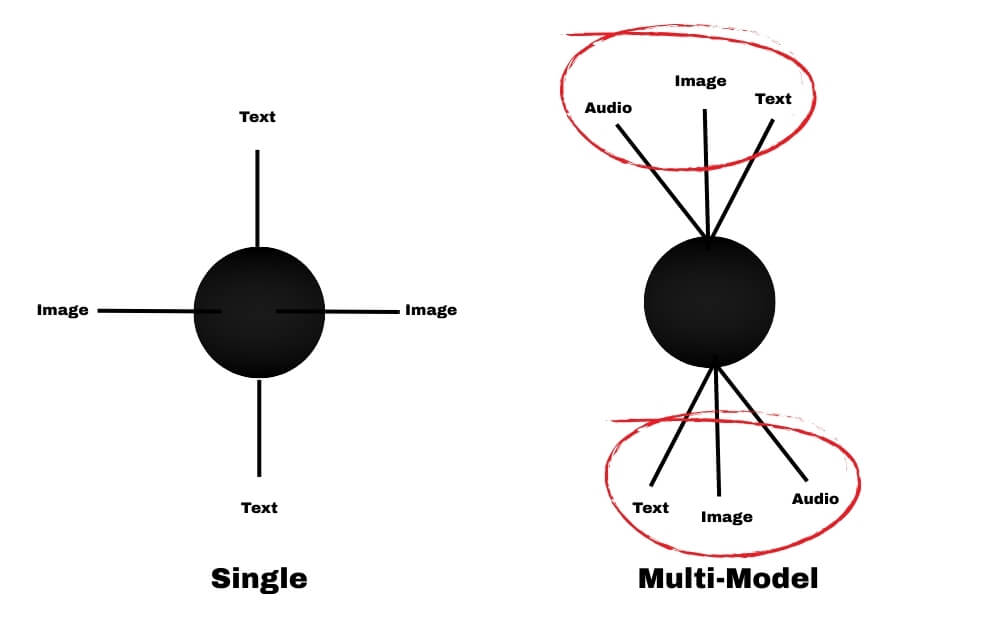
A single model understands only one type of input. For example, an AI text model understands only text input, and in the same way, an image model only understands images.
On the other hand, a multimodal system can understand more than one type of input depending on its capabilities. For instance, GPT-4o can handle text and image as an input and can even support voice in natural conversations.
However, offering multimodal AI is hard since every input type behaves differently, and even when you use strong models, they don’t share context by default, making it hard to understand the user’s context.
So, as a developer, you need to manually set rules, and since every user interaction is different, setting custom rules might not work in every case, and even one small mistake can break the user experience.
This is where teams often introduce a multimodal orchestration layer.
Instead of re-sending data between separate model calls, the team can use an orchestration layer that maintains a shared context across text, images, and voice.
This is where the Azumo multimodal AI services can help. Azumo supports teams in implementing this kind of architecture at the production level, which reduces the need for custom glue code for developers so that they can focus on workflows and user experience.
One of the biggest advantages of having an orchestration layer is that it helps the system route requests correctly without losing context. Here are a few ways teams can reduce complexity when handling multiple models in their applications easily.
Multimodal Input Application

If you are building a truly multimodal application and don’t want to deal with complexity, you can build these capabilities into your app using a multimodal orchestration approach.
This allows developers to support text, image, and voice together without building a separate pipeline for each input. So users can have natural conversations without manually handling the glue code. For example, if the user uploads an image and follows with a voice note and then asks a text question, it requires using three separate models together, which can be complex if you want to do it manually.
This reduces manual stitching and keeps the user experience consistent.
Shared Context Across All Interactions
One of the biggest downsides of using multimodal AI is the context. By default, models are stateless, and you need to re-attach the image and audio manually every time the user asks follow-up questions.
While on paper it sounds easy, it can get increasingly complex if the user is having multiple conversations at different times.
This is where teams implement shared memory across text, images, and voice, so the system can retrieve earlier context and respond consistently.
Model Orchestration
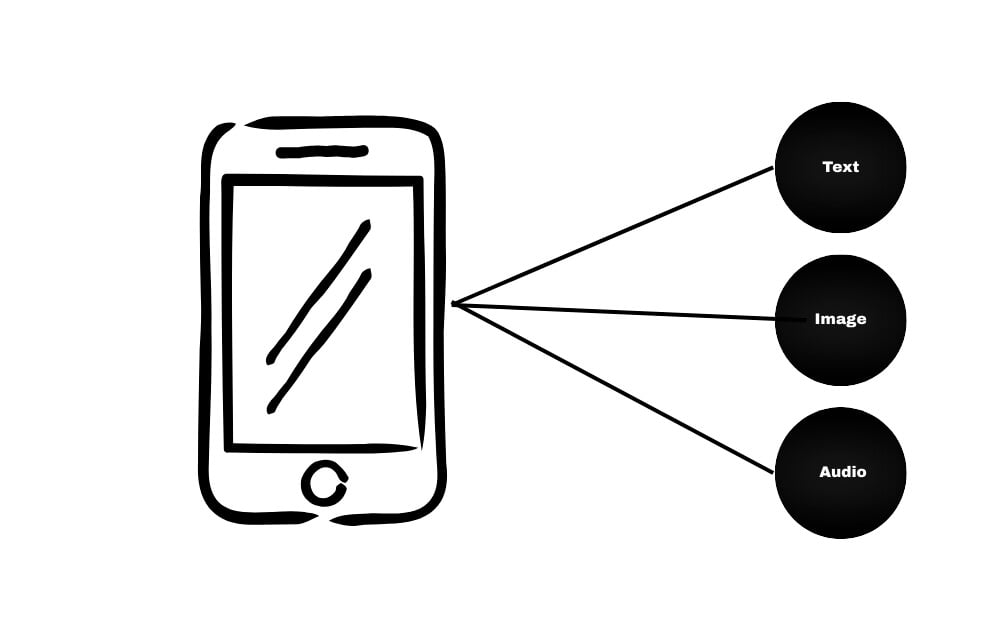
Another big pain point when using multimodal is finding which model to use and when, because user inputs can come in different forms, and as a developer, if you are handling everything, you manually need to connect those models.
With an orchestration layer, teams can implement structured routing so the system uses the right approach at the right time.
Easy Error Handling
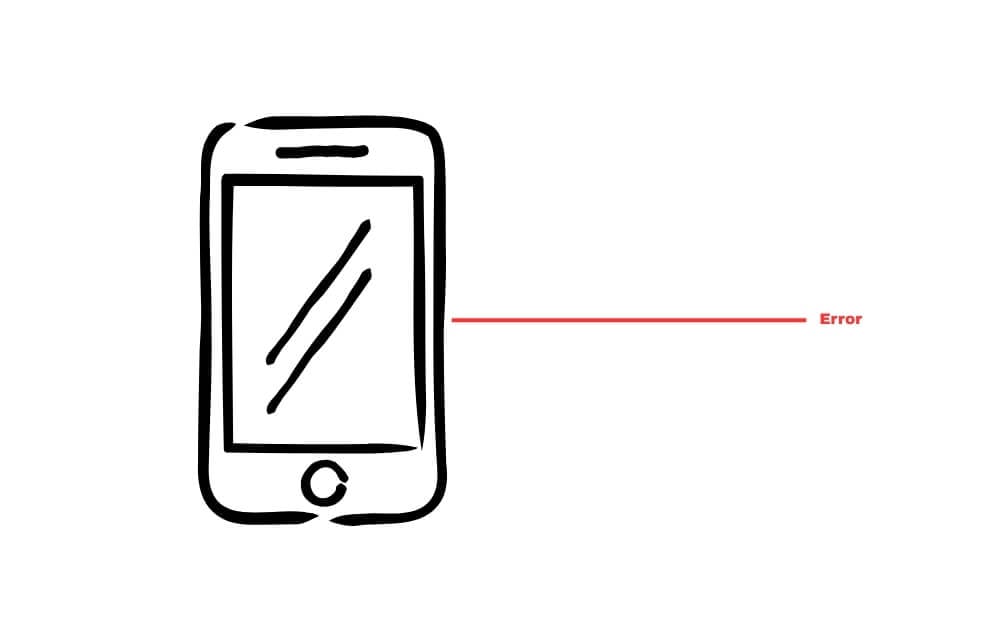
Another big pain point in AI applications is unclear input. Even when an image is blurry or audio is noisy, models may still produce results.
To handle this safely, teams add validation and guardrails before sending data to the model. If input quality is poor, the system can ask the user to retry or provide clearer information, reducing frustration and improving trust.
Application-Level Rules and Controls
It is hard to set your own rules on the AI apps, especially since users can still trick them to perform unintended actions, so to prevent this, you need to manually handle every input.
Teams can apply business rules and logic on top of AI responses at the application level, so the app behaves consistently even when users try unusual prompts or edge cases.
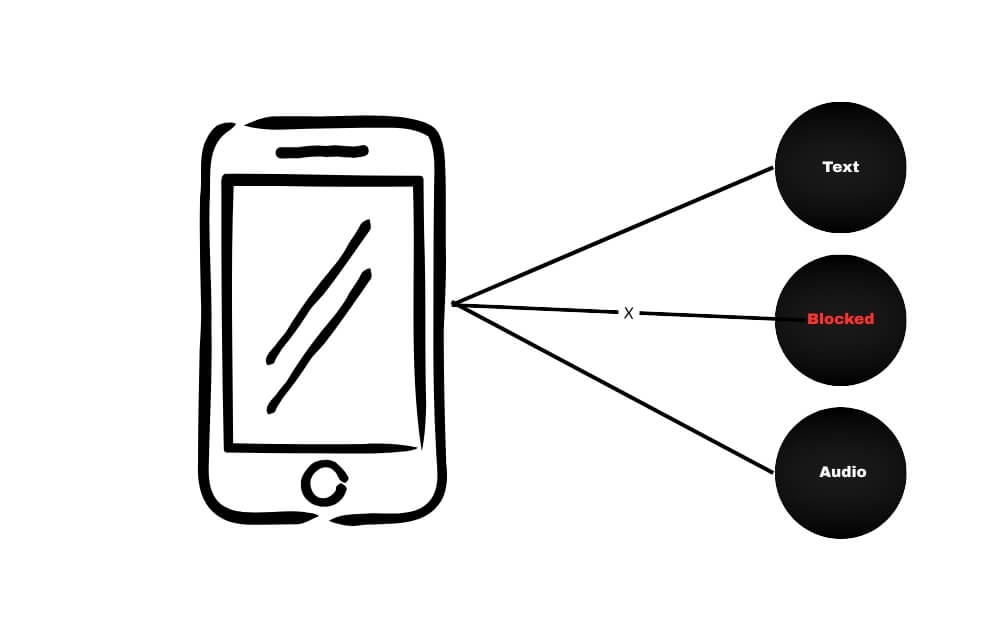
Overall, handling multimodal AI can be tricky. The real challenge is not choosing a model, but building a reliable system around it that includes shared context, routing, validation, and application rules.
Building Safer, More Reliable Multimodal AI Apps
So, this is how teams remove the complexity of building and maintaining multimodal AI in their apps. Whether you are launching a new app or improving an existing one, focusing on shared context, validation can help you build a safe and reliable AI app that works. I hope you find this guide helpful.

