

Quick Answer
In 2026, QR codes go beyond payments. Use them for instant home tech help guides, storing medical and emergency info, adding personal stories to gifts, launching room-wise music playlists, or sharing a smart digital portfolio while networking, all with a single scan.
QR codes aren’t just for payments or quick access to someone’s social media platform. A few years ago, QR codes were just fading away, and very few were using these black and white squares for their purposes. However, recently, you will see restaurants adopting QR codes for bill payments or showing digital menu cards, shops using them for customers to leave a review and make payments, and various other purposes. In India, QR codes can be seen right from a small shop to big malls, mostly for payments.
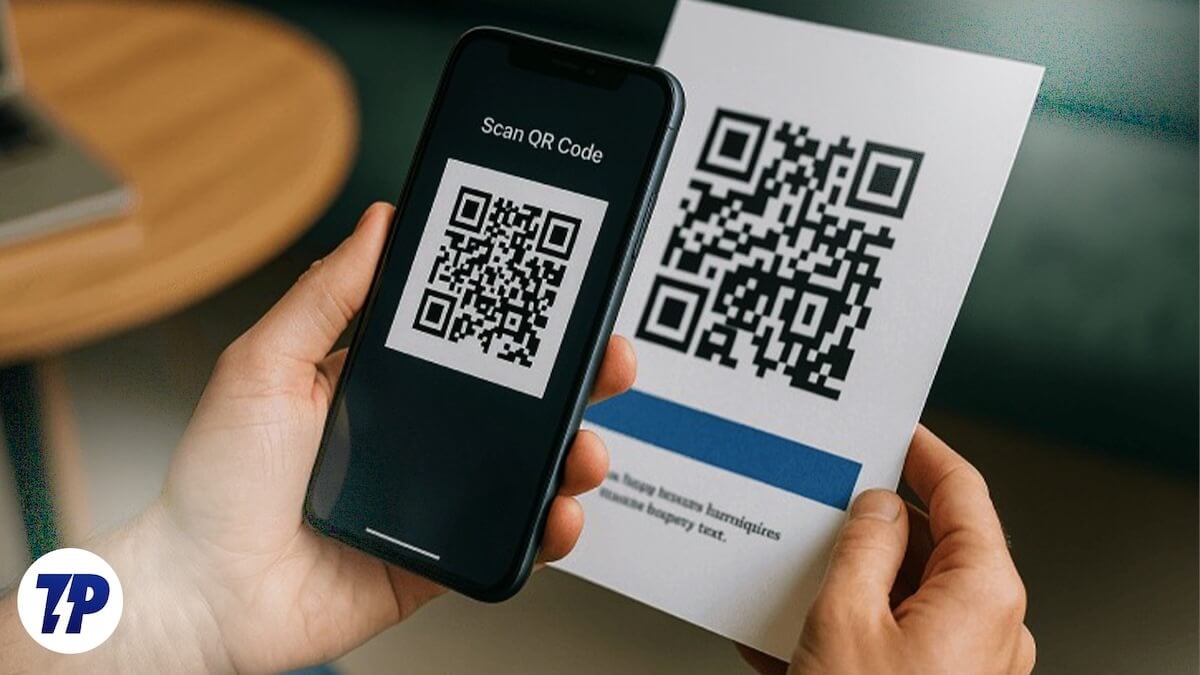
But did you know that you can create your own QR code and use it for various purposes? You can turn these simple QR codes into one-scan, tiny, creative interactive moments. The best part, it is quite easy to create. In this guide, we will show you fun and creative ways to use QR codes.
Table of Contents
How to create QR codes?
Before we understand the different ways to use QR codes, let us check out the methods to create QR codes. Spoiler alert! It is easier than you think. In fact, there are plenty of free ways available online that can help you create QR codes that too for free. Here are a few options:
1. QR Code Generator
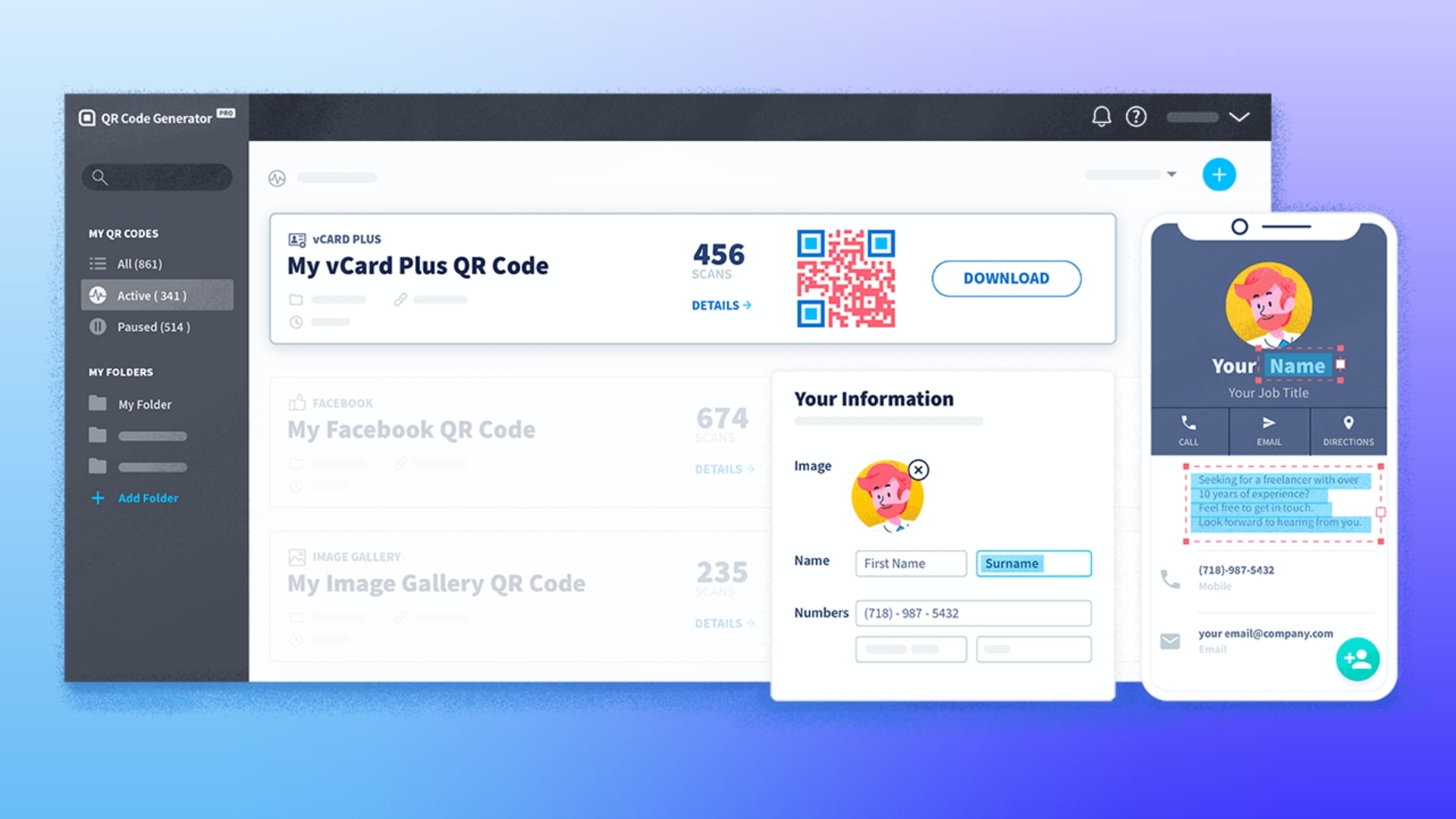
One of the oldest, yet the most effective QR code-generating websites. It lets you create various types of QR codes, right from email, VCARD, text, SMS, Wi-Fi, Bitcoin, Facebook, and many more. The best part is that you don’t have to settle for those boring black and white QR codes. You can customize the QR code’s shape, frame, and color as well.
This website supports file formats including JPG, PDF, MP3, DOCX, and PPTX. According to the website, anything that you upload doesn’t get saved or uploaded to any server. The QR codes are available to download in multiple formats, and you can even create landing pages for your QR Codes. With the Pro version, you can unlock tracking and analytics features. With the free plan, you get one dynamic and five static QR code generations.
2. QRCode Monkey
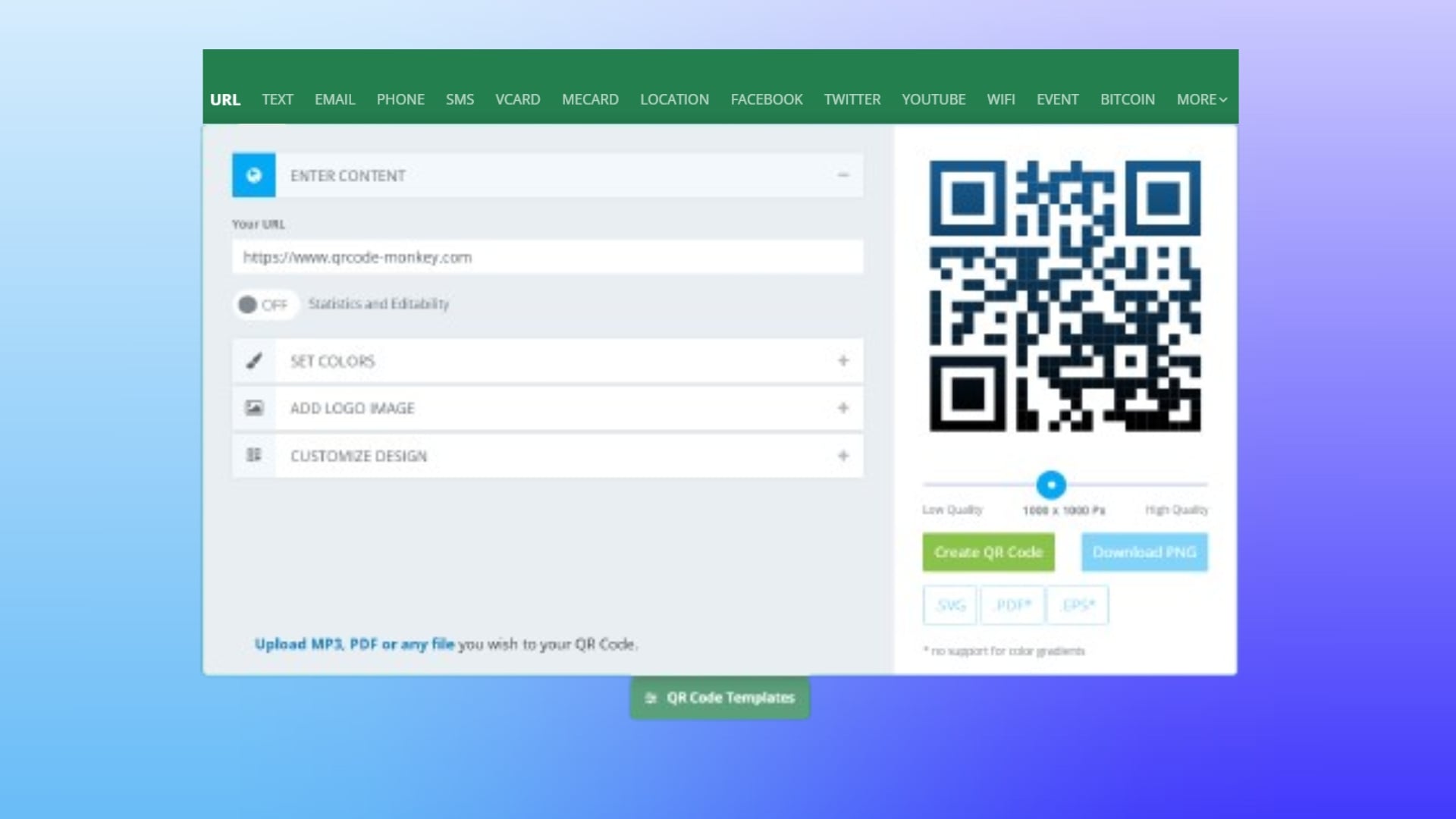
Another simple and free website that lets you generate QR codes is QRCode Monkey. You can create QR codes for various stuff, including URLs, text, emails, location, social media platforms, YouTube, Wi-Fi, events, Bitcoins, and much more. Simply choose the type you want to generate QR Code for, and enter the details in the required fields.
Similar to the QR Code Generator website, you can customize the colors, logo, and shape of your QR Code with QRCode Monkey. This website generates codes within seconds, and you also have the option to download them into different formats. There are different QR Code templates as well, for instance, for Facebook, YouTube, etc., giving it a professional appeal.
Creative ways to use QR Codes
Below are some of the best ways to use the generated QR Codes that create tiny interactive moments, and sometimes save you from frustrating call-ups for fixing stuff.
Home tech support

We are surrounded by technological gadgets. Right from our refrigerator in our kitchen to the ACs in our rooms, everything has become smart. However, if you are also a technology geek like I am, then you probably hear your name quite often just to fix things up. It may be either related to fixing the Wi-Fi or changing the temperature on the thermostat; your family always calls you up to solve the problem.
This is where you can take advantage of a QR Code and make your parents or the less technologically savvy people in your house solve the problem by themselves. You can write a very simple guide that can help resolve certain issues with a technology device in your house. Without using any jargon or technological words, you can write text as if you are talking to them. For instance, you can write “If the internet is slow, unplug the power adapter, wait for 10 seconds, and plug it back in.”
Link the text to a QR Code and paste it near the Wi-Fi. This way, you are not being called up time and time again, and your family members will get a solution to an issue without waiting for you.
Save medical and emergency information
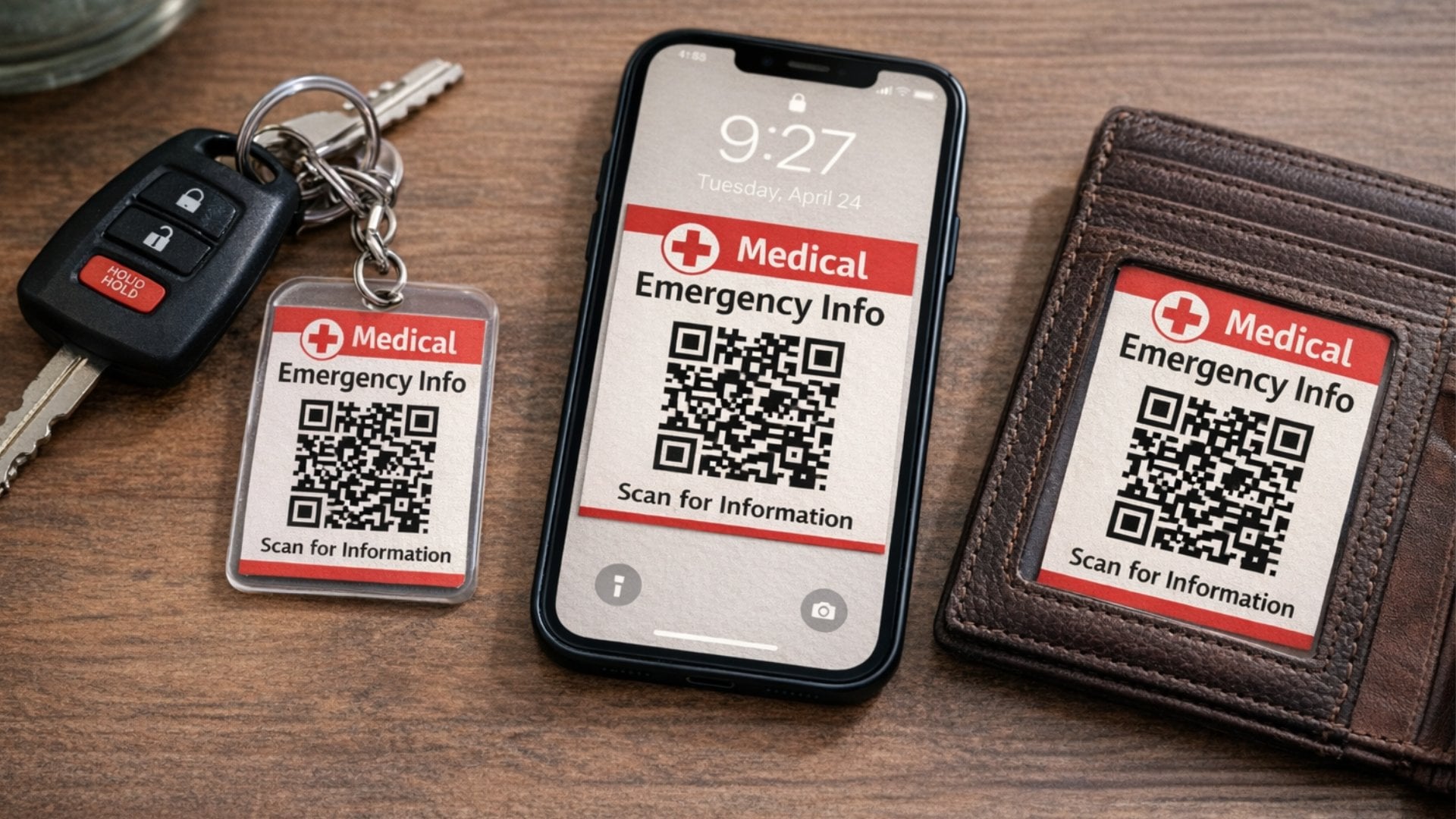
A person’s true maturity is reflected when there is an emergency. In most cases, a person will panic (which is quite obvious) and will be too stressed to speak or even remember things like where they have kept all the medical information about the patient. Worse is, if the patient is you and you have gone unconscious. First responders or your family members will have a hard time tracking all your medical documents or other information.
In this case, you can create a simple document that lists down some important info such as your name, blood group, medical health details, emergency contacts, and major allergies. You can keep this QR Code in your wallet, your keychain, or even save it as your phone’s lockscreen wallpaper. This way, you are making it easier to help others in your home and also for others to help you in case the need arises.
Add context to your gifts
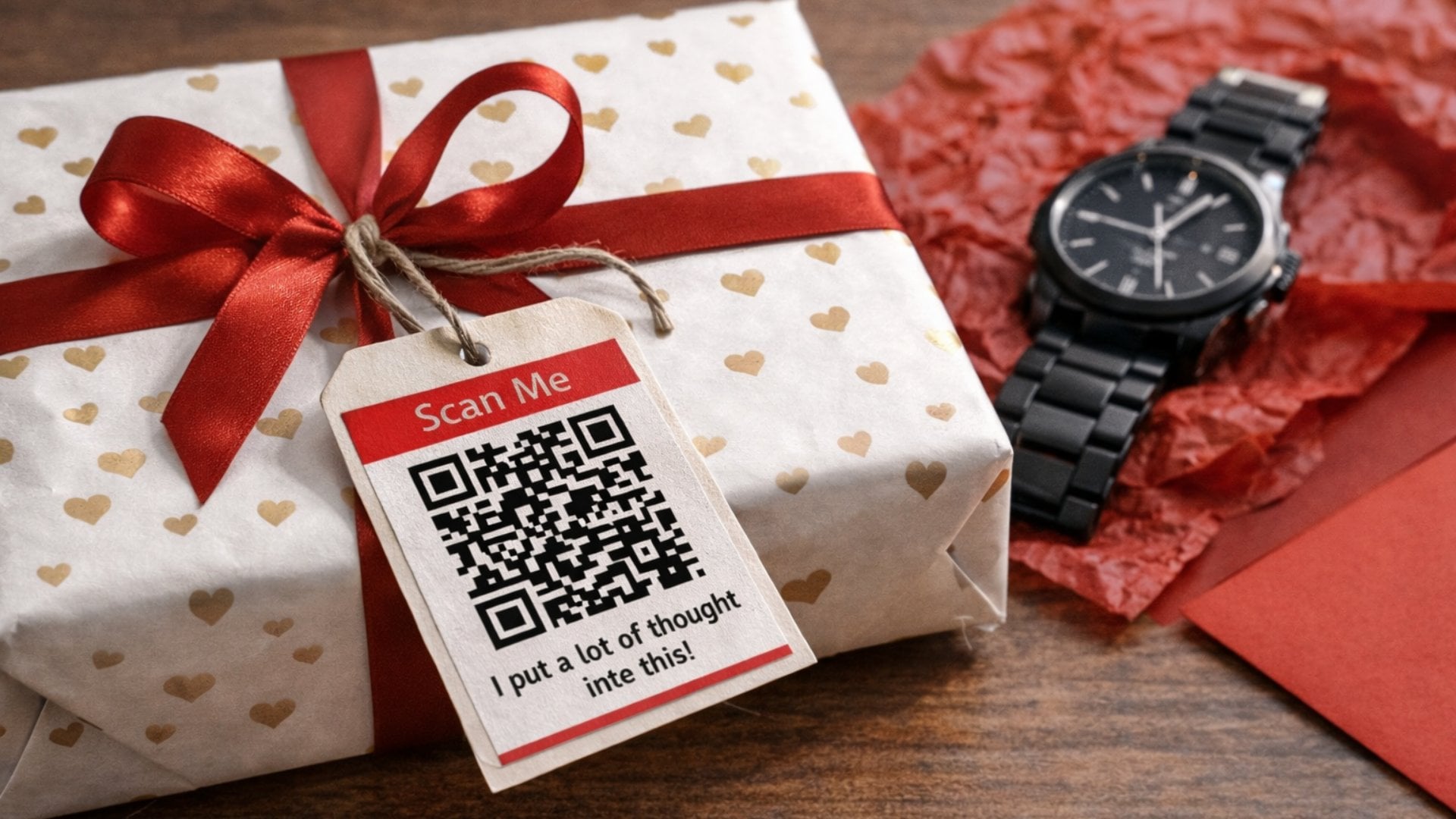
Gifts can cost anything, from $1 to any amount you can imagine. However, it is not always about the cost. Sometimes it is also about the thought put behind that gift. Mostly, people attach a short note along with the gift to tell the person what was the idea behind the gift. The short card could contain a message or explanation of why you chose that gift. Such simple acts can turn a gift into a lifelong memory.
If you want to add more to the gift, you can create a QR Code that explains why the gift was chosen. You can attach a digital message or a photo that will be visible to the person scanning the code. Unlike a note that can be read by everyone or anyone having access to the gift. For instance, you can add a digital note explaining your thought of gifting a watch to the recipient.
Create separate room playlists
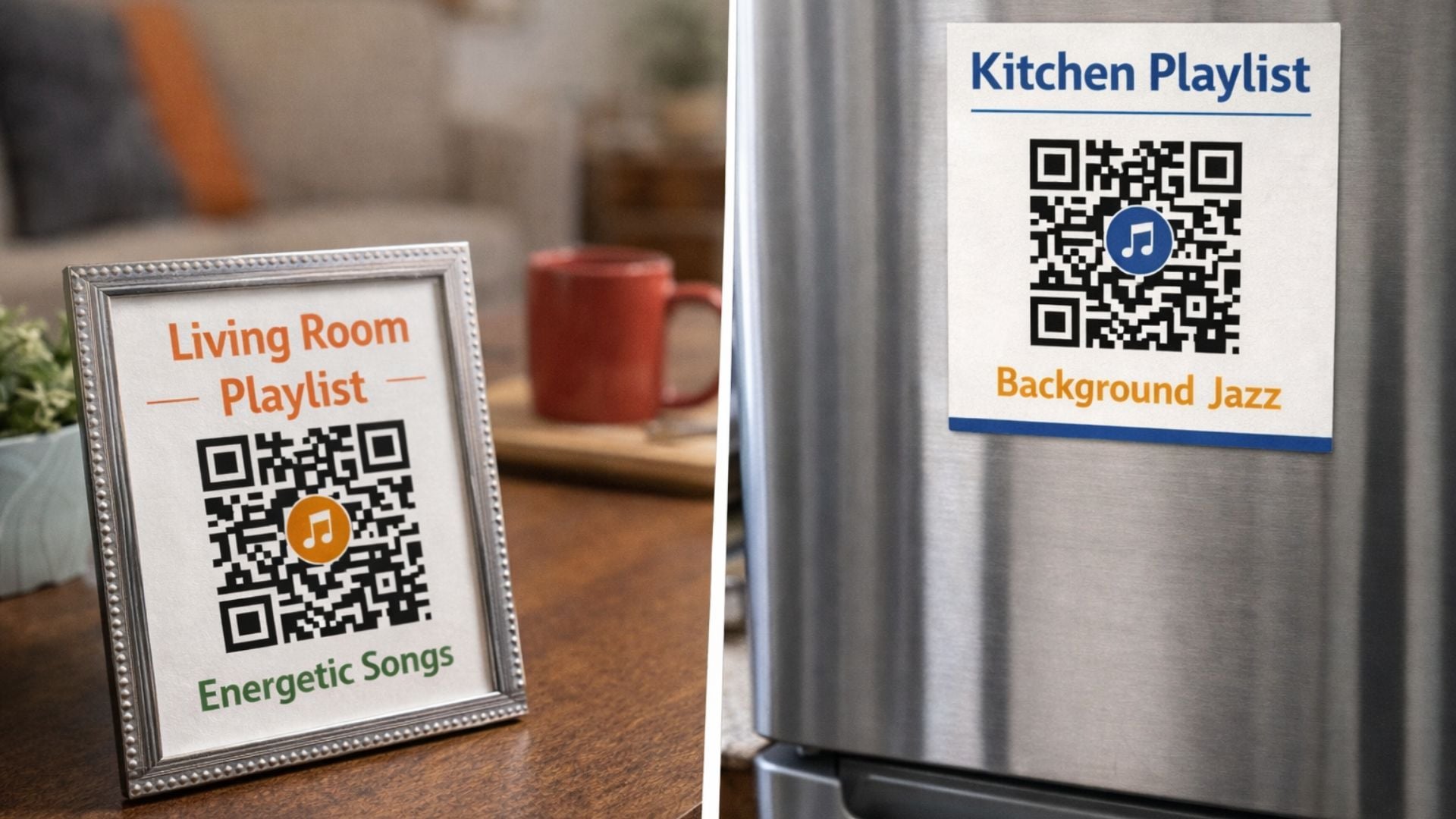
Being a musician myself, I love carrying my playlist everywhere I go. I have a different playlist for different moods. For instance, when for long drives, I have created a playlist filled with bangers and something that I can lipsync to, for my dining room I have a playlist filled with jazz music, while for my bedroom I have created a more soothing one. But there are moments when by the time I choose my song, the mood shifted, or the dinner is over. I fixed that with a QR code playlist.
I have created multiple QR codes for different rooms that are loaded with a playlist link that matches the vibe of that room. For the living room, I have set up a slightly energetic song playlist, while for my morning yoga, I have the meditation songs all loaded up. All I need to do is scan the QR code in the specific room, and my playlist loads up. I have gone creative and set up a QR code in the small photo frame on the tea table, and in the kitchen, it is glued to the fridge.
Make an impression when networking
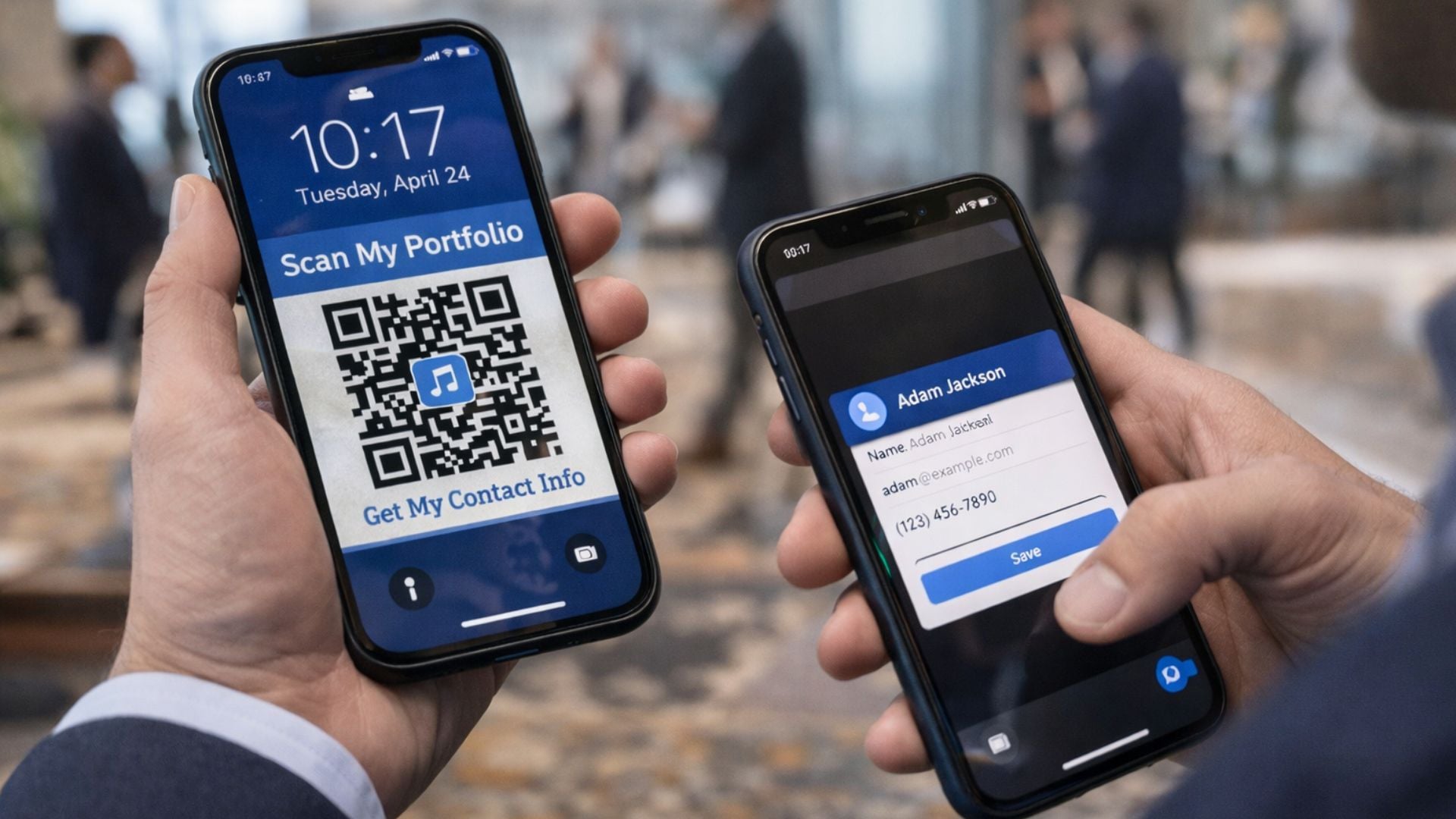
Business cards are classic and still hold value. However, most of the time, if they are not from anyone important or worth remembering, they end up in the trash. You might’ve seen this during a networking event where thousands of business cards are found in the trash, as the valuable ones are already in someone’s contact list. You can skip that embarrassment and create a portfolio and feed it into the QR Code.
Next time you are at any event or meeting someone who can elevate you in your work life, you can use your portfolio QR Code. Simply set the QR code as your phone’s lockscreen wallpaper, and show them your phone, they scan it and get all your information, such as name, number, email, or website, that automatically gets populated in their contact’s list via vCard. They just have to hit the Save button.
Let QR codes save the day
It is pretty clear that QR codes have evolved, and their importance has grown beyond just scanning a bill at a restaurant. You can go creative and use QR codes in other ways apart from the ones I’ve mentioned above. You can even scan QR codes in your Windows 10 and 11 laptops as well, so that you don’t need to depend on your phone for that. Let us know in the comments below, which way are you using QR codes in your daily life?

