

The Apple Watch is great for tracking your fitness activities, but it can also be a fantastic fashion accessory. You can customize the background of your Apple Watch with different watch faces and wallpapers to match your style and mood.

Unlike the fixed Watch Faces, the custom backgrounds allow you to use any background image you like. Here are some of the cool wallpapers you can set as your Apple Watch background. From Galactic Guard to Dino Run, these wallpapers are a great choice to reflect your style and personality and convey a message.
Table of Contents
Best Apple Watch Wallpapers
Galactic Guard

Galactic Guardian fits perfectly as a minimal and dark background on your Apple Watch. The wallpaper shows a close-up of a Galaxy soldier’s helmet with a fearless look.
Mickey Shadow

Mickey Shadow is our favorite wallpaper on the list. The wallpaper features a Mickey Mouse character in dark shadows with blurred edges and shades of gray. Sometimes it can look creepy, but it brings magical excitement when the curtain rises.
Download Mickey Shadow Wallpaper
Chill Vibes

The wallpaper shows Jake, a cartoon dog character, wearing headphones and chilling on the top of the mountain while a calm breeze caresses the hill. Perfect for someone looking for a unique wallpaper for the weekend.
Download Chill Vibes Wallpaper
Comic Punch
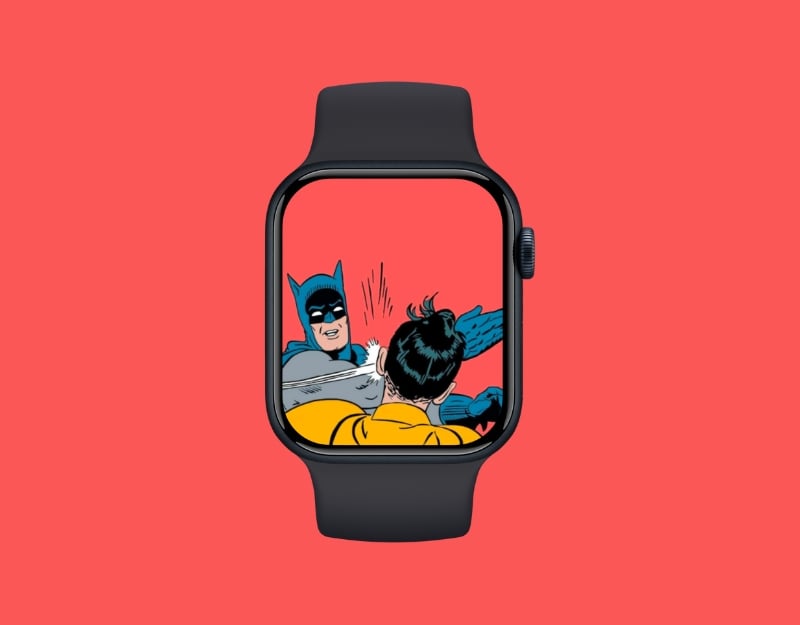
Comic Punch is a bright wallpaper in classic comic style for your Apple Watch. It shows one Batman punching the other. Perfect for someone who wants to send a message to haters when the watch screen lights up.
Download Comic Punch Wallpaper
Happy Toes
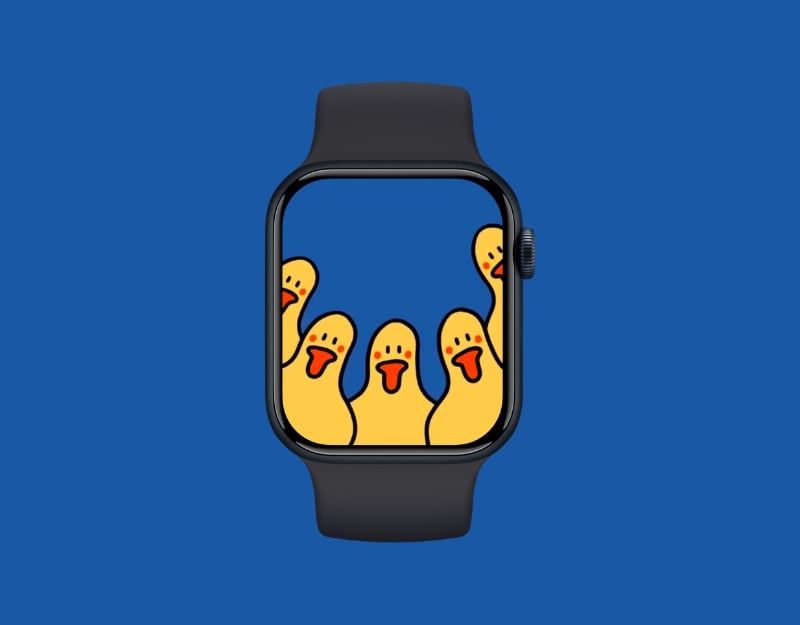
Happy Toes or Happy Beaks is a simple, funny, and friendly wallpaper for your Apple Watch. The wallpaper shows five ducklings looking adorably at you. The wallpaper will make you smile every time you look at the screen of your watch.
Snoozy Pup

The wallpaper shows a cute, simple, adorable image of a puppy taking a nap in a cute position. Ideal for animal lovers who want a cute and minimalist background on the Apple Watch.
Download Snoozy Pup Wallpaper for Apple Watch
Teddy with Tunes
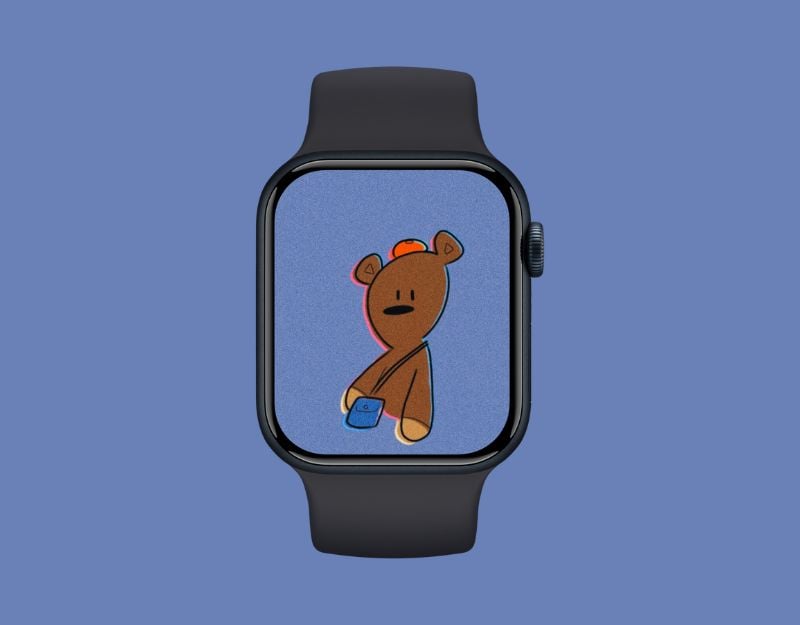
The wallpaper shows the popular Teddy, a character from Mr. Bean’s show. Teddy is wearing a cute hat and carrying a handbag and is ready for your journey. Teddy can be an attractive companion if you set him as the background for your Apple Watch.
Patrick Star

This wallpaper shows the character Patrick from the cartoon Spongebob Squarepants; he is wearing sunglasses and perhaps talking on the phone with his best friend, Spongebob Squarepants. The wallpaper has a fun, nostalgic touch and is perfect for anyone who loves a mix of humor.
Download Patrick Star Wallpaper
Colors
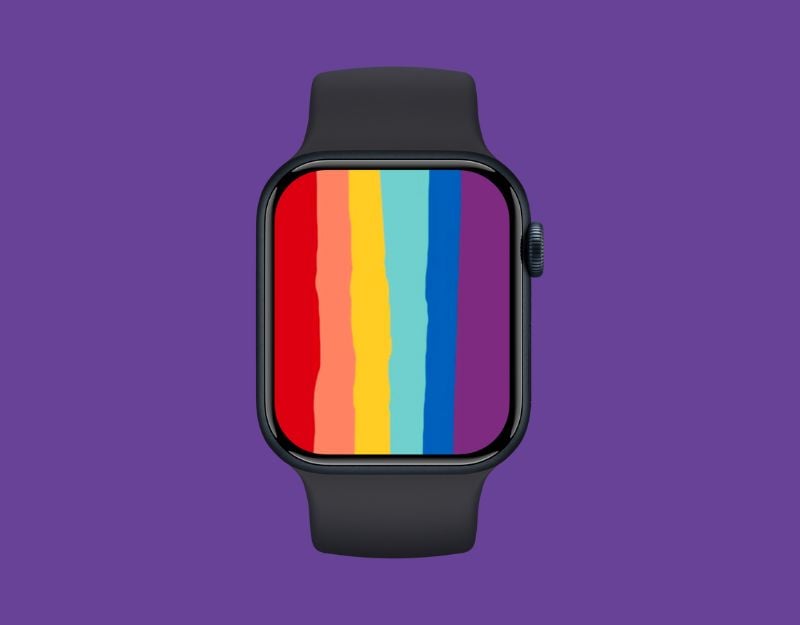
This wallpaper shows six stripes in rainbow colors on a plain background reminiscent of the iconic Apple logo. The wallpaper is simple yet eye-catching and is, therefore, ideal as a background color for the Apple Watch.
Joyful Doodles
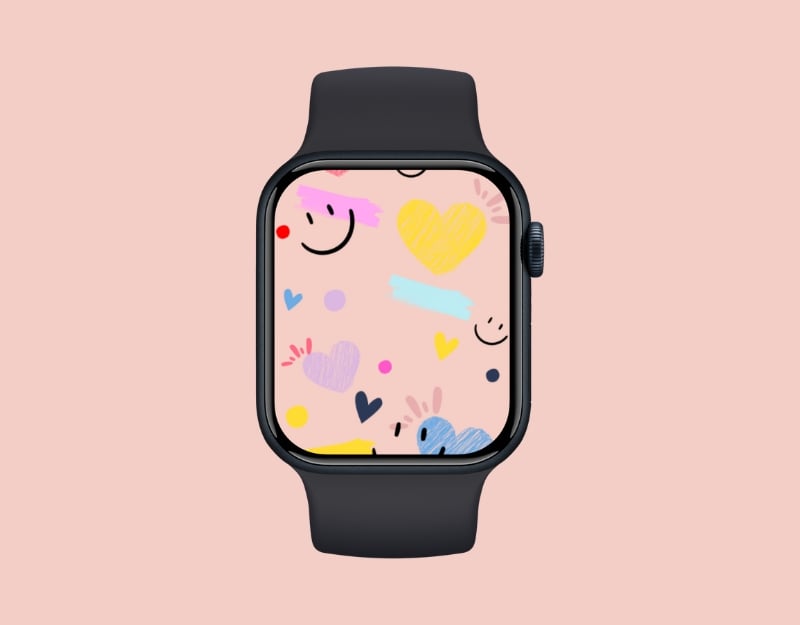
This wallpaper is the best choice for children and girls. It features cheerful doodles, smiling faces, and colorful hearts. It’s bright and cheerful, and it brightens up your screen with a touch of joy.
Download Joyful Doodles Wallpaper
Green Machine
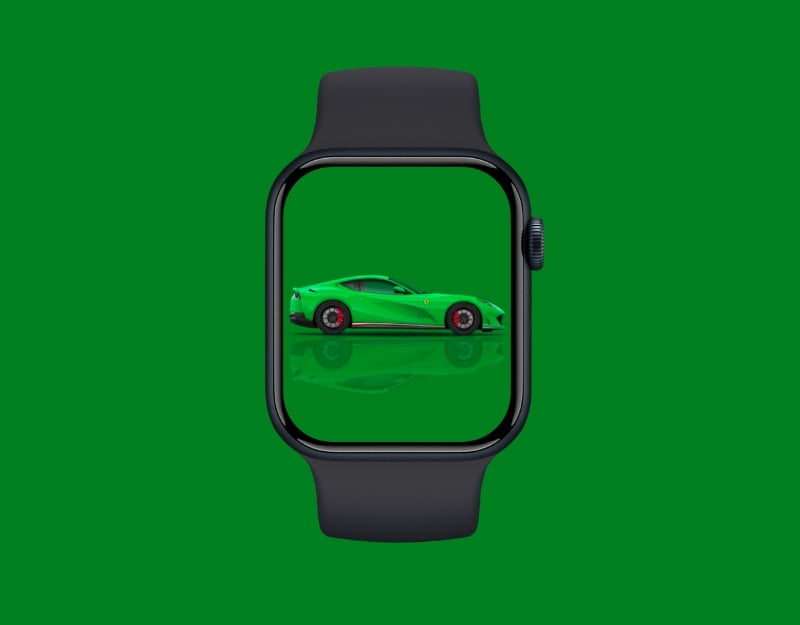
If you like cars, this wallpaper is just right for you. The wallpaper features a green Ferrari 812 Superfast with a matching green background that creates a bold, monochrome look. The wallpaper is unique and provides an elegant look for the background of your clock.
Download Green Machine Wallpaper
Vintage Ride
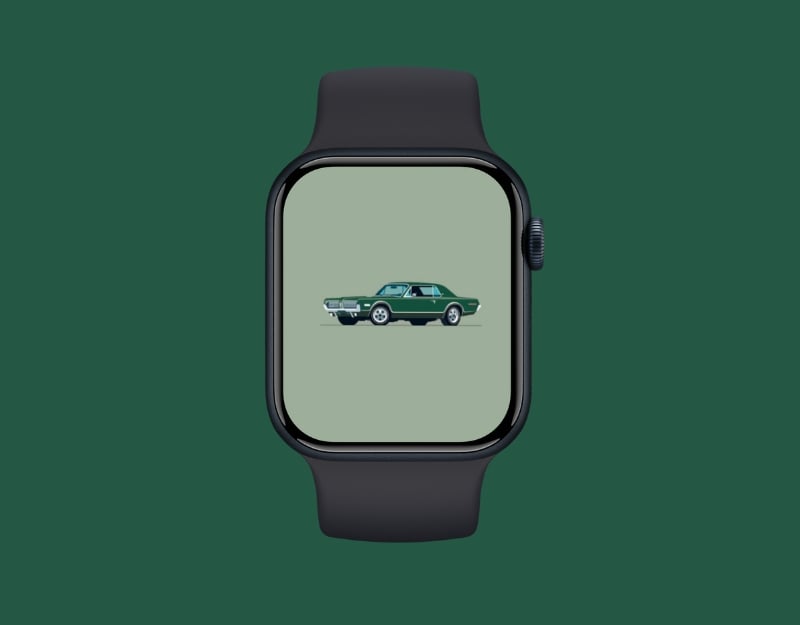
If you don’t like sporty cars but prefer classic cars, this wallpaper is just right for you. The wallpaper shows a classic car with a minimalist background. You can crop the wallpaper to get a closer look at the car or leave it as it is for a simple and minimal background.
Download Vintage Ride Wallpaper
Pixel Peel

If you like bright but not modern wallpapers, this one is just right for you. The wallpaper features pixelated banana peels on a bright yellow background. It brightens up your watch background and features a unique banana peel (haha).
Love You
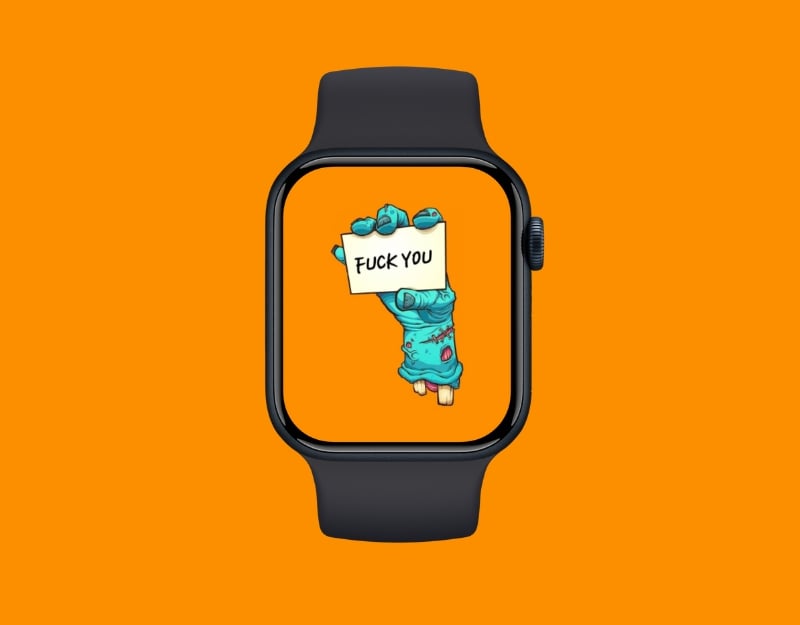
I mean, yes. You can see it. Next time you want to say this to someone, lighten up your watch screen.
Hypnotic Gaze
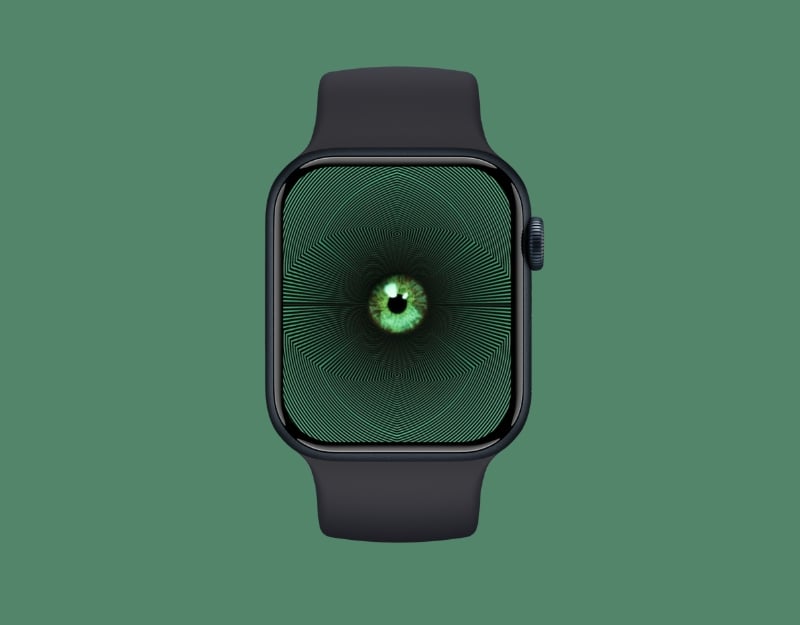
The Hypotenic Gaze is a unique illusion wallpaper for your Apple Watch. The wallpaper features a large eye surrounded by a mesmerizing pattern of green lines, creating a hypnotic effect. The wallpaper attracts the attention of everyone who sees your screen.
Download Hypnotic Gaze Wallpaper
Eclipse Leap

Eclipse Leap is another illusion wallpaper for your Apple Watch. The wallpaper shows a man falling from the sky, with a bright orange background and illusion lines around him. It catches everyone’s attention when it moves and has a hypnotic effect.
Download Eclipse Leap Wallpaper
Fluid Lines

If you like geometrics, this wallpaper is for you. This wallpaper features a geometric white line that creates a flowing, organic pattern on a black background.
Download Fluid Lines Wallpaper
Zebra Swirl

This wallpaper is the best for people who are looking for a patterned wallpaper. The wallpaper has black and white zebra stripes that create a dynamic and eye-catching pattern. It makes it hard to see the time and other details on your Apple Watch, but you can customize it with different filters.
Download Zebra Swirl Wallpaper
Sunset

This image shows a beautiful sunset over a river, with swirling water patterns and a warm, glowing sky. Best for someone who wants a natural background for the Apple Watch.
Nature’s Lightbulb

This wallpaper shows a glowing sunset and a river reflecting the light on a dark background. Perfect for people looking for a minimal and dark wallpaper. You can crop the image so that the sunrise fills the entire background.
Download Nature’s Lightbulb Wallpaper
Ocean Crawler
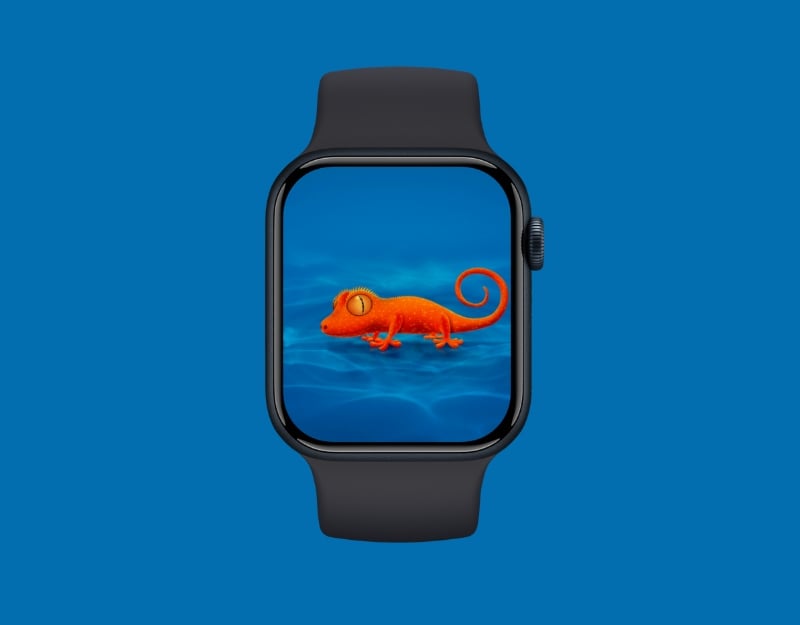
If you like 3D wallpapers, Ocean Crawler is the wallpaper for you. This image features a bright orange gecko against a blue background. This is one of the best wallpapers for your Apple Watch. You might not like the wallpaper preview in the image above, but trust me, it looks great when you set it as your background.
Download Ocean Crawler Wallpaper
Squidward Tentacles

Squidward Tentacles is a character from the Spongebob Squarepants series with a mean expression on his face. If your day is out of control, you can add this background to reflect your mood.
Dino Run
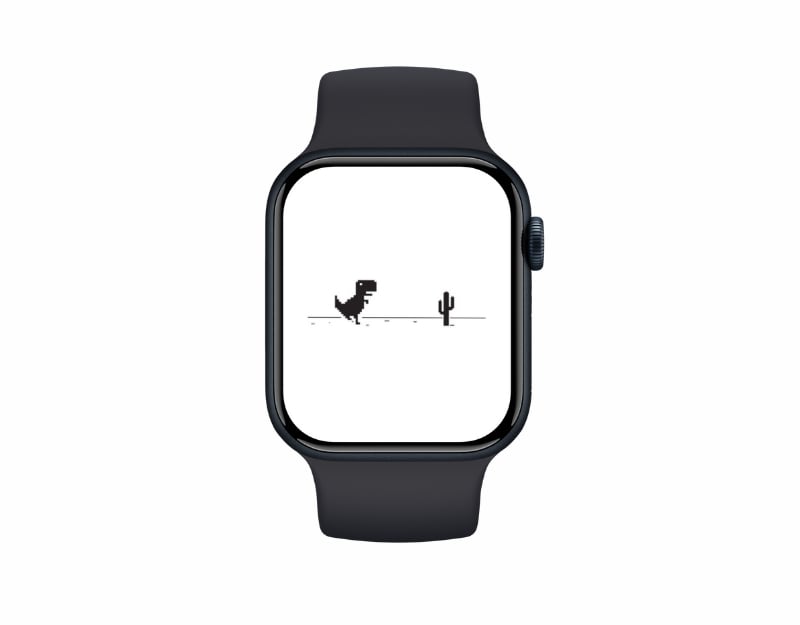
Finally, I have a wallpaper that I have on my Apple Watch. The Dino Run is a cool browser game for Chrome that pops up when you lose your internet connection. You can use this wallpaper as a metaphor to show that you are offline and missing the connection.
How To Set These Wallpapers As Your Apple Watch Background
We have a detailed guide on how to Change the Apple Watch Wallpaper. You can find a step-by-step process of setting up photos as wallpapers. To save you some time, here’s how to set up these wallpapers as photos on your Apple Watch:
- Step 1: Click on the download Button. You will be directed to the Google Drive File. Click on the download icon and save Wallpaper to your photos app on your iPhone
- Step 2: Open the Apple Watch app on your iPhone and click on the Face Gallery.
- Step 3: Select Photo Watch Face. Scroll down and under the Content, Tap on the Photos, select the wallpaper, and click on the Add.
- Step 4: If you want to add multiple wallpapers to your Apple Watch, Open the Photos app on your iPhone
- Step 5: Select the wallpaper and add them to your favorites. To add, select the Photo and click on the Fav icon button.
- Step 6: You can also add images to the album. Select the image, click on the three-dot menu, and select Add to Album to add your pictures to the album.
- Step 7: To set multiple Wallpapers, Open Apple Watch, go to the face gallery, choose Photo Watch Face, and under content, click on the Favourite or select the album you created and click on Add.

