

Quick Answer
To get the Material You theme on Chrome or other Chromium browsers, use the open-source “Material You New Tab” extension. Download it from GitHub, extract the files, and sideload the extension via the browser’s extensions page. Once installed, it gives your browser a sleek, Pixel-like look with customizable colors, widgets, and shortcuts.
Google Pixel phones offer not only a clean user interface but also give you that experience of pastel colors, broad lines, and uniquely shaped pills under the Material You theme. If you are using an Android phone, then you can make use of a variety of launchers to bring that Pixel-phone look to your Android phone, however, it could be a bit challenging to bring the Material You look for Google Chrome or other Chromium browsers.
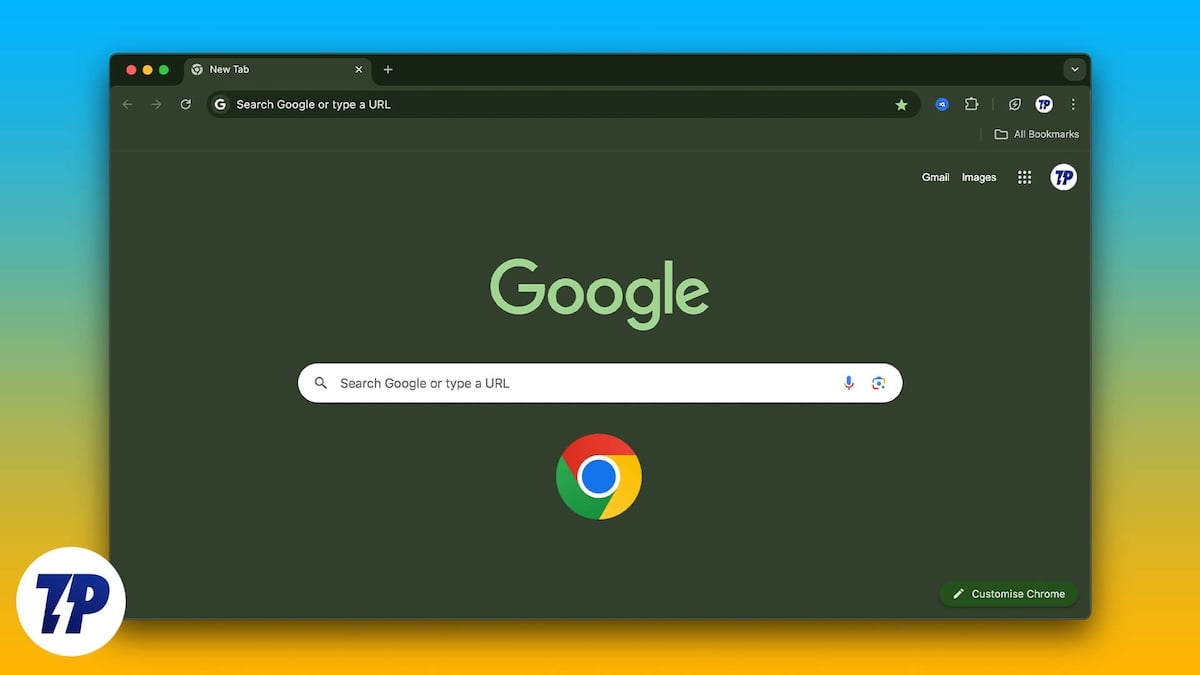
Fortunately, there is a neat trick that lets you apply the Material You theme on Chrome and other Chromium browsers. The method is free and also lets you customize your Chrome browser the way you want. We will make use of an extension that will bring the Material You makeover to the Chrome browser. Let us jump right into it.
What is Material You New Tab extension?
To get the Pixel Material You theme on Google Chrome and other Chromium browsers, we will be making use of the Material You New Tab extension. When you download and install this extension, it transforms your new tab page into something similar to the Pixel ecosystem. The best part about this extension is that it is open-source and is privacy-friendly.
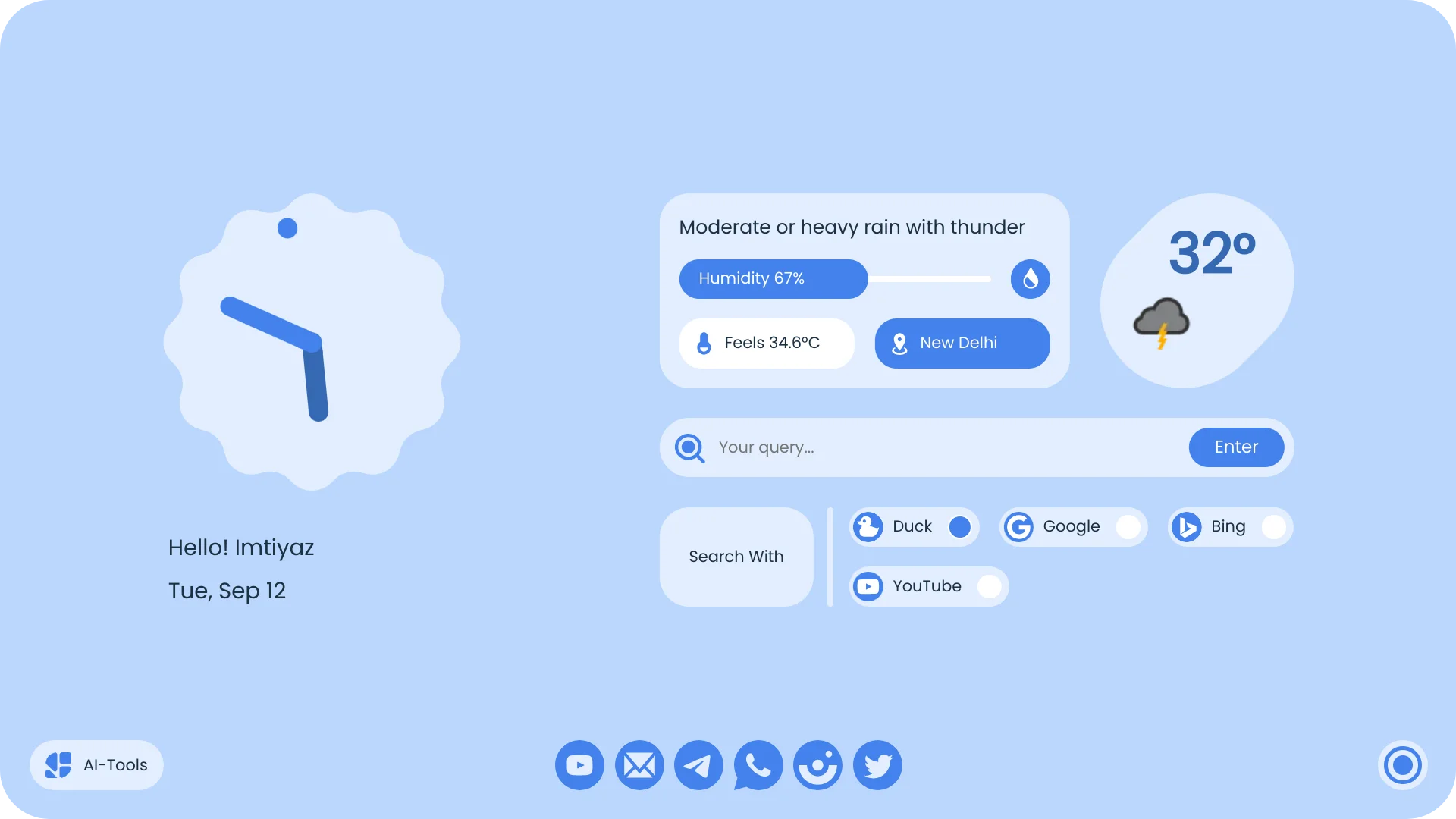
You can install the Material You New Tab extension on Google Chrome, Edge, Brave, and other Chromium browsers and get the Material You theme applied to it. However, to apply the theme to the browser, you need to follow a few steps since it isn’t available directly from the Chrome Web Store. You need to download the extension from GitHub and then sideload it to the Chrome browser. Let us look at the steps to do it:
How do I download and install the Material You theme on Chrome?
Here are the steps you need to follow to sideload the Material You theme on Chrome and other Chromium browsers. Make sure that you don’t skip any steps, as it would result in things not working at your end.
- Download the Material You theme extension from GitHub.
- Extract the contents of the ZIP file into a folder, as it will be required during the sideloading process.
- Visit the below-mentioned links in your browser’s search bar.
- Chrome: chrome://extensions
- Edge: edge://extensions
- Brave: brave://extensions
- We will be using Google Chrome for our case. You need to visit the above website to enable Developer Mode on Google Chrome. You can do that by turning on the toggle to enable sideloading in the top-right corner.

- Click on the Load Unpacked button and select the folder containing the extracted files of the Material You theme.

- After uploading, Chrome will start installing the extension. In case you get an error “Manifest version,” then you need to make sure that you have downloaded the appropriate version of the extension for your browser.
- Once installed, you need to open a new tab to see the Material You theme on Chrome.
Here is the dedicated video about the installation process:

What are the features of the Material You extension for Chrome?
After you have followed each step mentioned above correctly, you will see the Material You theme on Chrome. You will find a lot of features with this extension.
- Custom search bar: Instead of a bold search bar, the Material You theme on Chrome offers a minimal search bar at the center of the new tab page. You also get options to quickly choose between your preferred search engines, including DuckDuckGo, Google, Bing, or YouTube.

- Quick shortcuts: Below the search bar, you will see shortcuts for your most visited websites. There is no option to customize the quick shortcuts. However, the shortcuts don’t change automatically and are currently set to YouTube, Gmail, Telegram, WhatsApp, Instagram, and Twitter.
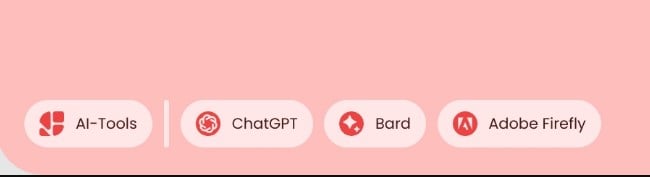
- Shortcuts to AI tools: At the bottom-left corner, you will find shortcuts for popular AI tools: ChatGPT, Google Gemini, and Adobe Firefly. Unfortunately, these shortcuts cannot be customized either, which is similar to how quick shortcuts are not possible.
- Weather and clock widgets: You also get a minimal clock and weather widget on your new tab page with the Material You theme on Chrome. The weather widget turned out to be faulty during our test, and you need to create a weather API to get the correct weather info.
- Color customization: Although the extension doesn’t feature Dynamic Color support, which automatically selects the theme based on the dominant color of your wallpaper, it does give you a bunch of color options to choose from. You can select the closest color to your wallpaper and make it look better.
Apply Material You theme on Chrome
On Chromium browsers, you need to sideload the Material You extension to get the theme applied to your favorite browser. However, if you are using Mozilla Firefox, then the extension is available directly from the Firefox store or by clicking this link. The new Material You theme gives you a better and refreshed look for your browser rather than simply changing the color of the browser.

