

Quick Answer
Creating a public profile on Snapchat is great for showcasing your skills, business, or creative work. Just tap your profile icon, choose “Create a Public Profile,” and follow the steps. Once set up, you can add a bio, location, and featured stories. Plus, public profiles let you run ads to expand your reach even further!
Snapchat has always been known as the perfect one-on-one social media app, so much so that even the slightest of things like taking a screenshot and typing status is notified to the other party. Moreover, the sheer popularity of Snapchat makes it an excellent platform for businesses to advertise, which is, of course, not possible with a regular private Snapchat account.
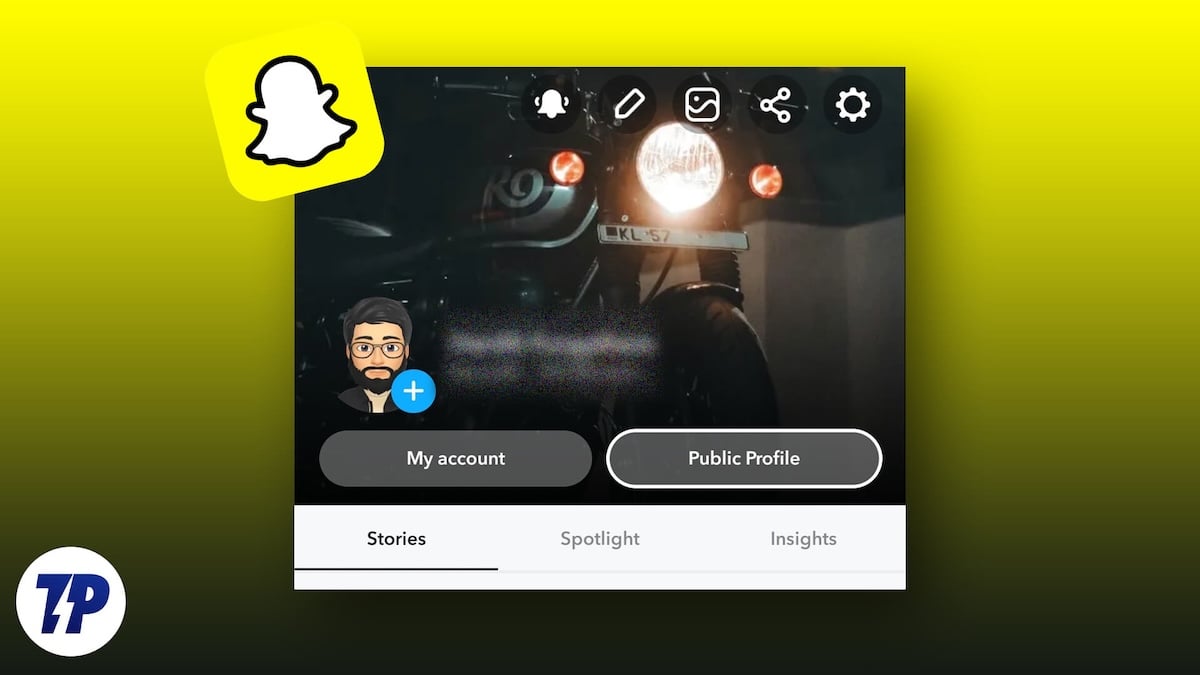
But you still see ads and brand pages on Snapchat, don’t you? Before you start scratching your head, the answer lies in something simple: businesses use a public profile instead. A public profile on Snapchat allows you to showcase your portfolio openly, for promoting products, brands, ventures, or skills. Regardless, this article outlines the easiest ways to create a public profile on Snapchat. Read along to know more.
Table of Contents
What Are the Advantages of a Public Profile on Snapchat?
To answer elaborately, a public profile on Snapchat comes with a few perks of its own. Firstly, you can give out additional information, such as a short bio about you or your business or background, alongside location and public follower count. Moreover, you can even attach your own photo as a profile picture instead of a bitmoji.
Furthermore, public account holders are eligible for Snapchat advertising, allowing you to promote your business through ads. To highlight your public account better, you can include various sections under your profile, such as stories, Spotlight, or Lenses. Even if it’s not for promoting a brand or business, you can always use it as a content creator to showcase your skills, such as photography, artwork, or graphic design.
With increased discoverability, public account holders enjoy much higher engagement numbers. The addition of a subscription button allows others to follow your account and receive updates, just like on other social media platforms. Other accounts can also save your stories permanently for easy sharing.
Am I Eligible for a Public Profile on Snapchat?
Before you start jumping out of excitement, know about the eligibility terms. Here are the minimum requirements for creating a public account on Snapchat –
- Your account must be over 24 hours old, meaning you can’t create a public profile out of a fresh account.
- Your must have sent at least one friend request, and the requested friend must have added you back.
- The account holder’s age must be over 18 years, and for this, you must add birthday information in Snapchat settings.
- You must set the discoverability settings to everyone, which can be done within Snapchat’s settings.
- You must adhere to all community guidelines, which is quite a standard requirement.
With that out of the way, let’s see how you can create a public profile on Snapchat in no time.
Create a Public Profile on Snapchat
- Open the Snapchat app on your smartphone.
- Tap your profile icon in the top-left corner to preview your account.
- Click on Public Profile to begin creating a public profile on Snapchat. Note that the option may not be present where it’s shown below because it all depends on the Snapchat version you are running on and the operating system, Android or iOS. However, it should be somewhere within the accounts page.
- Tap on OK after you have read everything you need to know about public profiles on Snapchat. If you wish to learn more, click on Learn more about Public Profiles here.
- That’s it! Your public profile will be created instantly.

Now that you have created a public profile on Snapchat, you must add a few things to ensure healthy engagement numbers and brand visibility.
Profile Picture
If you have made a public profile to promote your business, you should add an intriguing profile picture to attract customers. The best choice would be to add your brand’s logo, which imparts a professional look to your public profile.
Add a Bio
A bio or a short description of your profile is an essential addition. Limited to 150 characters, a description can include a crisp overview, for example, of your business or brand.
Add Supporting Links
Links to your website are essential to redirect others to your brand’s page or product site. Thankfully, Snapchat allows users with a public profile to add links to their profiles.
Save Your Stories Worth Showcasing
No one will be impressed with an empty page, and for that, you must have an attractive collection of saved stories to showcase on your public profile about your brand or business. After all, it’s a feature exclusive to users with a public profile.
Add Lenses
If you have any Lenses worth adding, don’t forget to include them on your Snapchat public profile.
Edit or Delete a Public Profile on Snapchat
If you wish to edit an existing public profile on Snapchat, here is how you can do it –
- On your public profile page, tap the Gear icon in the top-right corner to enter the settings page.
- Select Edit profile. This page contains a few more settings to tweak, which you can do so if needed.
- Within the settings page, you can edit or add a suitable bio, give out location information, and choose to display your follower count on your public profile page.

Now, to delete an existing public profile –
- On your public profile page, tap the Gear icon in the top-right corner to enter the settings page.
- Scroll down and select Clear Public Profile. This will remove everything associated with your public profile, alongside Spotlights containing your name or location information.

Create a Public Profile on Snapchat in No Time
Social media advertising is a boon to business owners who want to promote their products using fractions of their advertising budget. Being among the most popular Gen-Z apps, creating a public profile on Snapchat for your business is quintessential and is as easy as it gets. Provided you meet the requirements, all it takes is a few taps to turn your existing profile into a public one.
Moreover, with that fulfilled, you must utilize the public profile efficiently and include appropriate stories, Spotlights, and Lenses to promote your profile. Plus, you also get to run ads, which isn’t possible with a regular account.

