

Quick Answer
To sign up for the PlayStation Beta program, visit the official website, click “Join Now,” and log in with your PSN account. Agree to the terms, provide additional details like preferred genres and platforms, and submit your registration. Seats are limited, so check your email for confirmation of enrollment.
Beta programs are run by companies to test new features in the upcoming version of the stable software. It not only gives the company the ability to check if the feature they are planning to put forward in the stable version is working as intended or not. On the other hand, the beta program also allows users to try their hands on experimental features before anyone else. Several features don’t make it to the stable version but can be enjoyed in the beta. To lure gamers’ interest in experimental features, Sony announced the launch of the PlayStation Beta program.
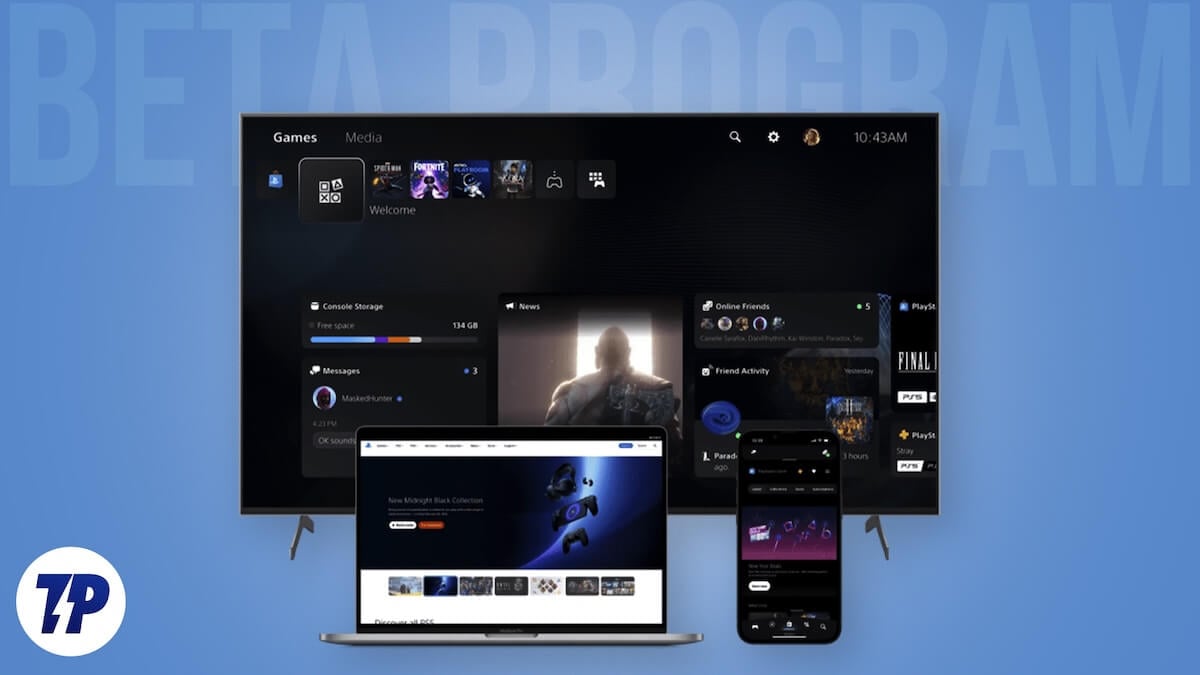
Through this program, Sony aims to deliver “the best possible gaming experiences to gamers around the world.” The PlayStation Beta program will serve as a centralized way to register your interest in gaining beta access. Although free to join, there are a few prerequisites that you need to follow to join the PlayStation Beta program. In this guide, we have explained the entire process, and you can jump right in.
Table of Contents
What is the PlayStation Beta program?
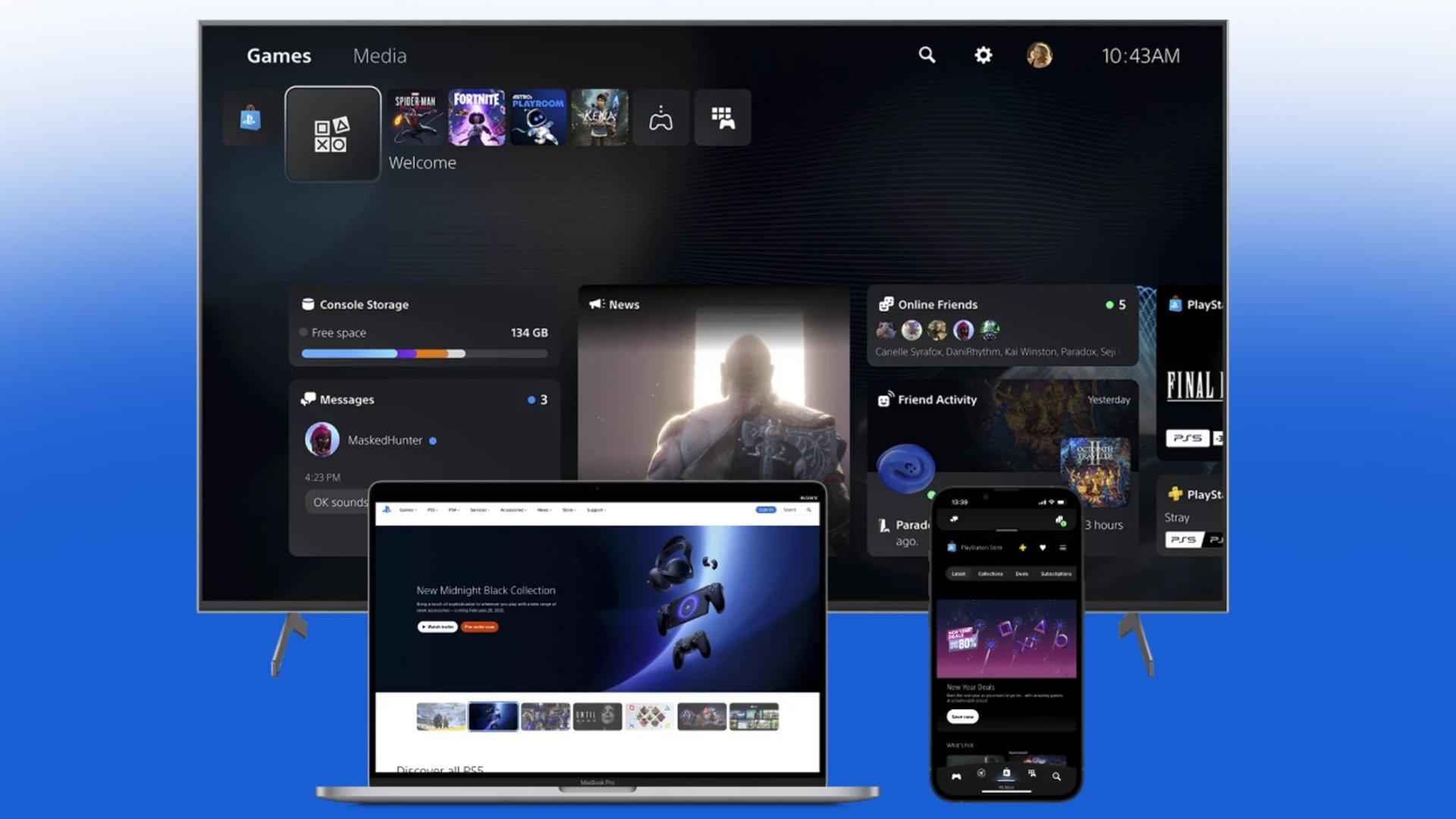
Once you register for the PlayStation Beta program, you will be able to access and participate in testing games for PS5 and PC, try out new features for the PS5 console, and use PlayStation App features, along with user experience features on PlayStation.com. The PlayStation Beta program, as mentioned previously, will be a one-stop shop for expressing interest in these different betas.
However, PlayStation has listed a few things that you must meet to be eligible for the beta program:
- Players must have a valid account for PlayStation Network that is in good standing and has a current email address. Accounts with restrictions or violations may not be eligible for participation.
- Players must live in the region where the Beta Program at PlayStation is available.
- Players must meet the legal age requirement for their region.
Registration is free and is open to everyone across the globe. Since seats are limited, beta slots will be offered on a first-come-first-serve basis.
How do I sign up for the PlayStation Beta program?
- Visit the official PlayStation beta program website.
- Click on the Join Now button.
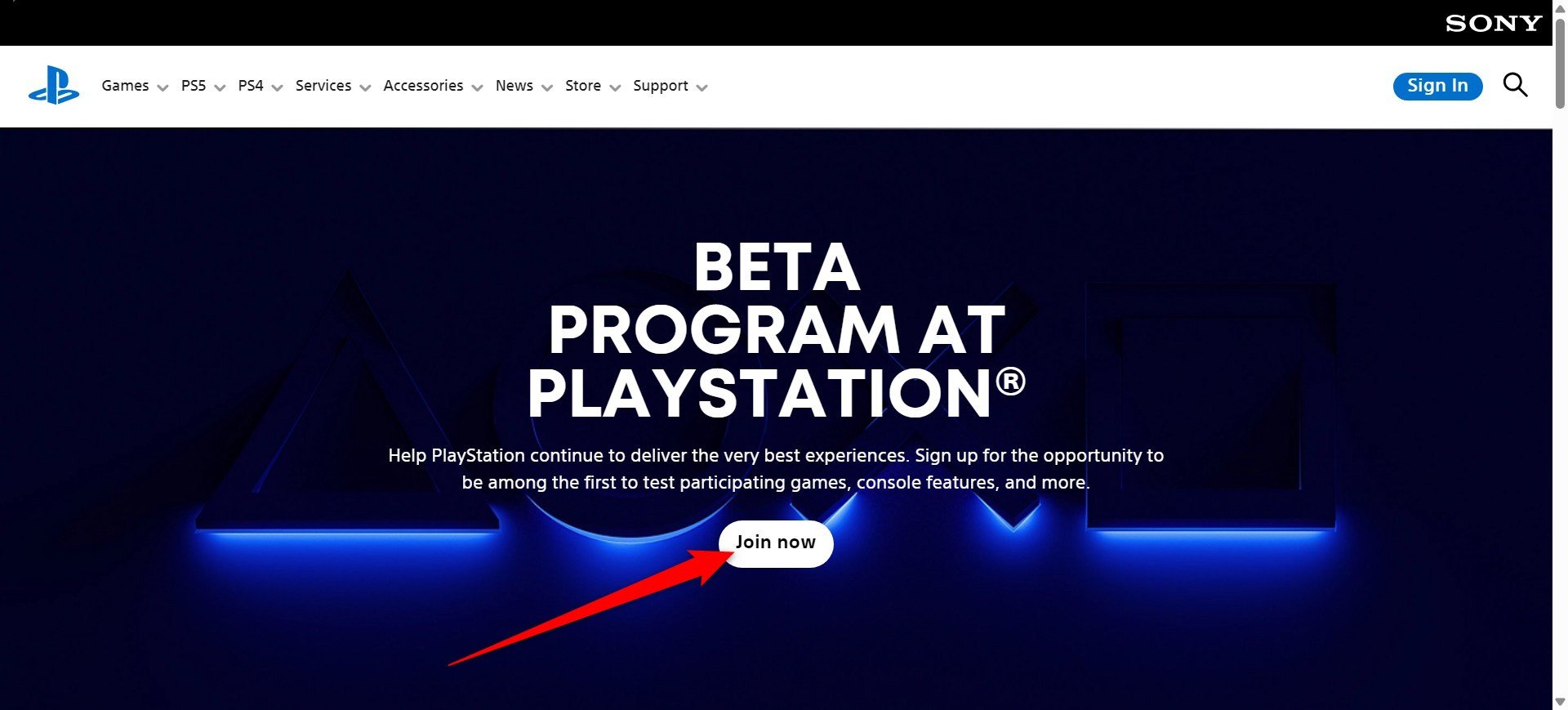
- Sign into your PSN account with your email and password.

- Click Continue.
- Agree to the program’s terms and click on the I Agree button and, finally, the Agree button.
- Fill in the rest of the details as required, including your favorite genres, play modes, platforms, playstyles, etc.
- Click Continue.
- You will see a confirmation screen along with all the other details about the PlayStation beta program emailed to you.
FAQs about the PlayStation Beta program?
1. How would I know if I’ve been enrolled in the beta program?
Since the seats are limited, there is a higher chance of someone who has signed up earlier than you getting enrolled in the PlayStation Beta program. You may want to keep an eye on your email, as Sony will mention whether you have successfully enrolled in the program or not.
2. Is my region supported by the PlayStation beta program?
Here is the complete list of countries where the PlayStation beta program is available. Please check if your region is listed in the below list before you go ahead and enroll yourself.
Here is the table with Countries/Regions arranged alphabetically:
| Countries/Regions |
|---|
| Argentina |
| Australia |
| Austria |
| Bahrain |
| Belgium |
| Bolivia |
| Brazil |
| Bulgaria |
| Canada |
| Chile |
| Colombia |
| Costa Rica |
| Croatia |
| Cyprus |
| Czech Republic |
| Denmark |
| Ecuador |
| El Salvador |
| Finland |
| France |
| Germany |
| Greece |
| Guatemala |
| Honduras |
| Hong Kong |
| Hungary |
| Iceland |
| India |
| Indonesia |
| Ireland |
| Israel |
| Italy |
| Japan |
| Korea |
| Kuwait |
| Lebanon |
| Luxembourg |
| Mainland China |
| Malaysia |
| Malta |
| Mexico |
| Netherlands |
| New Zealand |
| Nicaragua |
| Norway |
| Oman |
| Panama |
| Paraguay |
| Peru |
| Poland |
| Portugal |
| Qatar |
| Romania |
| Russia |
| Saudi Arabia |
| Singapore |
| Slovakia |
| Slovenia |
| South Africa |
| Spain |
| Sweden |
| Switzerland |
| Taiwan |
| Thailand |
| Turkey |
| UAE |
| UK |
| Ukraine |
| United States |
| Uruguay |
| Japan |
3. What if I don’t want to participate in the beta program?
If, for any reason, you don’t wish to proceed further and want to opt out of the beta program, you can simply choose not to register when you receive an invitation email.
4. Does testing a game make me the owner of the copy of the game?
No. Beta testing is time-limited, and once the participation time is over, the game is removed. Participation doesn’t give you the right to own the game.
5. Can I share details about betas on social media or stream/broadcast?
Sony says, “No, all participants are required to sign a Non-Disclosure Agreement (NDA). Sharing content, screenshots, videos, or details about the beta outside of approved channels is prohibited. Any downloads/voucher codes supplied to you are tied exclusively to your account and can’t be shared, sold, or transferred to another person.”

