

In Summary
- The MacBook Neo has attracted the most attention of all the products Apple has launched recently, mainly because of its price and design.
- At USD 599 (Rs 69,900) onwards, the MacBook Neo is the most affordable new notebook from Apple. It is significantly lower priced than the new MacBook Air and Pro range.
- Although its colorful design and price have grabbed eyeballs, there is some concern about whether the A18 Pro processor (which was mainly designed for the iPhone) will be sufficiently powerful for the MacBook Neo.
- We got a few hours with the MacBook Neo, and here is our super quick take on it.
We have finally been able to clap eyes and get our hands on the much-talked-about MacBook Neo. And while these are very initial days, we are impressed. There are many (us included) who have said that the MacBook Neo is basically Apple’s take on a netbook. Well, we will find out when we use the Neo for a longer period of time, but what we can definitely say is that if netbooks had been designed like this, they would have probably never gone out of fashion.
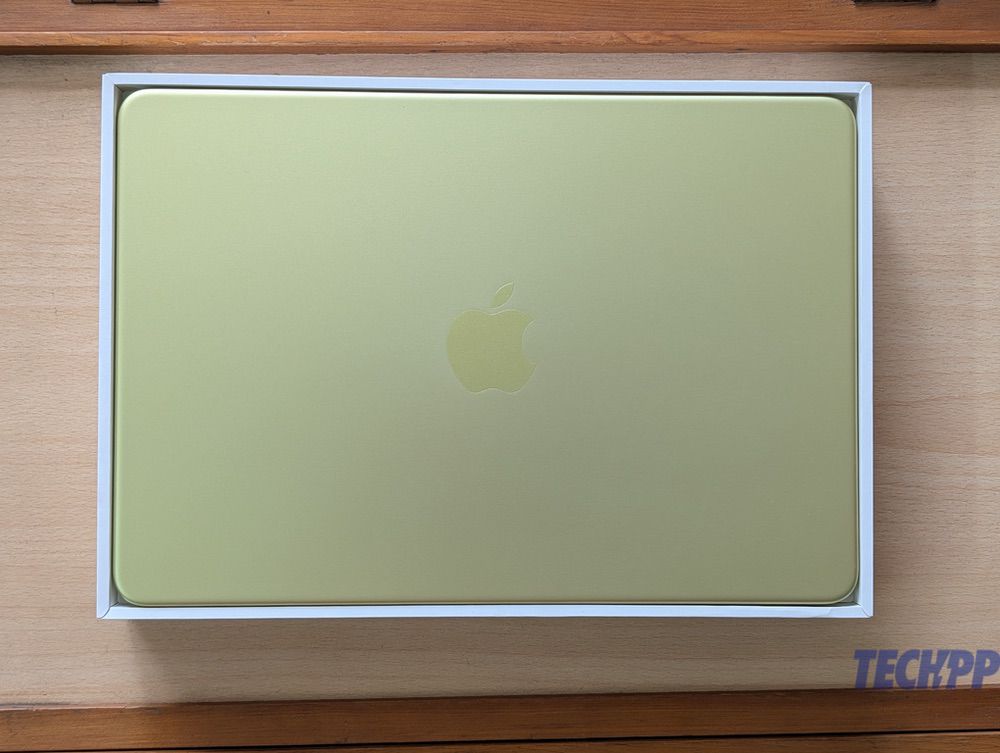
Looks that make the competition turn Citrus Green with envy
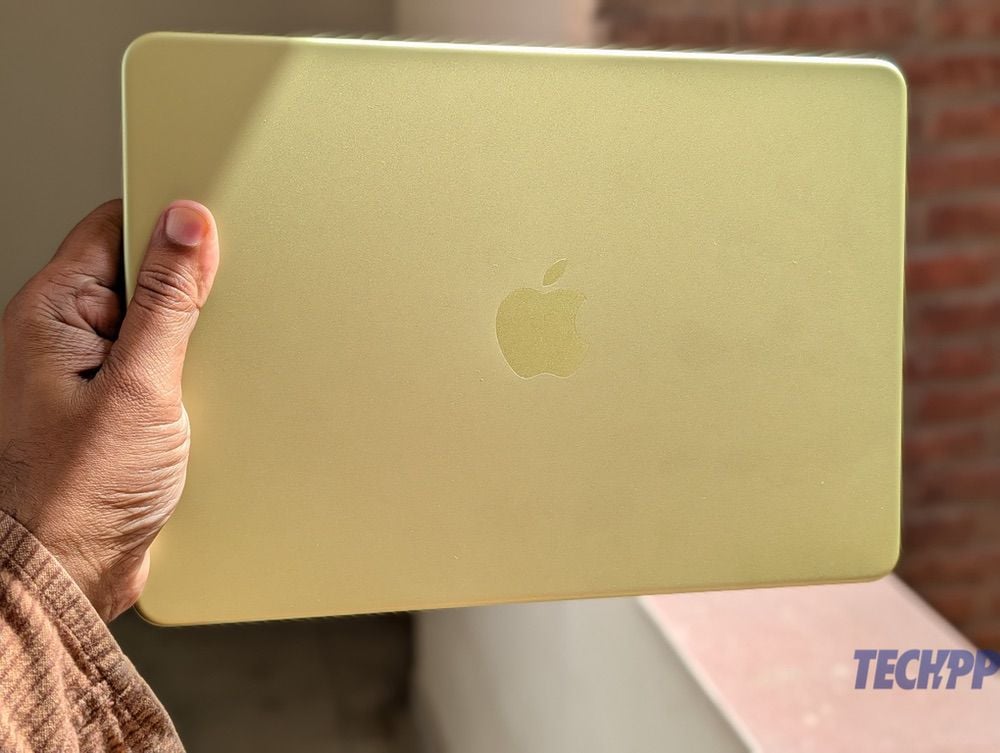
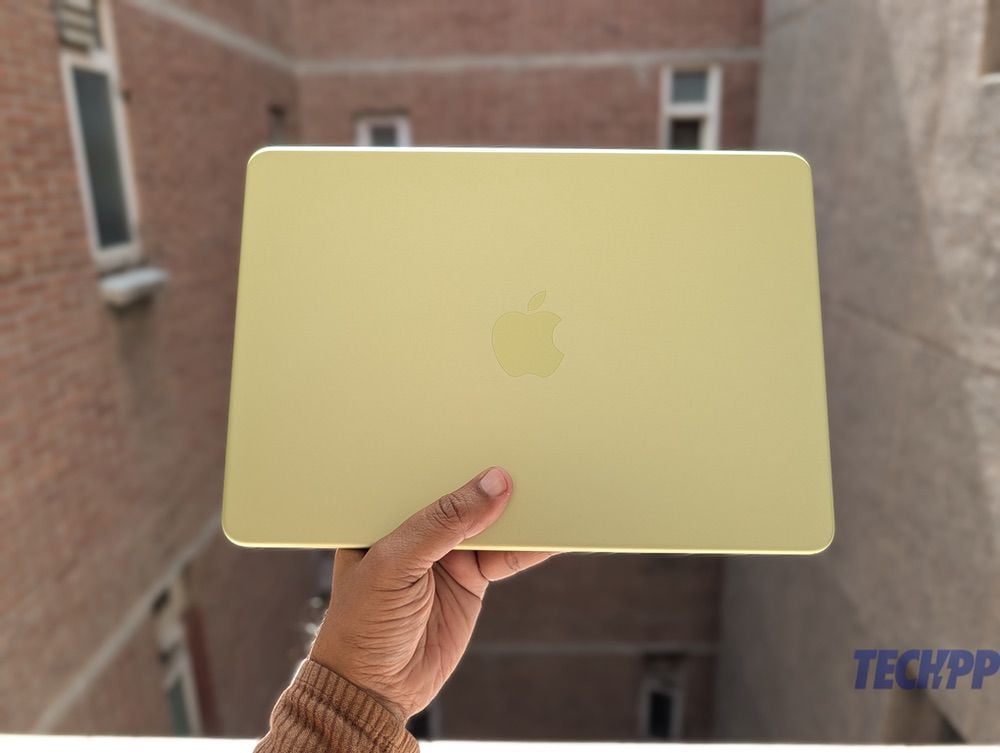
First things first – the MacBook Neo might be the most affordable MacBook from Apple at a relatively inexpensive USD 599 (Rs 69,900 in India), but there is nothing remotely cheap about its appearance. We got to try the Citrus (the yellow-green) variant, and it has been a while since we have seen a notebook that looks so gorgeous. The color reminded us of the colorful range of Vaio notebooks from Sony that were once the rage in the market. But while many of those notebooks had plastic lids and components, the MacBook Neo is proper metal, and made of aluminium. It also has the same, rounded corner finish that marks recent MacBooks. The finish is matte and does not pick up smudges, and does not seem easily scratchable.
What’s more, the Citrus color is present in all visible parts of the MacBook Neo – the area around the keyboard inside, the trackpad, the keys, the sides…everything is the same shade of Citrus. The keys are a little on the white side, which is not a bad thing, as it makes them more easily visible. Even the default desktop theme has yellowish-green touches to it.
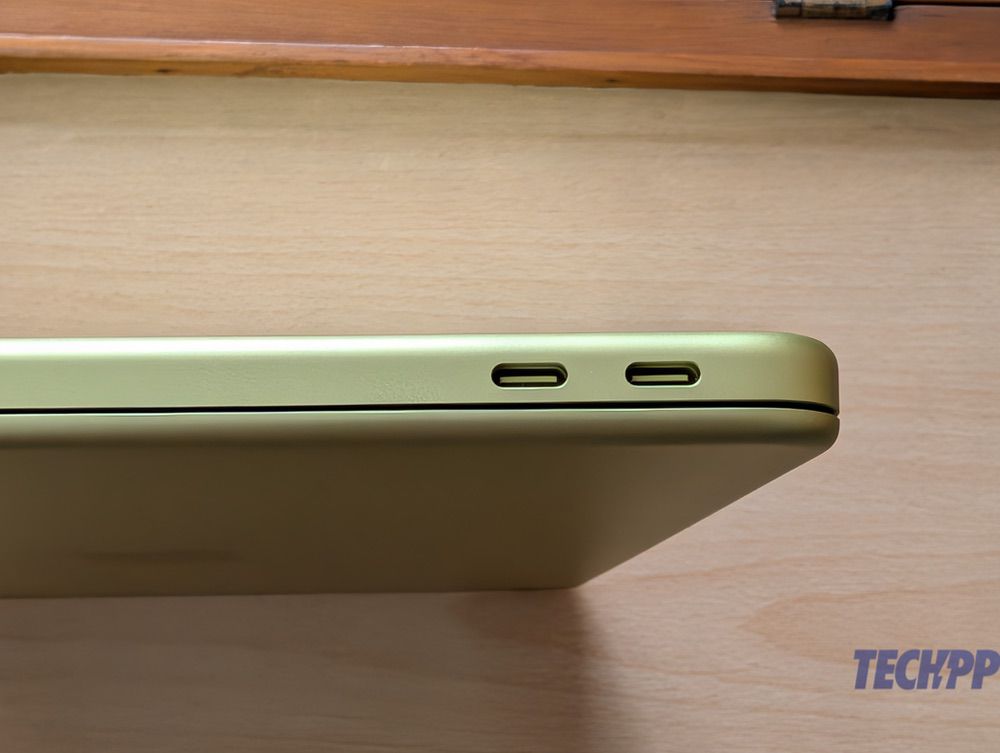
The left side has two USB Type C ports (perhaps a little too close to each other) and a 3.5 mm audio jack, as well as a speaker grille, while the left side only has a speaker grille. The top has the Apple logo, and the base has four round “legs” on which the notebook rests. There are no visible vents.
This is a notebook that will grab attention, whether open or shut. And if Citrus seems too bright, there is the greyish Silver, the pinkish Blush, and the dark blue Indigo. Nope, there is no black – sorry, Henry Ford.
Within that Citrus-y exterior beats an iPhone heart with interesting specs
There have been no corners cut in the design of the MacBook Neo, but the same cannot be said about its spec sheet, which comes with some trade-offs. The 13-inch Liquid Retina display with 2408 x 1506 resolution and 500 nits of brightness is superb and seems very similar to the one on the MacBook Air 13″ (M4). However, unlike other recent MacBooks that tend to launch with flagship M series chips, the Neo actually runs on the A18 Pro processor, which was seen on the iPhone 16 Pro series in 2024. It thus becomes the first Apple notebook to be powered by an iPhone chip. Whether that is good or bad, only time will tell, but it is certainly an interesting choice.
The Neo comes with storage options of 256 GB and 512 GB, with 8 GB RAM, which some users fear is inadequate for heavy-duty tasks, although Apple insists it is enough. The keyboard is full-sized, but is not backlit, and rather oddly, the 512 GB variant of the Neo has a fingerprint scanner, while the 256 GB one does not. The notebook also has a 1080p FaceTime HD Camera for video calls, and comes with stereo speakers, as well as Wi-Fi and Bluetooth connectivity. Of the two USB Type C ports on its left, one is USB 3 and one is USB 2, which is again a slightly odd call.
One of the USPs of the MacBook Neo is its battery life, which is supposed to be in the region of 16 hours of video streaming (impressive for its price segment). Charging speed is a rather modest 20W, and there is a 20W charger and a Type C to Type C cable in the box. The charging speed seems a little slow, but on the flip side, it also makes the Neo one of the few MacBooks that can actually be charged off a regular power bank!
All in all, the spec sheet of the MacBook Neo does have its share of cutbacks and compromises, but we feel a lot of it will be forgotten if the A18 Pro chips in with a top-notch performance. Pun intended.
The easiest to carry MacBook around, and we love the keys
The MacBook Neo is also clearly smaller than the MacBook Air 13″ – being shorter and less wide, even though slightly thicker. Given its size and weight (it weighs exactly as much as a MacBook Air 13″), it is comfortably the easiest MacBook to carry around. As writers, we totally love the form factor – we can easily chuck it into a backpack and go about work. The build is very solid, and the display does not wobble even a bit. We have been able to park it in our laps and work quite comfortably.
The keys are large and very well spaced out. They have decent travel and are very gently clicky – we actually have so far found typing on the MacBook Neo to be more comfortable than on the MacBook Air M1 and M2. They not being backlit, however, is a bit of a disappointment at this price point.
THAT trackpad, and that (absent) fingerprint scanner…both need getting used to
Another let-down is the trackpad. While it is multi-touch and supports gestures, it comes with no Force Touch, which means you actually have to press it slightly hard to register a click, whether it is to select something or move to a different part of a document – you cannot tap anywhere on the trackpad to place the cursor, as on other MacBooks. It is definitely taking some getting used to, even though the trackpad itself is large and ‘clicky.’
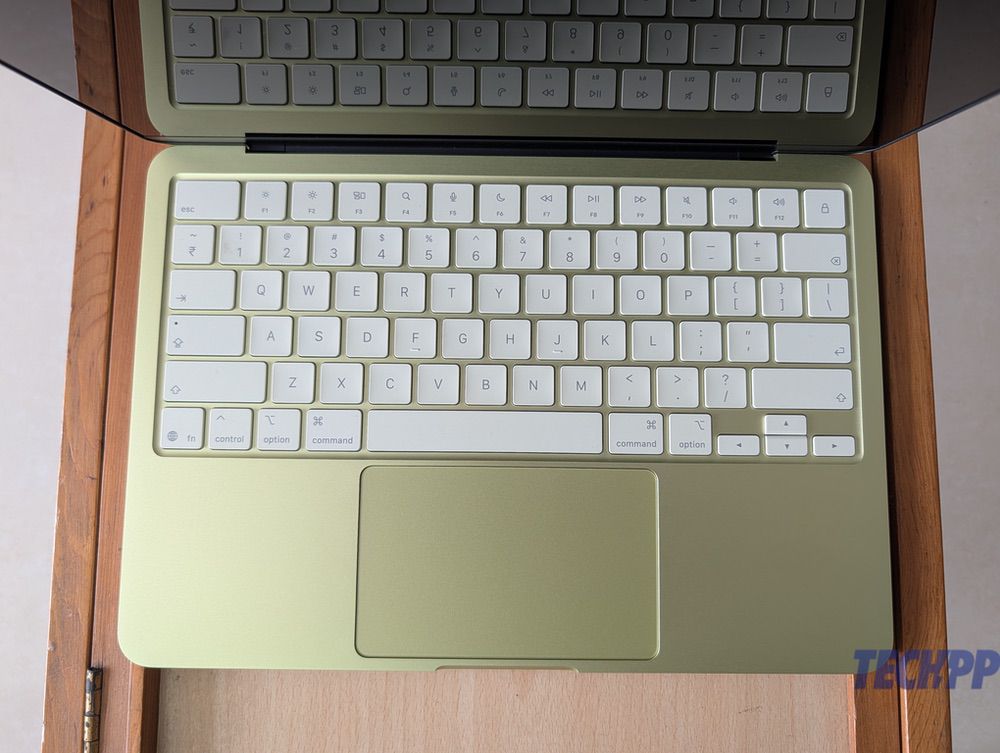
As our model was a 256 GB version, it did not have a fingerprint scanner, and instead had a display lock button on the top right corner of the keyboard. Its absence is a bit of a bummer, as we found ourselves having to tap in passwords for logins and purchases, and even for waking up the Mac, instead of just placing a finger on the scanner.
In our short time with the MacBook Neo, the trackpad and the (absent) fingerprint scanner were the biggest reminders to us that we were using a different MacBook.
A smooth operator so far…stay tuned for more
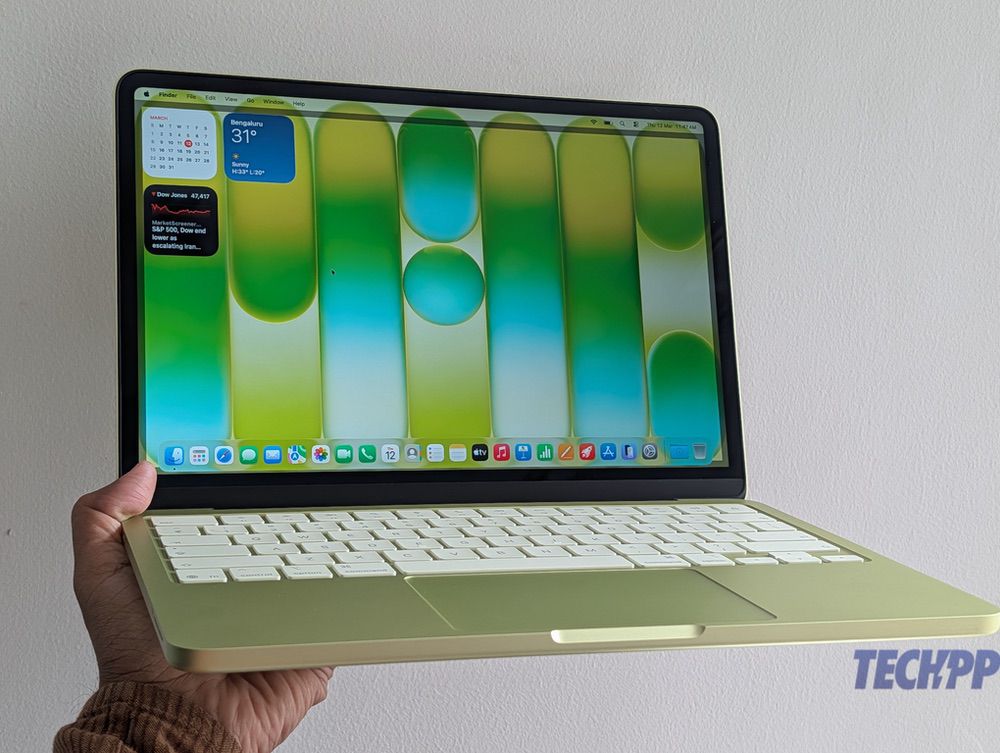
The MacBook Neo has been working very smoothly in our brief period of using it (just a few hours). The A18 Pro chip powering it might be an ‘iPhone processor,’ but it ran MaxOS 26.3 (Tahoe) without any problems or lag. We opened and edited images and some short videos, ran a browser with about twenty tabs, worked on a presentation, and watched an episode of Slow Horses on it, without any problems at all. It is too early to draw concrete conclusions, but when it comes to routine tasks, we have not been able to see any visible difference between this and a MacBook Air M4 – the 13 inch Liquid Retina display with 2408 x 1506 resolution, and 500 nits of brightness, seems very similar to the one on the MacBook Air 13″ (M4), and the 8 GB of RAM has posed no problems for us so far. The sound seems remarkably good, too. But then, these are very early days.
The MacBook Neo hits the design ball out of the park and is likely to get more attention than even its Pro and Air siblings, but its real challenge is going to come in terms of performance. We are pleased as punch with its keyboard, and its easy-to-carry form factor, but there is so much more than users who splurge Rs 69,900 on it will expect – that price is premium in a market like India. Will its performance in handling heavy tasks and its battery life make people see past potential pain points like a keyboard with no backlighting, a base version with no fingerprint scanner, and a trackpad that needs to be clicked to select content? Stay tuned, and we will tell you.
Also See: Will the MacBook Neo affect Chromebook sales? We don’t think so!

