

Quick Answer
The best MacBook Neo accessories include a protective sleeve, USB-C hub, Bluetooth mouse, backlit keyboard or light bar, GaN charger, laptop stand, external monitor, SSD, and wired headphones to fix port limits, boost productivity, expand storage, and improve comfort.
Apple recently announced the new MacBook Neo, positioning it as a new low-cost MacBook that anyone looking for a cheaper version should consider, and making the price compelling for both users and Apple. It is priced at $599 (Rs 69,900 in India), which is more than the MacBook Air M1 at its usual discounted price (in India). I have been using Apple MacBooks daily for the past three years and recently got my hands on the MacBook Neo to test its real-world limitations. And so far, the experience has been very good.
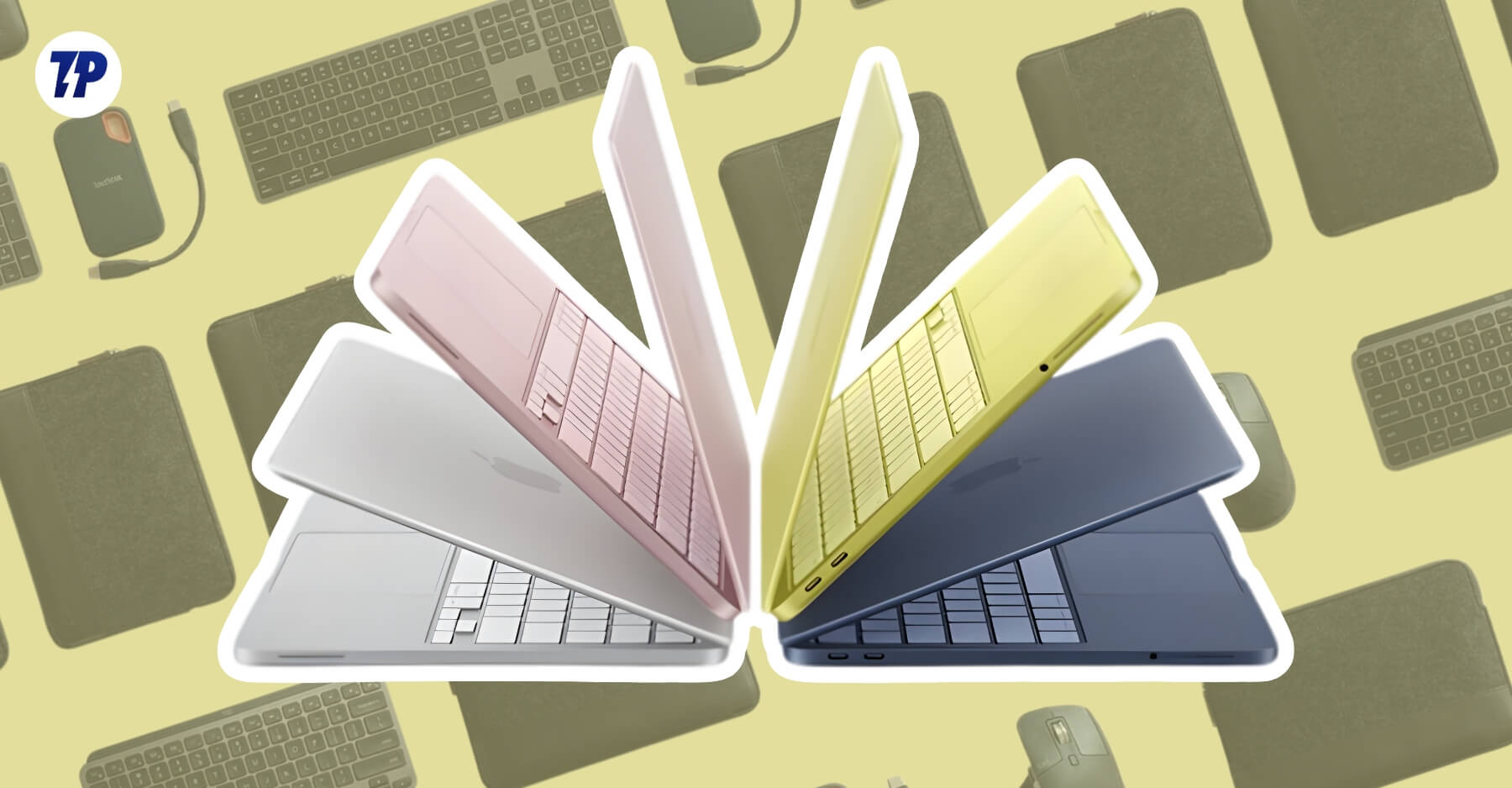
But following Apple’s traditional strategy, they have to cut corners to make the MacBook Neo look less appealing than the higher MacBook versions. Fortunately, most of them aren’t deal-breakers, especially for most people who are happy to consider the MacBook Neo and happy to trade off those features for saving money. However, still some limitations worth mentioning.
First, MacBook Neo has only two USB-C ports; it doesn’t support HDMI by default. The base variant comes with a single NAND, which means file transfers will be slow, and it doesn’t include a keyboard backlight, making it extremely hard to type in the dark. The base variant doesn’t come with a Touch ID.
Fortunately, you don’t need to buy an expensive Apple MacBook because of these problems; most of the MacBook Neo limitations can be easily avoided using external accessories. So, if you recently bought a new MacBook Neo and are worried about those limitations, don’t worry, iln this guide, I’ll share the best MacBook Neo accessories to fix its limitations and unlock its full potential.
Table of Contents
9 Best MacBook Neo Accessories
S.No | Product Name | What It Does | Buy Link |
|---|---|---|---|
1 | Tomtoc Protective Sleeve Case | Best for students who want lightweight and easy-to-carry sleeve cases | |
2 | FINPAC Hard Shell Protective Sleeve | More durable sleeve case | |
3 | Tomtoc Leather Sleeve Case | Best for Professionals | |
4 | Fintie Sleeve Case with Built-in Stand | Sleeve Case for MacBook Neo with Built-in Stand | |
5 | UGREEN Revodok Pro 6-in-1 USB-C Hub | Best for most people | |
6 | Hiearcool 8-in-1 USB-C Hub | Best for Desktop Setup | |
7 | LENTION C13 4-in-1 USB-C Hub | Compact and easy to carry anywhere, but it doesn't support HDMI port | |
8 | Logitech MX Master 4 | Best Overall Exceptional Mouse for Productivity Users | |
9 | Logitech MX Master 3S | Best Overall Mouse, but not as featured as the latest Logitech MX Master 4 | |
10 | Logitech MX Anywhere 2S | Best Portable and Easy to Carry Mouse | |
11 | Keychron K3 Pro Mechanical Keyboard | Best Mechanical Keyboard with Backlit Support | |
12 | iClever BK06 Foldable Bluetooth Keyboard | Best Keyboard for Portability | |
13 | Quntis Monitor Light Bar | Best Display Monitor Bar for Typing in Dark Situations | |
14 | SOUNDANCE Aluminum Laptop Stand (LS1) | The Best Laptop Stands for Both Desktop and Work | |
15 | Nulaxy Fully Aluminum Detachable Stand | Also, it is made of full aluminum and is easily detachable | |
16 | Nulaxy Ergonomic Adjustable Stand | Best stand if you want more height | |
17 | Foldable Laptop Stand | Very lightweight and portable; easy to carry stand | |
18 | SanDisk 1TB Extreme Portable SSD | Best 1TB External SSD for Your MacBook Neo | |
19 | Samsung T7 Portable SSD 1TB | Best Premium Option | |
20 | Samsung T7 Shield 1TB | Best Premium and Rugged SSD for Your MacBook Neo | |
21 | Audio-Technica ATH-M40x | Best option for education and for listening to long tutorial videos. | |
22 | Audio-Technica ATH-M50x | Also, best option for better cushioning. | |
23 | Sony MDR-7506 | Best Wired Headphones if You Care About Sound Quality | |
24 | Sennheiser HD 560S | Also the best option with the best sound quality and best comfort. | |
25 | UGREEN 3-Port 30W USB-C Charger | Best Gan charger with multiple port support | |
26 | ASUS ProArt PA279CRV | Best external minitor if you want a desktop setup |
Laptop Sleeve To Protect Your MacBook Neo
Apple MacBook Neo is one of the best-looking, or in other words, colorful-looking MacBooks in a long time. While the iconic Silver and Matte Black and blue variants look premium, Apple brought the MacBook Neo in several color variants, and those look very good.
Fortunately, Apple did not cut corners on the MacBook Neo’s build quality. It uses the same aluminum chassis as other premium MacBooks. Using aluminum makes it more premium, durable, and way better than the Windows laptop in this range, but it also comes with some downsides.
Aluminum is prone to scratching, especially if you carry your MacBook Neo in your backpack with other items, such as keys. Over time, these scratches can visibly appear on your MacBook Neo, especially if you choose darker variants like indigo.
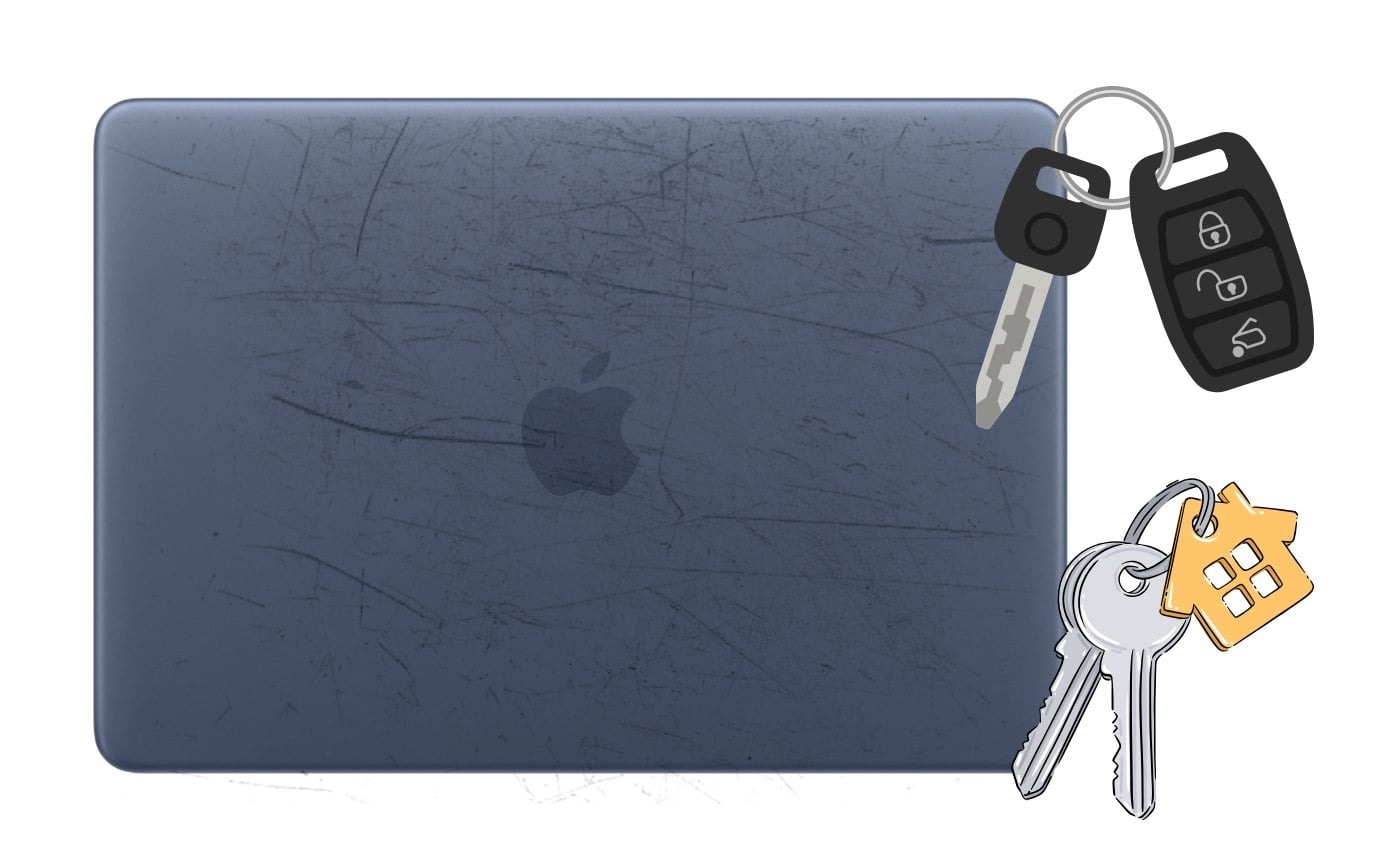
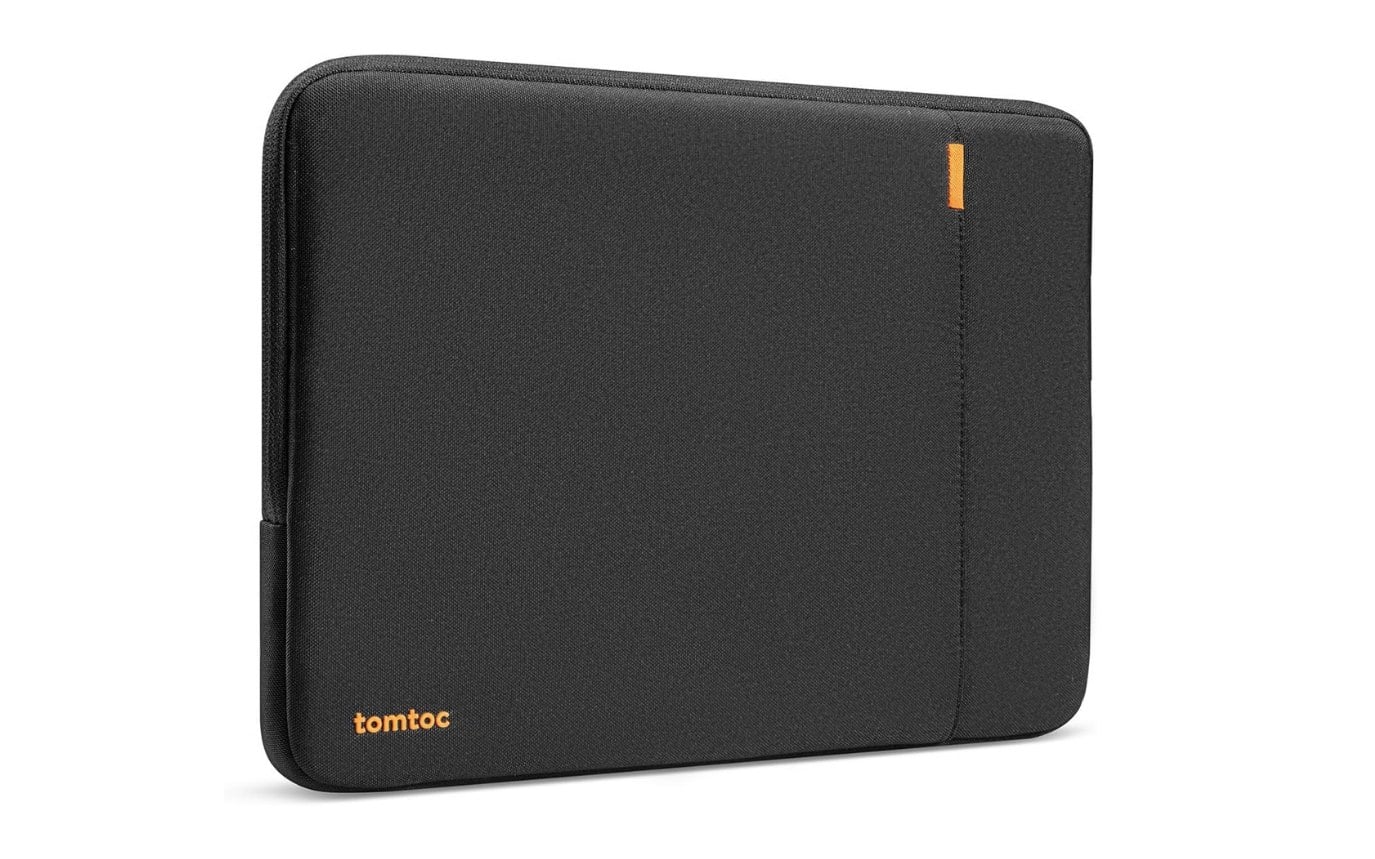
When I carried my MacBook Neo in my backpack on a regular commute, I noticed small scuff marks appearing near the corners within the first week. That is exactly when I started using the Tomtoc sleeve, and I have not seen a single new scratch since. There are plenty of sleeve cases for the MacBook Neo, but choosing the right one is important, as different sleeves are designed for different tasks.
For example, the Tomtoc sleeve case I mentioned earlier is a very good option for students, especially with its soft padding and lightweight design. It is easy to carry and also prevents your new MacBook Neo from scratches and moisture.
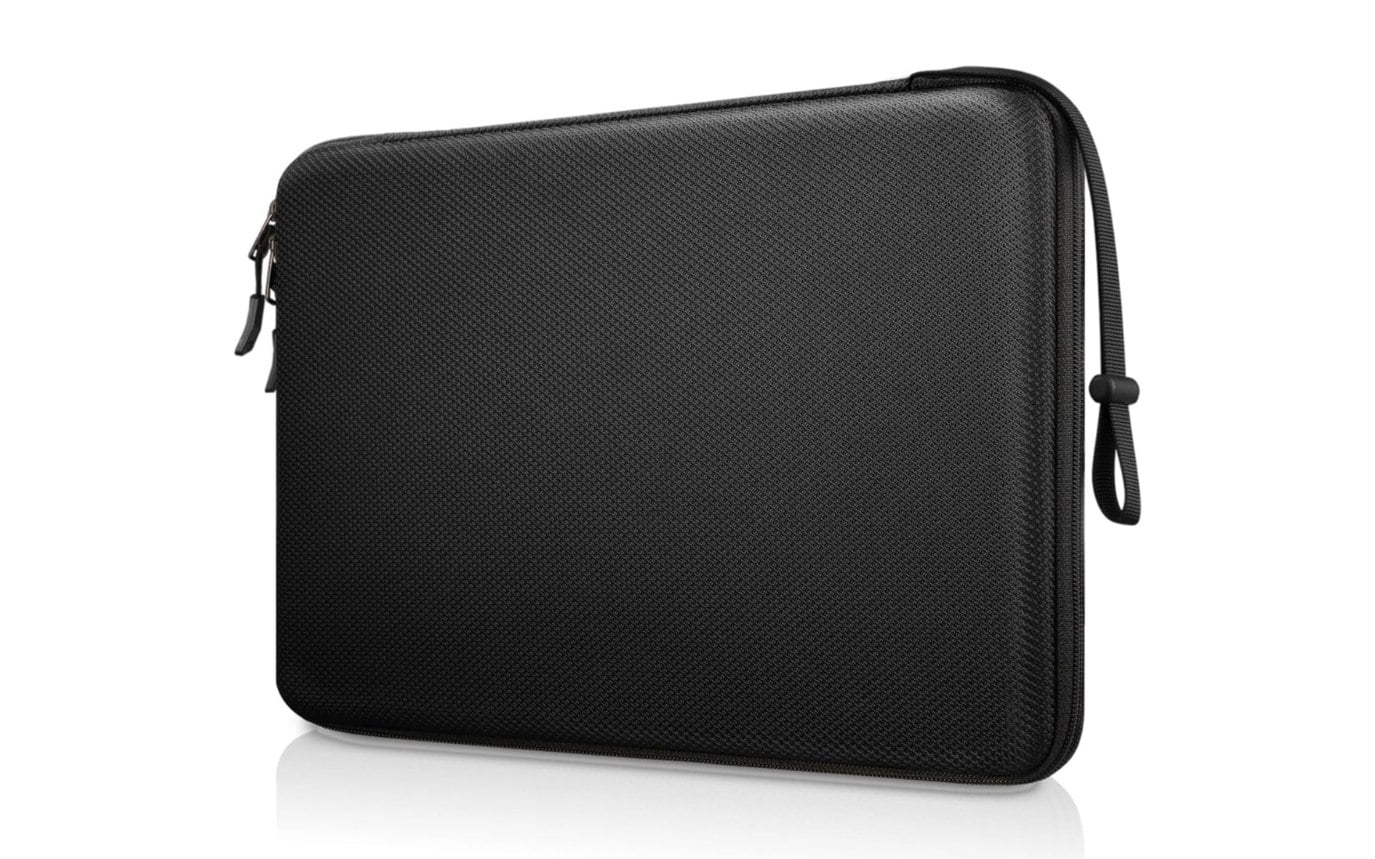
Likewise, there are hard-shell protective sleeve cases from Finpac designed to be more durable, made of hard plastic, which makes them ideal for carrying in your backpacks, especially if you’re carrying your MacBook Neo with other sharp objects, such as your car keys.
If you are a working professional, you can use Tomtoc leather sleeve cases for a premium appearance while still carrying them easily. You can also pick a sleeve case with accessory pockets or a built-in stand so that you can easily carry and store accessories along with your laptop.
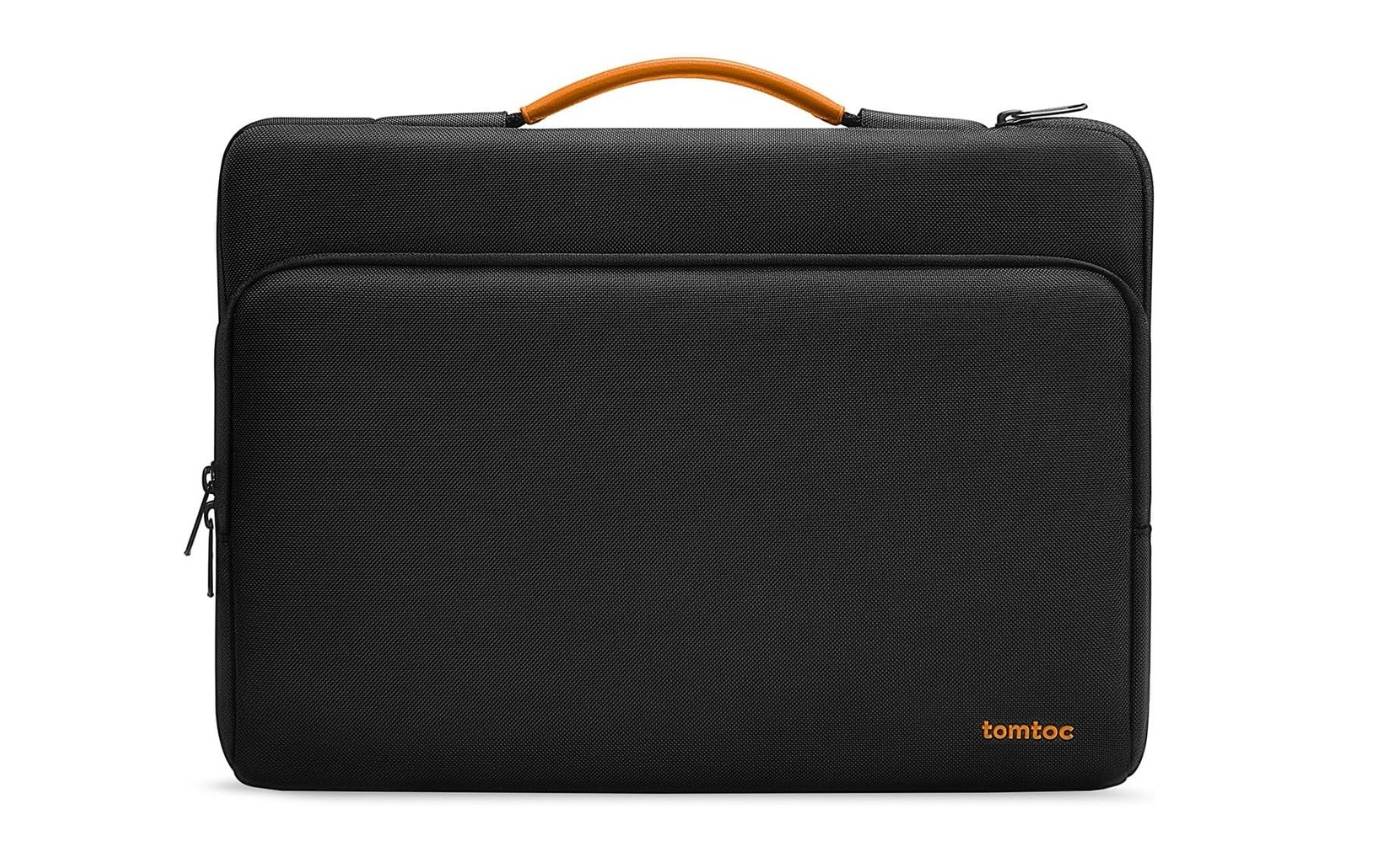
You can also easily choose a MacBook Air 13-inch sleeve because they both come in a very similar size and should fit nicely without any issues.
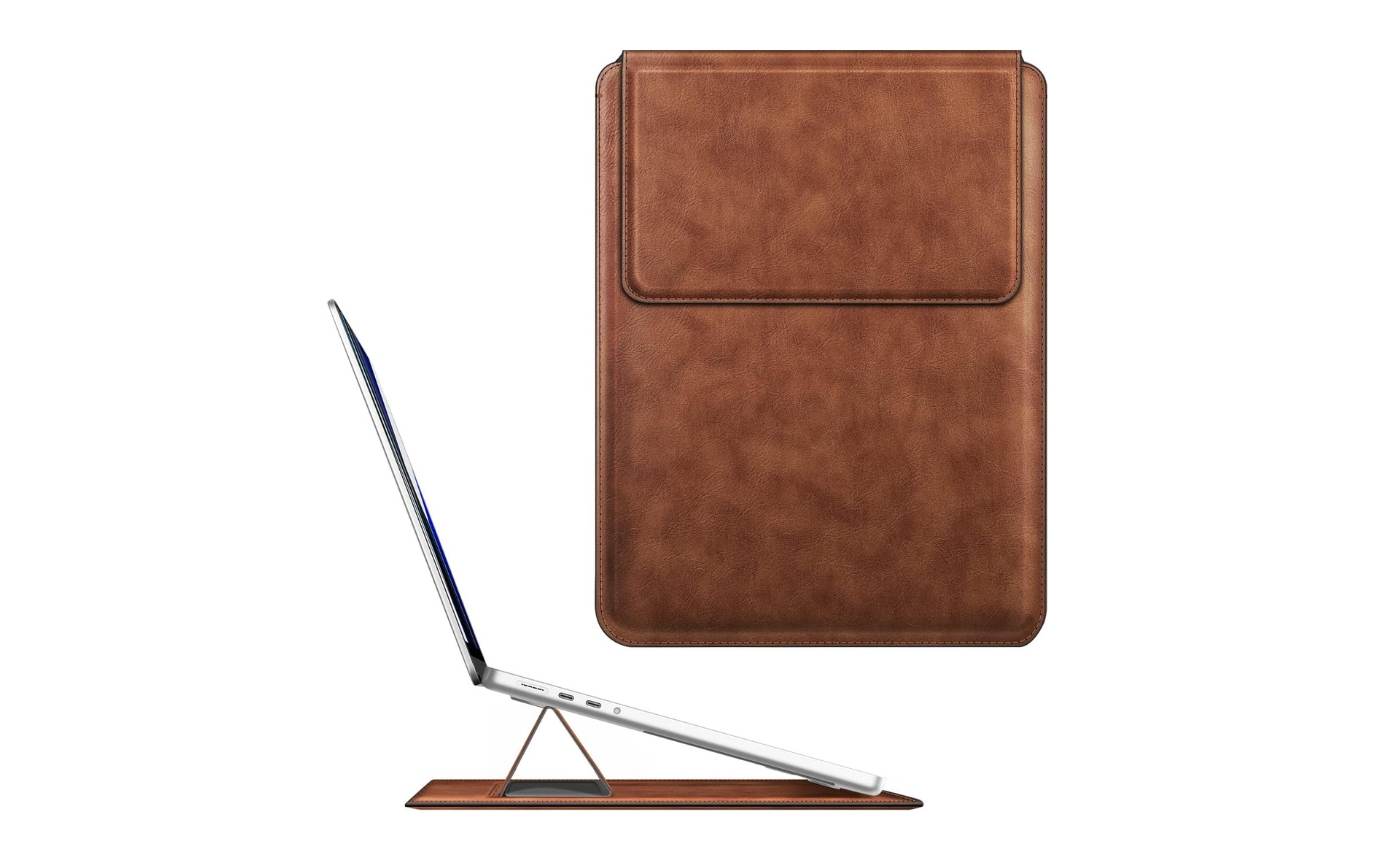
- Tomtoc Protective Sleeve Case – Buy from Amazon
- FINPAC Hard Shell Protective Sleeve Case – Buy from Amazon
- Tomtoc Leather Sleeve Case – Buy from Amazon
- Fintie Sleeve Case with Built-in Stand – Buy from Amazon
USB-C Hub to Fix Limited Ports on MacBook Neo
MacBooks are well known for their limited port selection; even the OG MacBook Air M1 only has 2 USB-C ports, which I am currently using with a USB-C Dock. Now, with the MacBook Neo, Apple has once again limited the ports to only two, and this is one of the compromises of the MacBook Neo.
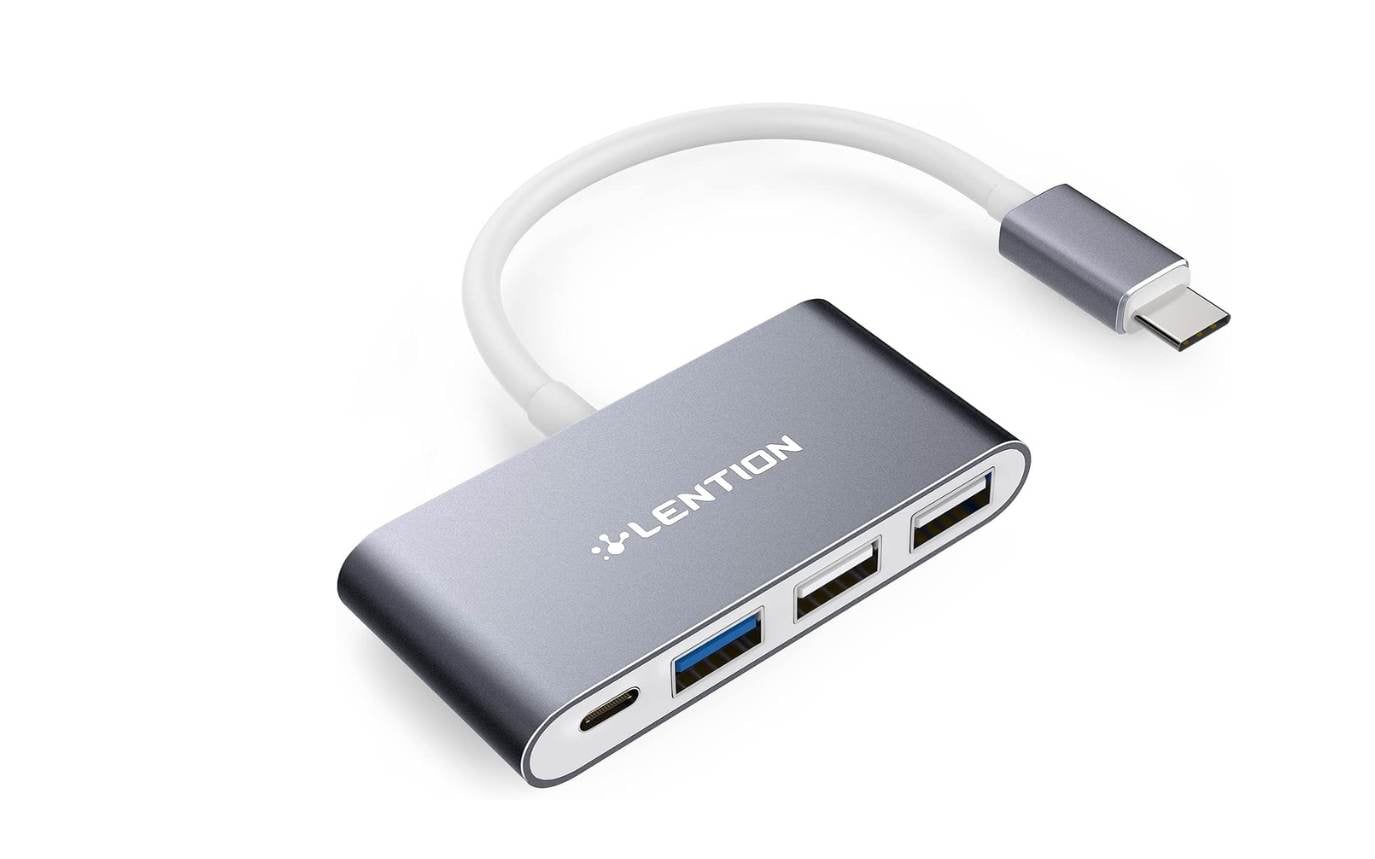
If you want to connect multiple third-party accessories, it can quickly get frustrating and very limited. Fortunately, you can easily fix it by using a USB-C with a multi-port Hub. Keep in mind that the MacBook Neo doesn’t support Thunderbolt, so you need to choose a USB hub that also supports USB-C or both USB-C and Thunderbolt.
You can choose a 4-in-1 USB hub, a 6-in-1 USB hub, or an 8-in-1 USB hub. I would recommend getting the 4-in-1 if you are also planning to carry it while traveling, because fewer ports make it smaller and more portable. If you’re planning to use it on your desktop, you can choose another 6 in one or 9 in one, depending on your requirements.
There are plenty of USB hubs that already exist for the MacBooks, which support both USB-C and Thunderbolt connections, and USB-C supports drives, which should also work without any issues on your MacBook Neo. Here are the three best MacBook and USB hubs and portable devices I found.
- UGREEN Revodok Pro (6 in 1 ) – Buy from Amazon
- Hiearcool 8-in-1 USB-C Hub ( 8 in 1 ) – Buy from Amazon
- LENTION C13 ( 4 in 1 ) portable (No HDMI port) – Buy from Amazon
I have been testing the UGREEN Revodok Pro for a few days now, and it works reliably with the MacBook Neo. I had it connected to an HDMI monitor, a USB drive, and a charging cable all at once, and there was no lag, no heat issue, and no port drops during a full workday.
External Mouse for Better Control and Navigation
Apple’s MacBook Neo does not use Apple’s Force Touch trackpad, which is found on the other, more expensive MacBook Air and MacBook Pro. Instead, it uses a mechanical multi-touch trackpad.
You won’t find any noticeable difference if you are a first-time Mac user or coming from a Windows laptop. The trackpad still supports multi-touch gestures, including scrolling, pinch-to-zoom, and desktop switching. It is very reliable for most of the tasks we do using a trackpad on a laptop.
I have been using a Bluetooth mouse with my Mac for more than two years now, and going back to a trackpad-only setup feels genuinely uncomfortable after that. The MacBook Neo’s mechanical trackpad is decent for casual use, but if you edit docs, browse heavily, or use spreadsheets for any length of time, a mouse makes everything faster and more precise. Some mice even offer programmable buttons to assign shortcuts.
While most of them should be compatible with any laptop, including the latest MacBook Neo, considering macOS and limited USB-C support, I would recommend going for a Bluetooth mouse.
Unlike the USB receiver wireless mouse, which comes with a separate dongle you need to connect to your MacBook Neo, you can use a mouse with built-in Bluetooth support. It requires no dongle and connects directly to your MacBook Neo using Bluetooth.
Since the mouse always stays beside your MacBook, you also don’t need to worry about connection drops. I have been using the Portronics mouse for more than two years, and it works flawlessly.
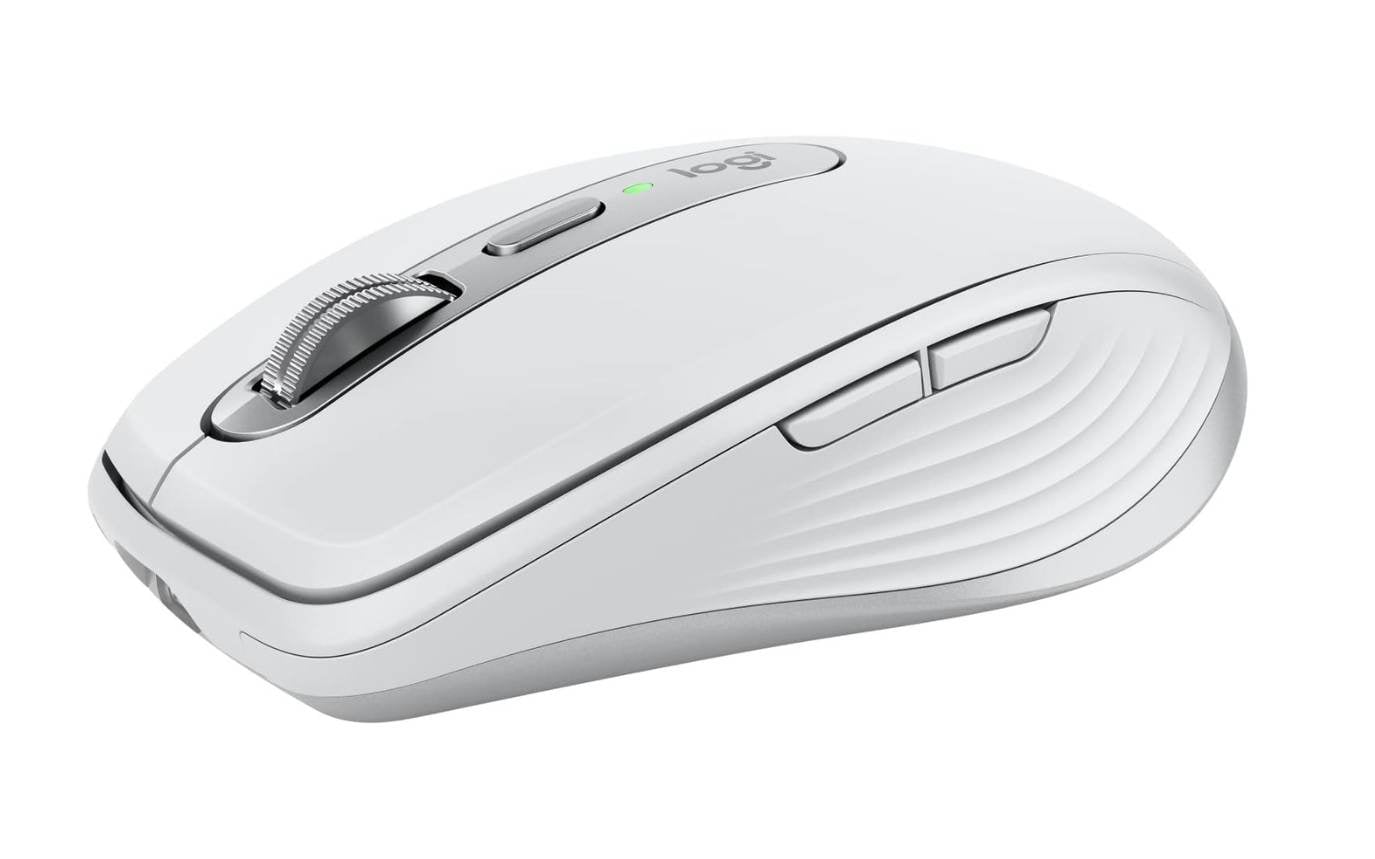
If budget isn’t your concern, I would recommend the Logitech MX Master 4 for Mac. It supports Bluetooth natively and offers gesture controls similar to macOS. It also supports programmable buttons, which you can program to launch apps or perform specific tasks. This is great if you often edit and create.
If you are looking for a portable one, the Logitech MX Anywhere 2s for Mac is also a very good option. It is not only compact, which makes it easy to carry and store in your backpack, but it also comes with Bluetooth compatibility. If you are on a budget, you can choose any mouse with support for Bluetooth. My top recommendations are:
- Logitech MX Master 4 (Latest and Best) – Buy from Amazon
- Logitech MX Master 3S Standard version – Buy from Amazon
- Logitech MX Anywhere 2S Bluetooth Edition – Buy from Amazon
External Keyboard or Light Bar to Fix the Missing Backlight Issue
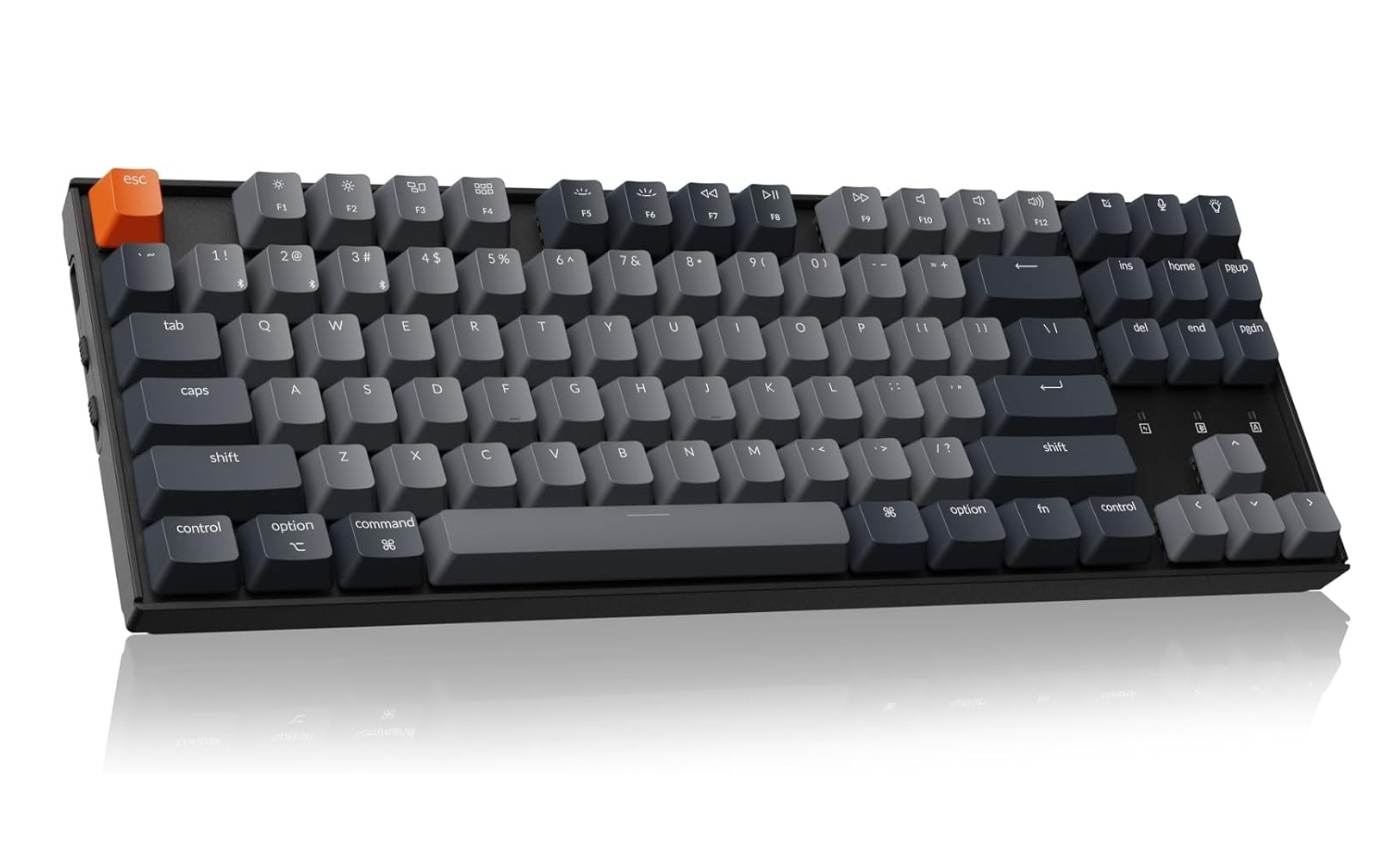
If you are okay with navigating with the trackpad, it is completely fine to avoid getting a mouse. However, if you type in the dark, then I would definitely recommend getting an external keyboard for your MacBook Neo.
The biggest cost-cutting measure on the MacBook Neo is removing the keyboard backlight support. I tried typing on the MacBook Neo in a dimly lit room without any light source, and I could not see the keys at all within a few minutes. The Quntis light bar fixed this completely. I clipped it to the top of the display, set it to a warm temperature, and it lit the keyboard evenly without any glare on the screen.
If you want the best experience, I would recommend getting a mechanical keyboard. Those not only come with backlighting, which makes it easy to type in the dark, but also come with mechanical keys that make typing more comfortable and easy.
If portability is your biggest priority, there are also some external keyboards that allow you to fold them in half and carry them along with you. However, it is not possible to use an external keyboard when you are working away from your workstation, even in places like cafes, or while relaxing in the park, and placing your MacBook on your lap to type. In those special cases, you can get a light bar, which makes more sense to place directly on top of your display. Even in the dark, the light falls directly on the keyboard, which makes it easy to view the keys to type.
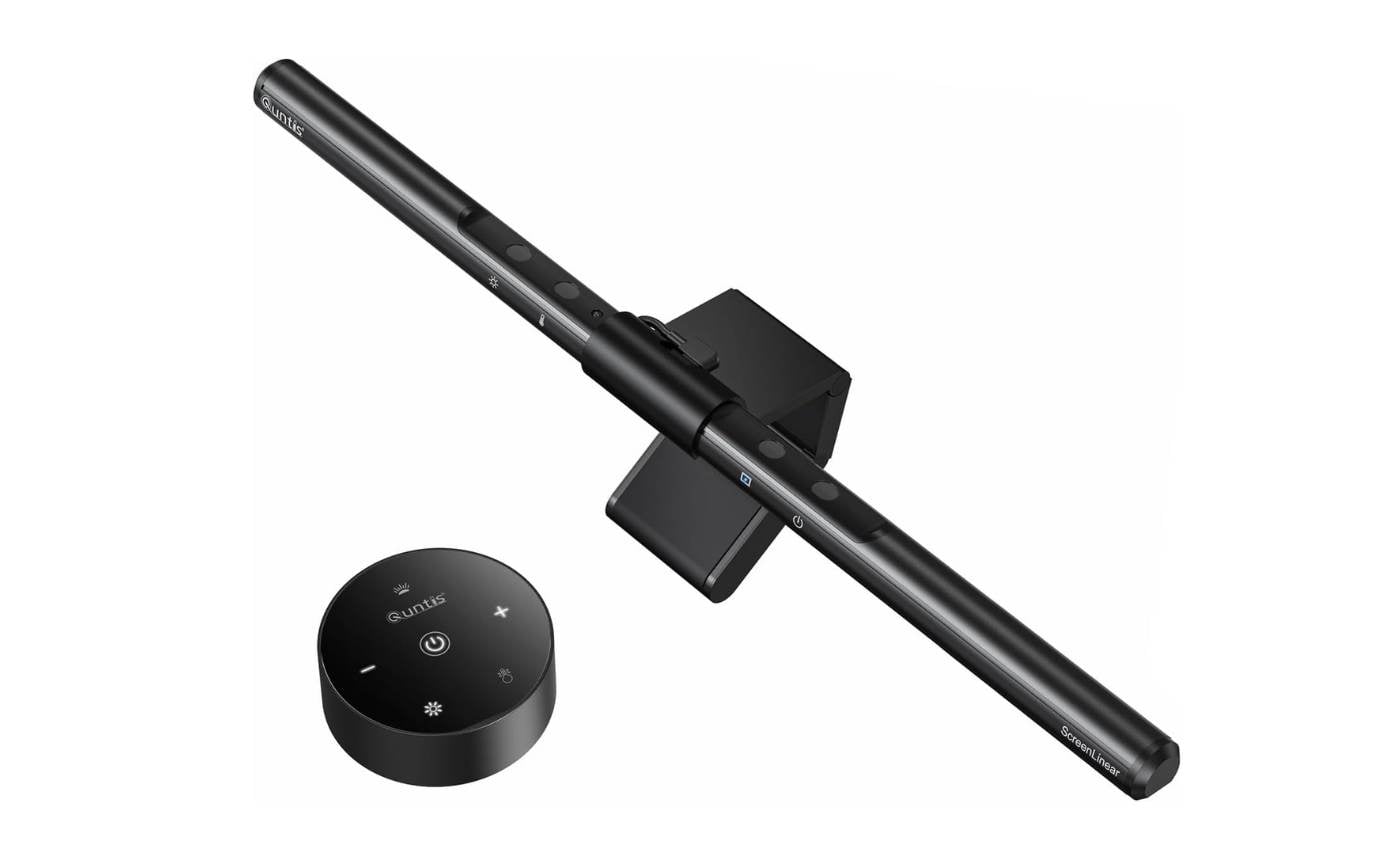
Using the light bar also has other advantages apart from making your keyboard visible. It can also reduce eye strain and fatigue, and is portable; they are easy to carry, fit, and use anywhere, and also customizable (some models come with adjustable brightness and color temperature. Depending on your requirements, you can adjust the keyboard brightness to suit your needs.
- Keychron K3 Pro (Compact TKL Mechanical) – Buy from Amazon
- iClever BK06 Foldable Bluetooth Keyboard – Buy from Amazon
- Quantis Computer Monitor Light Bar – Buy from Amazon
Gan Charger
Unlike most recent iPhones, the MacBook Neo does come with a charger in the box. So you don’t need to worry about searching for a new charger. However, if you have multiple devices and want faster charging, getting a GAN charger is what I recommend.
MacBook Neo technically supports 30W fast charging, while the charger provided in the box is 20W. This is decent enough for most people. However, if you want to enjoy faster charging speeds, then you can get any GAN charger. GAN chargers are compact compared to traditional chargers and support multiple devices at once.
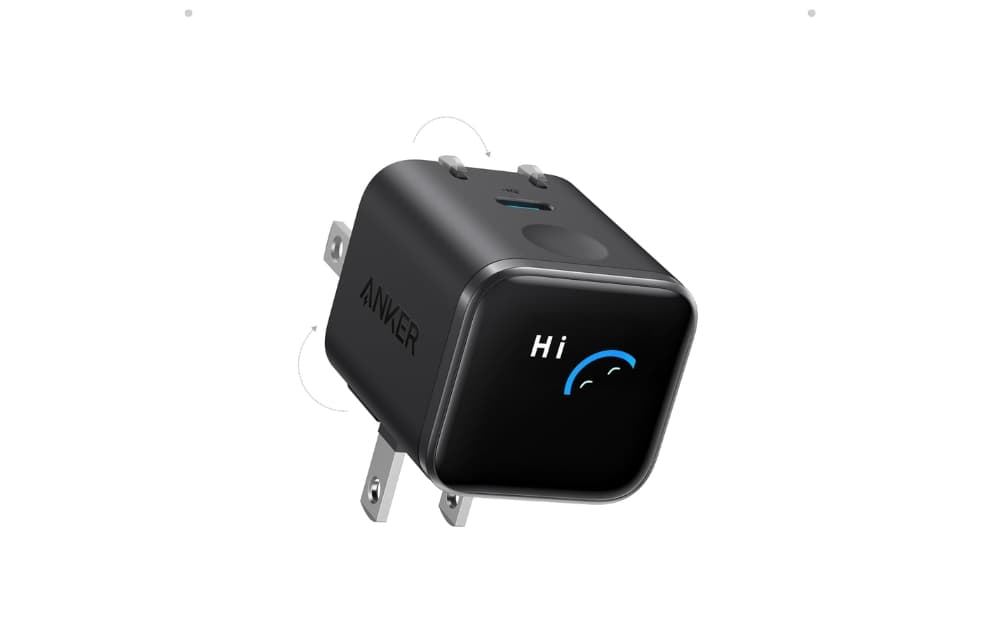
Since your MacBook Neo supports 30W, you can choose any GAN charger of 45W. If you also own multiple devices with fast charging, you can choose a charger depending on your specific needs.
The biggest upside is that GAN chargers are compact, which means they are easy to carry, and you don’t need to carry multiple chargers. There are plenty of GAN chargers available to purchase, from lower-end to premium. So here are my top three picks.
- UGREEN 3-Port 30W USB-C Charger – Buy from Amazon
- Anker Smart Display Charger – Buy from Amazon
Laptop Stand to Improve Posture and Comfort
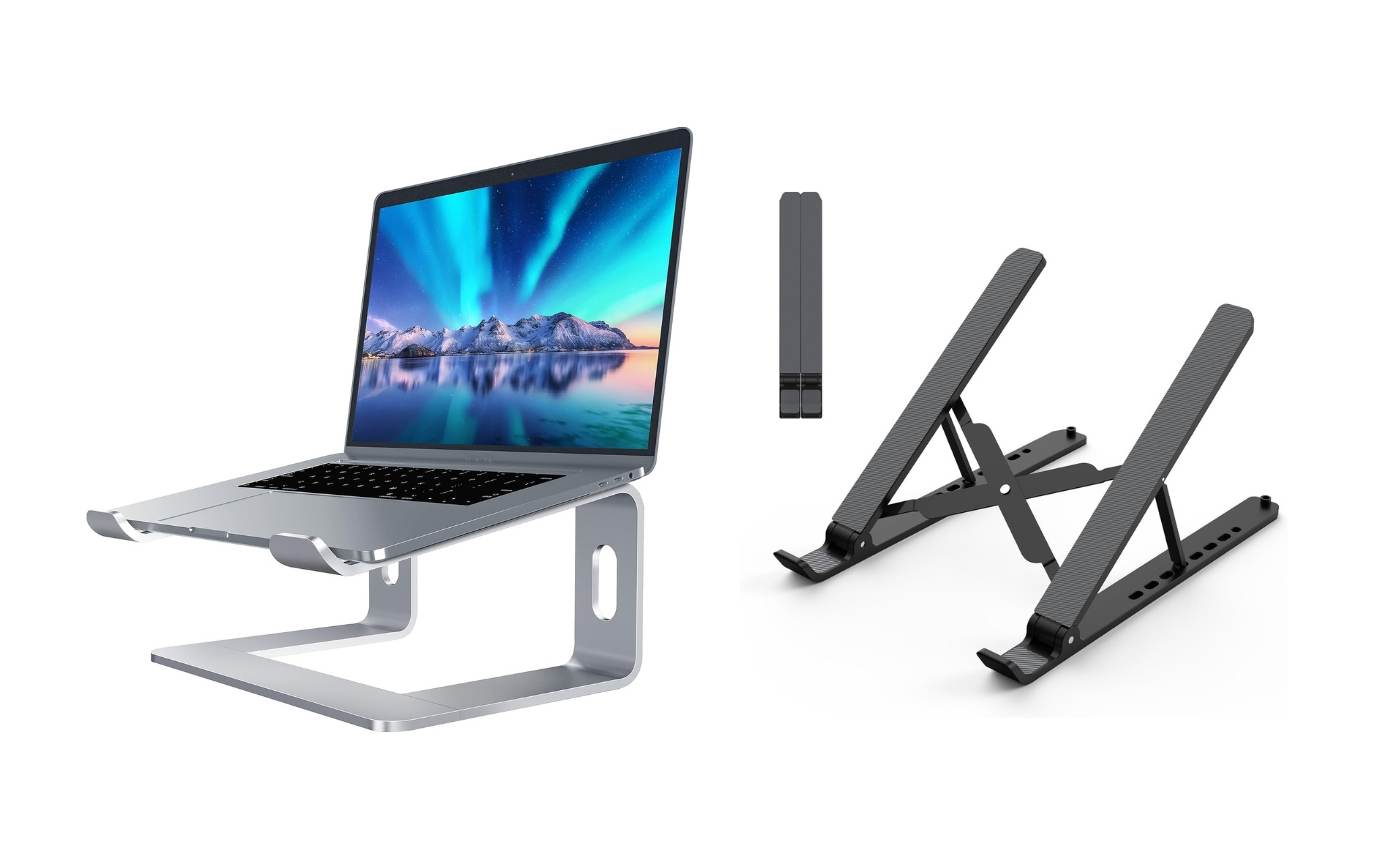
Not just for the MacBook Neo, if you work at a desk, then having a laptop stand can fix a lot of problems that you are not even aware of.
First, when you place the laptop on your desk, you have to tilt your head down to glance at the screen. Naturally, along with your head, you also bend your back. Since MacBooks come with a smaller screen size, some people even bend their backs to get closer to the screen.
While doing this a few times a day might not be a problem, however, if you are sitting for longer hours and staring at the screen with your head tilted down, it can not only put strain on your neck but also lead to bad posture.
Having a laptop stand instantly fixes this by lifting your laptop screen to a height that almost matches the level of your head, so that you can directly see the screen without tilting your head down. Not only that, it makes typing a lot easier and more comfortable than placing the device and typing directly on a flat surface.
Since most MacBooks don’t have fans, especially after transitioning to the M series, they can still get warm during certain tasks. Placing the laptop on a stand gives it more free flow of air. Not just that, you can also use the stand as a dock for your laptop.
- SOUNDANCE Aluminum Laptop Stand (LS1) – best option for fixing desktop: Buy from Amazon
- Nulaxy Fully Aluminum Detachable Laptop Stand – Buy from Amazon
- Nulaxy Ergonomic Adjustable Laptop Stand – Buy from Amazon
- Foldable laptop Stand – Buy from Amazon
External Monitor
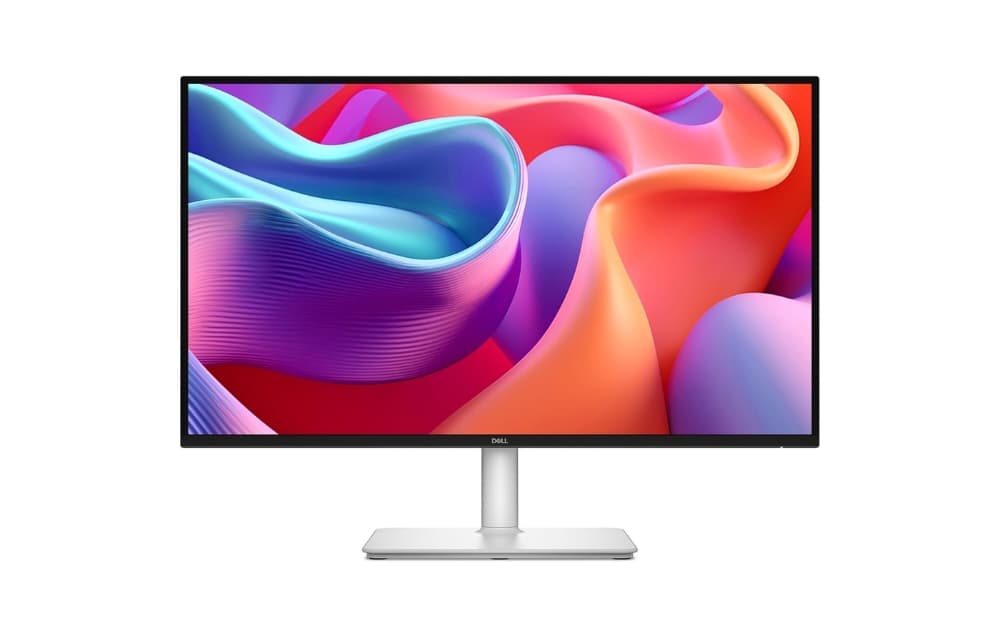
If you want to use your MacBook Neo as a desktop setup, then having an external monitor can significantly enhance your productivity. The MacBook Neo comes with a 13-inch screen, which is enough for most tasks. However, if you are coming from a Windows laptop (which typically has a 15.6-inch screen average) or if you do multitasking like opening multiple browser tabs, then having an external monitor gives you extra space to place all your windows and glance at them all at once.
Fortunately, the Apple MacBook Neo supports external monitors with up to 4K resolution at 60 FPS. You can pair your MacBook with any affordable external monitor as a companion device to enjoy a larger screen.
The best part is that you can choose a display size based on your specific needs, entry-level sizes as low as 24 inches, and Large displays up to 43 inches, and also curved monitors for an enhanced, immersive experience.
Although many MacBook Neo users do not perform video editing or complex technical tasks, having an external monitor is still extremely useful for basic multitasking and browsing.
- ASUS ProArt PA279CRV – Buy from Amazon
- LG 27US500-W – Buy from Amazon
- Dell S2725DC – Buy from Amazon
External SSD to Expand Storage
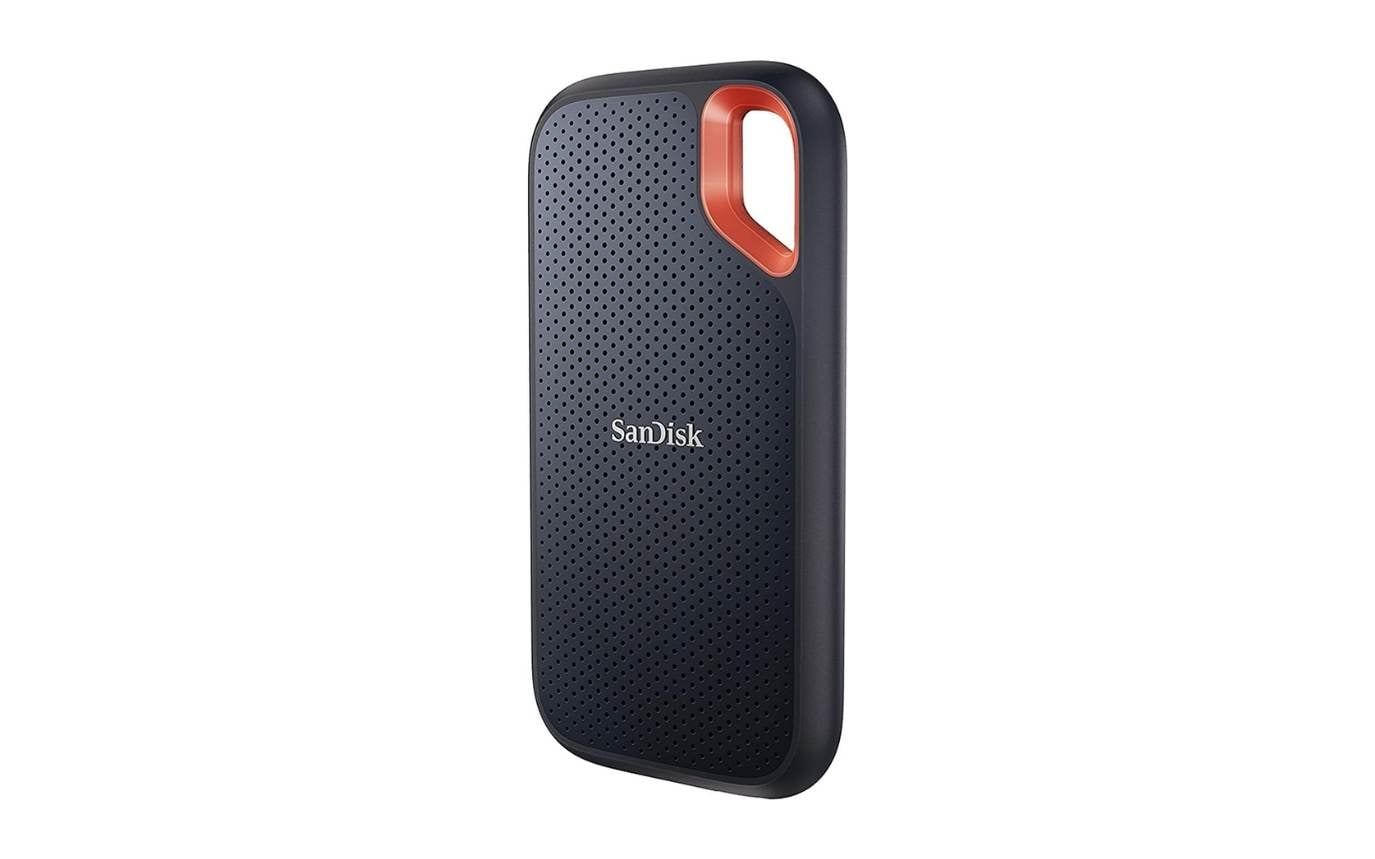
While Apple has bumped the base storage on MacBook Air from 256GB to 512GB, to cut the cost, Apple is still offering 256GB as a base variant for the MacBook Neo.
If you upgrade to 512GB, not only do you get extra storage, but Apple is also offering Touch ID only for the higher variants.
If you are happy to trade off the Touch ID, you don’t need to spend money on the expensive model. Instead, you can save a lot of money and buy faster SSD storage to store all your files.
For instance, if you purchase the base model with 256 GB for $599 and purchase a 1 TB external SSD (which will cost around $80 to $150 depending on the model), it will cost you a total of $700. This gives you a minimum of 1 TB of storage, apart from the convenience you have with the internal storage.
However, if you upgrade to the 512 GB model, you also get Touch ID and an extra 256 GB SSD, which costs $699. If you are okay with the trade-off in convenience to add extra storage, I would highly recommend getting an external 1TB SSD storage.
This is especially useful if you store large files such as videos and photos. However, if you don’t want to carry external devices, then opting for higher internal storage is recommended. If you decided to trade off the storage, here are the top SSD recommendations.
- SanDisk 1TB Extreme Portable SSD (SDSSDE61-1T00-G25) – Buy from Amazon
- Samsung T7 Portable SSD 1TB – Buy from Amazon
- Samsung T7 Shield 1TB (MU-PE1T0S/AM) – Buy from Amazon
I copied a 20GB video folder from my MacBook Neo’s internal storage to the SanDisk Extreme, and the transfer was done in under two minutes. For daily backups and offloading large files, it is one of the most practical upgrades you can make.
Wired Headphones for Better Sound
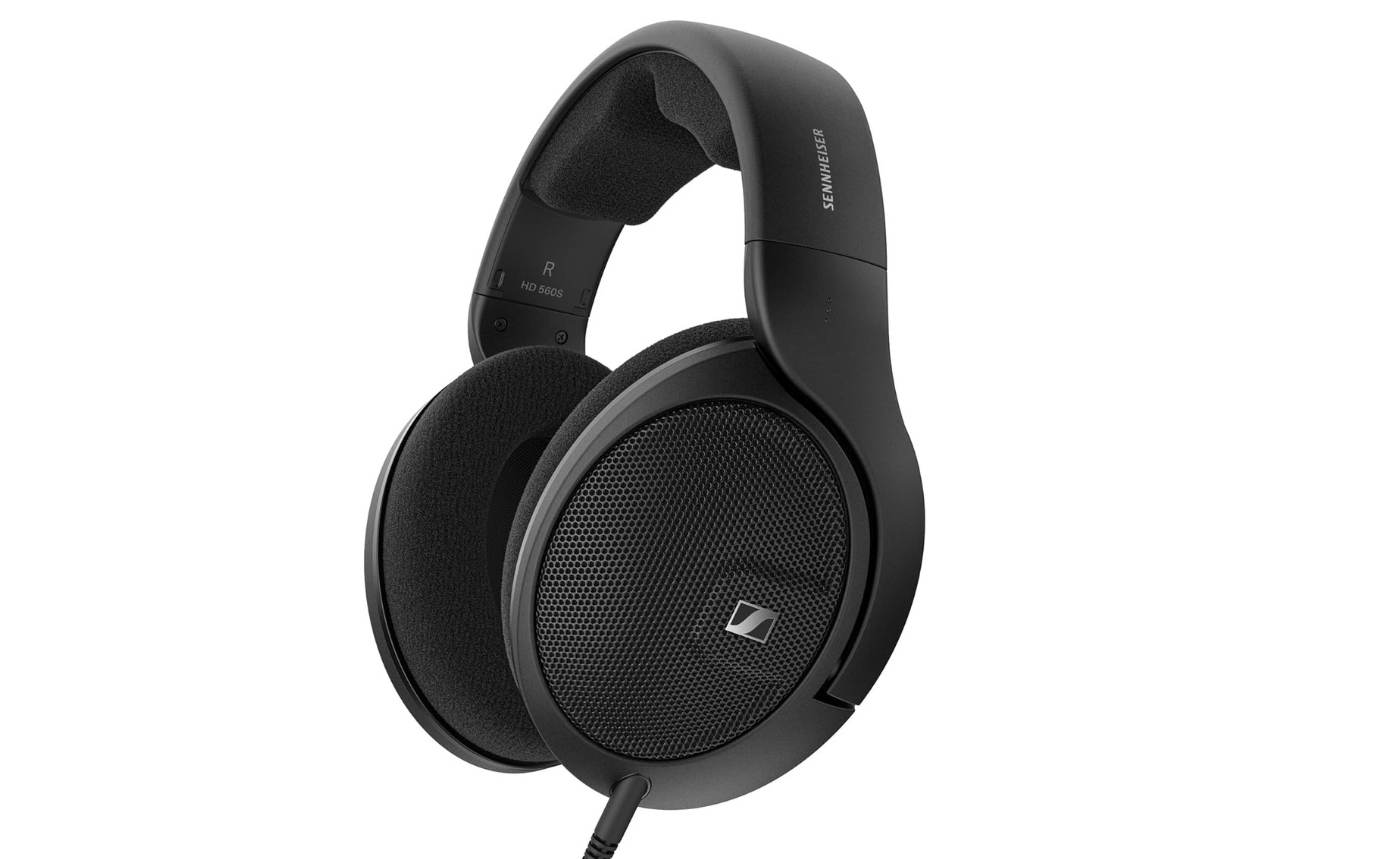
Apple still offers a physical headphone jack on the MacBook Neo, so you can connect any wired headphones directly to the device and listen to your audio.
You can use the budget Wired Headphones or go for the headphones if you are planning to use a MacBook for longer sessions. I highly recommend the Audio-Technica ATH-M40X, which costs around $100, which is great for most users. Its neutral sound signature makes it unique and great for listening to audio for longer hours, especially for online education.
However, the comfort might not be the best. If you are looking for better comfort, you can opt for the ATH-M50X, which offers better cushioning compared to the ATH-M40X. However, if you prefer sound quality and more comfort, the Sony MDR-7506 and Sennheiser HD 560S are also good options to consider.
- Audio-Technica ATH-M40x: Buy from Amazon
- Sony MDR-7506 Professional Large Diaphragm Headphone: Buy from Amazon
- Sennheiser HD 560S Open-Back Over-Ear Wired Headphones: Buy from Amazon
Simple Accessories That Make MacBook Neo Much Better
Those are the best MacBook Neo accessories you can purchase. To summarize, the sleeve case for the MacBook Neo protects your MacBook from scratches, and the USB Hub adds additional ports to your MacBook. The external mouse makes it easy to use and navigate through large screens. An external keyboard with backlit support lets you type comfortably, even in darker situations, but having a monitor light bar not only makes your keyboard keys visible during the night but also reduces eye fatigue.
The laptop stand lifts the laptop display to eye level, making it comfortable to glance without tilting your head down.
If you opted for the base MacBook Neo, you can easily expand the storage using an external SSD. And finally, since the MacBook Neo also comes with wired headphone jack support, you can connect or buy any wired headphones or earphones at an affordable price and enjoy much better sound quality than most of the expensive wireless earphones. Save this guide for your next Amazon shopping session.
FAQ about the Best MacBook Neo Accessories


