

Reading books has countless benefits. From increasing knowledge to improving cognitive skills to providing entertainment, reading books offers a plethora of benefits. But due to the technology-driven lifestyle, it’s hard for everyone to find time to read books.

If you feel that you can’t reap all the benefits of reading books due to lack of time, don’t worry. To solve this problem, many book summary apps have been developed that summarize books for you to save time and give you the most important insights from the book. In this guide, we’ll introduce you to some of the best book summarizer apps and give you a quick and easy guide on how to choose the best one. So let’s get started right away.
Table of Contents
How to Choose the Best Book Summary App

Wide selection of books: The single best thing you should consider before choosing the best book summary app is the collection of book summaries the app has. Look for an app that offers a vast library of book summaries across different genres and categories.
User interface and reading experience: The user interface and reading experience are the other important factors you should consider when choosing the best book summaries app. They both contribute to you having the best reading experience.
Look for platform compatibility: Another important thing you should consider is to look for platform compatibility. Most of the apps listed in this post are available for both Android and iOS.
Customization option: Customizations can come in really handy if you want to personalize your reading experience. Look for options to adjust font sizes, highlights sections, add notes, and more for a better reading experience.
Offline access: Some people prefer reading books offline to avoid distractions. If you are someone who prefers reading offline, consider an app that provides offline access to book summaries.
Social media sharing and community feature: Some apps offer social media sharing and community features to engage in meaningful conversation and exchange ideas. If you are looking for an app to connect and engage with other people, consider the community feature on the app.
Best Book Summary Apps
StoryShots

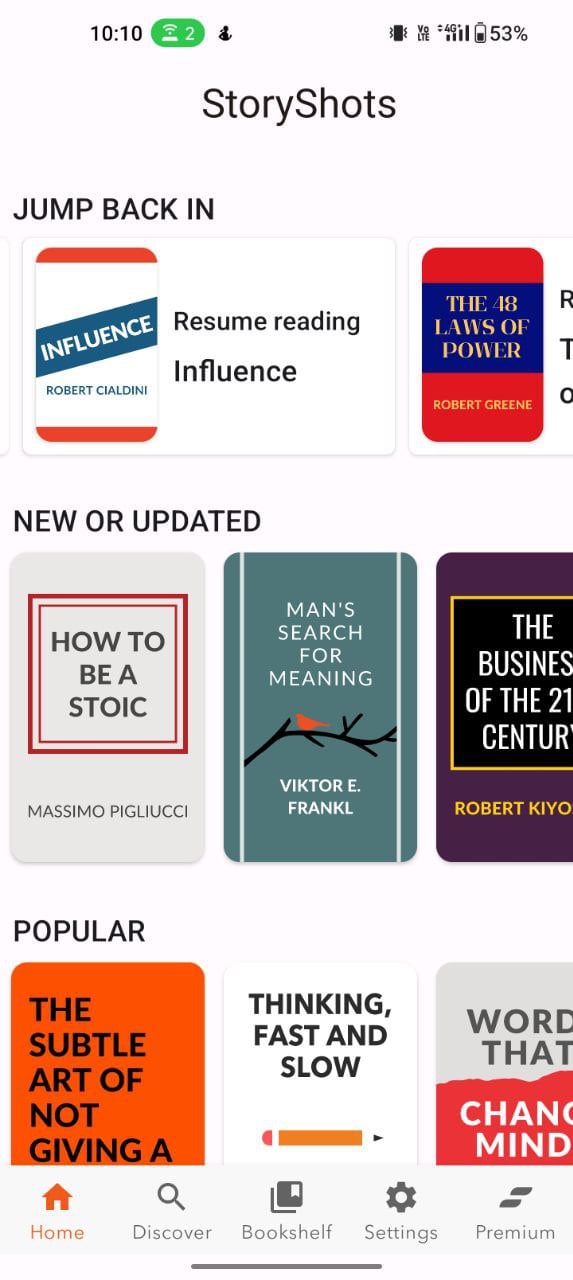
Let’s start with the app that I personally like and use every day: Story Shots. I’ve been using this app since 2020 and it quickly became my go-to app for all the book summaries I want to read. The app keeps getting better over time with new features and UI refreshes.
Right from the book selection, the app offers a wide range of books from different categories such as productivity, personal growth, history and biography, psychology, business, politics, dating and relationships and more.
You can browse the books directly from the home screen or use the bookshelf tab to select books by category and the time you need.
You can read the book summary in three different ways. You can access summaries as text, video and audio. The app also offers infographics and mind map summaries to help you save even more time. The text-based summaries take you directly to the reading page, while the video-based summaries sometimes redirect you to the YouTube videos and the audio summary plays directly in the app.
The text-based summaries are clear, concise and get straight to the point. The summaries are divided into different sections and each section has its own detailed explanation. I personally like this approach as it makes it easy to remember the key points and navigate back to where you left off.
Thanks to the clear and user-friendly interface, you can easily read the book summaries. There are also many customization options, such as increasing the font size, searching for specific texts in the summary, enabling audio output, highlighting and saving the text, options for sharing on social networks and much more.
Initially, the app’s user interface is cluttered, but the app’s developers are constantly improving it and making it easy on the eyes. Nevertheless, there is still room for development.

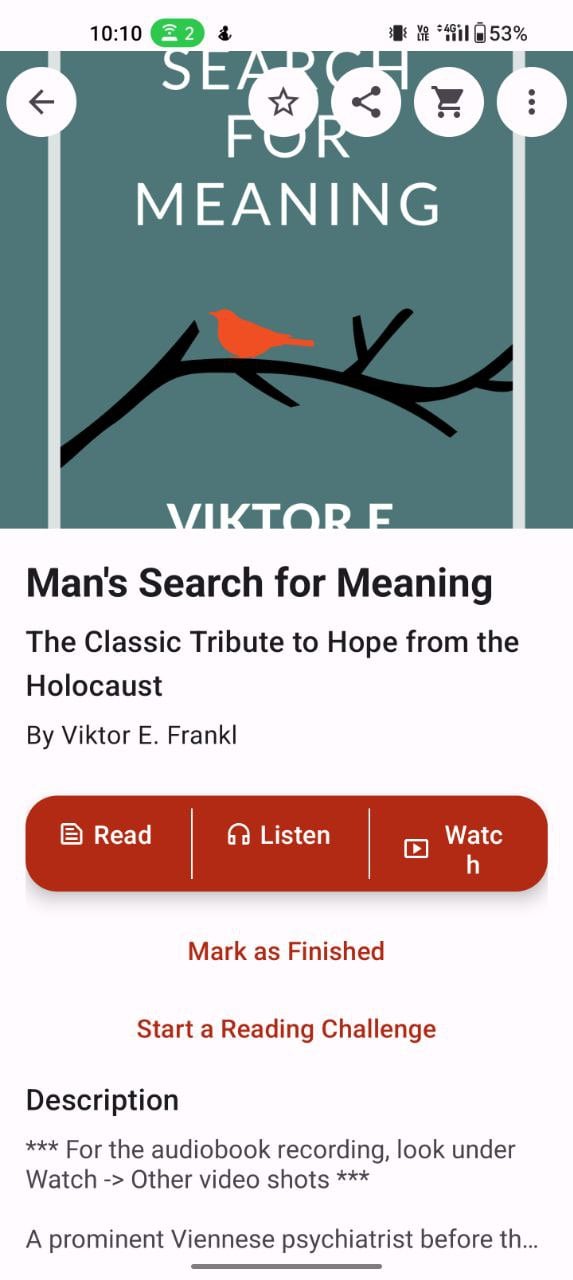

You can also access the app offline by downloading the summary of each book. You can also convert the book into a PDF file and send it to Kindle or email it yourself. If you link the book, you can use the app to buy the physical version of the book by tapping on the shopping cart icon, which will redirect you to Amazon. From there you can order the book directly.
The app can be downloaded for free from both the Google and Apple app stores. The free version of the app contains advertising and only offers limited functions. You can subscribe to the premium version, which is highly recommended and offers access to a large selection of book summaries.
Download Story Shots: Android | iOS
Blinkist
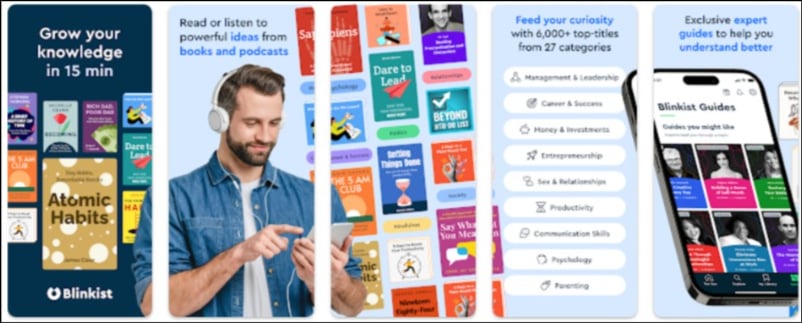
Blinkist is a popular book summary app for people looking for a modern user interface with a wide selection of books and content.
Starting with the user interface, the app features modern design elements throughout. It has eye-catching elements and smooth UI transitions. I found it really delightful while using the app. But there are also a few elements that the app should improve to enhance the user experience.
First, it’s difficult to find the book, and second, the font in the book summary is a pain in my eyes. Other than that, the user interface of the app is clean and uncluttered.
Next, we have a wide selection of content. The app consists of text-based summaries, shortcuts, video summaries, audiobooks and video sources from Tedx and other sources. It consists of more than 4500 books summarizing different categories such as psychology, personal development, management and leadership, philosophy, productivity and more.
You can get personalized book recommendations on the home screen and browse books by different categories. Blinkist divides the book summary into “blinks’ where you can find the most important insights in different sections.
As you read the book summary, you can adjust the font size, highlight key insights, convert text to audio, and more. There is also an audiobook summary that you can access directly by clicking on the play binks in the summary selector.


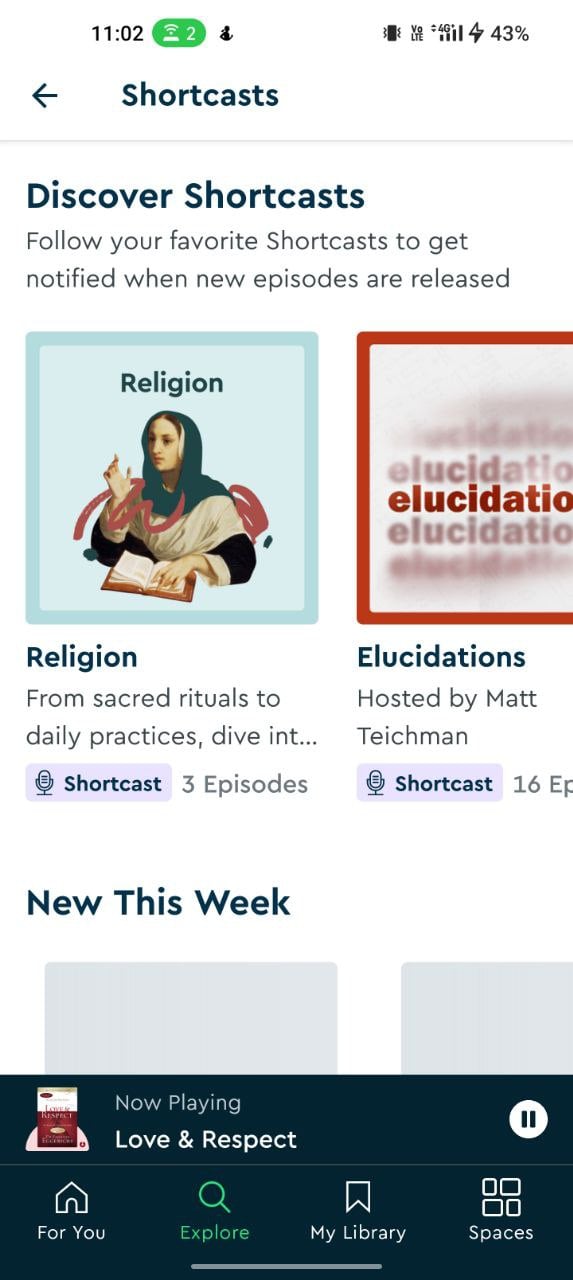

The app also keeps track of your progress within the app, showing your reading history, the progress of the books you’re currently reading, and more. You can also bookmark and add books to collect and download them for offline reading.
The app also has its own section with videos and short films. The videos come from external sources such as Tedx, youtube and others, which you can play directly in the app. And shortcuts show the most important insights from the podcasts.
The app can be downloaded for free from Google and the app stores and is best suited for people looking for a wide selection of books and content. It is available in a free and a paid version. The free version of the app is not limited to a few features and books.
Download Blinkist app: Android | iOS
Headway
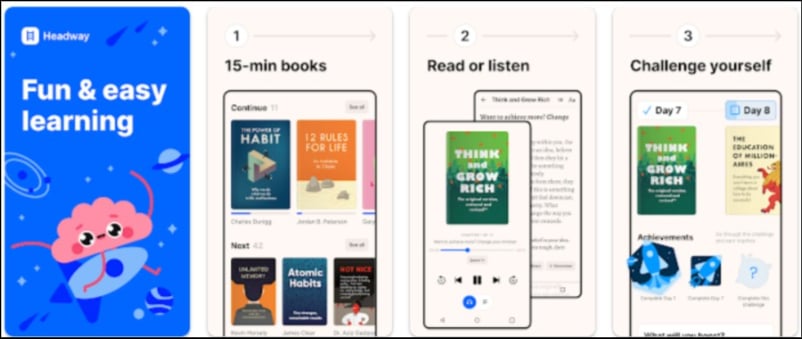
Headway is another popular and best option for people looking for a book summary app with a wide selection of books. The app mainly divides the books into categories such as “Winning at Work”, “Have More Money”, “Be More Productive” and more.
The user interface is one of the main highlights of the app. It has a modern design with fluid animations throughout the app. The content is divided into different sections, making it easier to navigate, find books and track progress. The app also offers personalization where it recommends books based on the user’s reading habits.
You can read or listen to the summary of the books. The app displays the synopsis and key points before you read the summary of the book. Similar to other book summary apps, the app divides the summaries into different sections and each section has its own key insights.
Furthermore, the book summaries also include additional highlights that you can bookmark or share directly to other social networks such as Facebook, X (Twitter) and others.

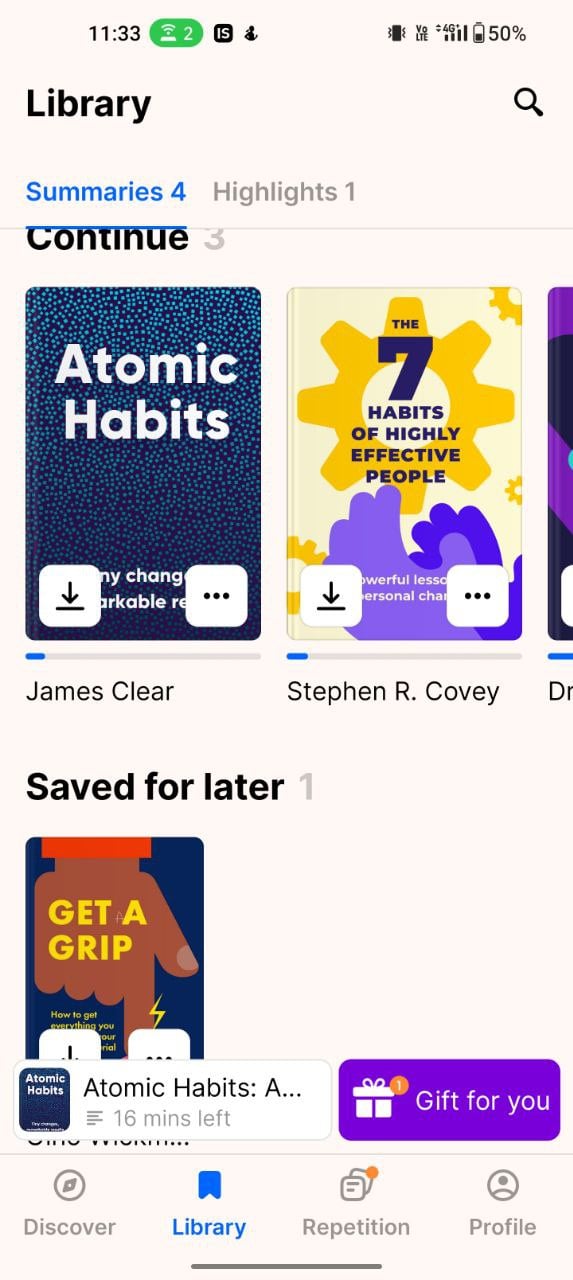
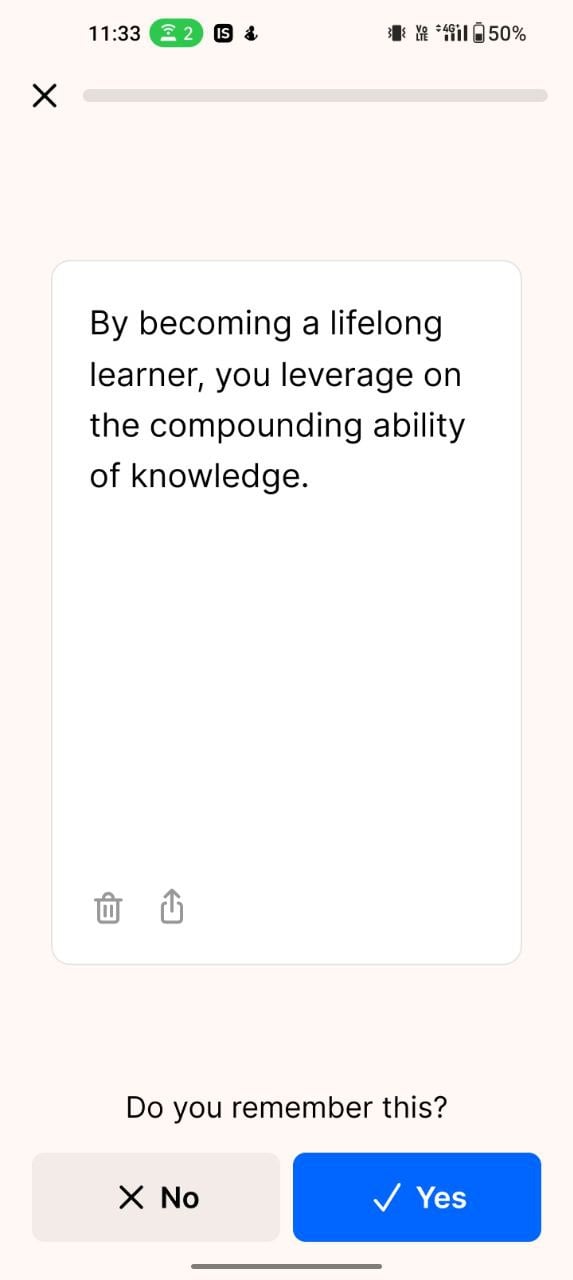
The reading experience is also really good. You can change the font size, adjust the color of the background and convert the text to audio and listen to it in real time. You can also highlight the text and translate it with Google Translate.
The app is available to download free of charge from the Google and Apple app stores. It is available in a free and a premium version. The premium version of the app gives you access to additional content and functions in the app.
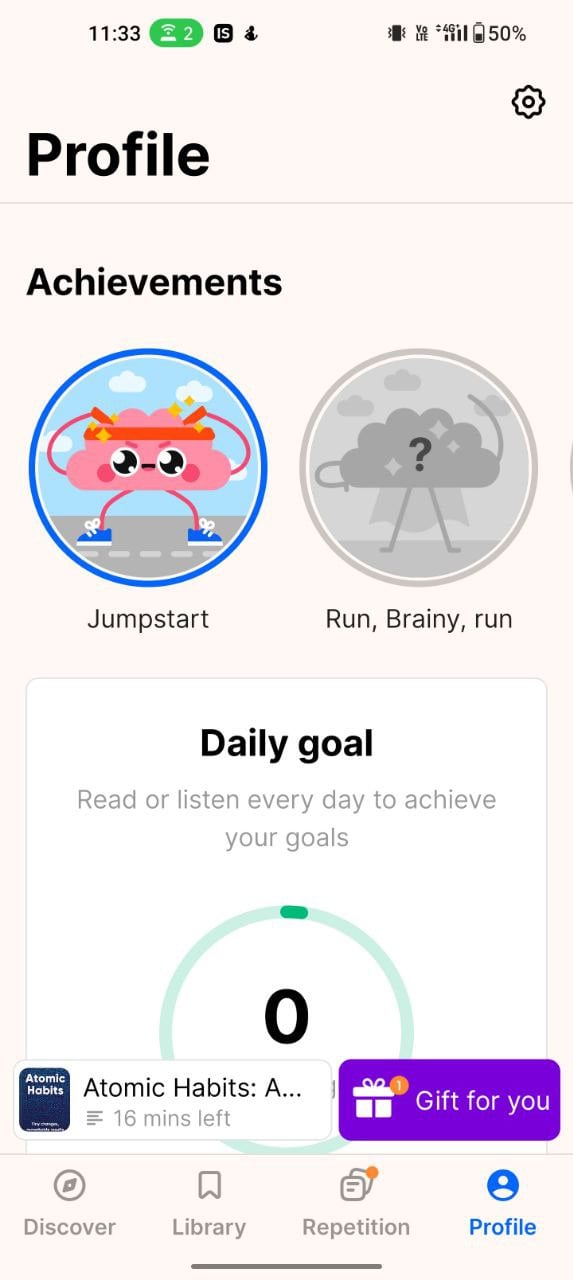
All in all, Headway is the best choice for anyone looking for a modern book summary app with the best user experience and a wide range of content. With the challenge feature, users can challenge themselves, set goals and motivate themselves to read more books.
Download Headway app: Android | iOS
12min

12min is another popular book summary app if you want to set up a regular routine for reading book summaries. The app consists of a large selection of books with weekly challenges that encourage users to read a certain number of books per week. The app also rates users on the number of books read per week.
In terms of design, the app offers a clean and minimal user interface. It could have been better, considering the user experience of other book summary apps, but it’s manageable. You’ll find five different sections, starting with the Discover Feed, where you can find books from personal recommendations and categories.
The second section is the Library section, where the current books you’re reading are displayed with their progress. The other section is dedicated to audio content, where the audio content of the different books is displayed.
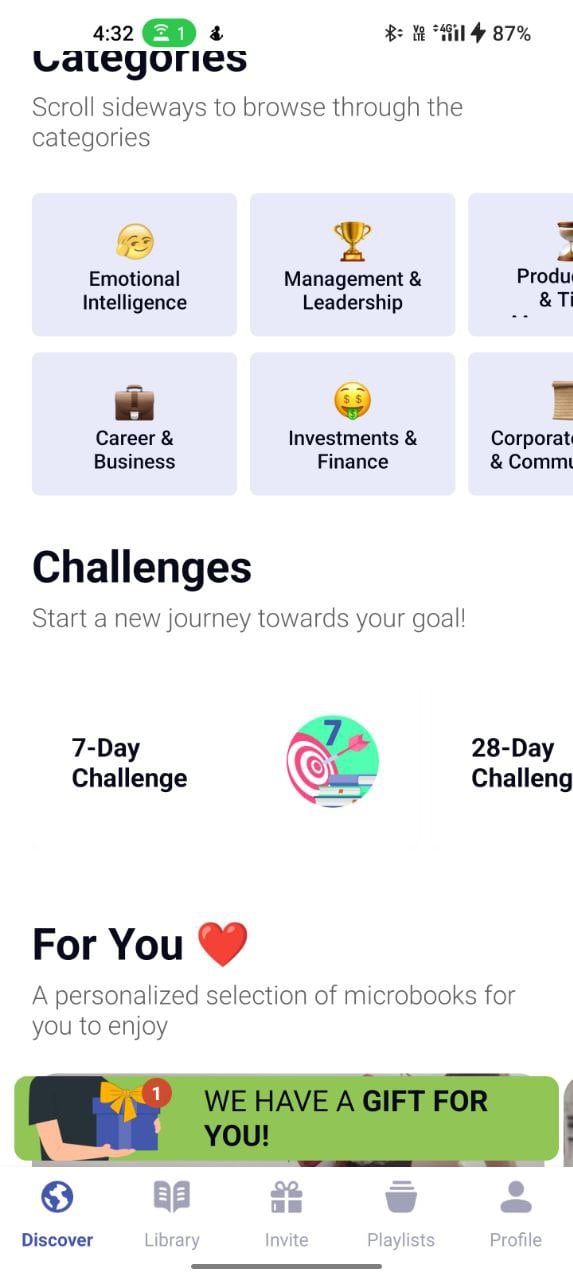
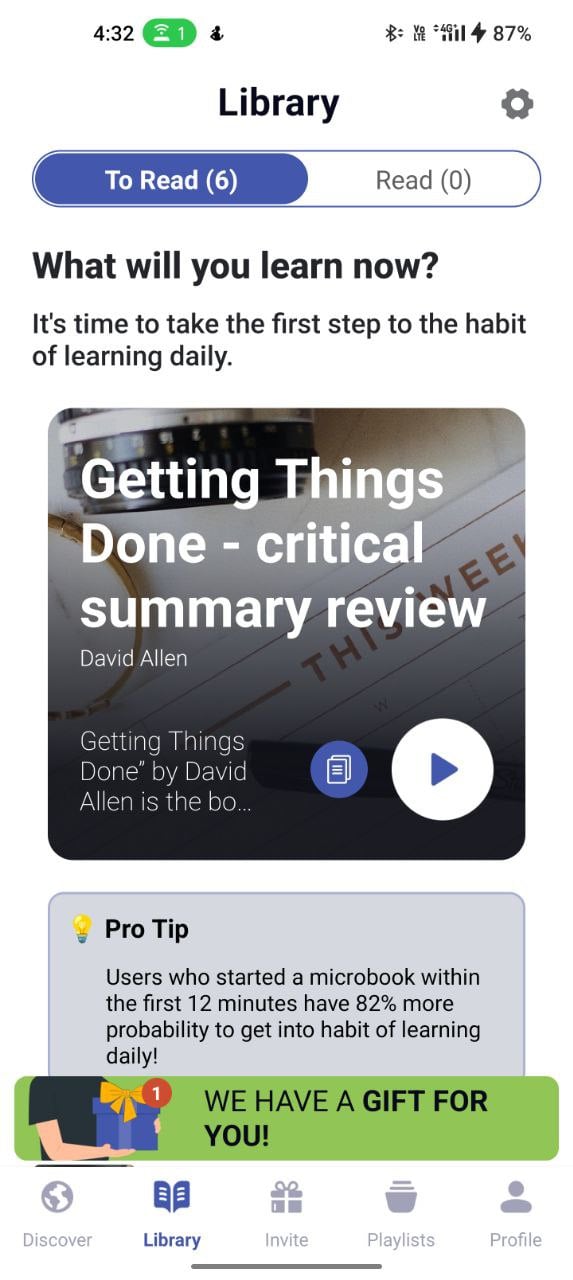
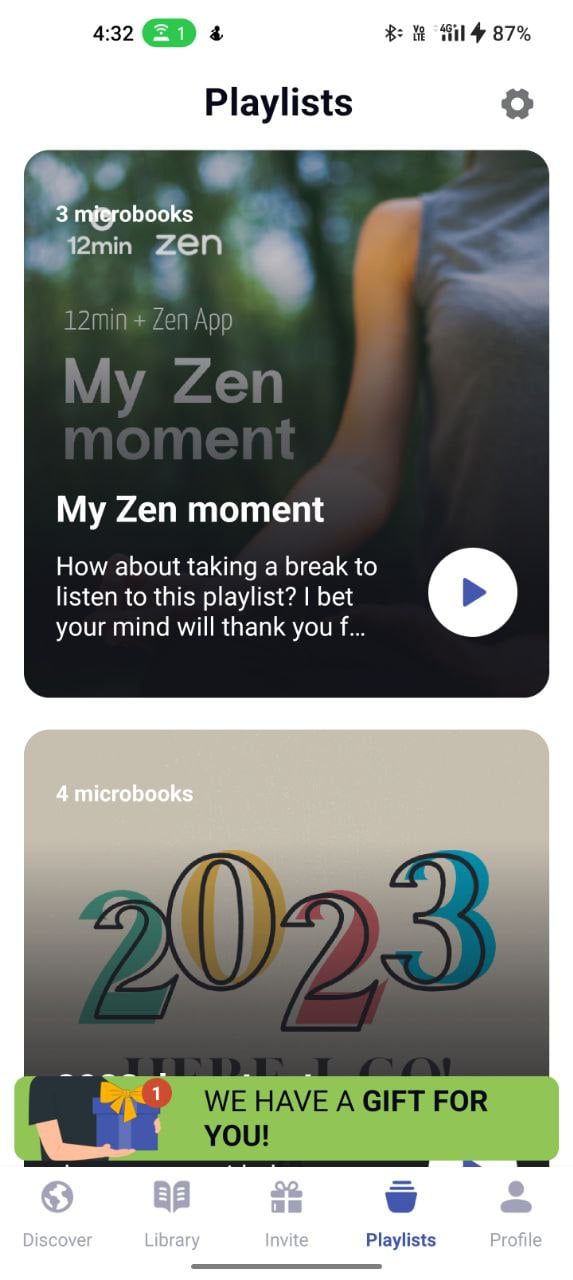
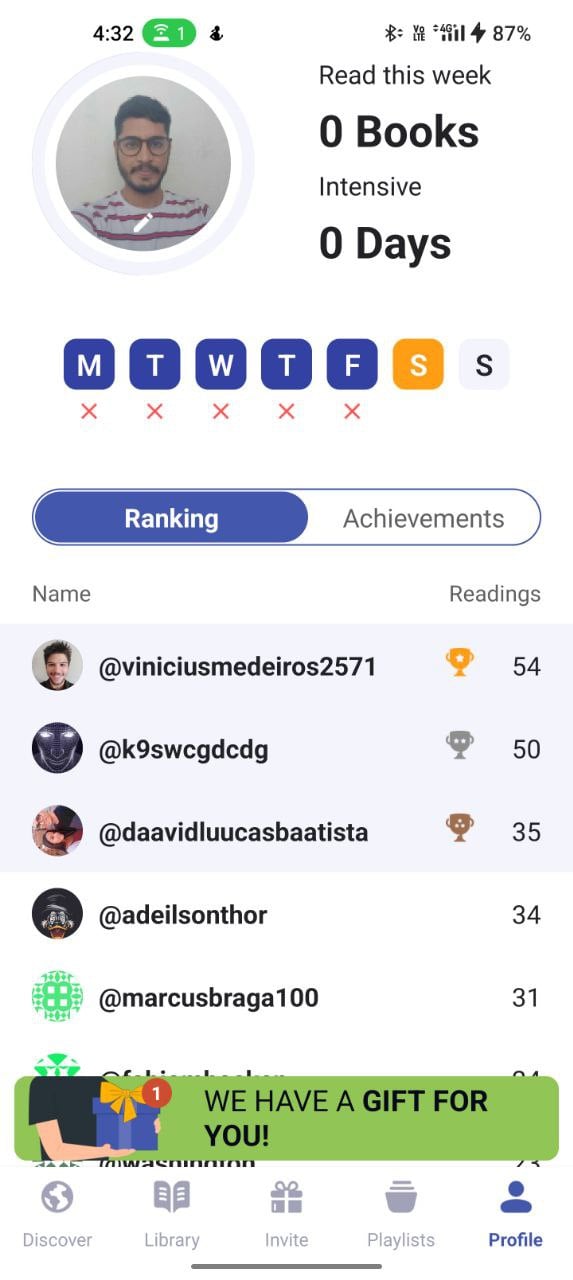
The reading experience is simple and easy, although the app encourages you to listen to the audio content. The app provides concise summaries with different sections. On the reading tab, you can adjust the font size, convert text to audio, download the book for offline use and much more.
Overall, 12min is the best option for people who are looking for a large collection of books and also want to set weekly goals and participate in the challenges. The user experience is a bit cluttered compared to other apps.
The app can be downloaded for free from the Google and Apple app stores. The app offers both paid and free versions. The paid version offers additional features and wider access to books.
Download 12min app: Android | iOS
Related Read: AI Summaries Make Artifact the Best News App Around
getAbstract
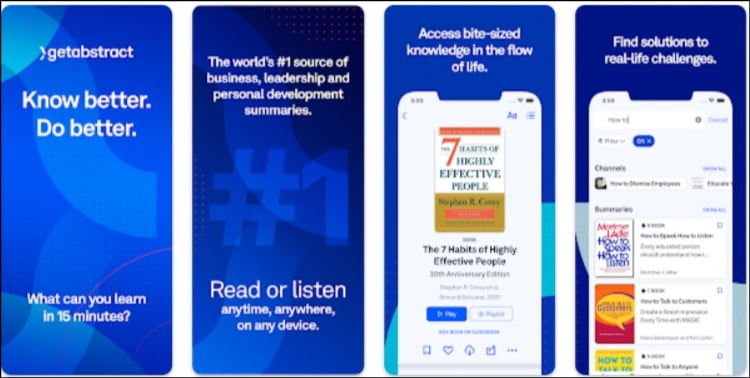
getAbstract is another popular book summary app if you’re looking for personalized recommendations for your book summaries. The initial signup of the app requires a lot of input from the user. There is no free trial for the app. You can try the app for free for 3 days by selecting the free 3-day trial when setting up the app.
The user interface is clear and simple. Based on your interests, the app recommends books on the home screen under the “Recommendations” tab. The app also lists popular content, editorial recommendations and more. You can tap directly on any book on the home screen or on the “Explore” tab and start reading the book’s summary immediately.
Similar to other book summary apps, the summary is divided into different parts. You can adjust the font size and background color. The default font size and font used are pretty good and I have no problems reading it.


You can bookmark the summary, like it and add it to the library. You can also highlight important text in the summary. To do this, long press on the text, highlight it and click on the highlight option to emphasize the text.
Overall, getAbstract is the best app for anyone looking for a book summary app with the latest book summaries and personalized recommendations. The app can be downloaded for free from the Google and App stores.
There is no free version of the app. You can try the app for free for 3 days without entering your credit card details and after that you will need to subscribe to get access to the book summaries.
Download the getAbstract app: Android | iOS
Youtube

Wait, if you’re wondering why YouTube is on this list, I have a lot of reasons for you. But first: if you’re someone who likes to consume book summaries in the form of videos, YouTube is the best choice for you.
Nowadays, YouTube is already available as a standard app on most smartphones. Most people use YouTube as their main source for consuming videos. YouTube offers a wide variety of content, from educational content to cooking videos, and there are also dedicated channels that publish book summaries.
One of the main advantages of the YouTube app as an app for book summaries is the variety of content creators that can be found there. It offers viewers a variety of perspectives and writing styles and allows content to be consumed in a variety of languages.
Another great advantage of the YouTube summary app is that most summary apps are usually text-based, but YouTube videos allow viewers to get book summaries in a visual way, helping content creators to incorporate images, graphics and even author interviews to enhance viewers’ understanding and experience.


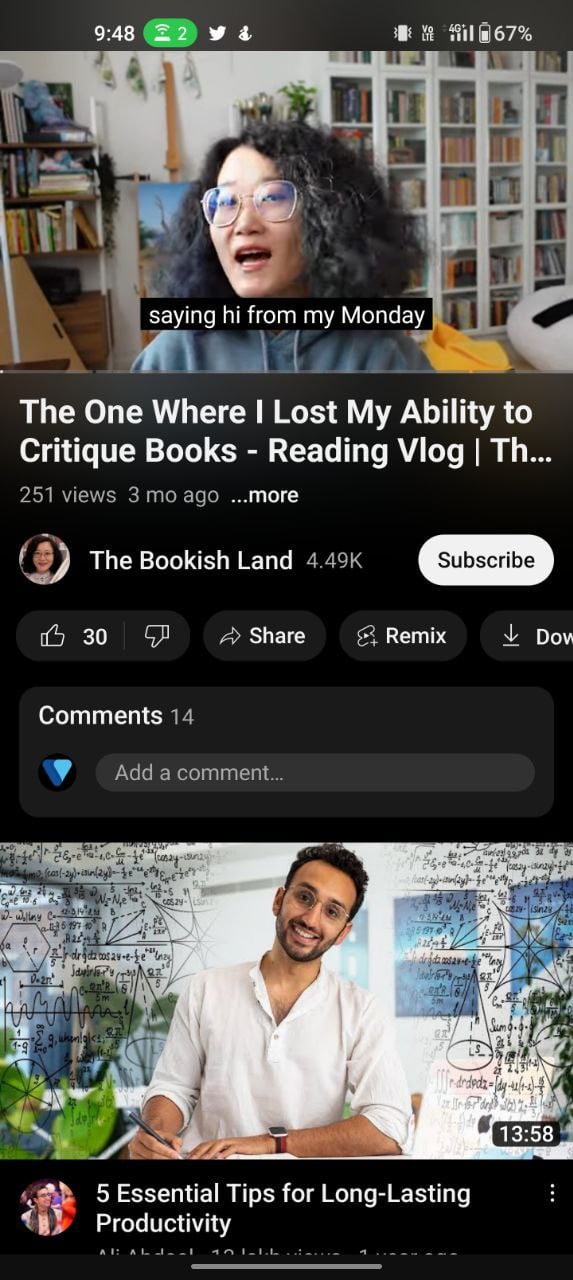
I personally follow and watch Productivity Game‘s YouTube channel and consume most of the popular book summaries there. There are also other channels like ReadersbookClub, Upgraded Mentality, FightMediocrity, yebook, The Bookish Land, and more,
You can also access various content from the book summaries app for free. Youtube is available on most Android devices and iPhones by default. If you don’t have one, you can also download the app for free from the Apple and Google Play Store.
Shortform
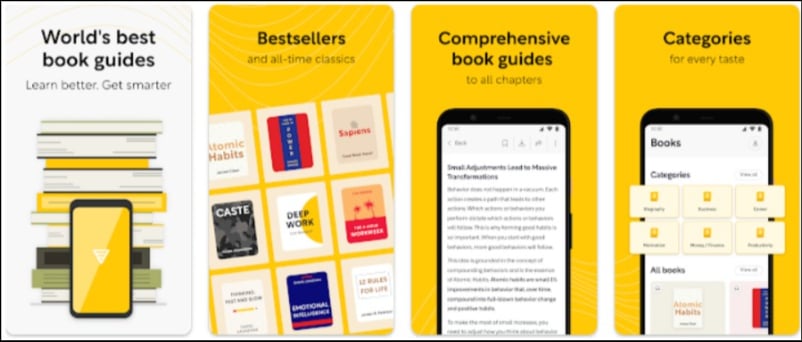
The Shortform is a simple and minimal book summary with many customization options. If you’re someone who wants to enhance the personalized reading experience, Short Form is the best app for you.
As for the design and experience, the app offers simple and easy to navigate elements. The app has a modern feel and look. The biggest highlight of the app is the ability to customize the text of the book summary.
You can customize the font size, background color, and even the font style, which is the biggest plus for me after spending hours using the default fonts from other book summary apps.
The app consists of a decent catalog of books. Most of the books in the app are behind a paywall. If you want to use the free version of the app, you can access the free books.


You can find and browse books using the “Discover” tabs and also filter by book category. The app also provides summaries of popular articles from a variety of sources such as CNBC, Fox, Duke, Forbes, Google and others.
The book summaries are divided into sections. The app also offers a 1-page summary where you can find the most important highlights on a single page. You can download the book as a PDF to access offline and also get an audio version of the book.
Overall, Shortform is the best app if you want more customization options and also access to the latest book summary app. Most of the book summaries are kept in the background. The app can be downloaded for free from the Google and app stores.
Download Shortform Book Summary app: Android | iOS
Book Summaries
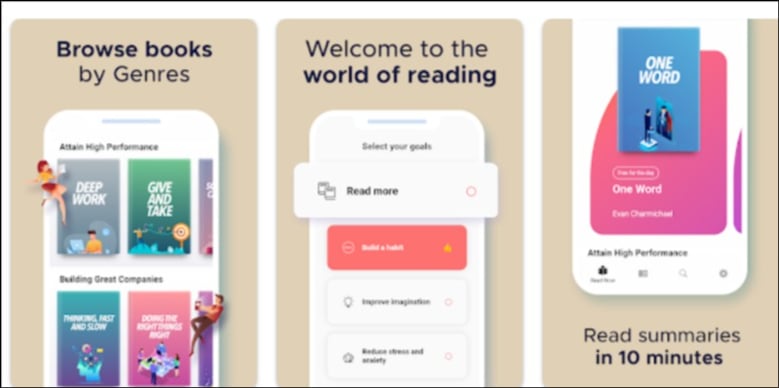
If you are looking for a simple and minimal book summary with a limited selection of books, the Book Summaries and Key Insights app is the best option for you. The app offers a simple and clear interface with a limited selection of books. You can tap on any book and have immediate access to the book summary.
Even though the app has a limited selection, most of the books are only available to Premium subscribers. As a daily reward, you can get a book for free. Due to its minimalist interface, the app also doesn’t offer text customization options.


In addition to the books, the app also offers a community feature where it lists the popularity of the books, as well as recipes and other communities you can participate in. The app is only available as a free download for Android.
Download Book Summary app: Android
AI book summary app
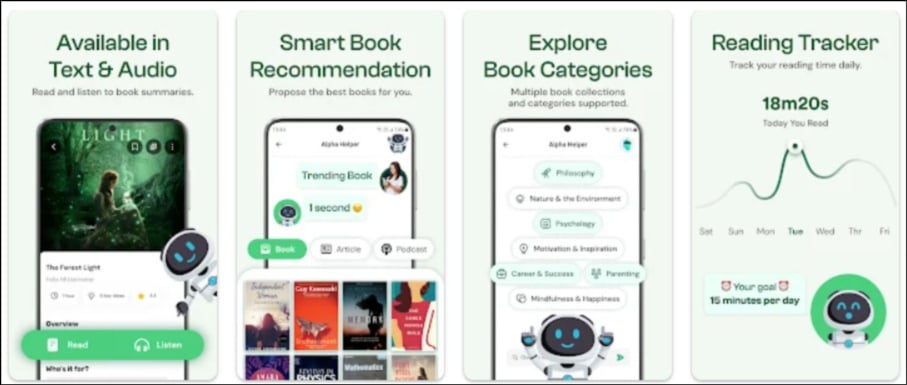
Next up, we have an AI book summary app from the developers of Metaverse app. AI is everywhere in 2024, it’s getting closer to humans and is now easily accessible. AI can do many more things easily and some even better than humans. One of the most important areas where it can show its true potential is in creating summaries of texts, which will only get better over time.
With this in mind, the developers at Metaverse Labs have created a book summary AI app that allows them to summarize the most popular books. According to the company’s developer note, the app already contains AI summaries of more than 1000 books.


The quality of the book summaries is good and will improve over time. AI is also used in other areas, such as search, where you can enter the name of the book and the app will scan books for you and display relevant books that you could also take.
The user interface is simple and clear, but it needs to be better. I occasionally struggled with sluggish performance and lags when using the app. Another thing I really hate is that most of the content on this app is behind a paywall, which is generally unacceptable since most of the content is generated by AI.
All in all, if you like reading an app with book summaries and lots of catalog books, the AI book summary app is the best choice for you. The AI-generated content is really good and gets better over time.
Download the AI Book Summary app: Android
Bookey
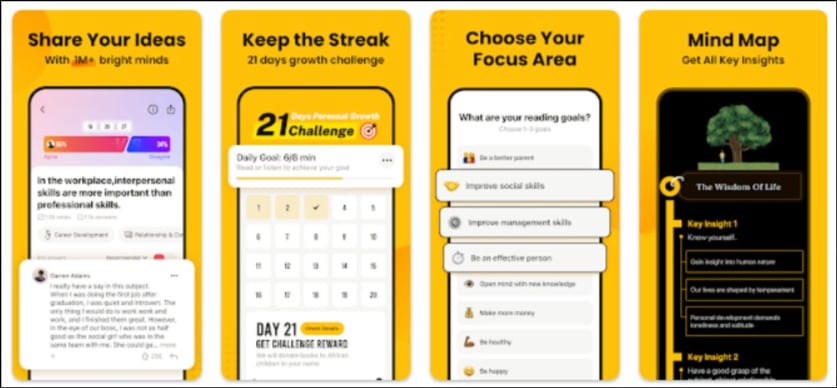
Bookey is the best app for anyone who wants to develop in certain areas of their life. The app consists of special learning paths such as business, culture, art and more, for which the app recommends specific books and tracks your progress.
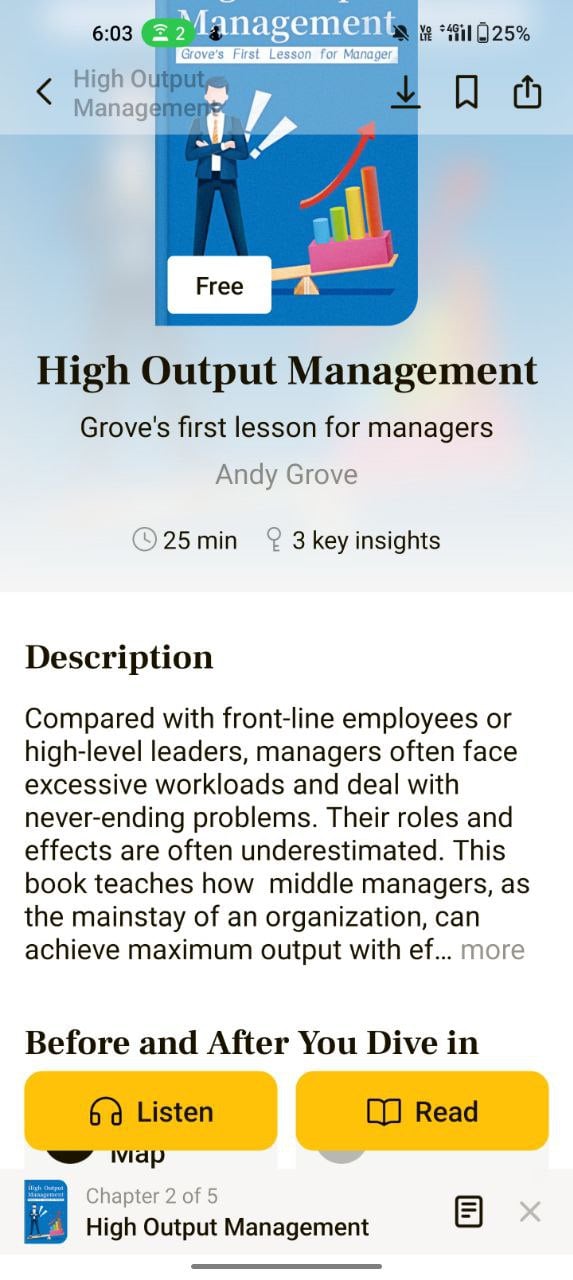
The app also has a good catalog of books where you can get an instant summary of any book. The book summary is divided into chapters and each chapter has a specific message that you can share with others. You can change the font size, font type and background color to get a better reading experience.



The app also offers threads where you can participate in various conversations in the community.
The app is available in both a free and a paid version. The free version only contains a limited catalog of books. If you subscribe to the premium version, you get access to an extensive collection. Overall, Bookey is the best app if you’re looking for the best book summary app with a learning path and a decent community to engage in an interesting community.
Download the Bookey app: Android | iOS
Any Book Summary

Any Book Summary is one of the few apps that gets straight to the point without you having to go through multiple steps to get to the content. Having used dozens of book summary apps before, the simple and straightforward approach of this app really impressed me, and I can say that this is one of the biggest highlights of the app.
The app is simple and easy to use. When you install and open the app, you are taken directly to the home screen of the app where various books are listed. You can tap on any book and immediately start reading the summary. You can filter the books by individual categories and genres, such as business, self-awareness, personal development and more.

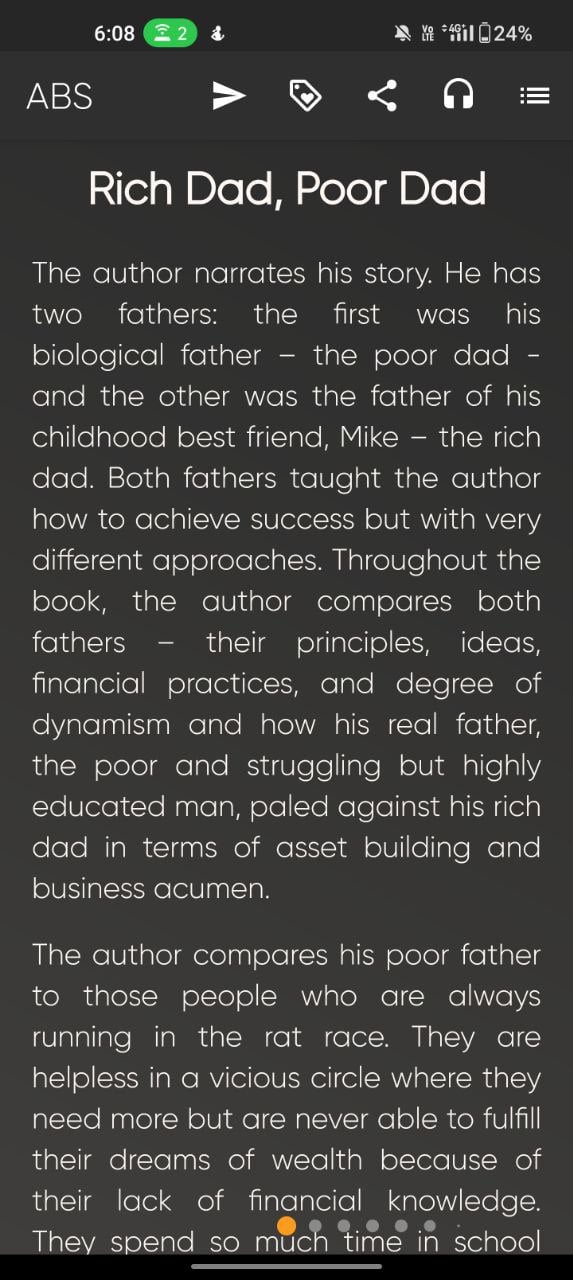


The customization options are also very limited. There is no way to adjust the font size and color of the reading screen, which may annoy some people (myself included). The summaries are divided into chapters and you can swipe left and right to switch between different categories.
All in all, Any Book Summary is the best option if you’re looking for an app with a simple and straightforward approach and a good collection of books. The app is free to download and you can access the catalog of books with the free version. There is also a premium version where you have access to a natural human voice while you listen to the books.
Download Any Book Summary: Android
Full Comparison of Best Book Summary Apps
App name | Wide Book Selection | Personalized Recommendations | Offline Access | Highlight and Note Taking | Read-Aloud Function | Progress Tracking | Community Discussion | Multi-Language Support | Video Summaries | Platform Support | Free/Piad |
|---|---|---|---|---|---|---|---|---|---|---|---|
Story Shots | Yes | No | Yes | Yes | Yes | Yes but limited | No | Yes | Yes | Android and iOS | Free and Paid |
Blinkist | Yes | Yes | Yes | Yes | Yes | Yes | Yes | No | No | Android and iOS | Free and Paid |
Headway | Yes | Yes | Yes | Yes | Yes | Yes | No | No | No | Android and iOS | Free and Paid |
12min Read | Yes | Yes | Yes | Yes | Yes | Yes | No | No | Yes | Android and iOS | Free and Paid |
getAbstract | Yes | Yes | Yes | Yes | Yes | Yes | No | No | No | Android and iOS | Free and Paid |
Youtube | Wide collection of videos | Yes | You can download videos for offline access | No | Yes | No | Yes, users can post comments on the individual videos | Yes | Yes | Android and iOS | Free |
Shortform | Yes | Yes | Yes | Yes | Yes | Yes | No | No | No | Android and iOS | Free and Paid |
Book Summaries | Limited collection | Yes | No | No | No | No | No | No | No | Android | Free and Paid |
Book Summary by AI | Yes | Yes | Yes | Yes | Yes | Yes | No | No | No | Android and iOS | Free and Paid |
Bookey | Yes | Yes | Yes | Yes | Yes | Yes | Yes | No | No | Android and iOS | Free and Paid |
Any book | Yes | Yes | Yes | Yes | No | No | No | No | No | Android | Mostly Free |
FAQs on the Best Book Summary App
1. Are book summary apps reliable sources for understanding a book?
Book summary apps can be helpful when it comes to conveying the key insights and ideas of a book. However, it’s important to note that they don’t always capture the full depth and meaning of the book. If you want to understand the author’s full perspective, we recommend reading the whole book. As we mentioned in the article, the Book Summary app can be a great tool if you don’t have time and want to capture the key insights of the book.
2. Are book summary apps free, or do they require a subscription?
Most book summary apps require a subscription. However, some apps offer free access to a limited number of books. This depends entirely on the app.
3. Can I customize the reading experience on book summary apps, such as changing font sizes or themes?
Yes, most apps offer the option to change the font size and theme to improve the reading experience and give the user more control. You can access the customization options from the reading section of the book summary.

