

Quick Answer
Ditch default Google apps for cleaner, privacy-first alternatives: use Proton Mail instead of Gmail, Mega over Drive, Samsung Internet instead of Chrome, Here WeGo or Mappls for Maps, and Fossify Gallery in place of Photos. These Google apps alternatives reduce clutter, avoid ads, and give you better control over your data.
Most of us, when we buy a new Android phone, the first thing we do is sign in with a Google account and immediately start using the preinstalled Google apps. It is a natural, and you don’t even think about uninstalling or disabling them and using better alternatives. For emails, you use Gmail, for navigation, you stick to Google Maps, and for surfing the web, you use Google Chrome. For years, this has been our pattern of using Android phones, and we have relied entirely on Google’s default ecosystem.
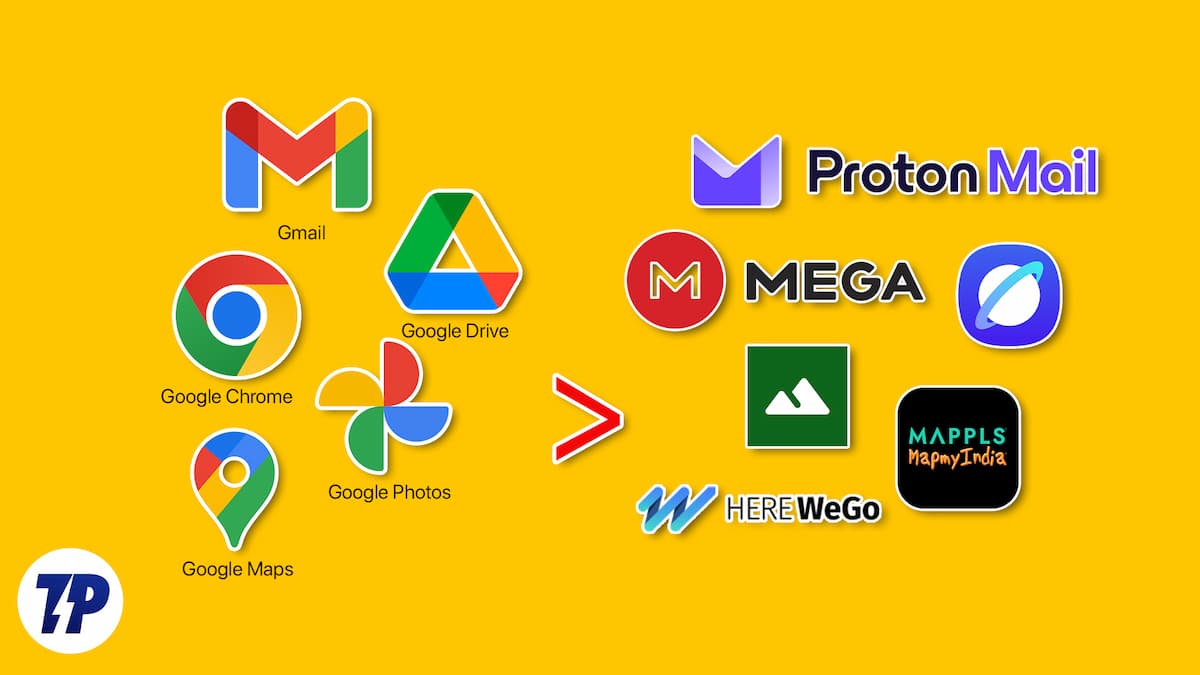
But Google is notorious for tracking your data through its apps. Research suggests that Google collects over 39 categories of personal data across its services, more than almost any other company out there. Moreover, these default apps have become bloated over time, packed with features you never even use, sponsored recommendations, ads, and nudges to upgrade to a subscription plan. The good news is that finding the right Google apps alternatives for Android is easier than you think, and in this guide, we have listed the best ones available right now.
Table of Contents
Why Switch from Google Apps?
Let me give you a few concrete reasons, because this is not just about being overly privacy-conscious.
Google apps come pre-installed on your Android phone and are deeply integrated into the operating system, which makes it feel like you have no choice. But you have always had the freedom to replace these default apps with third-party alternatives that do a better job in a less invasive way. Here is what you are actually signing up for when you rely entirely on Google apps:
- Data collection at scale: Google’s own privacy nutrition labels confirm that Gmail, Google Drive, Google Maps, and Google Photos each collect data, including your location, browsing history, search history, and contacts for ad targeting and product personalization. This is not a conspiracy theory. It is stated plainly in the Play Store itself.
- Constant subscription pressure: Gmail’s 15GB limit is shared with Drive and Google Photos. The moment you cross it, Google starts nudging you towards a Google One subscription. These privacy-focused alternatives give you more breathing room without charging you for it.
- Feature creep and clutter: Apps like Google Maps and Google Photos have evolved from simple, useful utilities into bloated platforms stuffed with AI features, sponsored pins, and pop-ups every time you open them. You did not ask for any of that.
5 Best Google Apps Alternatives
Google App | Best Alternative | Free Storage / Cost | Privacy Level | Offline Support | Open Source |
|---|---|---|---|---|---|
Gmail | Proton Mail | Free (1 GB mail storage) | End-to-end encrypted | No | No |
Google Drive | Mega | 20 GB free | Zero-knowledge encryption | Partial | No |
Google Chrome | Samsung Internet | N/A | Built-in tracking protection | No | No |
Google Maps | Here WeGo / Mappls | Free | No ad-based data harvesting | Yes, full offline maps | No |
Google Photos | Fossify Gallery | Local storage only | Fully offline, zero tracking | Yes | Yes (FOSS |
Ditch Gmail for Proton Mail
Best for: Anyone who wants a clean, ad-free inbox with end-to-end encryption and no personal data required at sign-up.
For most people, email simply means Gmail. I used to have a Yahoo Mail ID and even AOL, but ever since I switched to Android, a Gmail address is what I’ve been using as my primary email, just like over 1.8 billion people across the world. While it is certainly fast, rich, and easily recognizable, it has become incredibly cluttered. There are several extra tabs, promotional categories, and even ads on the Android app that make it bloated. This is the reason why I’ve recently switched over to Proton Mail.

Switching to Proton Mail gave me a way to step out of the noisy and cluttered room that Gmail was. Proton Mail appears to be a quiet, clean, and peaceful office, where things happen similarly to how they work on Gmail. It has a minimal interface, no unnecessary tabs, no aggressive ads disguised as emails that you would probably tap and open by accident, and no confusing clutter.
On top of this, another important reason that makes Proton Mail a better alternative to Gmail is privacy. Gmail scans your inbox to personalize ads across Google’s ad network, a practice that Proton Mail explicitly does not follow. You can easily create a @proton.me or @protonmail.com email address without giving your phone number or any personal information, which is the way it should have been. Gmail asks you so many questions as if it were providing you with a passport.
You can also add your Gmail account to this privacy-focused app using the “Easy Switch” option. Speaking of privacy, Proton Mail is end-to-end encrypted, meaning only you can read your messages and no one else. You also have the option to send password-protected emails to anyone. This free and ad-free option is the best Gmail alternative.
Swap Google Drive for Mega
Best for: Users who need generous free cloud storage with zero-knowledge encryption and no pressure to link it with other Google services.
Google Drive is the cloud storage service from Google. This becomes more convenient if you regularly use Google Docs or Google Sheets. But for many of us, it simply acts as a dumping ground for files, photos, and backups. However, the free version gives you only 15GB of storage, and this is shared between Gmail, Google Photos, and other apps. Before you know it, the storage limit hits, and you are pushed constantly to purchase a Google One subscription. The good news is that you do not have to pay anything just to store your stuff.
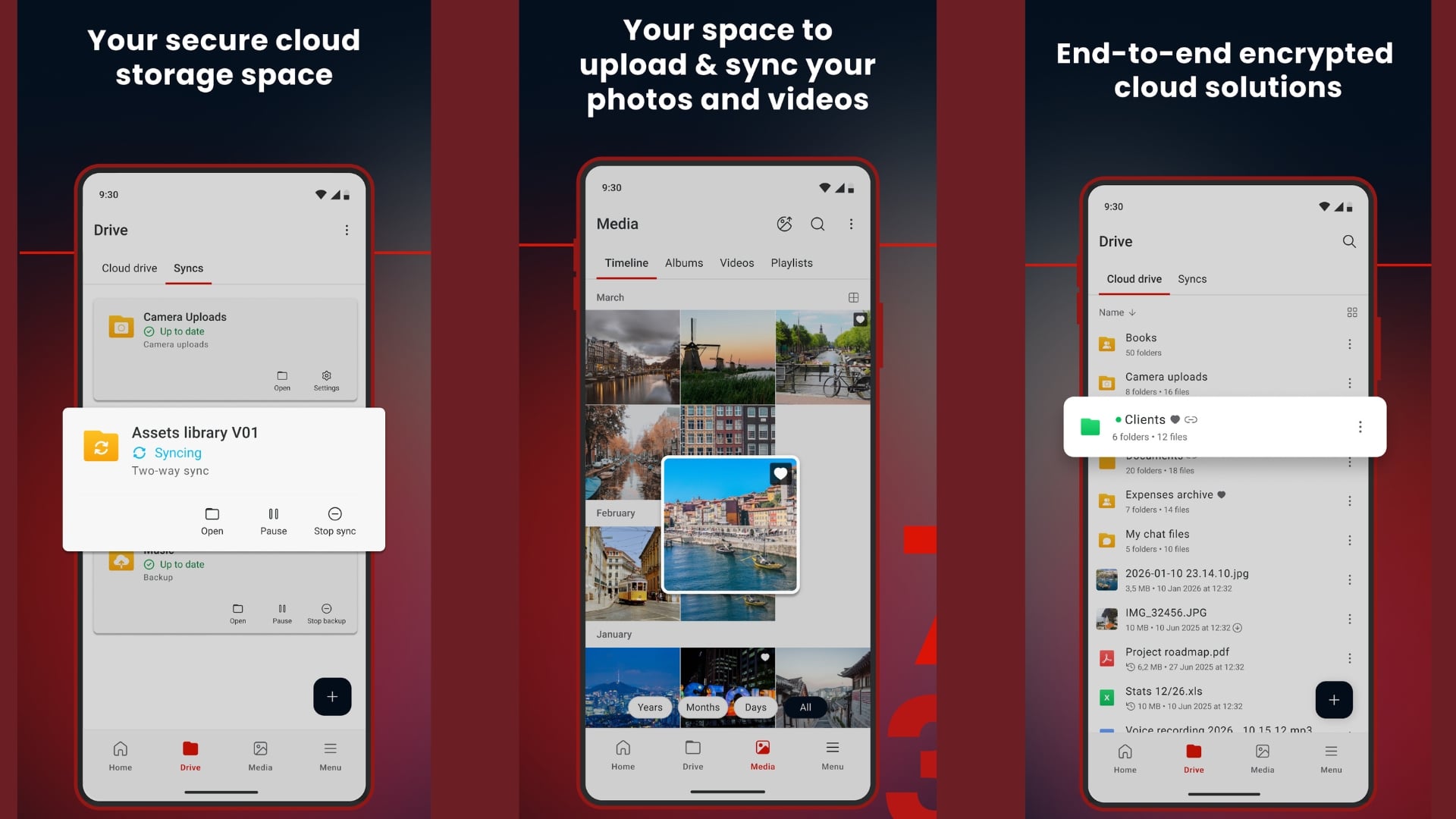
Which is why I started using Mega as a Google Drive replacement, and I’ve been impressed by how straightforward it is. Mega does exactly what cloud storage should do: it lets you store and access your files from anywhere. No confusing stuff and no extra fluff. Additionally, Mega comes with zero-knowledge encryption, which means that files are encrypted directly on your phone, even before they are sent to the cloud. This is one of those open-source-minded privacy features that most people do not realize they are missing until they find it.
Another thing better about Mega is that it gives 20GB of free storage on the free tier, which is more generous than Drive’s shared 15GB. Just to clarify, this 20GB is completely separate from your email account, so there is no shared storage drama. It has apps for smartphones and PC, meaning you can access your files from anywhere, no matter the device you are using.
Replace Google Chrome with Samsung Internet
Best for: Android users who want a familiar, fast browser with built-in tracking protection and no ties to Google’s ad ecosystem.
Google Chrome is the default browser on most Android phones, and chances are you have never felt the need to change it. Chrome comes pre-installed, syncs with your Google account, and just works. But it also tracks your browsing activity across websites, serves personalized ads based on your search history, and uses a noticeable amount of RAM compared to leaner alternatives. Chrome holds around 65% of the global browser market share, which partly explains why it rarely feels like a problem until you start looking closely at what it does in the background.
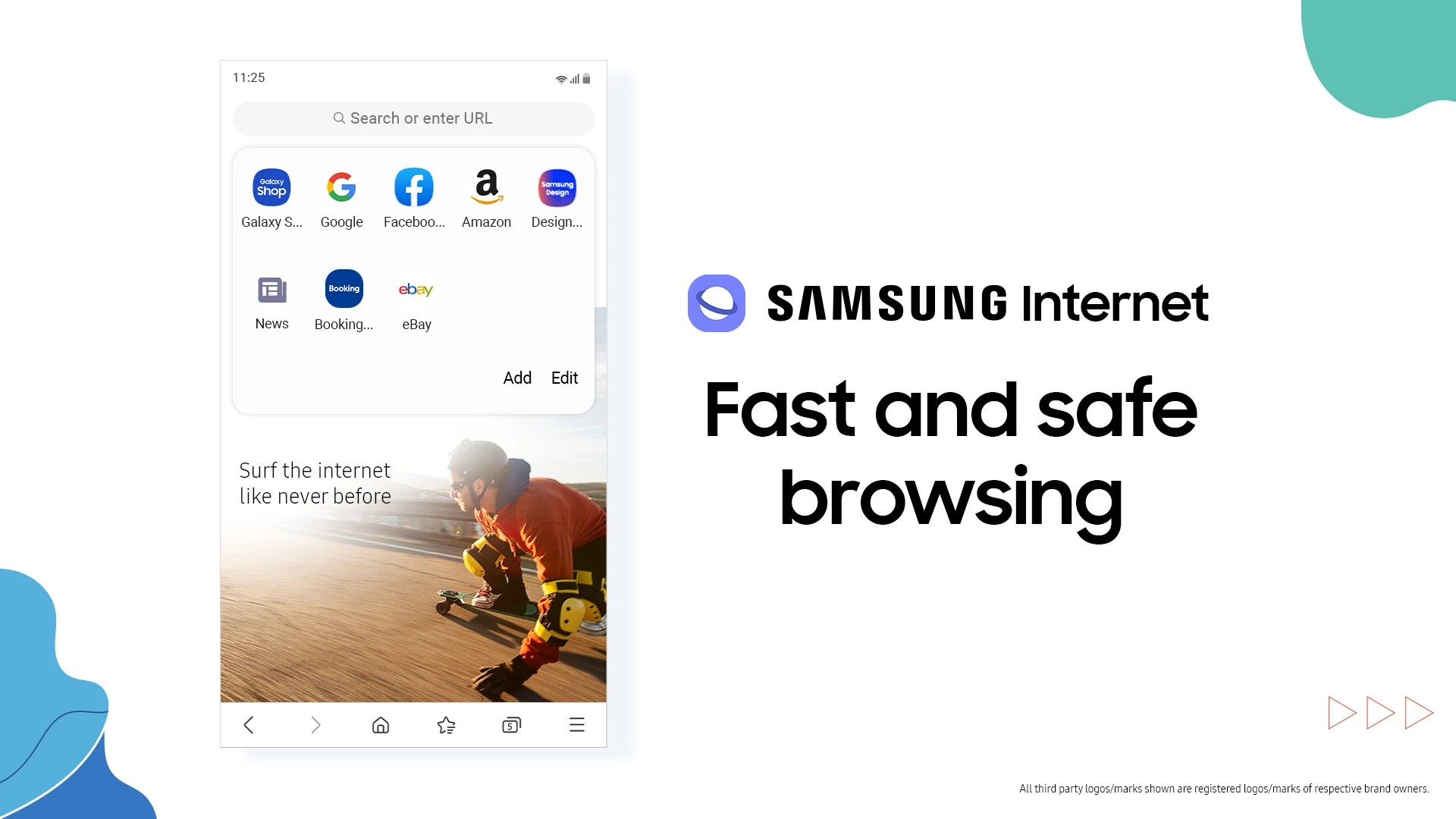
Samsung Internet is the browser I switched to, and it has been a genuinely pleasant surprise. It is made by Samsung and comes pre-installed on Samsung devices, but you can download and use it on any Android phone. It has a clean, familiar layout that feels like a slightly refined version of Chrome, without the data collection that follows Chrome around everywhere.
What makes Samsung Internet stand out as a Google Chrome alternative is its built-in tracking protection. You can install content blockers and ad blockers directly through the browser’s extension system, without needing to download a separate app. The Secret Mode, which is Samsung’s version of incognito browsing, also lets you lock the browser with a fingerprint or PIN, which is something Chrome’s incognito mode simply cannot do.
On top of this, Samsung Internet is noticeably fast in day-to-day use. Pages load quickly, it handles multiple tabs without slowing the phone down, and the interface stays out of your way. If you have a Samsung phone, the browser also syncs your bookmarks and history across Samsung devices, which makes it a like-for-like replacement for Chrome with fewer privacy trade-offs.
Replace Google Maps with Here WeGo or Mappls
Best for: Commuters and travelers who want clean offline navigation without sponsored pins or restaurant recommendations they never asked for. India users get an even better deal with Mappls.
Google Maps is the go-to navigation app for millions of users across the globe. It is convenient, available on our Android phones the moment you turn them on for the first time, and lives there forever. It is powerful, gets you from point A to B, tells you where to eat, and so on. But over the years, it has grown from being a navigation app to a platform where features are stuffed in. It is filled with restaurant recommendations, sponsored pins, reviews, and pop-ups you never asked for.
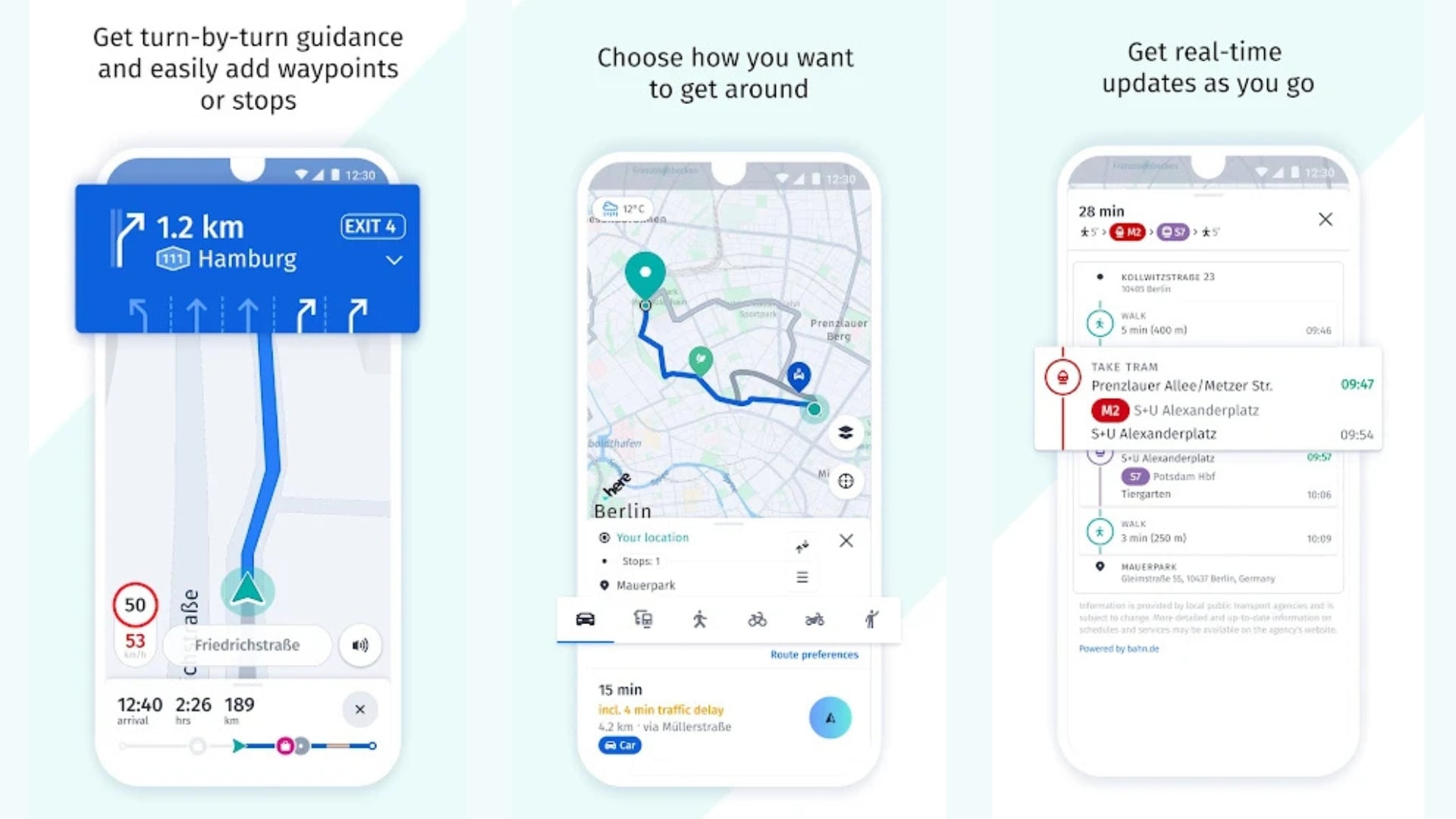
I have been using Google Maps forever, and I use it for public transport in whichever country I am in. But one thing I have always noticed is that there is no proper identification of whether the public transport is a bus, train, or metro (Tube, what we call back in London). On top of this, there is no clear marking of whether you have to take the overbridge or go under it.
Switching to Here WeGo was a much-needed reset. The moment you open the application, you will notice the clean interface and the lightweight design. It strips away all the social fluff of Google Maps and leaves you with an app that takes you to your destination. It provides crystal clear lane guidance, real-time traffic updates, and helpful speed alert limits.
However, the real power of Here WeGo lies in its offline navigation. You can download maps for an entire state or country with a single tap, which gives you the confidence to travel anywhere without worrying about a patchy network. This is a feature that Google Maps technically offers too, but the Here WeGo implementation feels far more reliable and complete. If you are thinking about replacing more default apps beyond just navigation, our guide to the best alternatives to stock Android apps covers a broader range worth exploring.
For those living in India, Mappls by MapMyIndia is the stronger pick. It offers highly localized 3D maps, alerts for speed breakers and potholes, and incredibly accurate house-level navigation in cities and towns that Google Maps often gets wrong.
Mappls vs Google Maps: Which Is Better for India?
Feature | Google Maps | Mappls (MapMyIndia) |
|---|---|---|
Map accuracy in India | Good, misses hyperlocal data | Excellent, with house-level navigation |
Offline maps | Available, limited to saved areas | Full state or country downloads |
Speed breaker alerts | No | Yes |
Pothole alerts | No | Yes |
3D maps | Partial | Yes, detailed |
Sponsored pins / ads | Yes | No |
Data privacy | Ad-driven data collection | No ad targeting |
Public transport (India) | Available in major cities | Available, expanding |
India-specific local POI data | Limited | Extensive |
Trade Google Photos for Fossify Gallery
Best for: Users who want a fast, fully offline photo gallery with zero ads and no cloud pressure. If open-source matters to you, Fossify is one of the best FOSS apps on Android right now.
Google Photos has become incredibly smart over the years. Gone are the days when it used to be a simple photo gallery for your Android device. It can now edit photos, create AI-curated albums, surface memories, and do more than most people ever actually use. However, its simplicity is what I miss, and currently, it feels like an aggressive cloud service pushing itself at every opportunity.
Every time you open the app, you are either asked to turn on cloud sync or hit a pop-up asking you to buy a premium plan. You cannot simply look for a photo without feeling nervous about the app giving you another unnecessary prompt.
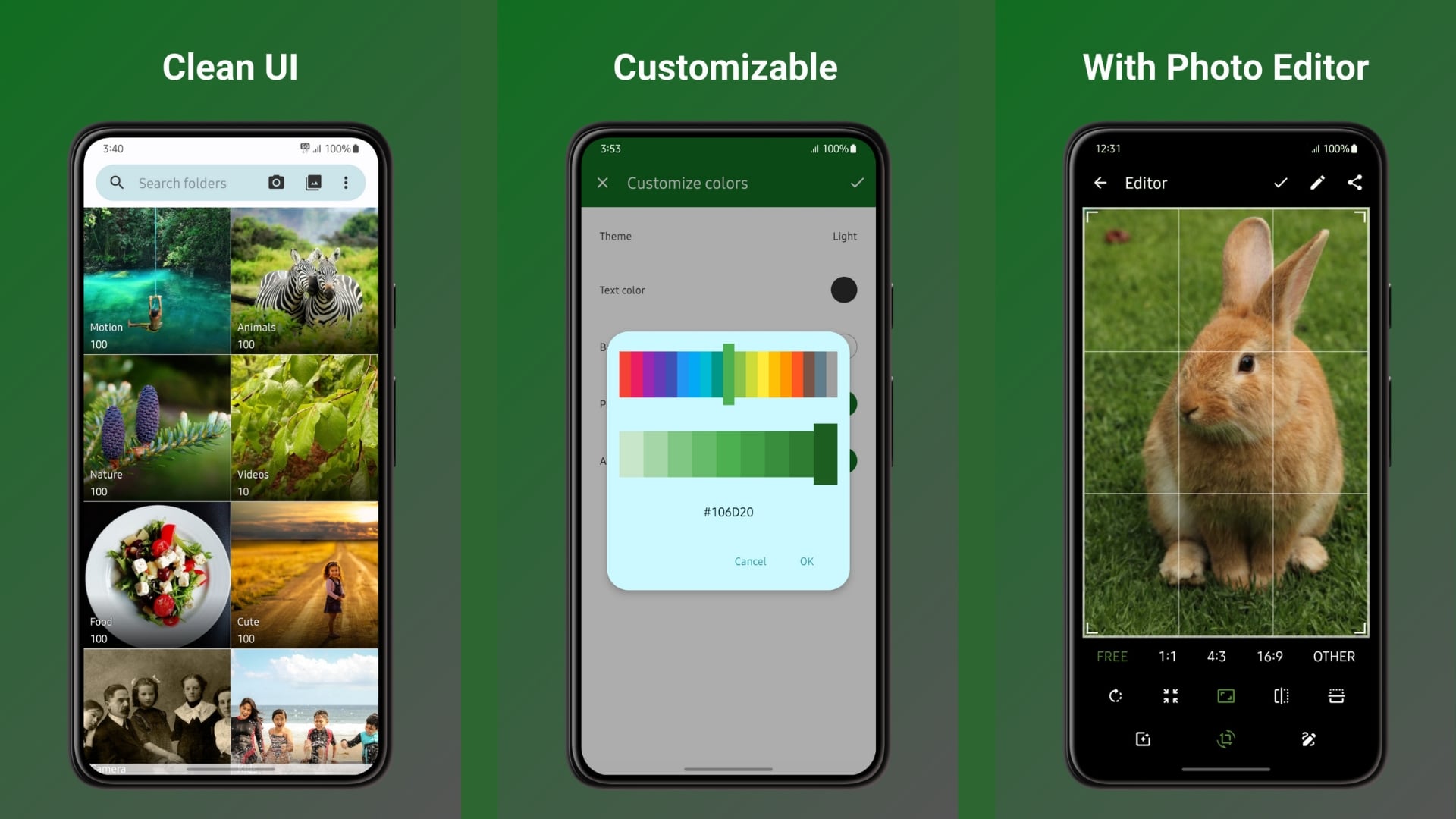
This is where Fossify Gallery feels like a breath of fresh air. It is a completely offline-first app, meaning it prioritizes speed and your privacy above everything else. On top of this, it does not need the internet to show you your photos, and it does not automatically send your photos to the cloud without your permission. The best thing about Fossify Gallery is that it does not hog your resources, even if you have thousands of photos and videos. Fossify is an open-source app, meaning its code is publicly available and audited by the community, making it one of the most trusted privacy-focused apps you can find on Android. If you are curious about other open-source alternatives, our guide to the best open-source Android apps is a great place to start.
It opens quickly and loads everything fast. There are absolutely zero ads, no subscription pop-ups, and no data tracking. Furthermore, there are a bunch of customization options, allowing you to change the way the app looks and feels.
Break away from the Google ecosystem
By using these apps, you are literally freeing yourself, to some extent, from the Google ecosystem. Of course, this is not anything against Google the tech giant, but is more about reclaiming control over your personal smartphone experience. Everything should not be about sharing your data, sitting through ads, and tolerating unnecessary bloat. By swapping out a few default apps, you will quickly realize that there are many streamlined, privacy-focused Google apps alternatives available right now, and most of them are completely free.
FAQs about the best Google Apps alternatives for Android
1. Can I use Android without Google apps?
Yes, you can. Android allows you to disable or replace default apps, including Gmail, Chrome, Google Maps, and Google Photos, without rooting your device. You can install third-party alternatives from the Play Store and set them as your defaults under Settings > Apps > Default Apps. Some manufacturers make this easier than others, but on most Android phones, it is entirely possible to replace every major Google app covered in this guide.
2. What is the safest Google apps alternative for Android?
Proton Mail is widely regarded as one of the safest email alternatives, given its end-to-end encryption and zero personal data requirement at sign-up. For cloud storage, Mega’s zero-knowledge encryption means even Mega itself cannot access your files. For a browser, Samsung Internet’s built-in tracking protection makes it a strong, no-fuss option. All of these are among the best Google apps alternatives if privacy is your primary concern.
3. Is it safe to replace Google apps on Android?
Replacing apps like Gmail, Google Drive, Chrome, Google Photos, and Google Maps with the alternatives in this guide does not affect your phone’s core functionality at all. Google Play Services, which is the underlying layer that most Android apps depend on, remains untouched. If you are unsure, you can simply disable these apps rather than uninstall them, which gives you the option to switch back at any time.
4. Are Google apps alternatives free?
Yes, all the alternatives recommended in this guide are free to download and use. Proton Mail, Mega, Samsung Internet, Here WeGo, Mappls, and Fossify Gallery all have free tiers that cover everyday use without asking for a credit card or subscription. Some, like Mega and Proton Mail, offer paid upgrades for extra storage or features, but the free versions are more than enough for most people.
5. Why does Google Maps show sponsored pins and ads?
Google Maps generates revenue by allowing businesses to pay for featured placement in search results and on the map itself. These show up as sponsored pins, promoted listings, and recommended places, and they are tied to your location data and search history. Navigation apps like Here WeGo and Mappls do not run this kind of ad model, which is why the map experience feels noticeably cleaner from the very first time you open them.
Have you already swapped any of these Google apps on your Android phone? Which one made the biggest difference to you? Let us know in the comments below.

