

Quick Answer
Stay safe while torrenting by using an ad blocker to avoid fake download buttons, a VPN to hide your IP, and antivirus tools to scan every file before opening it. Stick to trusted torrent clients like qBittorrent, verify file extensions, and avoid suspicious ads or proxy sites to reduce malware risks.
Torrenting is legal, but only if you download non-copyright material. There are hundreds of torrenting sites, even categorized by niche, such as torrenting for books, movies, music, and games, and more. The biggest problem with torrenting sites is that they are filled with ads, fake downloads, pop-ups, and most probably files that can contain malware.
Most official torrenting sites have shut down due to copyright issues. But still accessible through mirrors and proxy sites.
Most of these third-party proxy and mirror sites depend on ad revenue and lack proper moderation. Many of them also allow unknown users to upload files. Because of this, any attacker can upload a file containing malicious code that you might end up downloading, compromising your security.
And this doesn’t stop just for downloading files. Torrenting sites also have unsafe ads and redirects. You will be redirected to fake and scam giveaway pages if you accidentally click on them. Some sites even offer fake “sign in with third-party services” buttons, which can result in you submitting your personal details.
If you follow the right methods, you don’t need to worry about most of the concerns that usually come with torrenting sites. From visiting the site to navigating and downloading, here are the best methods that you can follow to use torrenting sites.
Also, I want to remind you again that downloading copyrighted material via torrenting is strictly illegal, and we at TechPP do not encourage this process.
Table of Contents
How to Protect Yourself While Using Torrent Sites
Ad Blockers – Get a Cleaner Browsing Experience
Many third-party torrenting sites depend on ads to keep their websites running. Most of the ads in these torrenting sites come from third-party ad networks.
Most of them are poorly maintained and don’t have strict verification policies like the official ad networks. Moreover, official ad networks don’t place their ads on these torrenting sites. Because of this, many of the torrent site owners opt for these third-party ad networks with less control.
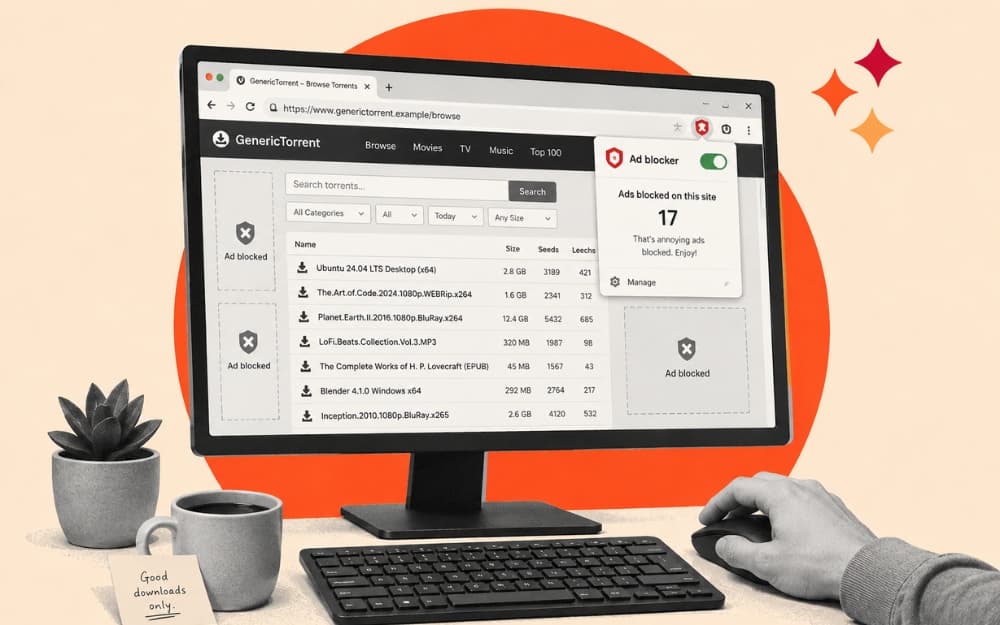
Ads from torrenting sites come in many ways. One of the most common is fake download methods, which are designed intentionally to trick you into clicking them. It even extends to fake antivirus warning ads, browser update tools, pop-ups, phishing ads, fake VPN ads, and much more. Before even downloading the torrent files, you are already on a highly unsecured site, which can compromise your security.
One of the easiest and most effective ways to get rid of almost all these bad practices of ads is by using an ad blocker. In fact, if you are visiting a torrenting site, I would highly suggest you install a good ad blocker for safe browsing.
There are plenty of ad blockers, but for torrenting sites, it is necessary to select one that works well against aggressive practices. After using many over the years, I finally settled on AdGuard. However, depending on the browser and the platform, a few options work well.
- If you are using Chrome, you can install the AdGuard extension and uBlock Origin Lite. Please note that uBlock Origin is the best, but it is phased out due to the Google Chrome Manifest V3 limits.
- For Firefox, uBlock Origin works without any limitation, and it’s the best combination.
- On Android, Firefox + uBlock Origin also works great.
- On iOS, you can install the Quetta browser and use ad-blocker extensions.
Use VPN – Hides Your IP and Unlocks Blocked Websites
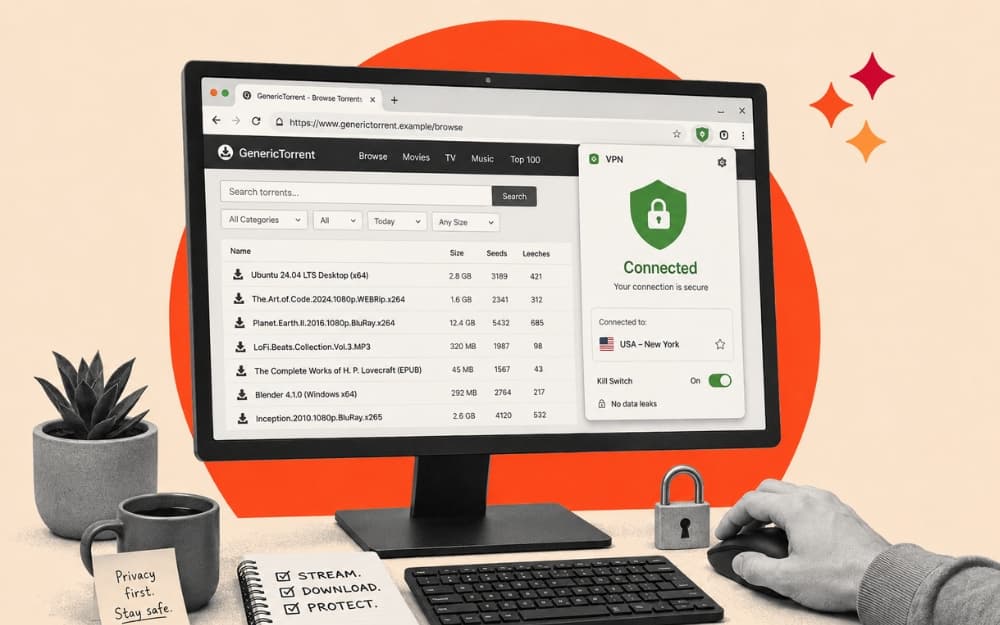
VPN is not just for unblocking torrenting sites that are blocked by your ISPs, governments, or even your workspaces; it is also a great option to protect your identity while browsing these sites.
For a quick refresher on VPNs, you can check our detailed guide explaining what a VPN is, and we also have a visual guide to help you easily understand how VPN works.
VPNs hide your real IP and route your internet traffic to a dedicated server. Since the VPN hides your real location, even torrenting websites cannot know the exact location from where you are browsing. Moreover, your ISP cannot see your real IP address or the location from which you are browsing. This is why a VPN instantly unblocks any torrenting site blocked by your ISP.
Additionally, a VPN encrypts your traffic between your device and the VPN server, so anyone on the same network cannot see what you are browsing. Some VPNs also offer a kill switch and DNS leak protection to further protect you and hide your IP from your internet service provider.
You can check everything that you need to know when choosing a VPN. I have a detailed guide that explains all the features you should look for in a good VPN. Moreover, you don’t need to pay up front for your VPN service. There are plenty of free VPNs that allow you to get started for free. You can also check my detailed Best VPN Recommendations Guide to find the best and free VPNs for torrenting.
Scan the Files – Avoid Harmful Downloads by Checking Files for Malware Before Opening Them
Most of the active torrenting sites today are maintained by third parties. Because of the legal challenges, they often change their domains to keep them alive.
Most of them also depend on the ad revenue for their survival. Many sites allow you to genuinely download torrent files, but some are designed to trick you into downloading malware and harmful files.
Since most of these sites don’t have strict moderation, anyone with bad intentions can upload a malware file, which you could end up downloading locally to your device.
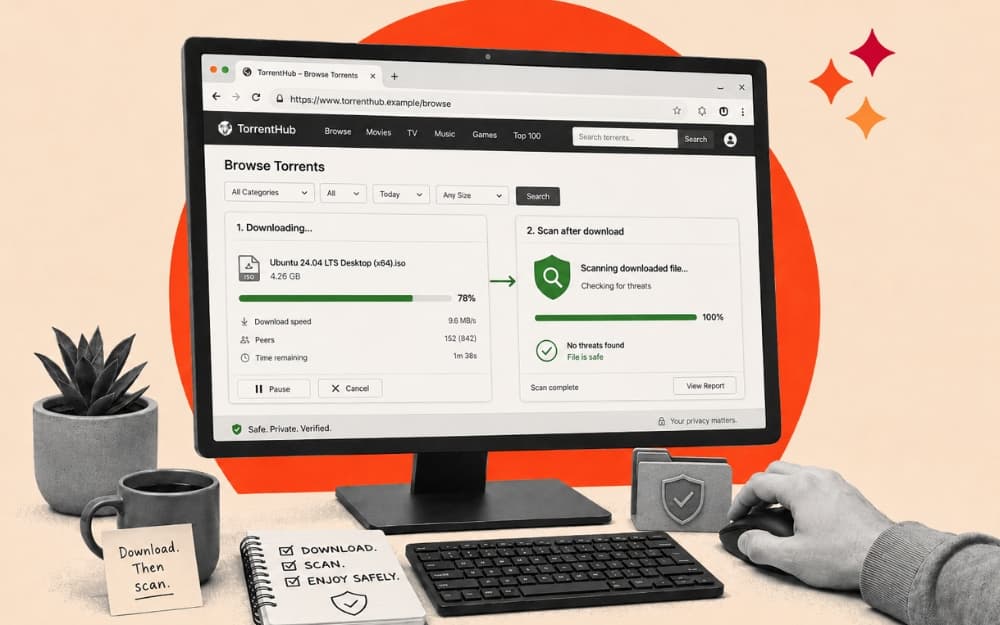
Fortunately, you can simply scan the downloaded file on your device and check that it is safe to prevent this. There are plenty of ways you can do that. First, if it’s a smaller file, you can use any free online virus scanner tool. You can simply upload the file and scan it without installing any app or software locally on your device. However, if the downloaded file is large, you can install any free antivirus on your device and scan it before using it.
Before even downloading, you can easily spot the malware file by checking its extension. For example, if you intend to download a video file with a .mp4 or any other video file format, but it shows a .exe or .apk extension, it is highly likely a malware file. Checking file extensions is the easiest way to identify harmful files. Using antivirus tools also lets you easily spot files containing harmful viruses.
Related: Check Most Risky File Extensions
Those are the three easy methods you can use to securely browse torrent websites. The ad blocker removes all the annoying and spammy ads, VPN hides your real IP and encrypts your traffic, and you can use any free online security tools or antivirus software to scan and find any harmful files. For most people, these three methods are more than enough to securely browse torrenting sites.
However, if you want to further enhance your security, there are a few advanced methods that you can try. First is using a P2P torrent app and setting it up for maximum security. Second is using a sandbox for isolated environments. For most people, using an ad-blocker and VPN is enough to stay secure; however, if you want to further enhance your security and have more control, you can follow the advanced methods below.
Use a P2P Torrent App – Download Files Directly Without Navigating Risky Torrent Website Buttons
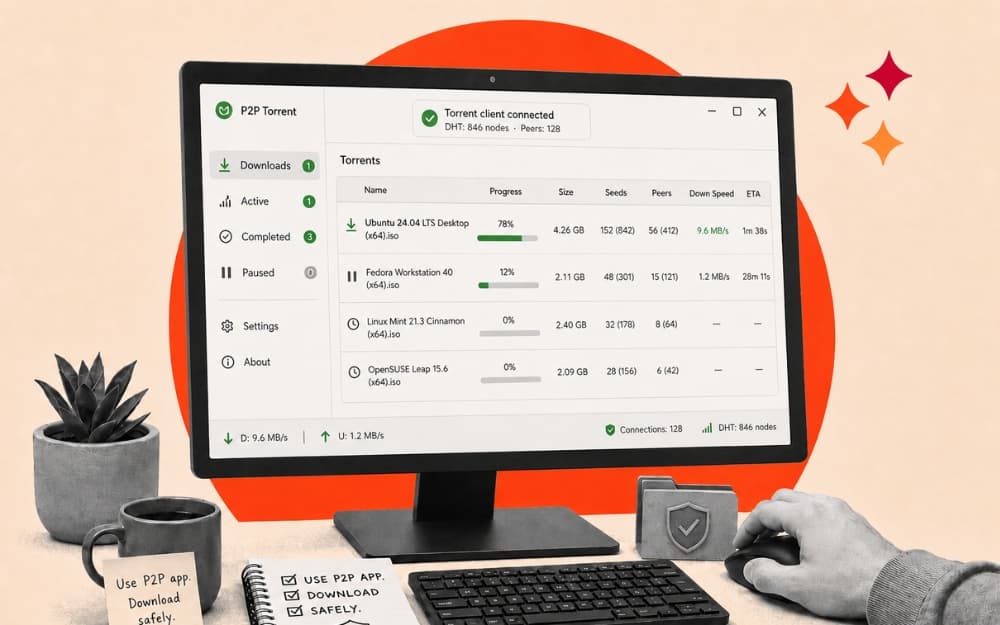
Most torrenting sites display multiple download buttons to trick users into clicking unwanted buttons to show ads or redirect users to malicious sites. Using an ad blocker reduces these unwanted redirects, but it is still not guaranteed.
Fortunately, most of these torrents also offer direct magnet links for the download files. Magnet links contain information about the torrent file, which you can use with torrent clients to download directly.
If you have the magnet link, you can simply use any torrenting client and download files securely without going through misleading download links.
Additionally, compared to downloading files directly, these torrent clients are safer. When you paste the magnet links, most torrent clients offer full details about the file, including file size, its seeders, trackers, and most importantly, its file extensions and more.
There are plenty of torrent apps, but qBittorrent is the best option. It is free and open-source and offers plenty of customization. One such feature is the ability to see the files inside before even downloading the torrent file.
It also comes with an anonymous mode, which restricts trackers, and you can use a VPN to download files. You can also encrypt your peer connections and set upload and download speed limits.
Using qBittorrent is very easy. First, you need to install the qBittorrent app. It is available on Windows, Mac, and Linux. Once you download it, get a magnet link or a torrent file.
Most torrenting websites offer magnet links. You can simply download them and save them locally. For magnet links, you can open qBittorrent, click on File, and tap on Add Torrent Link. From there, you can paste the link and click on Download.
If you download a torrent file, open the app again and tap on Add Torrent File. From here, select the .torrent file and click on Open. That’s it; qBittorrent will automatically start downloading the file.
However, don’t miss the important step of checking what is inside the file. qBittorrent always allows you to see, so ensure you are downloading the right file and tap on the download.
Once the file is downloaded, you can use a local antivirus app if it’s a large file, or use any free online VirusTotal to scan the file and ensure no malicious content is present in it.
Use a Sandbox – Create a Safe, Isolated Environment to Download Risky Files Safely
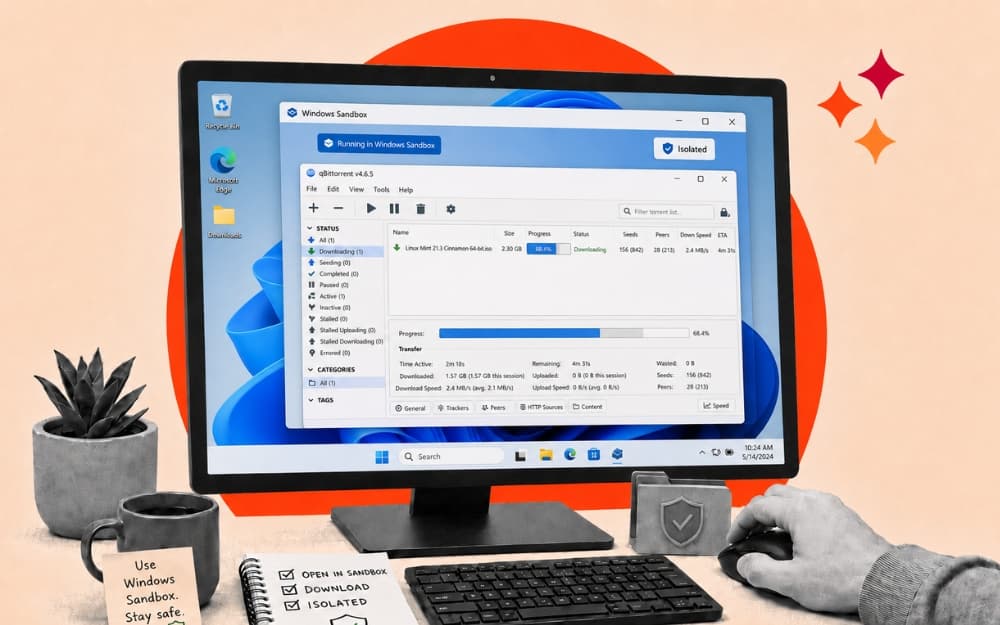
Setting up sandboxes offers the highest security possible. These environments are separate inside your current operating system. Even if malware infected the sandbox, since it is isolated, only the current files in the sandbox are affected. The rest of your operating system and your original files won’t be affected.
Setting up a sandbox is not everyone’s cup of tea because it involves a lot of steps, and moreover, popular platforms don’t offer it by default. Plus, unless you are a pro torrent downloader with files that contain malware, you can set up sandboxes following the steps below. For others, a VPN, an ad blocker, and a torrent app mostly work.
How to set up Sandbox on Windows
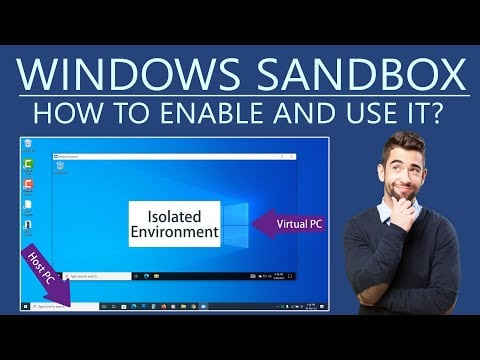
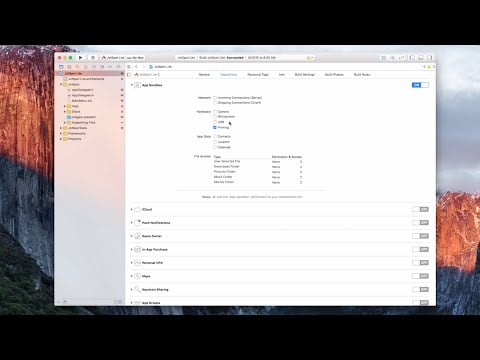
How to set up Sandbox on Mac
Stay Safe While Torrenting
Those are the three easy methods and two advanced methods to stay safe and secure while browsing torrenting sites. Using VPN + ad blocker is the best and works for me every time. It is equally important to download only files from secure torrenting sites. It is hard to find genuine websites, as there are plenty of cloned and mirror torrenting sites everywhere. The best is that we list the best proxy sites and update them regularly. You can visit our proxy sites for updated and working links.
FAQs on Being Secure While Torrenting
1. Is it safe to download torrents from proxy or mirror sites?
No torrent file is safe, but if you follow a few procedures, you can find the safest download links. First, use a secure torrent site to download, next use AdBlocker to get rid of unwanted ads, use VPN to hide your real IP and location, and scan downloaded files. If you follow these steps correctly, all your torrent files are safe to download.
2. How do I know if a torrent file is fake before downloading it?
The easiest way is to check its extension. Next, check the file size. You can use the P2P torrent app to preview the files in the torrent even before downloading them. If you are still unsure, use any free online virus scanner tools and scan the file to check for malware.
3. Can malware enter my device just by visiting a torrent website?
No, malware won’t enter your device just by visiting a torrent website, but still, there is a chance since some of them can download the files in the background without you being aware. So, ensure you use a reliable browser that blocks background downloads, and ensure you don’t click on any suspicious links or fake download buttons.
4. What file types are most risky to open after downloading?
Unless you are intentionally downloading .apk, .exe, or .dmg files or any files related to executable scripts, most other files are safe to download. That is why I highly recommend that you check the file extension and its size before downloading.
5. Can a VPN protect me from malware on torrent websites?
No, a VPN only routes your traffic through a security tunnel. It cannot prevent you from downloading files containing malware.

