

Quick Answer
Phi Launcher is a lightweight Android launcher featuring a “Spaces” tool that lets you build and instantly switch between independent, custom home screen layouts (like Work, Life, or Focus). Each space holds its own apps, widgets, and arrangement, separating your tasks cleanly without cluttered menus.
Customizing an Android phone always starts with picking the best launcher available. While everyone has their list of favorite Android launchers, I prefer giving new and less-heard launchers a try. The reason is simple: these unheard-of launchers always bring something new to the table instead of baking the same old bread like the other launchers do. I recently installed Phi Launcher, and aside from the UI you can play with, I liked its “Spaces” feature.
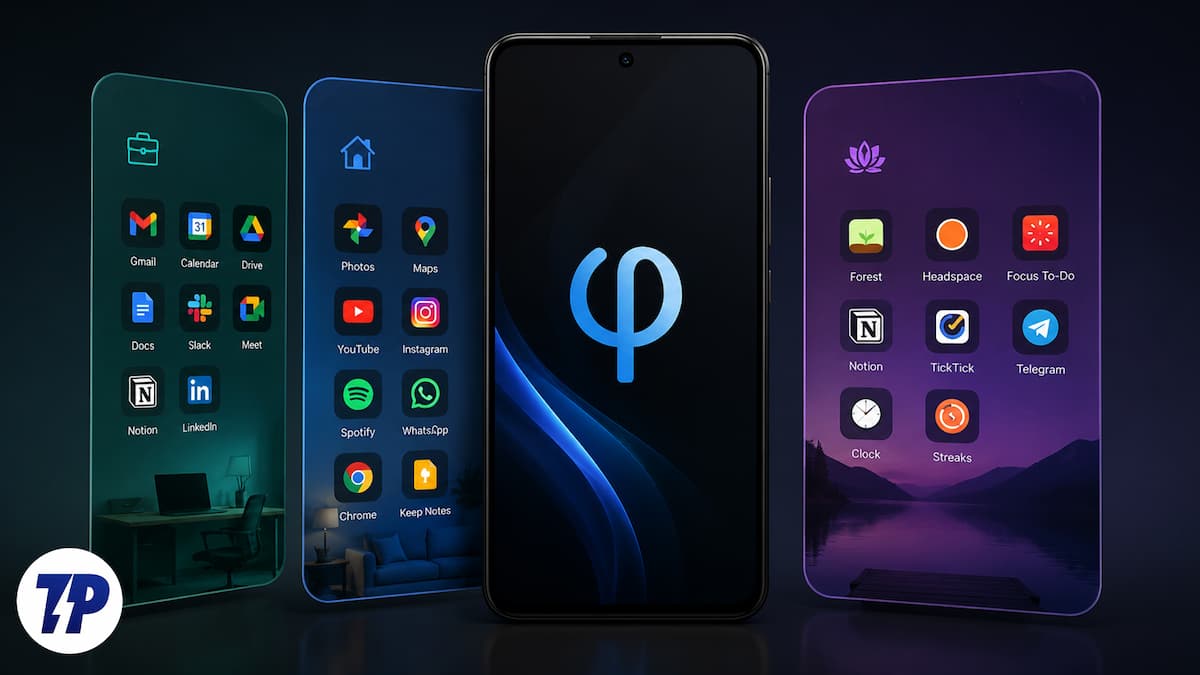
Notably, you can create different home screen setups and switch between them instantly. Meaning you don’t need to manually hide apps before giving your phone to someone or when you want to use your phone on weekends, so that none of your work apps show up in your drawer. There are a lot of other benefits of Phi Launcher. Let us discuss them below.
Phi Launcher is a not-so-popular launcher
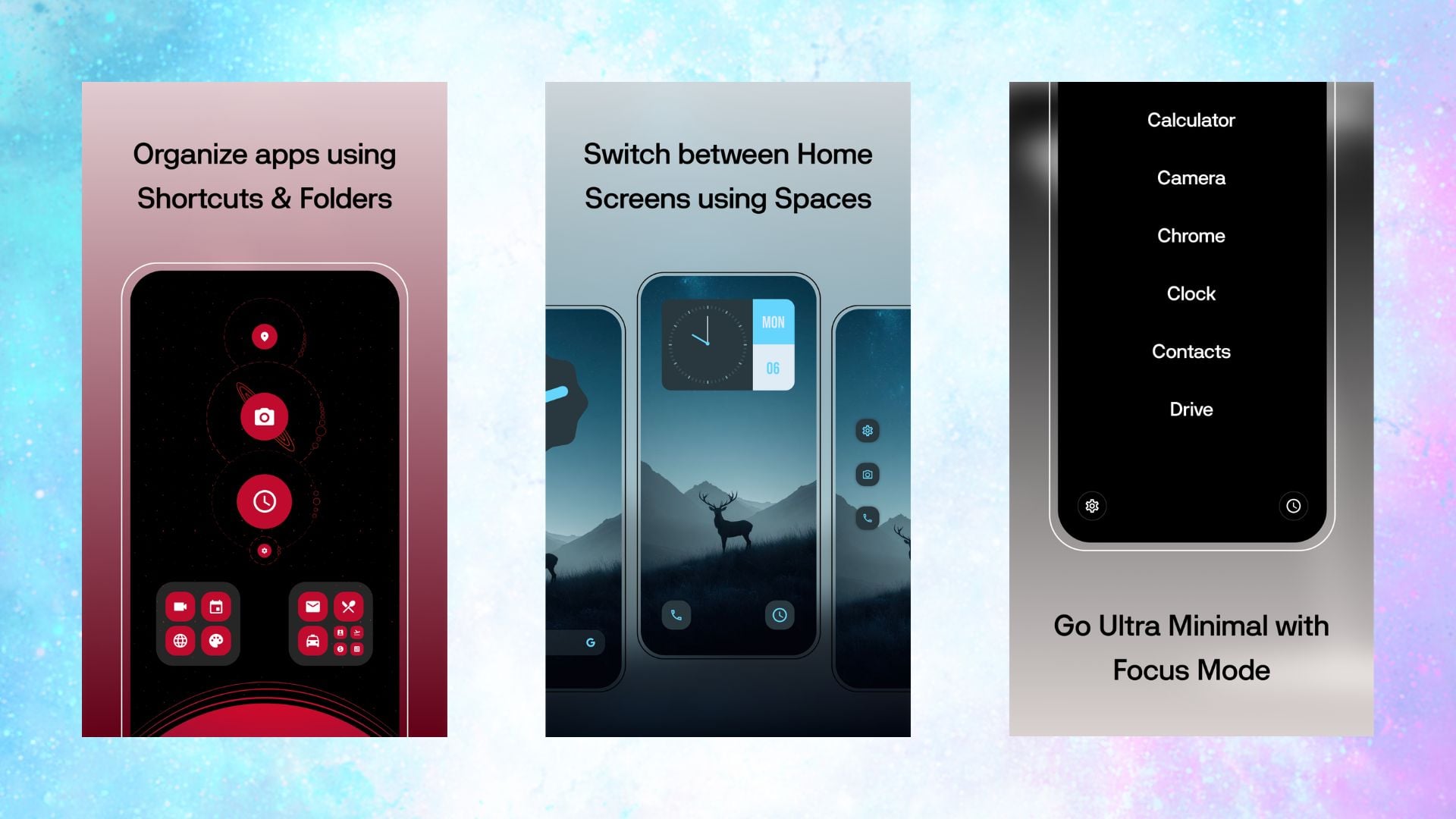
With only 10K+ downloads from the Play Store, Phi Launcher doesn’t seem to have tapped a wide audience. For starters, Phi Launcher is a free, lightweight Android launcher built with Kotlin and Jetpack Compose. While this may not be important for the end user, in short, it is the reason why this launcher feels snappy and responsive. Modern launchers feel cluttered and have features that nobody actually cares about. And these features eat up the space, bloat the launcher, and slow things down. On the other hand, Phi Launcher strips back and hands you a clean UI and a fast home screen.
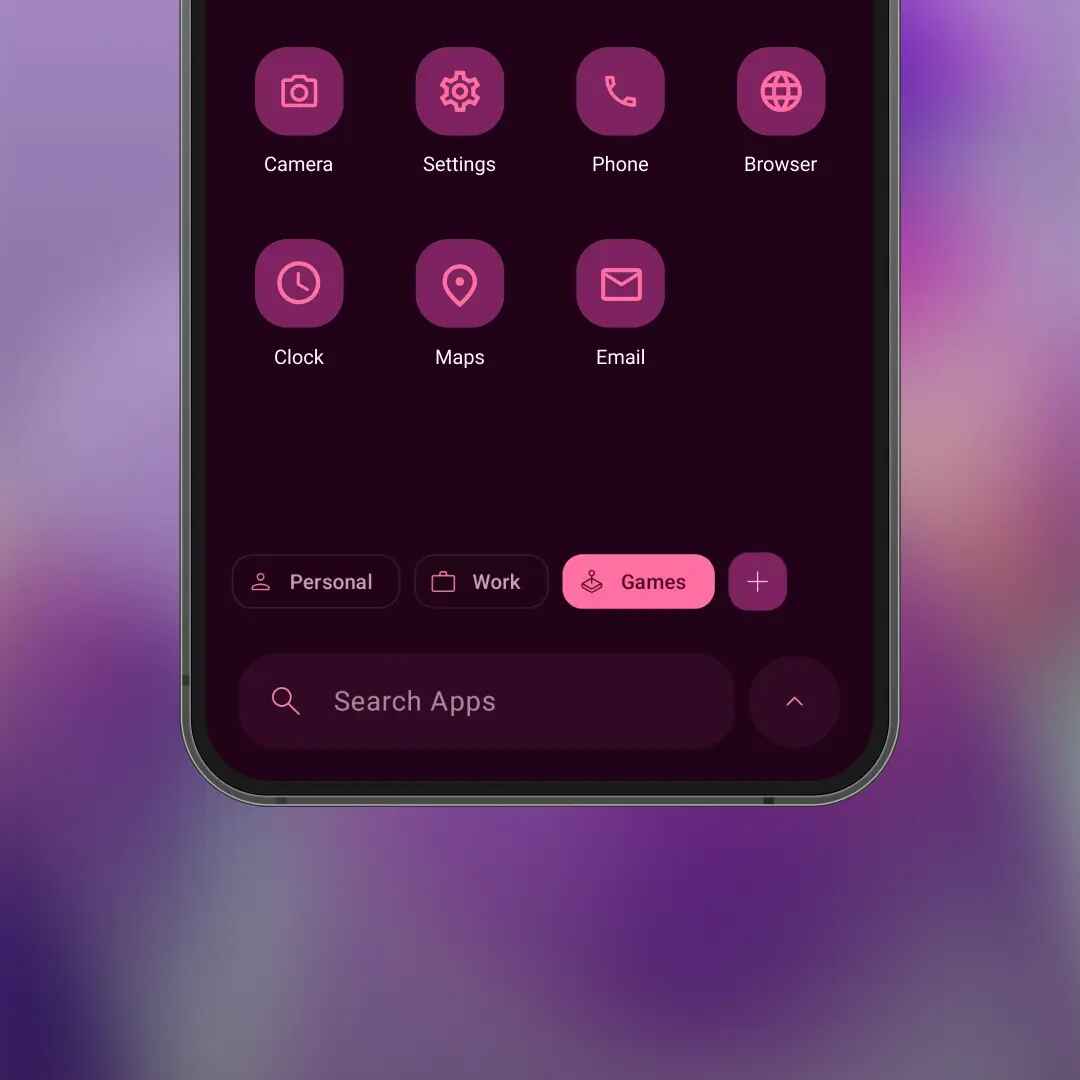
Now, coming to the headline feature of Phi Launcher, Spaces, it is actually quite useful. Most Android launchers let you have multiple home screen panels, which you can access by swiping left and right. But they are fundamentally the same layout. Phi Launcher does things a bit differently. With Spaces, you can create completely independent home screen layouts and jump between them instantly with a long press.
A work layout, a personal layout, a focus layout, each one having its own identity, with its own apps, arrangement, and widgets. You are not just swiping between pages of the same notebook, but are carrying three different notebooks. In practice, your work layout could contain apps that you need while working, like Slack, calendar, Zoom, etc. This lets you keep focus on your work.
When you switch over to the Focus space, it has apps that will help you get the task done – no social media apps or games to keep your mind sane. Then your everyday Life space could have all the apps that you would need to enjoy your day. A long press swaps the entire home screen in one motion, not a settings menu, not a hidden gesture.
It is full of smart features
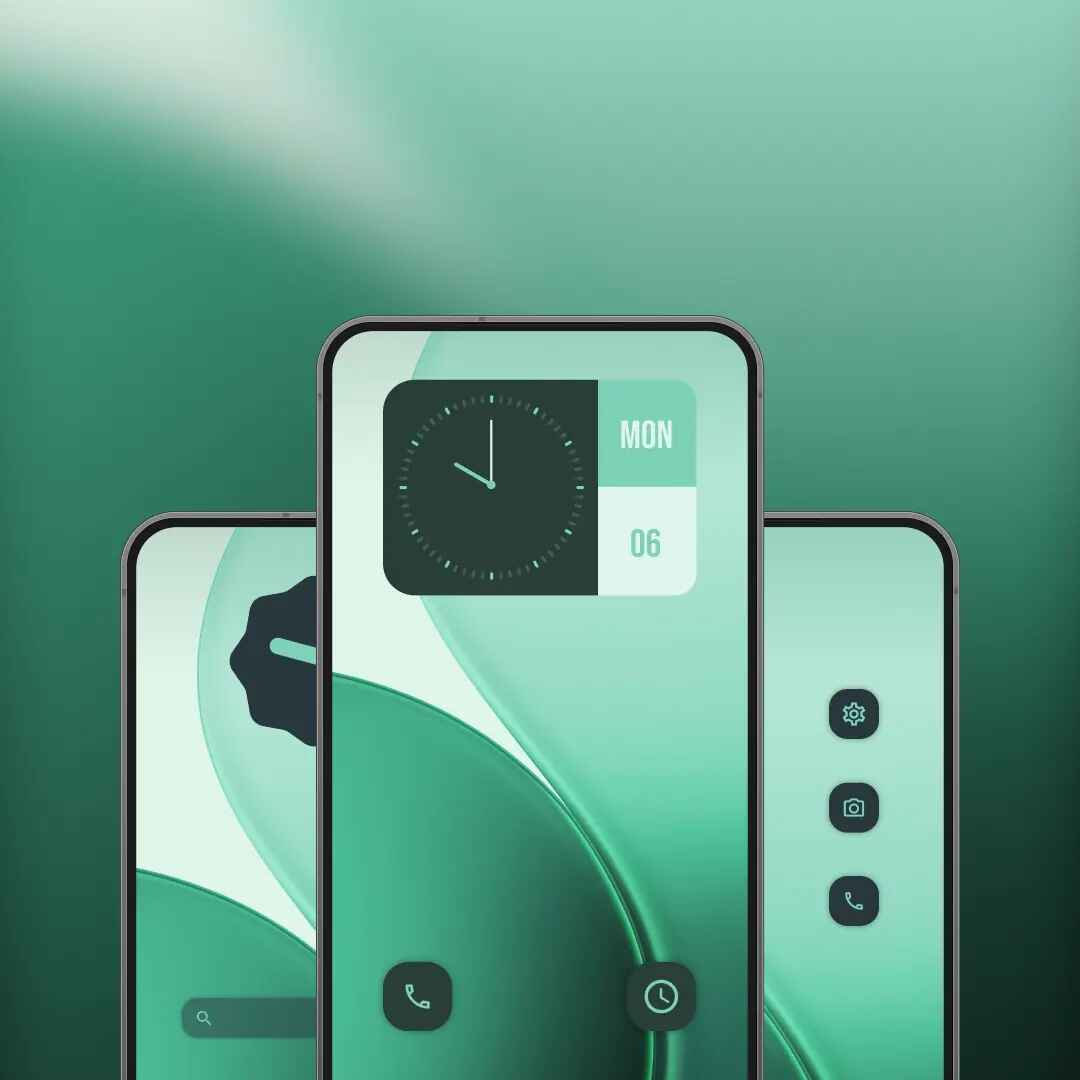
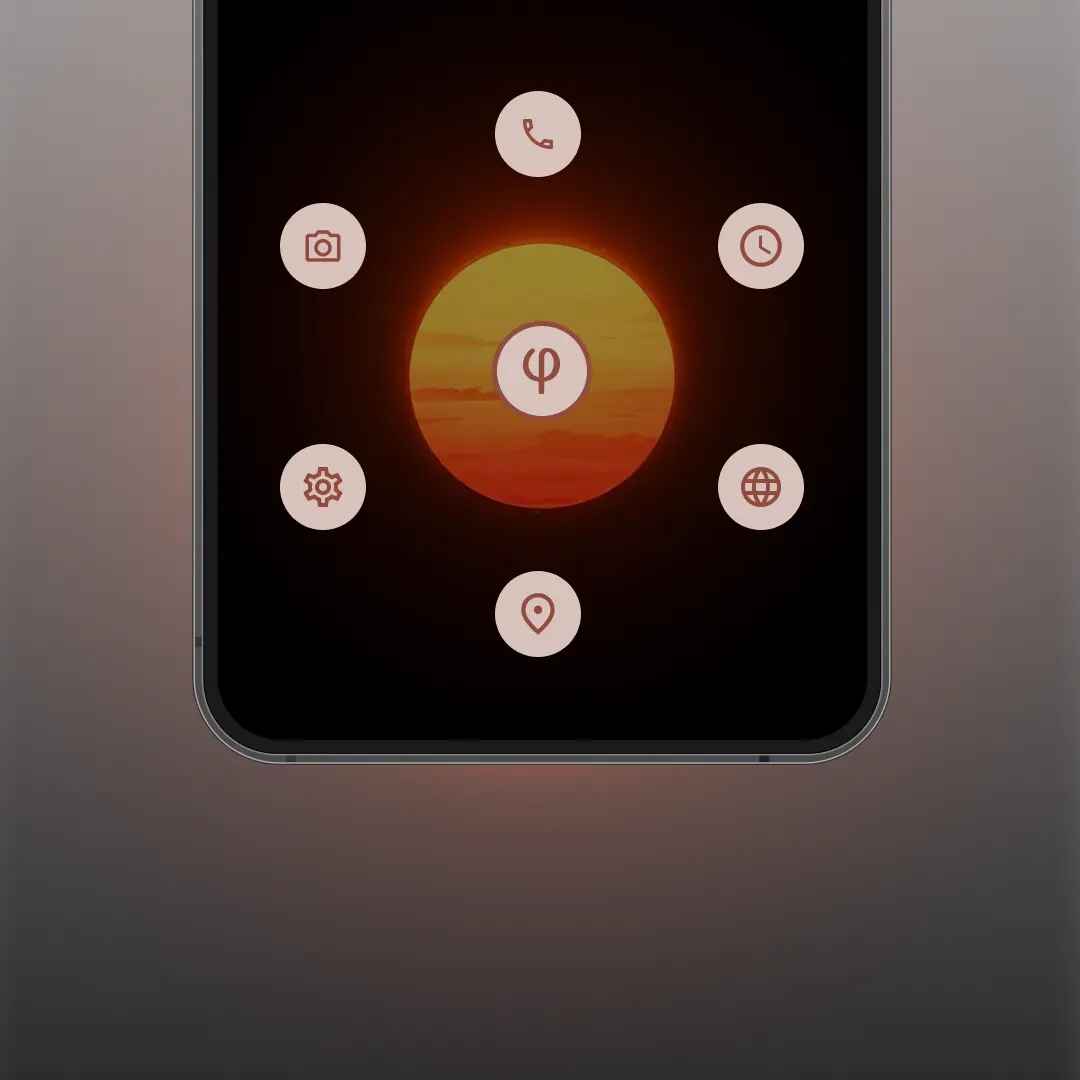
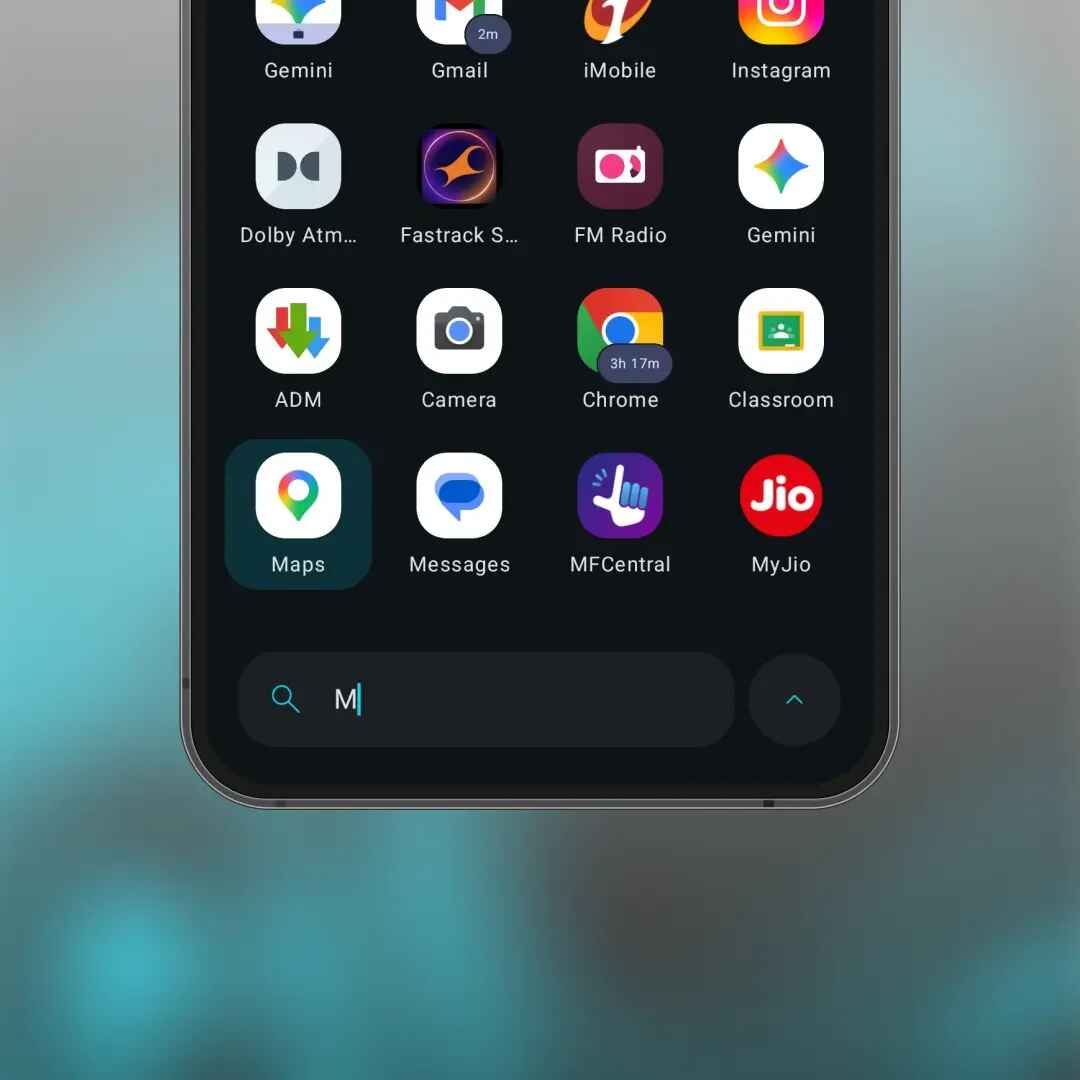
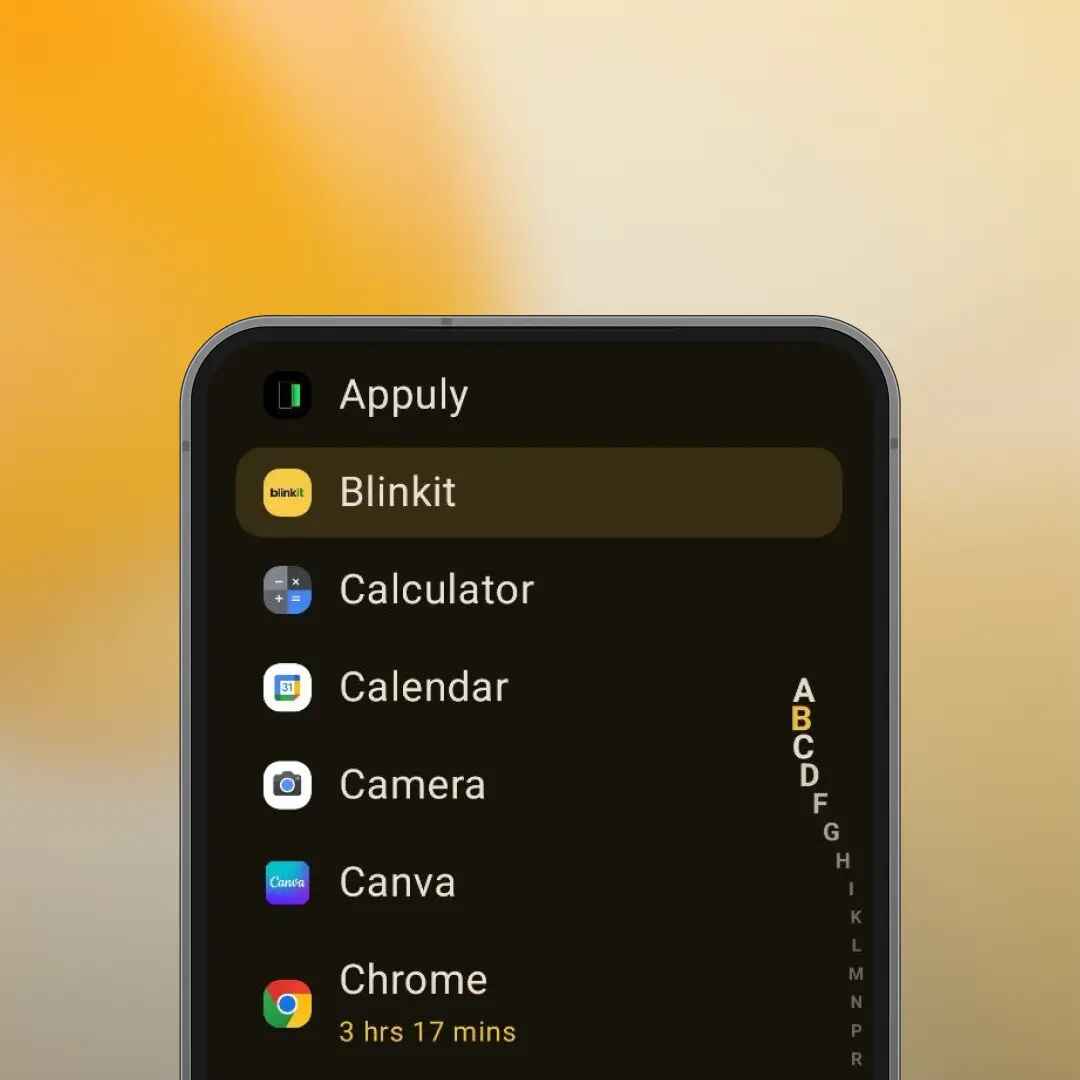
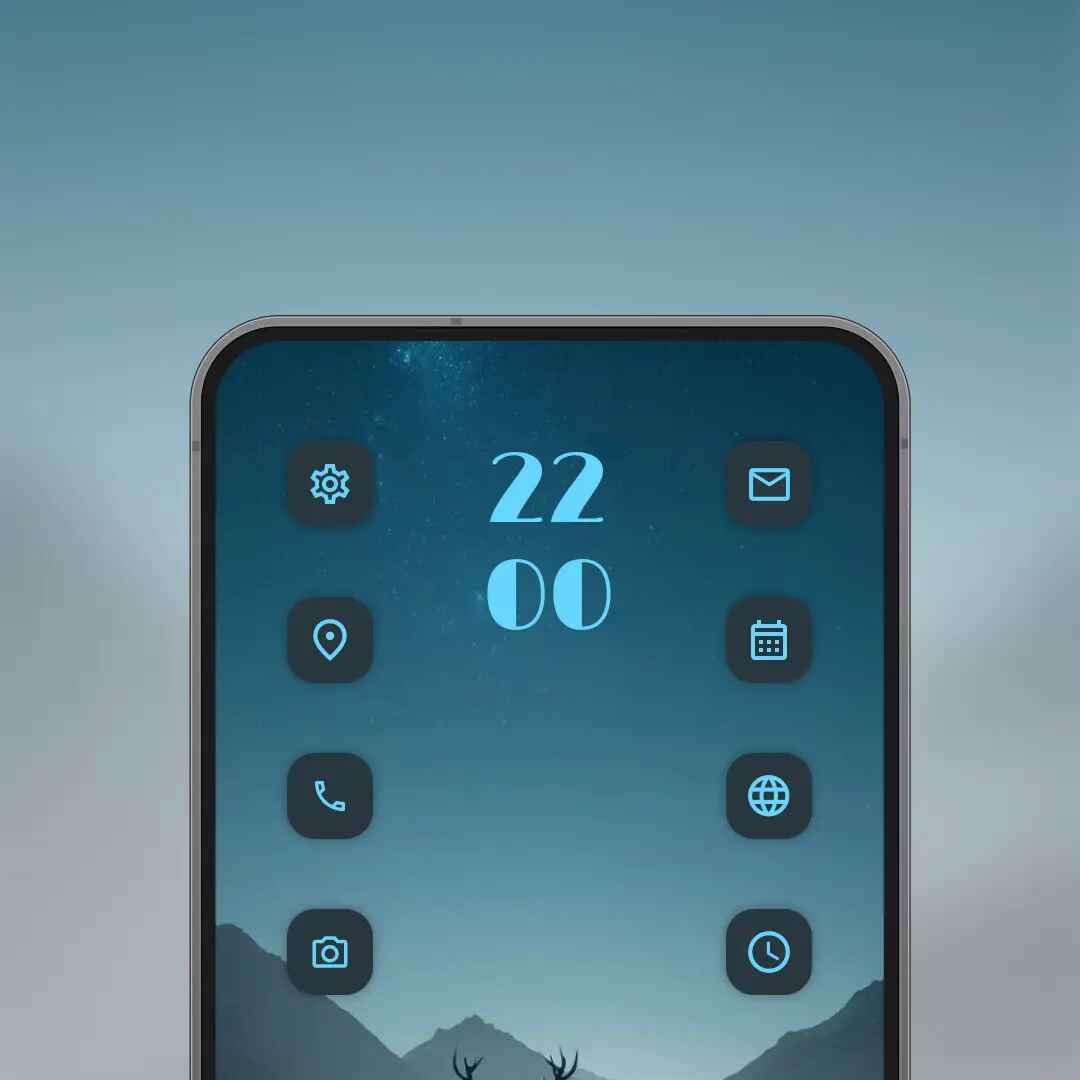
While the Spaces feature is great, there are some other nifty features that you would love once you start using Phi Launcher. It rethinks how you organize apps on the home screen. Instead of the usual row of pinned apps, Phi lets you place an entire collection of apps, known as groups, arranged in list, grid, or circle layouts. Each group can be resized, restyled, and reordered independently of the others. So, instead of one dock with five apps, you could have a circular cluster of your most-used apps in one corner, a small grid of social media apps on the other, with each behaving differently from one another.
Folders on Android have had the default look since the beginning. Tap a folder, a pop-up opens, and then you tap the app inside. Two taps, every single time. Phi offers something different. You get four folder types, including 2×2 and 3×3 grid folders, where the app sits directly on the home screen and is tappable without opening the folder. Then you also have widgets.
If you are a coder, then you would love the fact that Phi has a built-in Dev Panel that pulls live data straight from your GitHub, LeetCode, and Codeforces profiles into one screen. This helps developers check their stats without opening a browser. It is a niche addition, but it can be good for those who need it. Aside from this, there are different styles for the app drawer like grid, minimal list, pager, and tiles. You can also sort apps based on how you use them, keep search at the bottom for easier one-handed use, apply different fonts, and use an alphabetical scrollbar.
No app is perfect
To be frank, Phi Launcher isn’t perfect. Some users on the Play Store have flagged issues such as the grid layout not applying correctly (which is something I’ve also experienced), and icon sizes in the drawer do not update. Some users have also highlighted that pressing the back button sometimes opens the previous app, there on the recents app page. Additionally, Phi Launcher uses Android’s Accessibility Service API to power its Double Tap to Sleep feature. On the privacy front, the app claims that it has no ads or trackers, which is something nice because it is literally sitting between you and the apps. You can download the app for free from the Play Store, and if you try it, let us know in the comments below.

