

Quick Answer
Yes! You’ll be able to setup and use a Samsung Galaxy phone without a Samsung account. However, there are a few apps and services that won’t work. That includes apps like Samsung Wallet, Samsung Cloud, SmartThings, Samsung Health, and others.
When setting up a new Galaxy phone, you’ll be prompted to sign in to your Samsung account or create one if it doesn’t exist. This step isn’t mandatory, though, and you skip it to continue with the setup and, subsequently, start using your device.

However, if you use your Galaxy phone without adding a Samsung account, you’ll miss out on certain Samsung apps and services. What are these, and do they make a world of difference?
Follow along as we discuss the benefits of a Samsung account and list down all the features, services, and apps you can’t access on your Samsung phone if you use it without a Samsung account.
Table of Contents
What Is a Samsung Account?
A Samsung account is a portal to all the various Samsung apps and services across all Samsung devices, including phones. It’s free to create, and you can sign up for one on a Samsung phone or any other device (via a browser).
Once you sign in to a Samsung device with your Samsung account, you get quick access to all of its apps and services without needing to sign in or register for each separately.
What Apps and Services Do You Miss Out Without a Samsung Account?
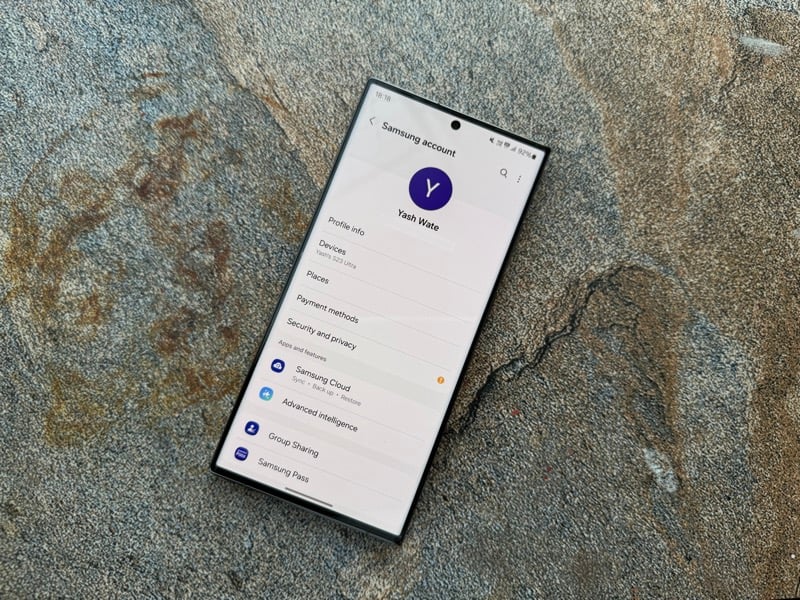
If you’re averse to the idea of creating another account—in addition to your Google account—to use your Samsung phone, you can comfortably do so without any problem. However, you won’t have access to the following Samsung apps and services.
Samsung Wallet
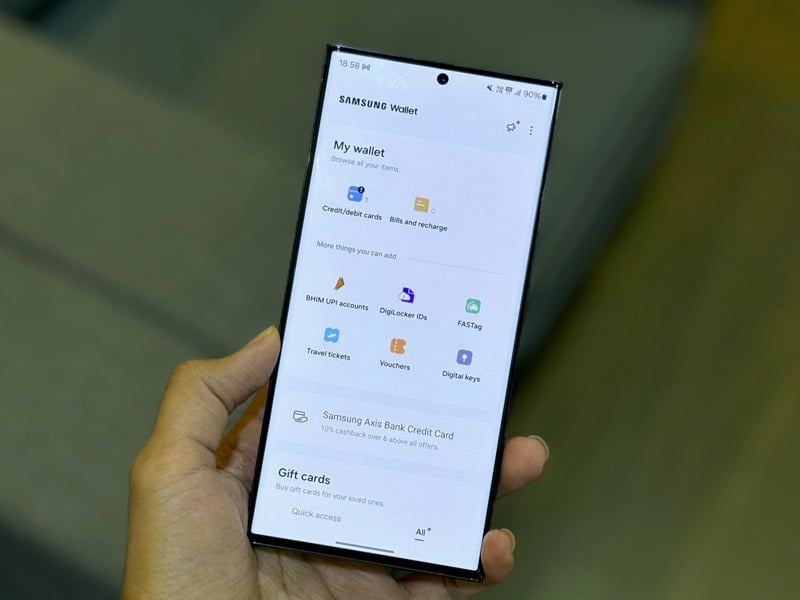
Samsung Wallet alone could be a big reason for you to consider creating and using a Samsung account on your Galaxy phone. For the unversed, Samsung Wallet is an app that lets you conveniently store and carry essentials, such as your driving license, digital IDs, room keys, and payment cards, in one place. You can then open room doors using your Galaxy phone, for instance. Or you can make payments (using Samsung Pay) by tapping your phone on an NFC-powered PoS terminal at a store.
Samsung Cloud
If you use a Samsung laptop or a tablet in addition to your Galaxy phone, Samsung Cloud can help you keep everything synced. Using it, you can easily backup, sync, and restore your data and content between all your Samsung devices. All you need to have to use Samsung Cloud is a Samsung account.
SmartThings
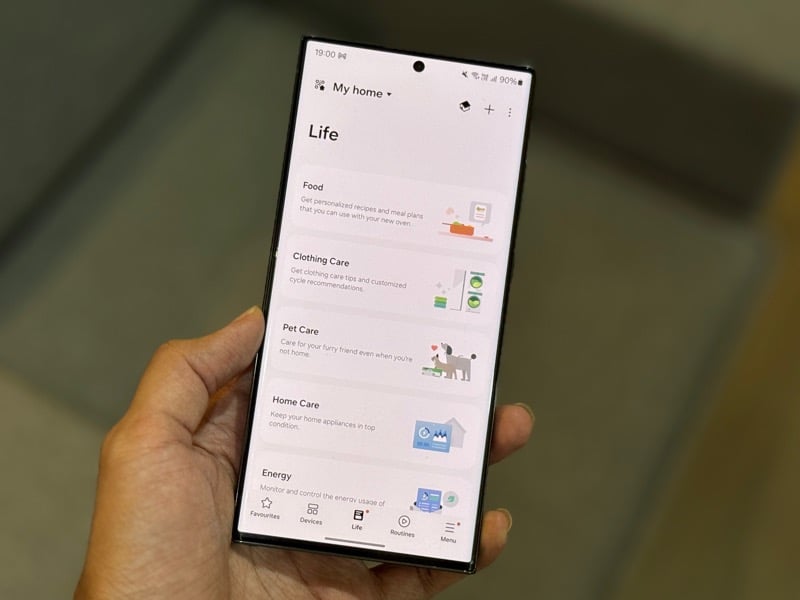
If you use Samsung’s smart home devices at home, you don’t want to overlook SmartThings. It’s an app that brings all your smart home products under one roof, giving you a convenient way to control them. With it, you can easily control your AC, monitor the real-time energy usage of your Samsung refrigerator, or schedule your laundry. Besides, there’s support for automation, too, so you can set up routines for your daily mundane tasks.
Samsung Health
Another reason you may want to use your Galaxy phone with a Samsung account is Samsung Health. Health is a comprehensive wellness app that comes pre-installed on your Galaxy phone and lets you monitor your health and track your fitness progress. It receives and syncs all your data from your Samsung wearable, be it a fitness tracker or a smartwatch, and shows them in a comprehensible form so you can act on it accordingly.
Galaxy Store

The Galaxy Store is home to a slew of apps and games, including some exclusive ones like Good Lock, which packs several tools to help you tweak various elements of OneUI. So, if you’re a fan of customizing your Android experience, you surely don’t want to miss the boat by not adding a Samsung account to your device. Besides Good Lock, you can also find another gem, Expert Raw, and a bunch of themes on the Galaxy Store.
Find My Mobile
A Samsung account is also mandatory for using Samsung’s Find My Mobile service. Find My Mobile enables you to locate your misplaced Galaxy device or remotely back up and wipe it to prevent someone from accessing your data and personal information. You need to register your device to Find My Mobile beforehand to use it.
Samsung Pass
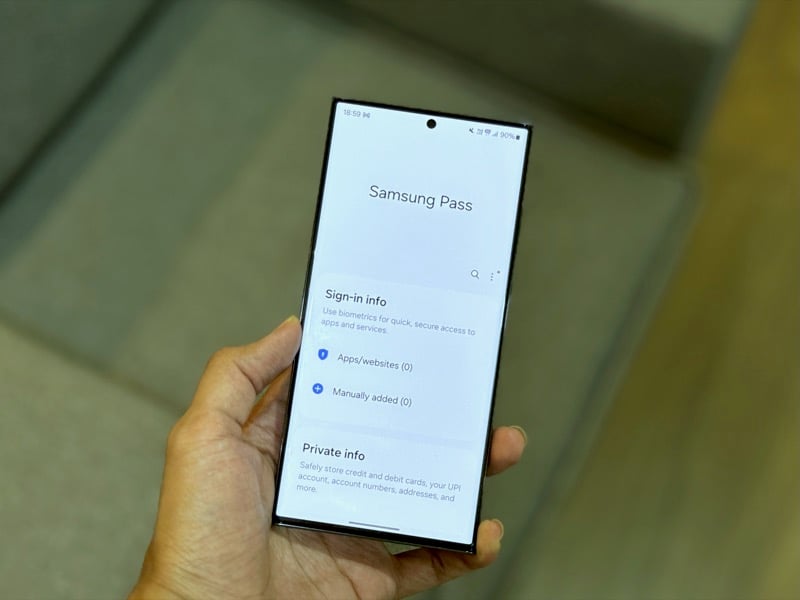
Samsung Pass is a biometric authentication service that simplifies logging in to apps and websites on your Galaxy phone. You need a Samsung account to use. But once you sign in with your Samsung account and set up the service, you no longer need to type your passwords to access your accounts on any apps and websites on your phone.
Miscellaneous
So far we’ve mentioned some of the most useful Samsung apps and services you can benefit from on your Galaxy phone if you use a Samsung account. But there are a few more apps and services that a Samsung account gives you access to on a Galaxy device. These include:
- Bixby
- Syncing Samsung Internet data between devices
- Syncing Gallery data to OneDrive
- Syncing notes, voice memos, and reminders on respective Samsung apps
- Samsung Rewards
- Samsung Members
- PENUP app
- Samsung TV Plus
Not All Samsung Apps and Services Are Equally Useful
A Samsung account isn’t mandatory to use a Galaxy phone. However, you do need it to take full advantage of Samsung’s apps and services and get the most out of your Galaxy device.
That said, not all Samsung apps and services are equally useful. For example, Samsung Cloud may not be ideal for you if you aren’t in the Samsung ecosystem or prefer another storage service. Similarly, you can’t benefit from Samsung Health if you use a fitness tracker or smartwatch from another brand.
Ultimately, it’s you who needs to decide if these apps and services are useful to you or not. If they are, you can create a Samsung account and start using it on your Galaxy phone. Otherwise, you can continue to use your phone with just your Google account.

