

Quick Answer
Powered Off Finding is a Find My Device feature available on Android 15 that allows you to track your lost or stolen Android phone even when it’s powered off. It requires specialized hardware on the phone to be trackable in a powered-off state. As such, only a handful of Android phones currently offer the feature, though given how helpful it can be, we wish more phones support it in the future.
Google’s Find My Device service has been the easiest way to locate your lost or stolen Android phone. However, it would show your phone’s location as long as it was powered on, meaning if your phone’s battery died or the thief turned it off, there was no way you could track it using the Find My Device app or website.
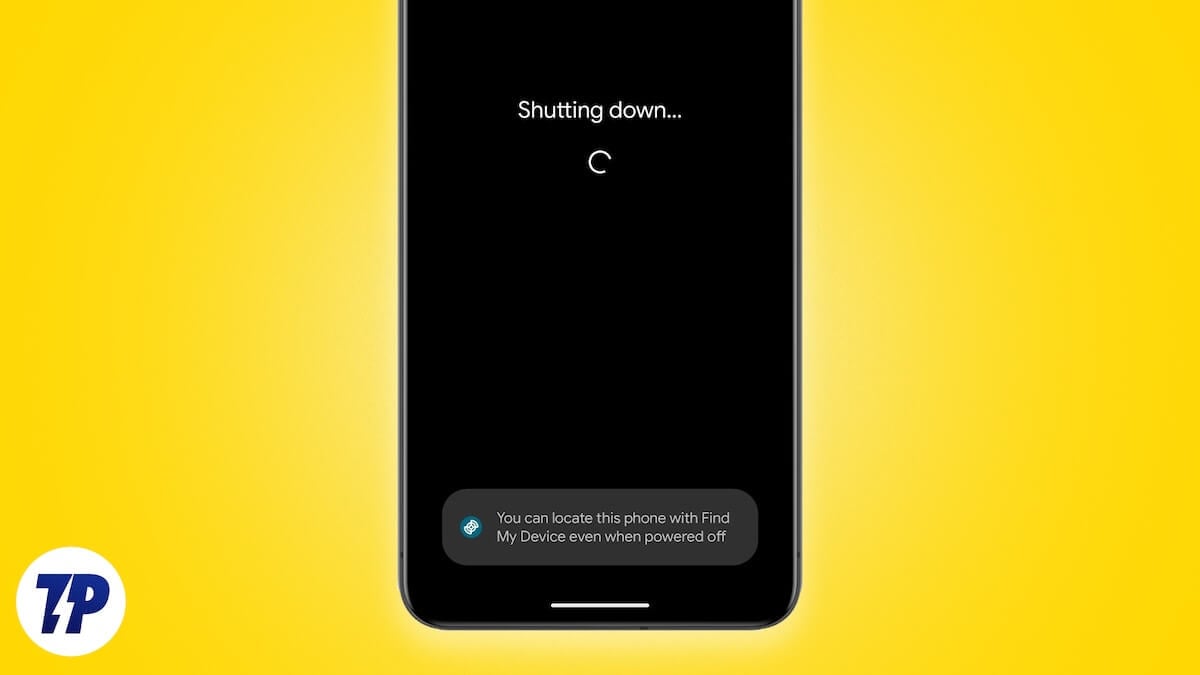
Realizing how this puts its users at a disadvantage, with Android 15, Google introduced Powered Off Finding, enabling tracking even when a phone is powered off—though only a handful of Android phones support it currently. Let’s explore Find My Device’s Powered Off Finding feature and see why more phones need it.
What is Powered Off Finding? And How Does it Work?
Powered Off Finding is a Find My Device feature available on Android 15 that allows you to track your lost or stolen Android phone even when it’s powered off.
Google’s competitor, Apple, has long offered similar functionality to iPhone users, enabling them to locate their devices even when turned off. However, the way it works is different from that of Google’s implementation.
Apple solely relies on software to offer offline tracking capabilities on its iPhones. On the other hand, it’s a different story in the case of Google’s offering.
Powered Off Finding requires specialized hardware on the phone itself to be trackable in a powered-off state. The way this works is that the phones that support the feature come with what’s called precomputed Bluetooth beacons in their Bluetooth controller.
Now, when this phone is lost or stolen and gets powered off for any reason, it broadcasts these beacons—for several hours—to other Android devices in the vicinity that participate in the Find My Device network. The receiving devices then encrypt the location shared by the broadcasting device and relay it back to Google’s server, enabling the owner of the lost or stolen phone to decrypt the information and access its location.
Which Android Phones Support Powered Off Finding?
Despite being a part of Android 15, the Powered Off Finding feature won’t be available on all Android phones, even if they support Android 15. This is because the feature requires specialized hardware to keep the Bluetooth controller powered on when the phone is powered off, which Android phones launched until last year lack.
As of the time of writing, though, Powered Off Finding is available on the following devices:
- Pixel 9 (review) and 9 Pro
- Pixel 8 and 8 Pro
- Pixel 8a (review)
- OnePlus 13 (review)
- Xiaomi 15 and 15 Ultra (global variants)
How to Ensure Your Android Phone Can Be Tracked Even When It’s Powered Off
Considering you have an Android phone that supports Powered Off Finding, there are a few things you need to be able to locate it even when it’s turned off.
To begin with, you want Bluetooth and Location Services enabled on your Android phone before it gets powered off. Then, you need the Find My Device option enabled on your phone along with the offline tracking functionality configured with the appropriate option. Here’s how to do that:
- Open the Settings app on your Android phone.
- Tap the search bar at the top, look up Find My Device, and tap on the matching result.
- Toggle on the Use Find My Device option if it hasn’t been enabled already.

- Tap the Find Your Offline Devices option. It’s set to Off by default.

- Select your preferred tracking option. Your options include:
– Without Network: It makes your device trackable when it’s offline or powered off by showing you the last location it stored when it was online. You aren’t enrolled in the crowdsourced Find My Device network, so your device can’t be located by devices on the network, nor can it help others track their devices.
– With Network in High-Traffic Areas Only: It enrolls you in the Find My Device network and makes your device trackable via other enrolled devices in the network in high-traffic areas, such as airports.
– With Network in All Areas: It enrolls you in the Find My Device network and makes your device trackable via other enrolled devices in the network in all areas, allowing it to be tracked even when it’s in a low-traffic area. - Hit More and, on the next screen, scroll down and tap the Enter Screen Lock button. Find My Device will use your phone’s screen lock to encrypt device locations.
- Enter the correct screen pin and hit Next to finish the setup.

With Powered Off Finding configured, you should be able to use the Find My Device app or website to track your Android phone if it ever gets lost or stolen, even when it’s powered off.
Why More Android Phones Need Powered Off Finding?
Although late, the release of the Powered Off Finding feature is highly valuable for Android phone users. Offering an easy and secure way to track Android phones even when they’re powered off has several benefits.
- Peace of mind: Powered Off Finding gives you the peace of mind that your Android phone can still be tracked—at least for a few hours—after it’s turned off.
- Increased chances of recovery: The feature improves the chances of finding a lost or stolen phone in critical situations, like when the phone battery dies, or the thief powers it off completely to stop sharing its location.
- Batter tracking capabilities: Since you aren’t solely relying on your phone’s last saved location before it turned off—because Powered Off Finding leverages Google’s crowdsourced Find My Device network, which returns your device’s location more accurately—you have increased chances of pinpointing your device’s actual location on the map and tracking it down.
- Deter potential thieves: Over time, as the awareness of Powered Off Finding spreads, it could deter potential thieves from stealing Android phones, as they would be aware that the likelihood of its owner tracking it is significantly higher than ever.
Powered Off Finding Isn’t Perfect Yet
A thing to note about Powered Off Finding is that Android phones won’t be able to power their Bluetooth controller in the powered-off state for too long. This means there’s a limited time window in which you have to use the Find My Device app or website to locate the phone.
Additionally, whether or not you’ll be able to track your phone’s location successfully depends on how many devices—that have opted into the Find My Device network—are available in its vicinity. The higher the number of devices, the better your chances of retrieving your phone’s location.
However, as things currently stand, Powered Off Finding isn’t as effective as it should be, especially in a low-density area. Part of the reason for this is that most devices on the Find My Device network contribute location data in high-traffic areas, but not all areas. This is because when users sign in to their Android phones using their Google account, they automatically opt into the Find My Device network with the “With Network in High Traffic Areas” option instead of “With Network in All Areas” to prioritize privacy.
According to a report from Android Authority, Google is trying to improve things by giving users the option to choose between the two options rather than setting it to the “With Network in High Traffic Areas” as it has until now. This means that users will see prompts at different points and places on the device after the initial setup, which will increase the likelihood of them accepting the more desired option between the two and, in turn, improve the effectiveness of the Find My Device network and Powered Off Finding.

