

I recently had to shift my primary SIM to an Android phone from an iPhone. As part of our review process, we test smartphones extensively and understand everything about them. The best way to do this is to use them as a daily driver and test them in every possible way.
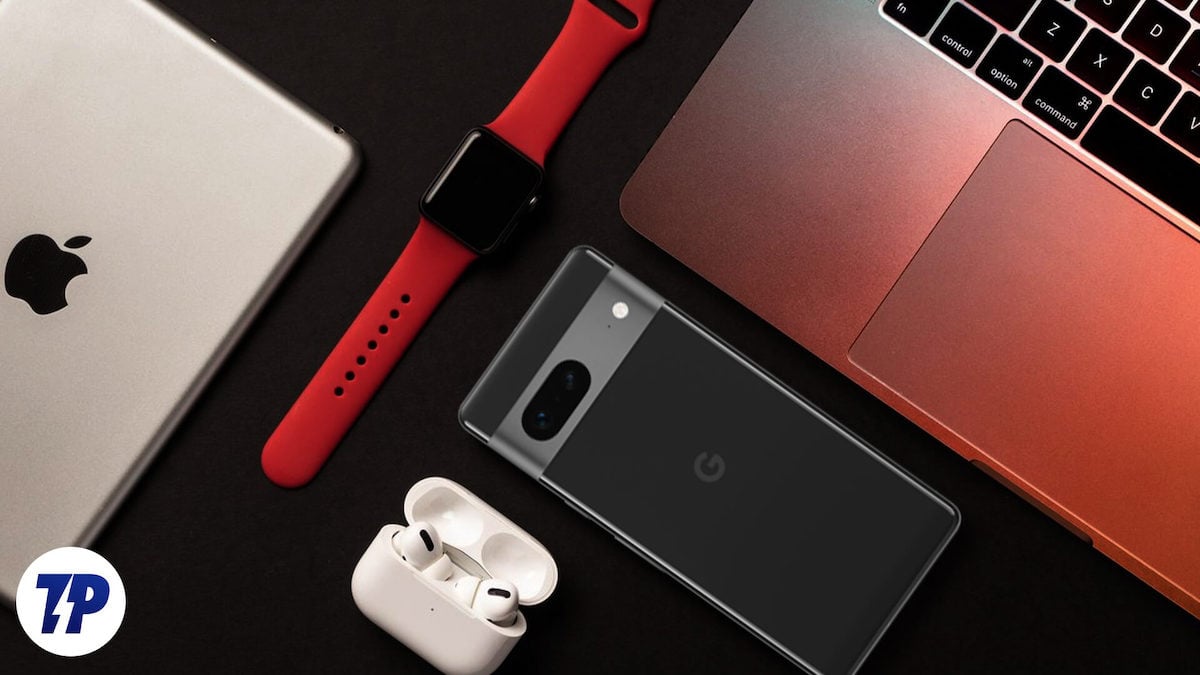
When switching between different smartphones, there are typical problems that most reviewers face, e.g. with data transfer, SIM activation and more. I too have encountered similar problems. However, if you are in an Apple ecosystem, you may face other challenges as well. The Apple ecosystem is tightly knit and it is difficult to integrate non-Apple products into the system.
After using an Android smartphone in the Apple ecosystem for two weeks, here are my experiences.
Table of Contents
What it’s like using an Android smartphone in the Apple ecosystem
My Apple devices include the iPhone 14 Plus, the iPad Pro 11th Gen. with the Apple Pencil, the MacBook Air M1, the Apple Watch and the AirPods Pro 2nd Gen. I swapped my primary SIM card for an Android smartphone (the Vivo V30) and used it for over two weeks along with the other Apple devices.
The Hassle of File Sharing
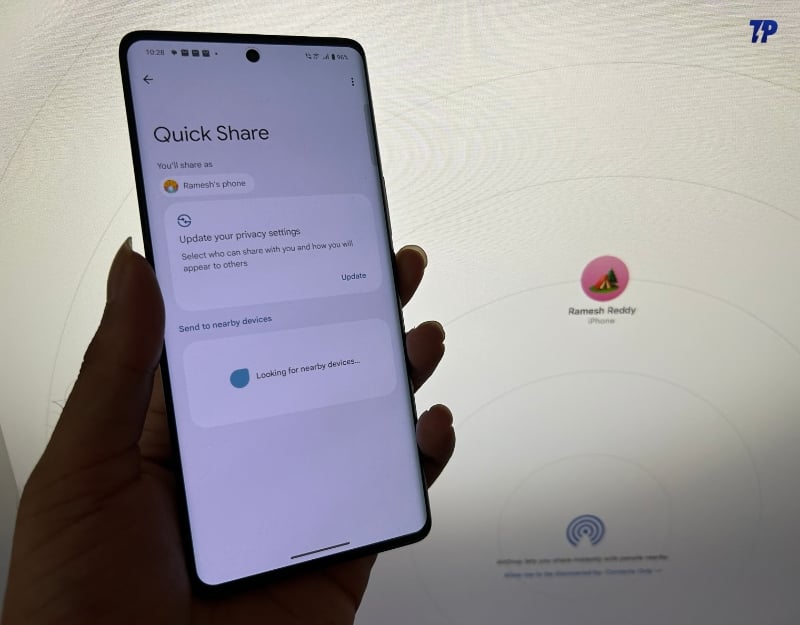
The Apple Continuity features are the best part of the Apple ecosystem. With these features, different Apple devices can be seamlessly connected and work together. The Apple Continuity features I use the most are AirDrop, Universal Clipboard, Handoff and Instant Hotspot.
I started missing those features in less than half a day of using the Android smartphone at my desk. First, sharing files between the iPhone and Mac is seamless; you can select and share the file with the AirDrop. The next second, you’ll see a notification on the Mac that the file is being received from the iPhone. It’s instant and very seamless.
This isn’t the case with an Android smartphone. You can use third-party workarounds to share files between Mac and Android. Finding the best tool is tricky. Even if you’ve managed to find the best tool, you’ll need to go through the setup process and launch a specific tool when you share files. This process alone can be time-consuming and annoying because there are additional steps to install, set up and use.
Another Continuity feature I miss when using an Android smartphone is the Universal Clipboard. I can copy text on my iPhone and paste it directly to my Mac. This also works for images and other files. This works perfectly on all Apple devices.
You don’t have this flexibility with Android. With third-party tools like Clipt, you can still exchange clipboard content between Android and Mac. However, this isn’t as seamless as with Apple and sometimes it doesn’t even work at all.
The Challenge of App Continuity

We have plenty of apps to choose from on Android. If you want a notes app, you can use Google Keep or the notes app built by the device manufacturer, which is most likely the default option on Android. Similarly, Apple offers several built-in apps like notes, browsers, pages, and maps. Unlike Android, Apple built-in apps are available for the Mac, iPad, and Apple Watch, eliminating the need for separate installations and syncing data between them.
For instance, I use the Notes app on my iPhone, which automatically syncs the notes data between my Mac, iPhone, and iPad. You can start creating notes on the iPhone, switch to the Notes app on the Mac, and continue from where you left off. It also offers the Continuity feature.
It’s not the same with Android. The default notes app is only available on the Vivo V30. I have to rely on third-party solutions to use the same notes app on my Android and my Mac to sync data between them. I opted for Google Keep on my Android because it’s very similar to the Notes app, but Google Keep Notes is not available on the Mac (you can still use Google Notes on the Mac on the web, but I prefer the native app).
I started looking for alternatives that work on Android and Mac. I finally decided to use Microsoft OneNote. It is available for Mac and Android and is free, compared to other options like Evernote and Simple Note. The experience of using Microsoft One Note is good, but again, you must install Microsoft OneNote on my Android and Mac and create a Microsoft account to sync data between them.
This isn’t just limited to the Notes app. If you are using apps like Apple Pages, Clips, Mail, Safari, Pages, Numbers, Keynote, Maps, Messages, Reminders, Freefrom, Calendar, and Contacts, you should look for alternative apps that work both on Android and Apple devices.
The Limitations of Apple Watch Compatibility

I use an Apple Watch to track my fitness, get essential reminders, and stay updated with the latest health data. However, my Apple Watch is now practically useless because it only works with the iPhone. It doesn’t work with any other Apple product, including the iPad.
Apple has good reasons for not allowing the Apple Watch to work on other devices. A study from CIRP found that Apple Watch owners are most likely to purchase the latest iPhone models. You can still use the Apple Watch without an iPhone, but it requires an iPhone to set up the Apple watch. You cannot sync Apple Watch data with your Android smartphone, customize the watch face, or set reminders on the Apple Watch with an Android smartphone.
The Struggle with Automation

The most underrated app on the iPhone is the Shortcuts app. There are excellent reasons to back up my claim. For instance, I use shortcuts on iOS to automate most of my everyday tasks. I use the Shortcuts app to automate changing wallpapers on the iPhone and play a specific song when I am in a particular location and time. I have been doing this for over six months, and it has become my routine.
On Android, you don’t have the option to create shortcuts and make them work as seamlessly as Apple shortcuts. I can technically still use the shortcuts app on my iPad to automate tasks, but it requires me to carry my iPad wherever I go. The automation between them only works when the devices are connected. For instance, I automate the Apple Watch to automatically open Spotify and play songs when I am at a specific location, and it works seamlessly. On Android, we don’t have an option that is as easy as creating automation and adding different actions to Apple devices. So, I have to manually do everything on Android that was previously automated on iOS.
Not All Is Lost: The Perks of Android in the Apple Ecosystem
Not everything is terrible when you use an Android smartphone in the Apple ecosystem. By now, you may already know that integrating an Android smartphone into the Apple ecosystem isn’t all that great. It also means that Apple has less control over my smartphone, so I can use all Android features regardless of whether they are in the Apple ecosystem.
The Freedom of App Installation on Android
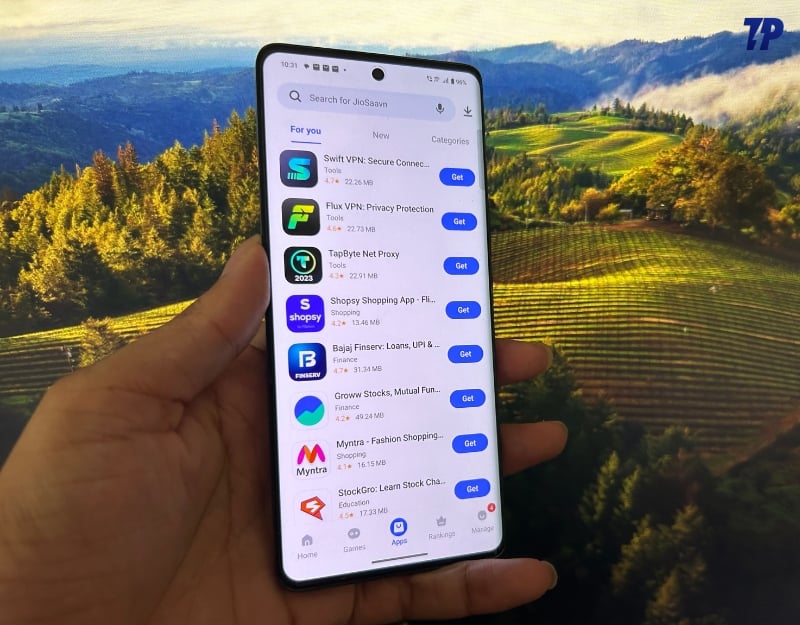
Installing apps from app stores and third-party websites can be a problem on the iPhone if you do not live in the EU. Users in the EU can use third-party stores to install apps and use services outside the App Store. But they are still under Apple’s radar. However, this is not the case with Android.
You can download any app from any website. This process is seamless; you just need a good internet connection and permission to install third-party apps on your smartphone. This opens up options for different apps and games installed on your smartphone. After making the switch, I downloaded several modified apps and used them on Android.
The Perfect Assistant

I use Gmail for email, Google Maps for navigation and Chrome as my default browser. All supported Google apps work seamlessly on Apple devices, and apps like Chrome work better on iOS. One Google service I do miss, however, is Google Assistant. I can use Google Assistant on my iPhone with the official app from the App Store, but I can’t replace Siri with Google Assistant.
The main purpose of assistants is to provide easy access. On iOS, you can’t replace Siri with Google Assistant, so accessing Google Assistant on an iPhone requires an extra step. That’s not the case with Android smartphones; Google Assistant is installed by default on most Android devices, including the V30 I used.
Google Assistant is better than Siri in many ways. Plus, Bard on Android can replace Google Assistant, which means you can use generative AI features as well. I finally had the opportunity to use Google Assistant.
Android in Apple’s Space
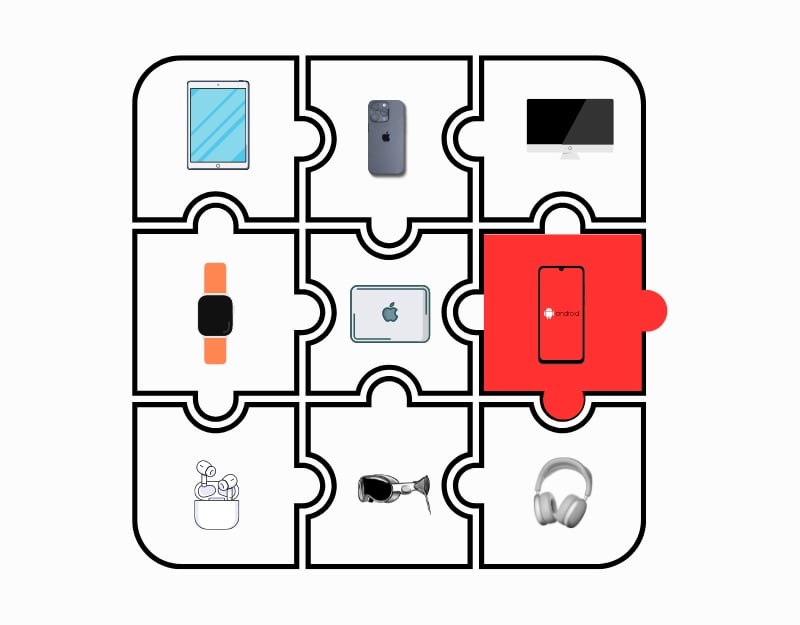
So what’s it like to use an Android smartphone in the Apple ecosystem? Honestly, I was frustrated. Especially if you use Apple devices and have been in the Apple ecosystem for a while, it’s hard to integrate other devices that don’t belong. You can still put the piece of the puzzle in, but it doesn’t complete it. There are still advantages of Android that I can use, such as installing third-party apps and the Google Assistant, but they all remain on Android and are contrary to the concept of an ecosystem.

