

Quick Answer
There are plenty of ways to access blocked websites. Unfortunately, no single method works for all situations. ISPs or admins use different techniques to block websites. In most cases, domain filtering is the most common technique to block websites. In this case, you can use methods like Google Translate, an IP address, URL shorteners, or switch to a different DNS to bypass the filter. You can use more advanced methods like VPNs, proxies, Tor Browser, etc.
Governments, ISPs, or workplaces prevent users from accessing certain websites. Often these restrictions are applied on a large scale, preventing anyone on the same network from accessing these websites. While this can be helpful in some cases, like governments protecting users from illegal websites or workplaces preventing the use of social media sites, there are times when you need to access a specific website for important information, only to find it is blocked.

Fortunately, there are many ways to unblock a website, but not all methods work equally well for every website. Some websites can be accessed by IP address instead of domain, while others require a VPN. In this guide, you’ll find 8 methods you can use to access any blocked website.
Table of Contents
Simple Methods Access Blocked Websites
S.No | Method | Works for | How to Use |
|---|---|---|---|
1 | Google Translate | Institutionally Blocked Websites, Content Filtered Websites | Enter the URL into Google Translate and translate |
2 | URL Shortener | Bypass domain-based filters, Geo-Restricted, Censored, Institutionally Blocked, Content Filtered | Shorten the URL and use the new link to visit the website |
3 | Access via IP Address | Geo-Restricted, Censored, Institutionally Blocked, Content Filtered | Find the IP address of the Website and enter it directly |
4 | Wayback Machine | Geo-restricted, Censored, Institutionally Blocked, Content Filtered, Security Blocked, Torrent, Restricted Forums | Enter the URL into Wayback Machine |
Use Google Translate
Works for:
- Institutionally Blocked Websites.
- Content Filtered Websites
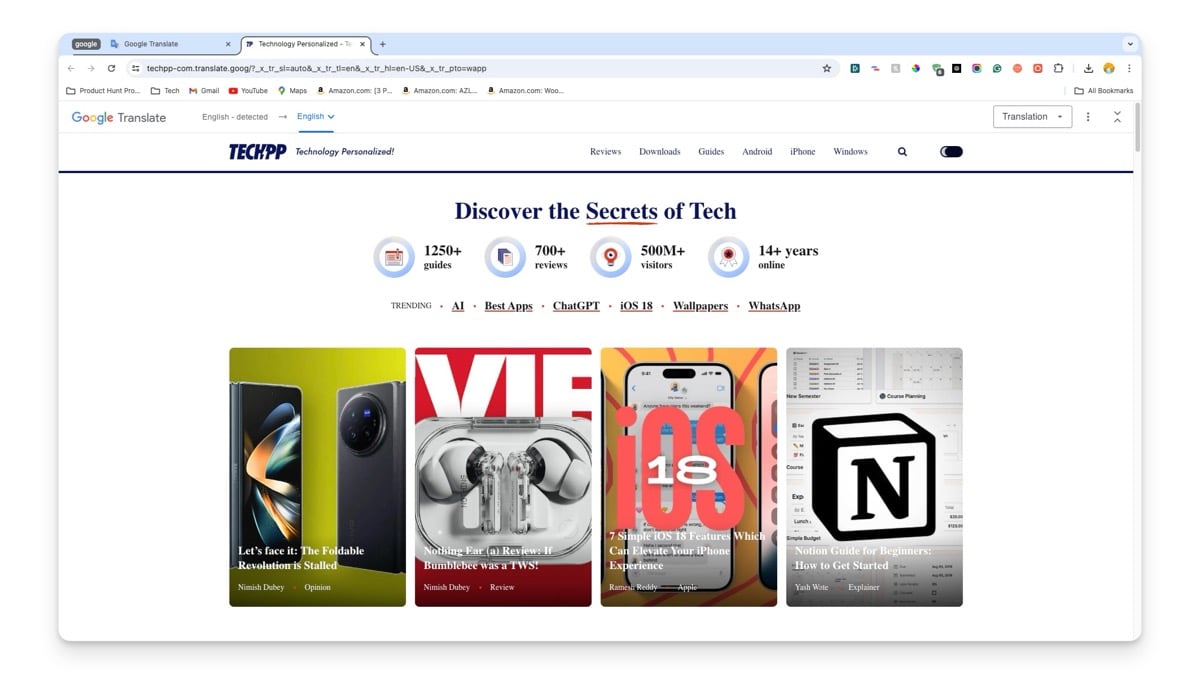
You can use Google Translate to access blocked websites easily. Translation apps like Google Translate act as intermediaries. You can enter the URL of the page you want to access and submit it to Google Translate. Google Translate will display the webpage within the translation interface.
You can access all webpage content, including media and links. You can leave it in the default detected language or change it to your preferred language for convenience. This is one of the easiest methods to unblock any site.
Benefits:
- Access some blocked websites easily.
- Simple and free to use.
- No installation is required.
Limitations:
- Limited to text-based websites.
- No encryption for data protection.
- It doesn’t hide your IP address.
Use a URL Shortener
Works for:
- Bypass domain-based filters.
- Geo-Restricted Websites and Censored Websites
- Institutionally Blocked Websites
- Content Filtered Websites
Many institutions and ISPs block websites based on domain names. You can use a URL shortener. to bypass these blocking filters. There are plenty of free URL shortener services you can use. However, this might not always work. You can try using any free URL-shortening service to access the blocked website.
Benefits:
- Access blocked websites easily.
- Simple and quick to set up.
- Often free to use.
- It can bypass basic URL-based filters.
Limitations:
- No encryption for data protection.
- It may not work for advanced filters or censorship.
- Shortened URLs can be blocked if identified.
- It doesn’t hide your IP address.
Access the Website Using an IP Address
Works for:
- Geo-Restricted Websites and Censored Websites
- Institutionally Blocked Websites
- Content Filtered Websites
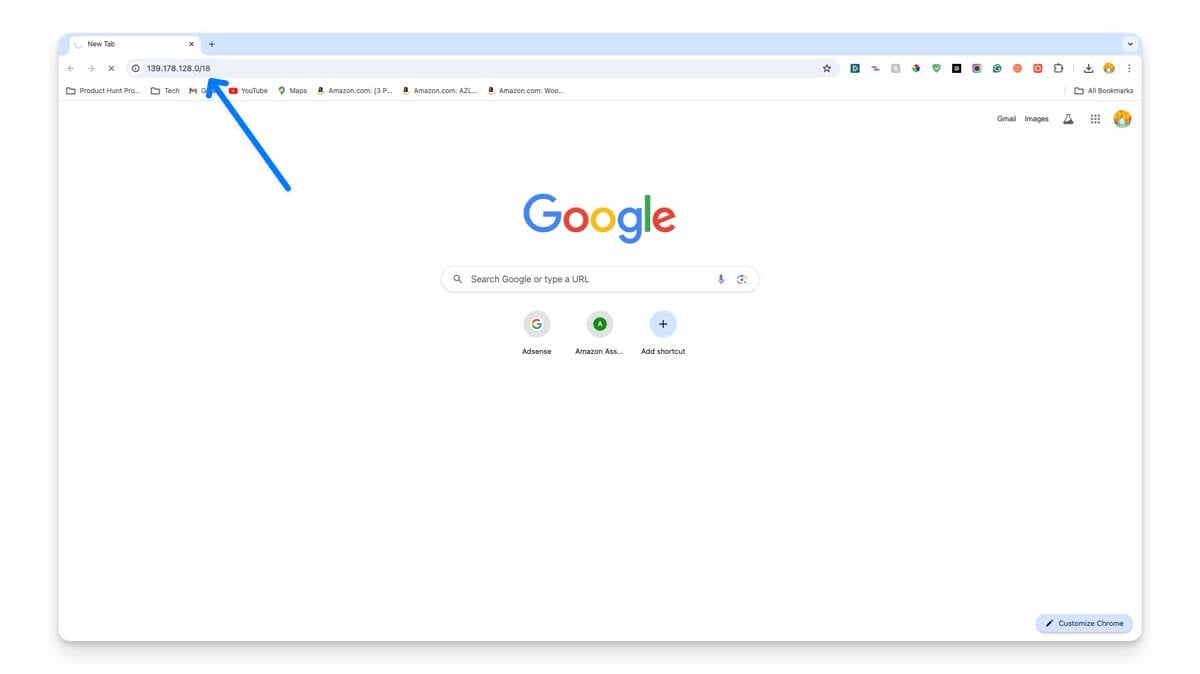
In most cases, websites are blocked using domain names through DNS filters. You can try accessing the site using its IP address. Plenty of online tools like WhatIsMyIP allow you to find the IP address of a website. Type the IP address directly into your browser’s address bar to access the website.
Benefits:
- Access blocked websites easily.
- Simple and direct method.
- Bypass domain-based blocks.
Limitations:
- No encryption for data protection.
- It is less effective for sites with IP-based restrictions.
- Do not hide your IP address.
- Some websites may use multiple IP addresses or IP blocking.
Use the Internet Archive’s Wayback Machine
Works for:
- Geo-Restricted Websites and Censored Websites
- Institutionally Blocked Websites
- Content Filtered Websites
- Security Blocked Websites
- Torrent and File-Sharing Sites
- Restricted Forums and Communities
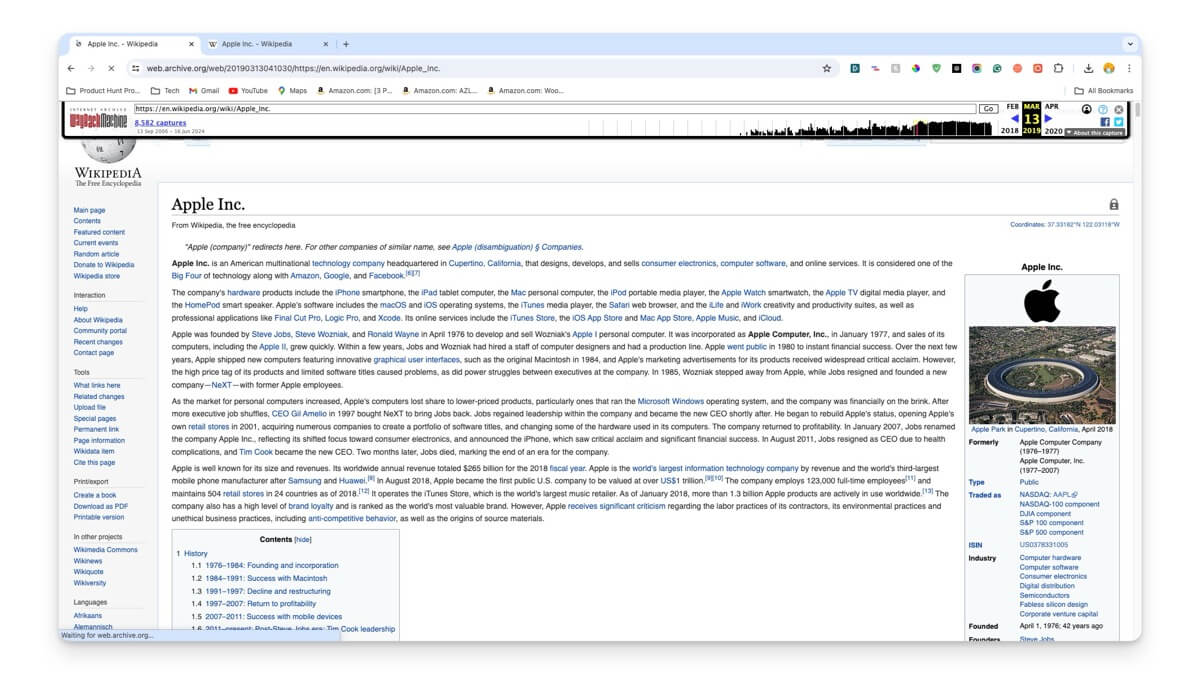
The Wayback Machine is very helpful if you want to access blocked content on a website by showing previous archived versions of web pages. Compared to other methods, using a Wayback Machine can be helpful when you want to access content removed by the site owner and when you want to access website content during outages.
Benefits:
- Access archived versions of websites.
- Free and easy to use.
- It can bypass various types of content restrictions.
- Provides historical content access.
Limitations:
- No access to current, live content.
- No encryption for data protection.
- Limited to available archives.
- Do not hide your IP address.
Advanced Methods To Access Blocked Websites
S.No | Method | Works For | How to use |
|---|---|---|---|
1 | VPN | Geo-restricted, Censored, Institutionally Blocked, Content Filtered, Copyrighted, Security Blocked, Torrent, Restricted Forums | Install a VPN app and connect to a server |
2 | Proxy | Geo-restricted, Censored, Institutionally Blocked, Content Filtered, Copyrighted, Security Blocked, Torrent, Restricted Forums | Setup proxy and access the webiste |
3 | Tor Browser | Geo-restricted, Censored, Institutionally Blocked, Content Filtered, Copyrighted, Security Blocked, Torrent, Restricted Forums | Use Tor Browser to access website |
4 | Switch to a Different DNS | Geo-Restricted, Censored, Institutionally Blocked, Content Filtered | Change DNS settings in the device/network |
Use a VPN
Works for:
- Geo-Restricted Websites and Censored Websites
- Institutionally Blocked Websites
- Content Filtered Websites and Copyrighted Content Websites
- Security Blocked Websites
- Torrent and File-Sharing Sites
- Restricted Forums and Communities
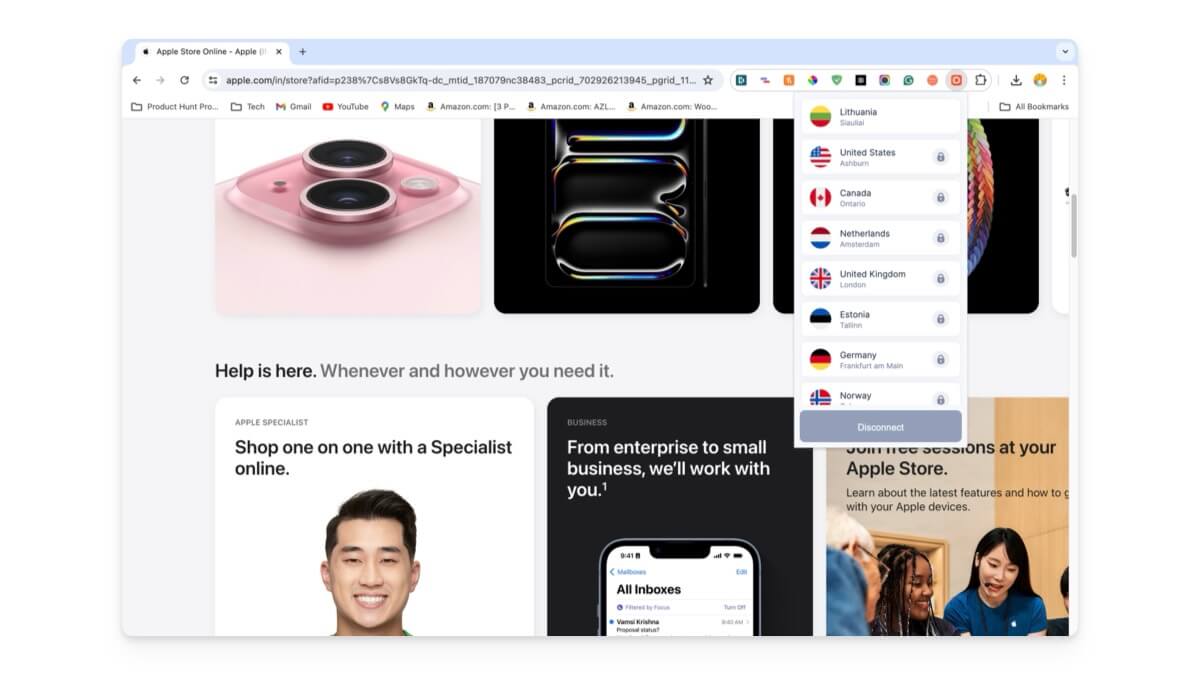
A VPN is one of the simplest and fastest ways to access any blocked website. VPNs act like tunnels and reroute your internet traffic through a server in another location. This process makes it appear like you are browsing from a different country or region.
VPNs are generally used to unblock geo-restricted websites like streaming platforms, social media sites, news websites, shopping and e-commerce sites, and censored sites. However, not all VPNs work the same. VPNs come in both paid and free versions.
Free VPNs generally have limitations like limited server support and slower speeds. Some websites can detect and block VPN traffic, and using a VPN is illegal in some countries. To unblock sites, consider using a VPN browser extension or browsers with built-in VPN, which is easy to install and use and can unblock websites within a specific browser. VPNs are also available on desktop and mobile devices, and router-based VPNs encrypt all traffic from the router.
Benefits:
- Unlock a wide variety of blocked websites.
- It is simple and easy to set up, even for beginners and non-technical people.
- Hides your IP address and keeps your online activities private.
- Encrypts your internet connection and protects sensitive data from hackers.
- Protects your data on public Wi-Fi networks.
Limitations:
- It can slow down your internet connection.
- Most free VPNs might have limited features.
- Some websites detect and block VPN traffic.
- Some VPNs may log activity and sell your data.
Using Proxy
Works for:
- Geo-Restricted Websites and Censored Websites
- Institutionally Blocked Websites
- Content Filtered Websites and Copyrighted Content Websites
- Security Blocked Websites
- Torrent and File-Sharing Sites
- Restricted Forums and Communities
Another way to unblock websites is by using a proxy. A proxy works similarly to a VPN but doesn’t encrypt the data. It acts as an intermediary server between you and the website you are trying to visit.
When you send a request, the proxy server hides your IP address and uses its IP to make the request. Proxy servers are primarily used in schools and universities to block specific websites. However, using the same proxy server, you can unblock websites.
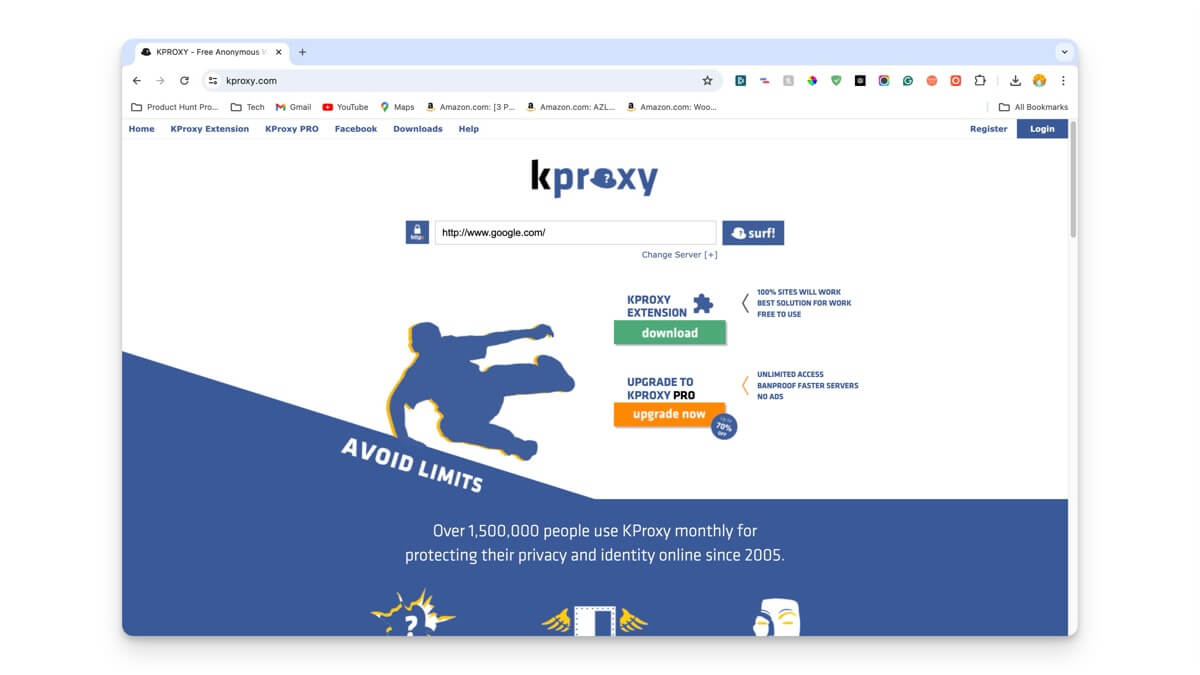
You can set up a proxy server in many ways. You can use proxy services like Hide.Me, KProxy, Proxysite, etc. Additionally, many popular browsers like Google Chrome and Mozilla Firefox offer built-in proxy settings, and operating systems like Windows and macOS also come with proxy server support. You can find the free proxy server list here.

Benefits:
- Access blocked websites easily.
- Bypass school, work, or government censorship.
- Hide your IP address for more privacy.
- Save bandwidth with cached content.
- Rotate IPs to avoid blocks when scraping data.
- Affordable compared to VPN.
Limitations:
- No encryption for data protection.
- It can slow down internet speeds.
- Less privacy compared to VPNs.
- Some proxies may log your data.
- Not effective for bypassing strict firewalls.
- Free proxies can be unreliable.
Access Blocked Websites Using the Tor Browser
Works for:
- Geo-Restricted Websites and Censored Websites
- Institutionally Blocked Websites
- Content Filtered Websites and Copyrighted Content Websites
- Security Blocked Websites
- Torrent and File-Sharing Sites
- Restricted Forums and Communities
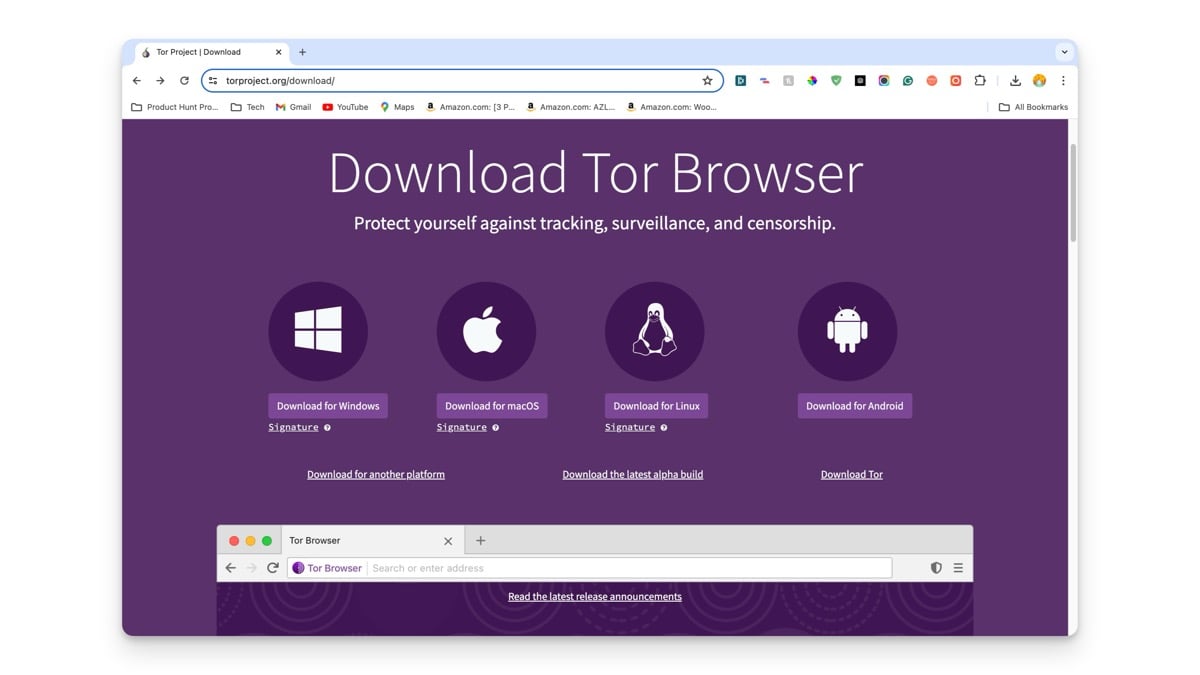
If you don’t want to use a VPN or set up a Proxy, try Tor Browser. Tor browser routes your internet traffic through multiple nodes (a series of volunteer-run servers) until the traffic reaches its destination. This process hides your real IP address and makes it appear like you are accessing the internet from a different location. You can bypass geo-restrictions and censored websites set by your ISP using the Tor browser.
However, setting up a Tor Browser can be difficult for the regular user compared to VPN or proxy browsing. It can be slower, and some websites may block Tor traffic by default. Additionally, the Tor Browser is primarily used for accessing the dark web, which can pose risks if misused.

Benefits:
- Hides your IP address.
- Encrypts your internet traffic.
- Bypasses geo-restrictions and censorship.
- Provides a high level of anonymity.
Limitations:
- It can be slower than regular browsers.
- There is no end-to-end encryption at the exit node.
- Some websites block Tor traffic.
Switch to a Different DNS
Works for:
- ISP blocked websites.
- Geo-Restricted Websites and Censored Websites
- Institutionally Blocked Websites.
- Content Filtered Websites.
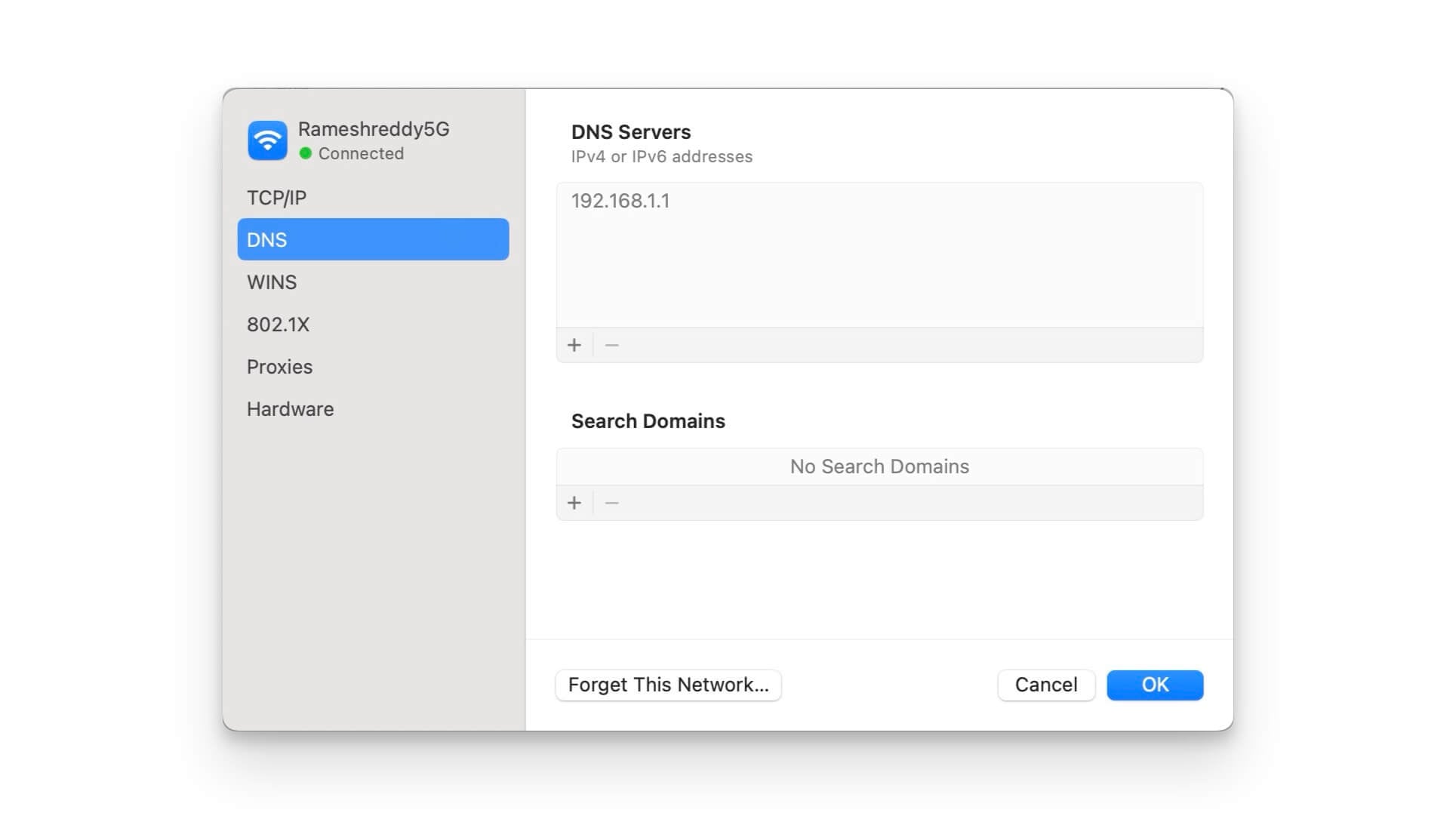
You can also switch to a different DNS to access unblocked websites. Most internet service providers (ISPs) often implement DNS filters to block access to certain websites from their network. Sometimes, this restriction is only applied to the DNS used by the specific ISP. In this case, you can manually switch to an alternative DNS server to access the sites.
In addition to unblocking sites, using alternative DNS services from Google or Cloudflare also comes with benefits like improved speed, enhanced security, and more. You can easily switch DNS servers from your smartphone and PC settings. You can use the DNS changer app, to change the DNS server without going through complex steps.

Benefits:
- Access blocked websites easily.
- It can improve internet speed and reliability.
- Free and easy to set up.
- It can bypass ISP-level content filters.
Limitations:
- No encryption for data protection.
- It doesn’t hide your IP address.
- It may not work for advanced censorship techniques.
- DNS queries can still be monitored.
Effective Methods to Access Blocked Websites
These are the methods you can use to access blocked websites. As always, we’ve listed these methods for educational purposes only; accessing legally blocked websites can get you into trouble. In some countries, the use of VPNs is also prohibited. Always check local laws and regulations before attempting to circumvent any restrictions.

