TechPP - Technology Personalized
Discover the Secrets of Tech




Latest




The Daily Brief
Making Tech Simpler

Get the best advice

Get the best tech for your needs

Get the most out of your tech
What's Popular
Reviews

Asus Marshmallow Keyboard KW100 and Mouse MD100 Review: Great tab pals to point, click and type
Asus Marshmallow Keyboard and Mouse combination is designed for those who want good wireless typing as well as a point-and-click experience. While they are compatible with Windows…

LG Gram 17 Review: Big, yet lighter than (MacBook) Air
LG Gram 17 Review: It packs in some top-notch hardware, making it one of the best options for someone wanting a notebook that is big and yet…

CMF Watch Pro Review: Big, Beautiful, Budget-friendly… and feature and update-rich!
CMF Watch Pro review: It is the first smartwatch to be released by CMF, Nothing’s budget-friendly sub-brand. Its sub-Rs 5,000 price gets it into a very crowded…

Moto G84 Review: Moto says hello to the Moto G magic again!
Moto G84 Review: It comes with the spirit of the original Moto G – great specs and a clean experience at an affordable price. But can it…

OnePlus Pad Go Review: An Affordable Tablet for Content Consumption
OnePlus Pad Go Review: This is OnePlus’ second attempt at Android tablets, featuring a MediaTek Helio G99 processor, a 90Hz 2.4k display, quad speakers, and cellular connectivity.…
How to Guides

ChatGPT on WhatsApp: Here’s How to Use it
Get ChatGPT on WhatsApp with this simple guide. Unlock AI-powered assistance directly in your chats for smarter, faster conversations.

How to Set Up and Use ChatGPT With Apple Intelligence on Mac
Set up ChatGPT with Apple Intelligence on Mac for seamless productivity. Step-by-step guide to integrate AI tools and enhance your workflow effortlessly.
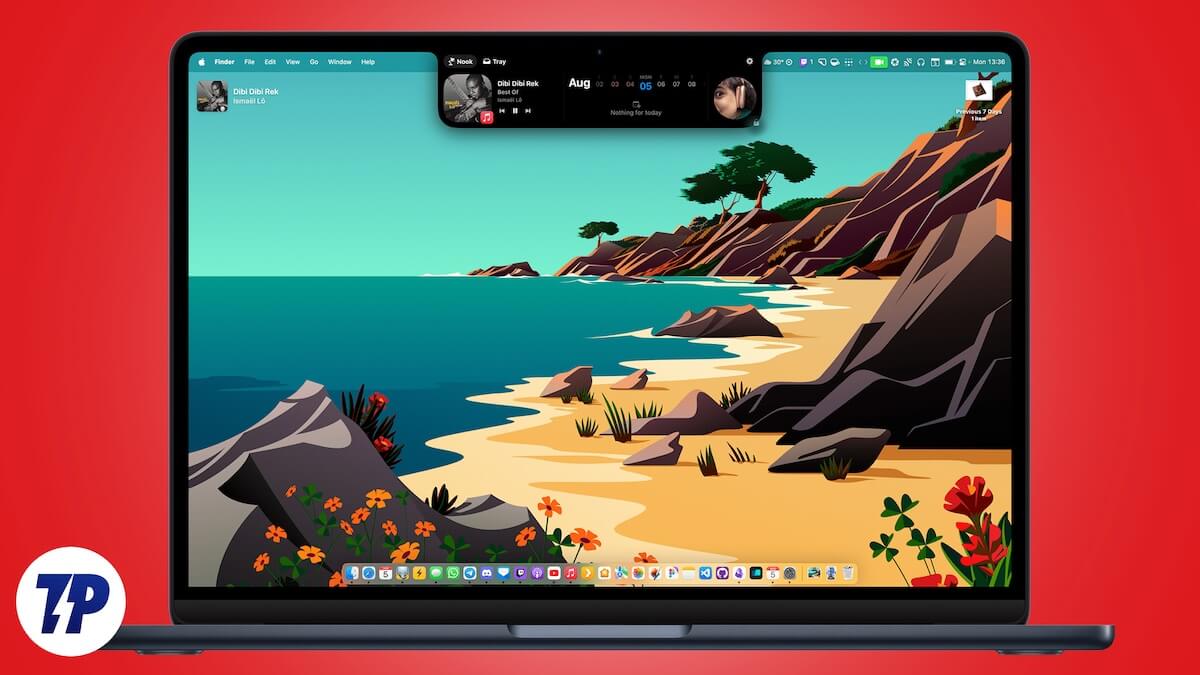
How to Get Dynamic Island Features on MacBook
Add Dynamic Island features to your MacBook with apps like DynamicLake Pro, NotchNook, and MediaMate, offering enhanced system controls, notifications, and media playback.

How to Stop Windows from Auto-Restarting After an Update
Prevent Windows from restarting automatically after updates with these easy steps. Take control of update settings and avoid unexpected interruptions.

How to Chat With Grok AI on X for Free
Chat with Grok AI on X without spending a dime! A quick guide to accessing and using Grok AI’s features for free on the X platform.
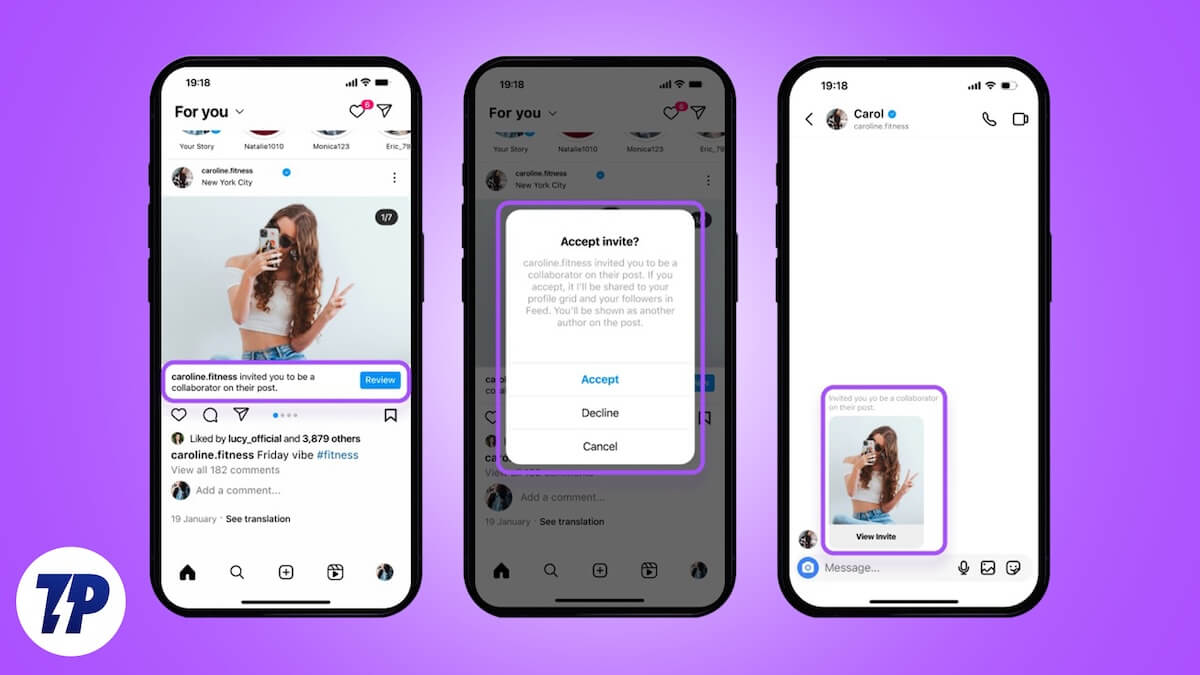
How to Use the Instagram Collabs Feature
Boost your reach with Instagram collaborators. Co-author posts, share content across profiles, and engage wider audiences to maximize visibility and impact.