TechPP - Technology Personalized
Discover the Secrets of Tech




Latest


![27 Beautiful Landscape Wallpapers for iPhone [4K]](https://techpp.com/wp-content/uploads/2026/03/Best-Landscape-Wallpapers-for-iPhone.jpg)

The Daily Brief
Making Tech Simpler

Get the best advice

Get the best tech for your needs

Get the most out of your tech
What's Popular
Reviews
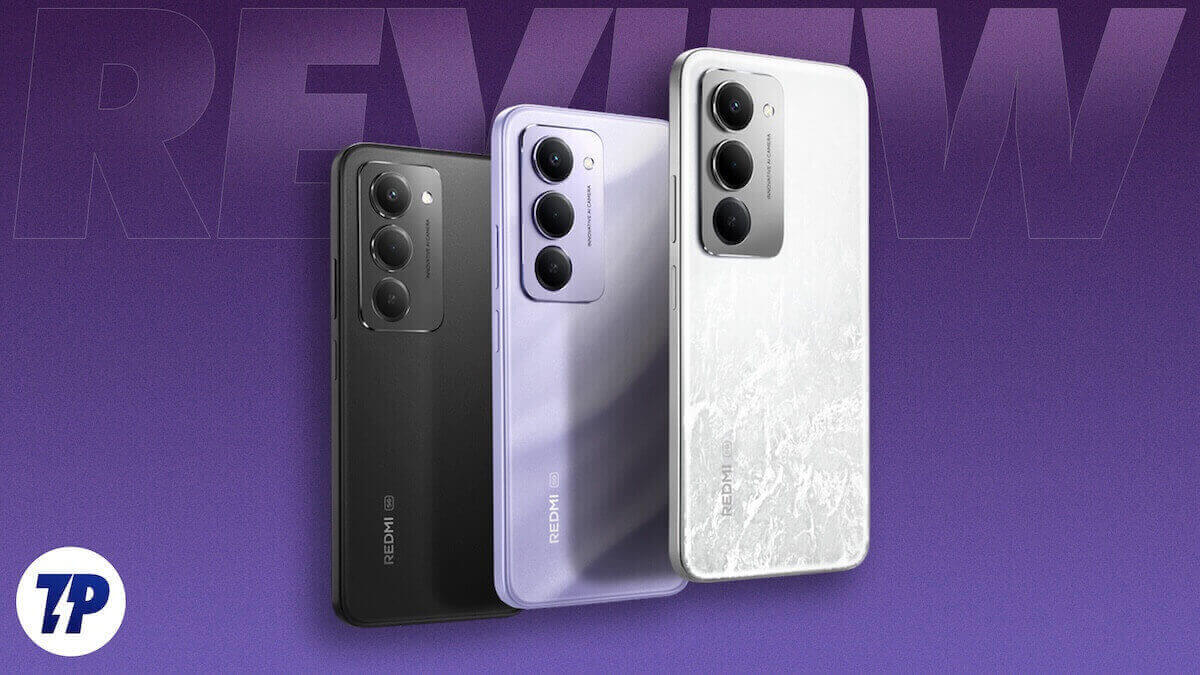
Redmi 15 Review: Big daily driver with a battery for really long drives!
Redmi 15 Review Verdict: At Rs 14,999, the Redmi 15 faces stiff competition, but stands tall, thanks to its steady performance and a battery that not only…
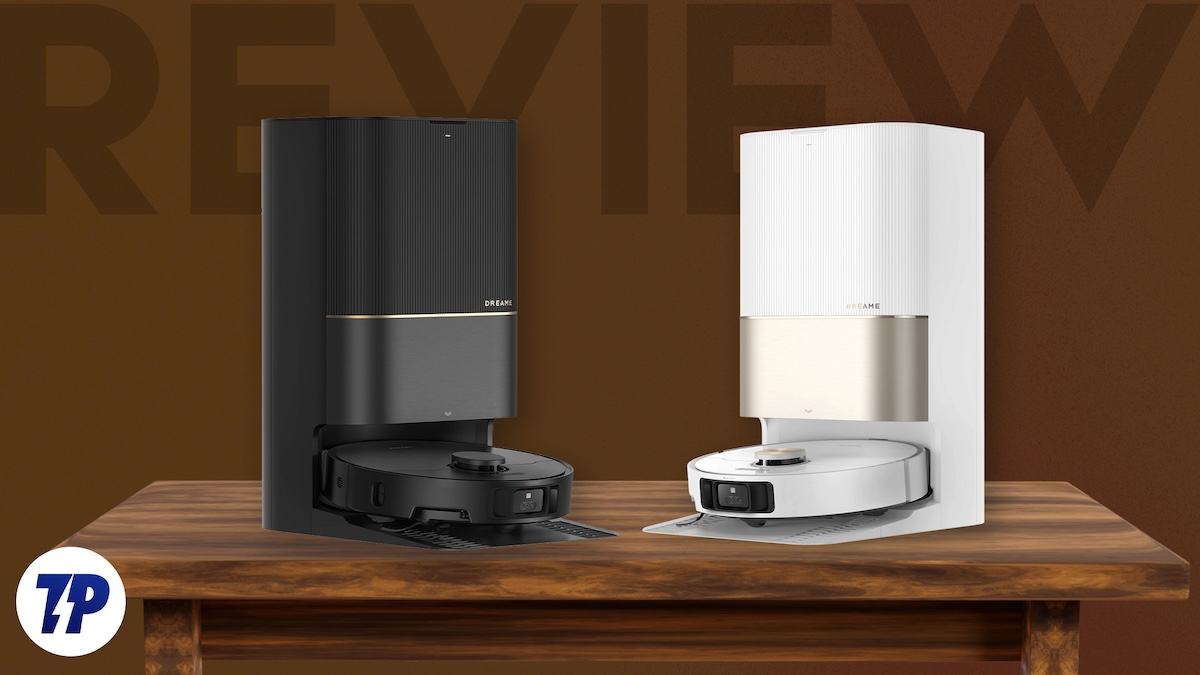
Dreame X40 Ultra Review: Strong vacuuming, smarter mopping
Dreame X40 Ultra review verdict: The X40 Ultra impresses with strong suction, smart mopping, and premium build, though quirks like detergent handling and app tweaks keep it…

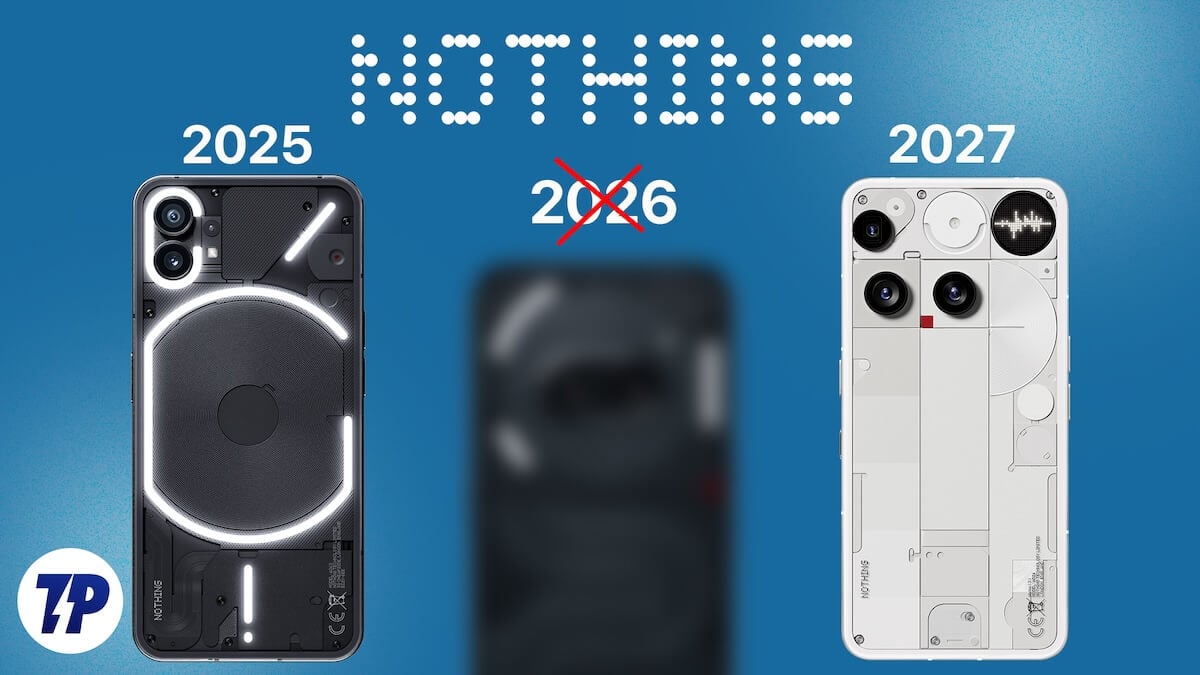
Nothing Headphone (1) Review: The most “different” headphones out there
Nothing Headphone (1) Review verdict: The Nothing Headphone (1) stand out with their bold design, solid call quality, and great battery life, but face stiff competition on…

iQOO Z10R Review: Simply, delightfully steady rather than spectacular
iQOO Z10R review verdict: At Rs 19,499, the iQOO Z10R faces competition from the likes of the CMF Phone 2 Pro and the Oppo K13, but is…

Realme 15 Pro Review: The Mid-segment’s do-It-all device!
Realme 15 Pro Review Verdict: At its starting price of Rs 31,999, the Realme 15 Pro faces some very tough competition from the likes of the OnePlus…
How to Guides
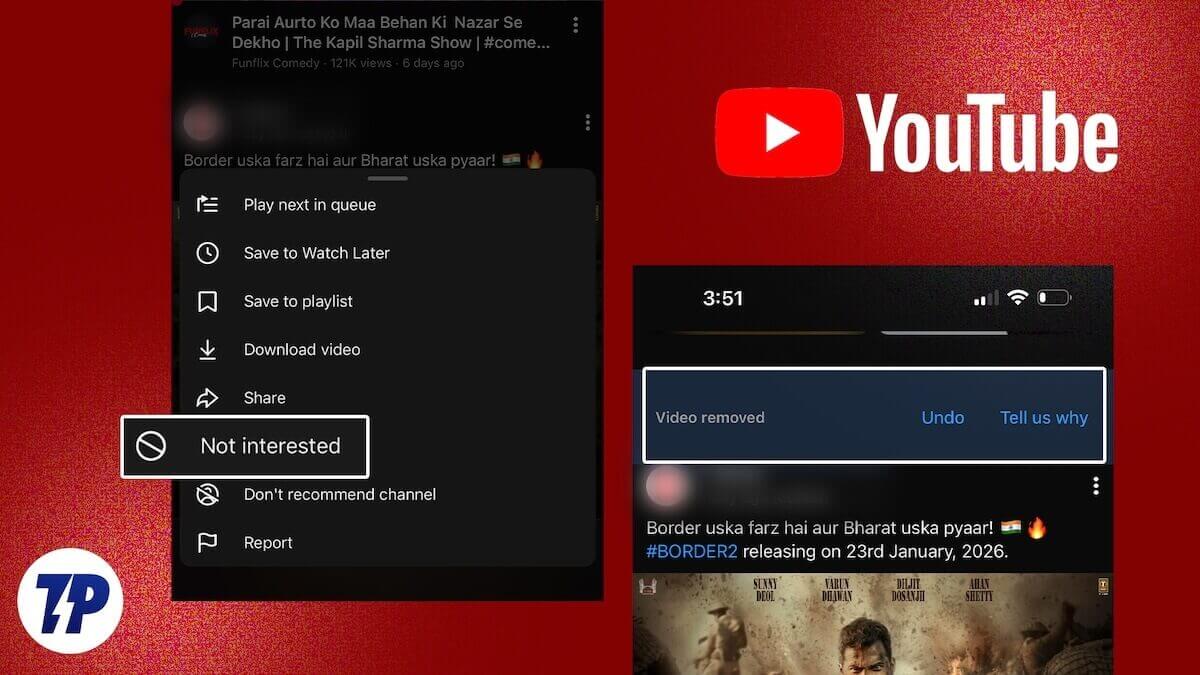
How to Undo “Not Interested” Videos on YouTube
Undo “Not Interested” on YouTube to restore hidden videos, reset recommendations, and fix your feed using quick steps on mobile and desktop.
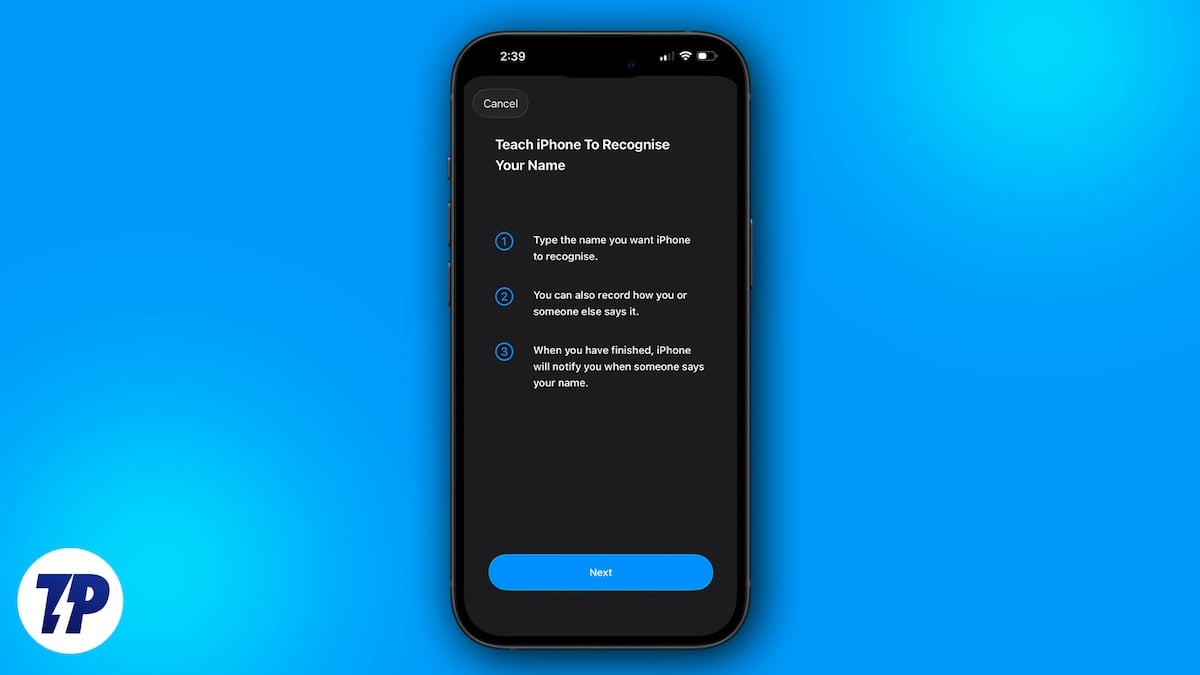
Use The Name Recognition iPhone Feature to Know When Someone Calls You, Even With Music On
Use the iPhone Name Recognition feature in iOS 26 to get alerts when someone calls your name, even while listening to music with earphones on.
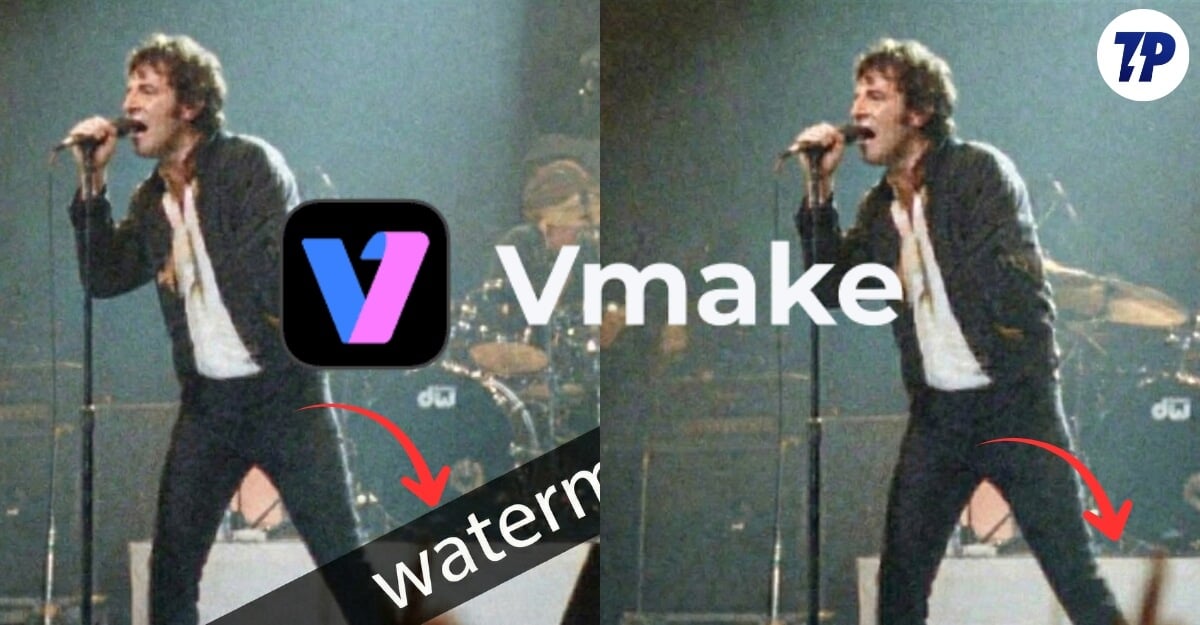
How to Remove Watermark from Videos Using AI
Remove watermarks from videos using AI tools that deliver clean, professional results with minimal effort. Supports fast processing, high quality output, and large files.
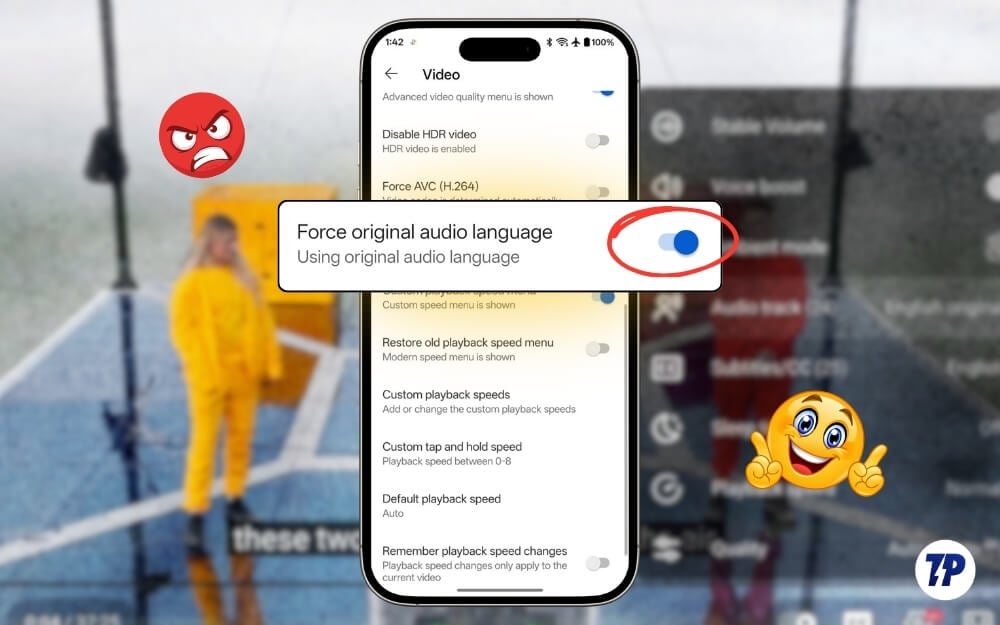
How to Turn Off YouTube Auto-Dub and Listen to Original Audio
Stop YouTube from replacing original audio with auto-dub. Switch back to the creator’s real voice using simple settings, extensions, and language preferences.

How to Check if a Video is AI-Generated or Real [4 Ways]
Check if a video is AI-generated or real using three reliable detection tools, plus manual tips to spot deepfakes, synthetic media, and misleading viral videos.
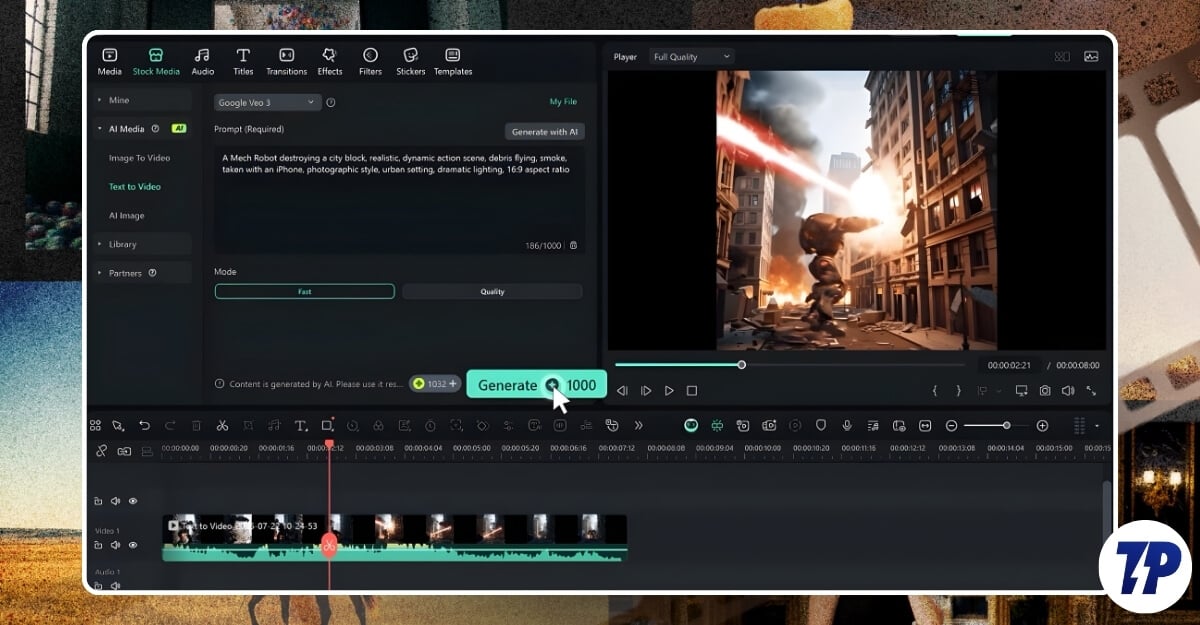
How to Use Filmora with Veo 3 AI Video Generator for Stunning Results
Learn how to use Filmora with the Veo 3 AI Video Generator to create stunning videos with audio. Step-by-step guide for both beginners and creators.